
What Happens When the Power Goes Out at a Data Center?
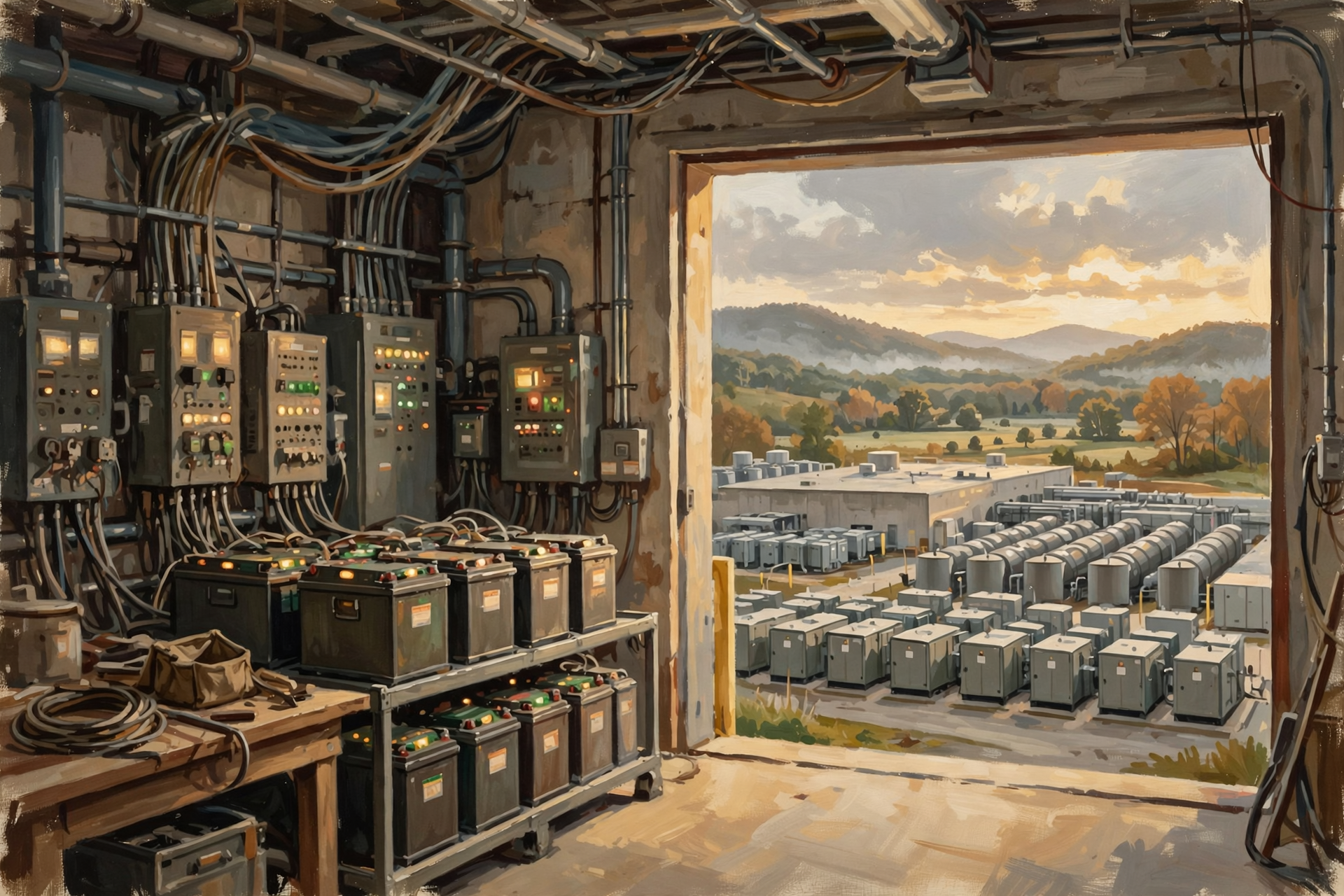
At your house, the power goes out and everybody follows roughly the same emergency procedure.
First:
“Did the power just go out?”
Then somebody looks out the window to see whether the neighbors are dark too.
Somebody else finds a flashlight.
The microwave clock gives up on life.
If you have a generator, eventually somebody starts it.
And if the outage lasts long enough, attention turns to the refrigerator.
A data center does not have the luxury of that sequence.
If computers are supporting banking, business software, websites, communications, cloud storage or artificial intelligence, waiting several minutes for somebody to pull the starter cord is not an acceptable disaster-recovery plan.
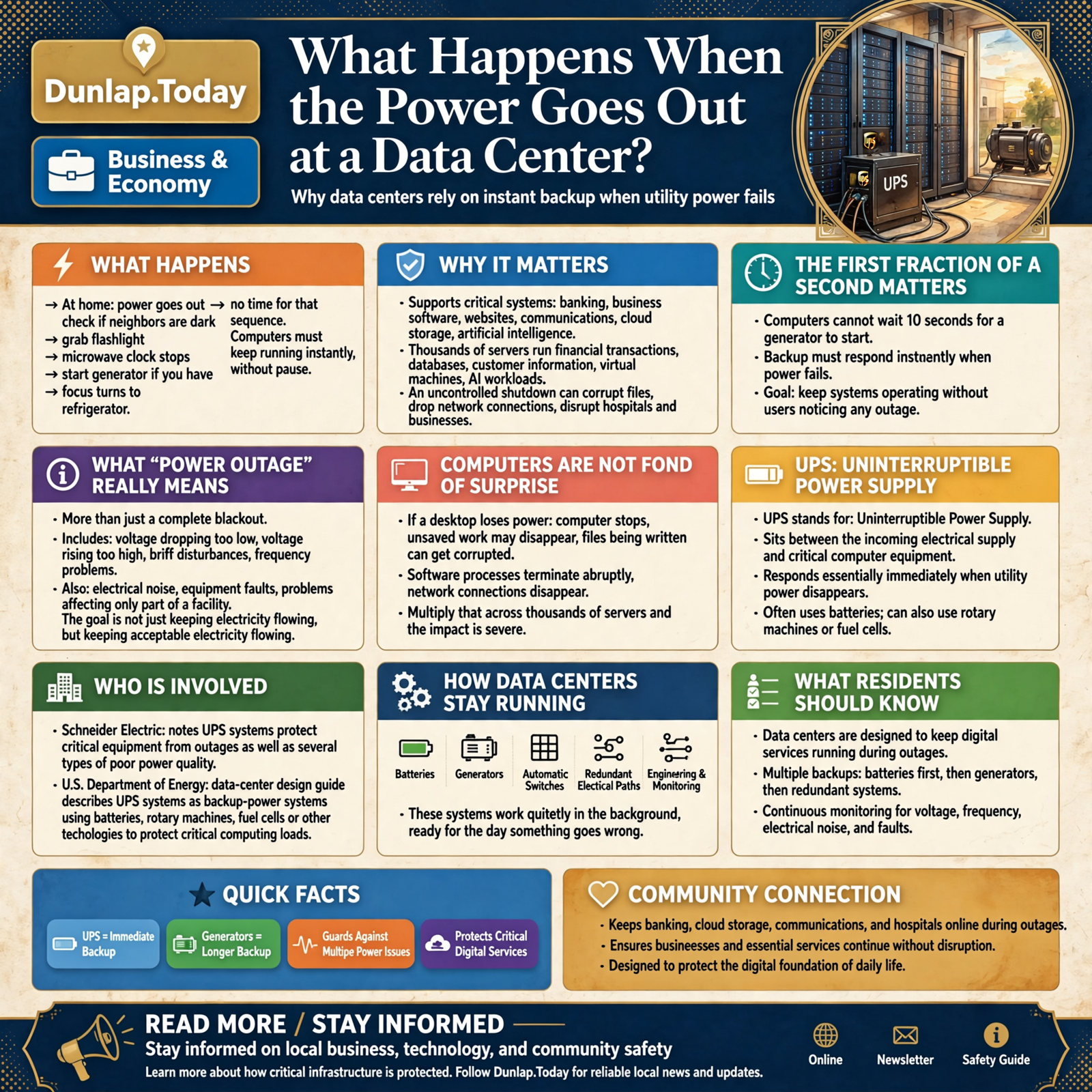
Instead, many data centers are designed so that when normal utility power disappears:
the computers may continue operating without noticing that anything happened.
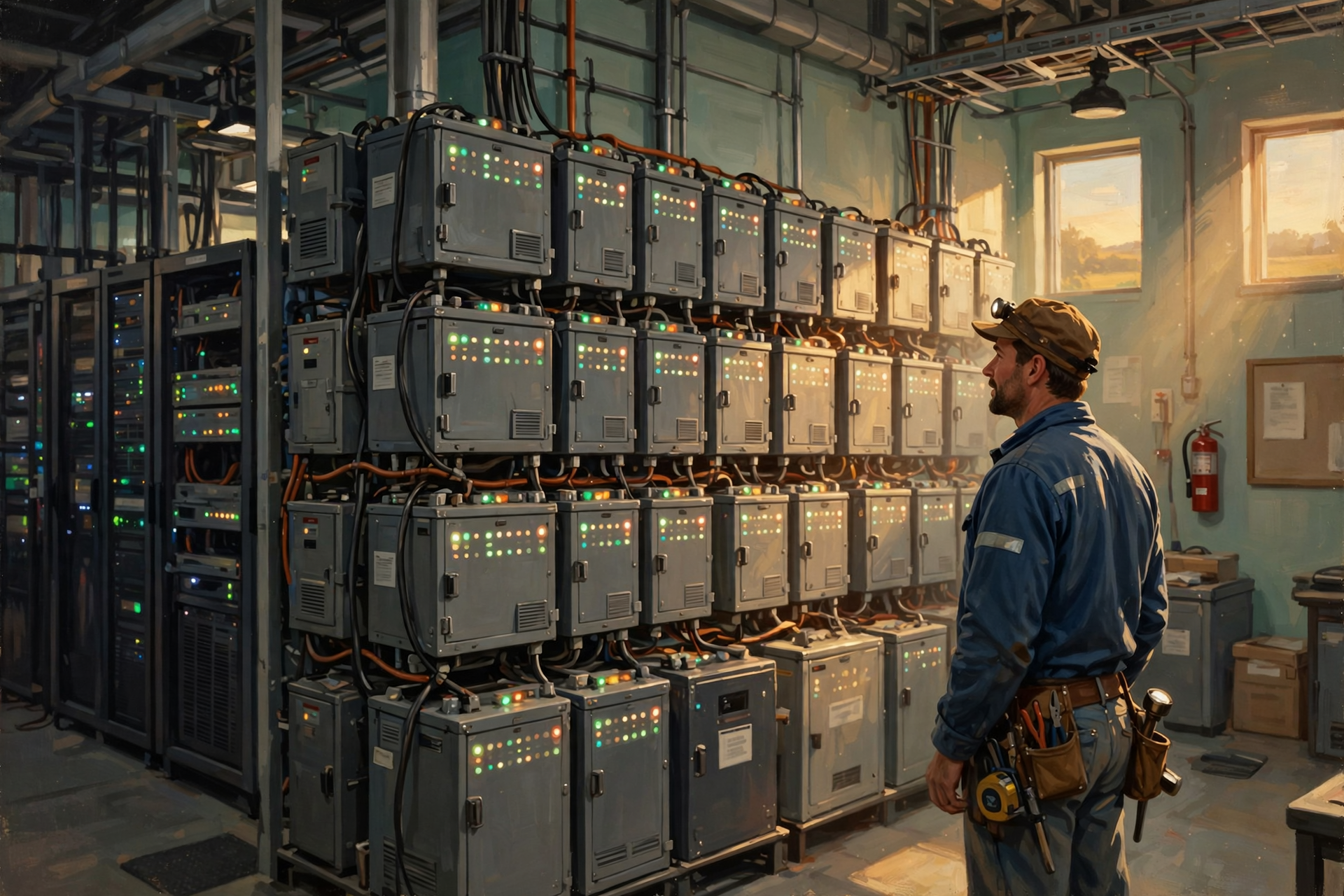
That requires batteries, uninterruptible power supplies, generators, automatic switches, redundant electrical paths and a considerable amount of engineering sitting quietly in the background waiting for the day something goes wrong.
The First Important Point: “Power Outage” Can Mean Several Things
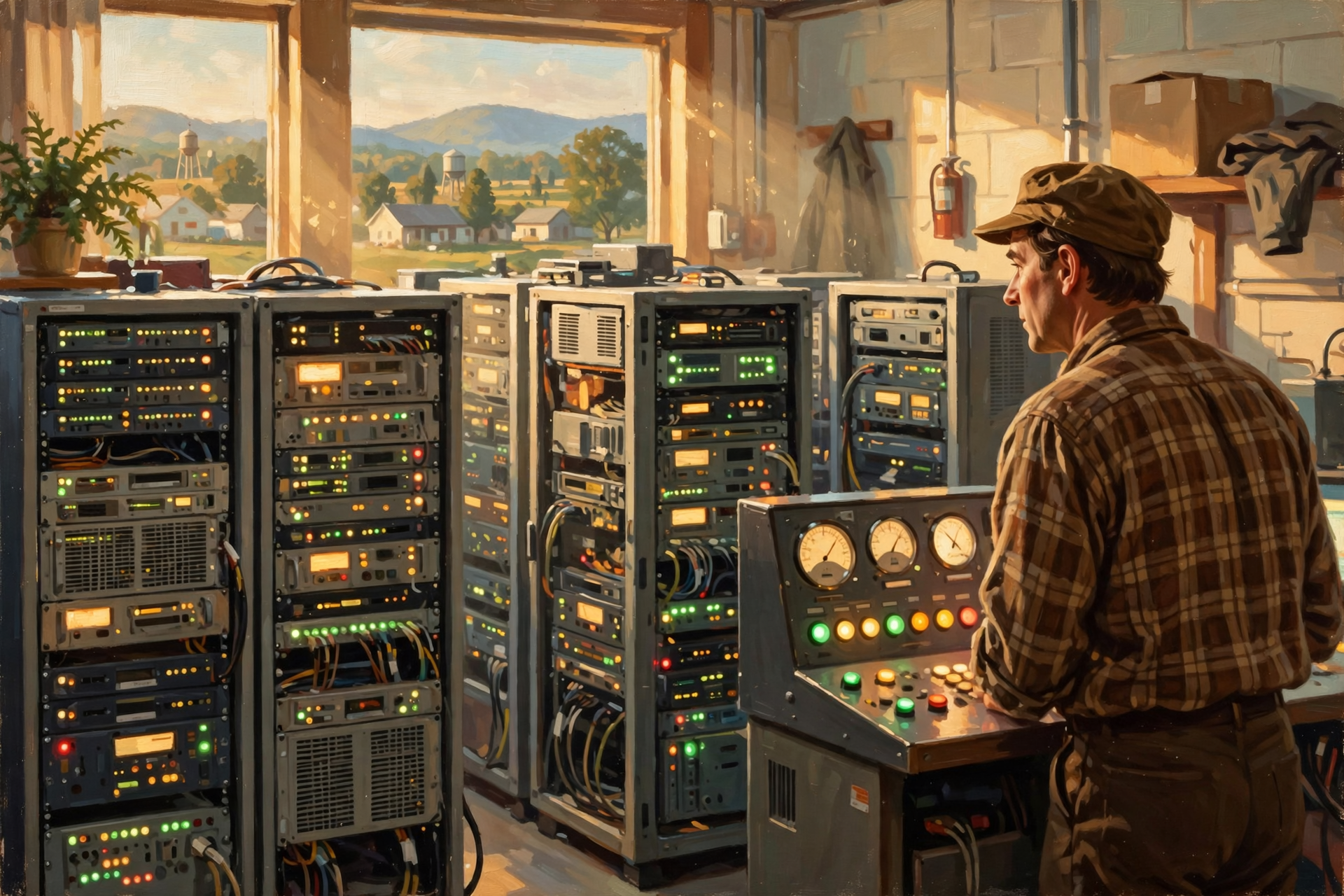
When we say the power went out, most of us picture a complete blackout.
But sensitive computer equipment can have problems with more than total loss of electricity.
Electrical trouble can include:
- a complete outage;
- voltage dropping too low;
- voltage rising too high;
- brief disturbances;
- frequency problems;
- electrical noise;
- equipment faults; and
- problems affecting only part of a facility.
Schneider Electric’s explanation of UPS systems notes that an uninterruptible power supply can protect critical equipment from outages as well as several types of poor power quality.
The goal is therefore not merely:
Keep electricity flowing.
It is also:
Keep acceptable electricity flowing.
Computers Are Not Fond of Surprise
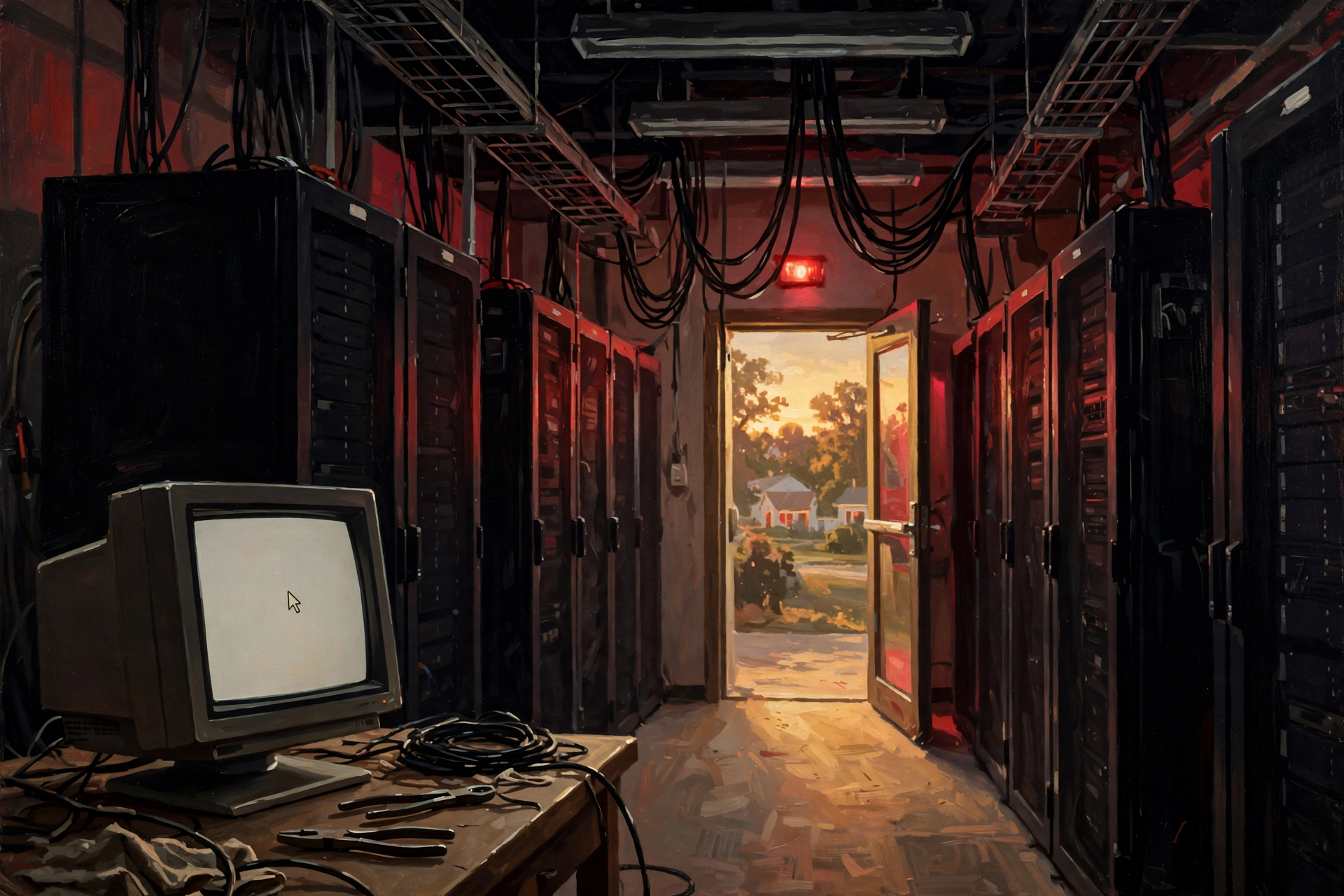
If you are typing a letter on your desktop computer and somebody suddenly pulls the plug, several things can happen.
The computer stops.
Unsaved work may disappear.
Files being written can potentially be corrupted.
Software processes terminate abruptly.
Network connections disappear.
Now multiply that problem across thousands of servers.
Some of those machines may be:
- processing financial transactions;
- writing databases;
- serving websites;
- storing customer information;
- running virtual machines;
- processing AI workloads;
- supporting hospitals or businesses;
- or coordinating with thousands of other computers.
An uncontrolled shutdown can become much more than an inconvenience.
The First Fraction of a Second Matters
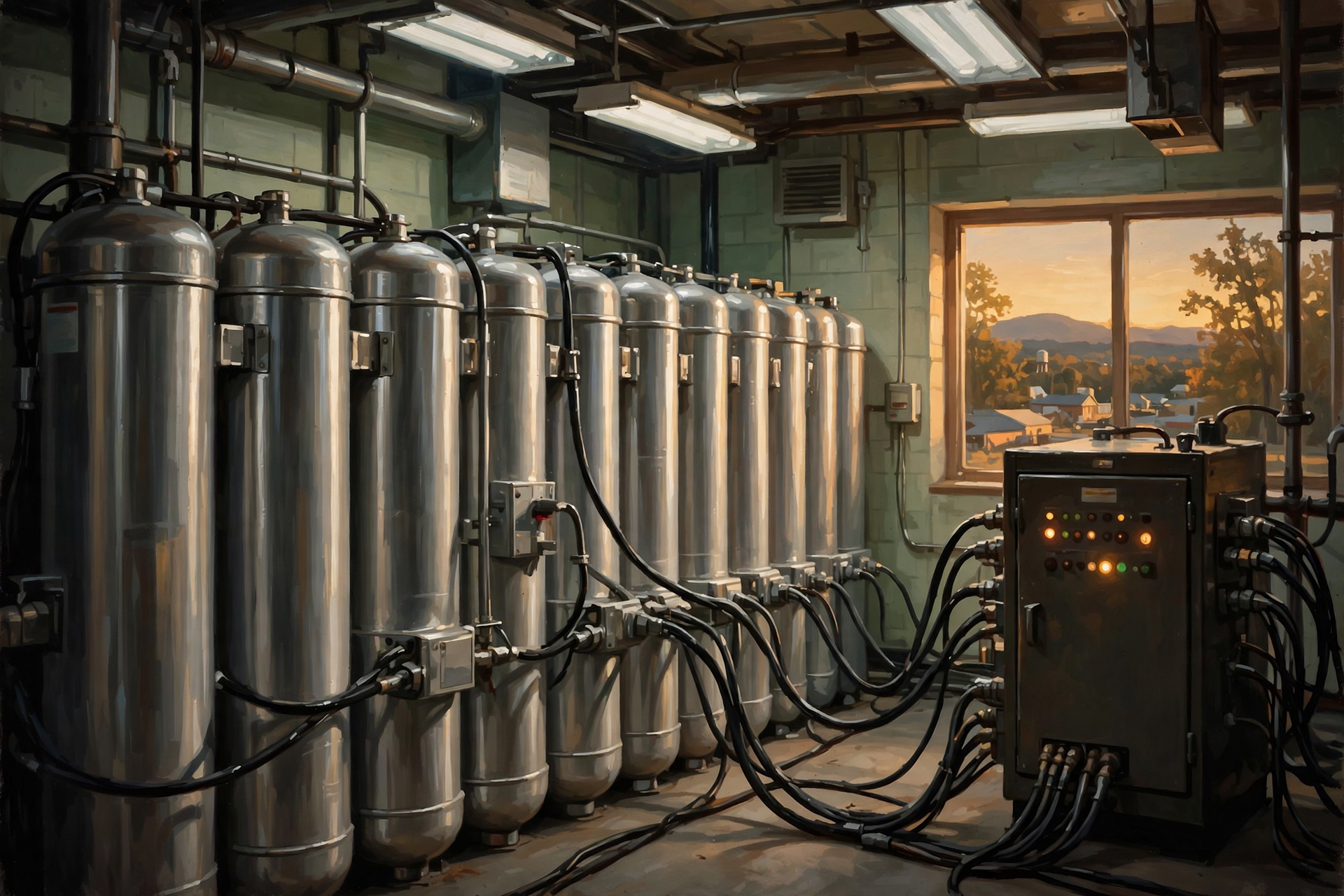
This is why data-center backup power does not begin with the generator.
Generators are important.
But generators take time to start.
A computer cannot politely wait ten seconds with no electricity while a diesel engine gets itself organized.
So the first line of defense is usually a system capable of responding essentially immediately.
Enter the UPS.
UPS Does Not Mean the Brown Truck
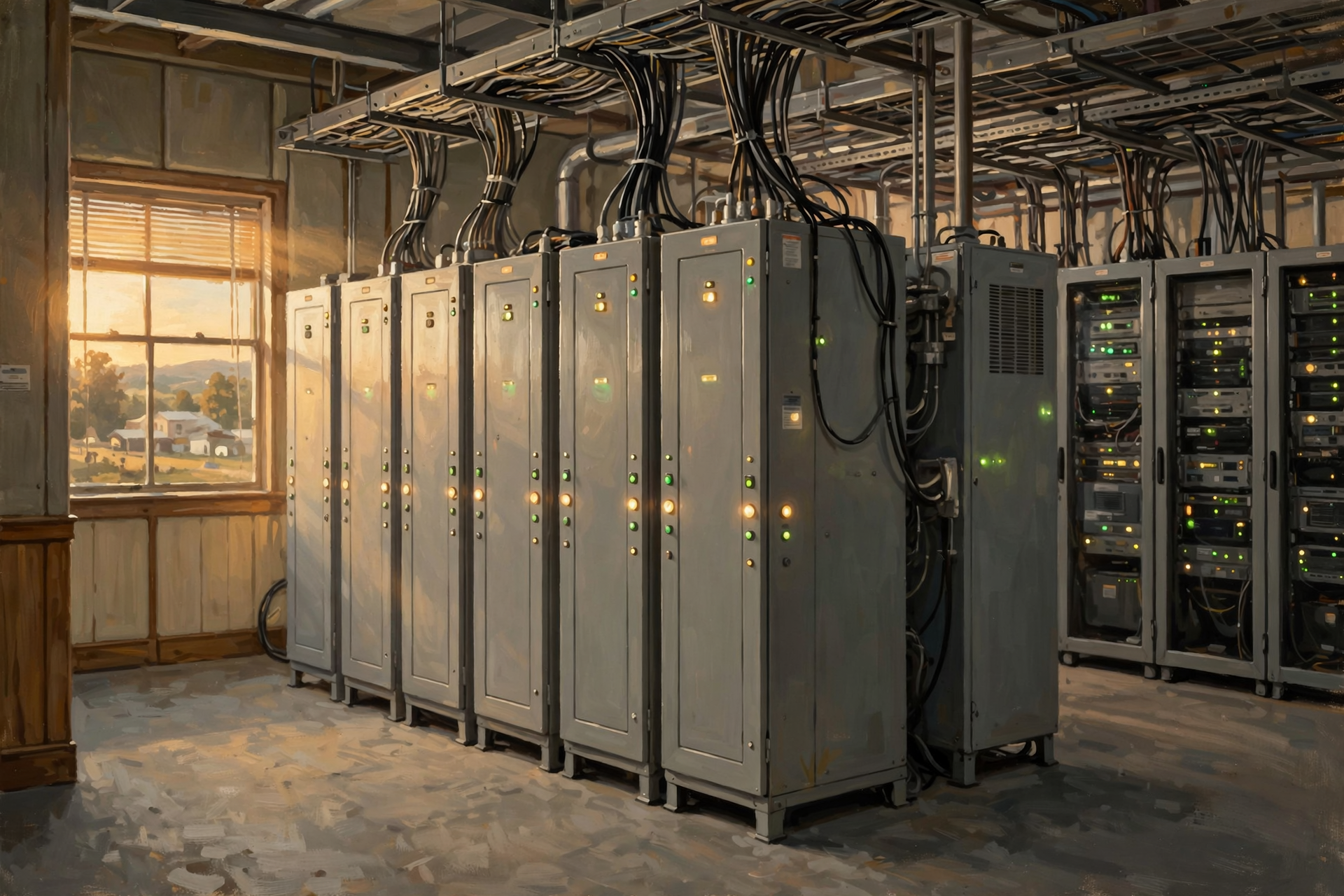
In data-center language, UPS stands for:
Uninterruptible Power Supply.
The U.S. Department of Energy’s data-center design guide describes UPS systems as backup-power systems that can use batteries, rotary machines, fuel cells or other technologies to protect critical computing loads.
In many facilities, batteries are the familiar answer.
The UPS sits between the incoming electrical supply and critical computer equipment.
If utility power disappears or becomes unacceptable, the UPS keeps suitable power flowing.
No human has to run across the server room yelling:
“Everybody save your work!”
The electrical system reacts automatically.
The UPS Is the Bridge, Not Necessarily the Destination
This is a useful distinction.
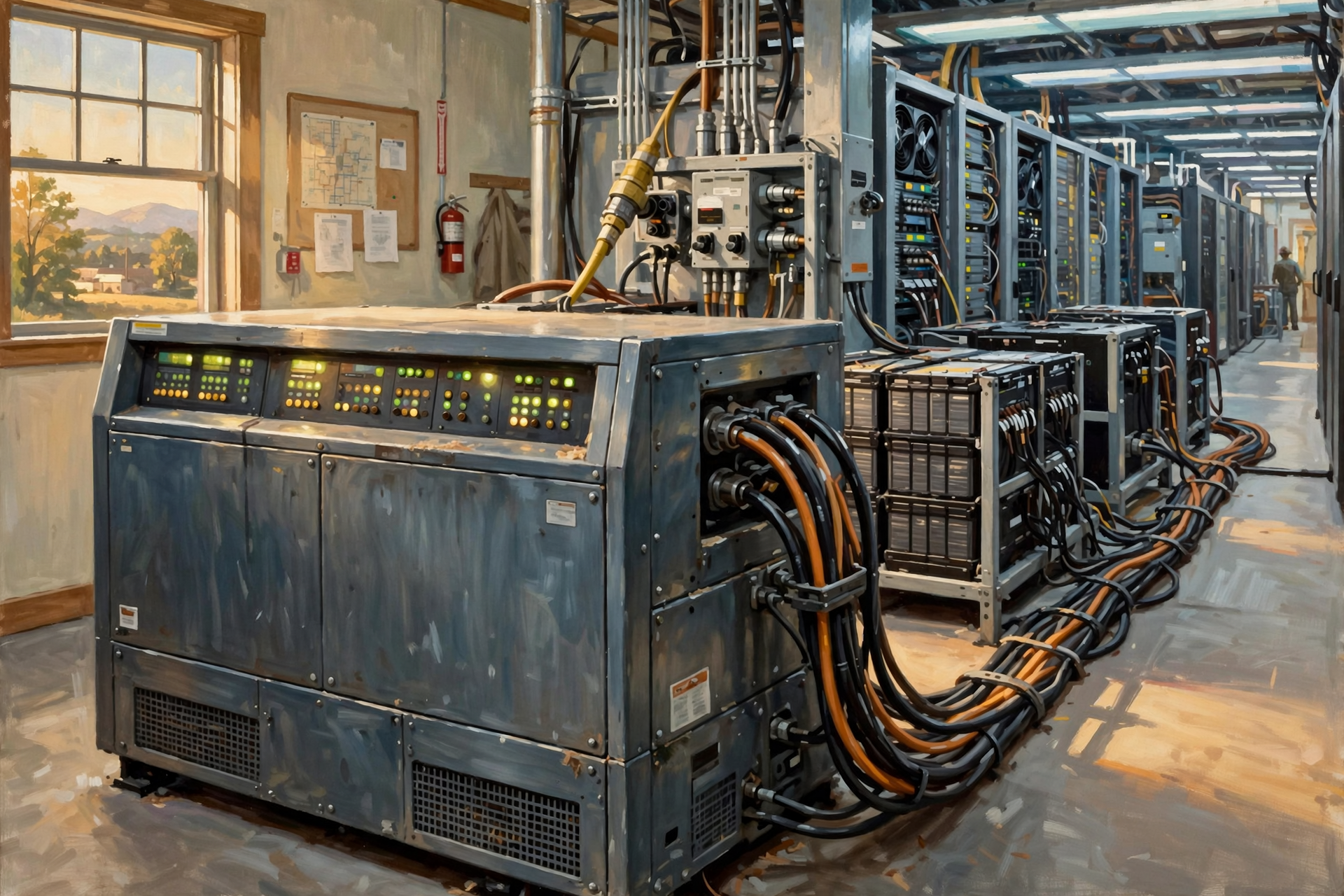
In many traditional data-center designs, the UPS is not intended to run the entire facility for eight hours.
Its crucial job is to bridge the period between:
normal electricity disappears
and
a longer-duration backup source becomes available.
Schneider Electric notes that large UPS systems are commonly paired with battery backup providing minutes of runtime, while generators can provide additional backup duration.
The exact runtime depends on the design.
Some facilities have more battery capacity.
Some have less.
Some newer architectures place batteries closer to individual server racks.
There is no single universal design.
Think of the UPS as Catching a Falling Plate

Imagine somebody drops a dinner plate.
The UPS is the hand that catches it before it hits the floor.
The generator is the person who then walks over and takes the plate from you so you do not have to stand there holding it all afternoon.
Both matter.
They solve different parts of the problem.
Second 0: Utility Power Fails
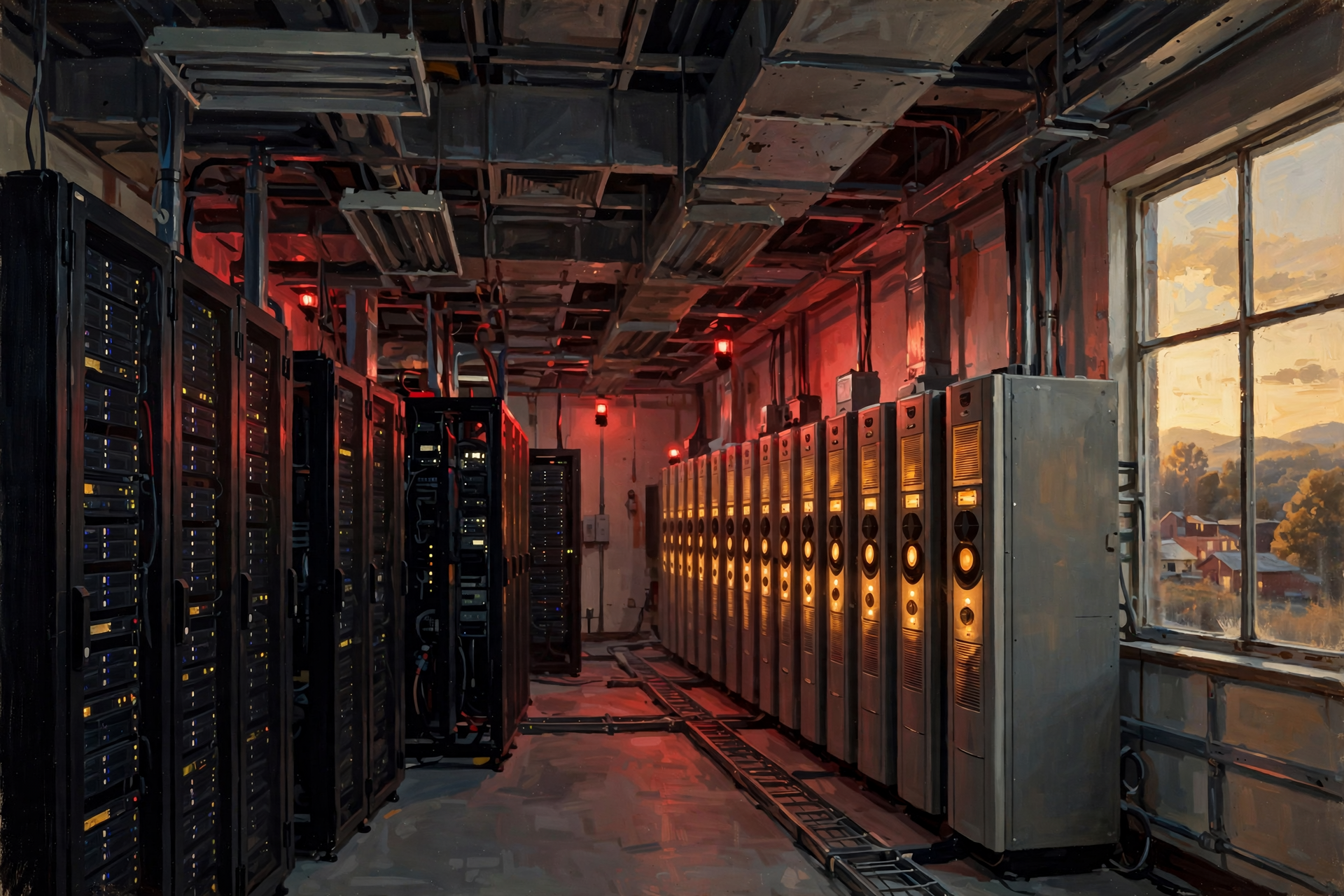
Let’s follow a simplified outage from the beginning.
Imagine a large storm damages the electrical system feeding our fictional data center.
Normal utility power disappears.
At that moment, several automatic systems may react.
The first objective is simple:
Do not let critical IT equipment lose power.
The UPS continues supporting protected loads.
Meanwhile, control systems recognize that the normal power source is gone.
Seconds Later: Start the Generators
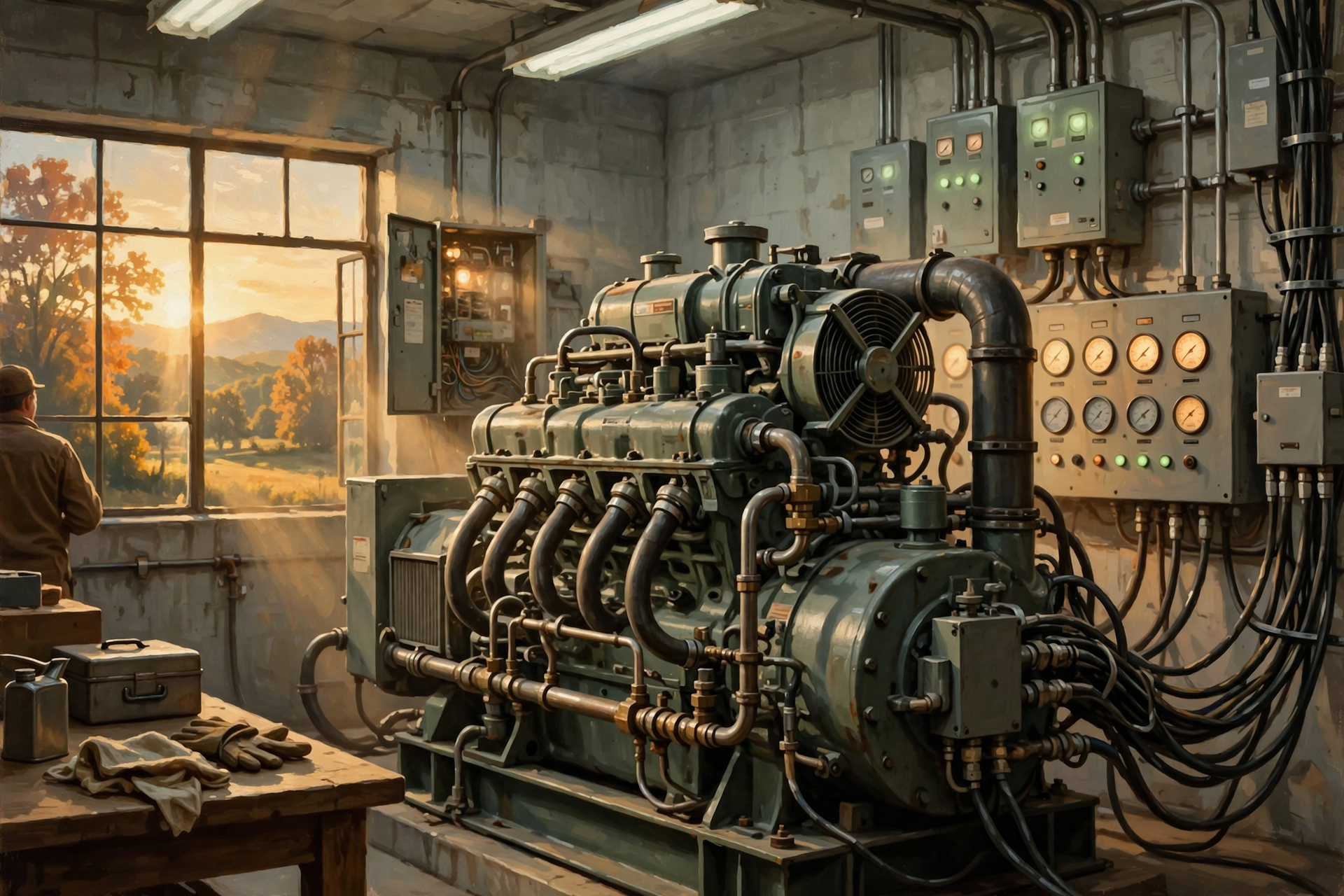
Backup generators receive a start command.
Large engines begin turning.
The generators come up to operating speed and voltage.
Control equipment verifies that the electrical output is acceptable.
Only then can loads be transferred safely.
This entire sequence is designed to happen automatically.
The facility staff may be watching closely, but ideally nobody is standing beside the generator with a can of starting fluid.
Then Comes the Transfer
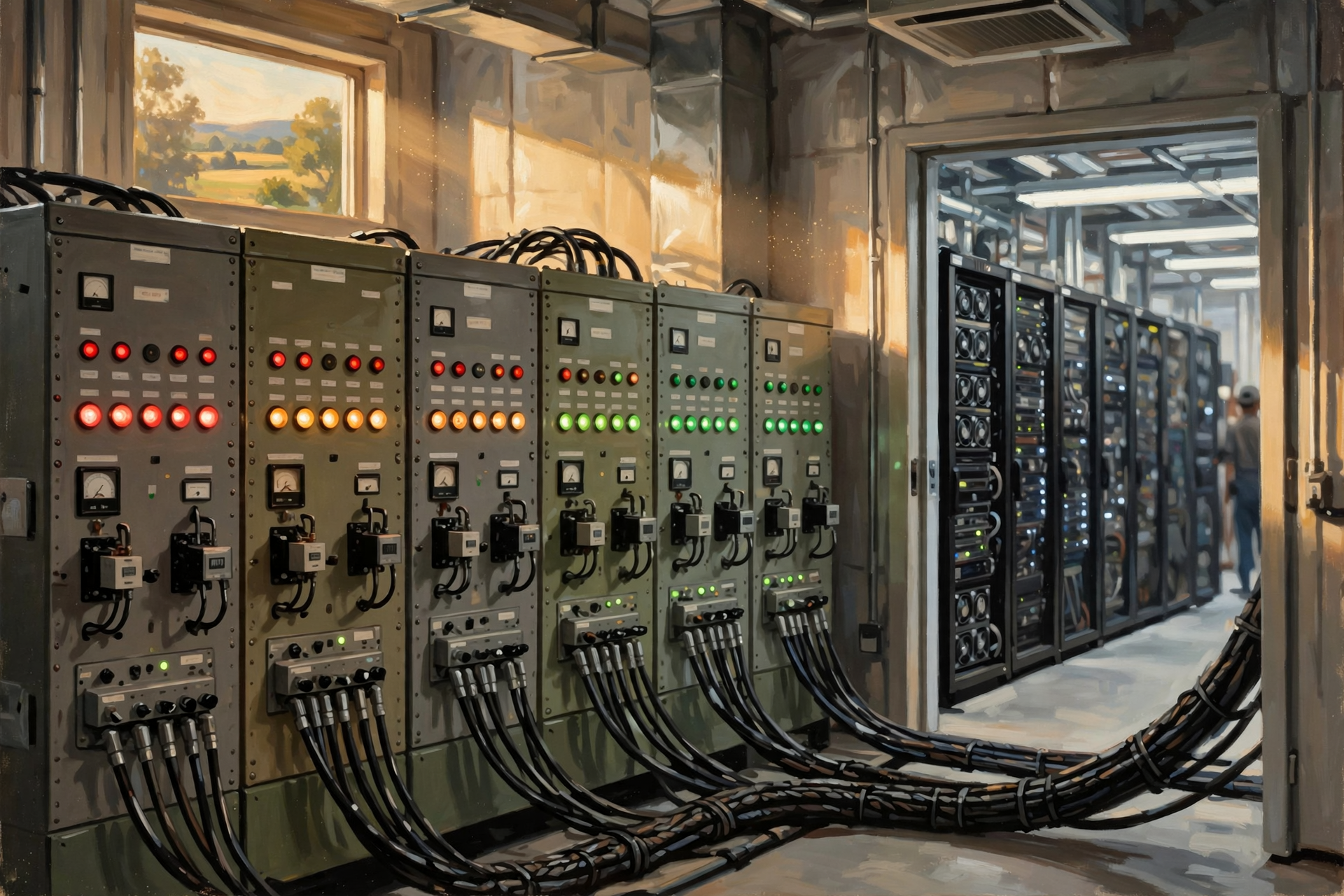
Once backup generation is ready, electrical controls transfer the facility’s critical loads from the failed utility source to generator power.
The batteries no longer have to carry the primary burden.
The computers continue operating.
From the viewpoint of someone using an online service hundreds of miles away, nothing obvious may have happened.
You clicked.
The website responded.
Meanwhile, a multi-megawatt electrical emergency may have occurred behind the scenes.
This Is Automation at Its Best
There is something worth appreciating here.
The whole purpose of a good backup-power system is for an extraordinary event to become boring.
The grid fails.
The UPS carries the load.
The generators start.
The controls verify the power.
The load transfers.
The servers keep working.
The customer never knows.
That is good engineering.
What About the Cooling?
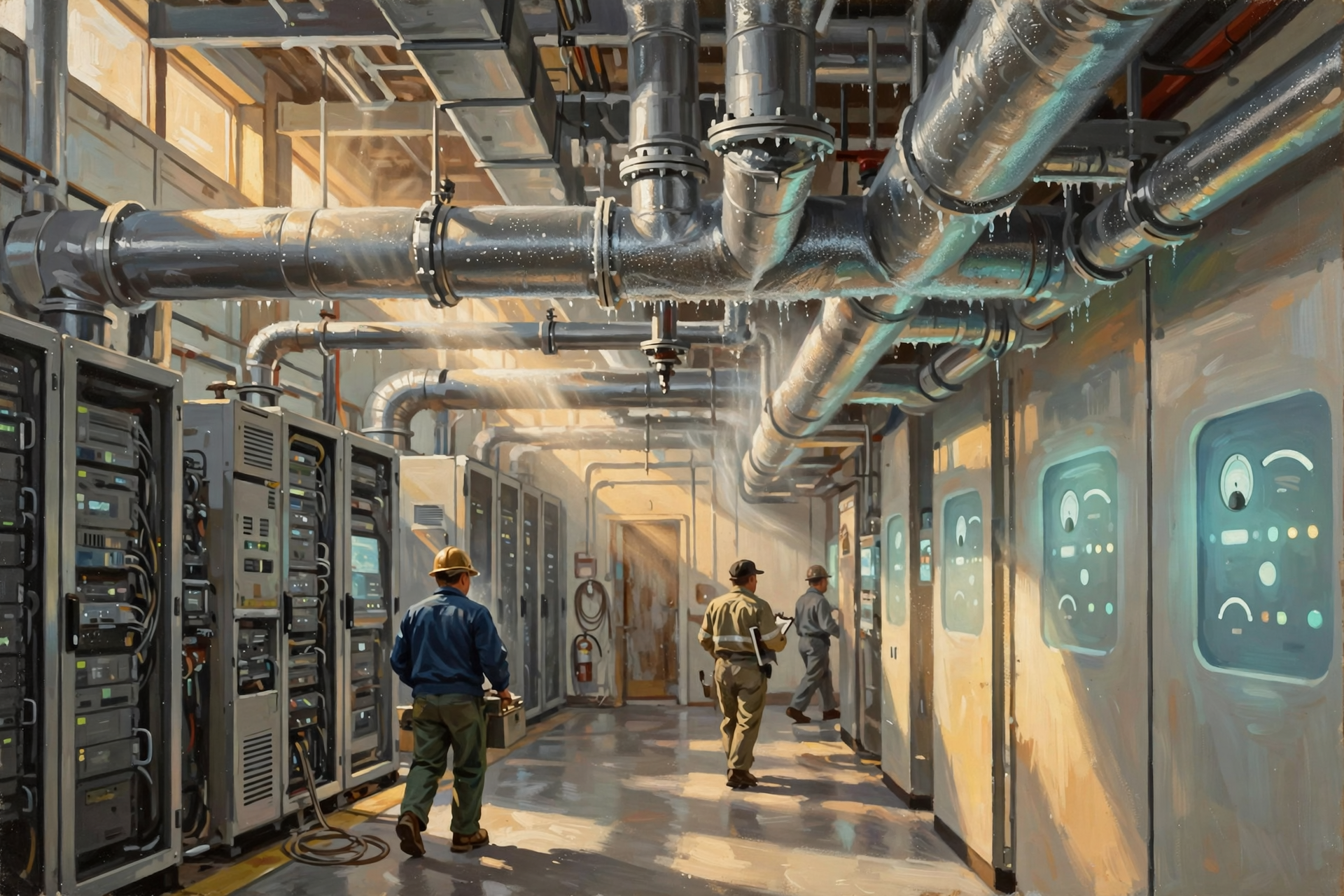
This is where the outage becomes more complicated.
Keeping the servers electrically alive is only part of the problem.
The computers continue producing heat.
If cooling stops while the servers keep running, temperatures can rise rapidly.
Some data-center designs protect critical IT equipment with UPS power while major cooling systems rely primarily on generator backup.
That means cooling equipment may briefly stop and then restart after generators assume the load.
This is sometimes called thermal ride-through: the facility has enough thermal capacity to tolerate a brief interruption without computers overheating.
But the amount of time available depends heavily on the design and the power density of the equipment.
AI Makes the Cooling Outage More Interesting
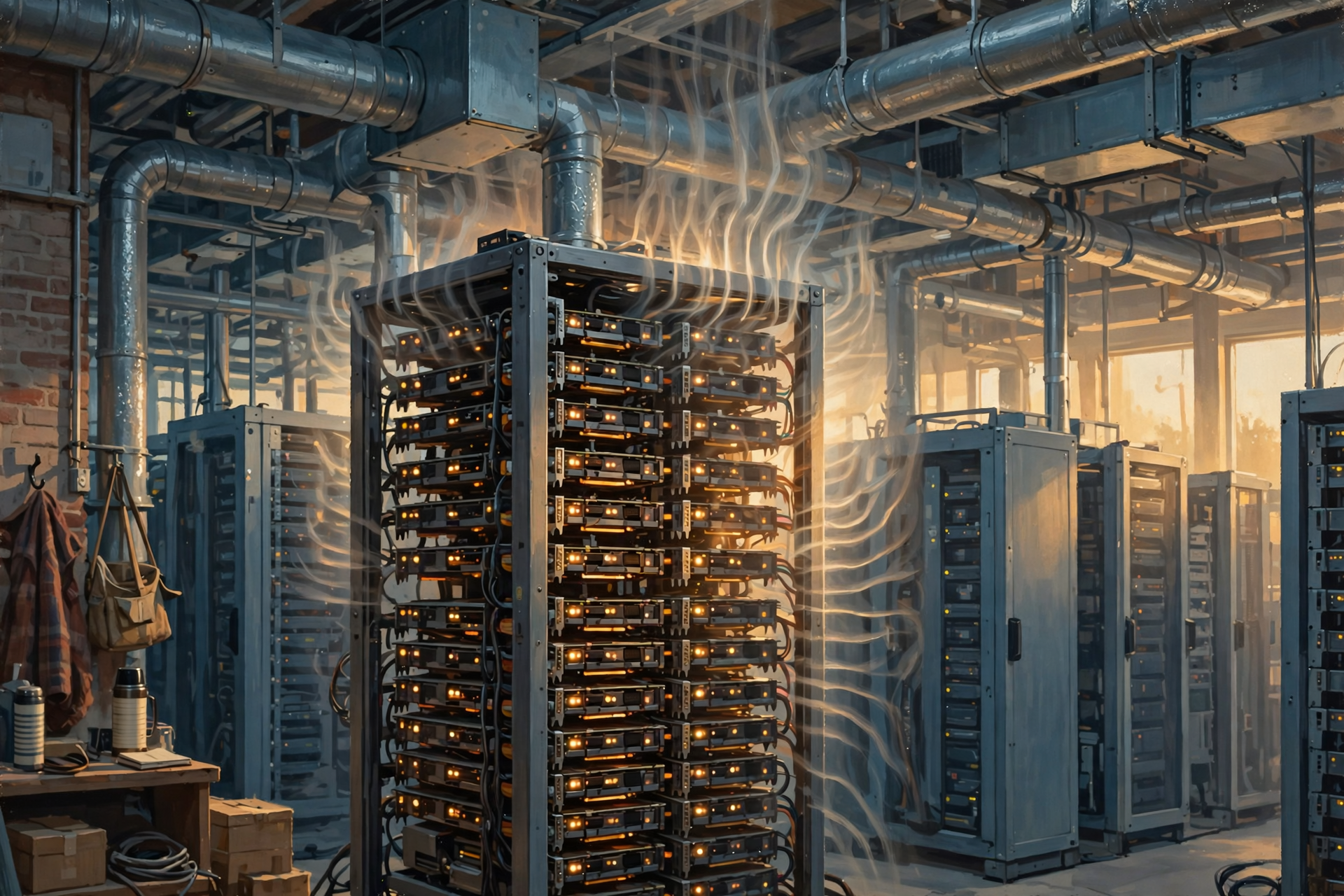
Earlier in this series, we discussed how modern AI servers can pack enormous amounts of computing—and electrical demand—into a single rack.
More power means more heat.
A high-density GPU rack can therefore heat its environment much faster than a lightly loaded traditional server room.
This means cooling resilience becomes increasingly important as AI power density rises.
A facility cannot simply keep the processors running indefinitely while leaving the cooling system off.
Eventually physics arrives with the bill.
Some Things May Not Be on Battery Power
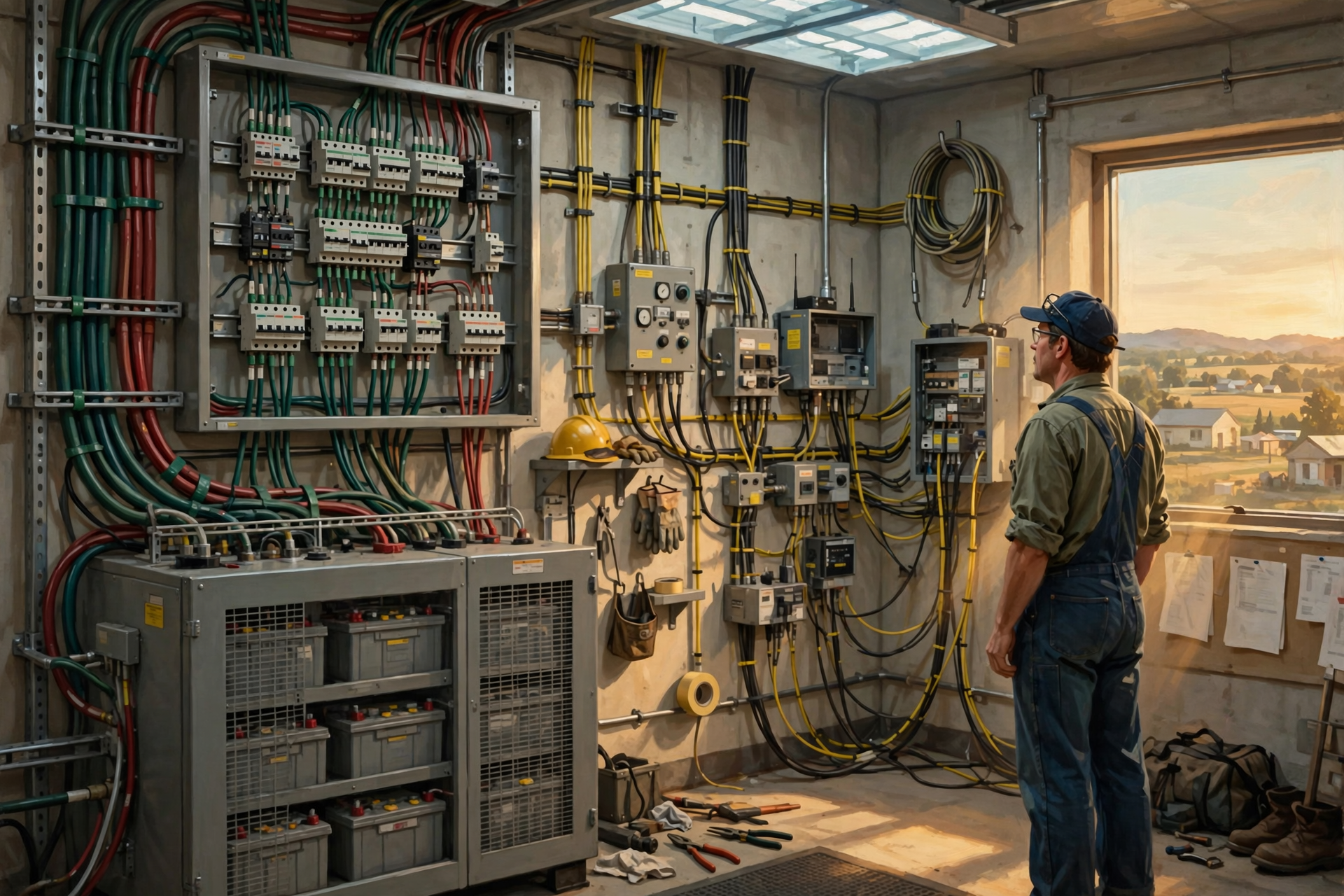
UPS systems are expensive.
Batteries are expensive.
Power electronics are expensive.
Protecting every electrical load identically may not make economic sense.
The Department of Energy notes that different facilities make different decisions about which loads require UPS protection.
A financial data center may protect a very high percentage of its computing load.
A scientific computing facility could make different tradeoffs.
Some supporting systems may tolerate a brief interruption better than the servers themselves.
Designing the backup system therefore involves prioritization.
The Generator Has to Power More Than Servers
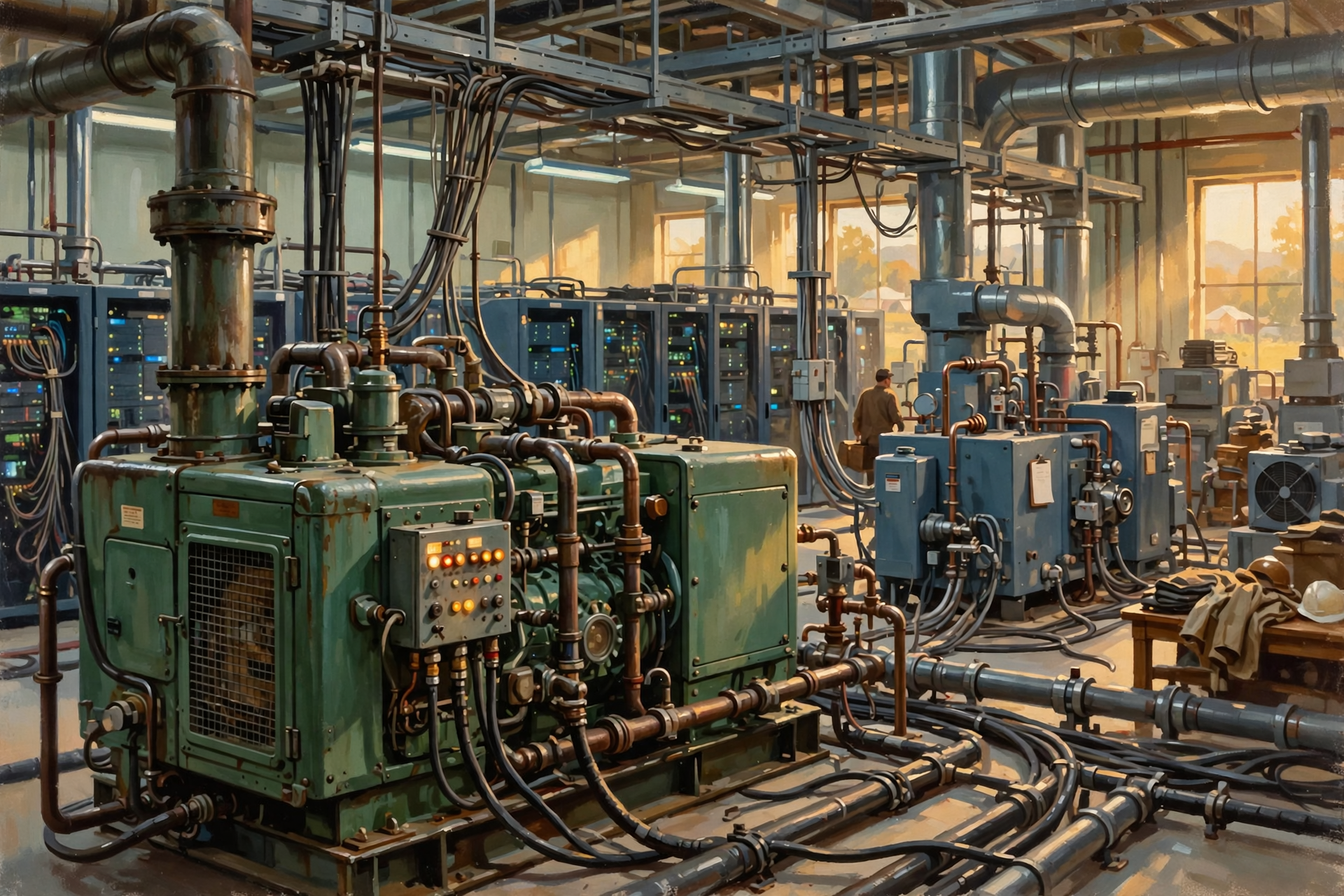
A generator-backed data center may need to support more than computers.
Critical loads can include:
- server equipment;
- networking;
- storage;
- cooling;
- pumps;
- control systems;
- security;
- emergency lighting;
- and other essential infrastructure.
This is why data-center generators can be very large.
They are effectively replacing the utility grid for the portion of the facility designed to remain operational.
How Many Generators Does a Data Center Need?
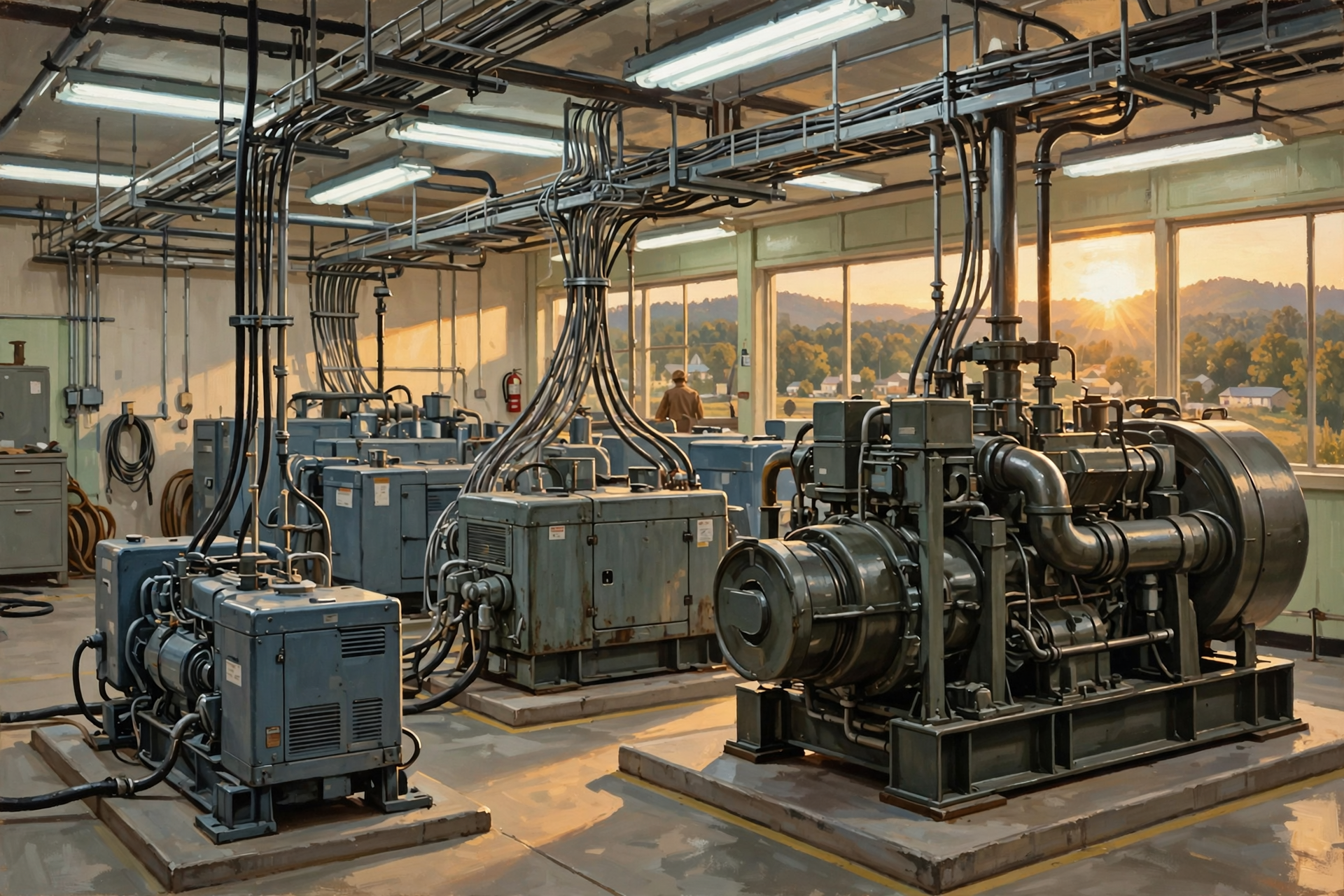
There is no universal answer.
A facility might use:
- one generator for a smaller operation;
- several generators working together;
- separate generators for different portions of the building;
- or large fleets supporting different electrical blocks across a campus.
The right number depends on the electrical load and the redundancy philosophy.
A hyperscale campus can therefore have many backup generators.
Why Not Just Buy One Enormous Generator?
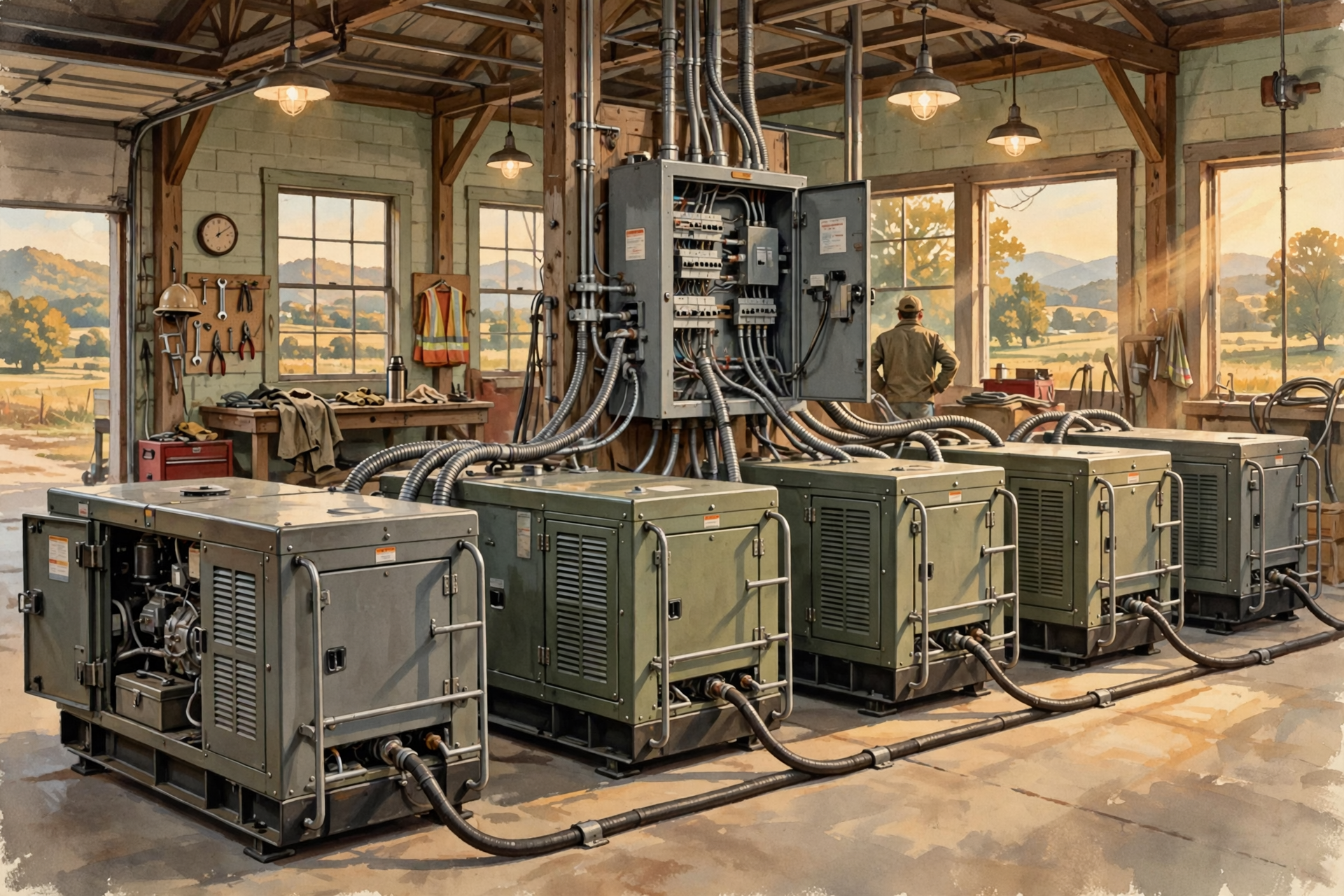
Several smaller or modular generators can provide advantages.
Imagine a facility needs 20 units of backup power.
One giant machine capable of providing all 20 units creates an obvious problem.
If that one machine fails, you have zero.
Now imagine several machines sharing the load.
One can potentially fail while others continue operating.
Individual units can also be maintained without necessarily eliminating all backup capacity.
Again we meet our old friend:
redundancy.
N, N+1 and 2N Without Losing Our Minds
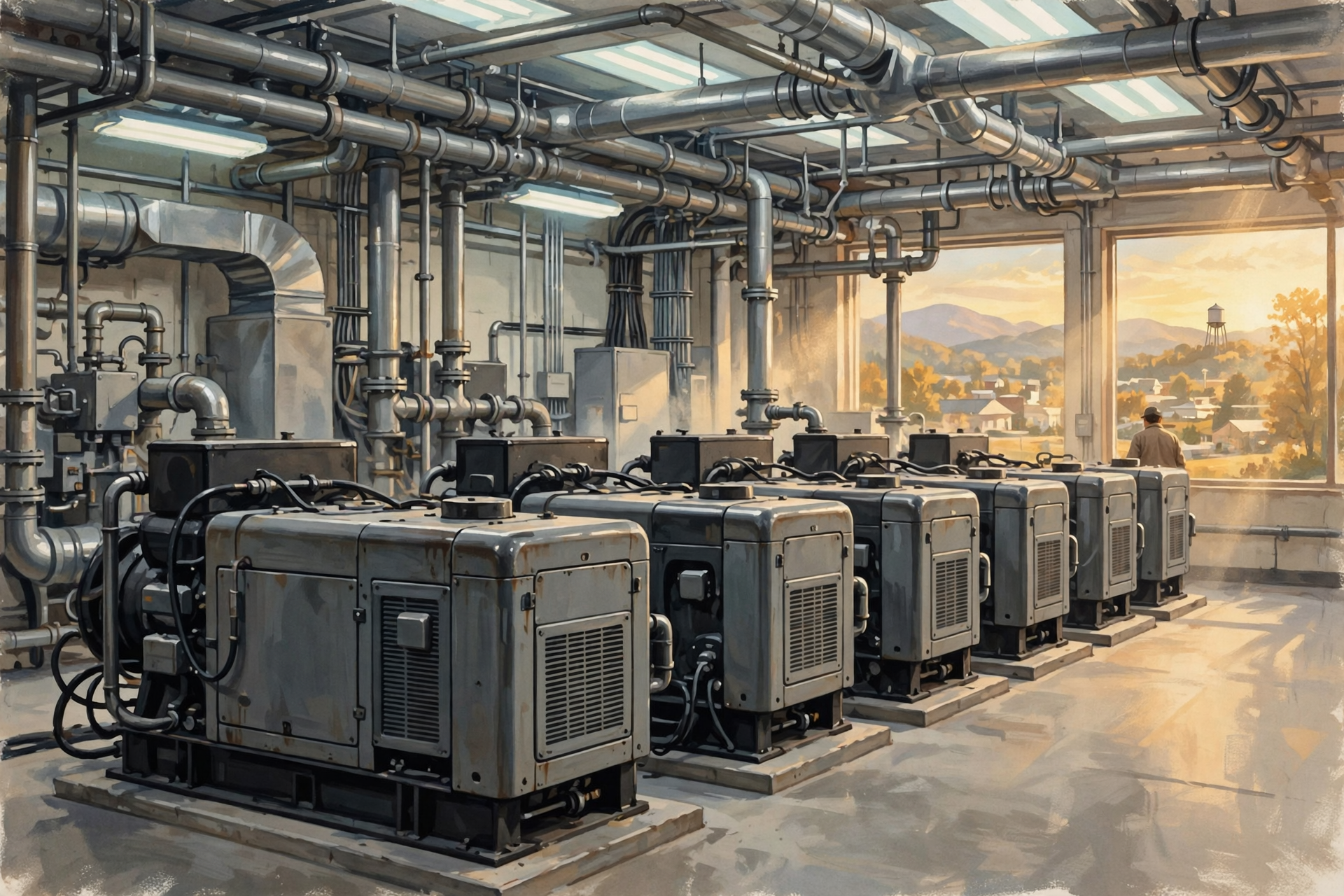
Data-center engineers use notation to describe redundancy.
Let’s make it simple.
N means the amount of equipment required to handle the normal load.
Suppose four generators are required.
Then:
N = 4.
N+1
N+1 means:
what we need, plus one spare.
If four generators are required to carry the load, an N+1 arrangement would have five.
One generator could fail or undergo maintenance while four remain available.
2N
2N generally means two complete sets of capacity.
If four units are required for the load, a 2N design might provide two independent groups each capable of supporting it.
That is much more expensive.
It also provides substantially more redundancy.
The Tractor Version

Suppose hay absolutely must be moved today.
N: You need one tractor, so you own one tractor.
N+1: You need one tractor, but you own two in case one breaks.
2N: You have an entire second setup capable of doing the whole job if the first setup fails.
This is not perfect electrical-engineering terminology.
It is close enough for the front porch.
More Redundancy Costs More Money
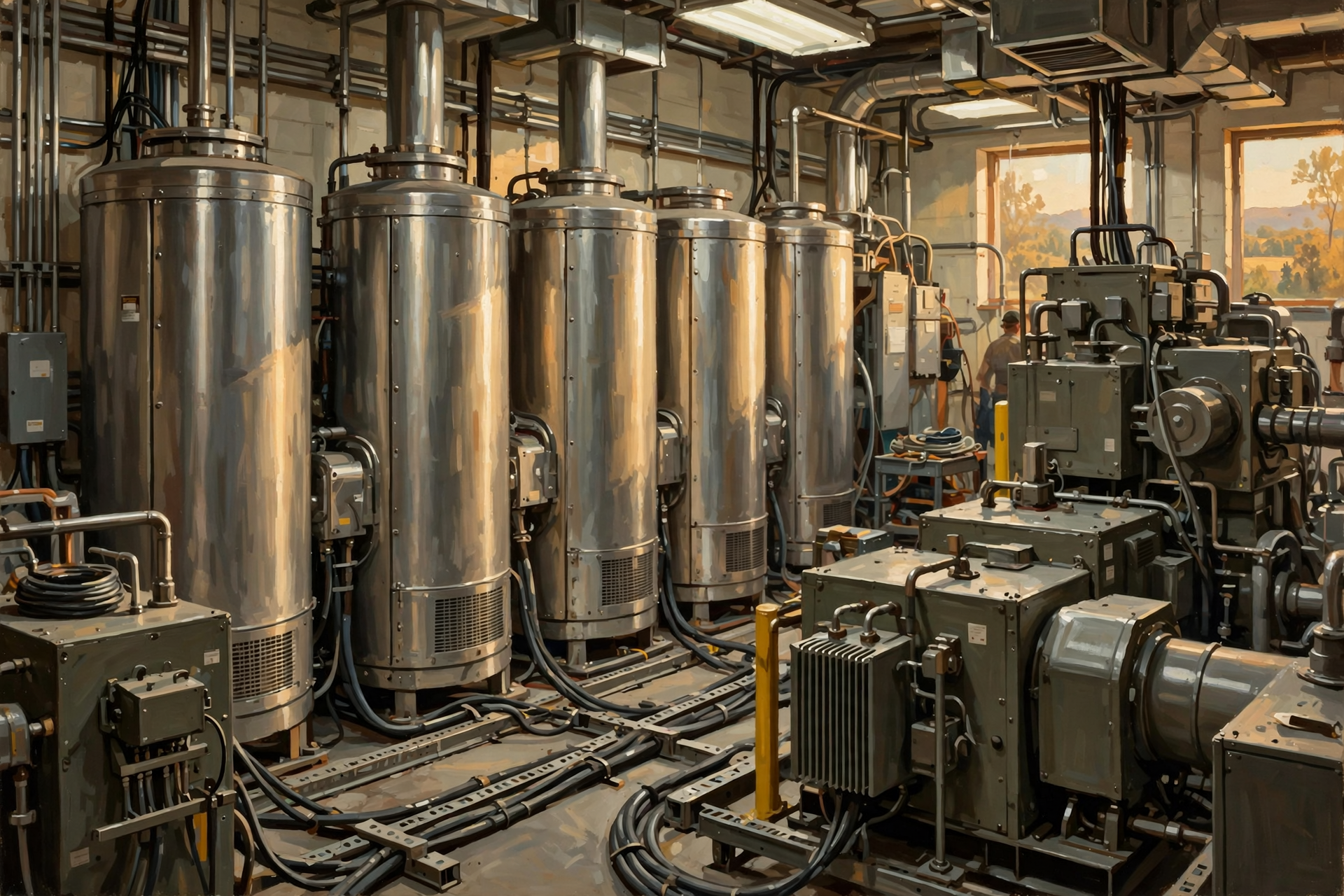
There is no free reliability.
Additional UPS modules cost money.
Additional generators cost money.
Additional transformers cost money.
Duplicate electrical paths cost money.
Additional cooling equipment costs money.
And redundant equipment can itself use energy or create efficiency tradeoffs.
This is why data centers do not all have the same reliability architecture.
The business value of remaining online helps determine how much redundancy is economically justified.
Uptime Institute’s Tier System
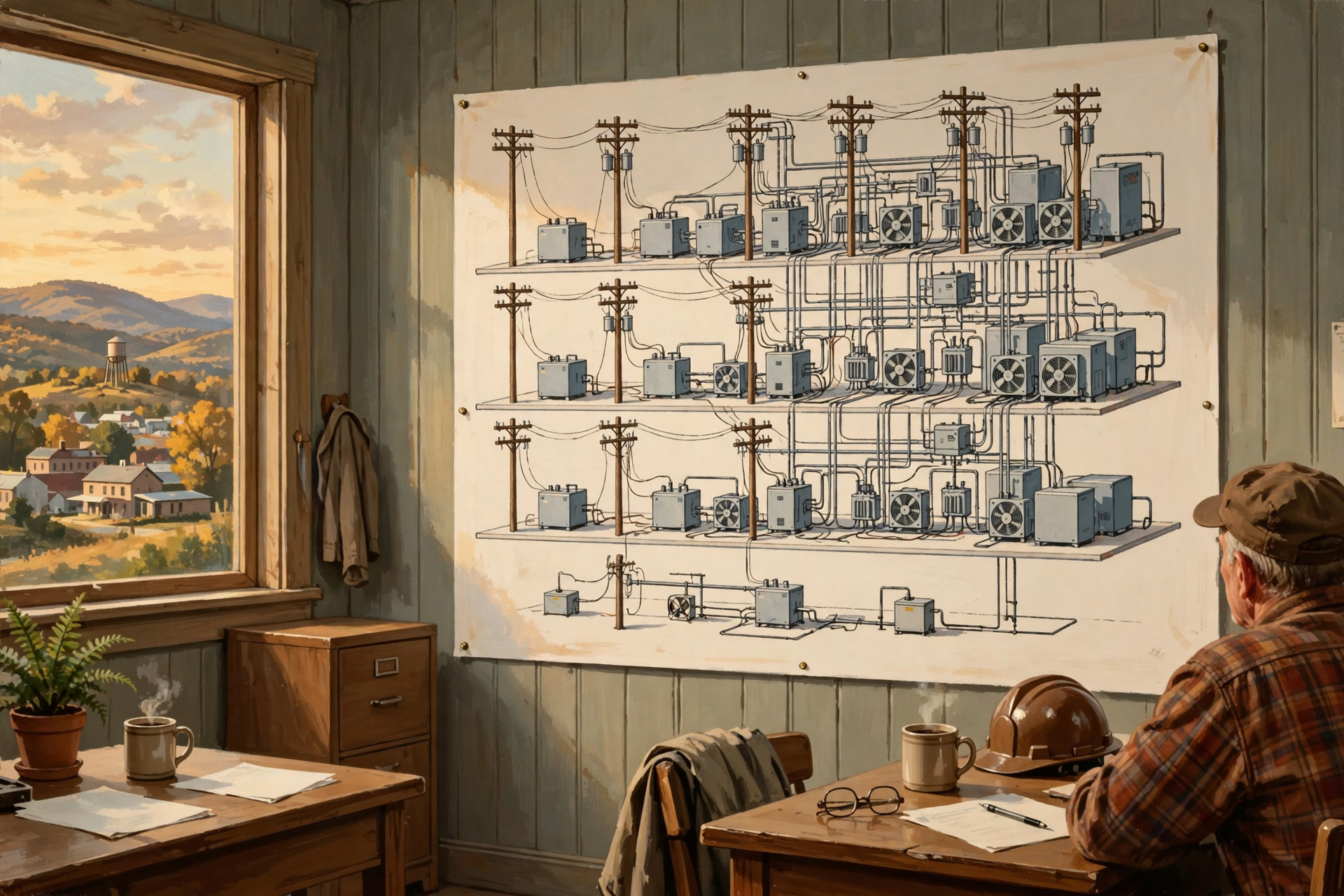
The Uptime Institute developed a widely recognized classification system for data-center infrastructure.
The Tier system ranges from Tier I through Tier IV and evaluates increasingly sophisticated levels of infrastructure resilience and maintainability.
The higher tiers generally require more redundancy and greater ability to continue operating during maintenance or failures.
One important point:
Tier does not mean “good computer” versus “bad computer.”
It describes characteristics of the facility infrastructure supporting the computers.
A Tier IV Data Center Does Not Make the Software Better
You can put terrible software inside a highly resilient building.
You can put excellent software inside a modest server room.
The Tier classification addresses the supporting physical infrastructure.
It does not grade:
- the AI model;
- the website;
- the cybersecurity;
- the customer service;
- or whether the application is worth using.
That distinction is worth remembering whenever infrastructure labels begin sounding like overall quality ratings.
What If the Generator Fails to Start?
This is precisely why data-center operators test backup systems.
A generator that has spent six years sitting peacefully beside the building without starting is not automatically a reliable generator.
Backup equipment requires:
- testing;
- maintenance;
- fuel management;
- battery maintenance;
- inspection;
- load testing;
- and monitoring.
The worst time to discover that the backup generator does not work is immediately after the power goes out.
Testing Is Why Neighbors May Hear the Generators
This becomes relevant outside the data-center fence.
Backup generators have to be periodically exercised.
That can create noise.
Large facilities may contain many generator units.
Testing schedules, generator placement, sound attenuation and distance from neighboring properties can therefore become legitimate local planning questions.
This is one reason generator noise deserves its own place in community discussions rather than being dismissed simply because the machines are technically “backup” equipment.
Generators Also Need Fuel

A generator cannot operate indefinitely without energy.
Traditional data centers commonly use diesel-engine generators, though other technologies and fuels are also being explored.
A prolonged utility outage raises practical questions:
- How much fuel is stored on site?
- How many hours can the facility operate?
- How will fuel be replenished?
- Can delivery trucks reach the facility during a disaster?
- What happens if roads are blocked?
- What environmental protections surround fuel storage?
Backup power is therefore not simply an engine.
It is also a logistics system.
A Three-Day Outage Is Different From a Three-Second Outage
UPS batteries can handle short interruptions.
Generators can extend backup operation dramatically.
But very long outages introduce new challenges.
Fuel becomes important.
Mechanical maintenance matters.
Cooling must remain reliable.
Staff may need to remain on site.
Road access matters.
Supplies matter.
Weather matters.
The longer the outage continues, the more the data center begins behaving like an isolated industrial facility.
What If the Whole Region Loses Power?

Imagine a major regional event:
- ice storm;
- tornado outbreak;
- major transmission failure;
- extreme heat;
- or another widespread emergency.
The data center may successfully switch to backup power.
But other infrastructure may also be affected.
Telecommunications links can fail.
Fuel deliveries can become difficult.
Employees may struggle to reach the site.
Other interconnected data centers may have problems.
True resilience therefore means thinking beyond the generator.
The Data Center May Not Be the Only Backup
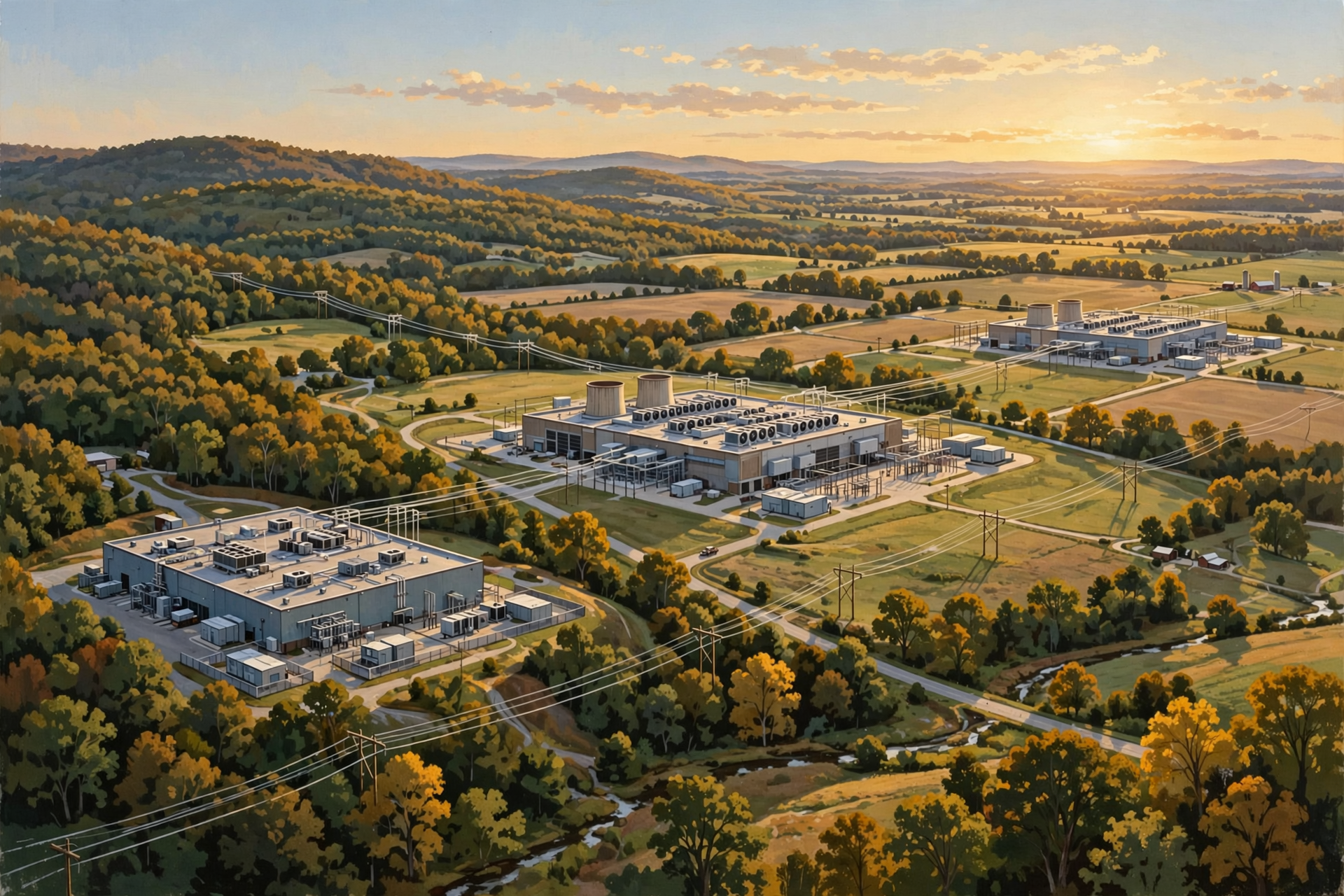
Large cloud companies can also design services so work is distributed among multiple facilities.
The Department of Energy’s Better Buildings program notes that hyperscale operators may mirror workloads among different data centers so applications can resume elsewhere if one facility experiences a major problem.
This gives us another layer of redundancy.
Not just:
two power systems inside one building.
But:
multiple buildings in different places.
Geographic Redundancy Is the Bigger Backup Plan

Suppose a service operates simultaneously in Tennessee, Virginia and Texas.
If one site experiences a severe outage, properly designed software may shift some activity to another location.
This is not always simple.
Databases have to remain synchronized.
Network capacity matters.
Customers may experience reduced performance.
Some workloads are easier to move than others.
But the general principle is powerful:
The ultimate backup for one data center may be another data center.
What Happens to Your Data During the Outage?
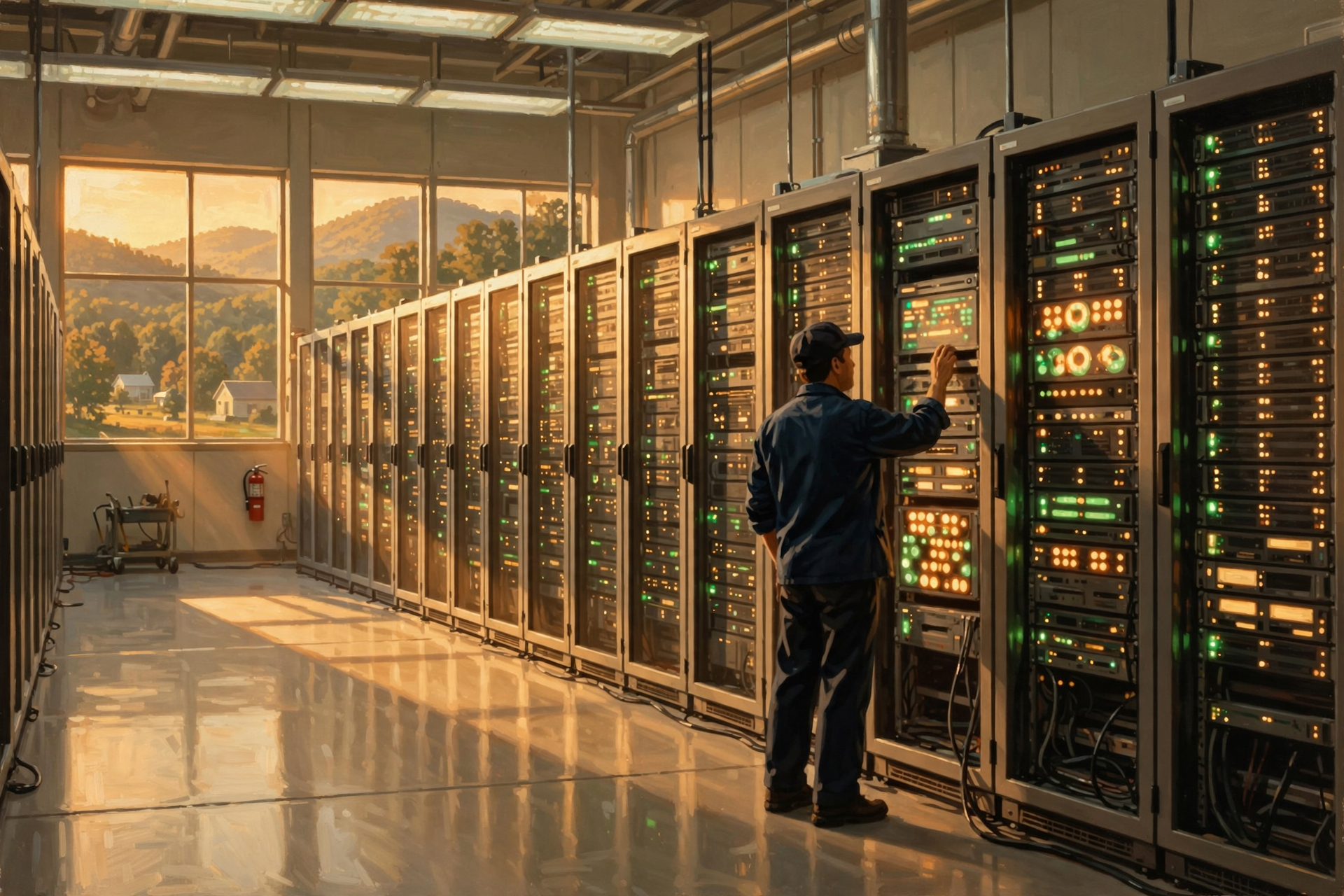
If backup systems operate correctly, possibly nothing noticeable.
The servers continue running.
Storage remains available.
Applications continue working.
But poorly managed outages can create risks.
Sudden power loss can interrupt:
- database writes;
- file operations;
- transactions;
- network sessions;
- and other work already in progress.
Software and storage systems therefore also use techniques designed to recover from failures.
Physical redundancy and software resilience work together.
A Generator Cannot Fix Bad Software
This point matters.
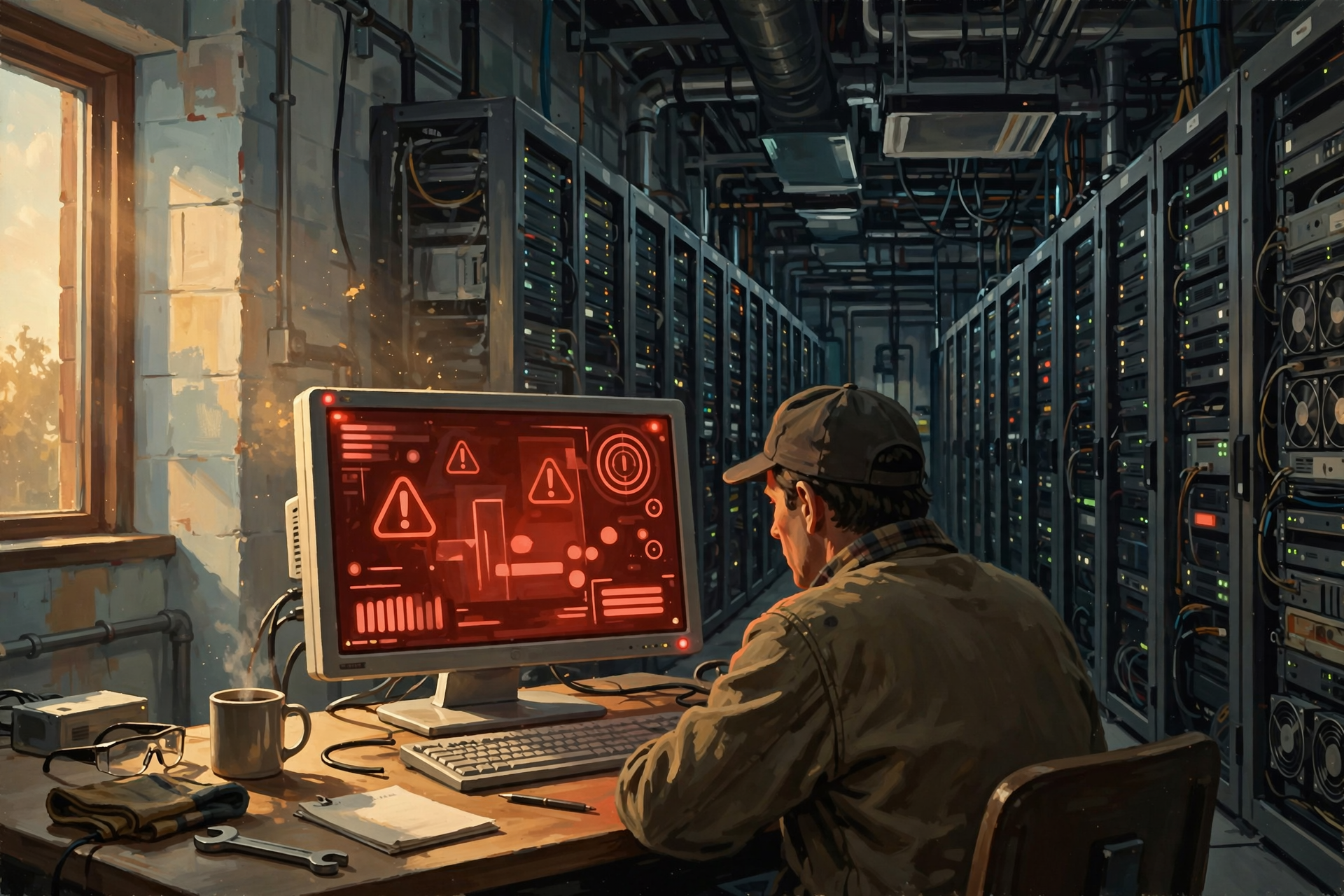
You can build a data center with extraordinary electrical redundancy and still have an online service fail because:
- software crashes;
- a configuration is wrong;
- network routing fails;
- a database becomes unavailable;
- a cybersecurity incident occurs;
- or a human makes a mistake.
Not every “data-center outage” begins with the electric utility.
Keeping the lights on solves one class of problem.
It does not make computers infallible.
Why Does Any of This Matter to a Neighbor?

Because backup infrastructure can have effects outside the property.
Depending on the facility, community questions may include:
- How many generators are planned?
- What fuel do they use?
- How much fuel is stored on site?
- How often are the generators tested?
- How loud will testing be at the property line?
- What air permits are required?
- What fire protection surrounds the fuel system?
- How will fuel deliveries operate during emergencies?
- Could batteries or generators provide grid support?
- What happens during a prolonged regional outage?
Those are reasonable questions.
They are not arguments for or against the project.
They are part of understanding the project.
Could Data Center Backup Generators Help the Electric Grid?
This is becoming a particularly interesting question.
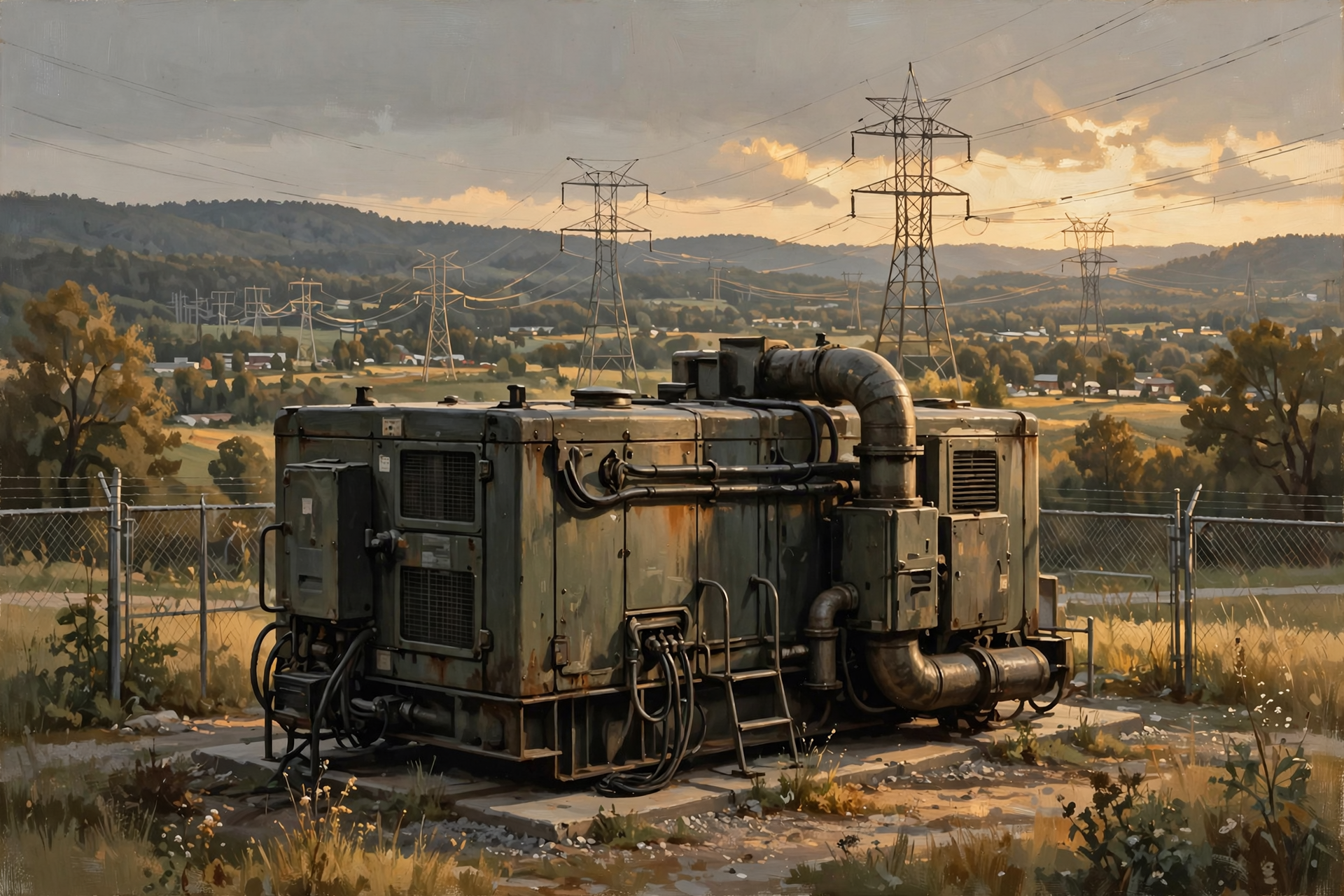
The United States has a substantial amount of backup generation sitting at data centers and other large facilities.
In 2026, the Department of Energy estimated that more than 35 gigawatts of unused backup generation was available nationwide and explored whether some of those resources could assist the grid during major emergencies.
That raises an intriguing possibility:
Equipment originally purchased solely to protect a private data center might, under certain arrangements, provide wider grid benefits.
But doing so raises operational, contractual, emissions, maintenance and reliability questions.
The generator exists first to protect the data center.
Using it for broader grid service is an additional decision.
Batteries Could Play a Bigger Role Too
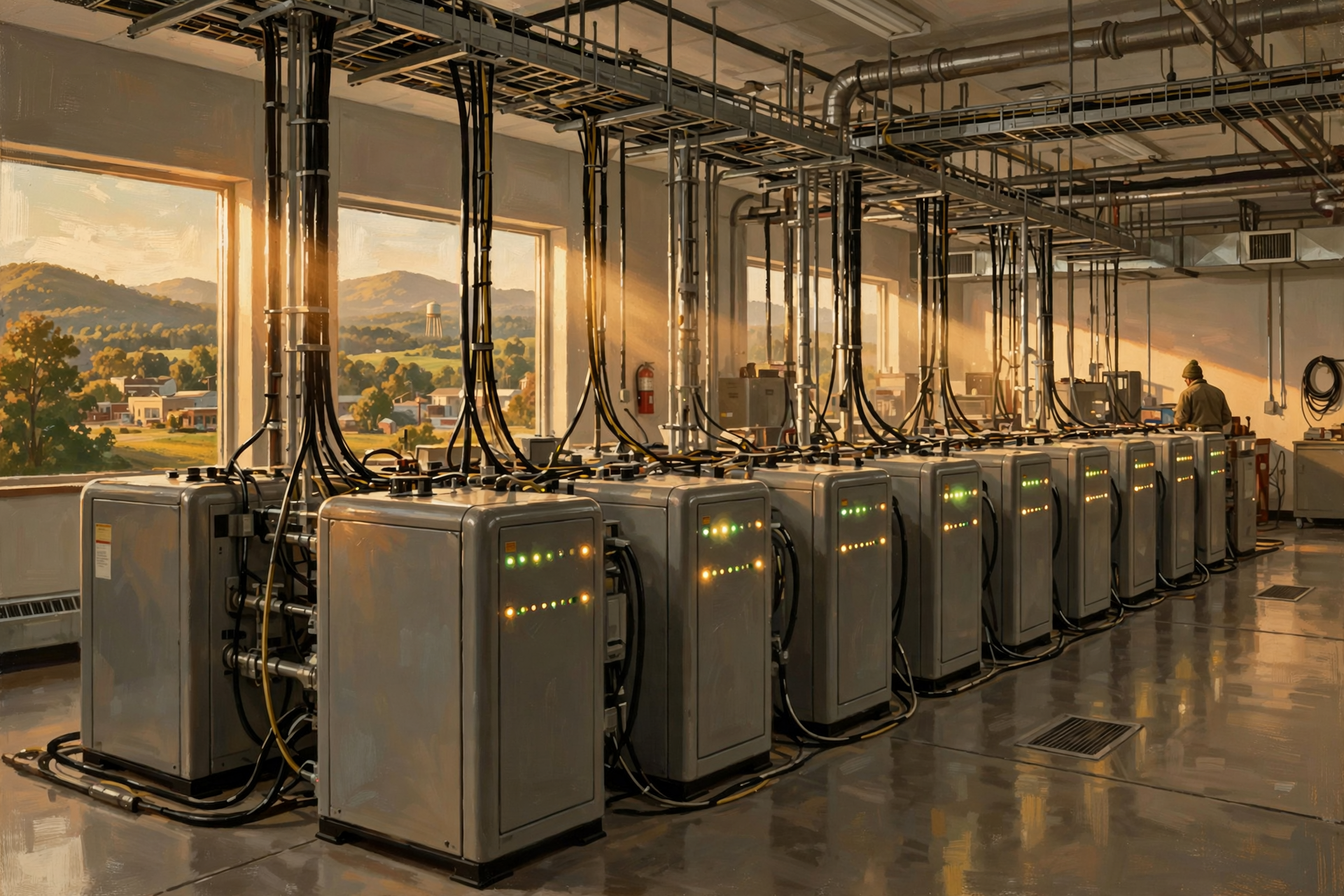
Modern data centers increasingly use large battery systems.
Those batteries can provide immediate backup power.
Depending on system design and utility arrangements, batteries may also eventually help with:
- managing peak demand;
- absorbing short electrical disturbances;
- supporting grid stability;
- shifting limited amounts of energy;
- or reducing generator starts.
The line between “backup equipment” and “grid resource” could become increasingly interesting as data-center electrical systems evolve.
Why Not Run Entirely on Batteries?
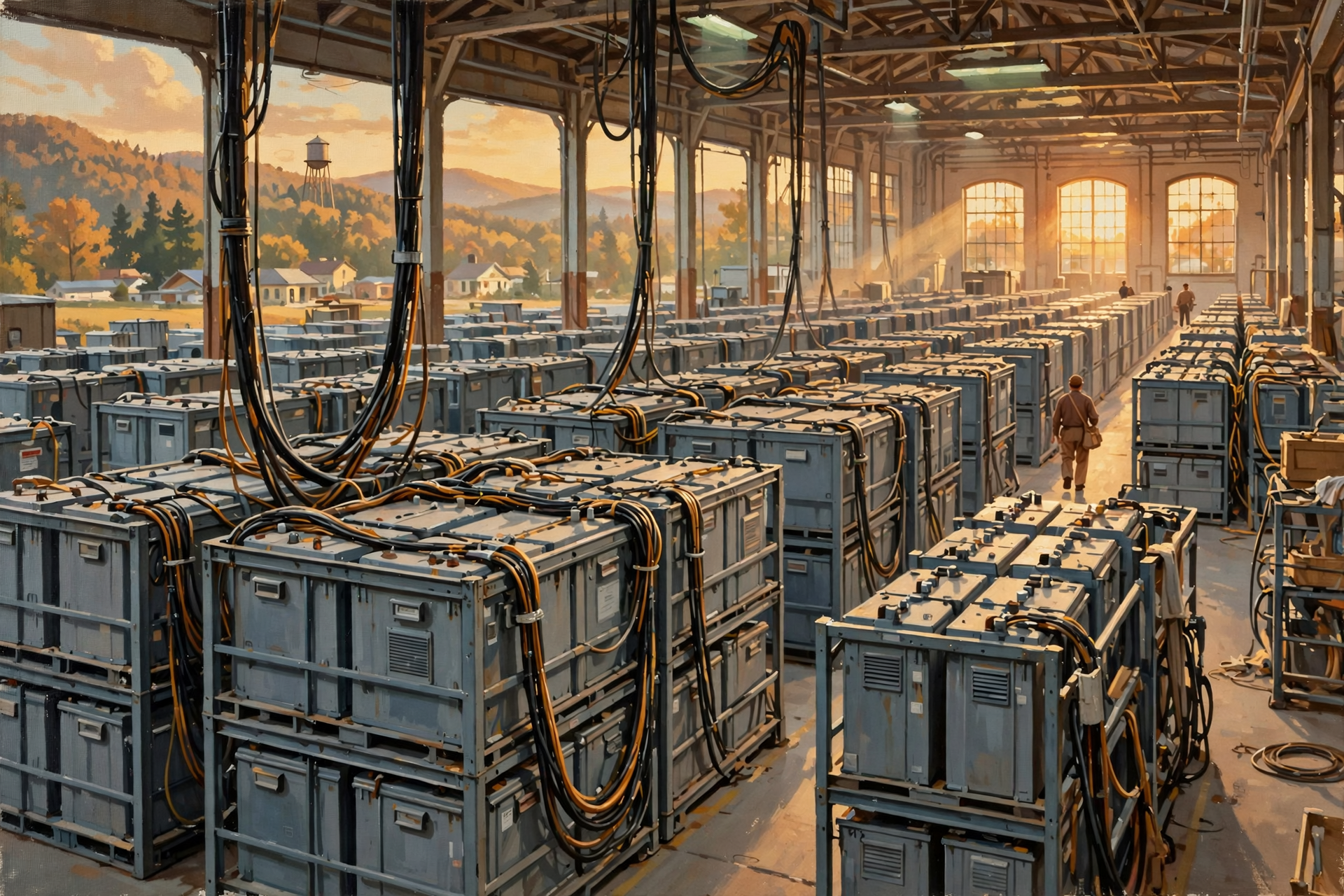
Because a large data center requires an enormous amount of energy.
A battery system capable of supporting a facility for several minutes is one scale.
A battery capable of supporting hundreds of megawatts for days is something else entirely.
Long-duration backup remains a difficult engineering and economic problem.
That is why generators continue playing such a major role.
What About Solar Panels?
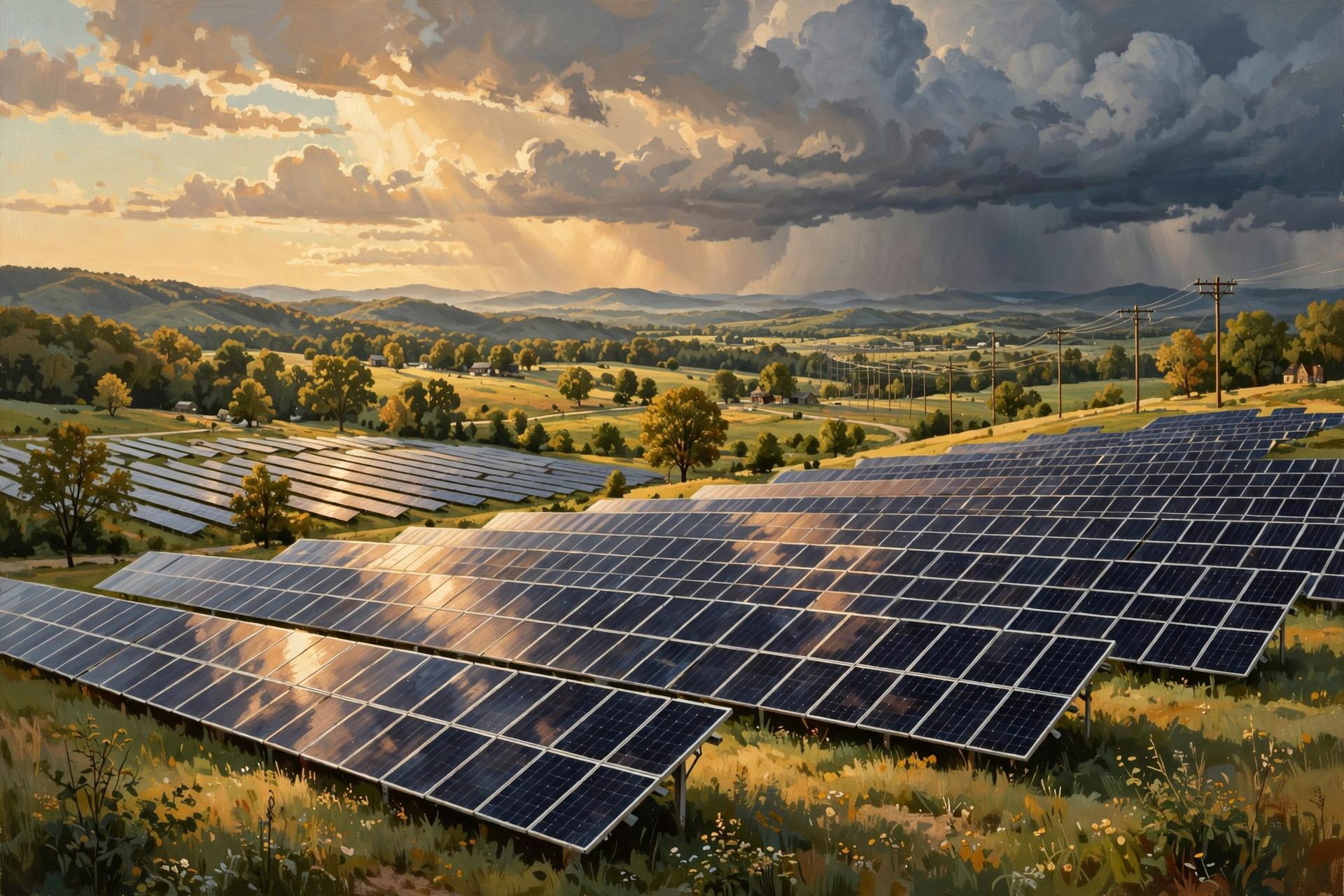
Solar can contribute useful energy.
But solar panels alone do not provide the same backup function as a dispatchable generator unless combined with sufficient storage and appropriate electrical systems.
Night still happens.
Clouds happen.
Storms happen.
A critical facility needs to know what will supply power at the exact moment normal service disappears.
Energy source and reliability service are related but not identical questions.
Could the Data Center Simply Shut Down?
Sometimes controlled shutdown is part of the final emergency plan.
If:
- utility power remains unavailable;
- generators fail;
- fuel is exhausted;
- battery capacity runs low;
- cooling cannot be maintained;
- or another serious problem occurs,
operators may need to shut equipment down deliberately.
A controlled shutdown is far preferable to having computers suddenly lose power.
The entire backup system is partly about buying enough time to avoid chaos.
What Does a Controlled Shutdown Look Like?
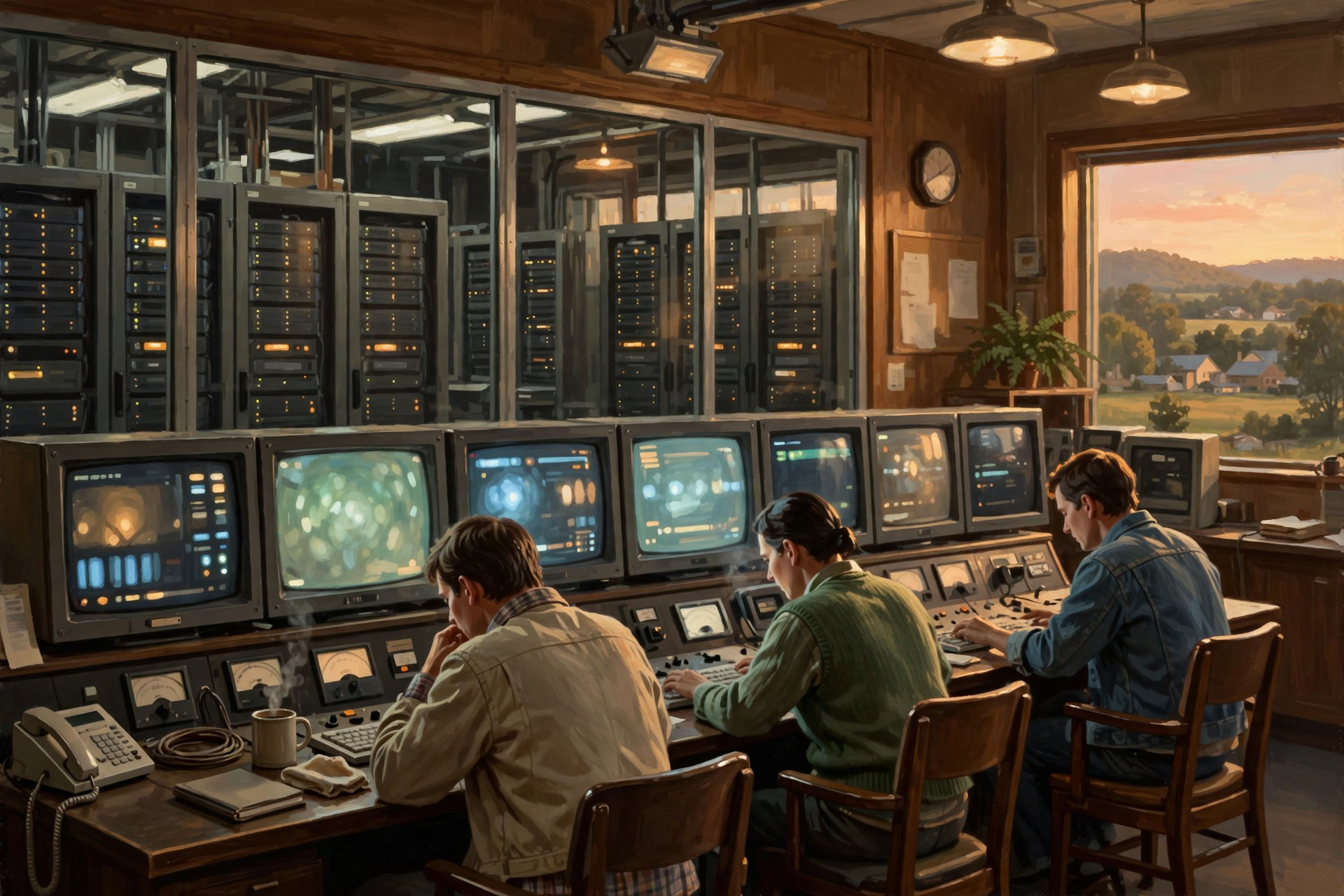
Depending on the system, operators may:
- stop accepting new work;
- shift workloads elsewhere;
- save application state;
- close databases safely;
- shut down servers;
- preserve essential networking;
- and prioritize the most critical systems.
Think of it as landing an airplane instead of waiting for the fuel to run out.
If the facility cannot continue operating, it wants to stop gracefully.
Hold On—Is That True? “The Batteries Run the Data Center Until the Power Comes Back”
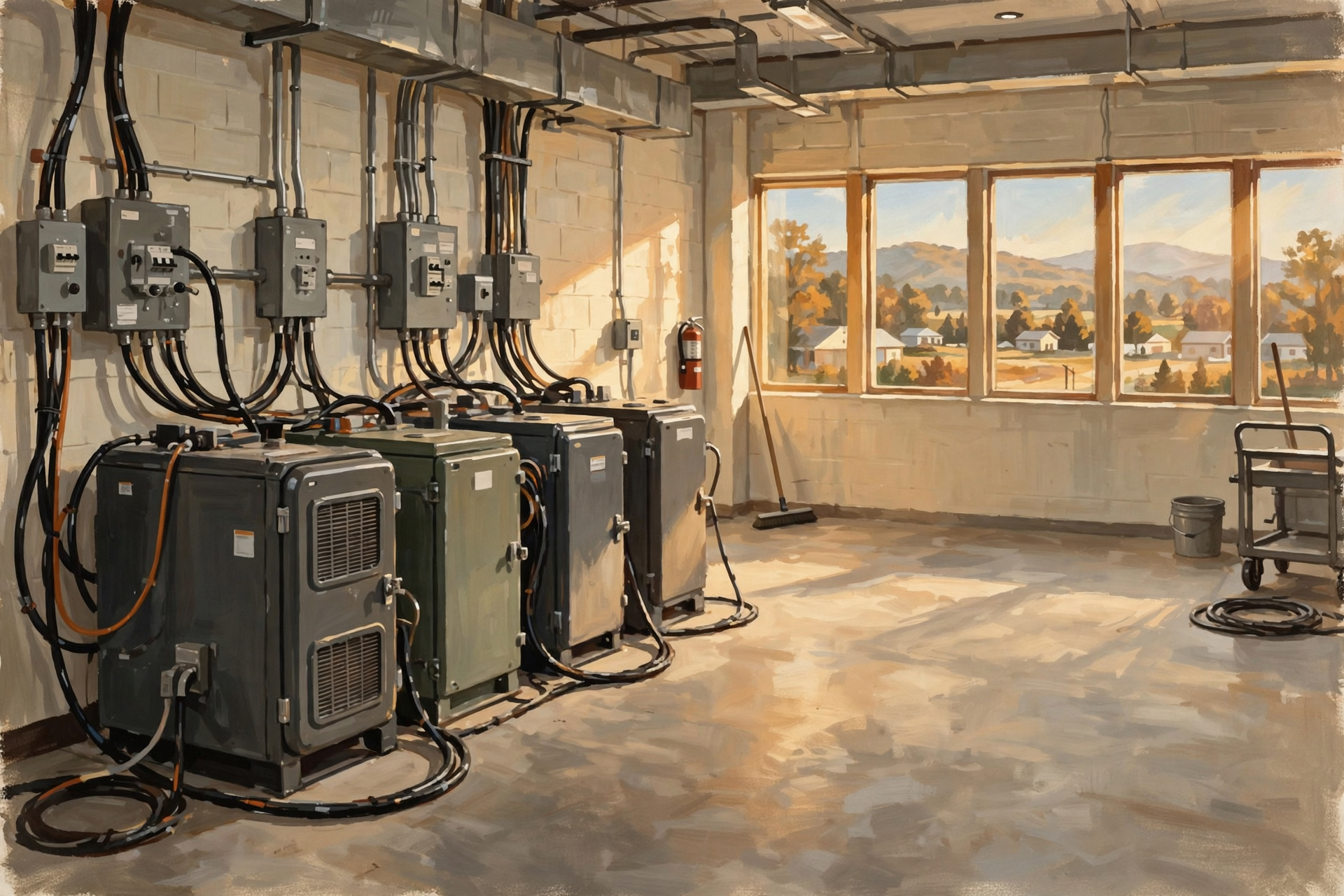
Usually not in a conventional design.
UPS batteries commonly provide short-duration power while generators start or while equipment can be shut down safely. Exact runtimes vary significantly by design.
Some newer battery systems can provide longer support, but you should always ask about the actual facility.
Hold On—Is That True? “The Generator Starts Instantly”
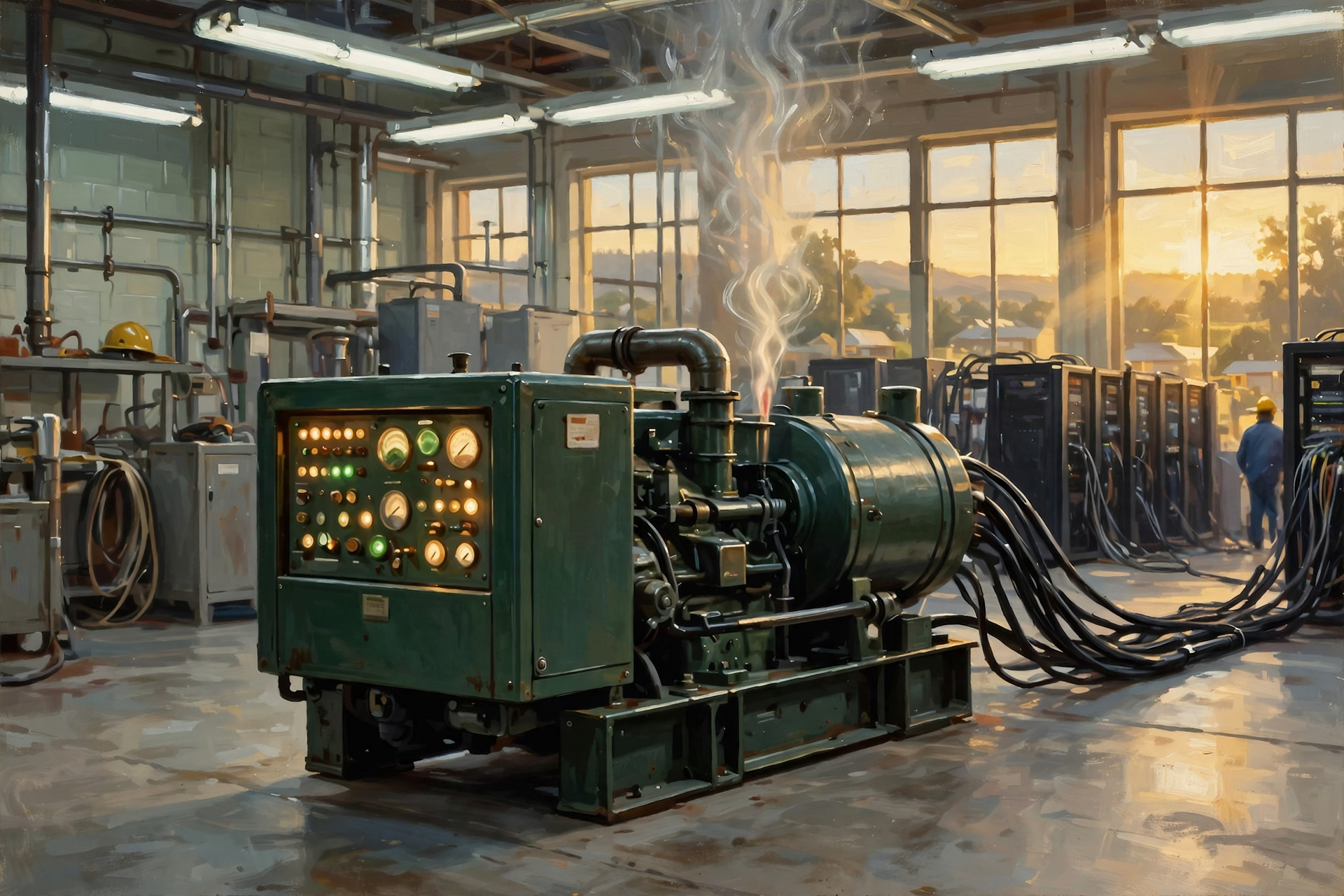
Not literally instantly.
Generators require time to start and stabilize.
The UPS bridges that gap.
To the servers the overall transition can appear uninterrupted when the system functions correctly.
Hold On—Is That True? “If a Data Center Has Generators, It Can Run Forever”
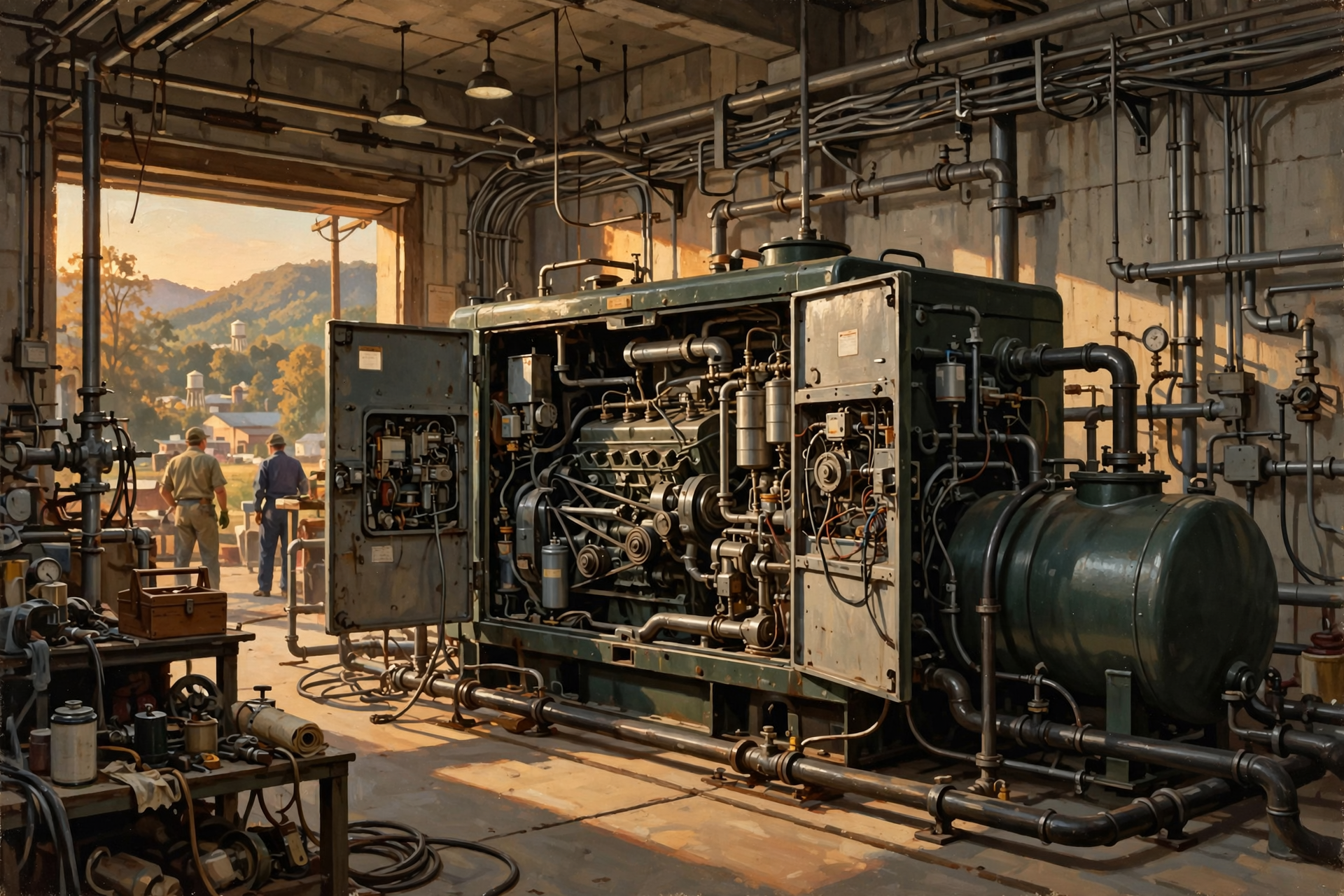
No.
Generators require fuel, maintenance and functioning supporting systems.
A prolonged outage turns fuel supply and logistics into part of the reliability equation.
Hold On—Is That True? “Power Outages Are the Main Reason Data Centers Go Offline”
Not necessarily.
Failures can originate in electrical systems, cooling, networking, software, storage, cybersecurity, configuration, human error and other areas.
Electrical redundancy solves electrical problems.
A reliable digital service requires resilience across the entire system.
Why This Matters in Rural Tennessee
Power outages are not an abstract concept in Tennessee.
We have:
- thunderstorms;
- tornadoes;
- high winds;
- ice;
- falling trees;
- flooding;
- and other events capable of disrupting electrical infrastructure.
A large data center operating in a rural area therefore needs a credible answer to:
What happens when normal electricity disappears?
But the community should ask the next questions too:
How many generators?
Where are they?
How loud are they?
How often are they tested?
What fuel is stored?
How long can the facility operate?
What happens during an extended regional emergency?
How are batteries managed?
What environmental permits apply?
Those questions turn a vague concern into a useful conversation.
Ten Questions to Ask About Data Center Backup Power
- How much of the facility is protected by UPS power?
- How much battery runtime is designed into the system?
- How many backup generators are planned?
- What redundancy design is used?
- What fuel do the generators use?
- How much fuel is stored on site?
- How long can the facility operate without utility service?
- How often are generators tested, and what noise reaches neighboring property?
- Are cooling systems fully supported during an outage?
- What happens if both normal and backup electrical systems fail?
Plain-English Glossary
UPS: Uninterruptible power supply. Equipment that provides immediate temporary power and power conditioning to critical electrical loads.
Battery backup: Stored electrical energy used to keep equipment operating when normal power is unavailable.
Backup generator: An engine-driven or other generating system that can provide electricity when the normal supply fails.
Automatic transfer: Electrical controls that move loads from one power source to another when operating conditions require it.
Redundancy: Providing additional equipment or electrical paths so one failure does not necessarily stop the service.
N: The amount of equipment required to carry the normal load.
N+1: Enough equipment to carry the required load plus one additional redundant unit.
2N: Two complete sets of capacity capable of carrying the required load.
Thermal ride-through: The amount of time a data center can tolerate reduced or interrupted cooling before temperatures become unacceptable.
Uptime: The amount of time a system or service remains available and operating.
Failover: Moving a service or workload to backup equipment or another system after a failure.
Geographic redundancy: Using separate facilities in different locations so one regional failure does not necessarily stop the entire service.
FAQ
Does a data center notice when the utility power goes out?
The facility’s electrical systems certainly detect it, but properly protected computing equipment may continue operating without interruption as UPS systems and backup generators take over.
How fast does a UPS respond?
A properly designed UPS provides continuous or effectively uninterrupted power to protected loads, avoiding the several-second gap that would occur while waiting for generators to start.
How long can batteries run a data center?
It depends entirely on the design. Traditional UPS batteries are often intended primarily to bridge short outages until generators start, although newer battery installations can provide different durations and functions.
How long can generators run?
As long as the equipment remains operational and sufficient fuel and supporting systems are available. On-site fuel storage, resupply arrangements and maintenance therefore matter during extended outages.
Does every data center have backup generators?
Not every facility has the same design, but backup generation is common in data centers where continued operation during utility outages is important.
Do the air conditioners have batteries too?
Not necessarily. Some designs protect IT equipment with UPS power while major cooling equipment transfers to generator power after a brief interruption. Other designs provide different levels of cooling redundancy.
Can one data center take over for another?
Yes, if the applications and infrastructure are designed for geographic redundancy or failover. Large cloud and internet providers often distribute services among multiple facilities for this reason.
What is the biggest risk during a very long outage?
There is no single answer. Fuel availability, cooling, generator reliability, staffing, telecommunications and broader regional infrastructure can all become limiting factors during an extended emergency.
Wisdom From the Front Porch

The best backup plan is the one everybody forgets is there—right up until the lights go out and it quietly does its job.
That is what data-center backup power is designed to accomplish.
Normal electricity disappears.
The UPS catches the load.
Batteries keep the computers alive.
Generators start.
Automatic controls transfer the power.
Cooling returns or continues.
Redundant equipment stands ready if something else fails.
And the person sitting at home may never know any of it happened.
But all of that reliability has a cost.
More generators.
More batteries.
More electrical equipment.
More testing.
More fuel.
More maintenance.
And potentially more effects outside the property line.
That is why “What happens when the power goes out?” is not merely a technical question.
For a community considering a major data center, it is also a land-use, noise, environmental, infrastructure and emergency-planning question.
Want to Learn More About What Keeps a Data Center Running?

If today’s article made you realize that keeping a data center online involves much more than owning a backup generator, that is exactly the kind of infrastructure detail worth understanding before a large project becomes a local issue.
The Van Buren Digital Frontier Symposium on November 19 offers an opportunity to continue learning about data centers, artificial intelligence, electricity, reliability and the physical systems behind the digital services we increasingly depend upon.
You do not need to be an electrical engineer or data-center technician to participate. People who understand generators, farms, construction, utilities, emergency services, roads, local government and rural weather already understand many pieces of the reliability problem.
The goal is not to arrive already supporting or opposing data centers. It is to understand what a particular facility actually proposes, how resilient it is supposed to be, what backup equipment it requires, what effects that infrastructure may have on neighbors and what questions deserve clear answers before decisions are made.
For more information, visit the Van Buren Digital Frontier Symposium listing on Dunlap.Directory or the Van Buren Digital Frontier Symposium Facebook page. Either resource can be used for additional information and event updates.
Other Articles In This Data Center Series

- From Power Plant to Server Rack: Follow the Electricity Into a Data Center
- Megawatts and Gigawatts Without the Engineering Degree
- Why Do Data Centers Use So Much Electricity?
- What Is a Hyperscale Data Center—and Just How Big Is “Hyperscale”?
- CPU, GPU, Server, Storage: What Are All These Machines Actually Doing?
- Why Does Artificial Intelligence Need So Many Data Centers?
- What Happens When You Search Google? Follow One Question Through a Data Center
- What Happens When You Google Something? Follow a Search on a 500-Mile Digital Road Trip
- Not All Data Centers Are the Same: From a Server Closet to an AI Mega-Campus
- If AI Keeps Getting More Efficient, Why Do We Need More Data Centers?




0 Comments