
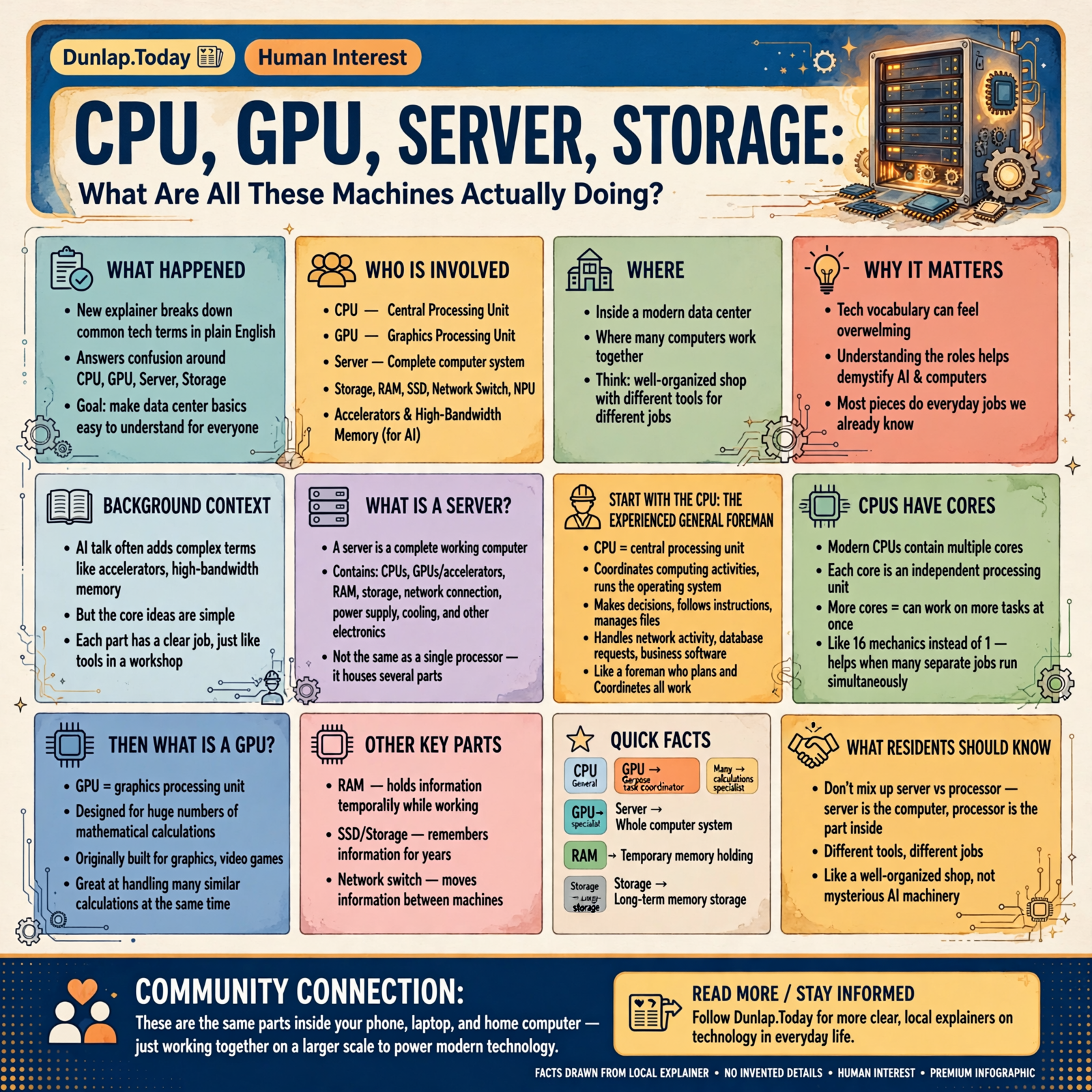
CPU, GPU, Server, Storage: What Are All These Machines Actually Doing?
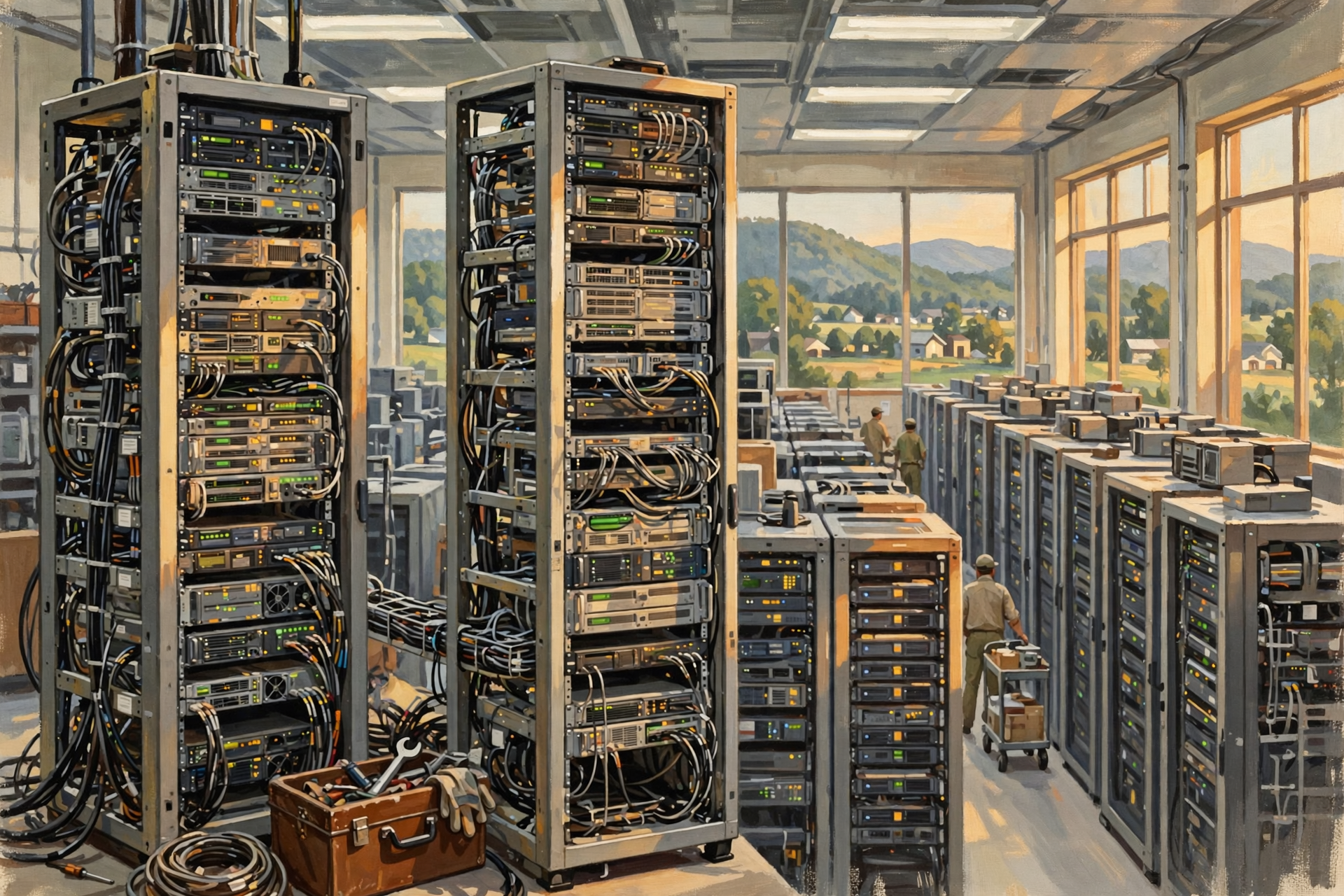
Walk into a modern data center and you will hear enough initials to make you wonder whether somebody spilled a bowl of alphabet soup into the server rack.
CPU.
GPU.
RAM.
SSD.
Server.
Storage.
Network switch.
NPU.
And if artificial intelligence is involved, somebody will eventually mention accelerators, high-bandwidth memory and other terms that sound as though we have wandered into a NASA briefing.
But the basic ideas are much simpler than the vocabulary makes them sound.
Most of these pieces are doing jobs you already understand.
Some make decisions.
Some perform calculations.
Some hold information temporarily.
Some remember information for years.
Some move information between machines.
And the server is usually the complete working computer containing several of these pieces.
Think less “mysterious artificial-intelligence machinery” and more “well-organized shop where different tools have different jobs.”
First, a Server Is Not a Processor
This is probably the most useful distinction to make right away.
A CPU is a processor.
A GPU is another type of processor.
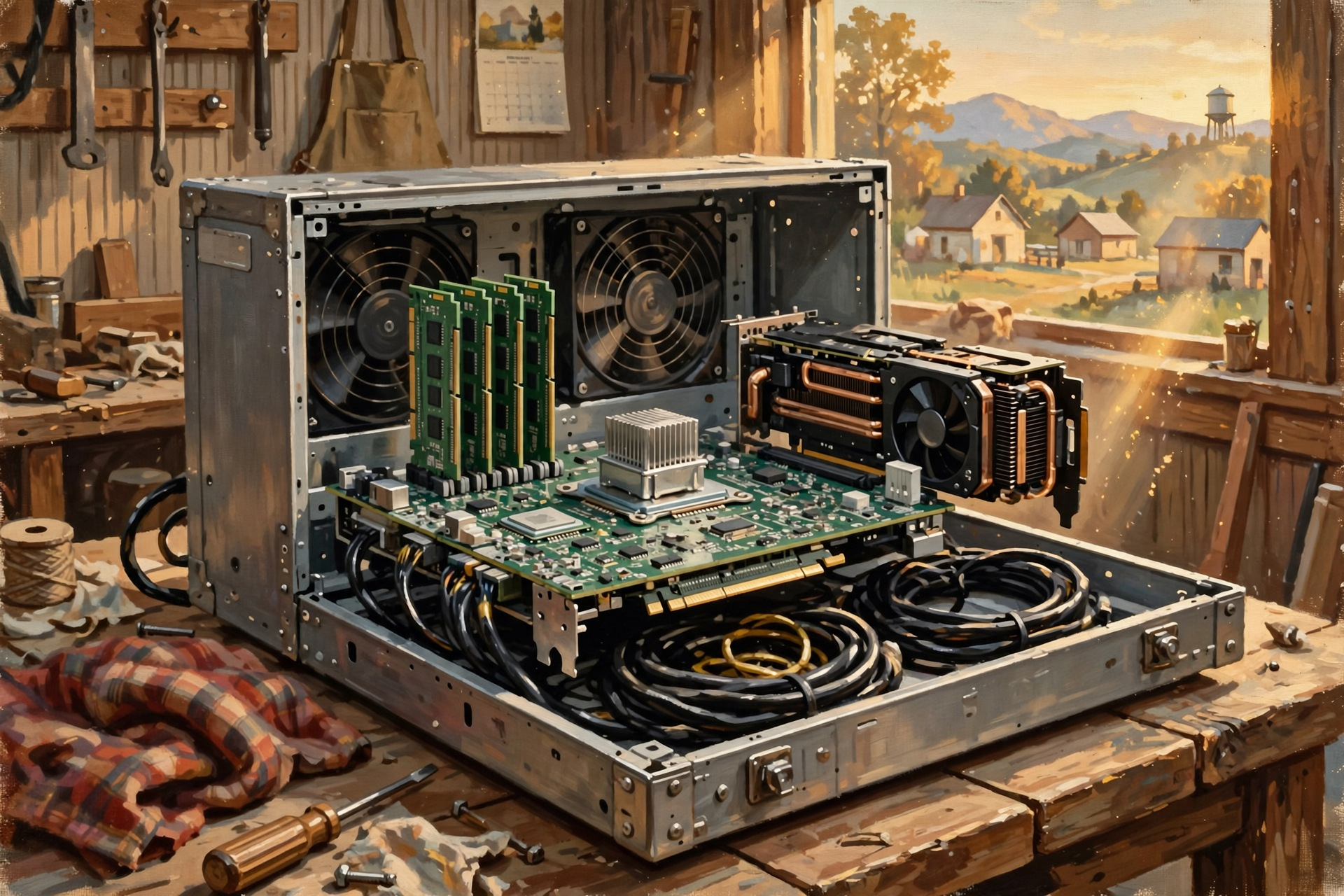
A server is generally a complete computer.
That server can contain:
- one or more CPUs;
- one or more GPUs or other accelerators;
- RAM;
- storage;
- network connections;
- power supplies;
- cooling components; and
- other supporting electronics.
So asking whether a server is better than a GPU is a little like asking whether a pickup truck is better than an engine.
The engine is one important component inside the truck.
They are not competing categories.
Start With the CPU: The Experienced General Foreman

CPU stands for central processing unit.
The CPU is the general-purpose processor inside a computer.
Intel describes the CPU as the processor responsible for coordinating computing activities, executing program instructions and performing calculations.
In plain English, the CPU is the fellow in the shop who can do a little bit of everything.
Need somebody to:
- run the operating system;
- make decisions;
- follow complicated instructions;
- manage files;
- coordinate other hardware;
- run business software;
- process a database request;
- handle network activity; or
- switch quickly between different kinds of work?
The CPU is very good at that.
Think of it as an experienced general foreman.
He might not personally carry every board, drive every nail and pour every yard of concrete.
But he is very good at figuring out which job needs to happen next.
CPUs Have Cores
A modern CPU is not necessarily one worker doing one thing at a time.
Processors commonly contain multiple cores.
A core is essentially an independent processing unit within the CPU capable of performing instructions.
More cores allow a processor to work on more things at once when the software is designed to take advantage of them.
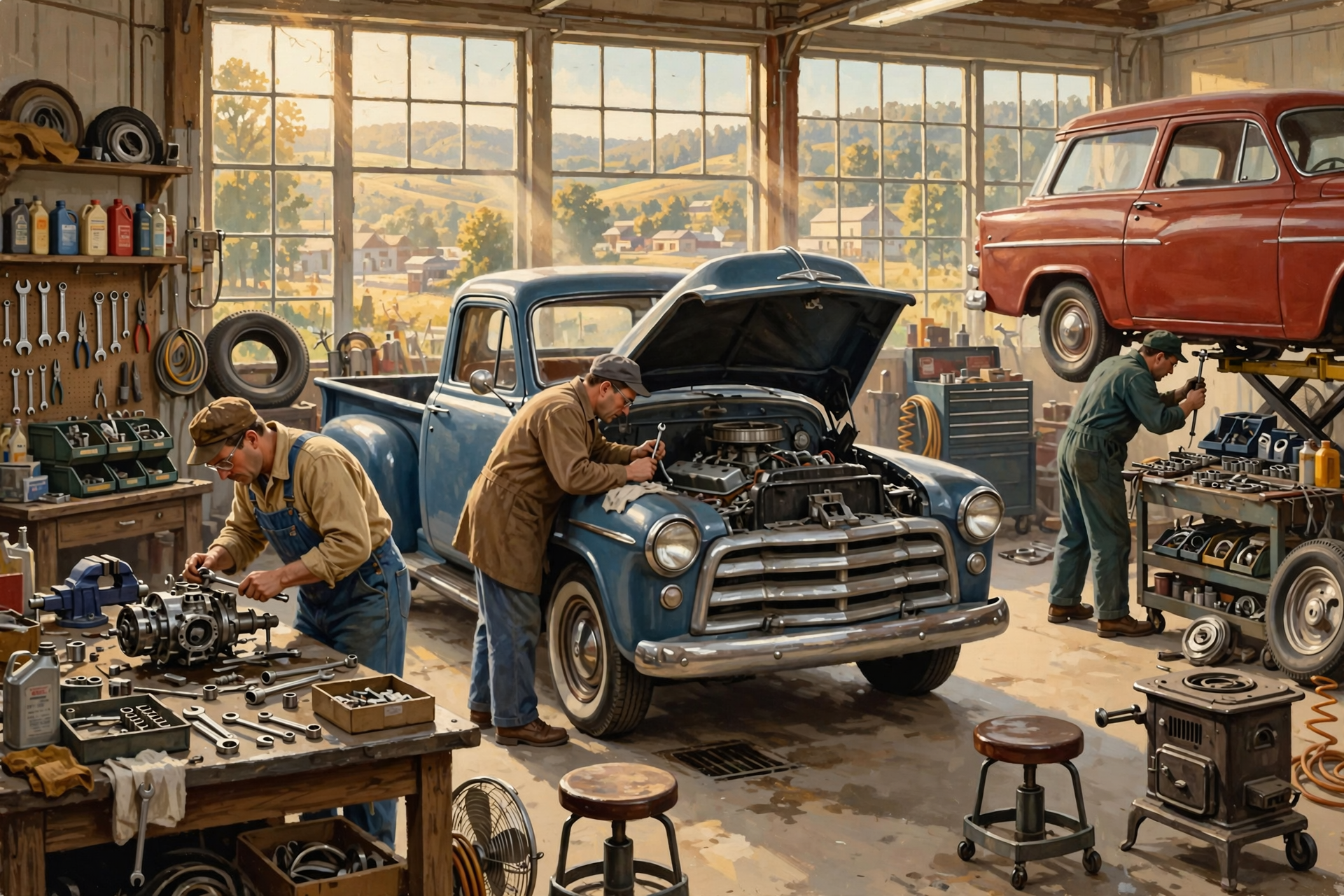
Imagine a shop where the owner used to have one experienced mechanic.
Now there are 16 mechanics.
That does not mean every job suddenly finishes 16 times faster.
If one repair can only be performed sequentially, throwing 15 additional mechanics under the same hood may accomplish very little besides making everybody uncomfortable.
But if you have 16 separate jobs that can happen simultaneously, additional workers are extremely useful.
Computers face the same problem.
Then What Is a GPU?
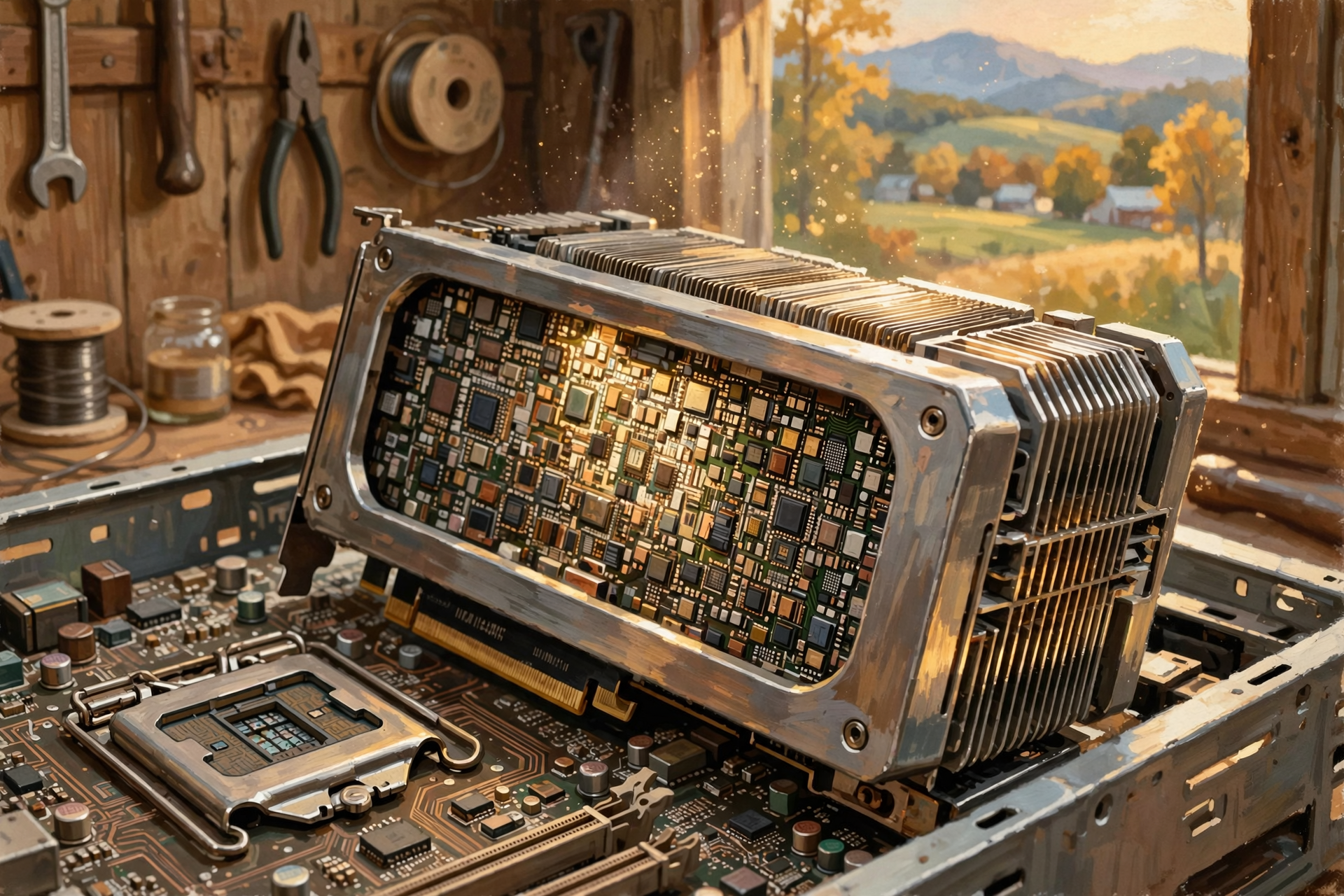
GPU stands for graphics processing unit.
GPUs became familiar because computer graphics require huge numbers of mathematical calculations.
A video game, for example, may need to determine what millions of pixels should look like while objects move, lights change and the player’s viewpoint shifts.
Doing those calculations one after another would be painfully slow.
GPUs were therefore designed around performing large numbers of operations in parallel.
Intel’s comparison of CPUs and GPUs explains that the two are both computing engines but are optimized for different kinds of work.
The CPU is highly flexible.
The GPU shines when enormous quantities of similar mathematical work can happen simultaneously.
CPU Versus GPU: One Master Carpenter and a Huge Crew
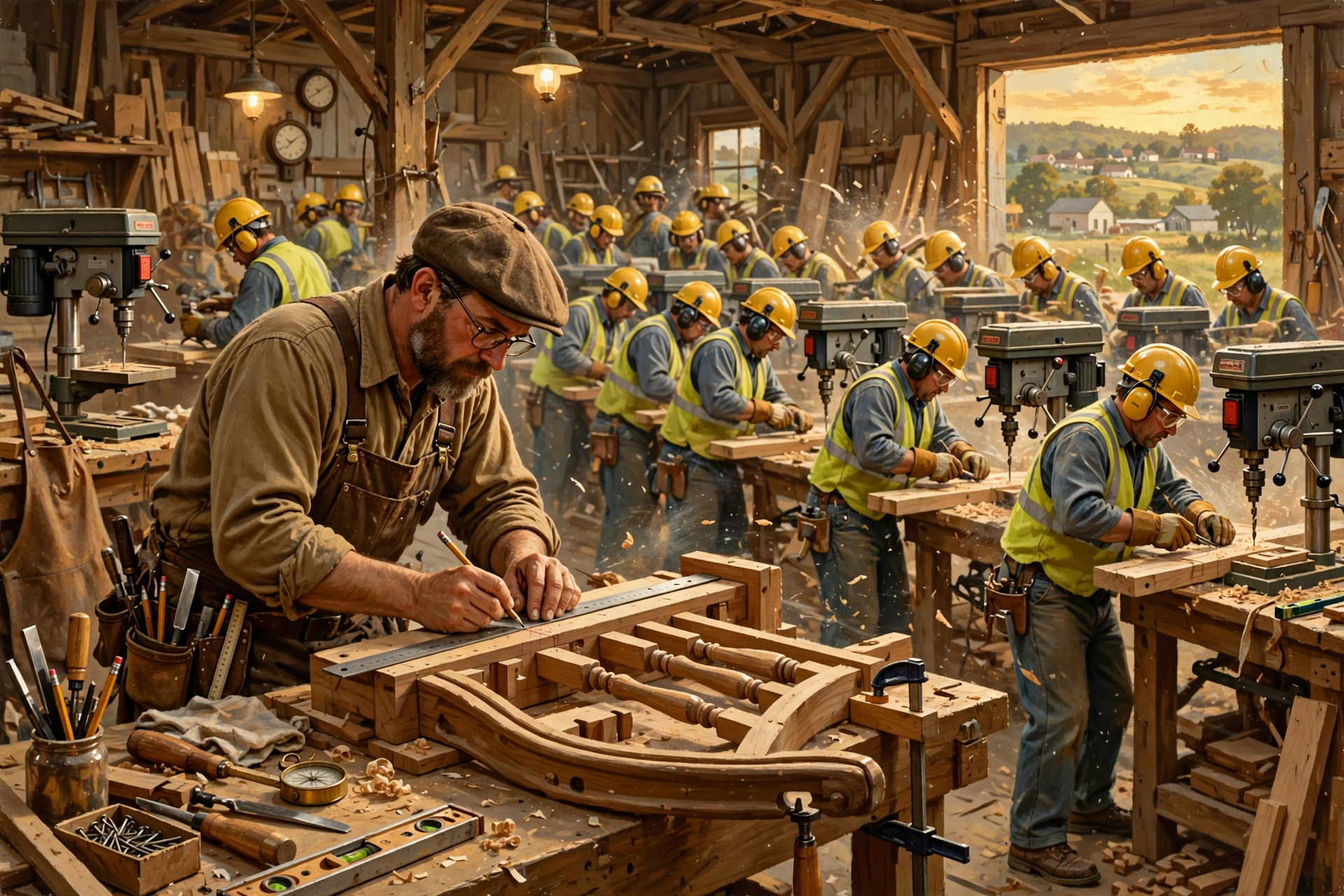
Imagine you need to build one complicated custom staircase.
You want a very skilled carpenter capable of measuring, planning, adjusting and making decisions as the work progresses.
That is CPU-style work.
Now imagine somebody delivers 100,000 identical boards that all need the same three holes drilled in exactly the same places.
You could give that job to your master carpenter.
He would eventually finish.
But if you could line up hundreds or thousands of workers and have them drilling boards simultaneously, the job would move much faster.
That is closer to GPU-style parallel processing.
Neither worker is universally better.
The job determines which tool makes sense.
This Is Why GPUs Became So Important for AI
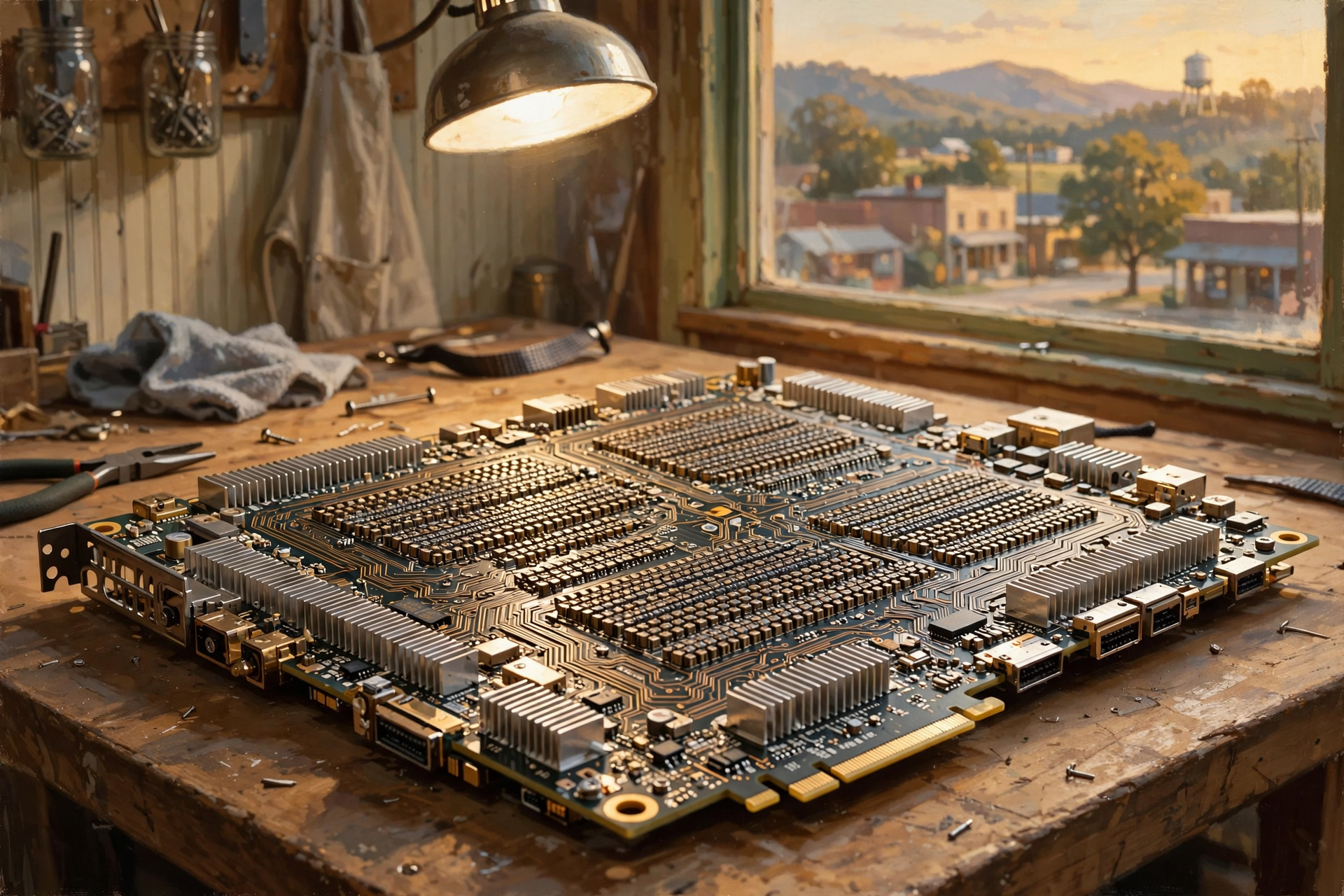
Modern artificial intelligence involves enormous amounts of mathematical work.
Much of that work can be divided into many calculations performed simultaneously.
That happens to be exactly the kind of problem GPUs are good at solving.
So hardware originally associated primarily with graphics became enormously important for:
- AI training;
- AI inference;
- scientific computing;
- simulations;
- image processing;
- video processing; and
- other forms of accelerated computing.
The name graphics processing unit therefore sounds a little misleading today.
It is a bit like discovering that the fellow you hired to repair tractors is also exceptionally good at rebuilding transmissions, welding and operating heavy equipment.
You may have hired him for one reason.
You quickly discover the toolset is useful for much more.
Does a GPU Replace the CPU?

Usually, no.
Modern computing systems often use both.
The CPU handles general-purpose work and coordination.
The GPU handles workloads suited to massive parallel processing.
They make a good team precisely because they are different.
Think about building a house.
You do not fire the general contractor because 40 framers showed up.
You still need somebody coordinating the larger job.
Then What Is an NPU?
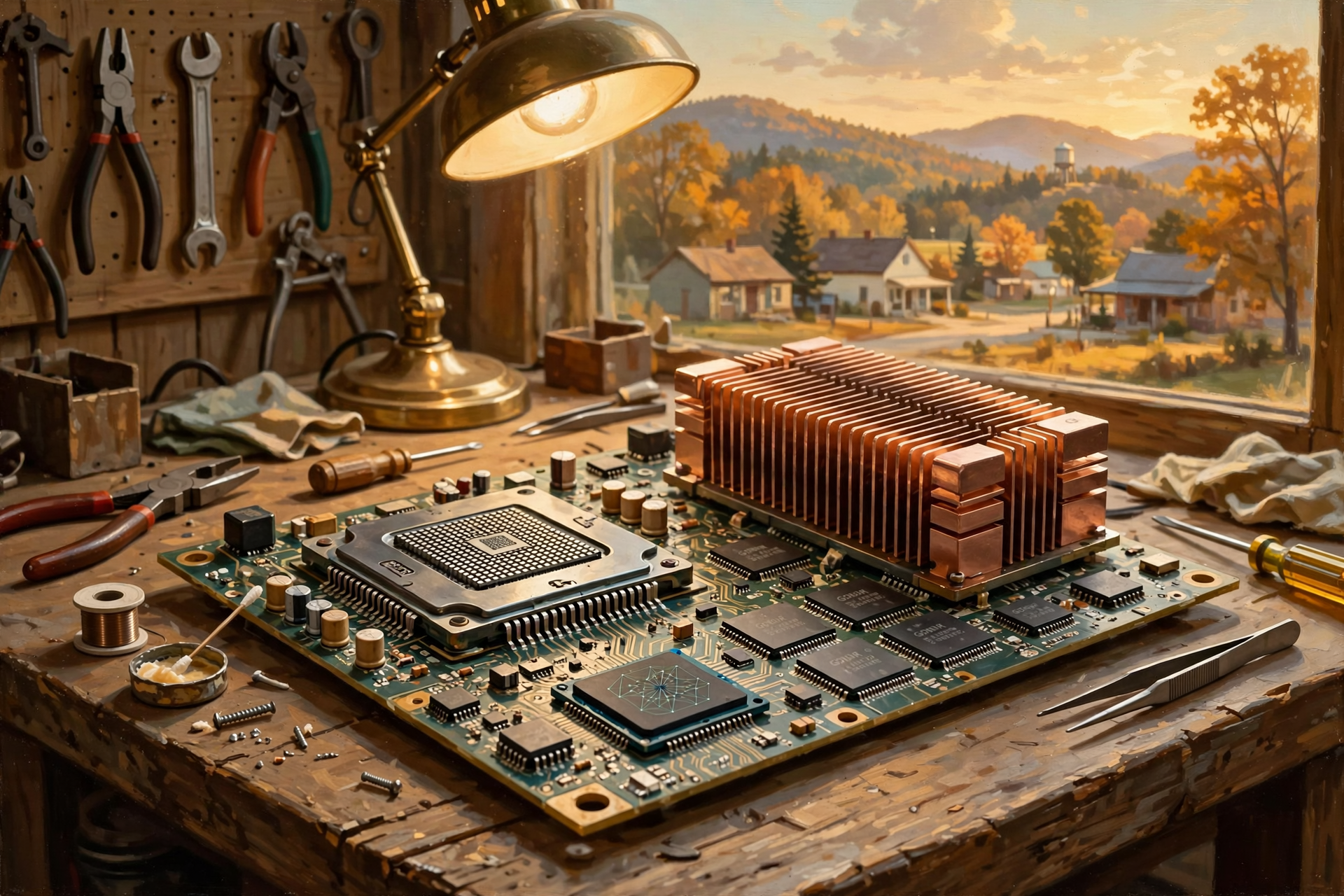
Since we have already encountered NPUs earlier in this series, this is a good place to put them on our shop floor too.
NPU means neural processing unit.
An NPU is specialized hardware designed to perform particular artificial-intelligence calculations efficiently.
Modern consumer AI PCs increasingly include:
- a CPU for general-purpose processing;
- a GPU for graphics and highly parallel workloads; and
- an NPU for efficient AI-specific tasks.
Intel’s processor guide describes these specialized processors as a team of different tools optimized for different work.
That same philosophy extends into data centers.
Not every computing task needs the same processor.
Now Meet RAM: The Workbench

This is another place where terminology causes confusion.
RAM is not the same thing as storage.
RAM stands for random access memory.
RAM holds information the computer is actively using or expects to need quickly.
Think about a mechanic’s workbench.
The entire shop may contain thousands of tools and parts.
But while rebuilding one carburetor, the mechanic puts the parts and tools needed for that specific job on the bench.
The workbench is fast and convenient.
It is not where everything in the shop permanently lives.
RAM plays a similar role.
Why Not Keep Everything in RAM?

Because fast memory is valuable and relatively limited.
Your computer may have:
- 16 gigabytes of RAM;
- 32 gigabytes;
- 64 gigabytes; or
- much more in a large server.
But it might have terabytes of longer-term storage.
RAM is optimized for rapid access while information is actively being used.
Long-term storage is designed to preserve much larger quantities of information.
You do not keep every wrench, bolt and spare engine on top of the workbench.
You keep the things you need immediately within reach and put the rest on shelves.
RAM Usually Forgets When the Power Goes Away

Ordinary system RAM is volatile.
That means the information it holds generally disappears when power is removed.
This is why shutting off your computer does not erase your photographs and documents.
Your files are not relying solely on RAM.
They are stored on persistent storage devices designed to retain information without continuous power.
Storage: The Warehouse and Filing System

Storage is where digital information can be preserved for later use.
IBM defines data storage as the hardware and software used to record, organize and protect digital information so it can be retrieved later.
Storage may hold:
- documents;
- photographs;
- videos;
- databases;
- software;
- email;
- customer records;
- website content;
- AI models;
- training data;
- backups; and
- logs recording what computer systems have been doing.
If RAM is the workbench, storage is the warehouse.
The warehouse is much larger.
But walking into the warehouse, finding a part and bringing it back to the bench takes longer than reaching for something already sitting beside you.
SSD and Hard Drive: Two Familiar Kinds of Storage
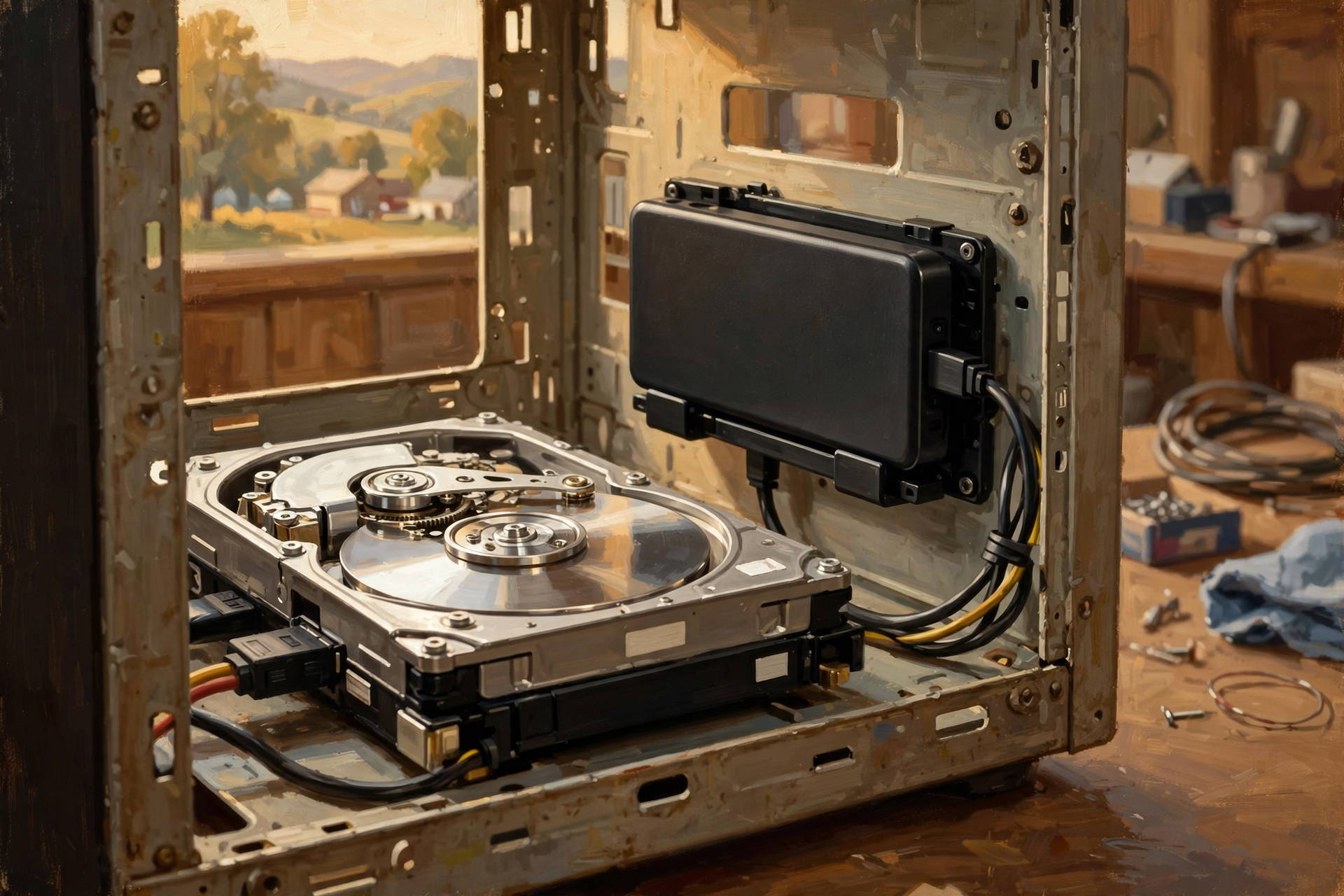
Most people have encountered two basic storage technologies.
Hard Disk Drive
A traditional hard disk drive, or HDD, stores information magnetically on spinning disks.
Hard drives can provide large amounts of storage economically.
Solid-State Drive
A solid-state drive, or SSD, stores information electronically without the spinning disks found in a traditional hard drive.
SSDs can provide much faster access and have become common throughout modern computing.
Large data centers can use many forms of storage depending on whether the priority is:
- speed;
- capacity;
- cost;
- reliability;
- long-term retention; or
- some combination of those needs.
One Data Center May Need Several Kinds of Storage
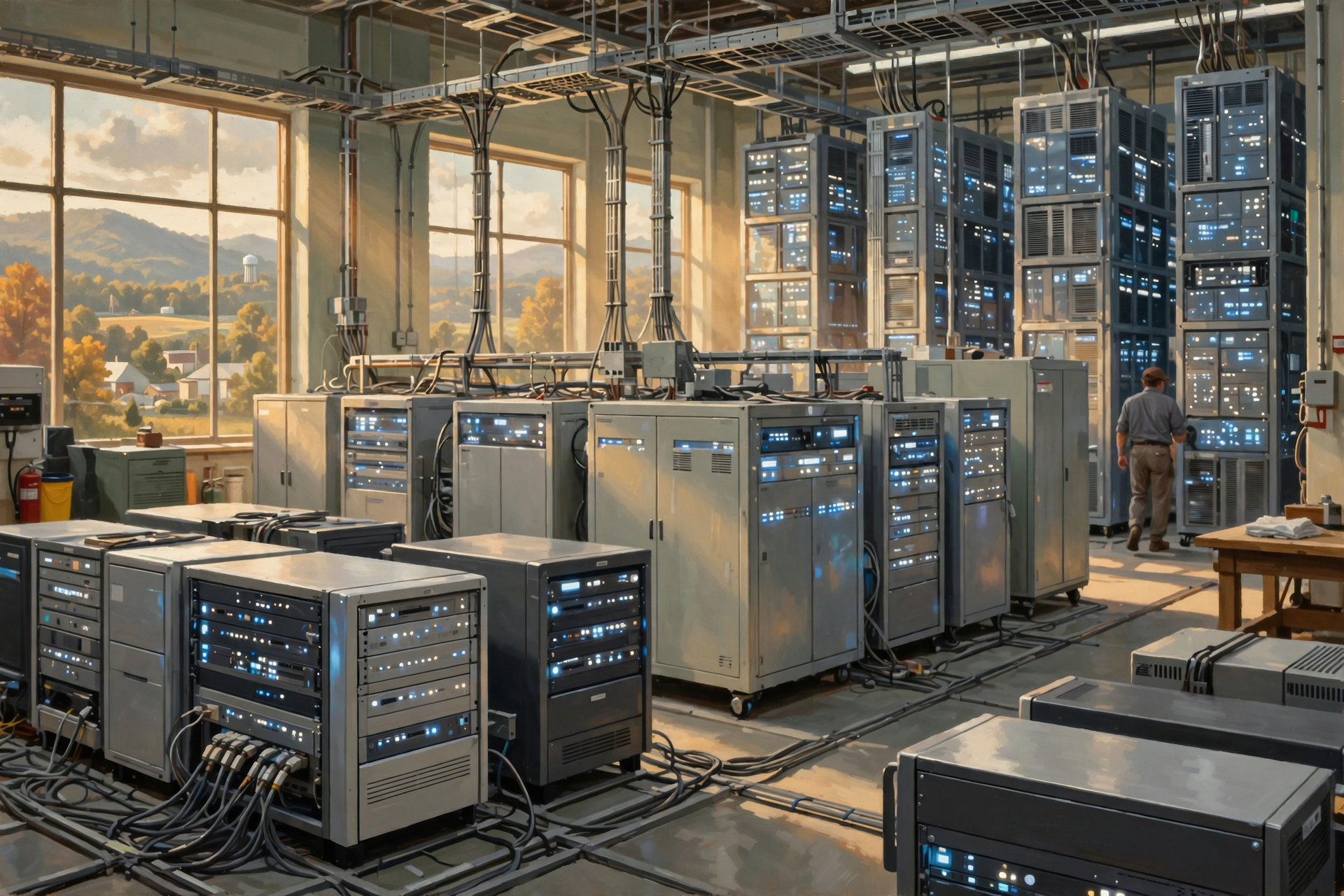
There is no single perfect storage system for every job.
Imagine a hardware store.
The ten most frequently purchased items may sit near the front counter.
Other inventory sits on regular shelves.
Bulk inventory may be stored in a warehouse out back.
Old financial records may be boxed in an archive room.
Everything is technically “stored,” but not in the same place or for the same reason.
Data centers work similarly.
Information needed immediately may be kept on very fast storage.
Frequently accessed data may live elsewhere.
Backups and archival material may use storage optimized for capacity and cost rather than instantaneous access.
File, Block and Object Storage: Three Different Ways to Organize the Warehouse
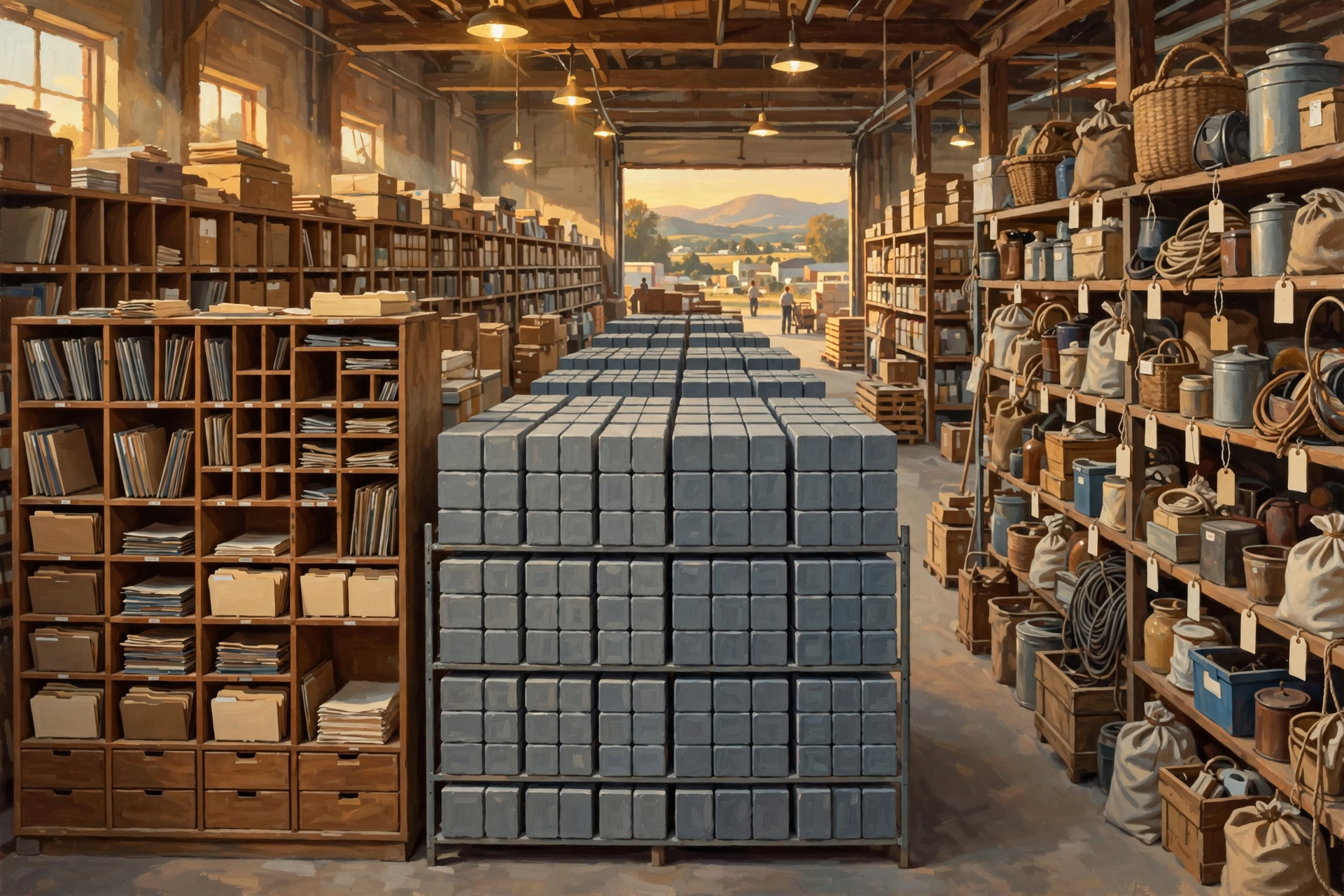
At larger scale, storage is not only about the physical device.
It is also about how information is organized and presented to computers.
IBM describes three major approaches:
- file storage;
- block storage; and
- object storage.
File Storage
This is familiar to most PC users.
You have:
Folders → subfolders → files.
A photograph might be:
Pictures / Vacation / Cozumel / sunset.jpg
Easy for humans to understand.
Block Storage
Block storage breaks information into chunks called blocks and presents storage in a way computers can use efficiently for things such as databases and operating systems.
You usually do not interact with the individual blocks yourself.
The computer does.
Object Storage
Object storage treats information as objects containing the data plus descriptive information.
It can scale extremely well for enormous collections of files and cloud data.
Photos, videos, backups and other large collections are common examples of workloads that can benefit from object storage.
Now Put the Pieces Together: What Is a Server?
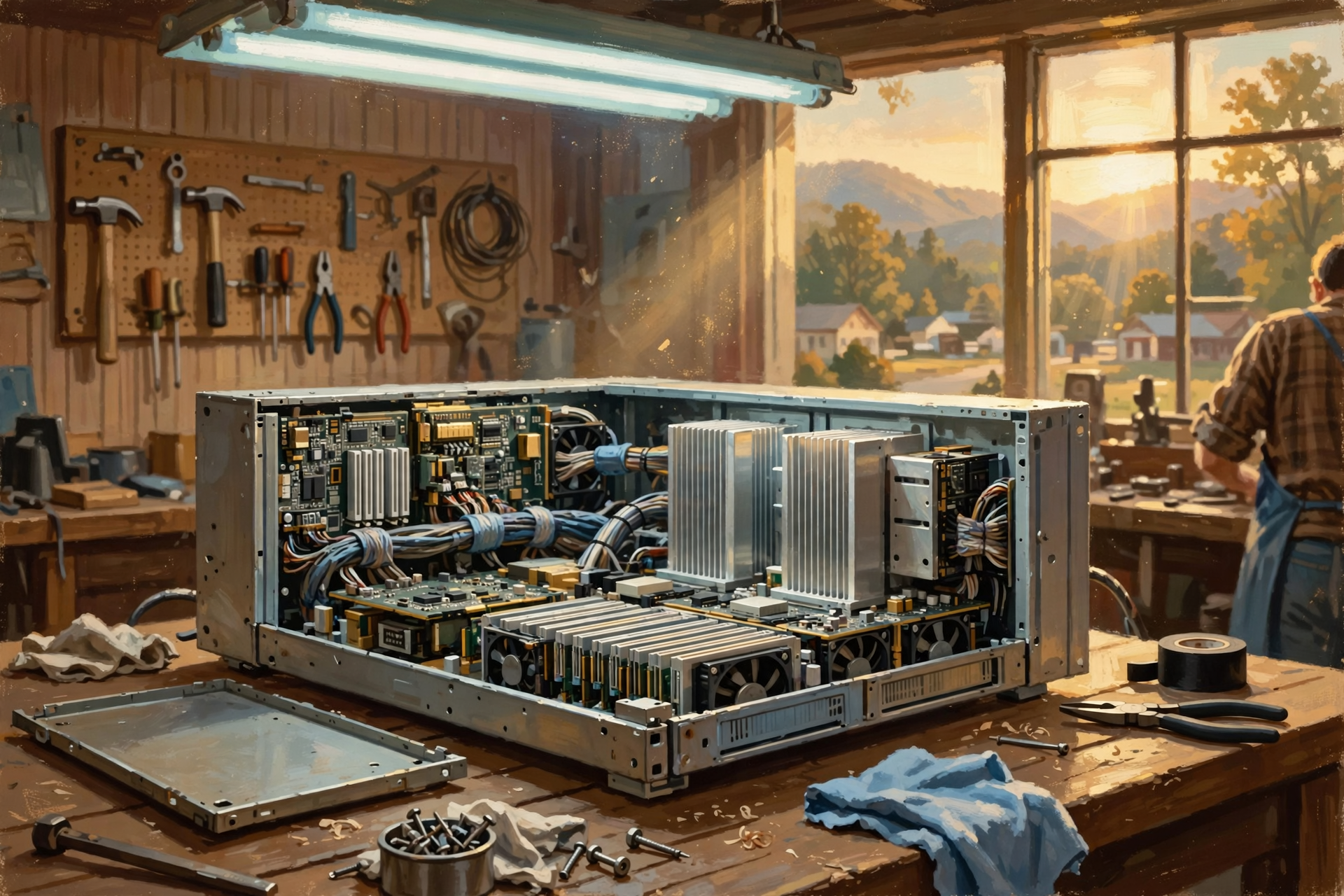
A server is a computer designed to provide services to other computers, applications or users.
A server may contain:
- CPUs;
- RAM;
- local storage;
- network adapters;
- power supplies;
- cooling fans; and
- sometimes GPUs or other accelerators.
Physically, it can look like a relatively flat metal box designed to slide into a standardized rack.
But functionally it is still a computer.
It has processors.
It has memory.
It runs software.
It sends and receives information.
Why Does a Data Center Need So Many Servers?
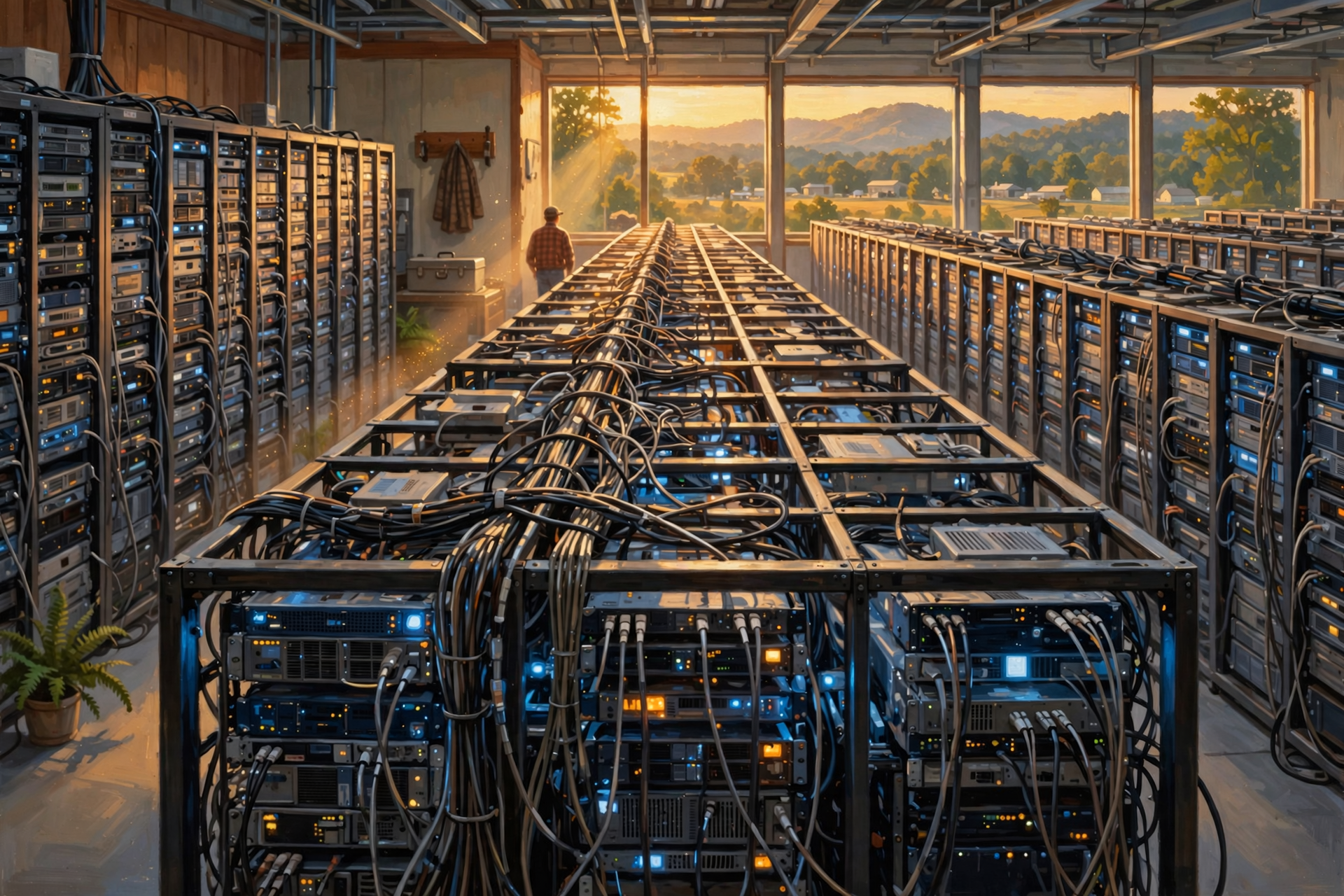
Because different computers can handle different pieces of a much larger service.
Suppose you use an online shopping website.
Behind that one website there may be different systems responsible for:
- showing the website;
- processing searches;
- checking inventory;
- storing customer accounts;
- processing payments;
- calculating shipping;
- displaying photographs;
- recommending products;
- detecting fraud; and
- recording the order.
Those jobs can be distributed across many servers.
The webpage makes it look like one store.
The data center sees an entire digital company operating behind it.
Follow One Job Through the Machines
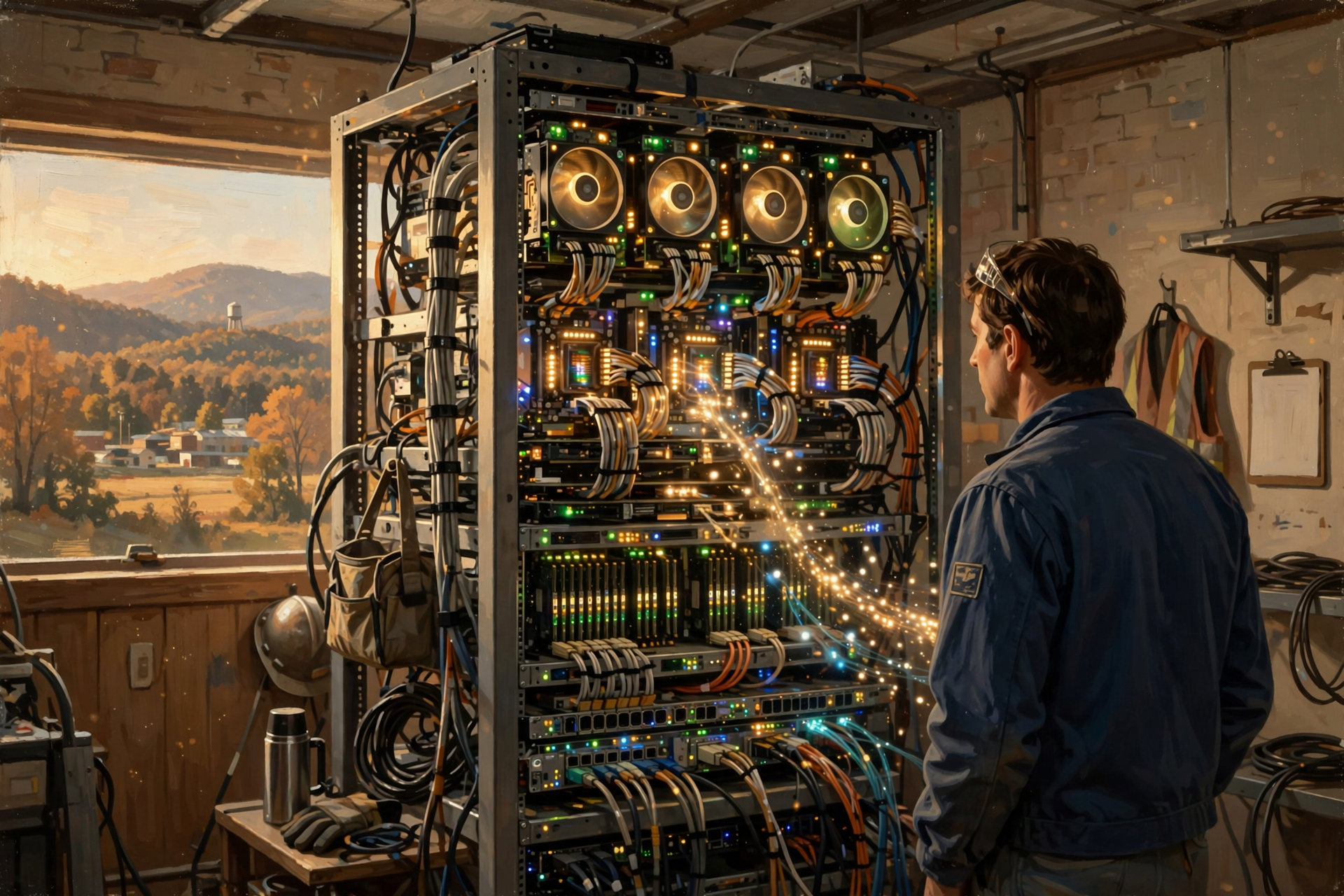
Let’s make this concrete.
Suppose you ask an online AI service:
Write a short advertisement for my lawn-care business.
A simplified journey might look something like this.
1. The Network Receives the Request
Your message arrives at the data center through networking equipment.
2. A Server Handles the Connection
A server running the online service determines what should happen next.
3. The CPU Coordinates the Work
CPUs can handle operating-system tasks, networking, application logic and coordination.
4. The AI Model Must Be Available
The AI model and supporting information may reside on persistent storage and be loaded into faster memory where processors can access it efficiently.
5. GPUs or Other Accelerators Do Heavy AI Math
If the model uses GPU acceleration, processors perform enormous numbers of mathematical operations to generate the response.
6. RAM and Specialized GPU Memory Keep Working Data Close
Information needed during the computation must be available quickly enough that expensive processors do not sit idle waiting for it.
7. The Response Is Produced
The system converts the model’s output into information that can be returned to your browser or application.
8. The Network Sends It Home
Your advertisement appears on your screen.
To you:
Ask question → get answer.
Inside the data center:
network → server → CPU → memory → GPU → memory → server → network.
And even that is greatly simplified.
Where Does the AI Model Actually Live?
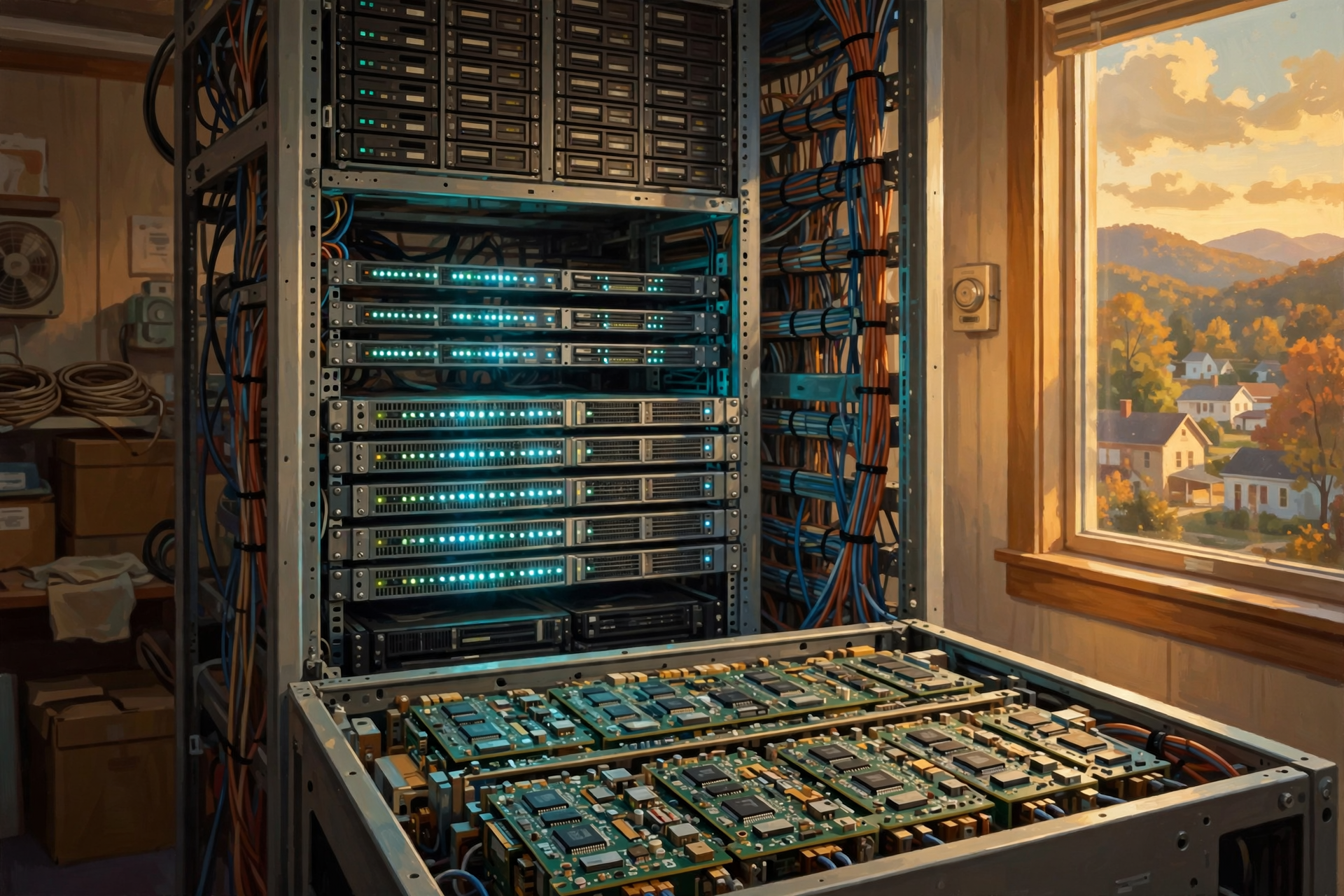
This question sounds simple but has an important answer.
An AI model ultimately consists largely of numerical information.
That model may be kept in persistent storage when it is not actively being used.
But processors need rapid access to model data while performing inference or training.
So relevant portions of the model need to be available in much faster memory during computation.
This is why memory capacity and memory speed have become such important parts of AI hardware.
You can own the fastest tractor in Tennessee.
If somebody hands you one gallon of diesel at a time with a teaspoon, you have found the real bottleneck.
GPU Memory: Why AI Keeps Talking About Gigabytes
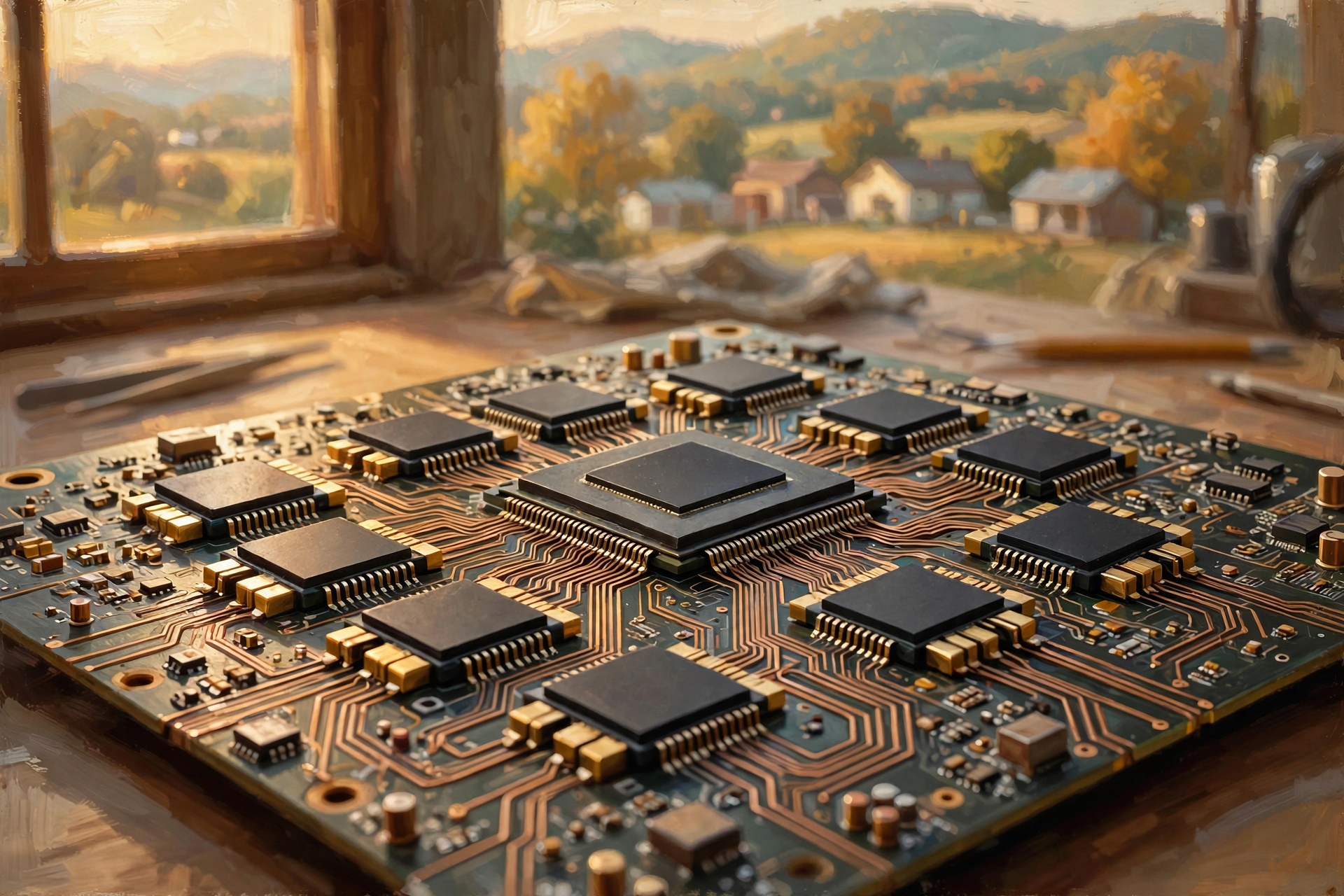
Powerful GPUs often have their own dedicated high-speed memory.
This matters because the GPU needs extremely rapid access to the information involved in its calculations.
For AI workloads, having enough processor performance without enough appropriate memory can be limiting.
Again, the worker is only useful if you can keep materials in front of him.
That is why AI system specifications frequently emphasize not merely how many GPUs a system contains, but also:
- how much memory each GPU has;
- how quickly that memory transfers information;
- how processors communicate with one another; and
- how quickly information reaches the processors from storage.
The Network Is Another Machine We Cannot Ignore
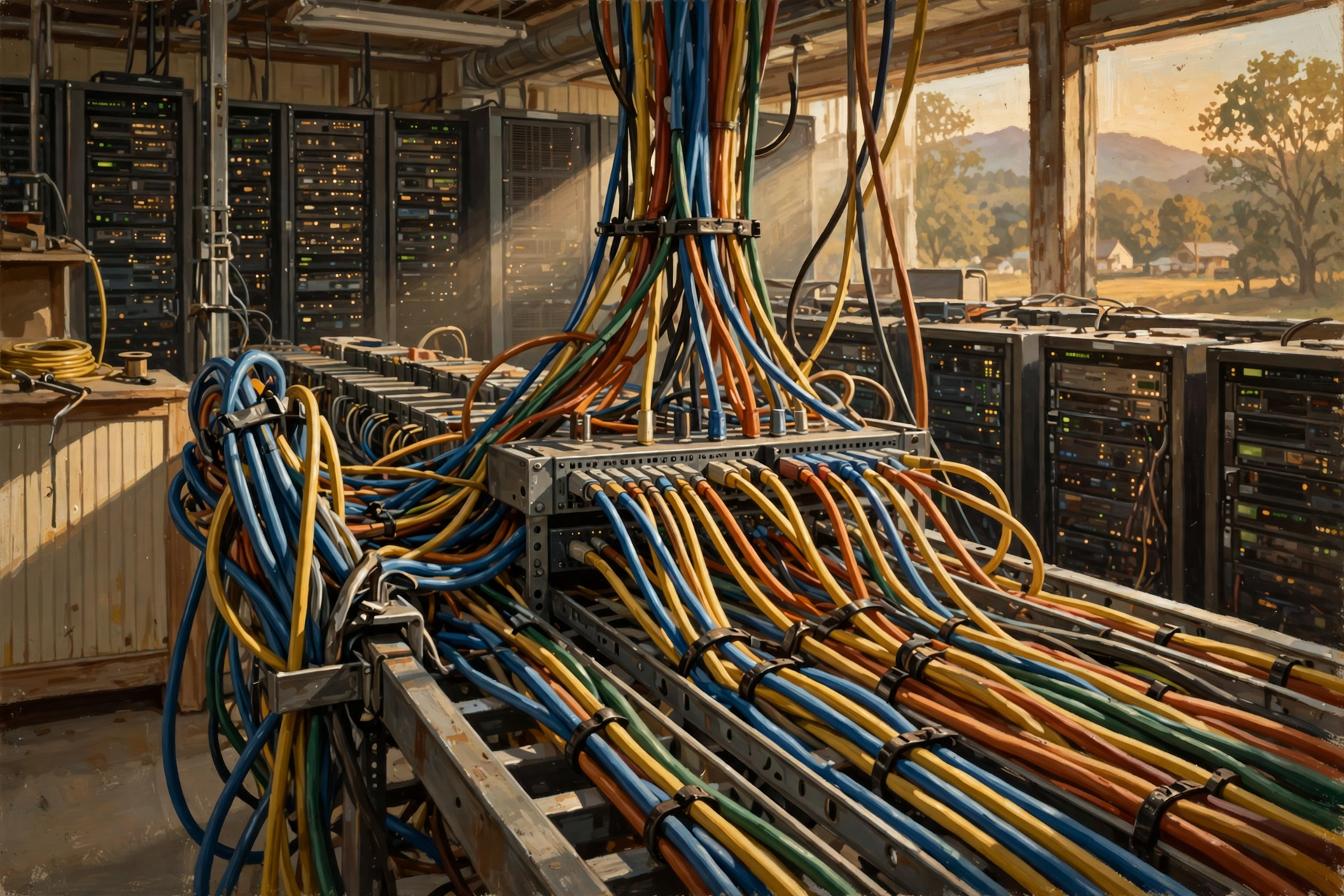
In an ordinary home computer, networking may feel like an accessory.
Inside a large data center, it can be fundamental.
Servers need to exchange information.
Storage may live on separate machines.
AI processors may work together across multiple servers.
Users are constantly sending requests in and receiving results back.
That means a powerful server connected through a terrible network can be like a world-class warehouse with a one-lane gravel driveway.
The machinery inside may be excellent.
Moving anything in or out becomes the problem.
Network Switches: The Traffic Intersections
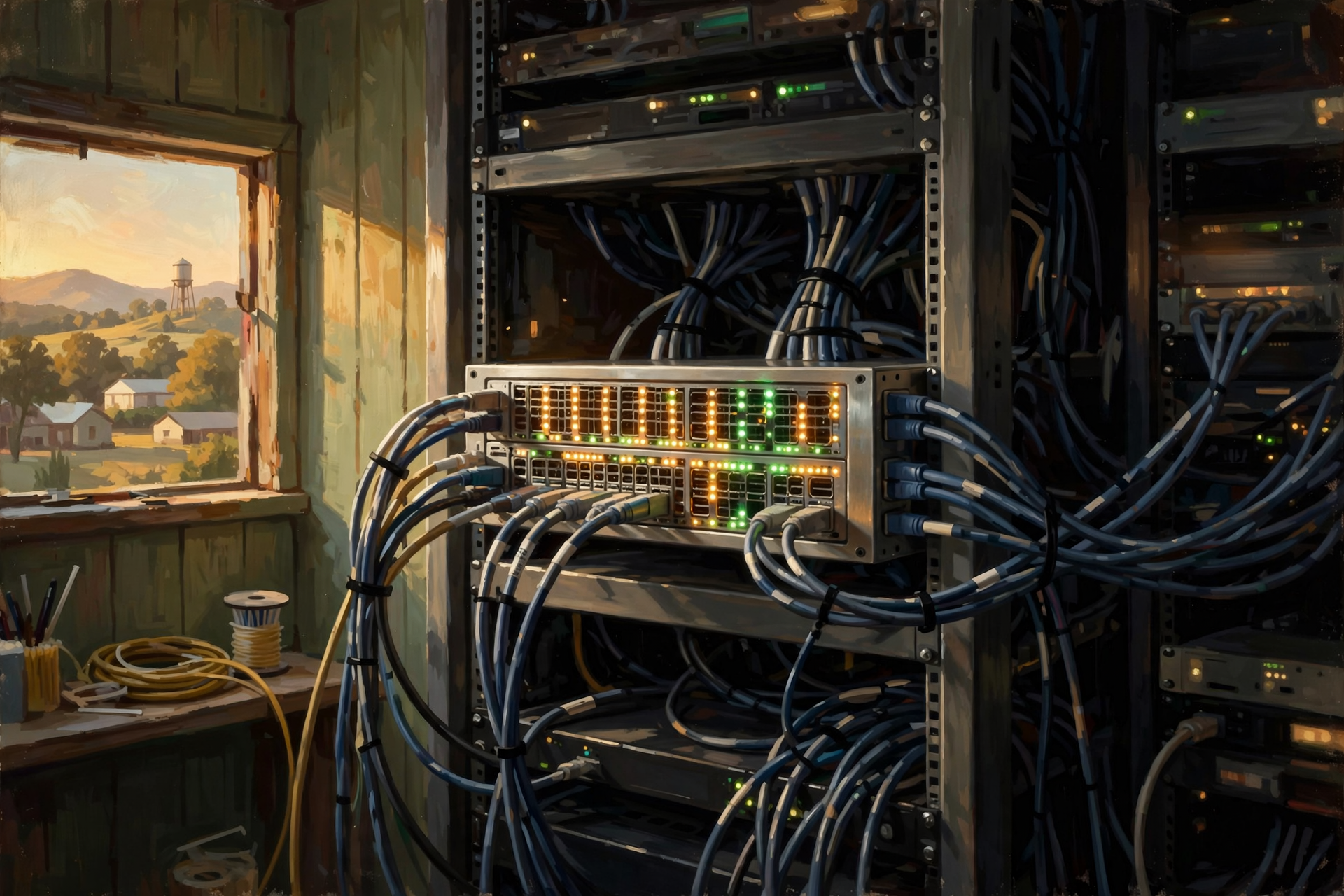
Servers connect through network switches and other networking equipment.
A switch helps direct information among connected devices.
Imagine thousands of houses trying to exchange deliveries with one another.
You need roads.
You need intersections.
You need an organized way to direct traffic.
Data centers need the digital equivalent.
And modern AI facilities can require particularly fast networks because many processors may need to exchange enormous quantities of information while working together.
So What Is Actually in One Server Rack?
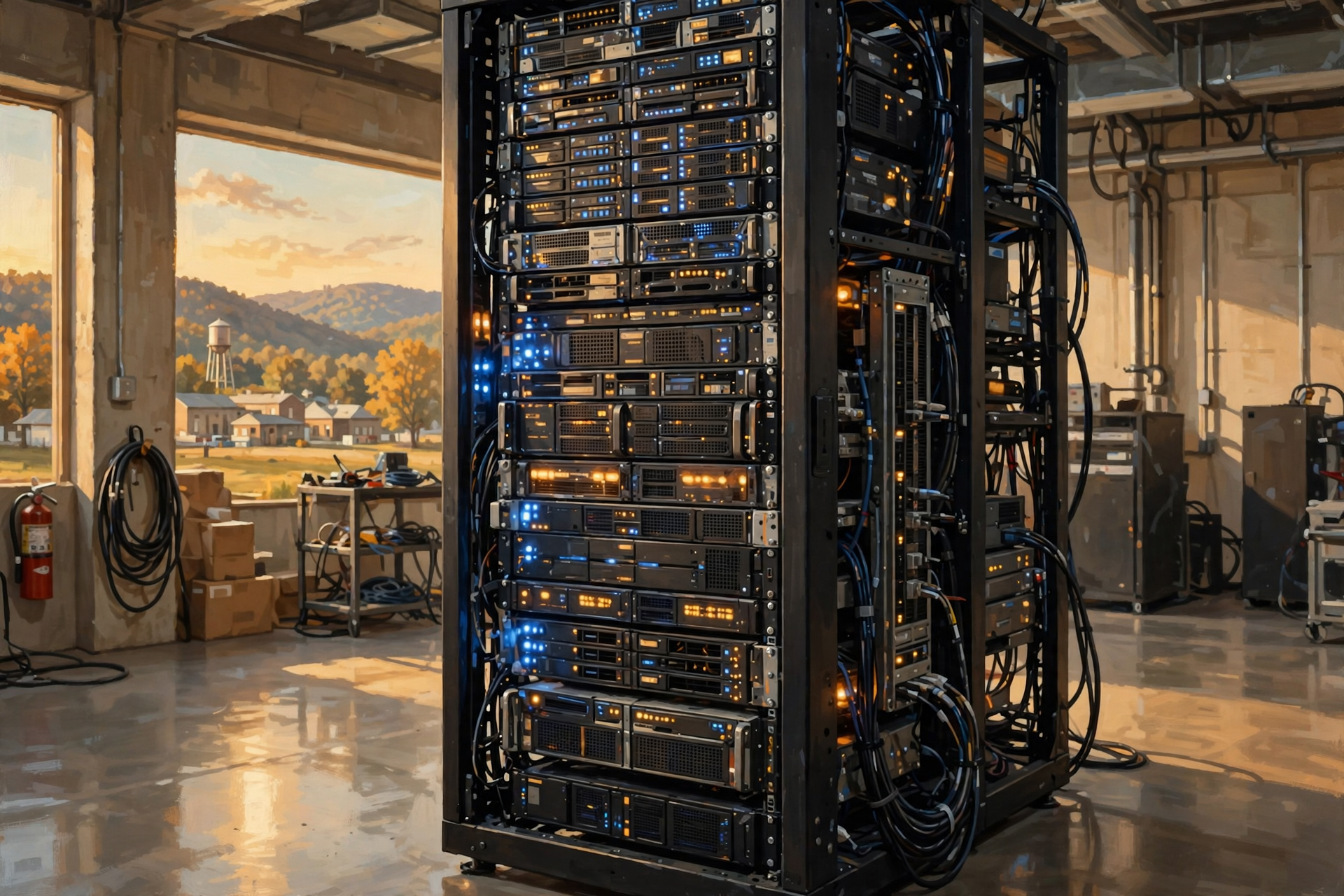
A rack is simply a standardized frame for installing equipment.
Depending on the facility and purpose, a rack might contain:
- general-purpose servers;
- GPU servers;
- storage systems;
- network switches;
- power-distribution equipment; and
- other supporting hardware.
Not every rack is identical.
One rack might be filled primarily with ordinary application servers.
Another might contain dense AI hardware.
Another might contain storage.
This distinction matters because two racks occupying exactly the same amount of floor space can have dramatically different:
- electrical requirements;
- heat output;
- cooling requirements;
- cost; and
- computing capability.
Think of a Rack Like a Tool Chest
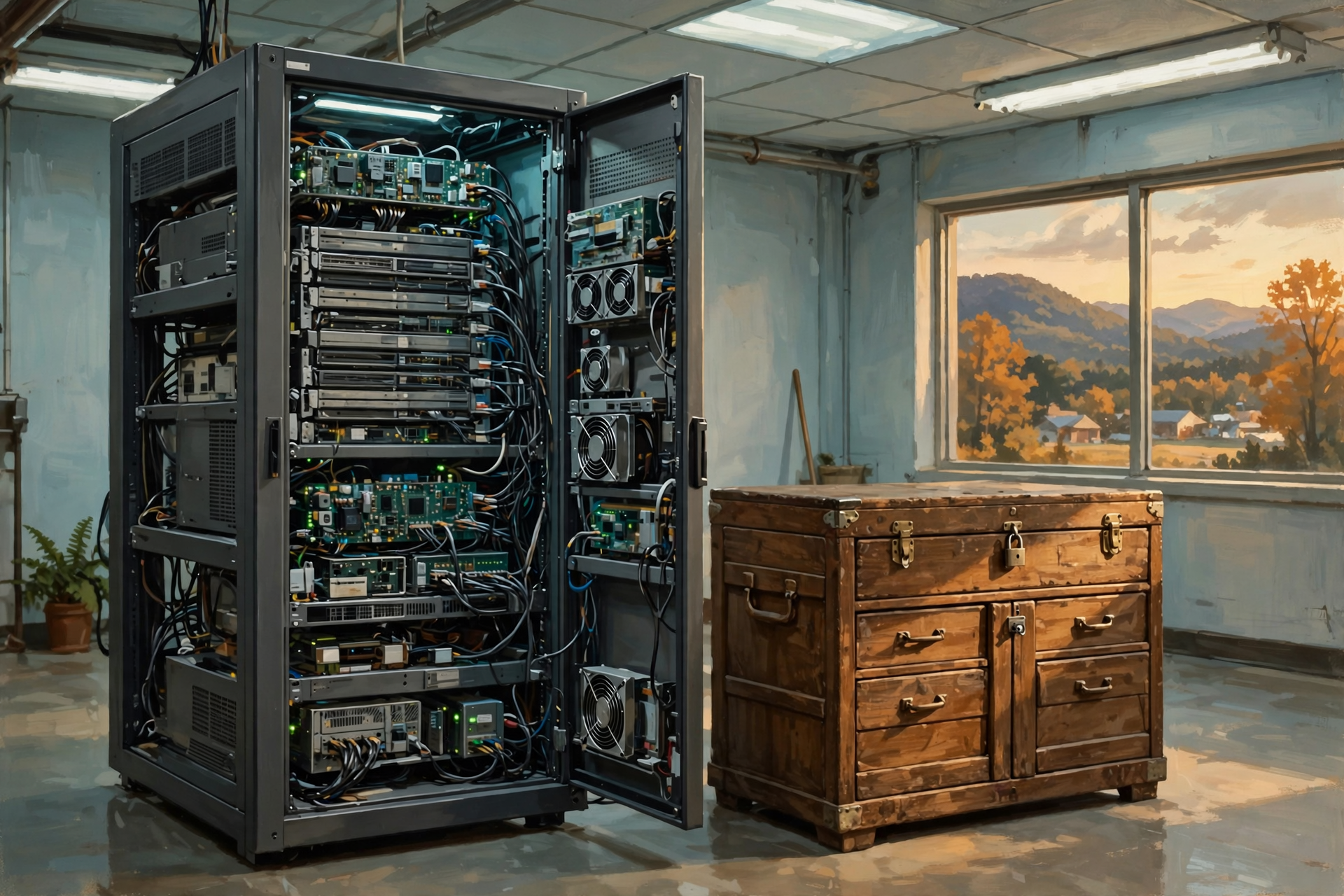
Two tool chests can be exactly the same size.
One might contain screwdrivers, pliers and an old hammer.
The other might contain $50,000 worth of precision equipment.
The outside dimensions tell you almost nothing about what the chest can do.
The same goes for a server rack.
What matters is the equipment installed inside.
Why AI Changes the Rack
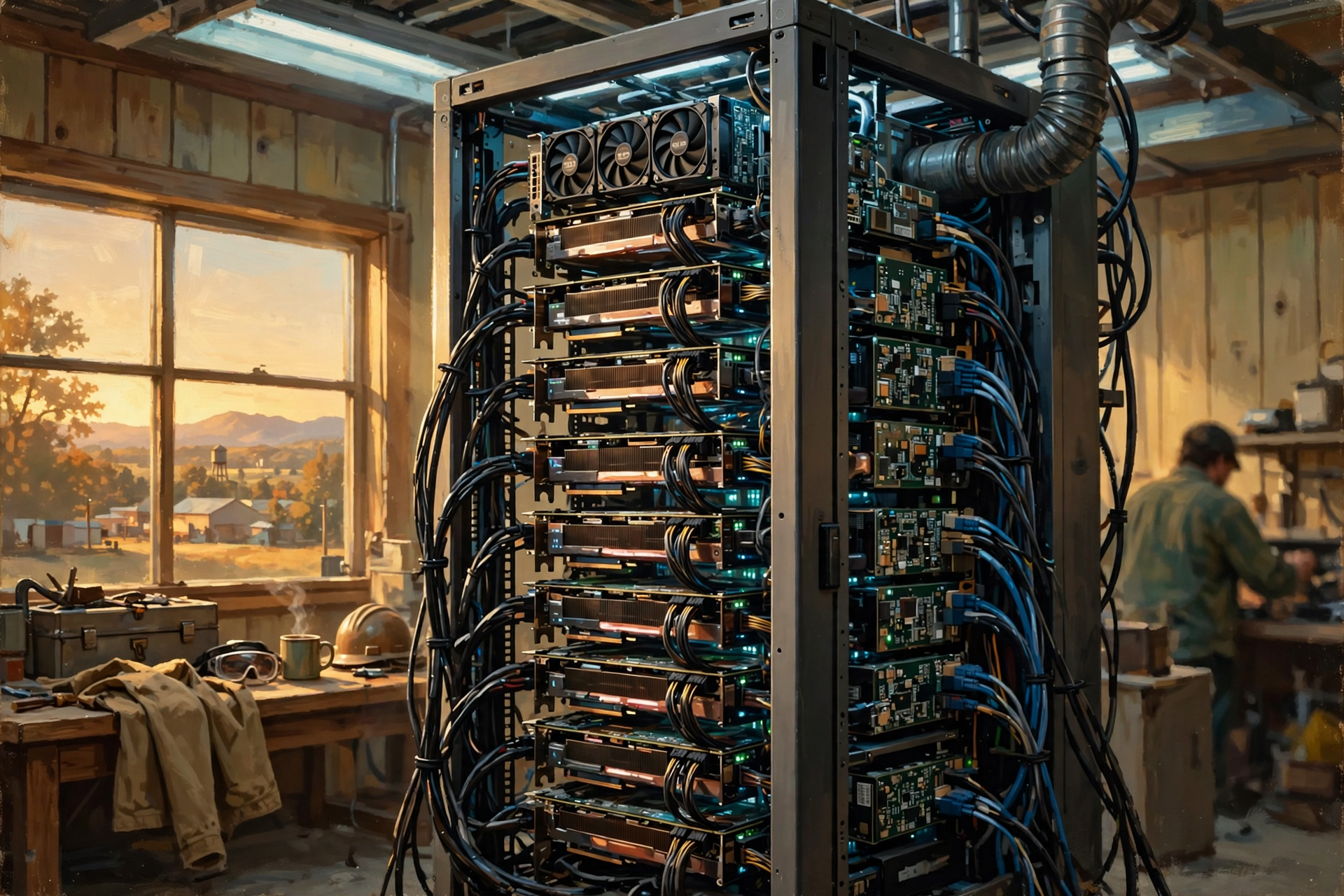
Traditional servers might primarily use CPUs with moderate amounts of memory.
A modern AI server can pack multiple high-powered GPUs into the same chassis.
That allows the rack to perform vastly more AI computation.
It can also increase:
- electrical demand;
- heat density;
- networking requirements; and
- cooling requirements.
This is why an AI data center cannot always be understood simply by counting buildings or square feet.
What is installed inside the rack matters enormously.
What About ASICs and Other Accelerators?
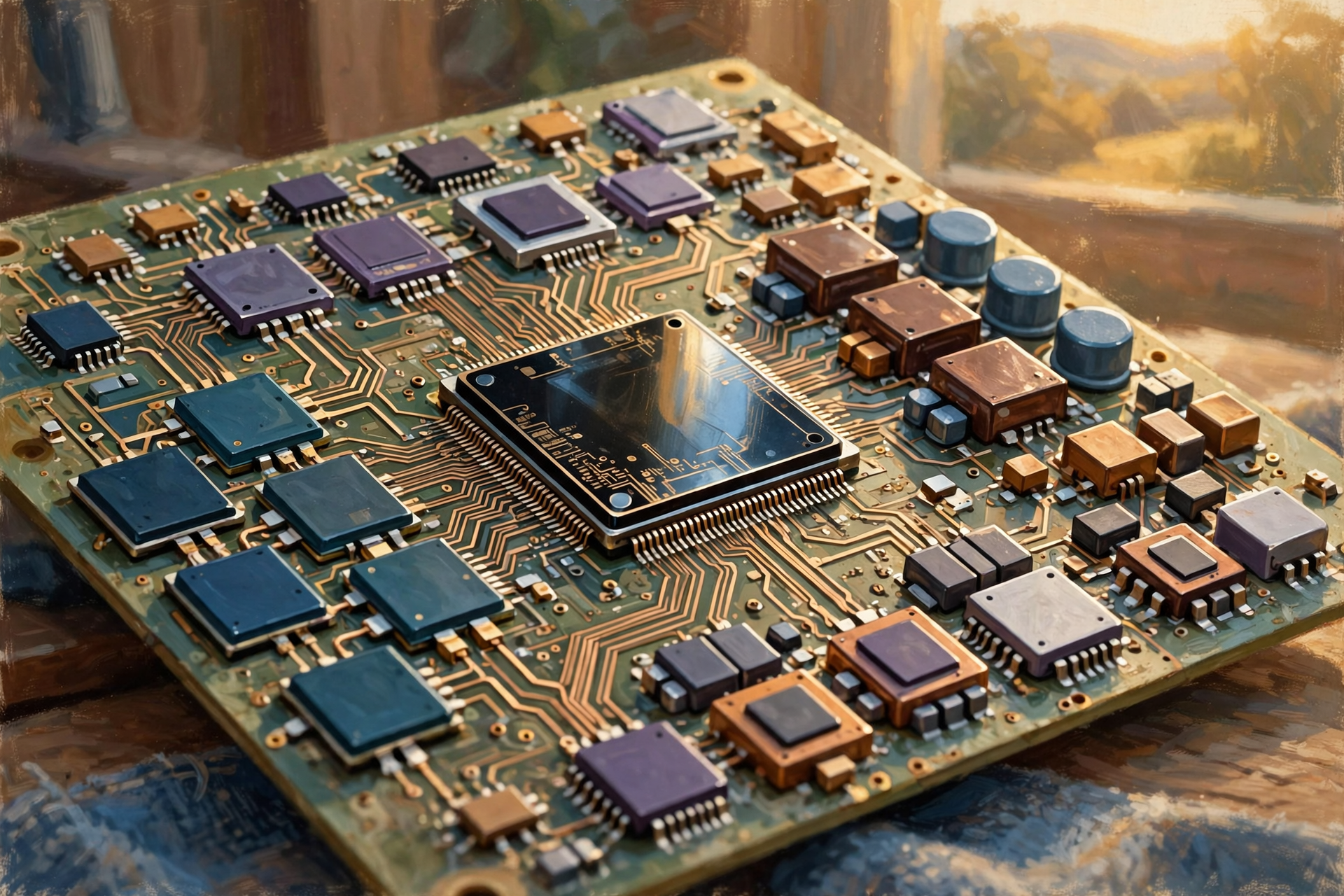
GPUs get enormous attention because they are widely used for modern AI.
But they are not the only specialized computing hardware.
An ASIC is an application-specific integrated circuit—a chip designed for a particular class of work.
Other specialized accelerators can also be built for:
- AI;
- networking;
- encryption;
- video processing;
- storage management; and
- other specialized tasks.
The general principle is easy to understand.
A Swiss Army knife is wonderfully flexible.
But if you spend eight hours every day cutting down trees, you probably want a chainsaw.
Specialization can make certain jobs dramatically more efficient.
Why Doesn’t Everything Use Specialized Chips?

Because specialization comes with tradeoffs.
A CPU can do an enormous variety of jobs.
A highly specialized processor may be extraordinarily good at one category of work and considerably less useful for everything else.
This is why modern computing increasingly looks like a team rather than one processor doing everything.
The CPU handles broad general-purpose work.
GPUs tackle parallel workloads.
NPUs or other accelerators handle specialized AI operations.
Storage retains information.
RAM keeps current information close.
The network moves everything around.
There Is No Single “Computer” Doing All the Work Anymore
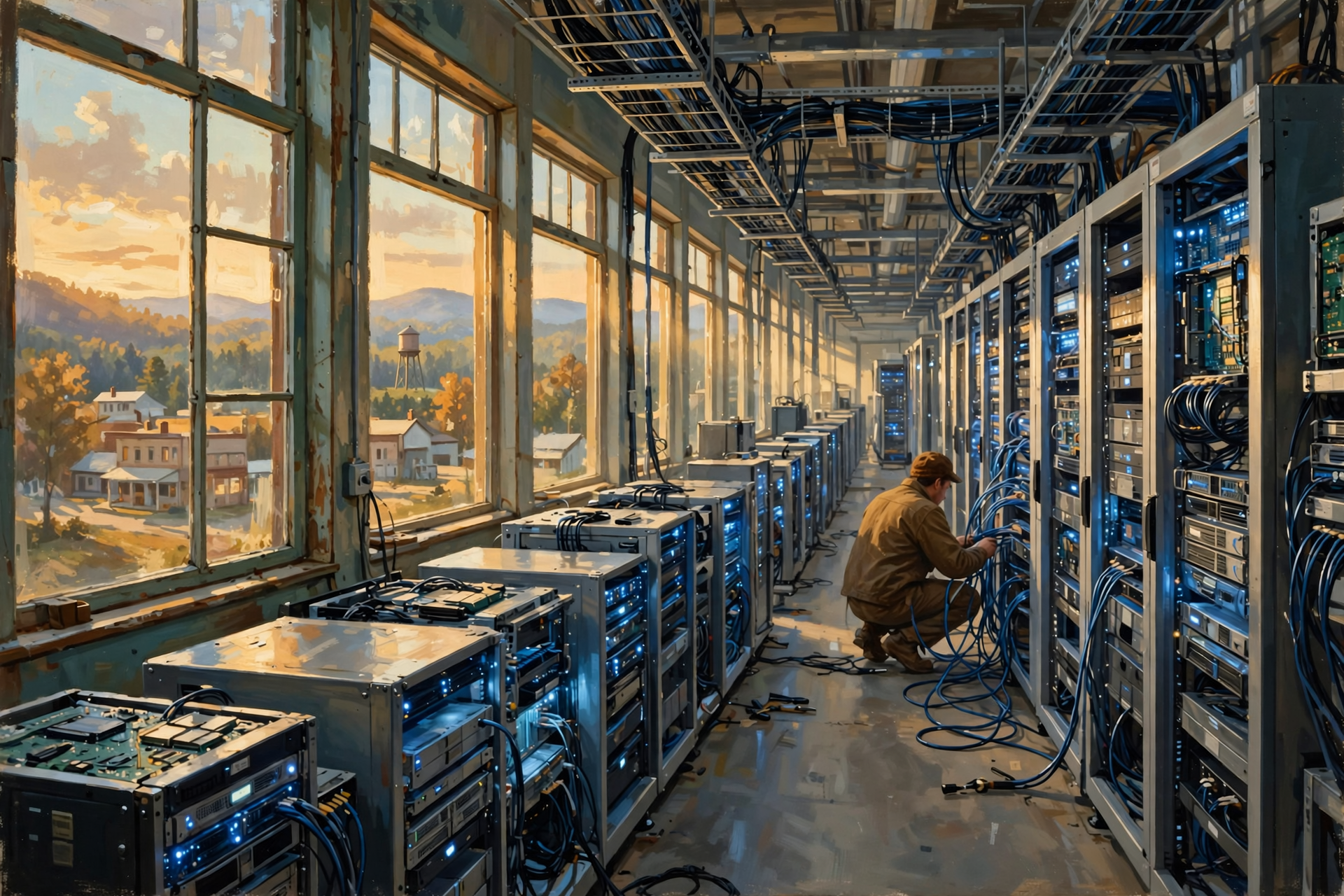
This may be the biggest conceptual shift.
On your desk, the computer appears to be one box.
Inside the data center, one digital service may depend on:
- hundreds or thousands of servers;
- many CPUs;
- many GPUs;
- large memory pools;
- distributed storage;
- specialized accelerators;
- high-speed internal networks; and
- multiple buildings.
The service feels like one computer to you.
Physically, it may be an entire fleet.
A Data Center Is a Team Sport

Imagine a large farm operation.
You have:
- a tractor;
- a combine;
- a truck;
- a skid steer;
- a grain bin;
- a workshop;
- fuel storage;
- tools; and
- people coordinating all of it.
Asking which one is “the farm machine” misses the point.
Different machines do different jobs.
The farm works because they work together.
A data center is similar.
The CPU is not the data center.
The GPU is not the data center.
The server is not the whole data center.
Storage is not the whole data center.
They are pieces of a larger system.
Hold On—Is That True? “A GPU Is Just a Faster CPU”

No.
A GPU and CPU are designed differently and optimized for different kinds of computation.
A GPU can be dramatically faster than a CPU for highly parallel workloads.
A CPU may be much better suited for tasks requiring flexible general-purpose logic and sequential decision-making.
Faster depends on the job.
A chainsaw cuts trees faster than a screwdriver.
That does not make the screwdriver obsolete when you need to remove a screw.
Hold On—Is That True? “RAM and Storage Are the Same Thing”
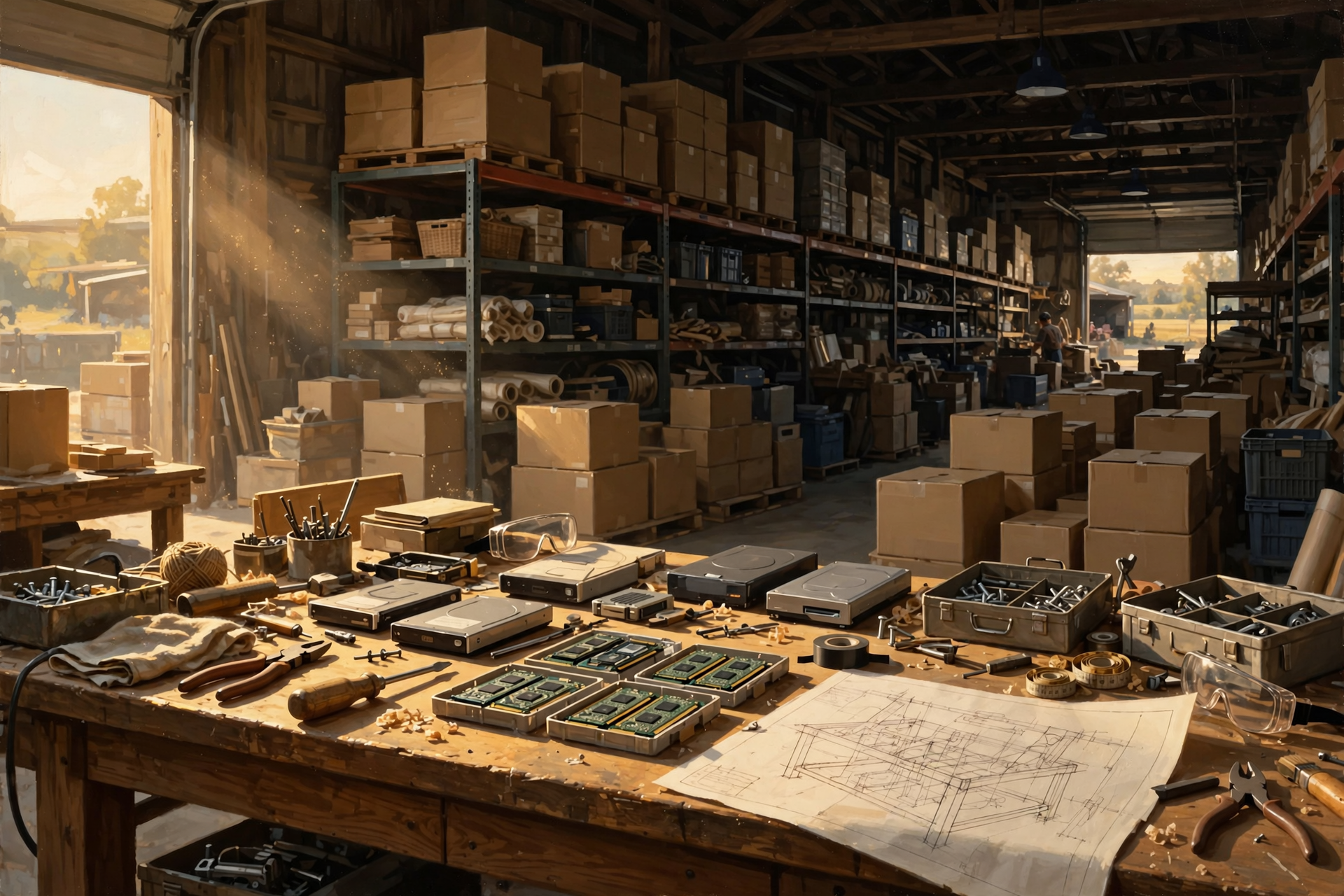
No.
RAM is fast working memory used while the computer is actively processing information.
Persistent storage retains information for later use.
A useful analogy is:
RAM is the workbench. Storage is the warehouse.
You need both.
Hold On—Is That True? “A Server Is a Huge Supercomputer”
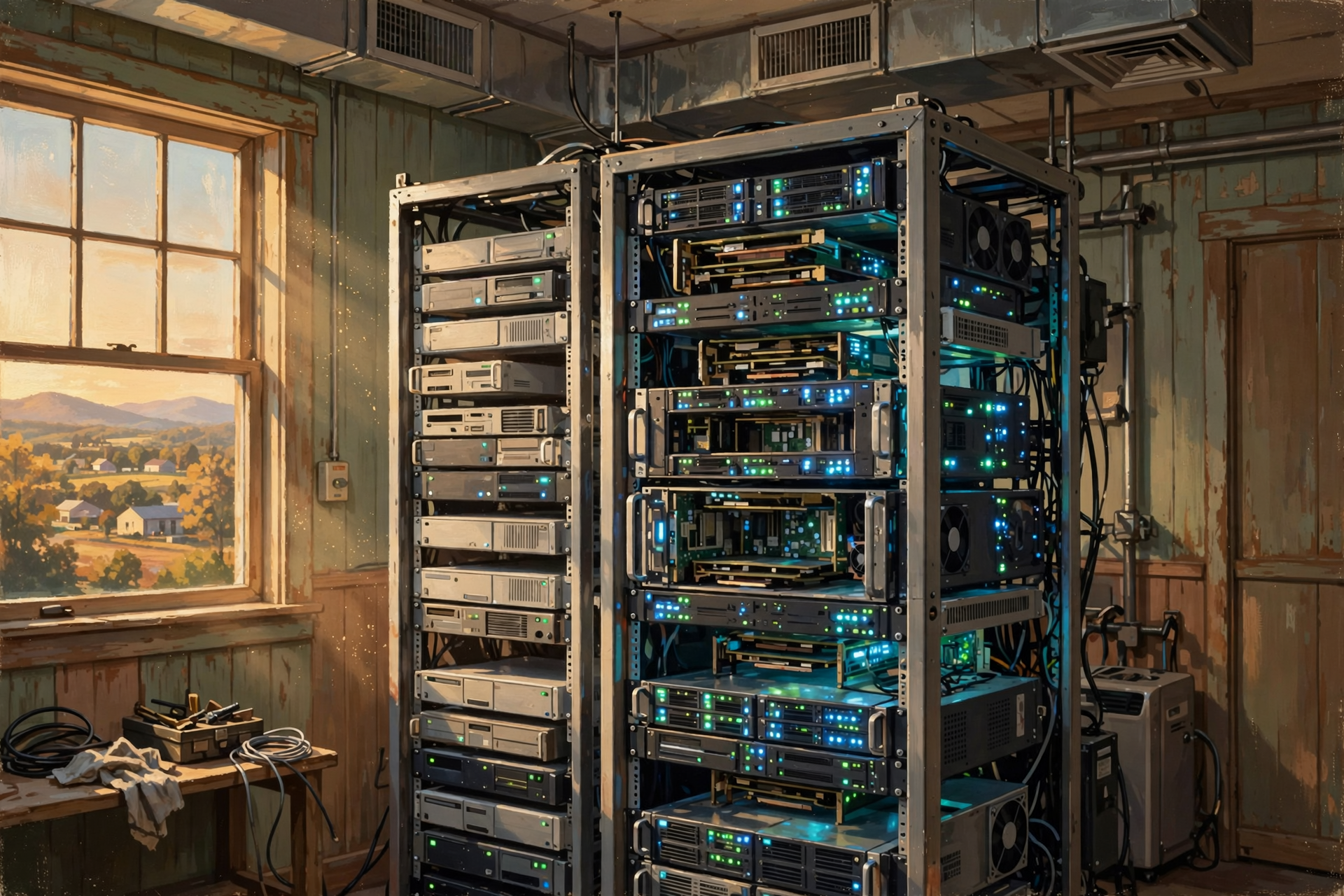
Not necessarily.
A server is fundamentally a computer designed to provide services to other systems or users.
Some servers are modest.
Others are extremely powerful.
An AI server containing multiple expensive GPUs can provide extraordinary computing performance, but the word server by itself does not tell you how powerful the machine is.
Hold On—Is That True? “More GPUs Always Means Better AI”

No.
More processors provide more potential computing capacity, but useful performance also depends on:
- software;
- model design;
- memory;
- networking;
- storage speed;
- processor utilization;
- the particular workload; and
- how efficiently the whole system works together.
A farm with 100 tractors is not automatically more productive if 80 of them are sitting in traffic waiting to enter the field.
Why This Matters When a Community Evaluates a Data Center
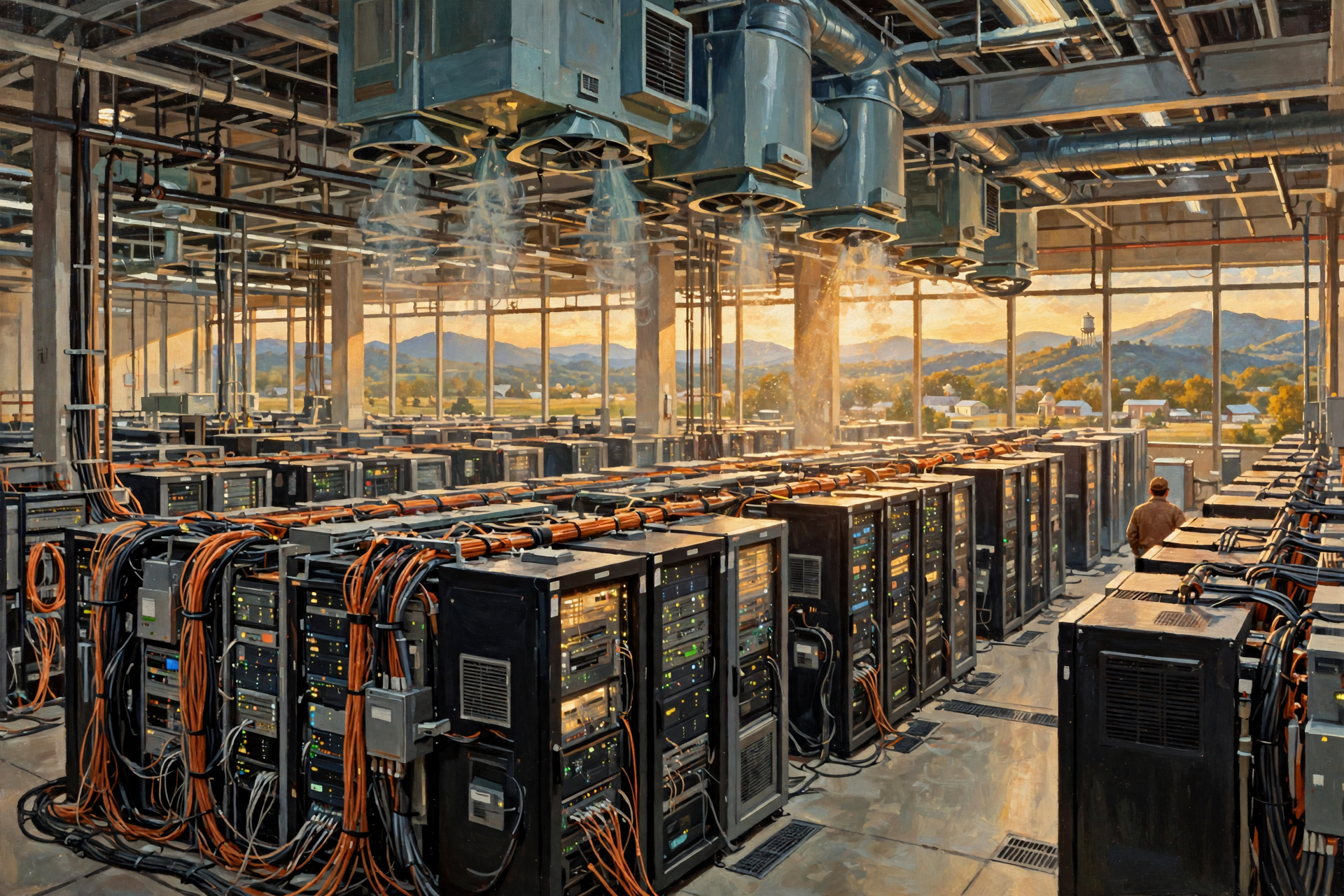
At first glance, CPUs and GPUs may sound like technical details that only computer engineers need to understand.
But the equipment inside the building eventually determines much of what happens outside it.
A facility containing ordinary servers may have one electrical and cooling profile.
A high-density AI facility containing racks packed with powerful accelerators may have another.
That difference can affect:
- how much electrical capacity the site needs;
- what kind of substation is required;
- how much heat must be removed;
- what cooling technology is practical;
- whether water becomes part of the cooling design;
- how much backup power is installed;
- how much fiber capacity is needed; and
- how much future expansion the site can support.
So when someone says:
“A data center is being proposed.”
one useful follow-up question is:
What kind of computing equipment will actually be installed?
Seven Questions Worth Asking About the Hardware
- Is the facility primarily general-purpose cloud computing, AI computing, storage or a mixture?
- Will the servers contain high-powered GPUs or other AI accelerators?
- What is the expected power requirement per rack?
- How many racks are planned at full buildout?
- What type of cooling will the hardware require?
- How much network and fiber capacity will the facility need?
- How might future generations of hardware change the site’s electrical or cooling requirements?
You do not need to understand the model number printed on every processor.
You need to understand what class of machine is going into the building and what that means for the infrastructure around it.
Plain-English Glossary
CPU: Central processing unit. A flexible general-purpose processor responsible for executing instructions and coordinating many of a computer’s activities.
Core: An individual processing unit inside a CPU capable of performing instructions.
GPU: Graphics processing unit. A processor designed to perform large numbers of calculations in parallel and widely used for graphics, AI and scientific computing.
NPU: Neural processing unit. Specialized hardware designed to perform certain artificial-intelligence calculations efficiently.
RAM: Random access memory. Fast temporary working memory used by processors while programs are operating.
Storage: Systems used to retain digital information for later retrieval.
SSD: Solid-state drive. Persistent storage using electronic memory rather than spinning disks.
HDD: Hard disk drive. Persistent storage using magnetically recorded spinning disks.
Server: A computer designed to provide data or computing services to other computers, applications or users.
Rack: A standardized frame used to organize servers, networking equipment and other data-center hardware.
Accelerator: Specialized hardware designed to perform a particular class of computation efficiently.
ASIC: Application-specific integrated circuit. A chip designed around a more specialized function or workload.
Network switch: Equipment that connects computers and helps direct information between them.
FAQ

Which is more important, the CPU or GPU?
Neither is universally more important. They perform different kinds of work. General-purpose computing relies heavily on CPUs, while GPUs are particularly valuable for highly parallel workloads such as many AI calculations.
Does every server have a GPU?
No. Many servers operate entirely with CPUs. GPUs and other accelerators are added when the workloads benefit from specialized processing.
Does every data center run AI?
No. Data centers support websites, databases, business applications, cloud services, storage, communications, streaming, government systems and many other workloads in addition to artificial intelligence.
Is RAM where my files are saved?
Not permanently. RAM holds information being actively used. Your saved documents and photographs normally reside on persistent storage designed to retain information when power is turned off.
Why do AI systems need so much memory?
AI processors need rapid access to model information and working data. Powerful processors can waste significant time if the information they need cannot be delivered quickly enough.
Could one giant server replace an entire data center?
No practical single machine can provide all the capacity, storage, reliability, networking and flexibility required by the world’s largest digital services. Data centers distribute work among many systems.
Why not make every server identical?
Different workloads benefit from different balances of processing, memory, storage, networking and acceleration. A machine optimized for AI training may look very different internally from one optimized for long-term storage or a business database.
Wisdom From the Front Porch

You wouldn’t plow the field with the pickup, haul cattle with the combine or store hay on the tractor seat. Computers have specialized equipment for the same reason: different jobs need different tools.
That is the easiest way to remember what all these machines are doing.
The CPU is the flexible general-purpose worker.
The GPU brings enormous parallel muscle.
RAM is the workbench holding what we need right now.
Storage is the warehouse remembering what we need later.
The server packages those components into a working computer.
The network lets all those computers communicate.
And the data center provides the electricity, cooling, buildings, fiber, security and infrastructure that let thousands of those systems work together.
Once you understand the machinery inside the rack, the machinery outside the building begins to make much more sense.
Want to Learn More About the Machines Behind AI?

If today’s tour through CPUs, GPUs, servers, memory and storage helped turn the data center from a mysterious box into something understandable, that is exactly what this series is intended to do.
The Van Buren Digital Frontier Symposium on November 19 provides another opportunity to learn about artificial intelligence, data centers and the physical infrastructure supporting the rapidly growing digital economy.
You do not need to know how to design a CPU or program a GPU to have something useful to contribute. Once these machines are installed by the thousands, they create questions about electricity, cooling, land, utilities, fiber, construction, jobs and long-term community planning—subjects rural Tennesseans understand very well.
The purpose of learning more is not to arrive already convinced that a particular data center is good or bad. It is to understand what is actually being proposed, what equipment and infrastructure it requires, what opportunities it may create, what tradeoffs deserve examination and what questions should be answered before long-term decisions are made.
For more information, visit the Van Buren Digital Frontier Symposium listing on Dunlap.Directory or the Van Buren Digital Frontier Symposium Facebook page. Either resource can be used for additional information and event updates.
Other Articles In This Data Center Series

- Why Does Artificial Intelligence Need So Many Data Centers?
- What Happens When You Search Google? Follow One Question Through a Data Center
- What Happens When You Google Something? Follow a Search on a 500-Mile Digital Road Trip
- Not All Data Centers Are the Same: From a Server Closet to an AI Mega-Campus
- If AI Keeps Getting More Efficient, Why Do We Need More Data Centers?
- What Is the Difference Between My PC and an AI PC in a Data Center?
- What Is a Data Center—and What Does It Actually Do?
- A Tour Inside a Data Center: Servers, Racks, Cables and a Whole Lot of Air Conditioning
- Where Does “The Cloud” Actually Live? Inside Buildings Like These
- What Is a Data Center—and What Does It Actually Do?




0 Comments