
A Tour Inside a Data Center: Servers, Racks, Cables and a Whole Lot of Air Conditioning
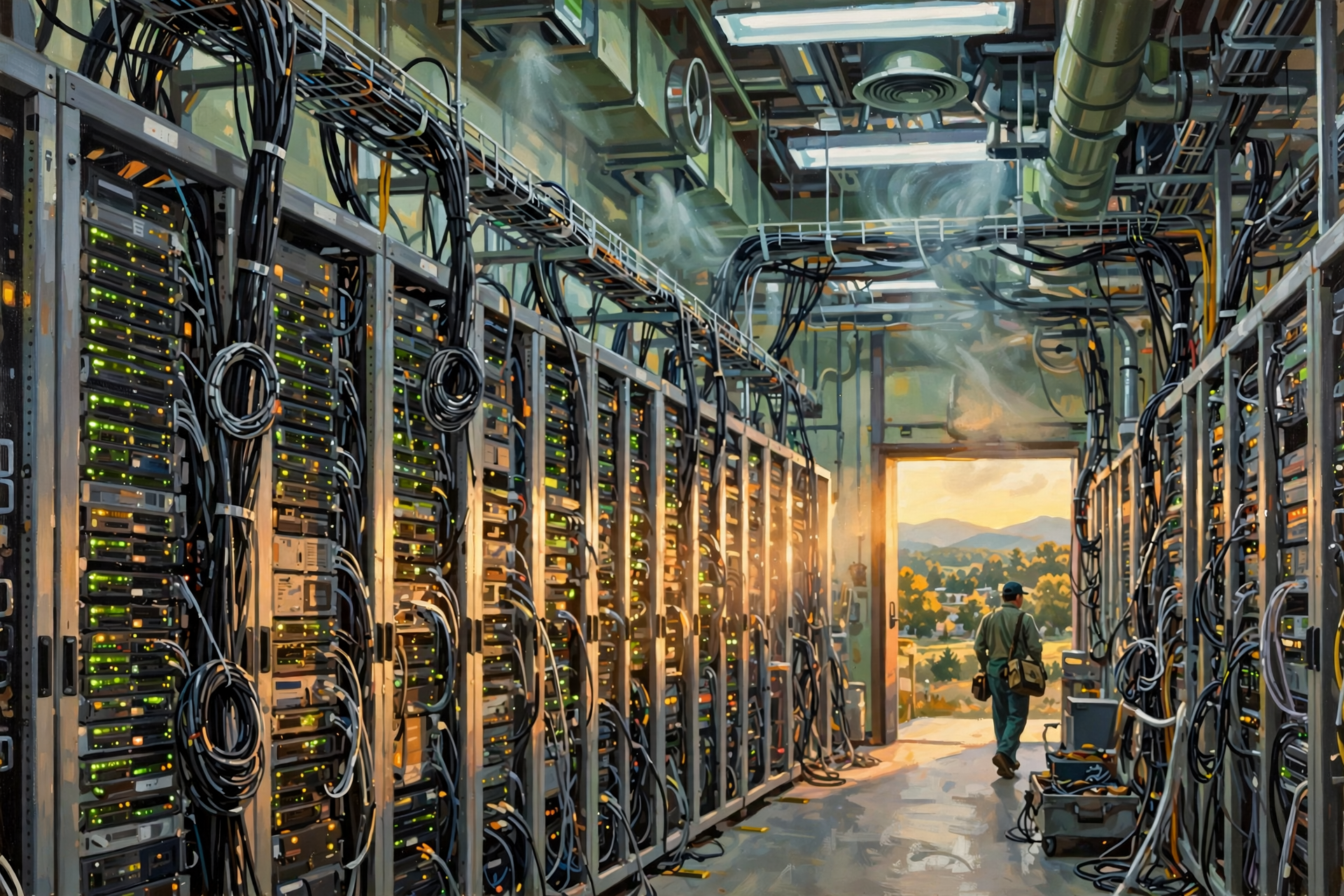
If you have ever driven past a large building with few windows, security fencing and enough electrical equipment outside to make an electrician smile, you may have wondered what is happening in there.
If the building is a data center, the answer is:
A whole lot more than computers sitting on shelves.
In the first article of our Inside the Data Center series, we learned what a data center is. In the second, we followed our information into “the cloud” and discovered that cloud computing still depends on very physical buildings, wires, electricity and machinery.
Now it is time to open the imaginary front door and walk inside.
Do not worry. We will not make you wear a badge, surrender your pocketknife or explain why you are carrying three different kinds of pliers.
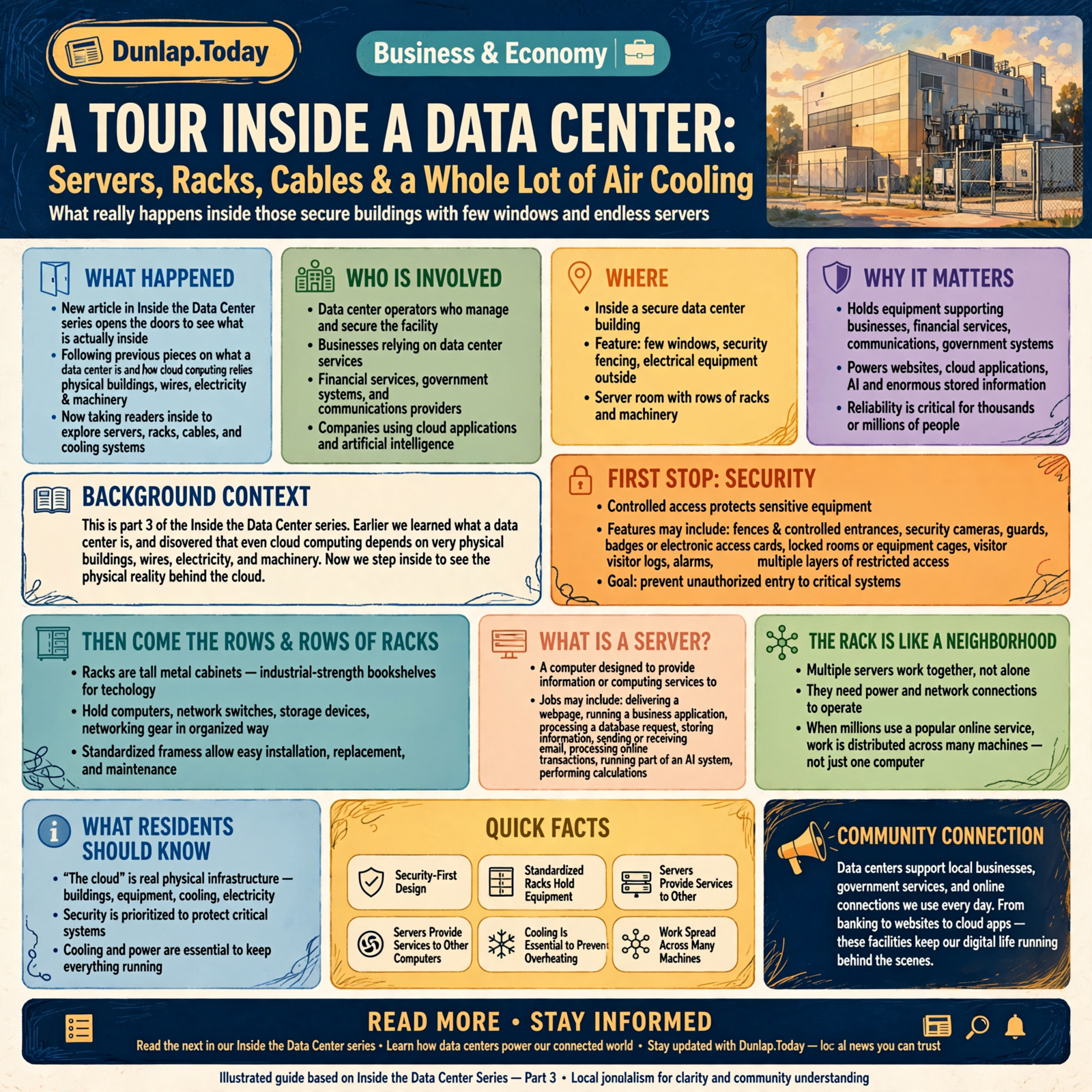
First Stop: Security
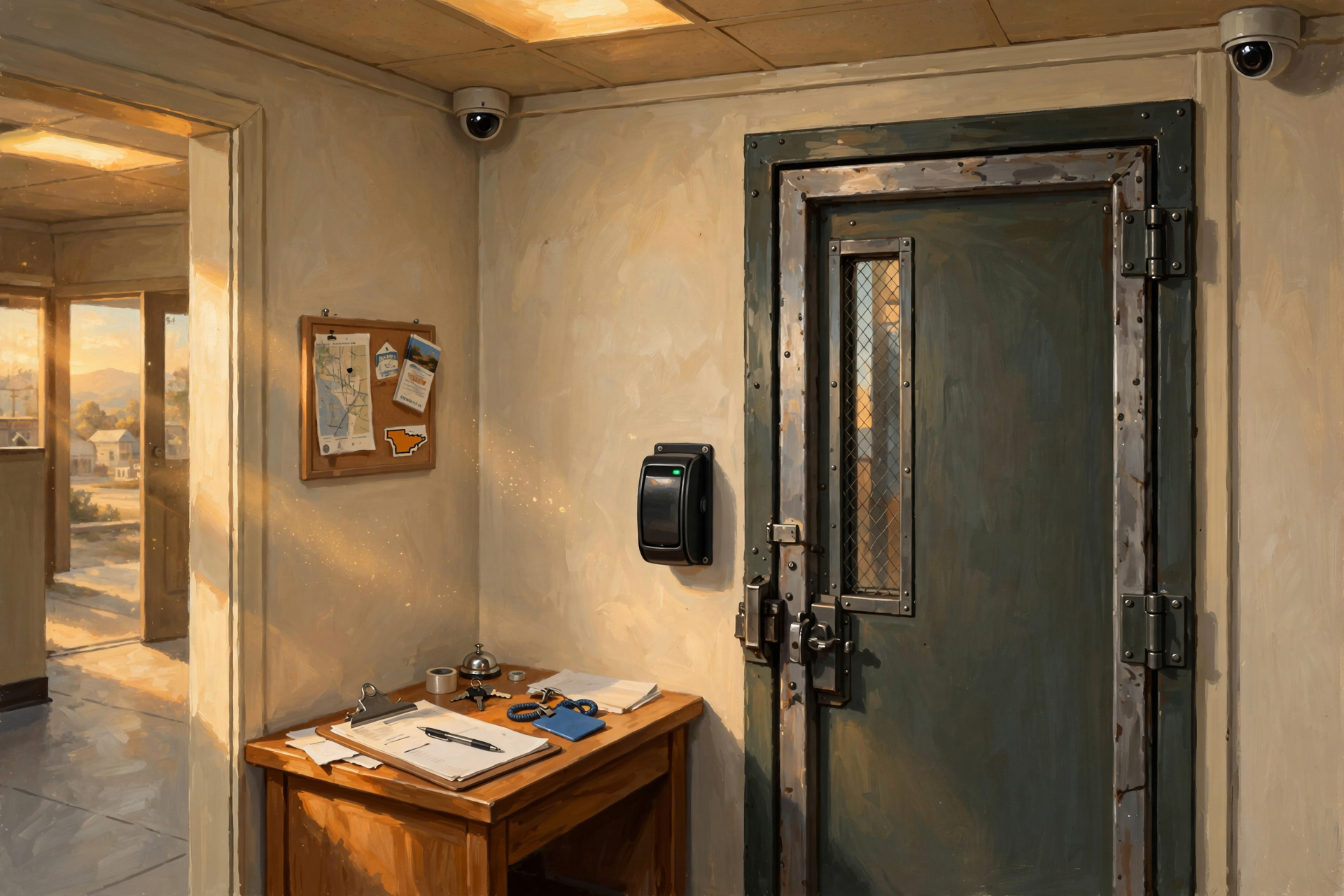
Before we reach the computers, we encounter something less glamorous but extremely important: controlled access.
Data centers can hold equipment supporting businesses, financial services, communications, government systems, websites, artificial intelligence, cloud applications and enormous amounts of stored information.
Operators therefore tend to care very much about who gets near the machinery.
Depending on the facility, physical security can include:
- fences and controlled entrances;
- security cameras;
- guards;
- badges or electronic access cards;
- locked rooms or equipment cages;
- visitor logs;
- alarms; and
- multiple layers of restricted access.
Not every data center has the same security design, but the basic idea is easy to understand.
If a building contains equipment that thousands or millions of people depend on, operators generally do not want somebody wandering in because they were looking for the restroom.
Then Come the Rows and Rows of Racks
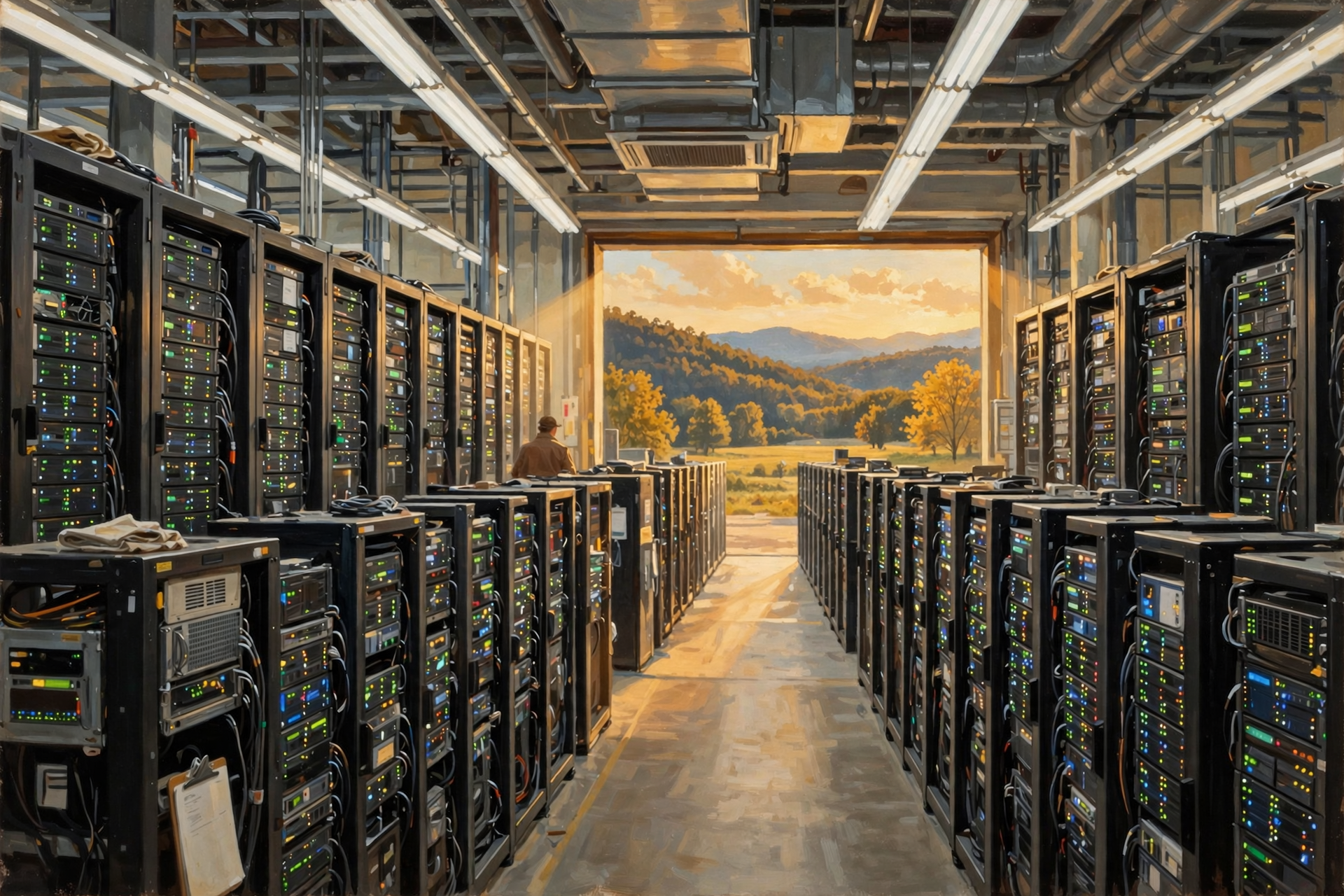
The part most people picture when they hear “data center” is the server room.
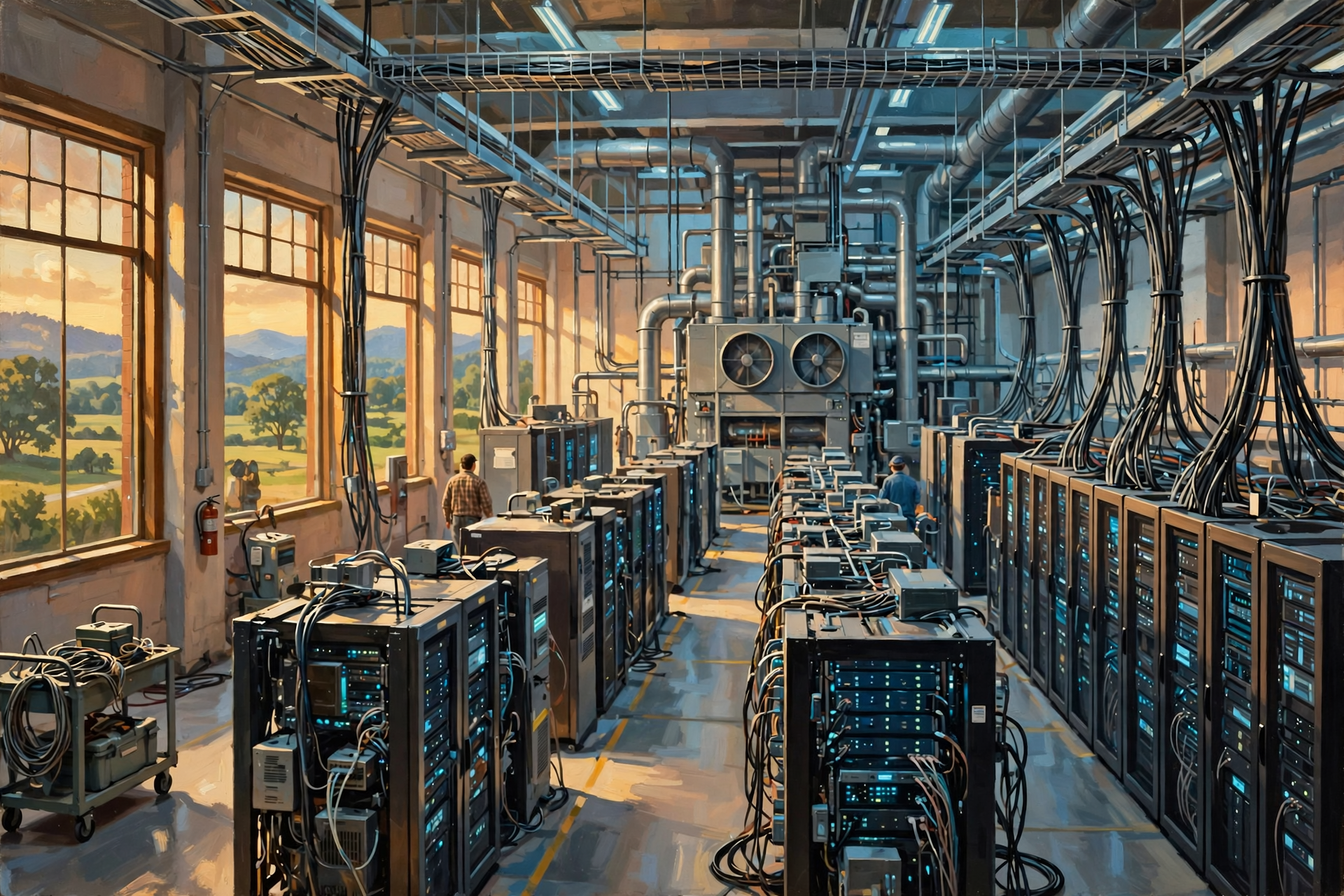
Imagine long rows of tall metal cabinets.
Those cabinets are called racks.
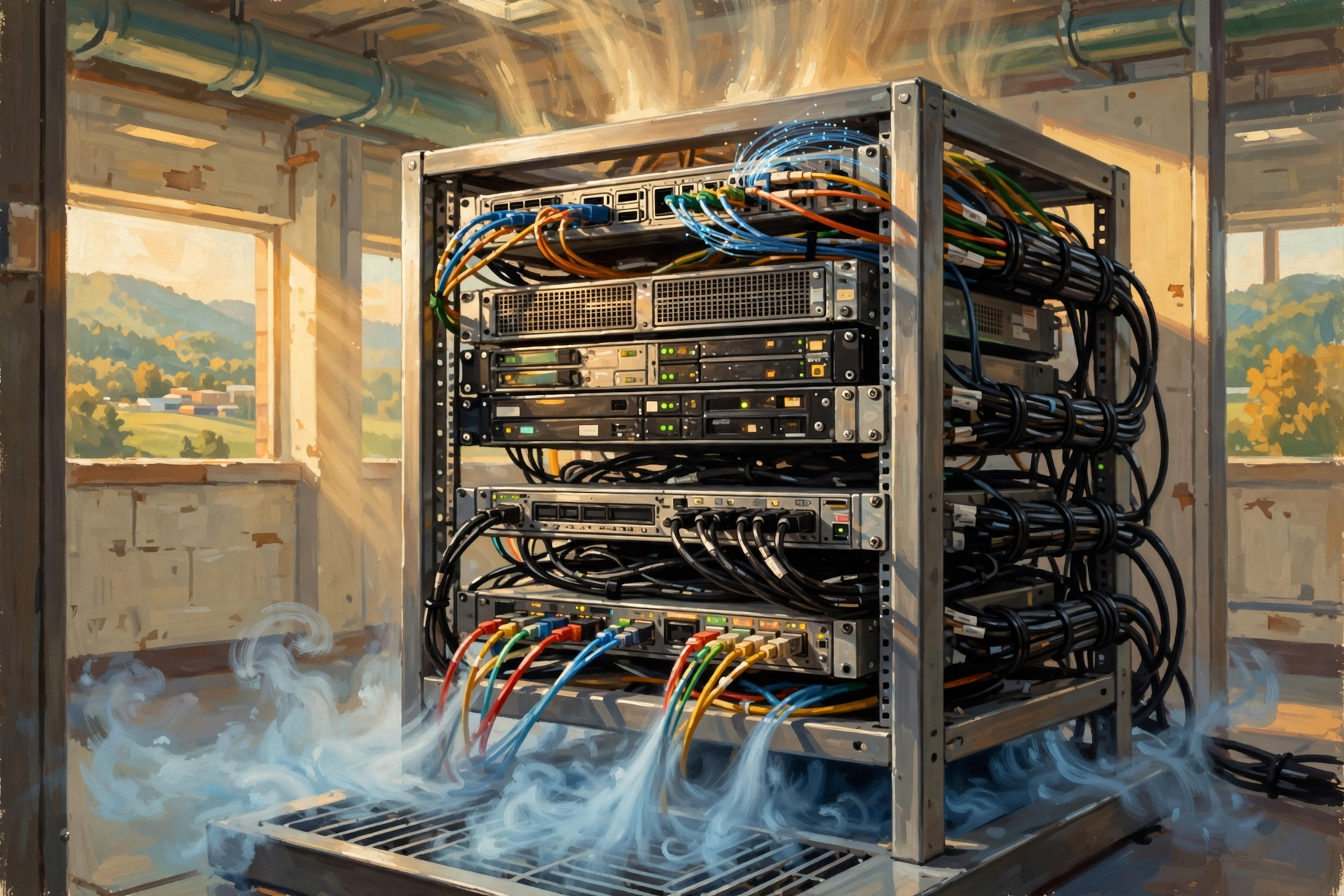
A rack is a standardized frame designed to hold computing and networking equipment in an organized way.
Think of it as an industrial-strength bookshelf.
Instead of encyclopedias, each shelf can hold computers, network switches, storage devices and related equipment.
The standardized design matters because data-center operators may need to install, replace and maintain enormous numbers of components.
If every computer required a custom table from somebody’s garage, data centers would become very large furniture projects.
What Is a Server?
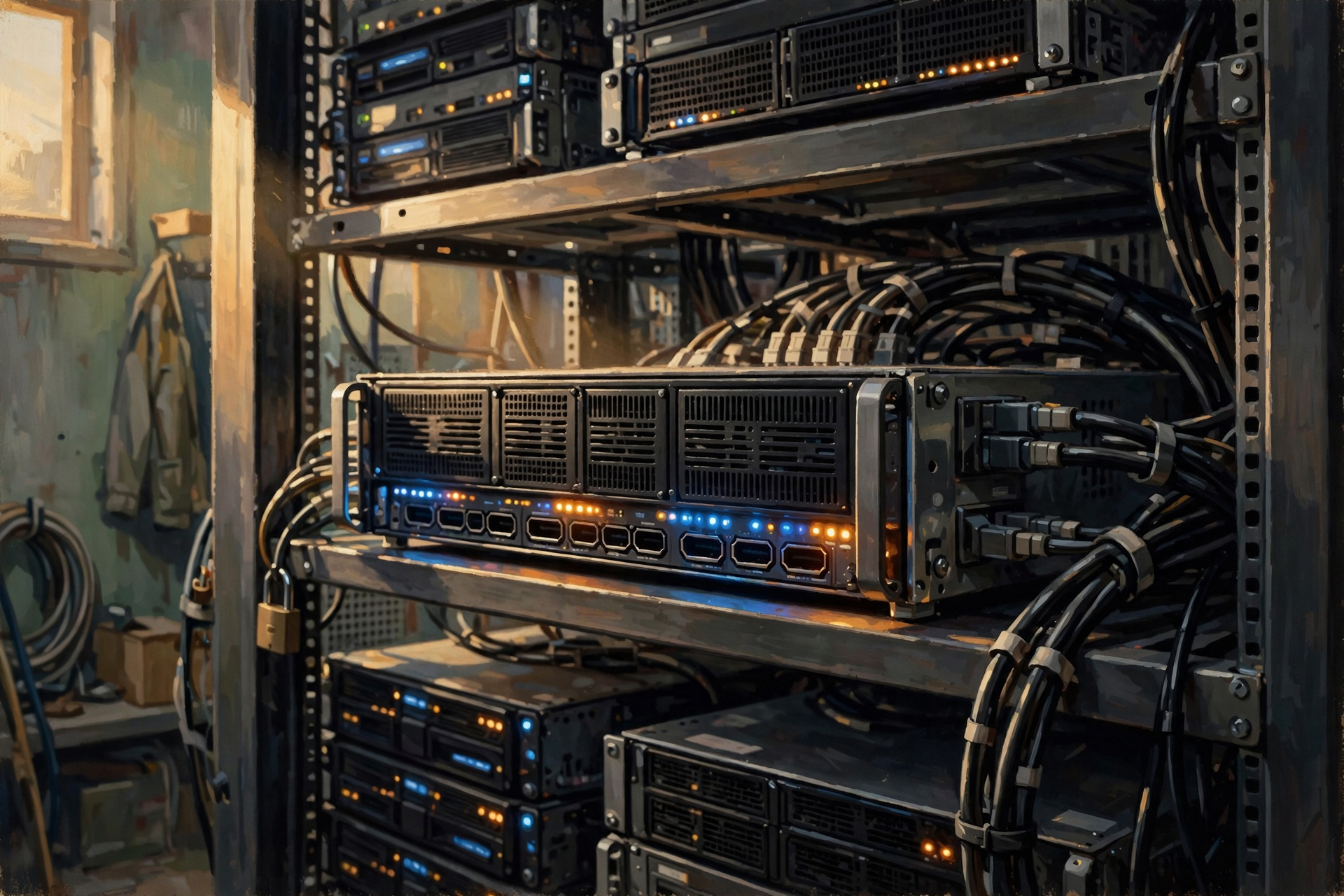
We introduced servers earlier in the series, but now we can look at them more closely.
A server is simply a computer designed to provide information or computing services to other computers.
Depending on its job, a server might:
- deliver a webpage;
- run a business application;
- process a database request;
- store information;
- send or receive email;
- process an online transaction;
- run part of an artificial-intelligence system; or
- perform calculations for another application.
One server can perform many jobs, and large services may spread one job across many servers.
That last point is important.
When millions of people use a popular online service, there usually is not one heroic computer somewhere sweating through every request.
The work can be distributed across many machines.
The Rack Is More Like a Neighborhood Than a Filing Cabinet
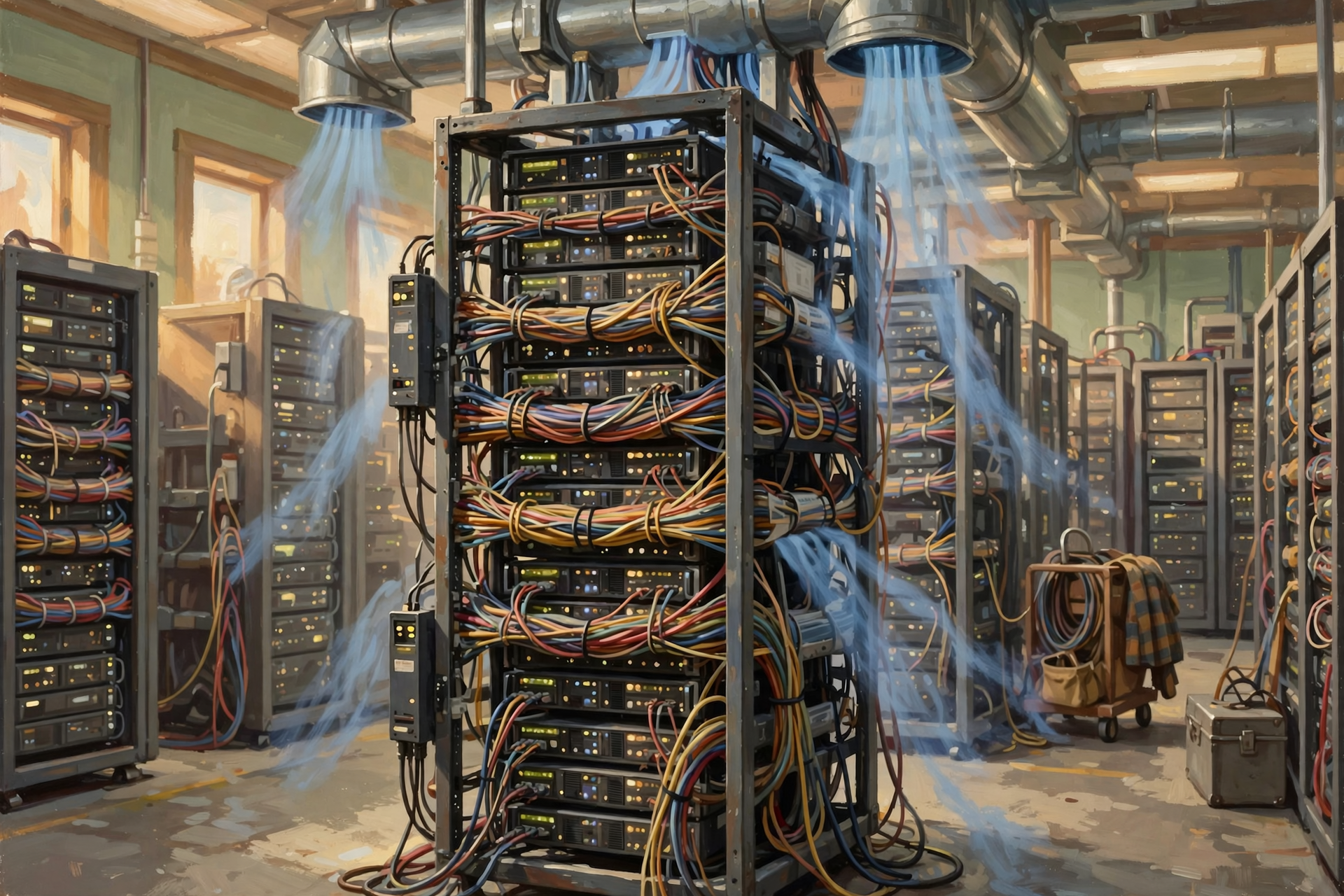
A rack may contain multiple servers, but those machines do not operate in isolation.
They need power.
They need network connections.
They produce heat.
They may communicate constantly with other computers.
So a rack is better understood as a little neighborhood of equipment connected to a much larger city.
The individual server is one building.
The network is the road system.
The power distribution is the electric utility.
The cooling system is the neighborhood’s air-conditioning system.
And somewhere, somebody is responsible for making sure the whole town does not quit working at 2:00 in the morning.
Follow the Data: From One Server to Another
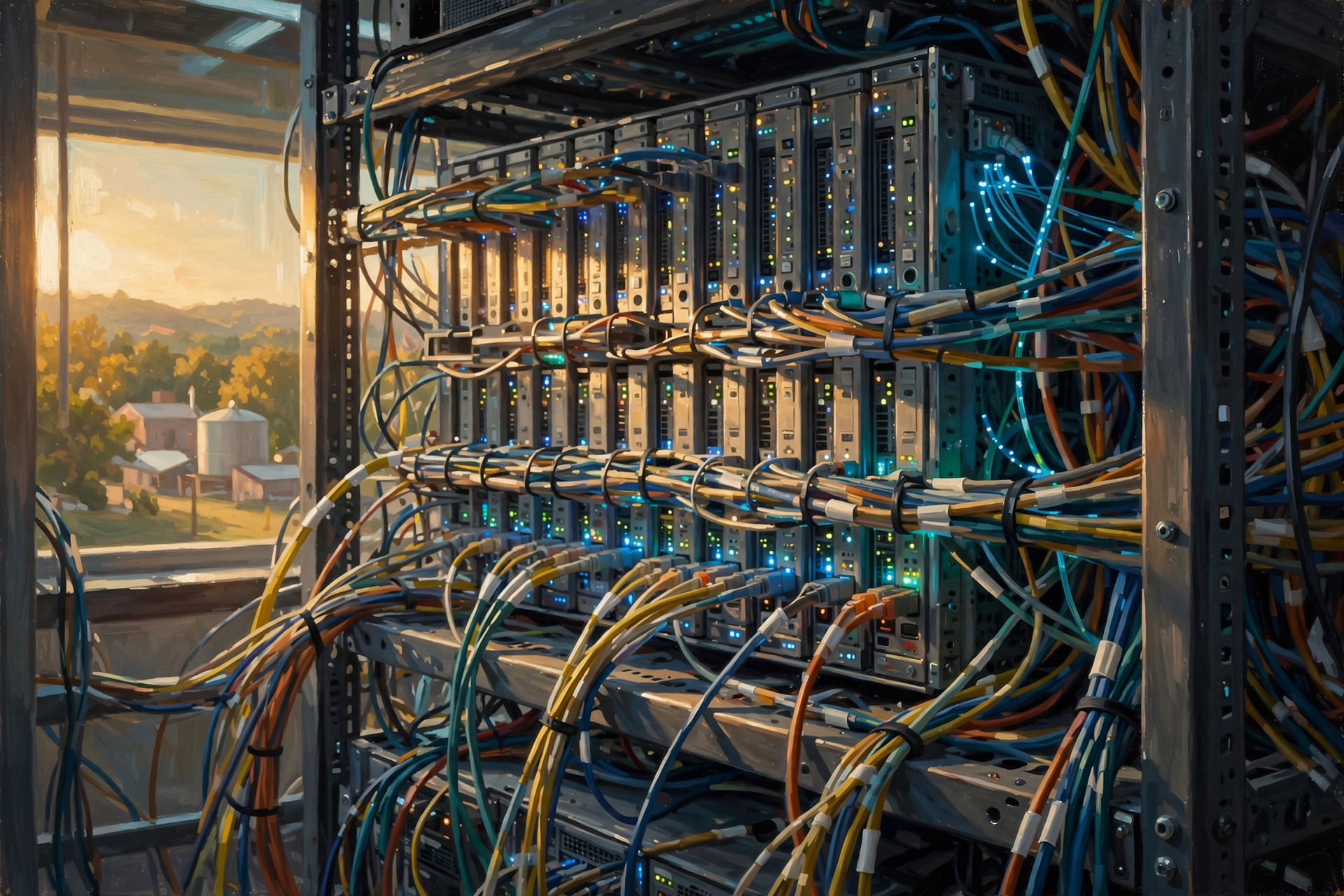
Suppose you open an online store and search for a pair of work boots.
Your request may require several different systems to cooperate.
- Your request arrives through the network.
- A server receives the request.
- Another system may check the product database.
- A storage system may retrieve photographs.
- Another service may determine whether the item is in stock.
- A different system may calculate shipping or taxes.
- The results are assembled.
- The completed webpage is sent back to you.
To you, one webpage appeared.
Behind the scenes, multiple computers may have been talking to each other at remarkable speed.
The Cables: Where the Digital World Gets Surprisingly Physical
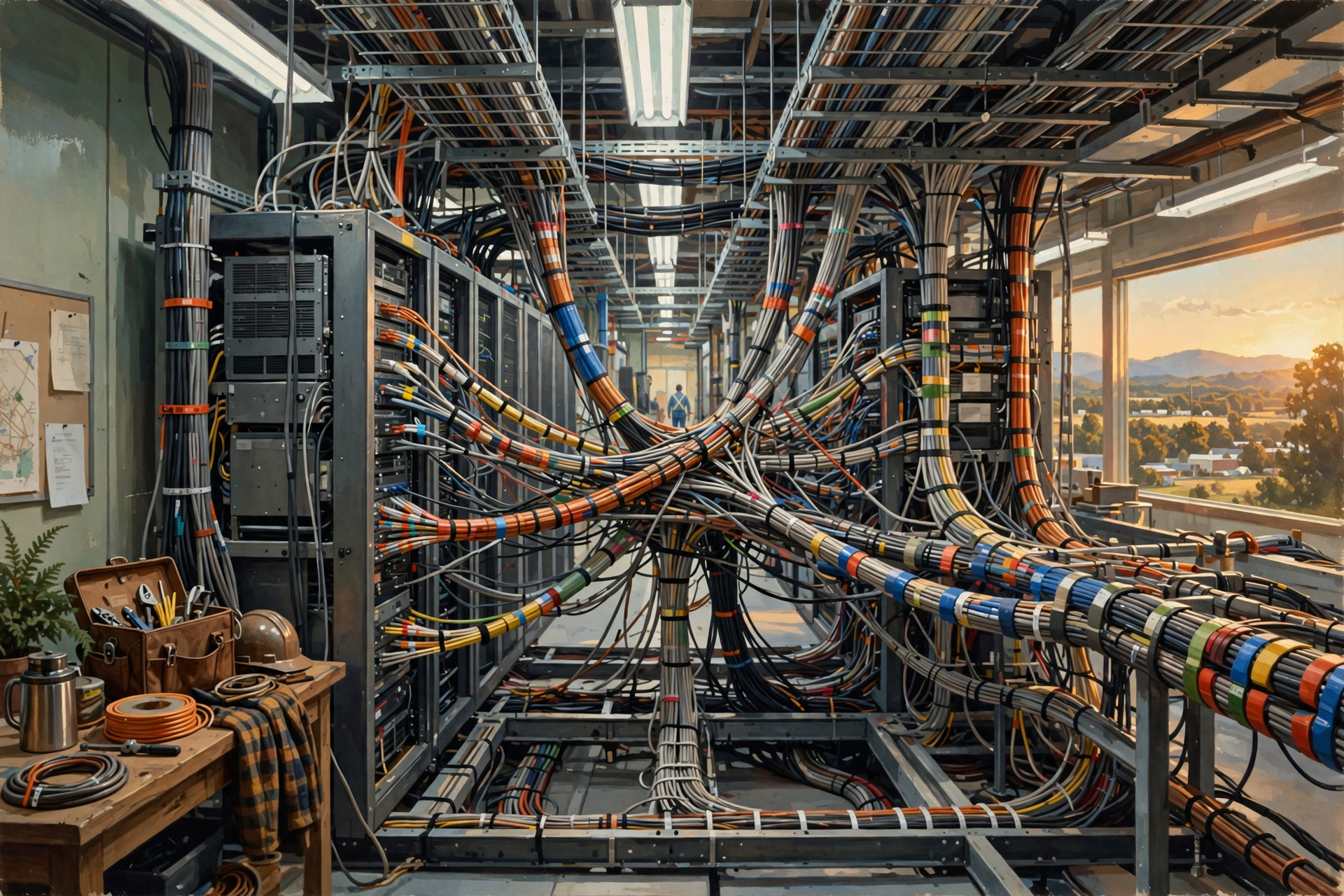
Look behind almost any serious piece of technology and eventually you will find somebody trying to manage cables.
Data centers simply take that experience to industrial scale.
Computers must communicate with one another and with networks outside the building.
That requires network connections.
Some connections use copper cabling. Many high-speed connections use fiber-optic cable.
Fiber sends information using pulses of light.
That sentence is worth stopping on for a moment.
Your photograph, bank transaction, online order or search request may literally travel part of its journey as flashes of light through a strand of glass.
We have become so accustomed to the internet that we sometimes forget how remarkable the underlying engineering actually is.
Network Switches: The Traffic Intersections
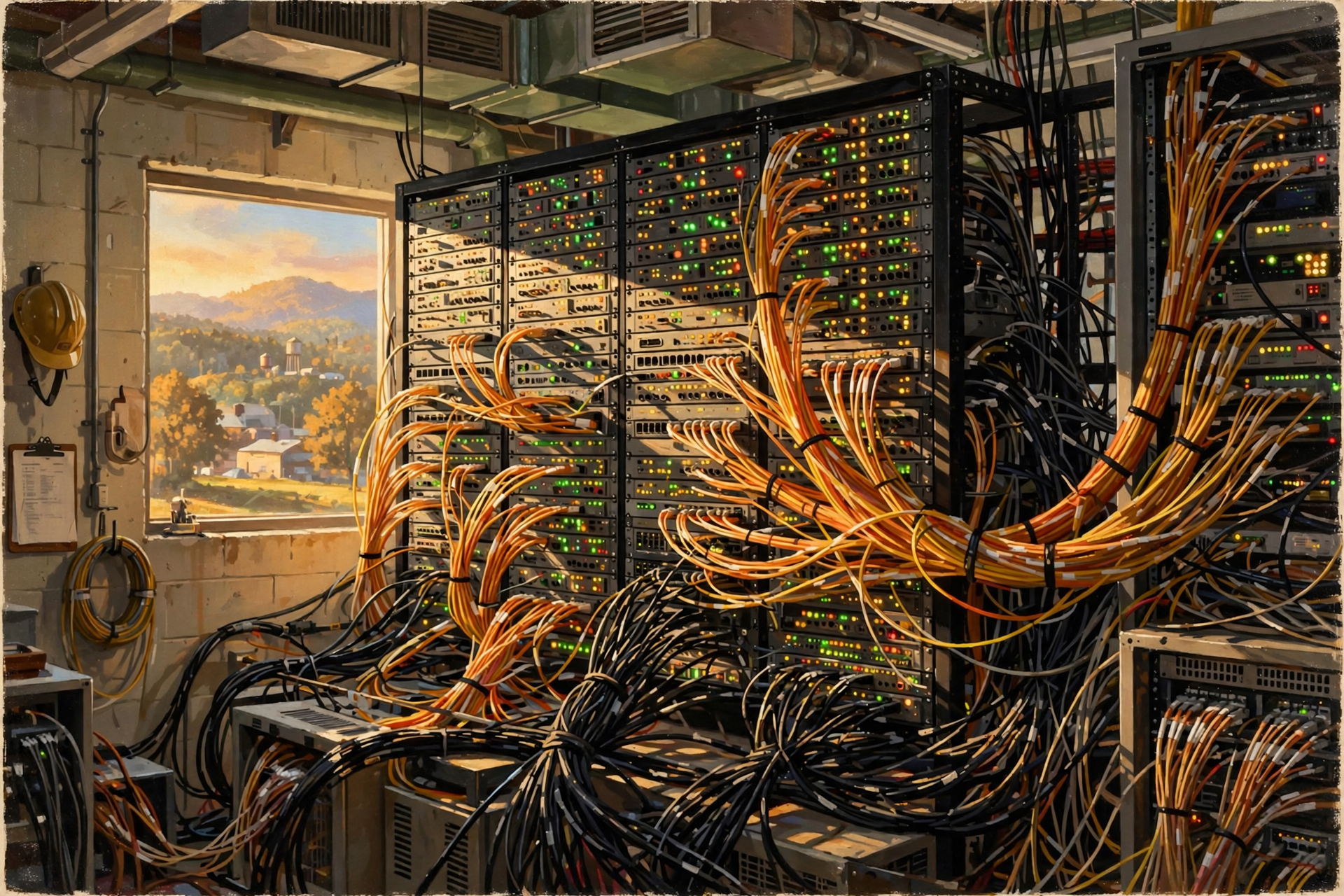
If cables are roads, network switches are something like sophisticated intersections.
A network switch connects devices and helps direct information toward the appropriate destination within a network.
In a large data center, networking can become far more complicated than the router sitting beside your television at home.
There may be many layers of switching and routing equipment designed to move enormous quantities of information quickly and reliably.
The goal is straightforward even if the engineering is not:
Get the right information to the right computer without creating a digital traffic jam.
Where Does All the Information Actually Get Stored?
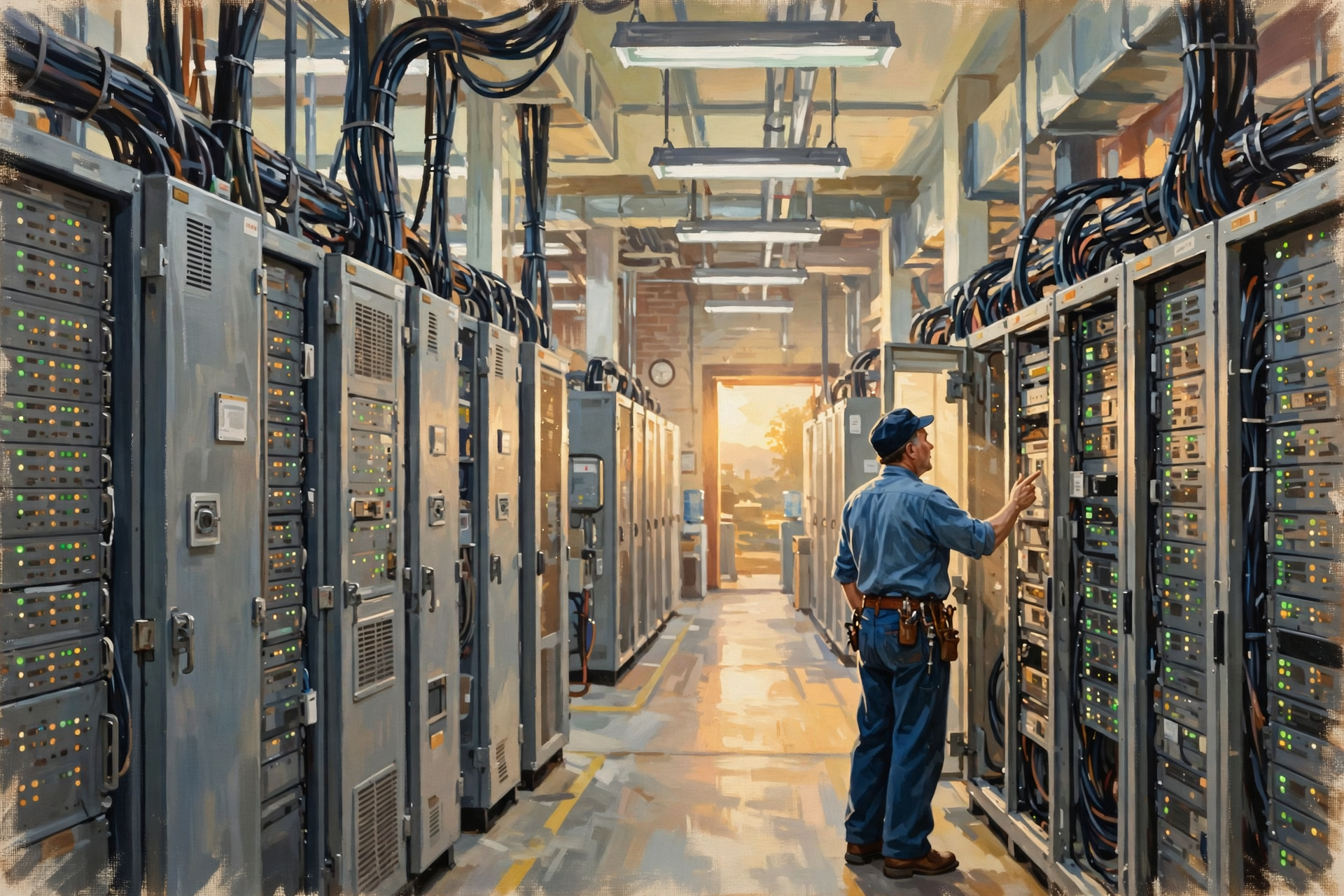
Some servers perform calculations. Other systems are designed primarily to store information.
Storage systems may hold:
- documents;
- photographs;
- videos;
- databases;
- customer records;
- software;
- backups;
- logs; and
- countless other forms of digital information.
Important systems are often designed so that one failed storage device does not automatically destroy the information it contained.
That can involve redundancy, copies, backups or information distributed across multiple devices or facilities.
Not every system uses the same design, and redundancy should never be confused with a magical guarantee that nothing can ever be lost.
Now We Reach One of the Biggest Issues: Electricity
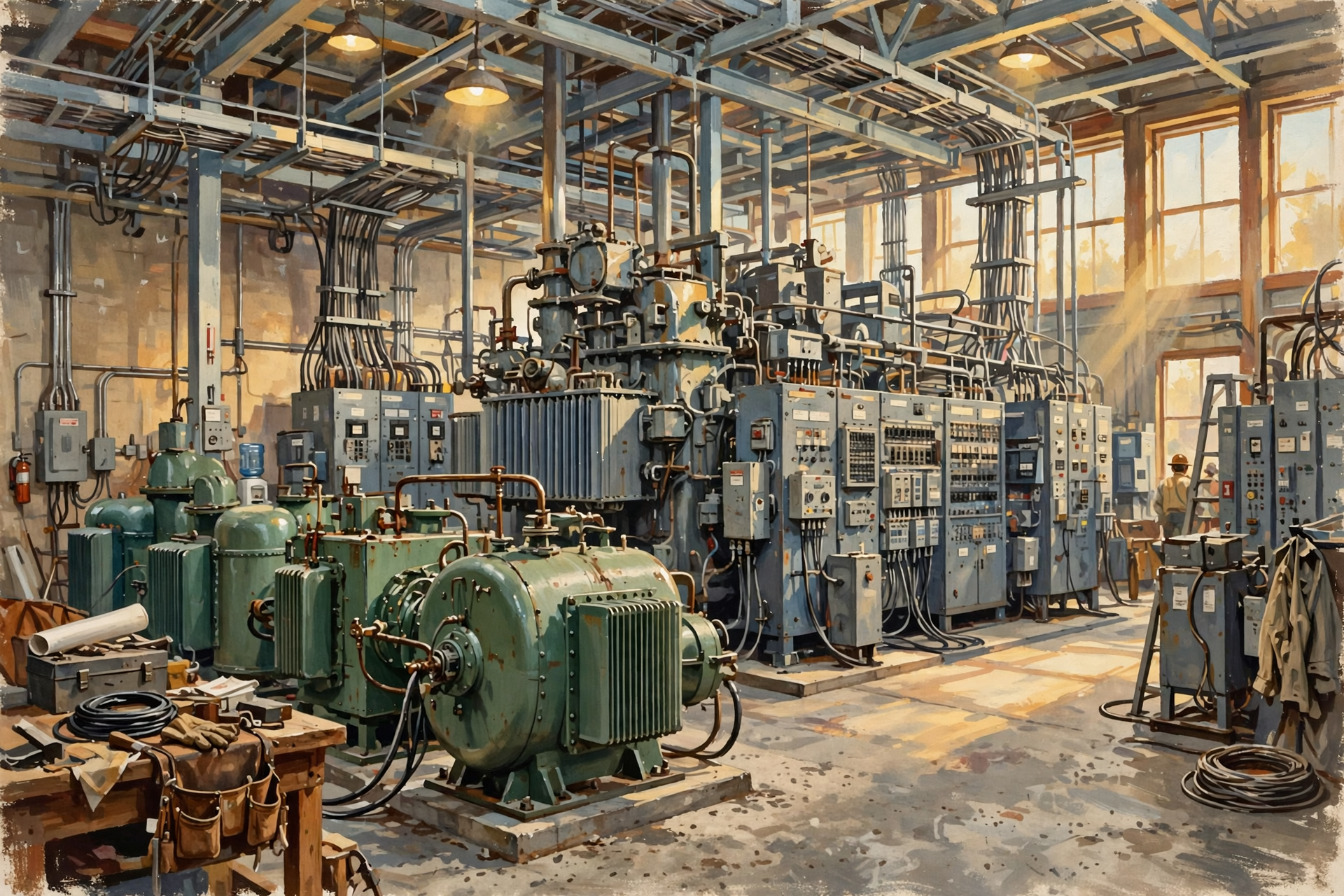
All of this equipment needs power.
Lots of equipment means potentially lots of electricity.
The U.S. Department of Energy identifies data centers as energy-intensive buildings because they combine substantial computing loads with the infrastructure needed to support those computers.
But the electricity story is not simply:
Computers plug into wall outlets.
A data center may have:
- utility connections;
- transformers;
- switchgear;
- power-distribution equipment;
- batteries;
- uninterruptible power supplies;
- backup generators; and
- monitoring and control systems.
Large facilities can have electrical systems that look more like industrial infrastructure than anything found in a normal office building.
Why So Many Backup Systems?
Imagine you run a feed store.
If the cash register stops working for five minutes, everybody is irritated.
If an online banking system, hospital application, communications platform or major cloud service stops working, the consequences can become much larger.
Many data centers are therefore designed around the idea that one failure should not necessarily bring everything down.
This is called redundancy.
You already understand the principle if you keep:
- a spare tire;
- a backup generator;
- two water pumps;
- an extra tractor;
- a second freezer; or
- a flashlight in the junk drawer because you cannot remember where you put the good one.
The engineering may be sophisticated, but the philosophy is ancient:
If something is important, have another way to keep going when the first thing fails.
Batteries: The Bridge Between “Power’s Out” and “Generator’s Running”
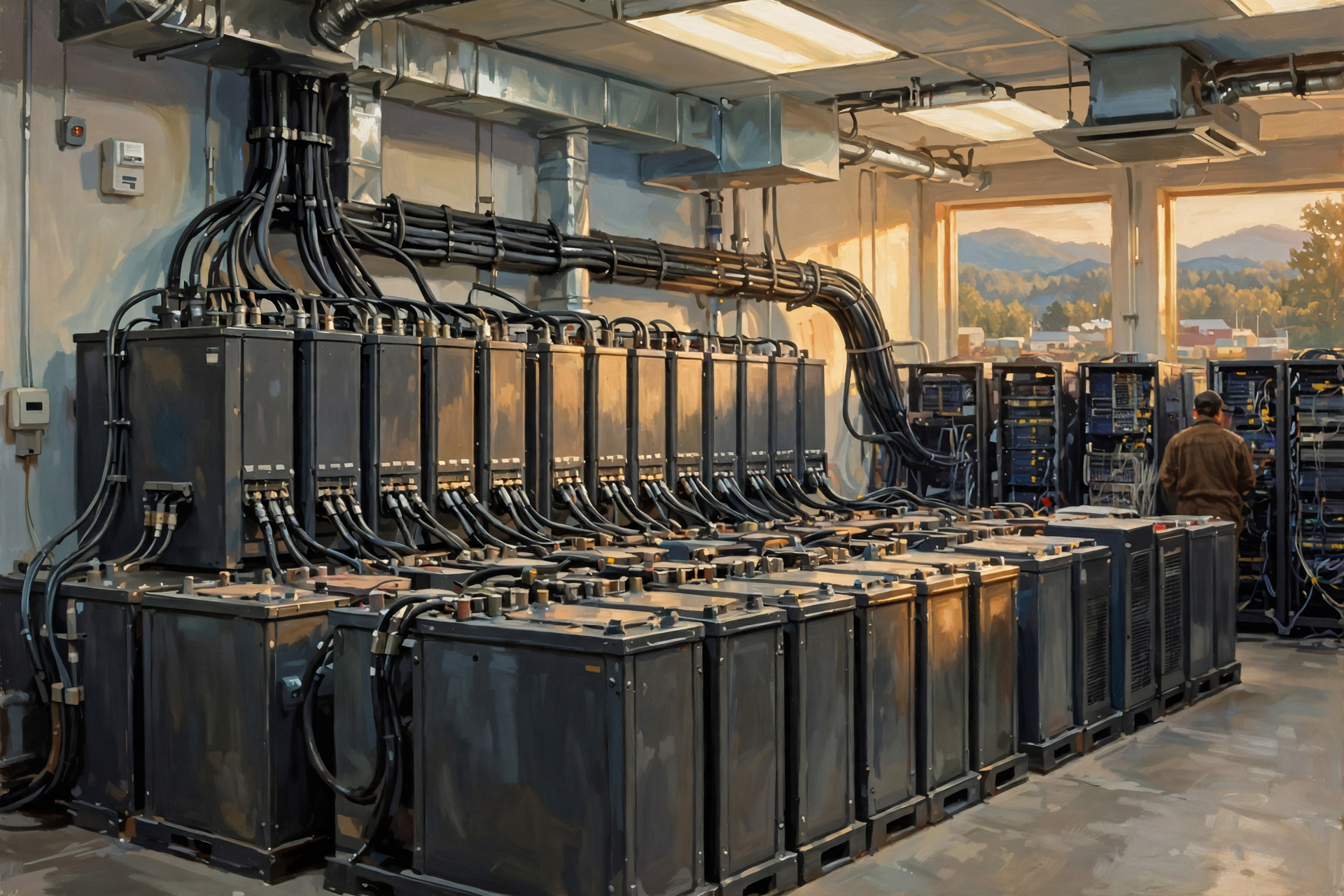
A backup generator generally does not produce full power at the exact instant utility electricity disappears.
It needs time to detect the outage, start and stabilize.
That gap may only be brief, but computers are not fond of “briefly no electricity.”
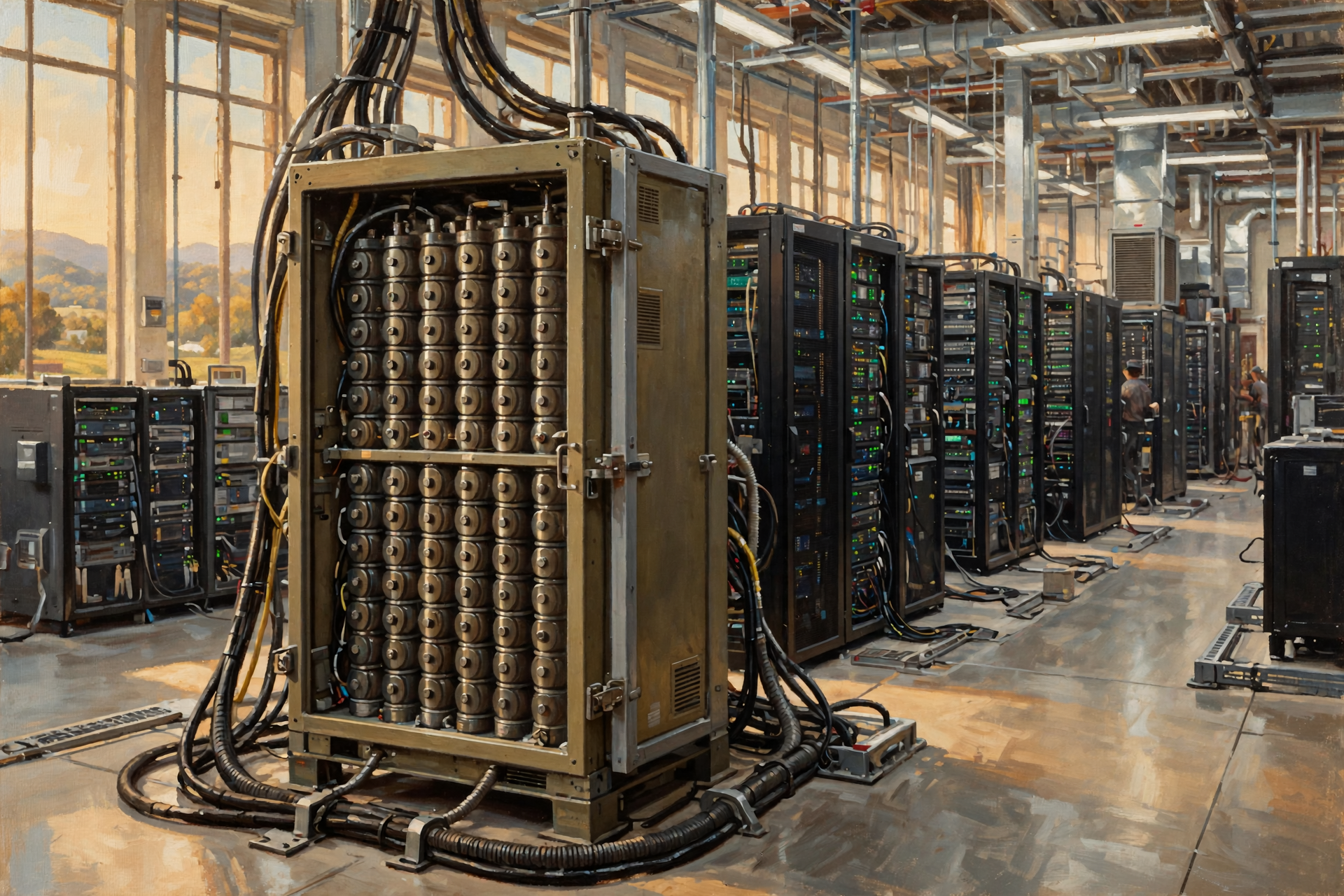
Data centers can therefore use uninterruptible power supply systems, often called UPS systems.
These systems can use batteries or other technologies to keep critical equipment operating while another power source takes over.
Think of the UPS as the person holding the gate open while everybody else gets through.
It does not necessarily need to run the farm all day.
It needs to prevent an interruption during the transition.
Then the Generators Wake Up
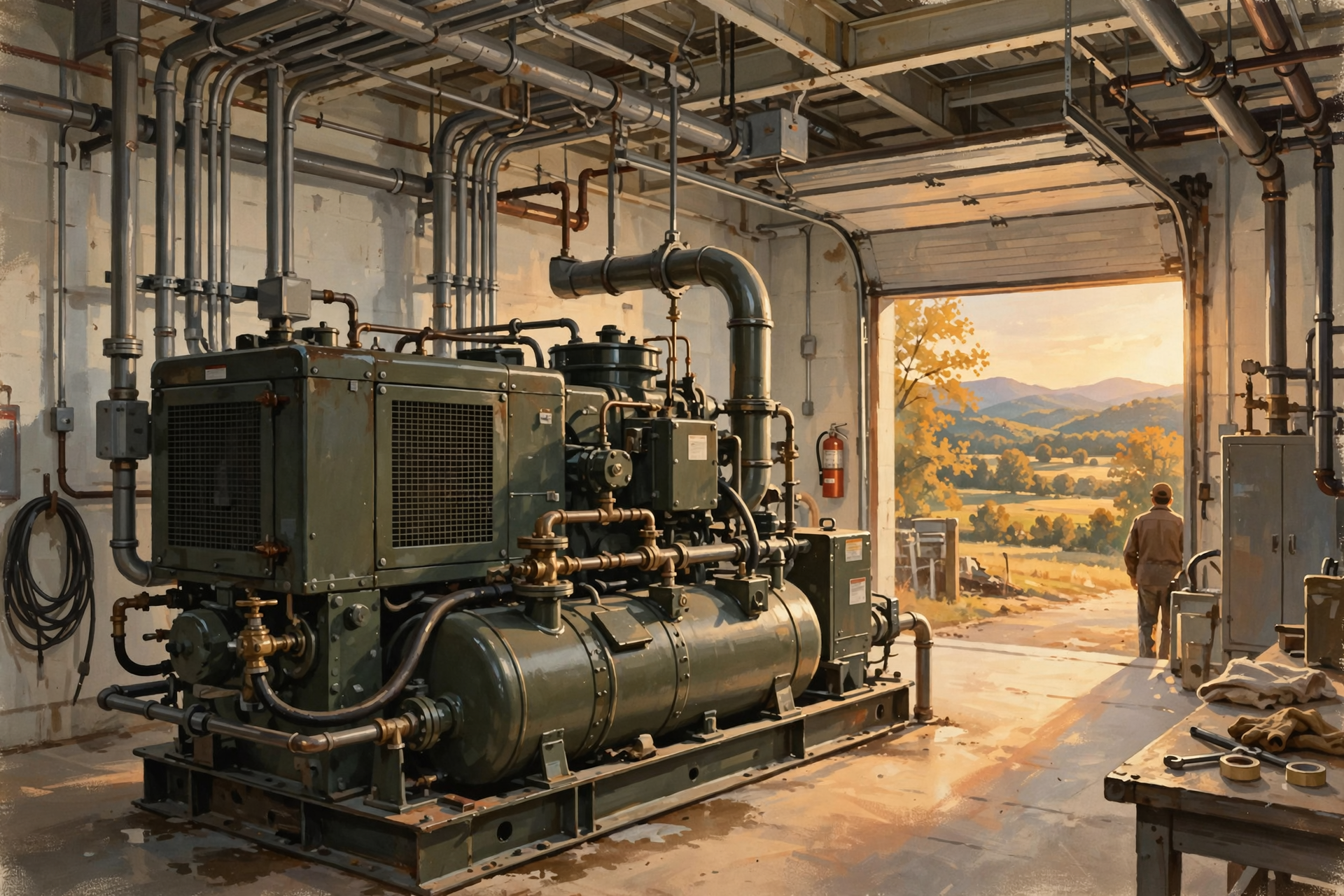
Many data centers have backup generators capable of supporting critical operations when normal utility power is unavailable.
The number, size, fuel type and operating design depend on the facility.
Generators also need periodic testing and maintenance.
This becomes relevant to surrounding communities because backup equipment can involve questions about noise, air permits, fuel storage and testing schedules.
The Tennessee Department of Environment and Conservation notes that data-center projects can involve environmental permits depending on their equipment and design.
Again, the important lesson is not that generators are inherently good or bad.
It is that a data center is an entire infrastructure system, not merely a room containing computers.
And Now: The Air Conditioning
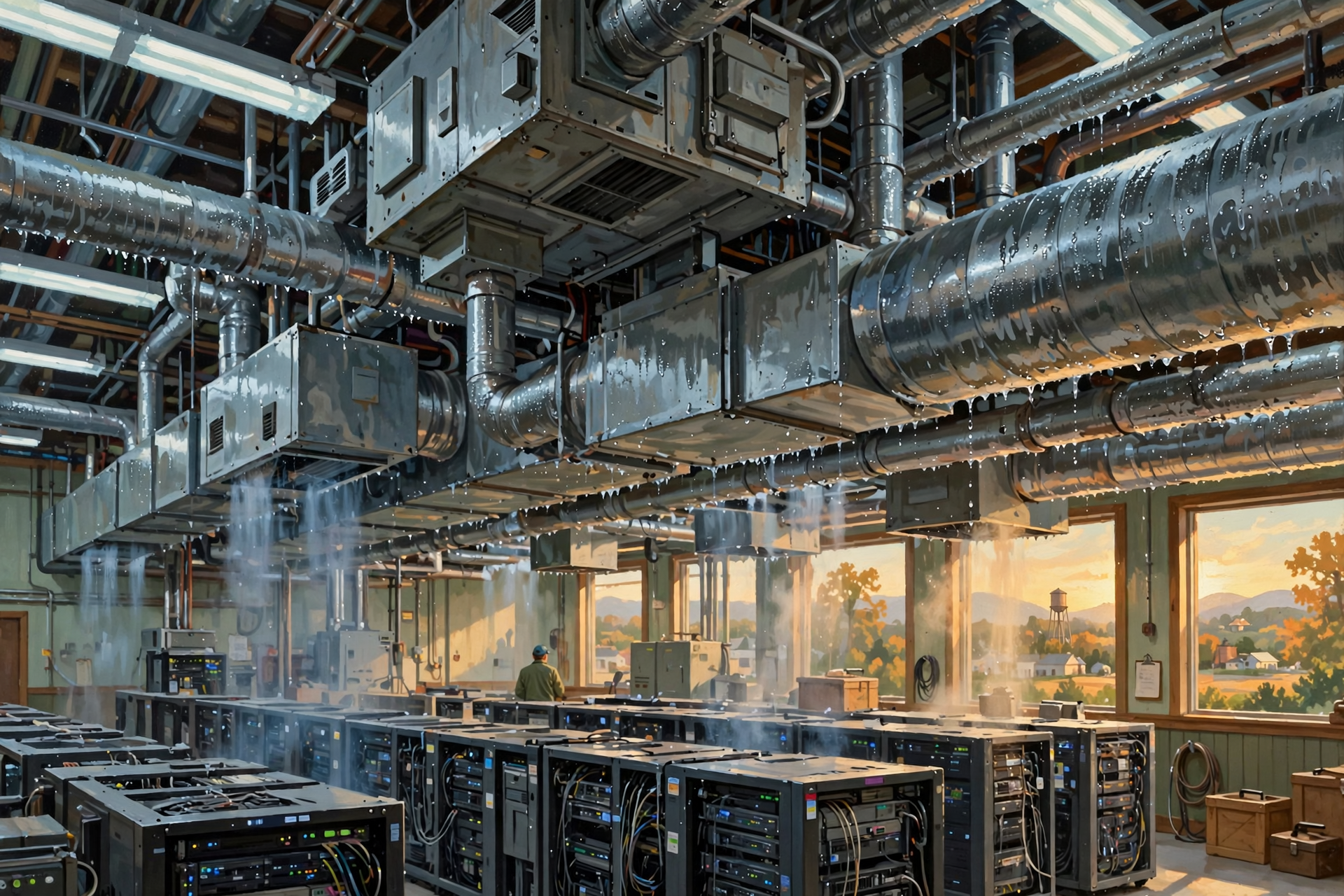
Computers are excellent at turning electricity into useful computation.
They are also extremely good at turning electricity into heat.
That heat must go somewhere.
A few computers in an office can be cooled by normal building air conditioning.
Thousands of powerful computers operating around the clock create a much more serious thermal problem.
Data centers therefore use specialized cooling systems to move heat away from computing equipment.
Depending on the facility, that might involve:
- large air-handling equipment;
- chilled-water systems;
- cooling towers;
- heat exchangers;
- evaporative systems;
- direct liquid cooling;
- other forms of mechanical cooling; or
- combinations of several approaches.
This is one reason you should be cautious when somebody says:
“Data centers use this much water.”
The next question should be:
What kind of data center, using what cooling system, in what climate, operating under what conditions?
We will deal with water and cooling much more carefully later in this series.
Hot Aisles and Cold Aisles
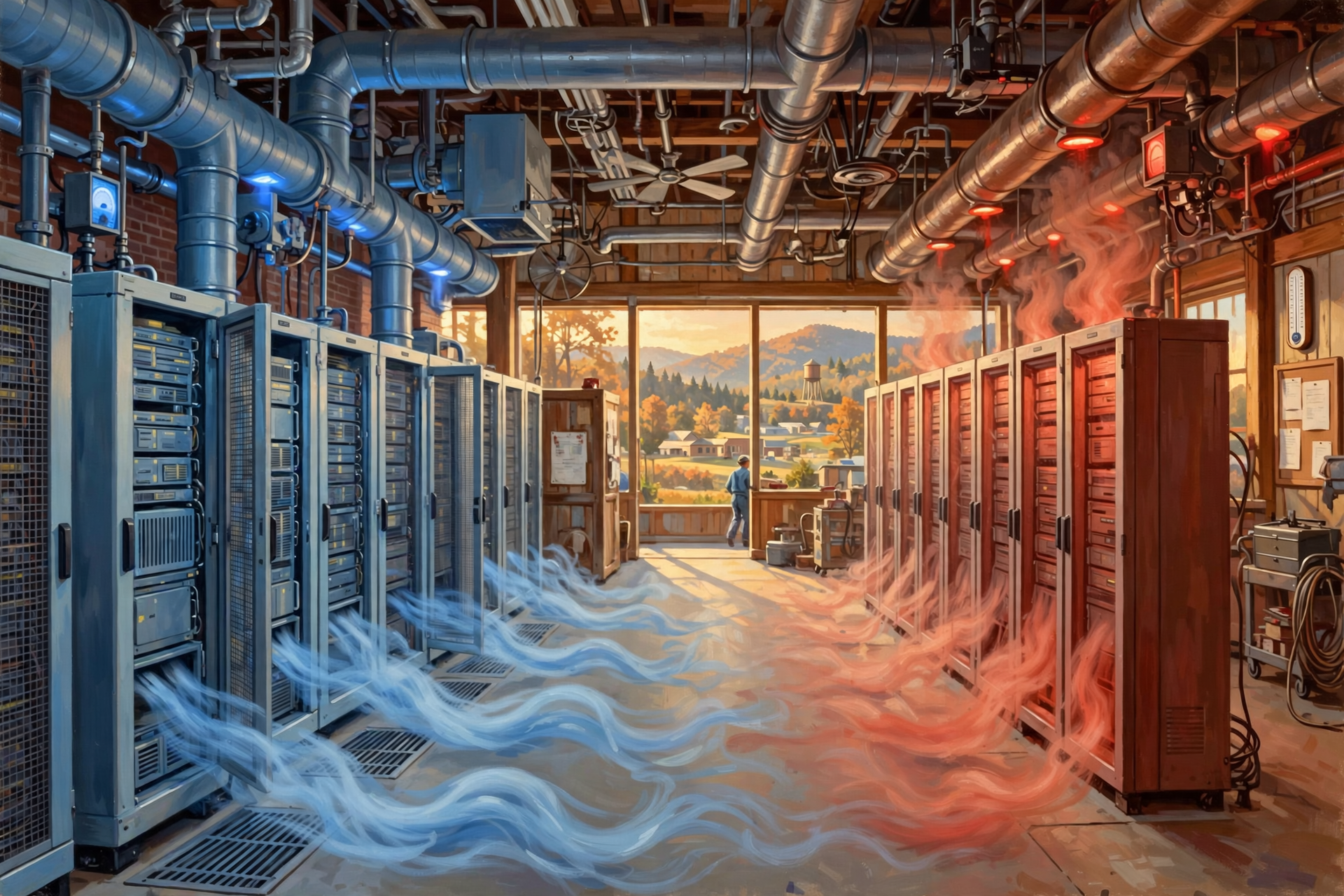
One clever cooling approach begins with something simple: do not mix hot air and cold air unnecessarily.
Servers commonly pull cooler air through one side and discharge warmer air through the other.
By arranging racks so that cool-air intakes face one direction and hot-air exhausts face another, operators can manage airflow more efficiently.
This can create what are commonly called cold aisles and hot aisles.
If you have ever heated a workshop while somebody repeatedly left the garage door open, you already understand why controlling where conditioned air goes can matter.
Some Modern AI Systems Change the Cooling Equation
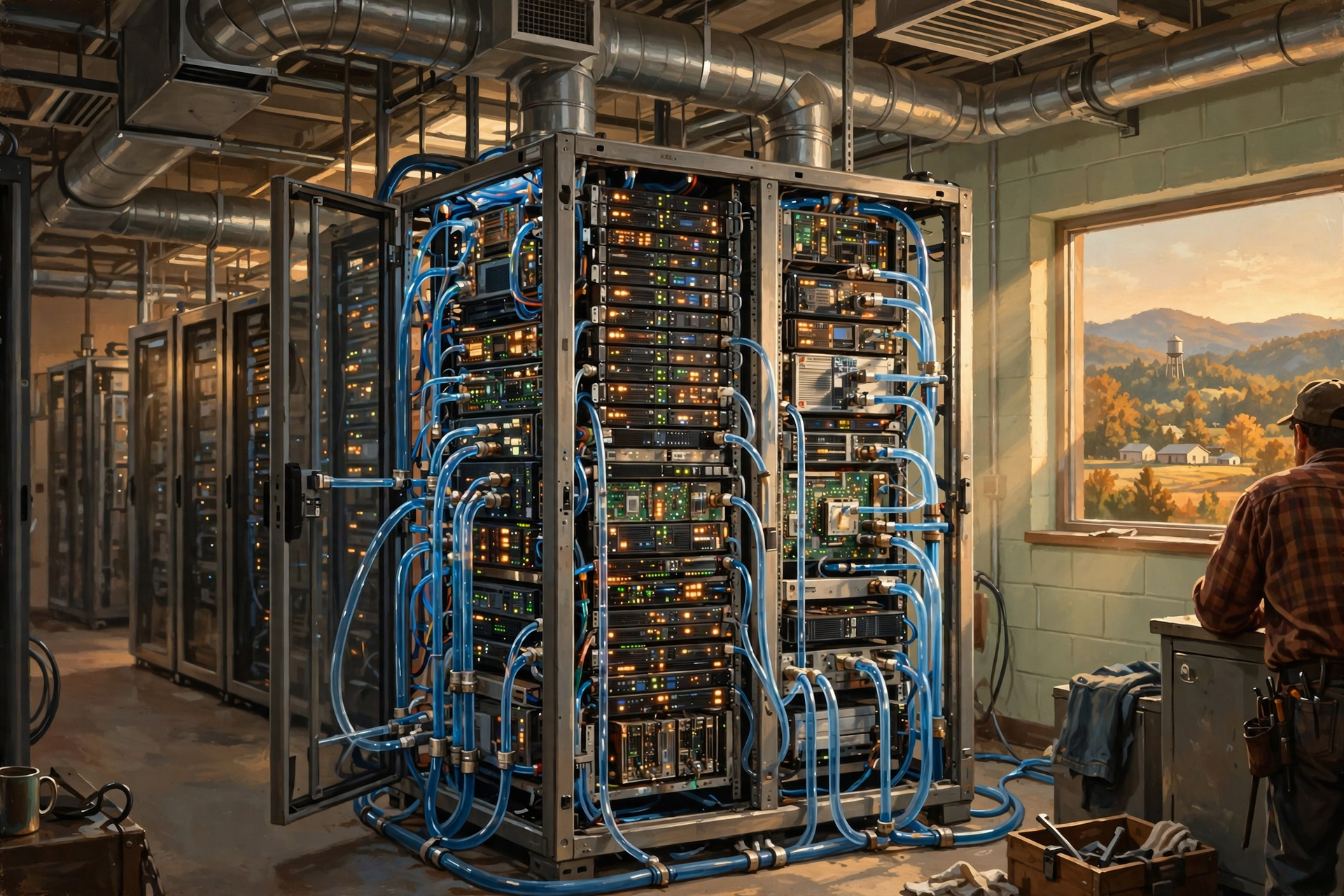
Artificial-intelligence computing has introduced particularly powerful hardware into some data centers.
High-performance processors can pack substantial computing power into relatively small spaces.
More computing concentrated into a rack can also mean more heat concentrated into that rack.
That is one reason liquid-cooling technologies are receiving more attention in high-density computing environments.
Instead of relying entirely on room air to carry heat away, some designs move liquid closer to the equipment producing the heat.
This does not mean every AI data center uses the same cooling system.
It means that the type of computing happening inside the building can affect the infrastructure the building needs.
Fire Protection Has to Be Different Too
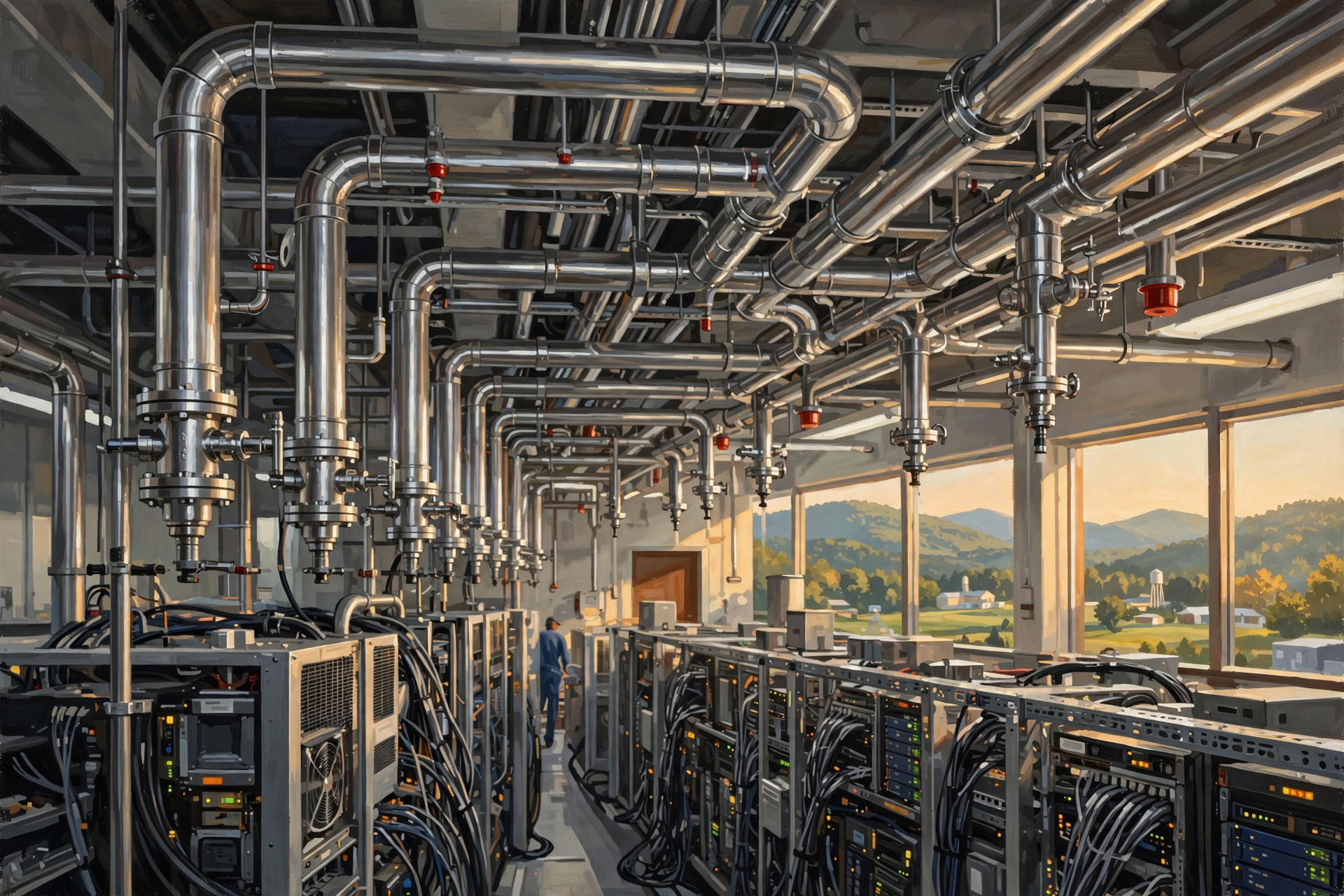
A normal building might respond to a fire by putting a very large amount of water where the fire is.
Computers generally prefer not to participate in that plan.
Data centers therefore may use carefully engineered detection and suppression systems designed around the particular facility, equipment and fire risk.
The objective is straightforward:
Detect trouble quickly, protect people, limit damage and avoid turning a small equipment problem into a much larger facility failure.
The Control Room: Somebody Is Watching All This
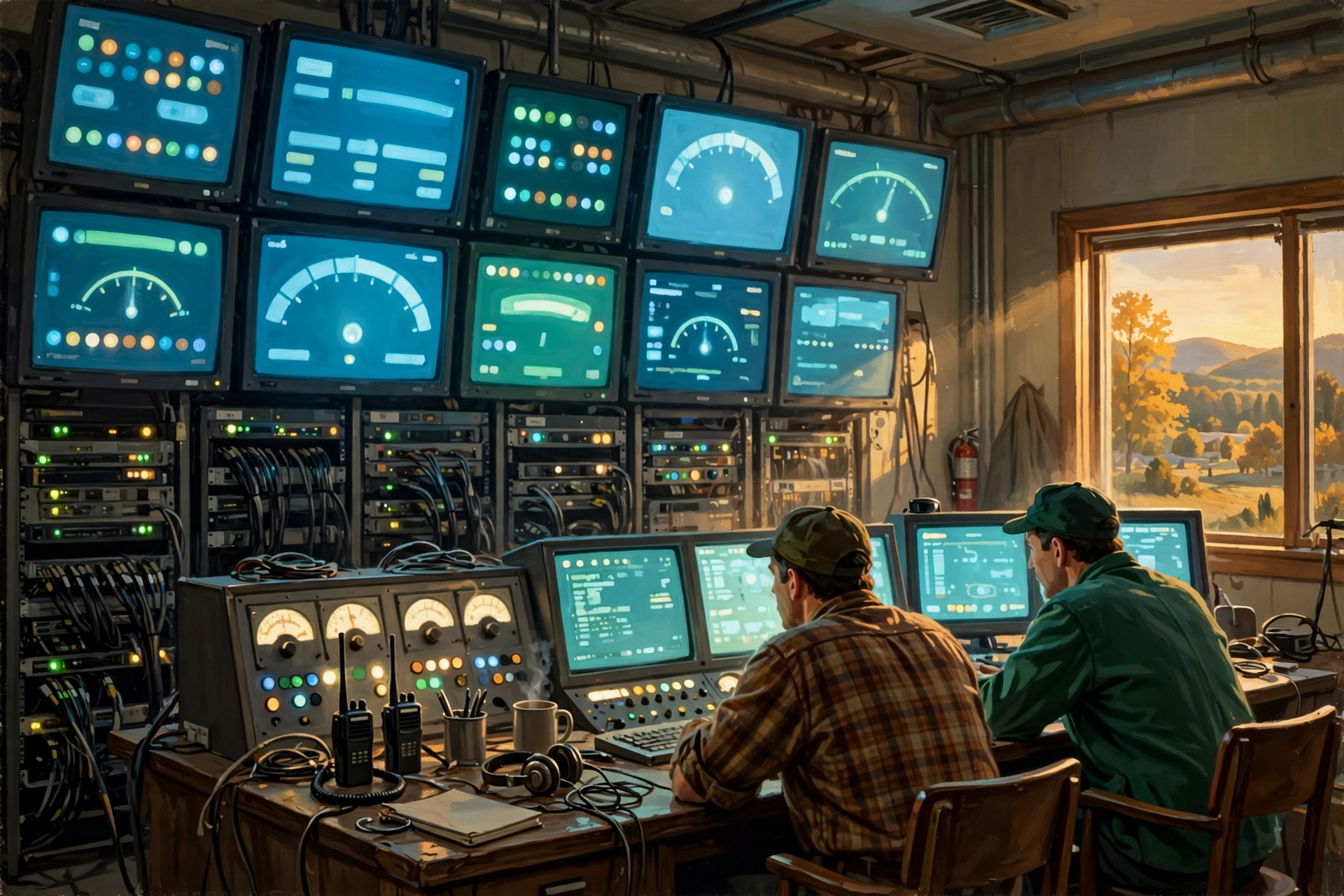
Modern data centers generate enormous amounts of operational information.
Operators may monitor:
- temperature;
- humidity;
- electrical loads;
- battery condition;
- generator status;
- network performance;
- equipment failures;
- cooling performance;
- security systems; and
- many other measurements.
A facility can contain sophisticated monitoring systems that help people detect problems before those problems become outages.
This is another useful distinction when thinking about data-center employment.
A data center may not require thousands of workers standing beside the computers.
Much of the work involves engineering, maintenance, security, electrical systems, networking, facilities operations and monitoring.
Later in the series, when we discuss jobs, we will separate temporary construction employment from permanent operating jobs and from indirect economic activity.
Hold On—Is That True? “Data Centers Are Just Warehouses Full of Computers”
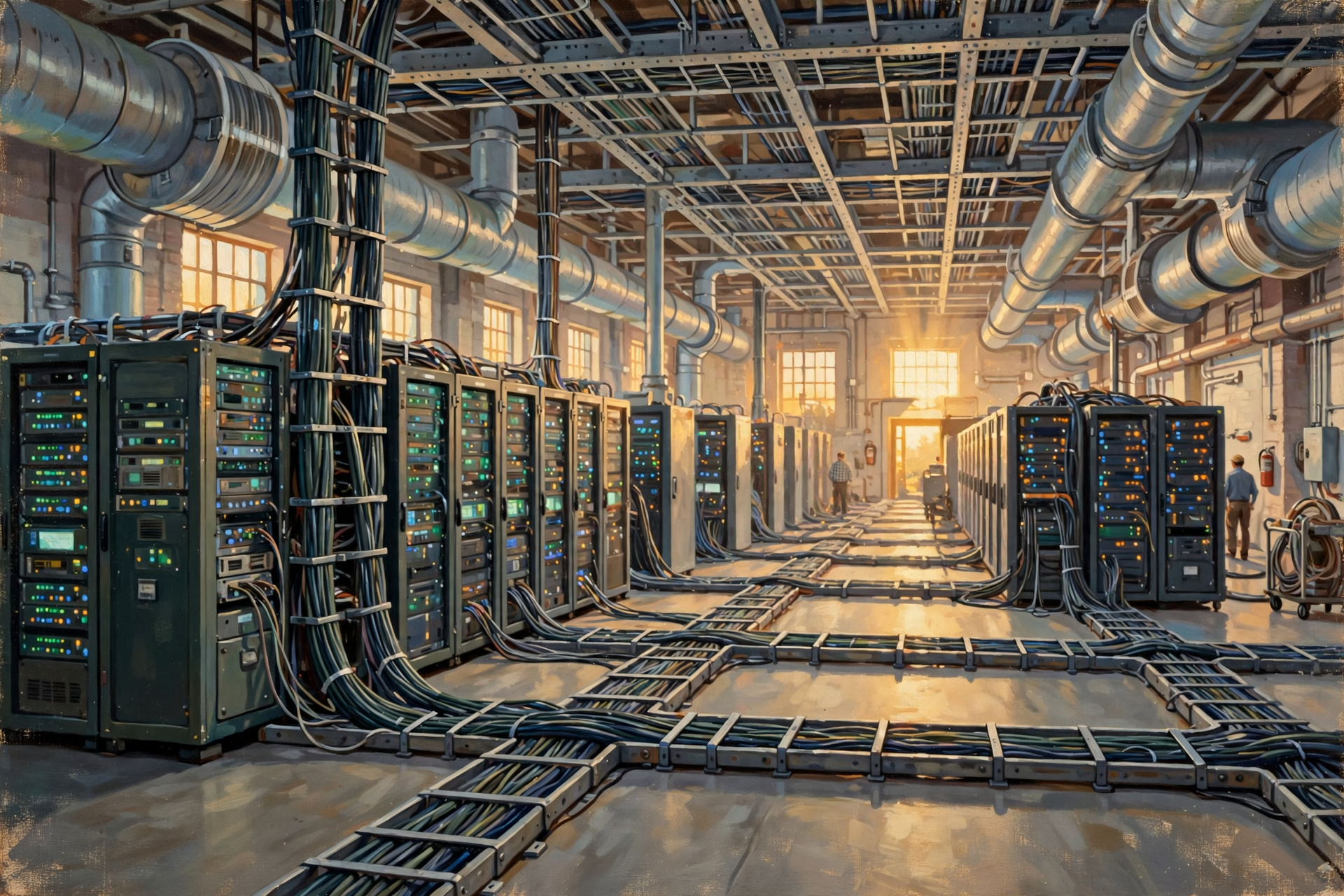
That description is useful, but far too simple.
A warehouse stores things.
A functioning data center continuously operates an interconnected computing system.
The servers depend on networking.
The networking depends on electricity.
The electrical equipment depends on protection and backup systems.
The computing equipment depends on cooling.
Everything depends on monitoring, maintenance and physical security.
A better description might be:
A data center is part computer facility, part electrical facility, part communications hub and part industrial cooling plant.
What Might You See Outside the Building?
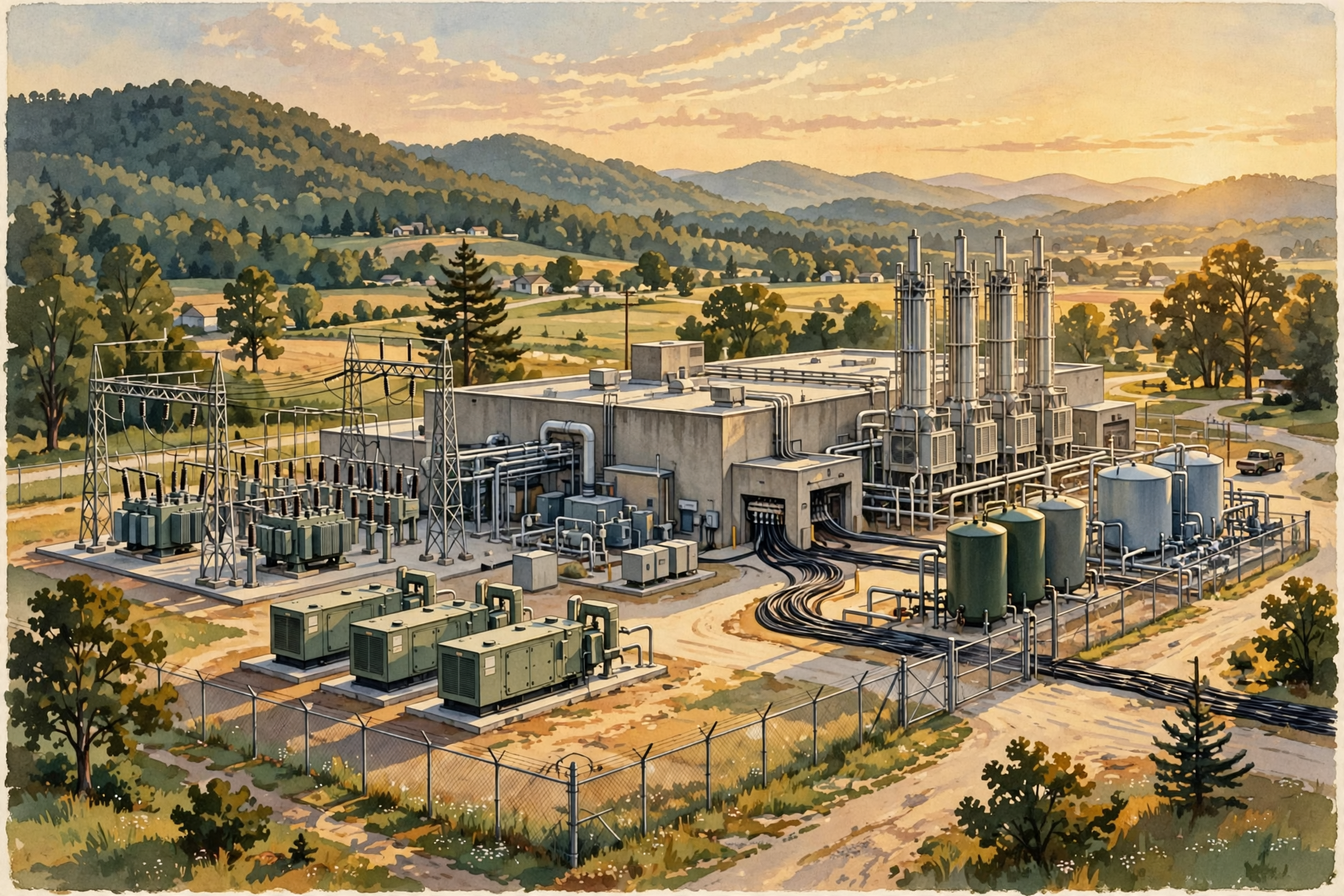
Some of the most important parts of a data center may actually be outside.
Depending on the project, you might see:
- electrical substations;
- transmission or distribution connections;
- transformers;
- backup generators;
- cooling equipment;
- water infrastructure;
- fuel systems;
- security fencing;
- fiber connections;
- loading and maintenance areas; and
- large setbacks from neighboring property.
This is why evaluating a proposed data center requires looking beyond the square footage of the main building.
The supporting infrastructure can be just as important as the computers.
Why This Matters to a Rural Community
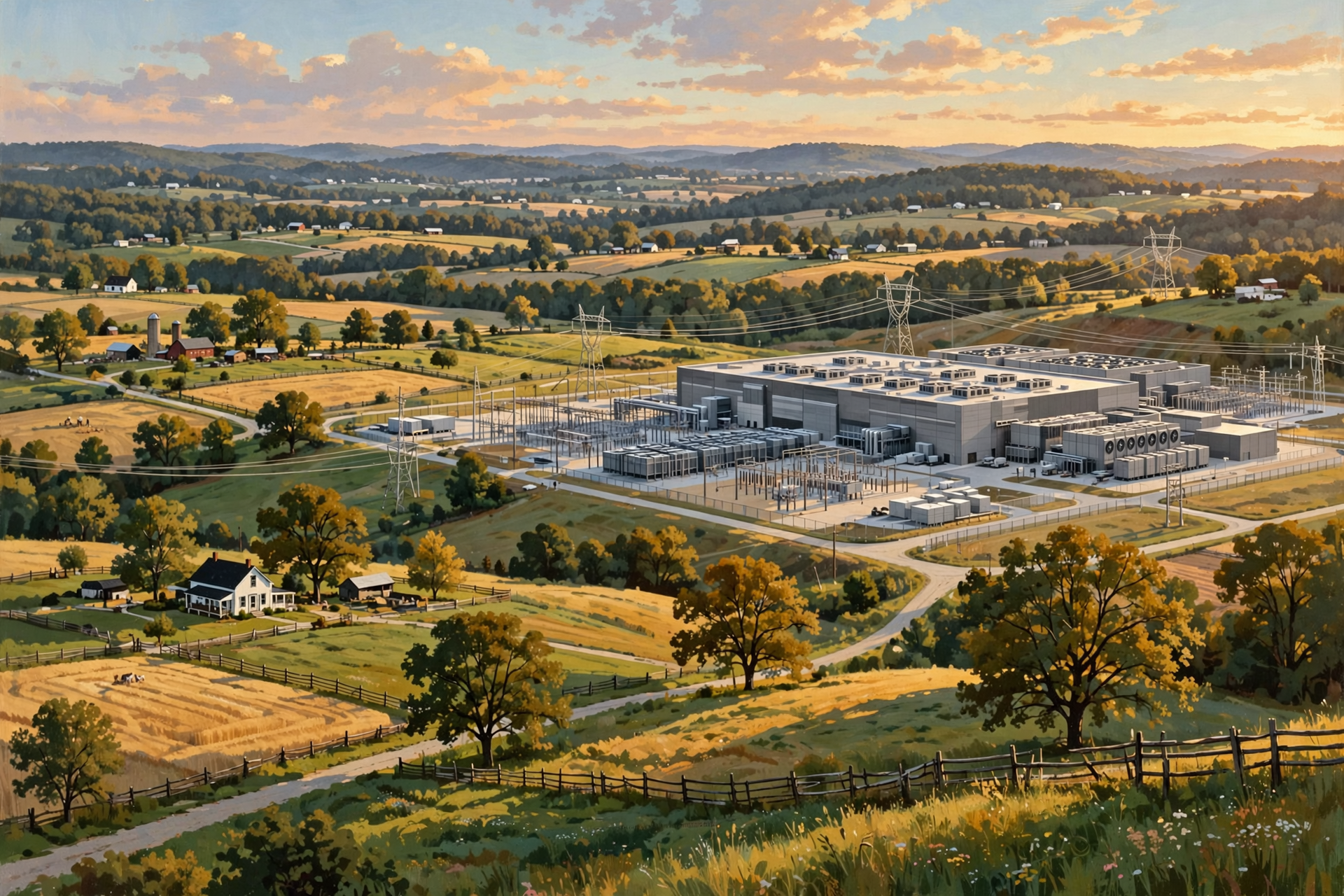
If somebody proposes a large data center in rural Tennessee, citizens do not need to become server engineers overnight.
But they should understand enough to ask useful questions.
For example:
- How much electrical capacity does the facility require?
- Does it need a new substation or transmission infrastructure?
- What cooling technology will it use?
- What backup generators are planned?
- How often will those generators be tested?
- Where will cooling equipment be located?
- What noise is expected at neighboring property lines?
- How much water does the specific design require?
- What happens during an equipment failure or power outage?
- How many people will operate the facility once construction is complete?
Those questions are much more useful than arguing about whether “data centers” as an entire category are good or bad.
The machinery inside the building helps explain why every project needs to be evaluated on its actual design.
Plain-English Glossary
Server: A computer designed to provide information or computing services to other computers.
Rack: A standardized metal frame used to organize servers, networking equipment and related hardware.
Network switch: Equipment that connects devices and helps direct data within a network.
Fiber-optic cable: Cable that carries information using pulses of light.
UPS: An uninterruptible power supply that can temporarily provide electricity when normal power is interrupted.
Redundancy: Having additional systems or capacity available so one failure does not necessarily stop the entire operation.
Hot aisle: An area where servers discharge heated air.
Cold aisle: An area where cooler air is supplied to server intakes.
Liquid cooling: A cooling method that uses liquid to move heat away from computing equipment.
Seven Things to Remember After Our Tour
- A data center is much more than a building full of computers.
- Servers are usually organized into standardized racks.
- Networking equipment and fiber move information between systems and the outside world.
- Reliable electricity is fundamental to the operation.
- Batteries and generators can provide backup when normal power fails.
- Cooling is essential because computing equipment produces heat.
- The exact infrastructure depends heavily on the size, purpose and design of the particular data center.
Want to Learn More About What Is Behind the Walls?

Once you see everything required to keep a data center operating—servers, networking, power, generators, batteries, cooling, security and monitoring—it becomes easier to understand why these facilities create questions that reach far beyond the technology industry.
If you would like to continue learning about data centers and what digital infrastructure could mean for communities in our part of Tennessee, the Van Buren Digital Frontier Symposium offers an opportunity to learn more and ask questions in person.
You do not need to work in technology to belong in the conversation. People who understand electric utilities, water systems, construction, farming, land, local government, education, emergency services and small business all understand pieces of the physical world that data centers depend upon.
Attending does not require you to support or oppose a particular project. The useful goal is to understand the technology, the infrastructure behind it, the potential benefits and the tradeoffs well enough to evaluate real proposals intelligently.
For more information, visit the Van Buren Digital Frontier Symposium listing on Dunlap.Directory or the Van Buren Digital Frontier Symposium Facebook page. Either resource can be used for more information and event updates.
Wisdom From the Front Porch

A computer may fit on a desk, but keeping a whole building full of them running around the clock takes electricity, cooling, wiring, backup plans and a lot of people who know what they are doing.
That is the larger lesson from our walk inside.
A data center is not merely a technology product.
It is physical infrastructure.
And once we understand the machinery inside, we are ready for the next important lesson: not all data centers are alike.
Next in the series, we will compare everything from small edge facilities to enormous hyperscale and artificial-intelligence campuses—and see why the words “data center” alone tell us surprisingly little about the project being discussed.




0 Comments