

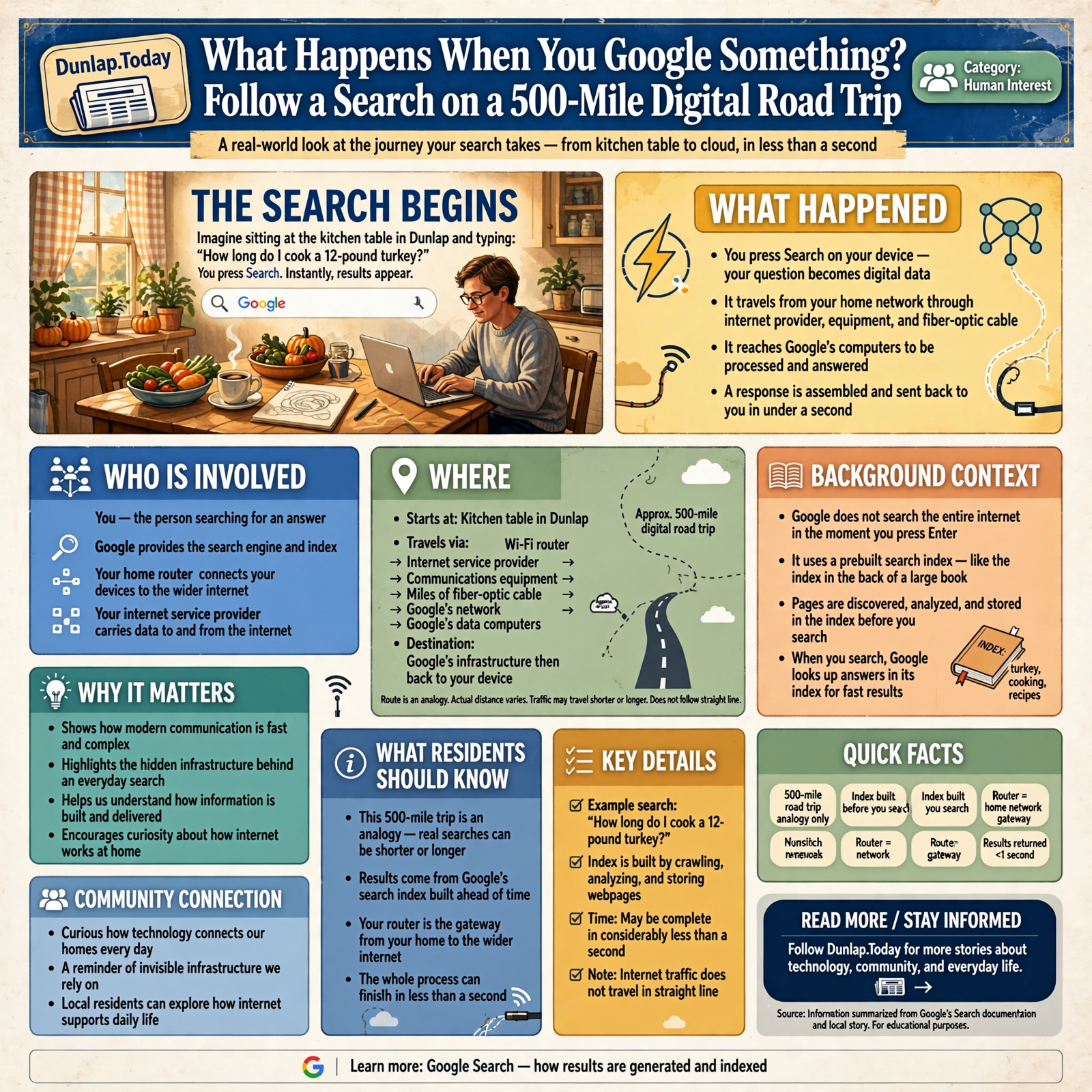
What Happens When You Google Something? Follow a Search on a 500-Mile Digital Road Trip

Imagine sitting at the kitchen table in Dunlap and typing a very important question into Google:
How long do I cook a 12-pound turkey?
You press Search.
Almost immediately, results appear.
That feels simple enough.
But something remarkable just happened.
Your question may have traveled through your home network, your internet provider, several pieces of communications equipment, miles of fiber-optic cable and Google’s own network before reaching computers capable of handling the request.
Those computers then searched through an enormous prebuilt index of the web, evaluated possible results, assembled a response and sent information back toward Tennessee.
And all of that may happen before you have time to wonder whether the turkey was supposed to be thawed first.
Today’s article is about that journey.
We are going to take an imaginary 500-mile digital road trip with one Google search.
The actual distance traveled by any particular search may be shorter or considerably longer. Internet traffic does not necessarily travel in a straight line, and Google can serve users from different infrastructure depending on location, network conditions and how its systems are operating.
So 500 miles is not a claim about where your particular Google search goes.
It is our road-trip analogy.
And unlike most 500-mile road trips, this one may be over in considerably less than a second.
Before You Search, Google Has Already Done Most of the Homework

The first surprise is that Google does not normally begin searching the entire internet after you press Enter.
That would be terribly slow.
Instead, Google has already spent enormous amounts of time discovering webpages, analyzing them and building what is called a search index.
Think about the index in the back of a very large book.
If you want information about tractors, you do not start at page one and read the entire book every time.
You look up “tractors” in the index and find references to the pages most likely to contain what you need.
Google operates the same general idea on an almost unimaginable scale.
According to Google’s own Search documentation, Google discovers webpages through crawling, analyzes their content and meaning, and stores information about eligible pages in its search index.
That means Google has been preparing for your turkey question long before you knew Thanksgiving was going to sneak up on you again.
Step One: You Press Search

Let’s begin in Dunlap.
You type:
How long do I cook a 12-pound turkey?
Your computer or phone converts that request into digital information.
That information must now leave your device and reach Google’s infrastructure.
If you are at home, the first stop may be your Wi-Fi router.
If you are using cellular service, the first part of the route will be different.
Either way, your little question is about to leave home.
Step Two: Your Router Is the End of Your Driveway
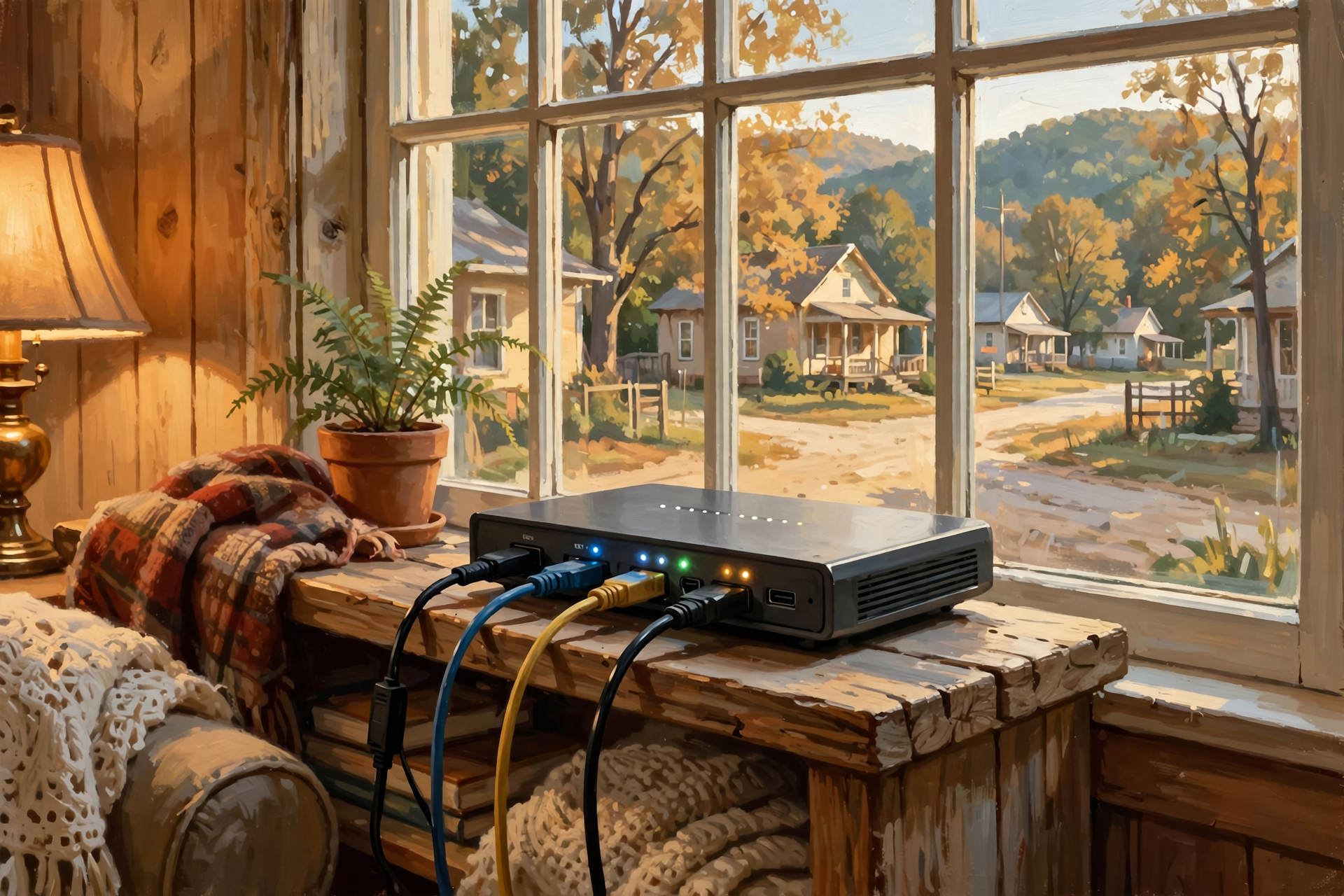
Think of your home router as the intersection between your private driveway and the public road system.
Inside your house, devices may communicate across your local network.
But when you want information from the wider internet, your traffic needs to leave that local network and travel toward your internet service provider.
The router helps direct that traffic.
It does not know the answer to your turkey question.
Its immediate job is much simpler:
Send this information toward the network that can get it where it needs to go.
Step Three: Your Internet Provider Takes Over
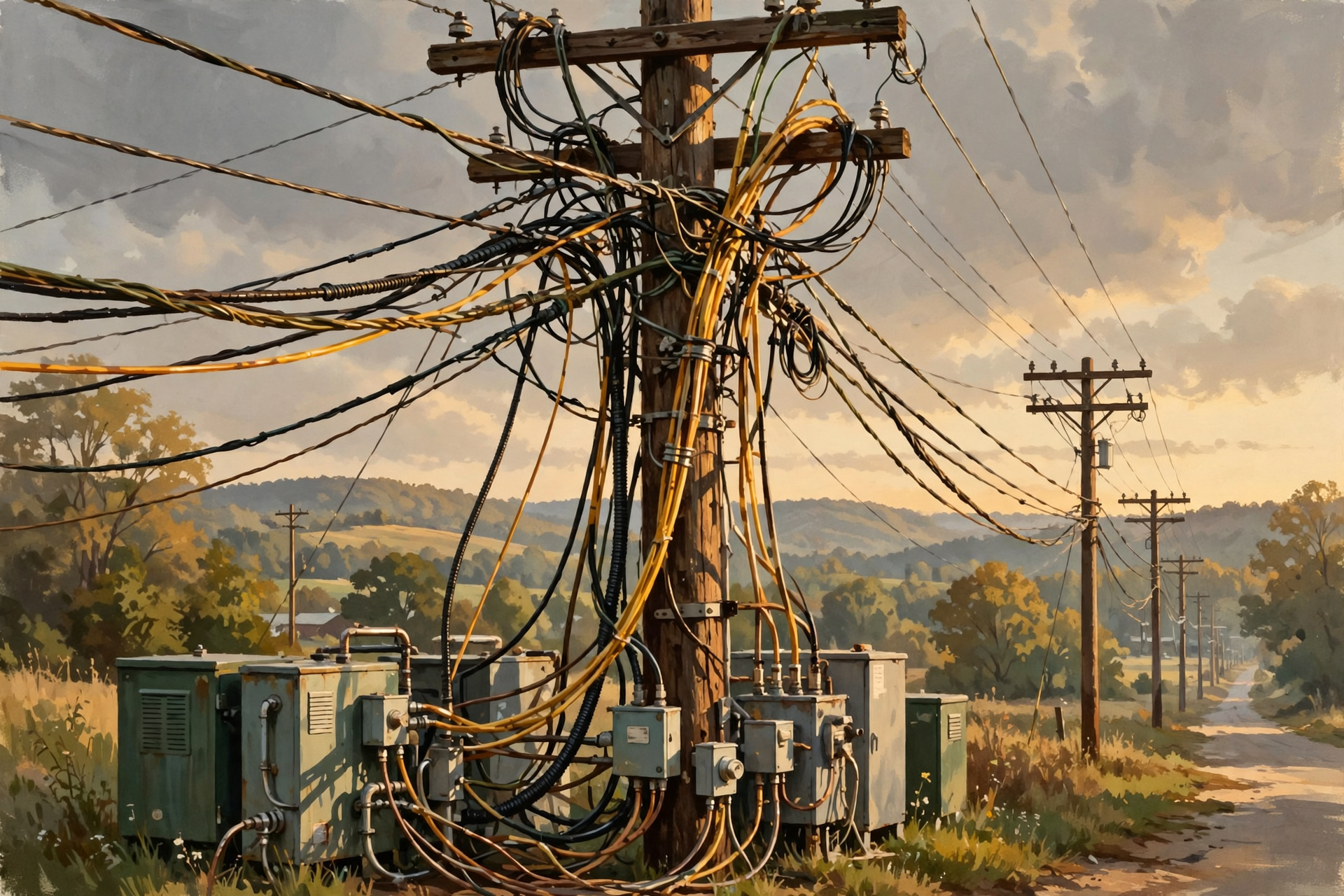
Once your request leaves home, it travels into infrastructure operated by your internet service provider and potentially other interconnected networks.
Depending on how you connect, portions of the route might use:
- fiber-optic cable;
- coaxial cable;
- telephone infrastructure;
- fixed wireless;
- cellular networks;
- satellite communications; or
- some combination of technologies.
The internet is not one giant wire owned by one company.
It is a collection of interconnected networks.
That is why the word internet makes sense in the first place.
It is a network of networks.
Step Four: Your Question Gets on the Digital Interstate

Eventually, your search may reach larger fiber networks carrying huge quantities of internet traffic.
This is where our road-trip analogy gets especially useful.
Your home connection is something like the county road.
Your internet provider’s regional infrastructure is the state highway.
Large high-capacity fiber networks are the interstate.
Except instead of cars and trucks, the traffic consists of packets of digital information.
Packets: Your Question May Travel in Pieces

Internet information is commonly divided into small units called packets.
Rather than putting your entire digital conversation into one giant package, networks can break information into manageable pieces, move those pieces through the network and reconstruct the information where needed.
Think about moving a household.
You generally do not pick up the entire house, furniture and all, put it on one trailer and hope for the best.
You pack things into boxes.
Each box can be handled and transported.
At the destination, the pieces become a household again.
Digital networking follows a much more sophisticated version of that principle.
Routers Are the Highway Interchanges
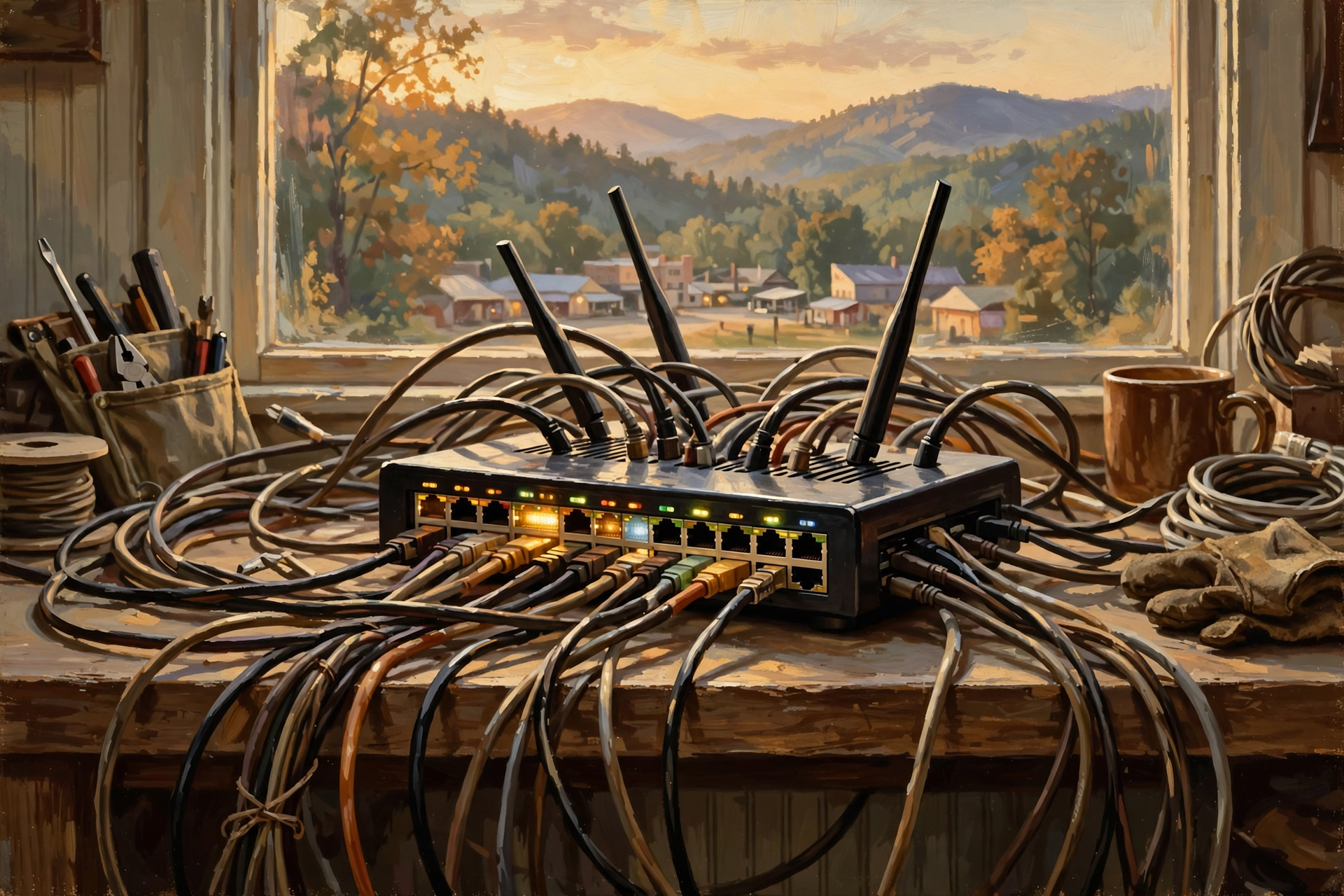
Along the way, specialized networking equipment helps determine where traffic should go next.
A network router is somewhat like a highway interchange with a very intelligent traffic-control system.
Information arrives.
The equipment examines where it needs to go.
Then it sends the traffic toward another part of the network.
Your turkey question may pass through multiple pieces of networking equipment before reaching Google.
You do not notice any of this.
You are still sitting at the kitchen table wondering whether you bought enough gravy.
Step Five: Your Search Reaches Google’s Network
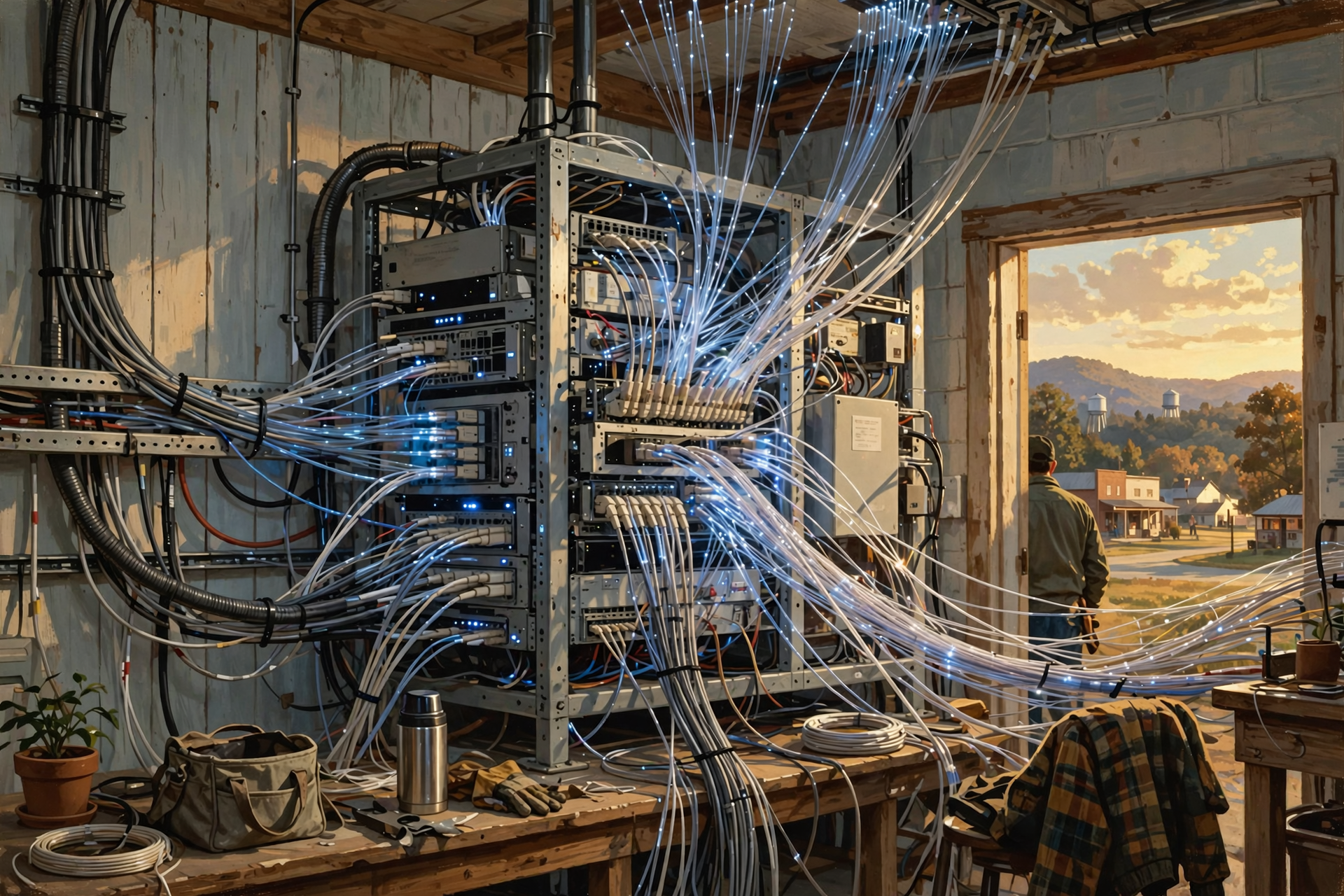
At some point, the traffic must reach infrastructure connected to Google.
Google operates an enormous private global network connecting its services and computing infrastructure.
Google describes its global network as extending across more than 200 countries and territories and connecting with thousands of internet service provider and partner networks.
The company says services including Google Search, YouTube, Maps and Gemini use that network.
Why would Google build such an enormous communications network?
For much the same reason Walmart built distribution centers and trucking infrastructure.
When you serve an enormous number of customers, controlling more of the system that moves your product can improve performance, capacity and reliability.
Google’s product happens to be information.
Fiber is one of its highways.
Fiber Optics: Your Question May Become Light

Here is the part that still sounds like science fiction even though we use it every day.
For portions of its journey, your Google search may travel as pulses of light through fiber-optic cable.
Fiber contains extremely thin strands of glass or similar optical material designed to carry light signals.
Those signals represent digital information.
So the question you typed with your fingers can be converted into electrical signals, processed by networking equipment and transmitted as light through glass.
Then another computer interprets it.
And we complain when the page takes two seconds to load.
Human beings adjust quickly.
Step Six: Google Decides Where Your Search Should Be Handled
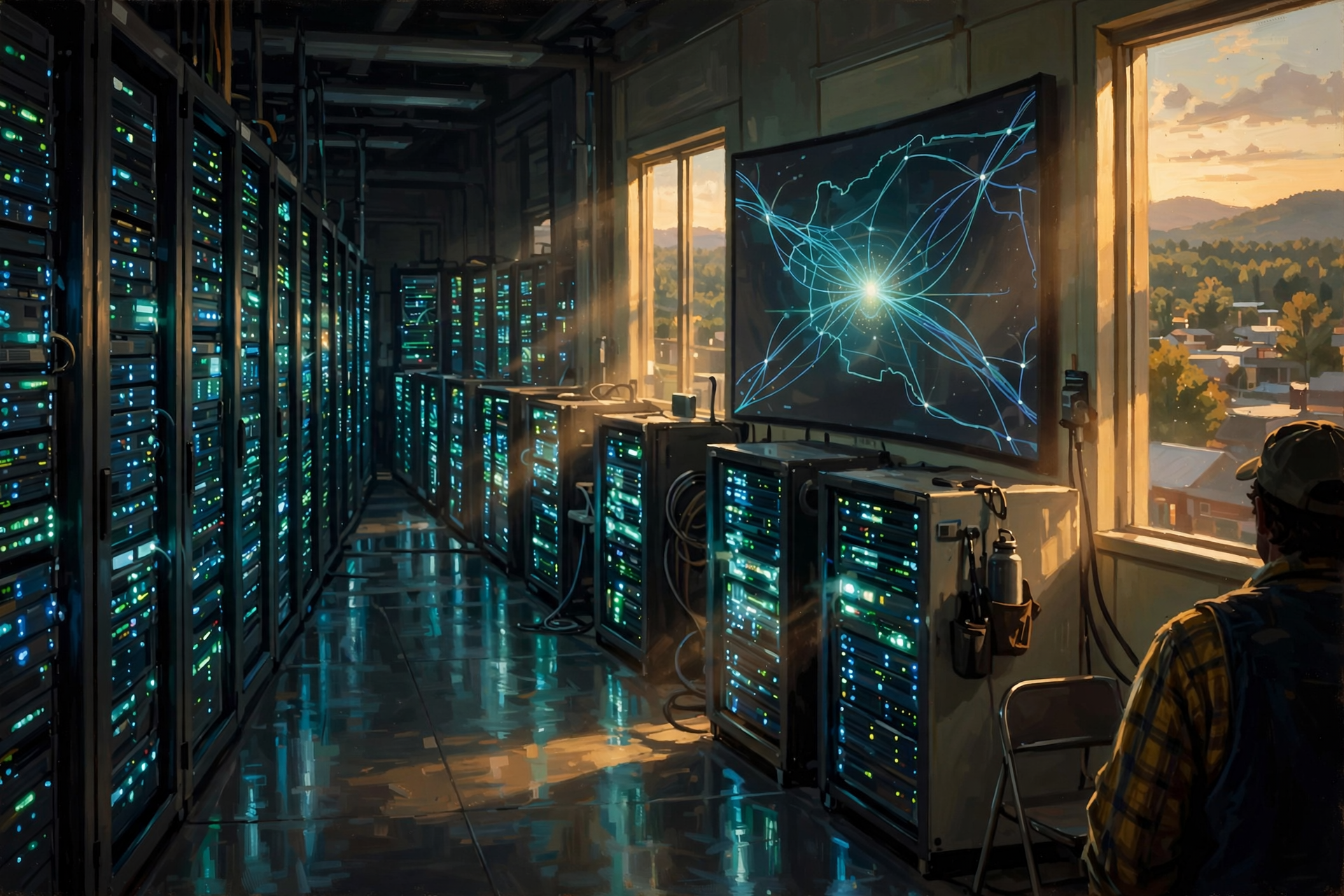
Here is where our imaginary road trip becomes less predictable.
There is not necessarily one building containing “Google.”
Google operates distributed computing infrastructure.
Your request can be handled through different parts of that infrastructure depending on factors such as location, network conditions and service availability.
Google itself notes in its explanation of why search results may differ that differences can sometimes occur depending on which data center responds to a search.
This is another important lesson about data centers.
The internet is not simply:
Your house → one giant computer → your house.
Large internet companies distribute computing across many systems and locations.
Why Not Send Everybody to One Giant Building?

Imagine that every Walmart customer in America had to drive to one store in Kansas.
It would certainly simplify the company’s real-estate department.
It would not simplify shopping.
Distributed infrastructure helps large internet services deal with:
- enormous numbers of users;
- geographic distance;
- network congestion;
- equipment failures;
- maintenance;
- regional outages; and
- the need to respond quickly.
Putting computing in multiple locations can also reduce how far some information needs to travel.
Step Seven: Google Does Not Search the Live Web From Scratch
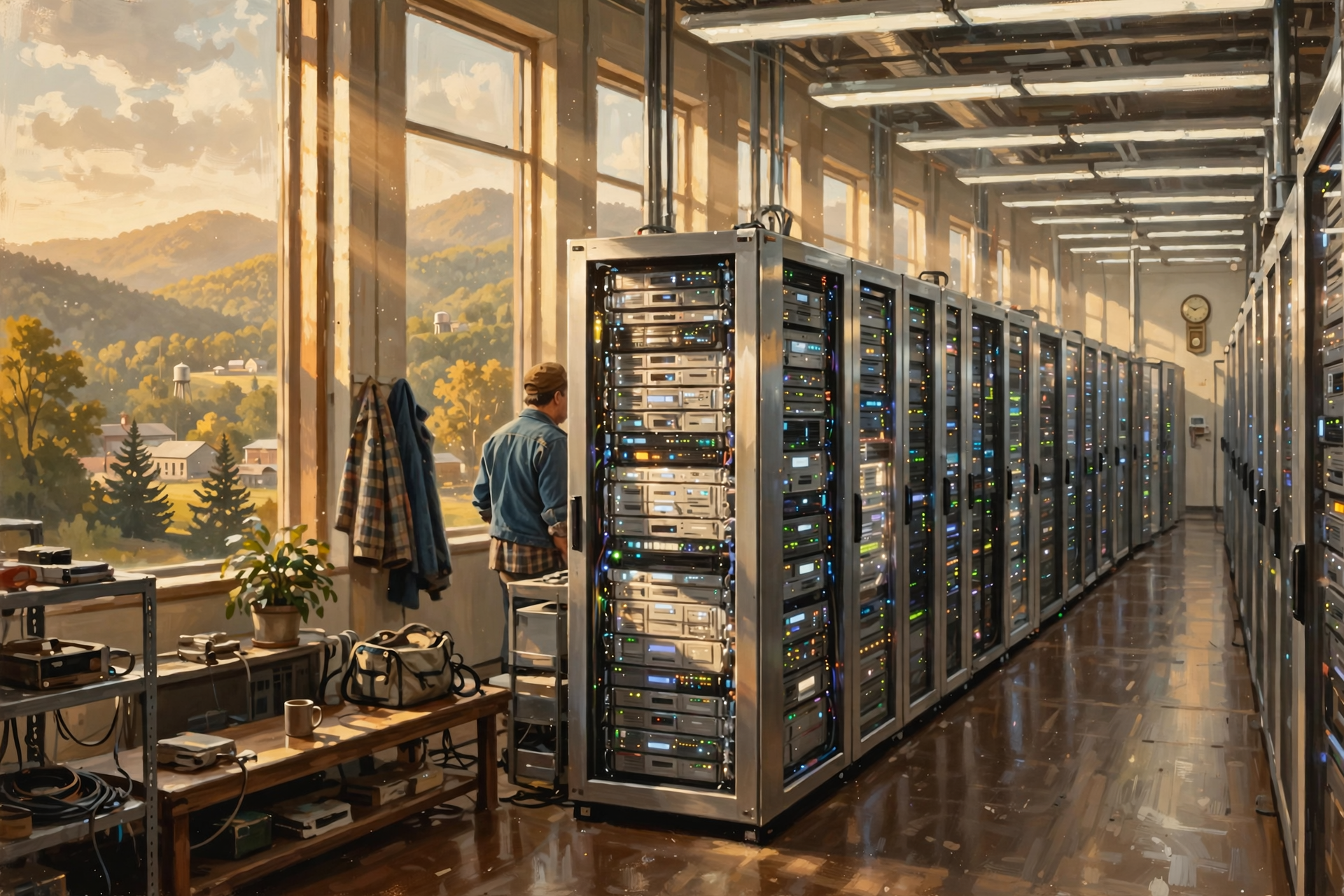
Now our question reaches the search system.
This distinction is important.
When you search Google, Google generally is not opening billions of websites one by one at that moment and asking each:
“Anybody know anything about turkey?”
Google has already built its index.
The search system uses that prepared information to identify potentially useful results.
Google says its ranking systems sort through billions of webpages in its Search index to provide useful information, often in a fraction of a second.
That is the difference between:
Searching the internet
and
Searching an index of information gathered from the internet.
It is a subtle distinction, but an important one.
Think About the Library

Imagine walking into a library and asking:
Which books discuss the Civil War in Tennessee?
The librarian does not start opening every book on every shelf.
The library already has a catalog.
The catalog contains organized information about what is available.
Google’s search index is vastly more complicated, but the basic advantage is similar.
Organize information ahead of time so questions can be answered quickly later.
Step Eight: Ranking Systems Decide What to Show You

Finding webpages containing words related to your question is not enough.
There could be millions of possibilities.
Google therefore uses automated ranking systems to determine which results are likely to be most useful.
According to Google’s own explanation, its systems can consider factors including:
- the words in your search;
- the relevance of webpages;
- the usability of pages;
- the apparent expertise or quality of sources;
- your general location;
- settings;
- freshness when current information matters; and
- other signals appropriate to the particular search.
The importance of each factor can change depending on what you ask.
If you search:
Who was Abraham Lincoln?
Something published this morning is not necessarily better than something published last year.
If you search:
Is Highway 111 closed right now?
Freshness suddenly matters quite a bit.
Step Nine: Location Can Matter
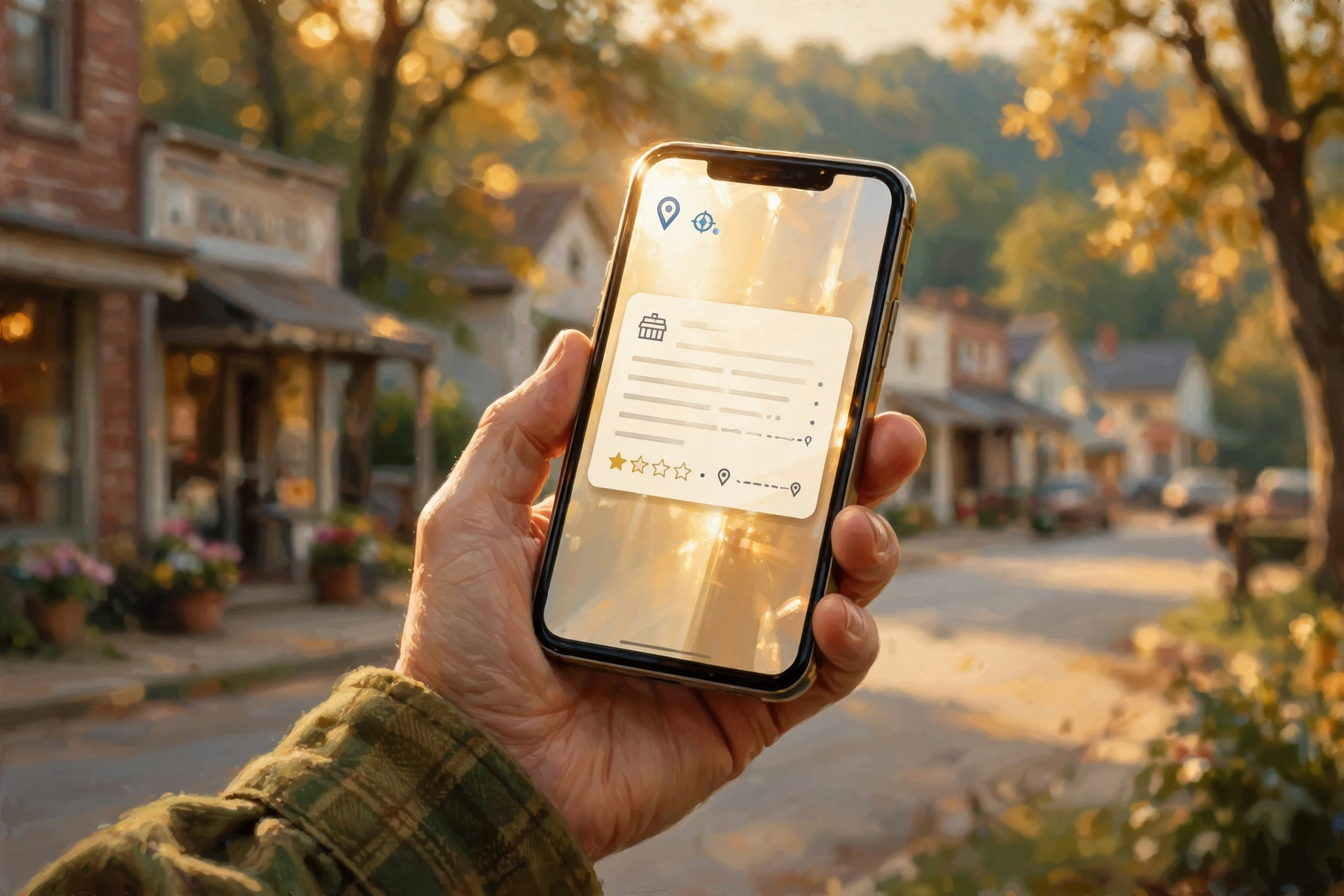
Suppose instead of asking about turkey you search:
Mexican restaurant near me.
Google would not be doing you much of a favor if the top result were in Montana.
For location-sensitive searches, information about your location can help determine which results are useful.
That is why two people searching the same words from different places may receive different results.
This is another reason local websites, directories and accurate business information matter.
The search engine is not merely asking:
Which page contains these words?
It is trying to determine:
Which result is likely to help this particular searcher?
Step Ten: The Results Page Gets Built
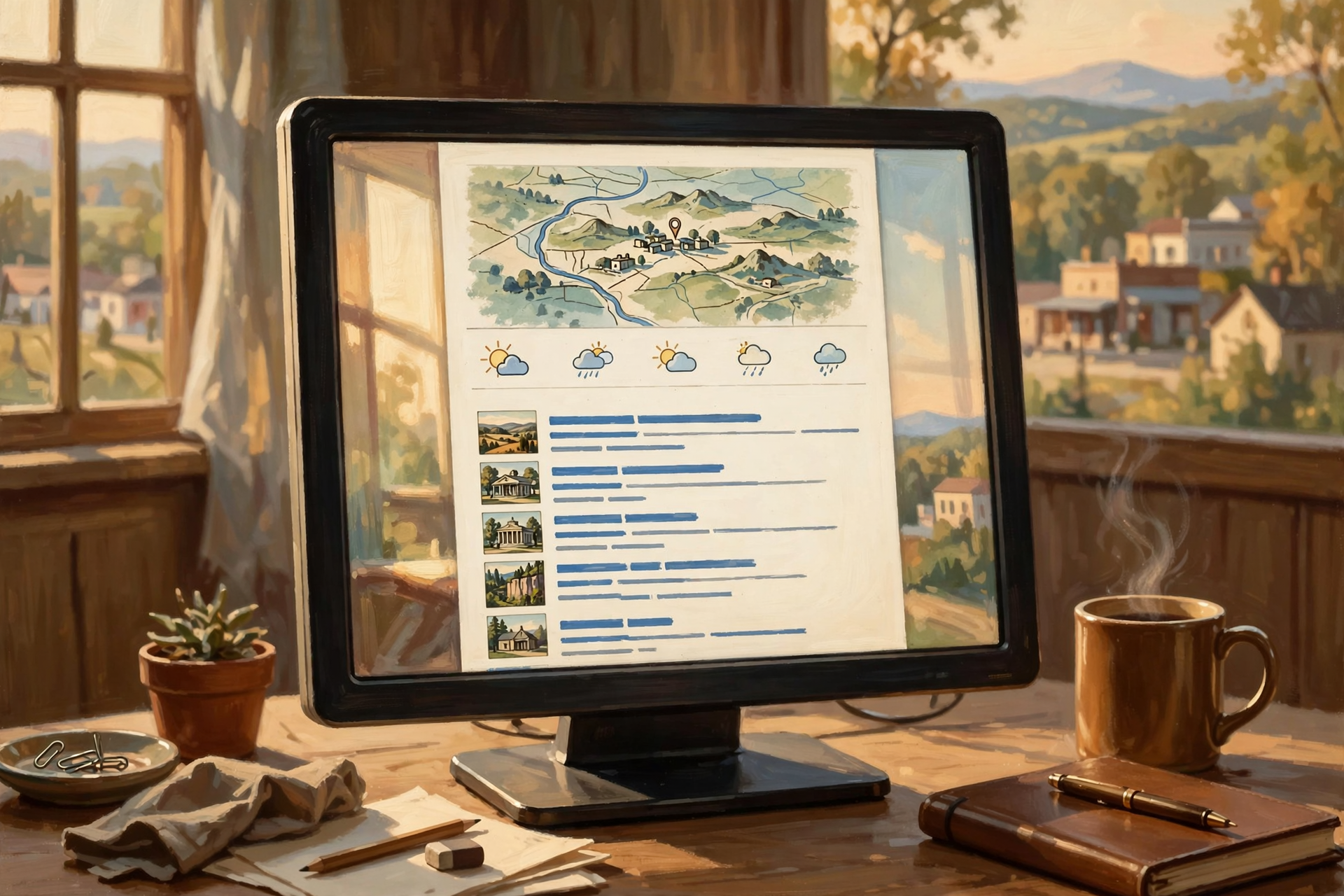
Once Google’s systems have processed the query, they need to assemble something you can actually use.
The search-results page may contain:
- ordinary webpage links;
- maps;
- business information;
- images;
- videos;
- news;
- shopping information;
- quick factual answers;
- AI-generated features where available; and
- other specialized results.
The exact result depends on the question.
A search for “12-pound turkey cooking time” produces a very different page from “Dunlap Tennessee weather” or “electrician near me.”
Step Eleven: Now Everything Has to Come Back

The journey is only half finished.
Google now sends the response back toward you.
Information moves through Google’s network, interconnected internet networks, your internet provider, your home router and finally your device.
Your browser receives the data and turns it into the page you see.
The entire process may have involved:
- your phone or computer;
- Wi-Fi equipment;
- your internet provider;
- local communications infrastructure;
- regional fiber;
- large internet backbone networks;
- Google’s private network;
- network routers;
- data-center servers;
- Google’s search index;
- ranking systems;
- electricity;
- cooling equipment; and
- another trip back across much of the same digital world.
And you experience all of it as:
Click.
So Did My Search Really Travel 500 Miles?
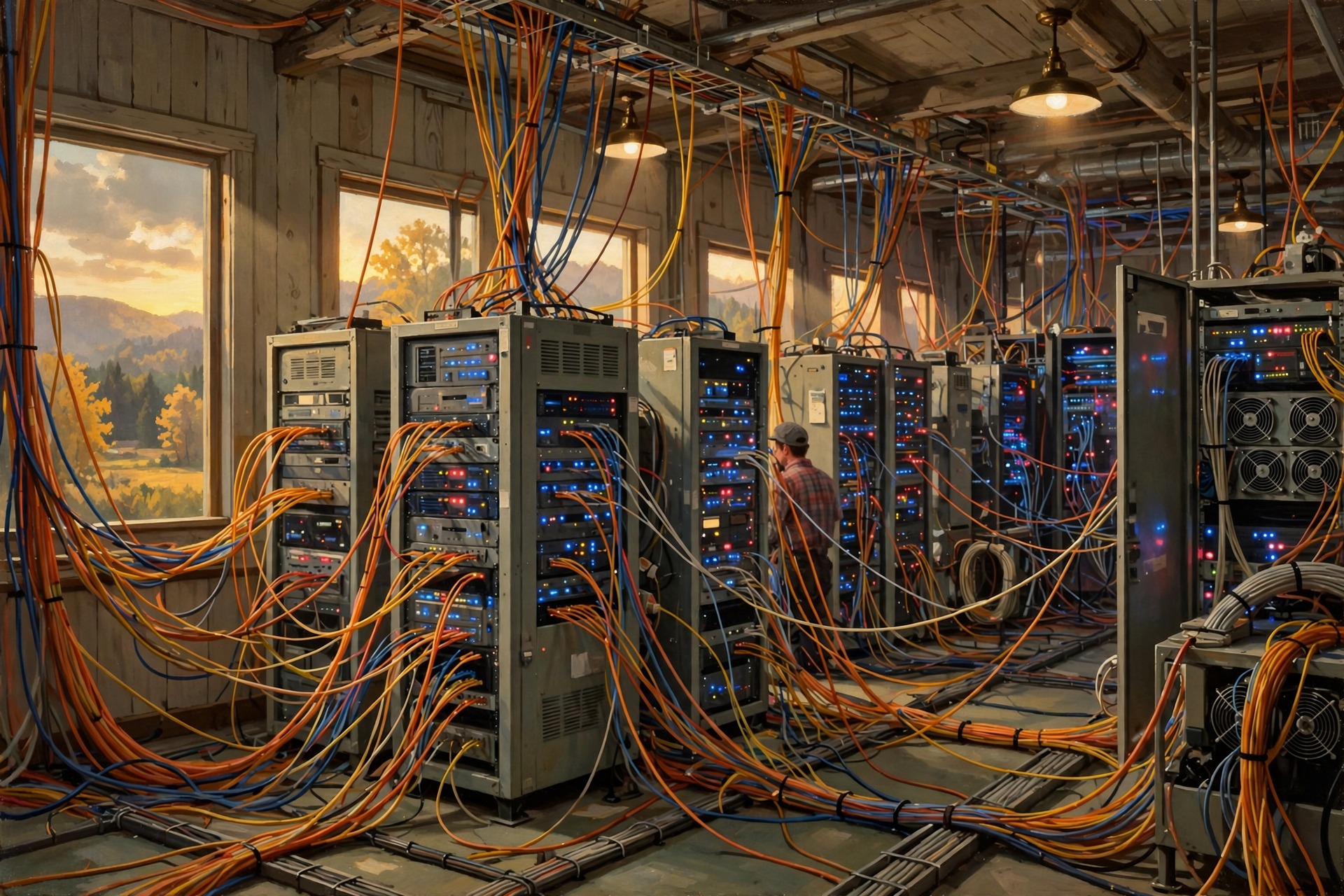
Maybe.
Or 50.
Or 1,000.
The 500-mile road trip in our headline is an illustration rather than a route map.
Internet traffic is dynamically routed, and the physical location handling a particular request can vary.
The most important point is not the exact mileage.
It is this:
Even something that feels instantaneous and invisible depends on physical networks and physical computers located in physical places.
Why Doesn’t Distance Make Everything Feel Slow?

Light is fast.
Very fast.
Fiber networks are also engineered to move enormous amounts of information with remarkably little delay.
But distance still matters.
Networking equipment has to process traffic.
Signals travel through physical infrastructure.
Computers need time to do work.
Every additional step can add delay.
That delay is often described as latency.
For an ordinary web search, small amounts of latency may be barely noticeable.
For real-time gaming, industrial control, financial systems or interactive AI, tiny delays can matter much more.
That is one reason computing infrastructure is distributed geographically instead of being located in one enormous building at the North Pole.
The Return Trip May Be Bigger Than the Question

Your search request itself may be relatively small.
The answer can be much larger.
Suppose you search for a video.
The request essentially says:
Please give me this video.
That request is tiny compared with the amount of data required to stream the actual video back to you.
The same principle applies to:
- photographs;
- maps;
- large documents;
- software downloads;
- streaming movies;
- AI-generated images; and
- AI-generated video.
Sometimes the package coming home is a lot bigger than the postcard you mailed out.
Google Search Is Also a Good Lesson in Why Data Centers Exist
Think about what Google has to accomplish.
One person in Dunlap asks about a turkey.
Another person in Nashville searches for a tire store.
Somebody in London wants a train schedule.
Someone in Tokyo searches for a restaurant.
Millions of other people are asking completely different questions at roughly the same time.
Google says its Search systems sort through billions of pages in the index to produce useful results.
Handling that kind of global demand requires:
- enormous computing capacity;
- large storage systems;
- fast networking;
- distributed data centers;
- backup systems;
- electricity;
- cooling; and
- software capable of coordinating everything.
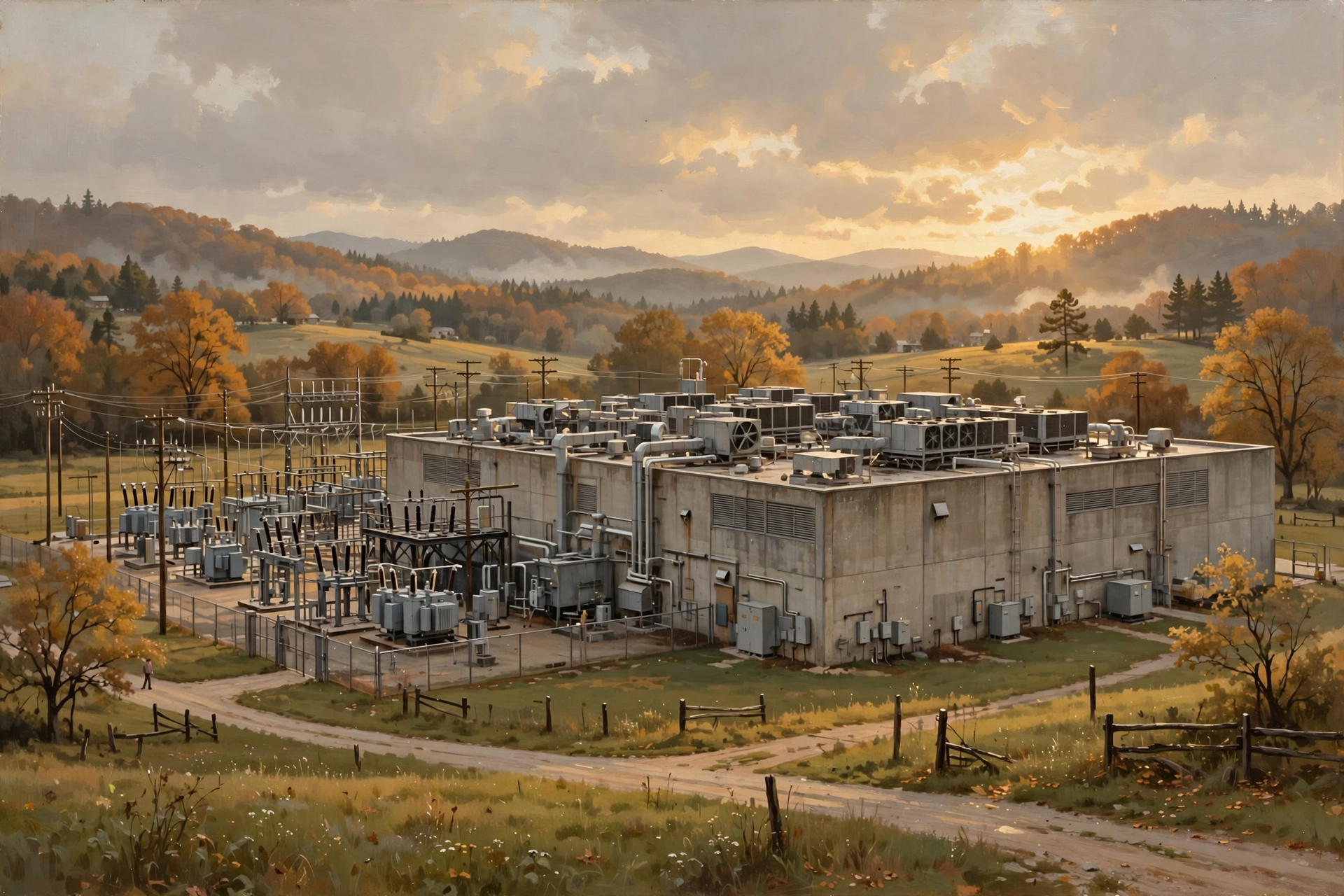
This is why data centers exist.
Not because somebody simply decided a large windowless building would look nice beside an electrical substation.
The building exists because millions or billions of digital tasks need physical machines somewhere to perform them.
Where Does AI Fit Into Google Search?
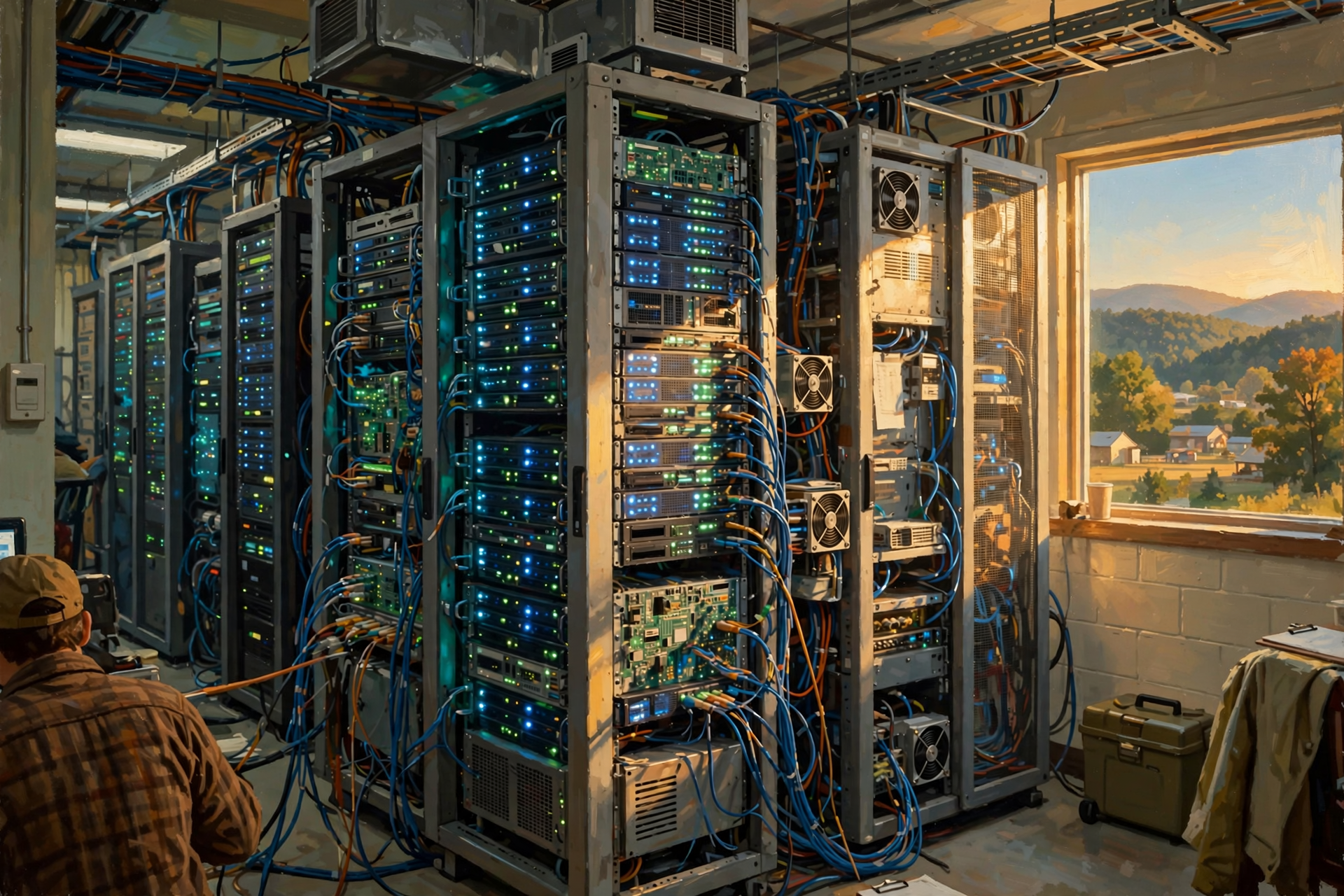
Search itself has been using machine learning and other automated systems for years, and modern search services are increasingly incorporating generative AI and more computationally intensive features.
That can change the amount and type of computing required to answer a question.
A traditional search primarily identifies and ranks existing information.
A generative AI system may also need to process the question through a large model and construct a new response.
Those are different computational jobs.
This connects directly with an earlier article in this series: computers can become more efficient at each individual operation while total demand rises because we keep asking them to do more complicated things.
What Happens After You Click a Result?

Our digital road trip is not necessarily finished when the search page appears.
Suppose you click a result from a cooking website.
Now your device begins another network journey.
This time, instead of asking Google to search its index, you are requesting content from the computers hosting that particular website.
Those computers might be:
- in the website owner’s own data center;
- in a colocation facility;
- in a cloud provider’s data center;
- behind a content-delivery network; or
- spread across several systems.
One click can begin another road trip.
Then another.
Modern web browsing is basically a lot of computers constantly asking other computers for things.
Why This Matters to a Local Business

This story is not only about Google.
It explains why a local business’s digital presence matters.
When somebody searches for:
plumber Dunlap Tennessee
or:
restaurant near me
the search engine needs information it can understand and trust.
That means local businesses benefit from having accurate information available online, including:
- business names;
- addresses;
- service descriptions;
- hours;
- websites;
- directory listings;
- location information; and
- other useful public information.
A business does not necessarily have to understand the data center.
But the data center needs information about the business if the digital systems running inside it are going to help customers find that business.
Hold On—Is That True? “Google Searches the Entire Internet Every Time I Ask Something”

No.
Google continuously discovers and processes information from the web and builds an index.
When you search, Google’s systems generally search that index rather than visiting every website on the internet from scratch.
Think library catalog, not librarian sprinting through every bookshelf every time somebody asks a question.
Hold On—Is That True? “My Google Search Goes to One Specific Google Data Center”
Not necessarily.
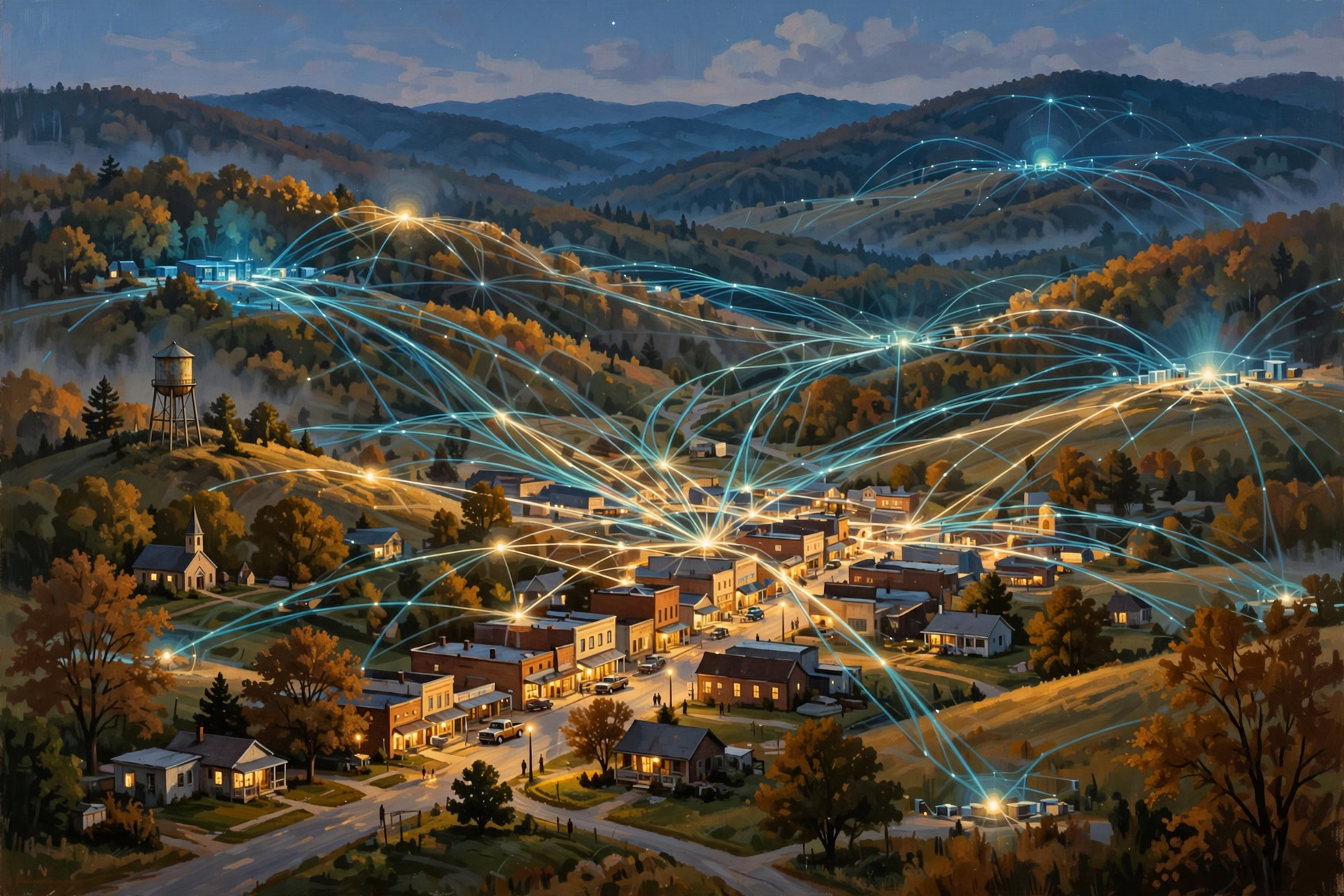
Google operates distributed infrastructure, and the location responding to a request can vary.
The whole point of large distributed systems is to avoid depending on one machine, one building or one route.
Hold On—Is That True? “The Internet Is Wireless”

Only part of your journey may be wireless.
Your phone might communicate wirelessly with a Wi-Fi router or cellular tower.
After that, substantial portions of internet traffic travel through physical cables, especially fiber-optic networks.
The wireless part you see can be only the first few feet or miles of a journey that ultimately depends on an enormous amount of wire and glass.
Plain-English Glossary

Crawling: The process search engines use to discover new or updated webpages.
Index: An organized collection of information about webpages that allows a search engine to locate possible results without searching the live web from scratch for every query.
Ranking: The automated process of evaluating possible search results and deciding which are most likely to be useful.
Packet: A small unit of digital information transmitted through a network.
Router: Networking equipment that helps direct data toward its destination.
Fiber-optic cable: Cable that transmits digital information using light.
Latency: Delay between sending information and receiving a response.
Internet backbone: High-capacity networks that carry large amounts of internet traffic between regions and networks.
Data center: A physical facility containing computing, storage, networking and supporting infrastructure.
FAQ

Does Google know the answer before I search?
Not necessarily in the sense of having a finished answer waiting for your exact question. Google has already discovered, analyzed and indexed enormous amounts of information, allowing its systems to identify and rank relevant information quickly when you search.
Does Google store a copy of every website?
Google’s index contains information gathered and processed from webpages, but describing it simply as one complete stored copy of the entire internet would be misleading. Websites change constantly, some pages are not indexed, and Google’s systems process information rather than merely maintaining one giant ordinary backup of every site.
Can my search take different routes on different days?
Yes. Internet routing and distributed computing systems can send traffic through different infrastructure depending on network conditions, geography, service design and availability.
Could my search leave Tennessee?
Yes. Depending on which infrastructure handles the request and the route used to reach it, internet traffic can travel across state lines or much farther. The exact path of an individual search is not necessarily visible to the person searching.
Why is Google so fast if so much is happening?
Because most of the expensive preparation has already happened. Google maintains an index, operates enormous computing infrastructure and uses high-speed networks engineered to process huge numbers of requests rapidly.
Does every search use a data center?
A Google search ultimately depends on Google’s distributed computing infrastructure, which includes data-center systems. The exact physical machines and locations involved can vary.
Wisdom From the Front Porch

We used to drive 20 miles to the library for an answer. Now the question may travel hundreds of miles instead—and beat us back before we can take another sip of coffee.
That is one of the remarkable things about modern digital infrastructure.
The technology has become so fast and convenient that the machinery underneath it disappears from our awareness.
But it has not disappeared from the physical world.
Your search still needs computers.
Those computers still need buildings.
The buildings still need electricity.
The computers still create heat.
The networks still need fiber.
And somebody still has to build and maintain the whole system.
Once you see that connection, data centers stop looking like mysterious technology warehouses and start looking like what they really are:
part of the infrastructure carrying modern life.
Want to Learn More About the Infrastructure Behind Your Screen?

If following one little Google search from the kitchen table into fiber networks and data-center computers changed the way you picture the internet, there is a lot more worth exploring.
The Van Buren Digital Frontier Symposium on November 19 is an opportunity to continue that education and learn more about data centers, artificial intelligence, electricity, communications infrastructure and the questions communities should understand as the digital economy becomes increasingly physical.
You do not need to be a programmer or network engineer to participate. If you understand roads, utilities, construction, land, local business, education or community planning, you already understand pieces of the same physical world that data centers depend upon.
The goal is not to arrive already supporting or opposing data-center development. It is to learn enough about how the technology actually works to ask better questions about particular projects, opportunities and tradeoffs.
For more information, visit the Van Buren Digital Frontier Symposium listing on Dunlap.Directory or the Van Buren Digital Frontier Symposium Facebook page. Either resource can be used for additional information and event updates.
Other Articles In This Data Center Series

- Not All Data Centers Are the Same: From a Server Closet to an AI Mega-Campus
- If AI Keeps Getting More Efficient, Why Do We Need More Data Centers?
- What Is the Difference Between My PC and an AI PC in a Data Center?
- What Is a Data Center—and What Does It Actually Do?
- A Tour Inside a Data Center: Servers, Racks, Cables and a Whole Lot of Air Conditioning
- Where Does “The Cloud” Actually Live? Inside Buildings Like These
- What Is a Data Center—and What Does It Actually Do?




0 Comments