
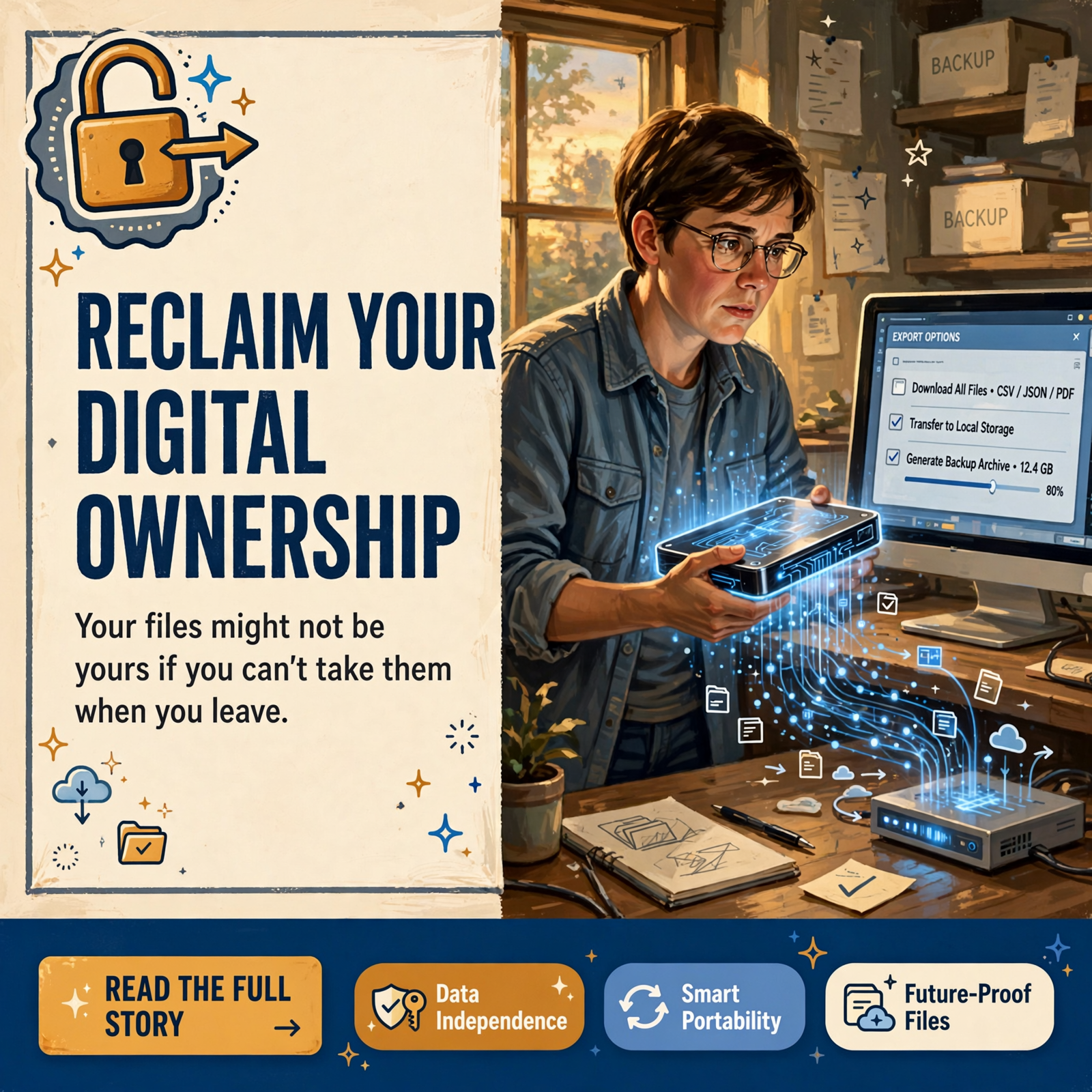
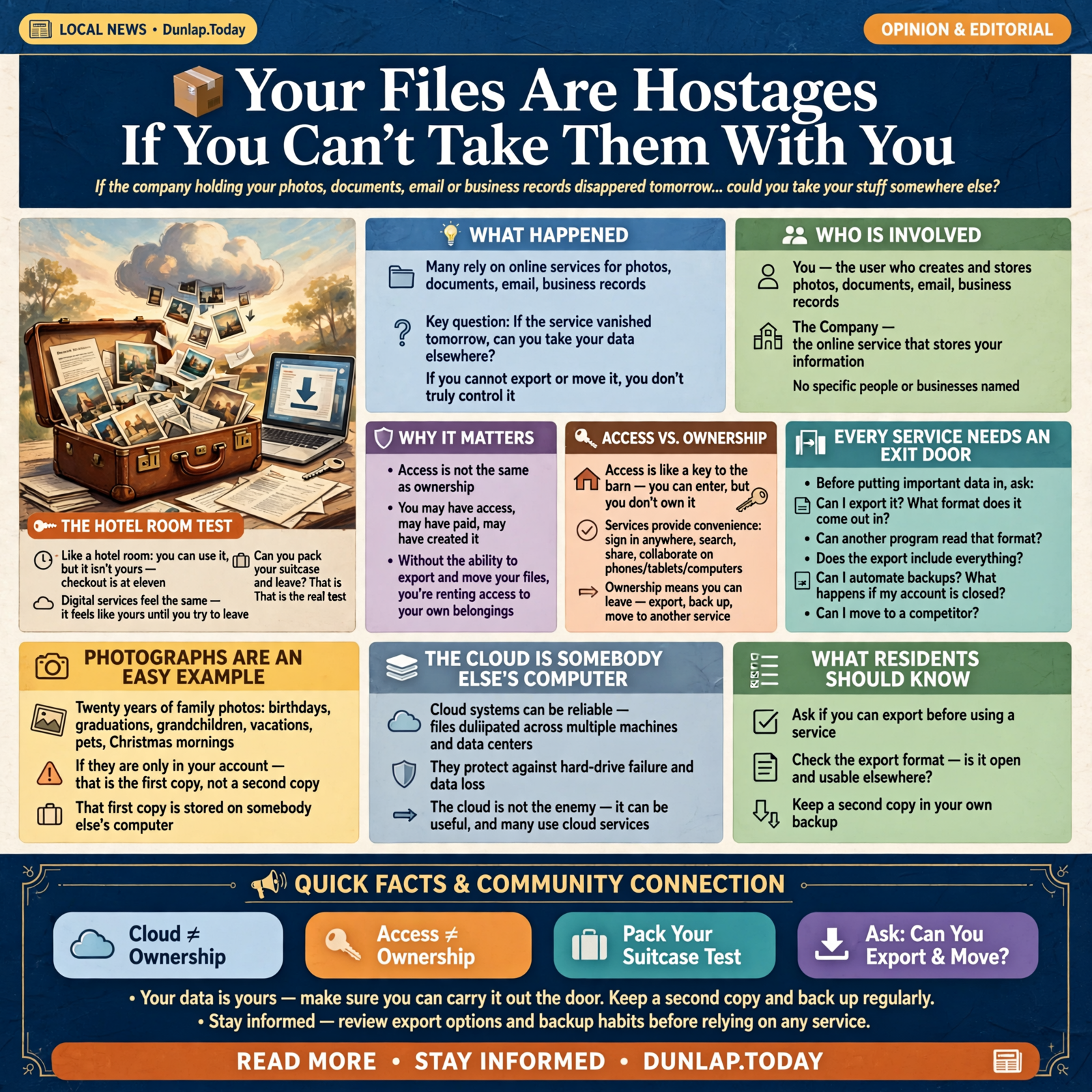
📦 Your Files Are Hostages If You Can’t Take Them With You

Here’s a question most of us don’t ask until it’s too late:
If the company holding your photos, documents, email or business records disappeared tomorrow…
could you take your stuff somewhere else?
Not look at it.
Not log into it.
Not hope somebody restores your account.
Actually take it.
Download it.
Open it someplace else.
Back it up.
Move it to another service.
If the answer is no, then I would argue you don’t completely control that information.
You may have access to it.
You may have paid for it.
You may have created it.
But if you can’t carry it out the door…
you’re renting more than software.
You’re renting access to your own belongings.
🏨 The Hotel Room Test

Here’s the easiest analogy I know.
If you’re staying at a hotel, you can:
- Sleep in the bed
- Use the shower
- Watch the television
- Put your clothes in the dresser
- Set your toothbrush beside the sink
For a few days, it feels a little bit like your room.
But it isn’t.
You know that because eventually somebody can say:
“Checkout is at eleven.”
Digital services can feel the same way.
Your photographs appear on the screen.
Your documents are there.
Your messages are there.
Your notes are there.
Your business records are there.
Everything feels like yours.
But ownership gets tested when you decide to leave.
Can you pack your suitcase?
🔐 Access and Ownership Are Not the Same Thing

This distinction matters.
If I give you a key to my barn, you have access to the barn.
That doesn’t mean you own it.
Digital services often give us excellent access.
We can sign in from anywhere.
Search instantly.
Share with family.
Collaborate with coworkers.
Use our phones, tablets and computers.
Those are real benefits.
But none of them answers the ownership question.
The ownership question is:
What happens when I stop using this company?
🚪 Every Digital Service Needs an Exit Door

When I evaluate software or online services, one feature is becoming increasingly important to me:
the exit door.
Before I put anything important into a system, I want to know:
- Can I export it?
- What format does it come out in?
- Can another program read that format?
- Does the export include everything?
- Can I automate backups?
- What happens if my account is closed?
- Can I move to a competitor?
A system without an exit door may be wonderfully convenient on the way in.
That’s usually how lock-in works.
Nobody locks the door when you’re entering.
They lock it after you’ve moved all the furniture inside.
📸 Photographs Are an Easy Example

Suppose you have twenty years of family photographs stored with an online service.
Birthday parties.
Graduations.
Grandchildren.
Vacations.
Parents who may no longer be with us.
Pets.
Christmas mornings.
Pictures that become more valuable every year.
Now ask:
Where is the second copy?
If the answer is:
“Well, they’re in my account.”
that isn’t a second copy.
That’s the first copy.
Located on somebody else’s computer.
☁️ The Cloud Is Somebody Else’s Computer

Computer people sometimes say this jokingly:
“The cloud is just somebody else’s computer.”
That’s oversimplified, but useful.
Cloud systems can be enormously sophisticated.
They may duplicate your files across multiple machines and data centers.
They may offer better reliability than anything you’d build at home.
They may protect against a hard-drive failure that would otherwise wipe out years of work.
I like cloud services.
I use cloud services.
The cloud is not the enemy.
But there’s an important difference between:
using the cloud as one copy of your data
and:
allowing the cloud to become the only place your data exists.
🧳 Google Gives Us a Good Example of an Exit Door
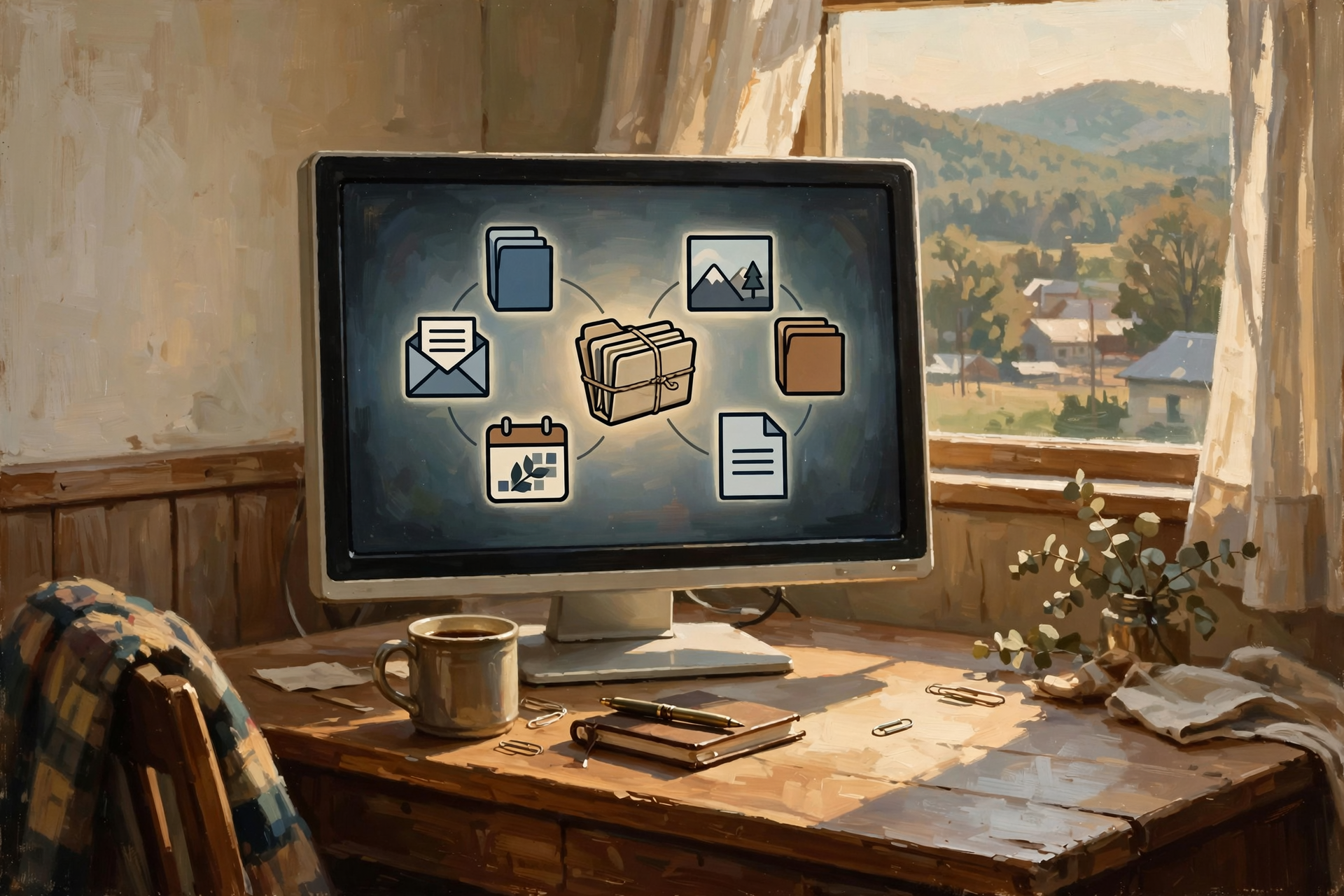
Google provides something called Google Takeout.
Despite the name, it doesn’t involve fried rice.
It allows users to create downloadable archives of data from Google services.
Google currently says users can export information including:
- Documents
- Calendar information
- Photos
- YouTube videos
- Account activity
and use those archives for their own records or to move information to another service.
That is exactly the sort of capability I mean by an exit door.
The ability to export doesn’t make every migration painless.
But it means the company at least provides a mechanism for getting significant amounts of your information back out.
📂 But “Export” Is Only Half the Question
Here’s where it gets sneaky.
A service may proudly announce:
“You can export all your data!”
Wonderful.
Export it into what?
If your ten years of business records come out as a mysterious proprietary file that only the original program understands, your information technically escaped…
but it didn’t get very far.
It’s like somebody saying:
“Of course you can take your tractor with you.”
Then discovering they removed the wheels before loading it.
📄 File Formats Matter More Than Most People Realize

Every computer file has some kind of format.
You’ve seen the letters:
- .DOCX
- .XLSX
- .JPG
- .PNG
- .TXT
- .CSV
- .MP3
Those extensions tell software how the information inside is organized.
Some formats are widely supported.
Others belong closely to one particular program or service.
The more important your information is, the more valuable broadly supported formats become.
🔓 What Is an Open File Format?

An open format is generally a file format whose specifications are publicly documented and aren’t controlled in a way that forces everybody to depend upon one particular vendor to understand the file.
Think of it as having the blueprint for the box your information is stored in.
A good example is the OpenDocument Format, often abbreviated ODF.
ODF is an international standard for office documents including text files, spreadsheets, presentations and related content. ISO maintains published OpenDocument standards, which is one reason programs from different developers can build support for the same general format.
You do not need to memorize the standard number.
Lord knows I don’t expect anybody to wander around Dunlap saying:
“I’m mighty concerned about ISO/IEC 26300 today.”
The useful lesson is simpler:
The more programs that understand your file format, the less dependent you are on one program.
🧾 CSV May Be One of the Ugliest Beautiful Things in Computing

Let’s talk about one format almost every business owner should appreciate.
CSV.
It stands for Comma-Separated Values.
That’s about as exciting as the name suggests.
A CSV file is basically rows and columns of plain information.
No fancy buttons.
No pretty colors.
No dancing graphics.
Just the data.
And that’s exactly why it’s so valuable.
Almost every spreadsheet system, database program and business platform on Earth can do something with CSV files.
If your customer list can be exported to CSV, you’ve got options.
If your customer list can only be opened inside Bob’s Wonderful Customer Manager Deluxe 2014, I would be nervous.
📝 Plain Text Is Nearly Immortal

Want to know one of the safest file formats ever invented?
Text.
Plain old text.
A text file created decades ago can still be opened by nearly every computer today.
There’s a lesson in that.
The fanciest format isn’t always the safest long-term format.
If you’re preserving:
- Notes
- Instructions
- Family history
- Research
- Documentation
plain text can be remarkably durable.
📕 PDF Is Good for Preservation — With a Catch

PDFs are useful because they preserve the appearance of a document fairly well across different computers.
That’s why they’re good for:
- Contracts
- Receipts
- Manuals
- Invoices
- Reports
- Finished documents
But PDFs aren’t always the best format if you expect to continue editing the information heavily.
Think of a PDF more like a photograph of the finished furniture.
The editable document is more like the woodworking plans.
Sometimes you should save both.
🏢 Businesses Should Worry About This More Than Households

Imagine you’re running a business for fifteen years.
You accumulate:
- Thousands of customers
- Years of invoices
- Product information
- Employee records
- Vendor information
- Photos
- Documents
- Website content
Then your software vendor raises the price.
No problem, you think.
We’ll switch.
Then you discover switching means losing:
- Years of notes
- Attachments
- Custom fields
- History
- Links between records
Suddenly that software subscription isn’t really $79 a month.
It’s:
“$79 a month because leaving would cost $50,000.”
That is vendor lock-in.
🔒 Vendor Lock-In Isn’t Always Evil

I want to be fair here.
Sometimes a system becomes difficult to leave simply because it does complicated things.
If ten years of business processes depend upon specialized workflows, integrations and custom configuration, there may be no magical button that perfectly recreates everything somewhere else.
That’s not necessarily a conspiracy.
Complex systems are complex.
But the risk is still real.
Good management means knowing how deep the roots have grown.
🌳 Think About Software Like Planting a Tree

When you first plant a tree, moving it is easy.
A shovel and twenty minutes.
Come back twenty years later and the roots may reach halfway across the yard.
Software works the same way.
The first month:
Thirty contacts.
Ten documents.
A few pictures.
Easy to move.
Ten years later:
Thirty thousand records.
Attachments.
Comments.
Automations.
History.
Employee workflows.
Customer accounts.
Now you’ve got roots.
That’s why you ask about portability before the tree gets big.
🌐 Your Website Is Another Place This Matters

Small businesses frequently build websites on platforms they don’t fully control.
That’s not necessarily wrong.
A hosted website builder can make launching a site wonderfully easy.
But before building years of business history there, ask:
Can I export my content?
WordPress, for example, includes built-in export capabilities designed to move site content such as posts, pages, comments, categories and related information between WordPress installations.
That doesn’t mean every plugin, theme setting or custom feature transfers automatically.
But content portability is part of the platform’s basic design.
That matters.
📧 Email May Be Your Most Valuable Business Database
A surprising number of small businesses don’t think of email as data.
It is.
Your mailbox may contain:
- Customer agreements
- Price negotiations
- Vendor correspondence
- Receipts
- Passwords and account notifications
- Project history
- Promises
- Disputes
- Institutional memory
If you changed email providers tomorrow, could you preserve that history?
Could you export it?
Could another email program open it?
Could you search it?
A mailbox can quietly become one of the most valuable records a business owns.
👴 Family Data Deserves the Same Attention

This isn’t only a business issue.
Families increasingly have their entire history tied to online accounts.
Photographs.
Videos.
Family trees.
Recipes.
Letters.
Scanned documents.
Social-media posts.
Voice recordings.
What happens when Grandma’s account disappears?
What happens when Dad dies and nobody knows the password?
What happens when a platform shuts down?
What happens when a free service becomes expensive?
These aren’t computer questions anymore.
They’re inheritance questions.
🪦 Digital Estate Planning Is Becoming Real Estate Planning

We’ve always thought about possessions like:
- The house
- The truck
- The land
- The jewelry
- The family Bible
- Photograph albums
But modern families increasingly leave behind digital property too.
A thousand printed photographs in Grandma’s closet are easy to understand.
Forty thousand pictures inside an account nobody can access are another matter entirely.
Digital independence means thinking ahead.
💾 Backup Is Not the Same as Sync

This distinction is extremely important.
A lot of people believe they have backups because their files synchronize with the cloud.
Synchronization and backup aren’t necessarily the same thing.
Imagine two notebooks connected by magic.
You erase page 12 in Notebook A.
The magic immediately erases page 12 in Notebook B.
Congratulations.
You successfully synchronized the mistake.
A proper backup should give you some way to recover older or deleted information.
Good cloud services may provide version history and deleted-file recovery.
But don’t assume.
Check.
3️⃣ The Famous 3-2-1 Backup Rule

There’s an old backup guideline called the 3-2-1 rule.
The basic idea is:
- 3 copies of important data
- on 2 different types of storage
- with 1 copy somewhere else
You don’t have to follow that formula religiously.
The philosophy matters more than the arithmetic.
Don’t let one accident destroy everything.
If your laptop and backup drive are sitting beside each other when the house burns, technically you had two copies.
Practically, you had one location.
🔥 Backups Are Boring Until the Day They Become Priceless

Nobody wakes up Saturday morning excited to organize backups.
You never hear:
“Martha! Cancel lunch. I’m rotating external drives today!”
Backup systems are boring.
So are seatbelts.
Until roughly three seconds before you need one.
🤖 AI Makes the Ownership Question Even More Interesting

Here’s a new problem we’re only beginning to understand.
People are now creating enormous amounts of work inside AI services.
Research.
Articles.
Business plans.
Images.
Code.
Conversations.
Project history.
Ideas.
What happens when that history becomes valuable?
Can you export it?
Can you organize it outside the service?
Can you preserve the original prompts?
Can you move the work to another AI system?
Can your heirs or coworkers find it?
This is going to become a much bigger issue.
🧠 Don’t Let the AI Become the Only Place Your Idea Exists

This is especially important for writers, entrepreneurs and businesses.
If an AI system helps you create something valuable, preserve the valuable result somewhere you control.
A document.
A database.
A project folder.
A content-management system.
Something.
Your great business idea shouldn’t exist only because one particular chatbot remembers the conversation.
🛠️ The Portability Test

Before trusting an important system, try this little test.
1. Can I export everything?
Not one record at a time.
Everything.
2. What format do I get?
Look for things like:
- CSV
- JSON
- XML
- TXT
- standard image formats
- widely supported office formats
3. Can another program understand it?
An export only matters if you can use it.
4. Are attachments included?
Documents, images and other attachments often matter as much as the main database.
5. Is the history preserved?
Comments.
Timestamps.
Versions.
Relationships.
Sometimes those are where the real value lives.
6. Can I perform exports regularly?
If you’ve accumulated five years of information, you shouldn’t wait until cancellation day to learn whether export works.
🧪 Test the Fire Escape Before the Building Burns
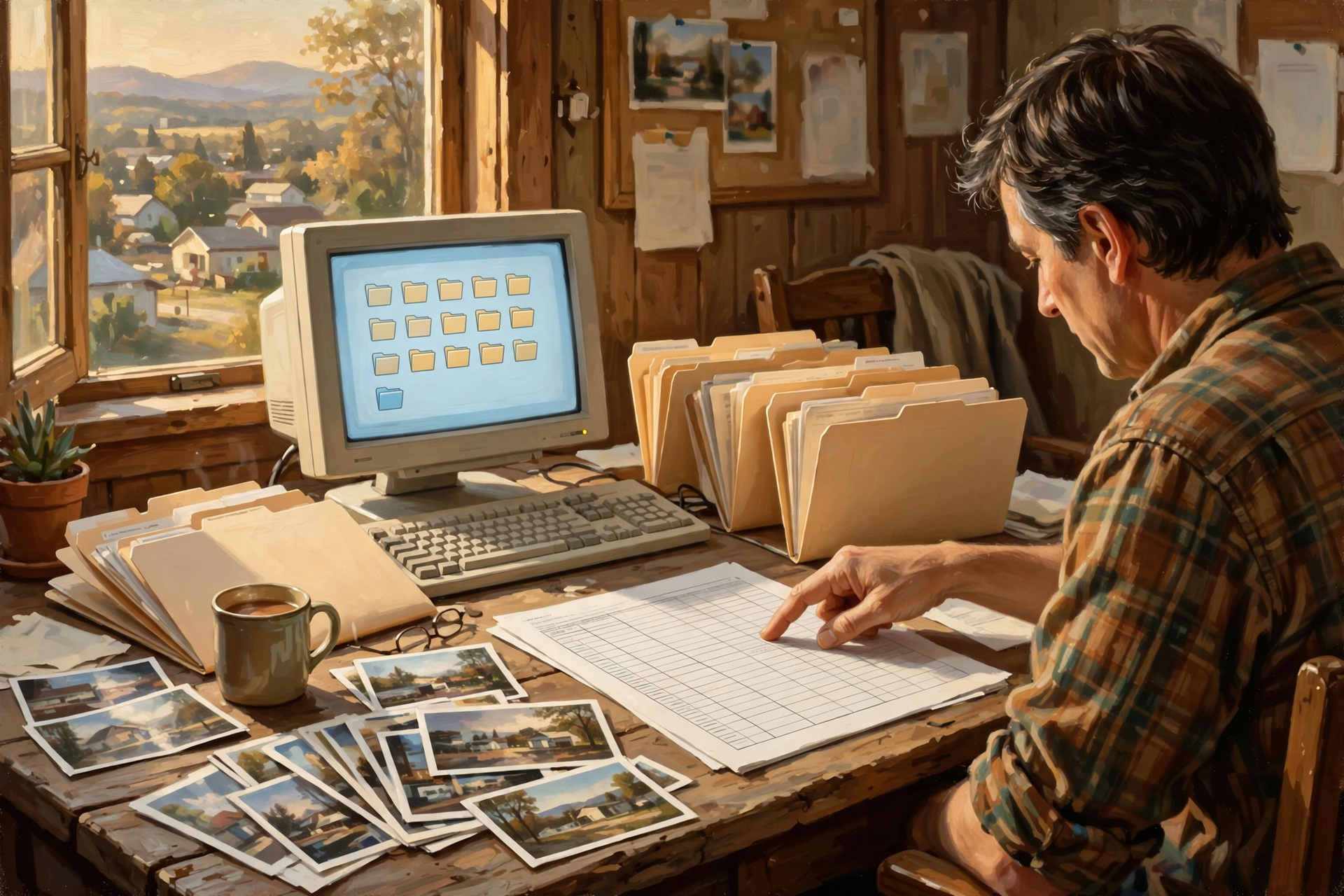
This may be the best advice in the article.
Perform a test export while everything is working.
Download your information.
Open some files.
Look inside the archive.
Make sure the photographs are actually photographs.
Make sure your spreadsheet contains your data.
Make sure your contacts have phone numbers.
Make sure the backup isn’t just a folder called:
backup_final_REAL_2023.zip
that nobody has ever opened.
🏠 Local Copies Restore a Little Leverage

You don’t have to abandon cloud services to regain control.
You may simply need local copies.
For example:
Your photos can live in cloud storage and on a local drive.
Your important documents can synchronize online and be backed up elsewhere.
Your website can run on a hosting company and have regular exports.
Your business database can live in a SaaS product and be exported periodically.
This gives you leverage.
If the price doubles…
If service deteriorates…
If policies change…
If the company closes…
If your account gets locked…
you have choices.
💵 Portability Is Also a Financial Issue

Remember what this series started with:
subscriptions.
The easiest subscription to raise the price on is one you cannot leave.
If a company knows that migrating ten years of your information would be nearly impossible, your negotiating position is approximately:
“Yes sir. Where would you like me to enter the new credit card number?”
Portability creates competition.
Competition creates options.
Options create leverage.
🏪 Small Businesses: Ask This Before Buying Software

Before committing your business to another service, add these questions to the sales demonstration:
- Can we export all our data?
- Can we export it ourselves?
- Is there an extra charge?
- What formats are available?
- Are attachments included?
- Are custom fields included?
- Can we export automatically?
- What happens when we cancel?
- How long do we have to retrieve our data?
- Can another vendor import the export?
The salesperson may be considerably less enthusiastic about this part of the demonstration.
That’s all right.
It’s still your business.
⚠️ A Fancy Export Button Doesn’t Guarantee Freedom

One more caution.
Portability exists on a spectrum.
A service may let you download all your information but still make reconstruction extremely difficult.
Imagine exporting a restaurant.
You get:
- The tables
- The dishes
- The stove
- The recipes
- The cash register
Wonderful.
But none of it is assembled.
That’s sometimes what a data export looks like.
Still valuable.
Much better than nothing.
But not equivalent to moving the entire working system.
📦 Data Portability Is Not the Same as Application Portability

This distinction matters especially for businesses.
You might be able to export:
the data
without being able to export:
the application.
Your customer names might come out beautifully.
Your company’s ten years of custom workflows may not.
Your website articles may export.
Your theme may not.
Your accounting records may export.
Your customized reports may not.
Know the difference.
🔗 Open Standards Reduce the Chains
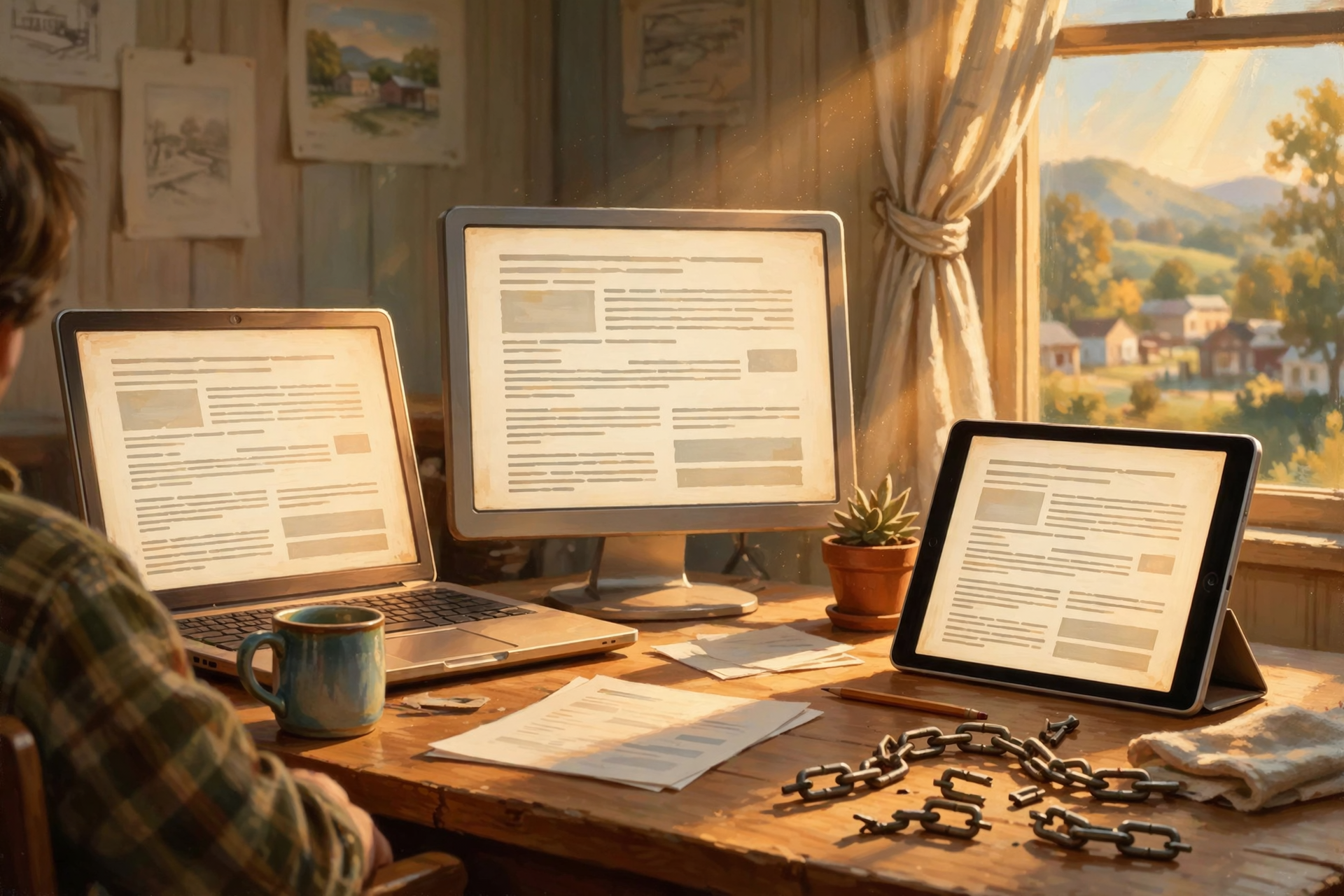
This is one reason open standards matter.
If several applications understand the same documented format, you’re less dependent upon any single one.
The international OpenDocument standards are a concrete example: they define structured formats for office documents so multiple applications can implement them.
The same general philosophy applies throughout computing.
Standard formats create bridges.
Proprietary formats can create islands.
🌉 Bridges Are Good

If your documents can move between programs…
If your photographs can move between services…
If your contacts can move between phones…
If your website can move between hosts…
If your email can move between providers…
you have bridges.
You may never cross them.
That’s fine.
But it’s comforting to know the bridge is there.
🚜 Nobody Worries About the Gate Until the Tractor Won’t Fit Through It

Here’s our obligatory tractor lesson.
A farmer buys a new piece of equipment.
It’s magnificent.
Powerful.
Reliable.
Exactly what he needs.
There is only one problem.
He can’t get it through the gate.
That’s something you would prefer to discover before unloading it.
Data portability works the same way.
Everybody studies the entrance.
Features.
Pricing.
Ease of setup.
Beautiful dashboards.
Almost nobody measures the gate on the other side.
🧰 A Simple Digital Ownership Checklist
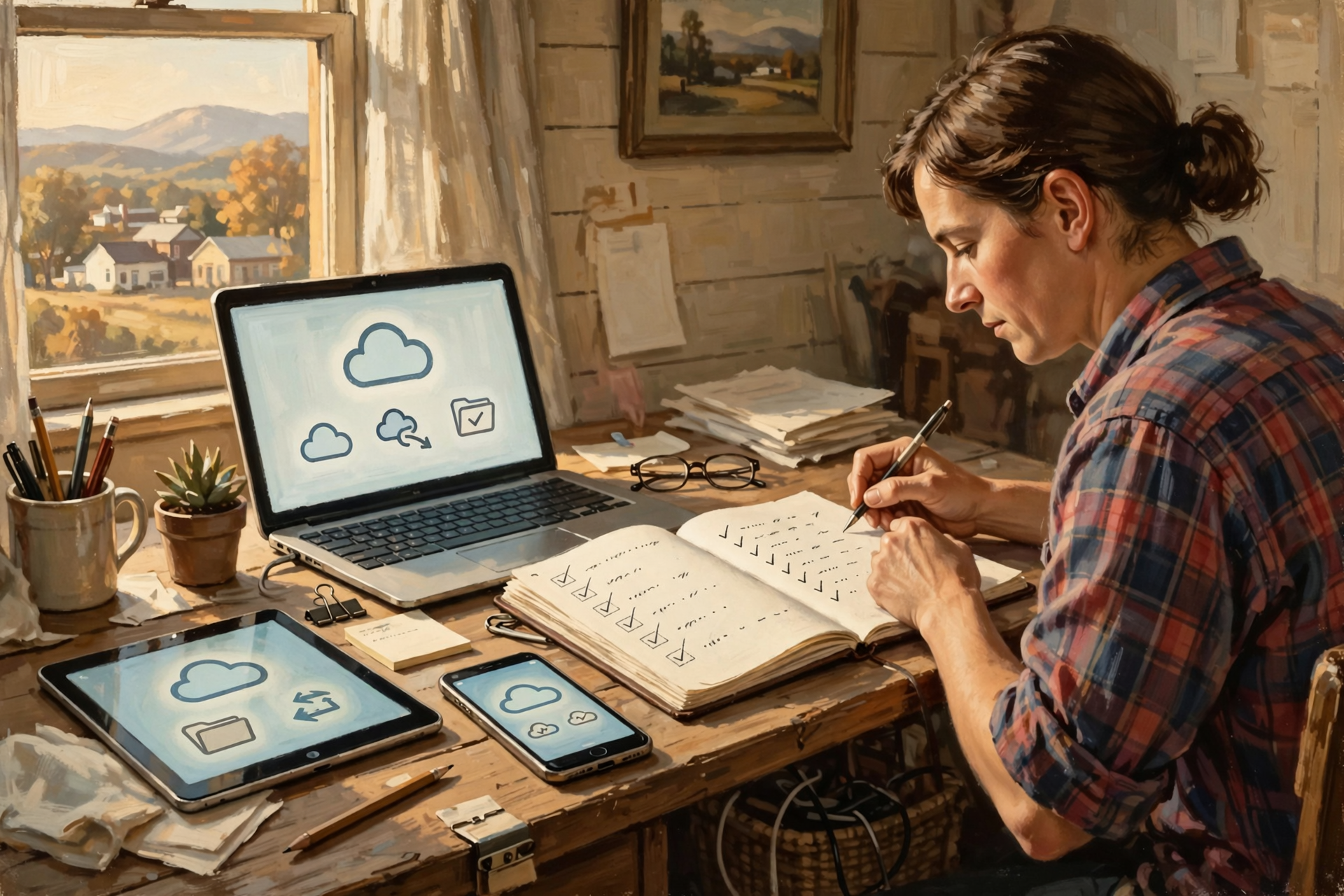
For anything you would be upset to lose, ask:
- ☐ Do I know where the original is stored?
- ☐ Do I have another copy?
- ☐ Is at least one copy somewhere else?
- ☐ Can I export the information?
- ☐ Is the export in a useful format?
- ☐ Have I tested the export?
- ☐ Can I open it without the original service?
- ☐ Are attachments preserved?
- ☐ Do I know what happens if the account closes?
- ☐ Would my spouse, family or coworkers know where to find it?
If you answer “no” several times, you’ve found something worth fixing.
🏁 The Bottom Line

Digital ownership doesn’t mean everything must live on a hard drive underneath your desk.
It doesn’t mean avoiding cloud services.
It doesn’t mean becoming paranoid about every technology company.
It means understanding a simple principle:
Your important information should never depend entirely on somebody else’s permission to access it.
Use the cloud.
Use subscriptions.
Use online photo services.
Use hosted websites.
Use AI.
Use whatever makes your life easier.
But keep an exit door.
Know how to export.
Know how to back up.
Prefer formats that other tools can understand.
And occasionally test whether the suitcase still closes.
Because the most important question isn’t:
“Can I get to my files today?”
It’s:
“Can I take them with me tomorrow?”
✅ The Dunlap.Today Exit-Door Test

- ☐ Can I export all my information?
- ☐ Can I do it without contacting support?
- ☐ Is the export free?
- ☐ Is it in a common format?
- ☐ Can another program open it?
- ☐ Are photographs and attachments included?
- ☐ Are dates and important metadata preserved?
- ☐ Can I make exports regularly?
- ☐ Have I tested one recently?
- ☐ Do I maintain another copy somewhere else?
❓ Frequently Asked Questions
What is data portability?
Data portability is the ability to obtain your information from one service in a usable form so it can be stored elsewhere or potentially transferred to another service.
What is vendor lock-in?
Vendor lock-in occurs when moving away from a product or provider becomes difficult or expensive because your data, workflows, integrations or history depend heavily on that system.
Is cloud storage bad?
No. Cloud storage can provide convenience, synchronization, redundancy and protection from local hardware failure. The risk comes from allowing one cloud account to become the only location of irreplaceable information.
What is Google Takeout?
Google Takeout is Google’s data-export system. Google says it can create archives containing information from services such as Gmail, Google Drive, Calendar, Photos and YouTube so users can keep records or transfer information elsewhere.
What is an open file format?
An open format is generally a format based on publicly available specifications that multiple developers can implement. Open formats can reduce dependence on one software company because more than one application may be able to read and write the files.
What is OpenDocument Format?
OpenDocument Format, or ODF, is a standardized family of formats for documents such as text files, spreadsheets and presentations. Versions of ODF are published as international ISO/IEC standards.
Is synchronizing files the same as backing them up?
Not necessarily. Synchronization keeps locations consistent, which can sometimes propagate deletions or unwanted changes. A backup is designed to preserve a recoverable copy, ideally including older versions or deleted information.
What is the 3-2-1 backup rule?
The traditional 3-2-1 approach recommends keeping three copies of important information, using at least two different types of storage, with one copy located elsewhere. The central principle is avoiding a single point of failure.
Should businesses test their exports?
Yes. An export function is only valuable if the exported information is complete and usable. Businesses should periodically test exports before they are needed for an emergency migration.
Should I keep local copies of cloud files?
For important or irreplaceable information, maintaining additional independent copies can greatly reduce dependence on any one account, device or provider.
💬 Dunlap.Today Question of the Day

If one online service you use disappeared tonight, what information would you be most afraid of losing?
Your family photographs?
Email?
Business records?
Documents?
Your website?
That answer may tell you exactly what you ought to back up this weekend.


0 Comments