
💻 You Don’t Have to Rent Your Computer: The Quiet Return of Free Software

There was a time when you bought a computer, bought some software, and then went about your business.
That sounds almost quaint now.
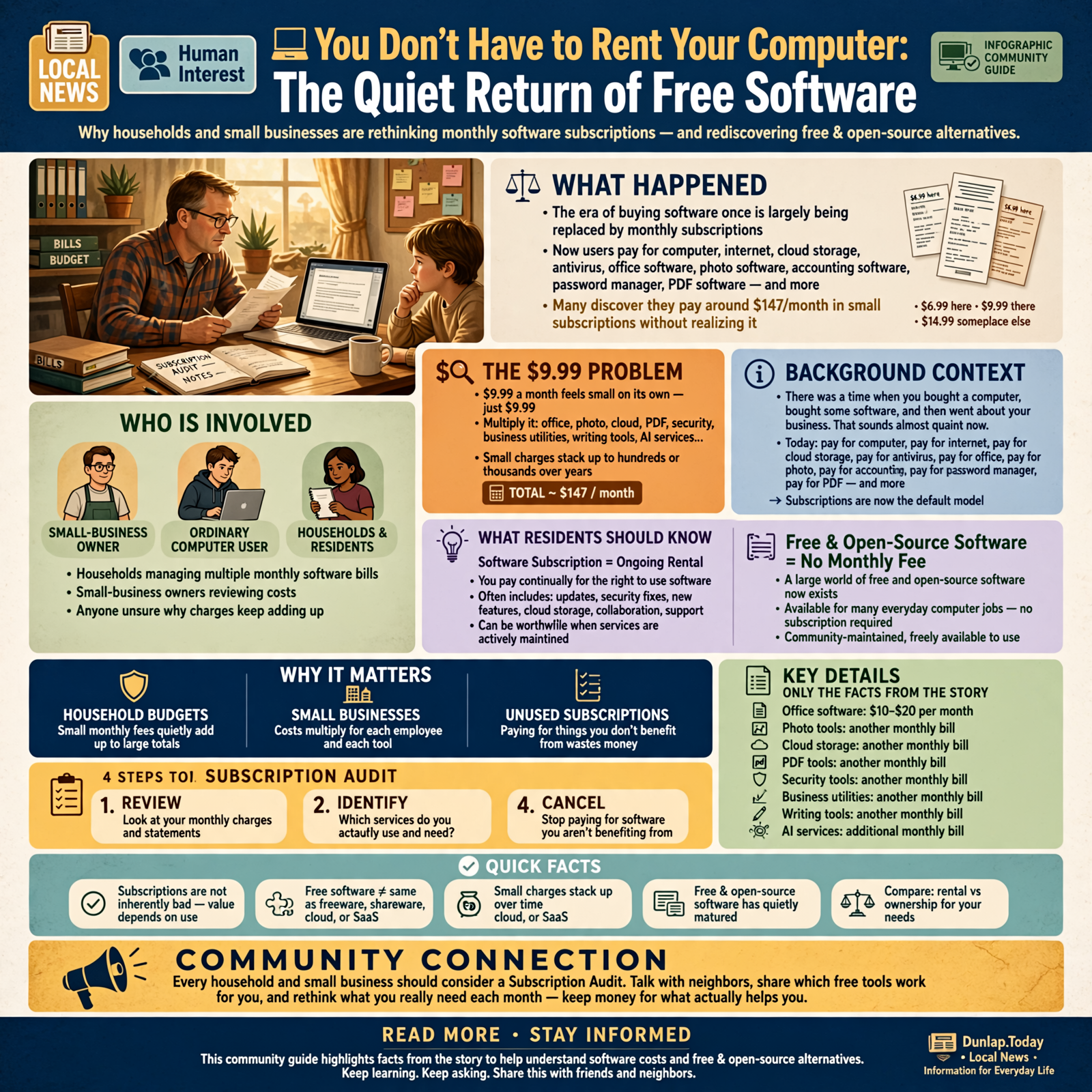
Today you can buy the computer, pay for the Internet connection, pay for cloud storage, pay for antivirus, pay for the office software, pay for the photo software, pay for the accounting software, pay for the password manager, pay for the PDF software—and, if we’re not careful, eventually somebody will figure out how to charge us $4.99 a month for the privilege of using the Caps Lock key.
Individually, none of these bills looks particularly frightening.
$6.99 here.
$9.99 there.
$14.99 someplace else.
That is how you wake up one morning with $147 worth of monthly subscriptions and no recollection of having purchased anything.
And here is the part a lot of ordinary computer users—and even plenty of small-business owners—don’t realize:
For many everyday computer jobs, you don’t necessarily have to pay a monthly subscription at all.
There is an enormous world of free and open-source software that has quietly matured while the rest of us were busy clicking “Accept new subscription price.”
A recent technology article comparing free office suites got me thinking about how poorly we explain this subject to ordinary folks. We computer people throw around terms such as freeware, open source, shareware, cloud software and SaaS like everybody learned them in fourth grade.
They didn’t.
So let’s fix that.
🧾 First, What Exactly Is a Software Subscription?

A software subscription is pretty much what it sounds like.
Instead of purchasing software once, you continually pay for the right to use some or all of it.
Think of the difference between buying a lawnmower and renting a lawnmower every month for the next eleven years.
Sometimes renting makes perfect sense.
If the rental company keeps sharpening the blade, replacing the engine, storing the mower, delivering it to your house and adding useful new attachments every month, you might conclude you’re getting your money’s worth.
That’s the argument behind subscription software.
You generally receive updates, security fixes, new features, online services, cloud storage, collaboration features and support as part of the ongoing relationship.
There’s nothing inherently wrong with that.
The trouble begins when we start assuming that everything on our computers needs to be rented forever.
💵 The $9.99 Problem

Subscription pricing works partly because $9.99 doesn’t feel like very much money.
If somebody walked into your house on January 1 and said:
“I’d like $119.88 for this software for the coming year.”
You might give it some thought.
But:
“Just $9.99 a month.”
That sounds downright neighborly.
Now multiply it.
- 📄 Office software: $10-$20 per month
- 🖼️ Photo tools: another monthly bill
- ☁️ Cloud storage: another one
- 🧾 PDF tools: another one
- 🔐 Security tools: another one
- 📊 Business utilities: another one
- ✍️ Writing tools: another one
- 🤖 AI services: Lord have mercy, we’re just getting started
For a household, these little charges can become hundreds or thousands of dollars over several years.
For a business with multiple employees, multiply them again.
That’s why I think every household and small business ought to conduct something I’ll call a Subscription Audit.
Not because subscriptions are bad.
Because subscriptions we aren’t benefiting from are bad.
🆓 “Free Software” Doesn’t Always Mean the Same Thing
Here’s where the terminology gets confusing.
Several very different things get described as free software.
🎁 Freeware
Freeware generally means software that somebody allows you to use without paying for it.
The company or developer still owns and controls the software.
They’ve simply decided not to charge you for using that particular version.
Think:
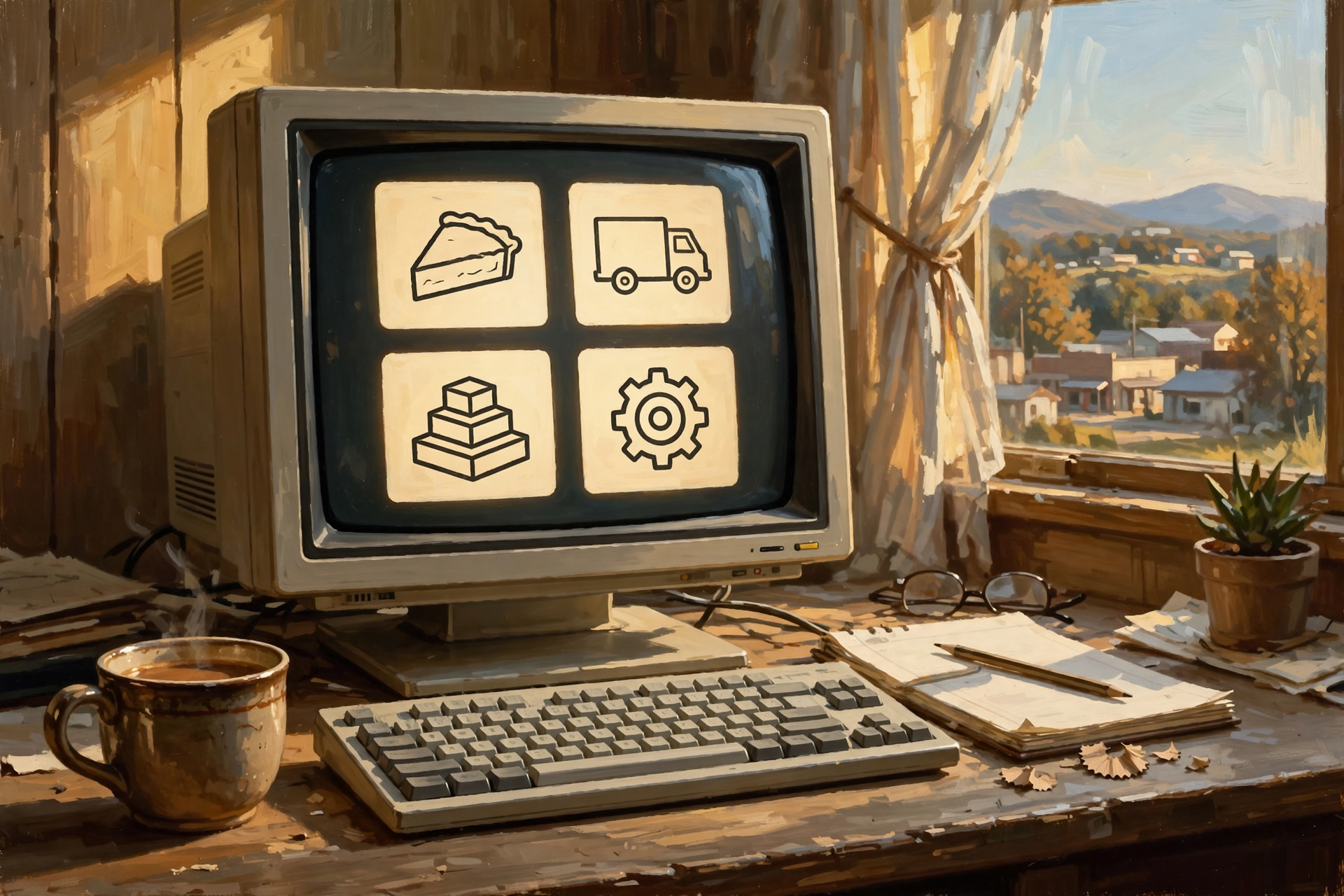
“The pie belongs to me, but you can have a slice.”
🥧 Shareware
Shareware was especially common in the early days of personal computing.
You could download or copy a program and try it. Sometimes it worked for 30 days. Sometimes certain features were disabled. Sometimes the programmer simply asked you to send a few dollars if you liked it.
It was essentially:
“Take the truck around the block. If you like it, come back and pay me.”
The modern version is usually called a free trial.
🪜 Freemium
Freemium software gives you a useful free version while charging for additional features.
You might get:
- Five projects free
- Limited storage
- Basic editing tools
- One user account
- Lower-resolution exports
Then the paid plan unlocks more.
Freemium can be an excellent arrangement.
But before building your entire business around one, check what happens when you outgrow the free portion.
🔓 Open-Source Software
This is the one many nontechnical readers may never have had properly explained.
Open-source software makes its underlying computer code available under a license that permits specified forms of viewing, using, modifying and redistributing it.
That doesn’t automatically mean every open-source product or related service costs nothing.
But many of the most popular open-source programs can indeed be downloaded and used without paying licensing fees.
Imagine somebody built a tractor and then published the plans for the tractor so other mechanics could examine them, improve the design, build compatible parts and help maintain the machine.
That’s roughly the philosophy.
And this isn’t just hobbyist stuff anymore.
Some open-source projects have been developed for decades and are used by individuals, businesses, governments and enormous technology companies.
📄 A Good Example: LibreOffice
Let’s start with something almost everybody understands: Microsoft Office.
Word.
Excel.
PowerPoint.
For many people, those product names have practically become generic words for documents, spreadsheets and presentations.
But Microsoft isn’t the only game in town.
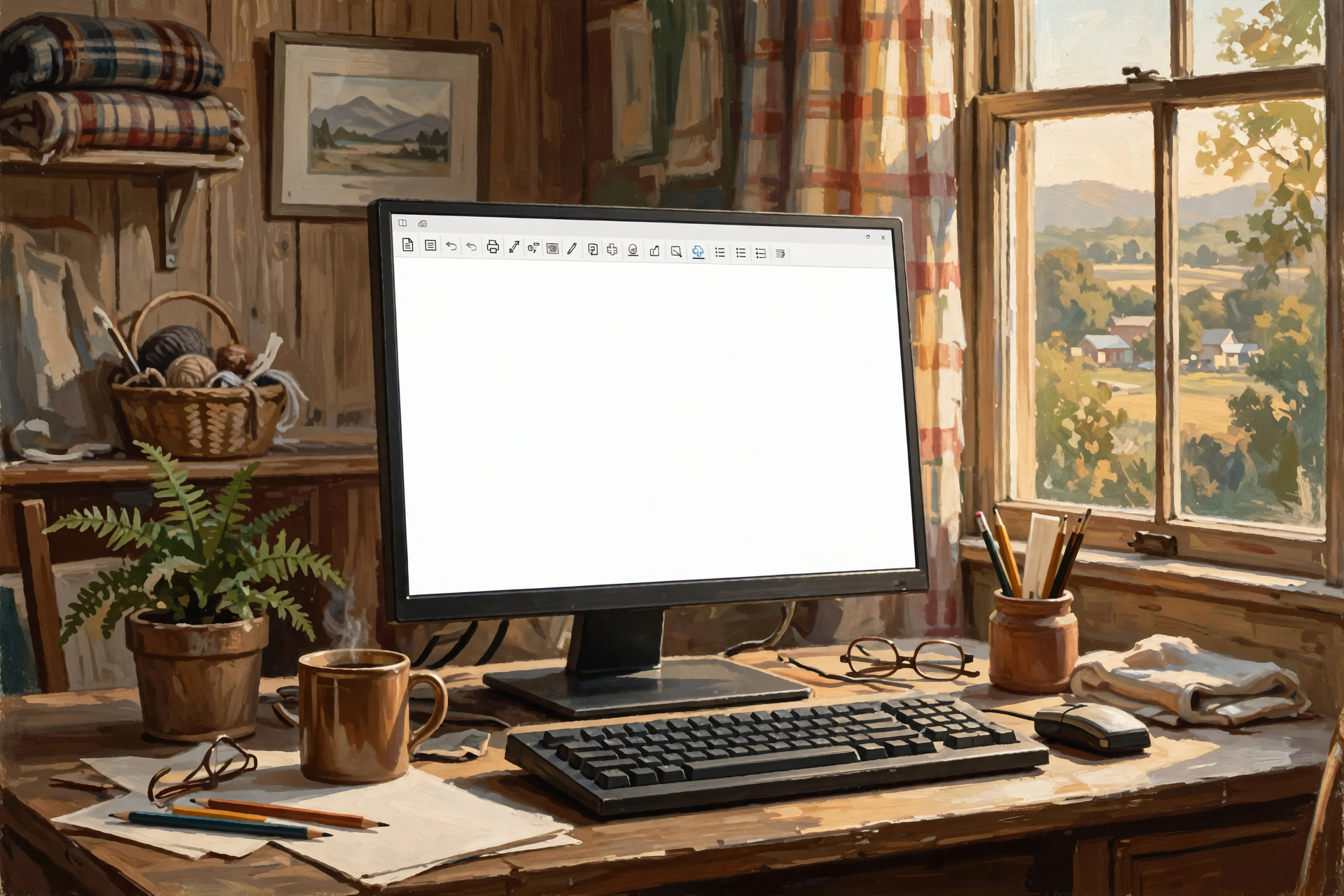
LibreOffice is a free, open-source office suite backed by the nonprofit Document Foundation.
Its main applications include:
- 📝 Writer — word processing
- 📊 Calc — spreadsheets
- 📽️ Impress — presentations
- 🎨 Draw — diagrams and graphics
- 🗄️ Base — database work
- ➗ Math — formula editing
LibreOffice is available for Windows, macOS and Linux, and its developers specifically state that it can be used by businesses without paying license fees.
As of September 2026, the current LibreOffice download line includes version 26.8.0.
There’s no monthly payment required simply to keep using the desktop suite.
No annual renewal ceremony.
No software landlord wondering whether the rent needs adjusting.
📂 “But Everybody Sends Me Microsoft Files”

That’s probably the first objection many people will have.
And it’s a legitimate one.
LibreOffice can open and save common Microsoft Office formats including:
- 📄 DOC and DOCX — Microsoft Word
- 📊 XLS and XLSX — Microsoft Excel
- 📽️ PPT and PPTX — Microsoft PowerPoint
That doesn’t mean every complicated Microsoft document will behave identically.
The LibreOffice project itself warns that complex formatting and certain Microsoft-specific features can sometimes require adjustment when documents are converted between systems.
That’s an important distinction.
If you’re writing church meeting minutes, household budgets, letters, invoices, school reports, simple presentations or ordinary spreadsheets, your needs are very different from somebody maintaining a gigantic corporate Excel workbook containing macros, specialized integrations and formulas that look like hieroglyphics after three cups of coffee.
You should choose software based on the work you actually do—not the most complicated work somebody somewhere might theoretically do.
🟦 And Then There’s ONLYOFFICE
Another strong example is ONLYOFFICE.
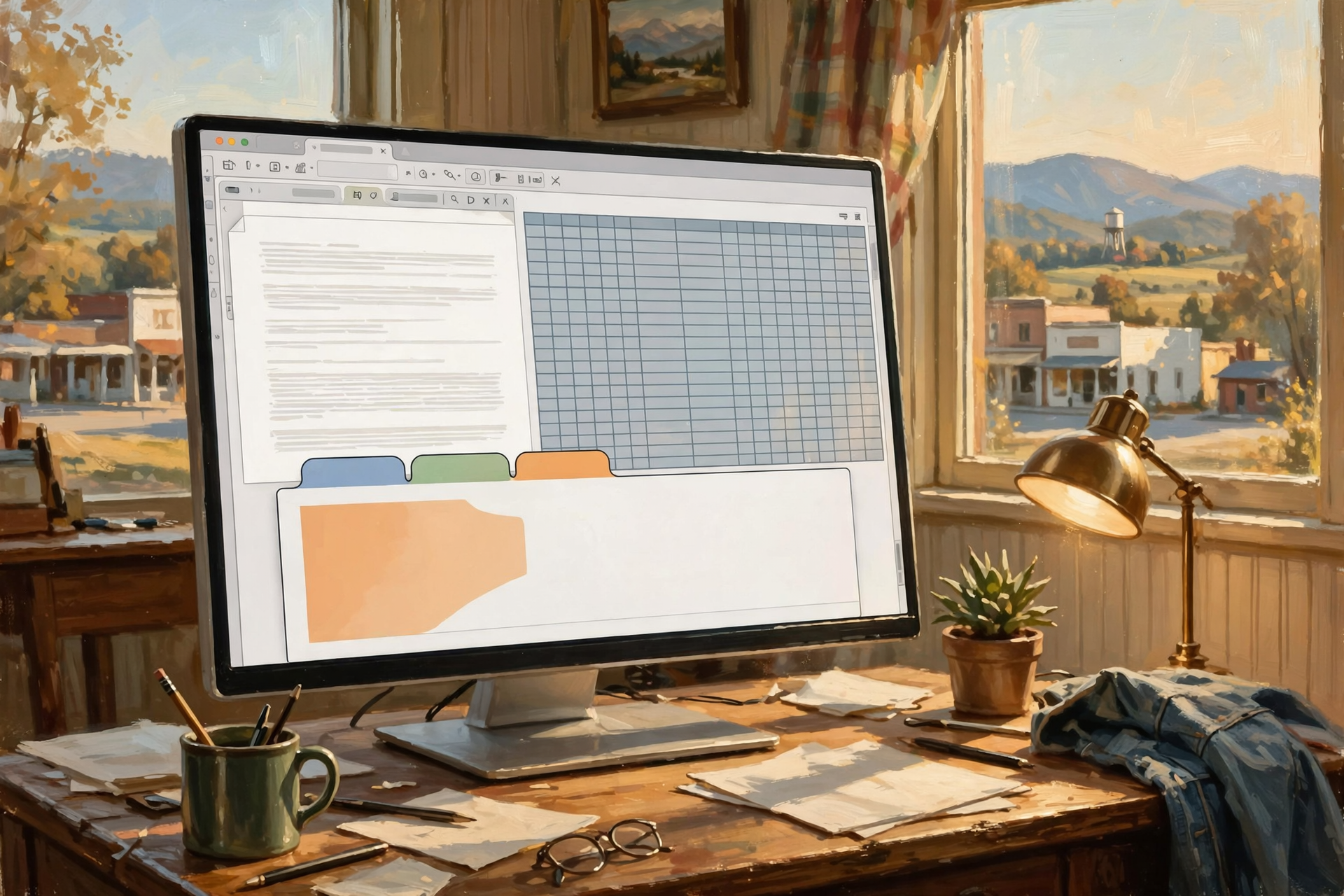
Its desktop editors are also free and open source and work on Windows, macOS and Linux.
ONLYOFFICE places considerable emphasis on compatibility with Microsoft’s DOCX, XLSX and PPTX formats and provides editors for documents, spreadsheets, presentations, forms and PDFs.
It can also work offline with files stored directly on your computer.
This is worth emphasizing because the choice isn’t:
Microsoft or some mysterious second-rate free thing.
The real choice may be:
- Microsoft 365
- LibreOffice
- ONLYOFFICE
- Google’s tools
- another specialized product
- or some combination of them
You aren’t joining a software religion.
You’re choosing a wrench.
Use the wrench that fits the bolt.
🧰 The Bigger Lesson: Look for Alternatives Before You Subscribe

Office software is simply an easy example.
The same idea applies across your computer.
Before accepting another monthly payment, ask:
“Is there a good free, open-source or one-time-purchase program that does what I actually need?”
You might be surprised.
🖼️ Photo Editing
You don’t necessarily need an expensive professional photography subscription simply to crop pictures, resize images, adjust colors and perform ordinary editing.
There are free and open-source tools capable of serious image work.
🎨 Illustration and Digital Art
Powerful open-source painting and illustration applications exist for artists, students and businesses.
🎥 Video and Audio
There are free tools for recording audio, editing podcasts, converting media and producing video.
🗜️ File Compression
If you’re paying money merely to create and extract ZIP-style archives, there are excellent free alternatives.
📝 Text Editors
The software-development world is practically overflowing with extremely capable free editors.
🗃️ Databases
Some of the most important database systems in the world are open source.
🌐 Web Browsers
You already use free software in this category every day.
🤖 Artificial Intelligence
This may become the next great frontier in this conversation.
People are discovering that some AI models can now run directly on personal computers instead of requiring every question, document or task to be sent to a paid online service.
That doesn’t eliminate the value of commercial AI subscriptions. The best cloud systems can provide capabilities far beyond what many personal computers can handle.
But the pattern is becoming familiar:
Use the expensive service when you need the expensive service.
Don’t pay the expensive service to do something the inexpensive tool handles just fine.
🏠 Local Software Has Another Advantage: Your Stuff Can Stay on Your Computer

This part matters more than price.
Traditional desktop software can often work directly with files stored on your own computer.
That means your grocery spreadsheet, business proposal, family letter or unfinished Great American Novel doesn’t necessarily need to live on somebody else’s server just so you can edit it.
ONLYOFFICE’s desktop documentation, for example, specifically says its desktop editors don’t require a constant Internet connection and can work with documents stored locally.
LibreOffice likewise operates as traditional desktop software.
This can have advantages for:
- 🔒 Privacy
- 🌐 Working without Internet access
- ⚡ Speed
- 📂 Controlling where files are stored
- 💾 Maintaining your own backups
- 🏢 Businesses handling internal documents
Cloud storage can still be extremely useful.
I use cloud services myself.
The lesson isn’t “cloud bad.”
The lesson is:
Know where your files are and why they’re there.
🏪 Small Businesses Should Pay Particular Attention

This gets interesting for a little business here in Sequatchie County.
Imagine a five-person company paying $15 per employee per month for some piece of software.
That’s:
$75 per month.
Or:
$900 per year.
Over five years:
$4,500.
And that’s one program.
Now look at ten software subscriptions.
Suddenly this isn’t pocket change anymore.
But there’s an equally important warning.
A business shouldn’t replace a critical $900-a-year program with something inferior merely because the replacement is free.
If that software saves an employee 100 hours a year, integrates with your accounting system, protects your data, automates your workflow or generates $50,000 worth of business, that $900 may be one of the best investments you make.
The goal is not:
Pay nothing.
The goal is:
Don’t pay for things that aren’t earning their keep.
🚜 Think Like a Farmer, Not Like a Software Marketer

A farmer doesn’t generally walk into the equipment shed and say:
“I’d like the most expensive tractor you sell.”
He asks what needs doing.
Twenty acres?
Two hundred acres?
Mowing?
Hay?
Plowing?
Moving round bales?
Different jobs justify different machines.
Software ought to work the same way.
But marketing turns the process upside down.
The advertisement shows us 147 features.
We get excited about 18 of them.
We pay for all 147.
Then we use six.
For seven years.
That’s how the subscription barn fills up.
🧮 Try a Subscription Audit This Weekend

Here’s an experiment anybody can perform.
Open your bank account or credit-card statement and make a list of every recurring digital charge.
Don’t cancel anything yet.
Just write them down.
For every service, answer five questions.
1. 💰 What does it really cost per year?
Multiply that friendly little monthly number by twelve.
2. 📆 How often do I actually use it?
Daily?
Weekly?
Twice since the Obama administration?
3. 🧰 Which features do I actually use?
Not which features exist.
Which ones do you use?
4. 🆓 Is there a free or less expensive tool that handles those particular jobs?
Notice the wording.
You aren’t asking whether another application can duplicate every feature.
You’re asking whether it can handle your work.
5. 📦 Can I easily get my data out?
This may be the most important question of all.
Before trusting any service—paid or free—find out whether you can export your documents, photographs, contacts, projects or other important information into useful formats.
A cheap subscription is one thing.
A digital hostage situation is another.
⚠️ Free Doesn’t Automatically Mean Better

I don’t want anybody reading this article and spending Saturday night uninstalling every commercial program on Grandma’s computer.
Free software still requires judgment.
Consider:
- 🛡️ Is the software actively maintained?
- 👥 Does it have a substantial user community?
- 🔄 Is it regularly updated?
- 📂 Can it read the file formats you depend on?
- ☎️ Do you need professional technical support?
- 🔗 Does your business rely on integrations that only work with a particular product?
- 👩🏫 Will employees need retraining?
- 📑 Do customers require documents in a specific format?
- 🧠 Does your workflow depend on advanced features unique to the paid product?
A free tool that costs your company 20 hours of frustration every month isn’t free.
Time counts too.
🤔 Why Would Anybody Give Good Software Away?

This question understandably makes people suspicious.
We’re taught that if something is free, we must be the product.
Sometimes that’s true.
But not always.
Open-source projects can be supported in many ways:
- ❤️ Donations
- 🏢 Corporate sponsorships
- 🛠️ Paid technical support
- ☁️ Optional hosted services
- 👨💻 Consulting
- 📚 Training
- 🧩 Enterprise editions
- 🤝 Community development
- 🏛️ Nonprofit organizations
LibreOffice, for example, is backed by The Document Foundation, a nonprofit organization.
Its FAQ explicitly says individuals and businesses can use LibreOffice without license fees.
ONLYOFFICE takes a somewhat different approach, offering free open-source products alongside commercial products and services.
There are lots of viable business models besides charging every person $12.99 every month forever.
🔄 Don’t Switch Everything at Once
There’s no prize for dramatic software migration.
If you’re curious about LibreOffice, ONLYOFFICE or another alternative, install it alongside what you already use.
Then try it.
Open copies of your existing documents.
Create a letter.
Build a spreadsheet.
Print something.
Email a document to somebody.
Export a PDF.
See what breaks.
See what doesn’t.
You may discover:
“This does everything I need.”
Excellent.
Or you may discover:
“Nope. I need Excel.”
Also excellent.
Now you’re paying Microsoft because you’ve determined that Microsoft’s software provides value—not because you assumed you had no alternative.
🌎 Digital Independence Isn’t About Being Anti-Business

I think this distinction matters.
I am not opposed to companies making money from software.
I’m a businessman.
People who build useful things ought to be able to earn money from useful things.
But customers ought to understand their choices too.
There’s a growing difference between:
buying technology because it creates value
and
paying technology bills because we’ve forgotten we’re paying them.
One is investment.
The other is inertia.
🧠 The New Skill Isn’t Learning Every Program. It’s Learning to Ask the Question.

Technology changes too quickly to memorize every alternative.
Today’s favorite software may not be tomorrow’s.
The more valuable habit is learning to ask:
“What are my alternatives?”
Before you automatically renew:
Search.
Ask somebody.
Ask an AI assistant.
Look for open-source projects.
Look for free desktop editions.
Look for one-time purchase options.
Look for products that keep your data in standard formats.
Then compare the options based on what you actually need.
You might still choose the subscription.
But at least it’ll be a decision instead of an automatic withdrawal.
🏁 The Bottom Line

We’ve spent the last decade gradually turning personal computers into little apartment buildings.
We own the building.
But somehow we’re paying rent on half the rooms.
Some of those rooms are worth every nickel.
Some aren’t.
LibreOffice, ONLYOFFICE and thousands of other free and open-source projects are reminders that another model still exists.
You can sometimes download the tool.
Install the tool.
Do the work.
Keep your files.
And go on about your day.
No monthly relationship required.
So the next time another email arrives announcing that your software subscription is renewing—possibly at a “new price that allows us to continue delivering innovative value”—don’t immediately reach for the cancel button.
But don’t immediately reach for your credit card either.
Take ten minutes.
See what else is out there.
You may discover that the best subscription is the one you never needed in the first place.
✅ Quick Checklist: Before Paying for Another Software Subscription

- ☐ Calculate the annual cost instead of looking only at the monthly price.
- ☐ Decide which features you genuinely use.
- ☐ Search for free and open-source alternatives.
- ☐ Search for software available with a one-time purchase.
- ☐ Test alternatives before canceling your existing software.
- ☐ Open several of your real files in the alternative.
- ☐ Check compatibility with coworkers and customers.
- ☐ Make sure you can export your data.
- ☐ Consider privacy and whether files can remain local.
- ☐ Include training and support in the real cost.
- ☐ Keep paying when the paid product genuinely earns its keep.
❓ Frequently Asked Questions

Is LibreOffice really free?
Yes. LibreOffice is free and open-source software. The Document Foundation says it can be used by individuals and businesses without license fees.
Can LibreOffice open Microsoft Word and Excel files?
Yes. LibreOffice can open and save common Microsoft Office formats including DOCX, XLSX and PPTX. Complex files containing unusual formatting, macros or Microsoft-specific features can sometimes require adjustments.
Is ONLYOFFICE free?
ONLYOFFICE offers free, open-source desktop editors for Windows, Linux and macOS, along with additional commercial and hosted offerings.
Does free software mean somebody is selling my data?
No. Different software projects use different business and funding models. Some free products are advertising-supported, while open-source projects may be supported through donations, commercial support, hosting, enterprise products, consulting or nonprofit organizations. Investigate each product individually.
Is open-source software only for computer experts?
No. Some open-source software is highly technical, but many popular open-source applications install and operate much like ordinary commercial desktop programs.
Should a business replace Microsoft 365 with LibreOffice?
That depends entirely on the business workflow. Businesses using ordinary documents and spreadsheets may find an alternative suitable, while organizations depending on advanced Excel features, Microsoft integrations, macros, collaboration systems or specialized workflows may still receive substantial value from Microsoft 365.
Do I need to cancel my current software before trying an alternative?
No—and that’s usually the worst way to test one. Install the alternative first, use copies of real documents and compare the workflow before deciding whether to cancel anything.
What’s the easiest way to start reducing subscriptions?
Review several months of bank and credit-card statements, identify recurring software charges, convert each one into an annual cost, and investigate alternatives beginning with the services you use least.
💬 Dunlap.Today Question of the Day

How much are you spending every month on software, streaming services, apps and other subscriptions—and when was the last time you added it all up?
I’d be curious to know what subscriptions you’ve successfully replaced with free or one-time-purchase alternatives.



0 Comments