

💬 Turn On Live Captions: Let Your Phone Write Down the Words You Miss
Or: When the Words Go By Too Fast, Your Phone Can Put Them in Writing, Like Subtitles for Real Life
By Thomas Seest, Dunlap.Today · Thursday, October 22, 2026
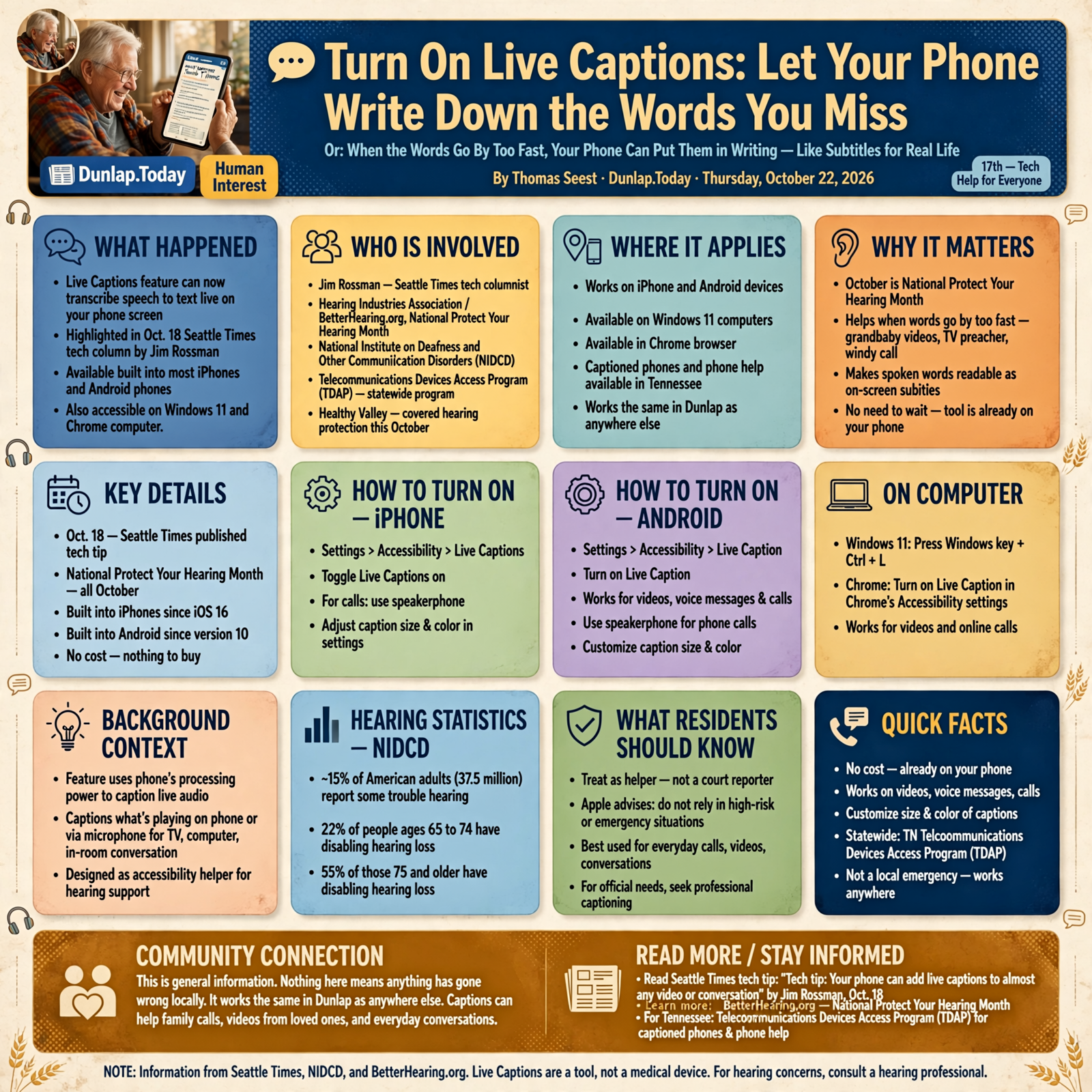
We’ve all been there. The grandbaby sends a video and the giggles drown out the words. The TV preacher talks a little too fast. A cousin calls from a windy parking lot and you catch every third word. Here’s some good news: the phone in your pocket can probably write down what it hears, right on the screen, as it’s being said. On Oct. 18, a Seattle Times tech column by Jim Rossman reminded readers that this Live Captions switch is already built into most iPhones and Android phones. It also lands during National Protect Your Hearing Month, which runs all October. (Healthy Valley covered the ear-saving side of that yesterday.)
Here’s what’s in this seventeenth Tech Help for Everyone: why captions are in the news this week, how to turn on Live Captions on an iPhone, how to turn on Live Caption on an Android phone, how to get captions on a Windows 11 or Chrome computer, and where to turn for captioned phones and phone help in Tennessee.
The Seattle Times tip, Protect Your Hearing Month, the hearing statistics and the FCC services are national. The Telecommunications Devices Access Program (TDAP) is statewide. None of this is a Sequatchie Valley news report, and nothing here means anything has gone wrong locally. It works the same in Dunlap as anywhere else.
⏱️ What this means for you in 30 seconds
- It’s already on your phone. On iPhone and Android, look in Settings > Accessibility > Live Captions. There’s nothing to buy.
- It works on videos, voice messages and calls. For a phone call, the Seattle Times column says to put the call on speakerphone.
- Make the words bigger. You can change the caption size and color.
- Computers can do it too. Press Windows key + Ctrl + L on Windows 11, or turn on Live Caption in Chrome’s Accessibility settings.
- Treat it as a helper, not a court reporter. Apple says not to rely on it in high-risk or emergency situations.
🗞️ Why Captions Are in the News This Week
In his Oct. 18 Seattle Times column, “Tech tip: Your phone can add live captions to almost any video or conversation,” Jim Rossman explained that Live Captions has been on iPhones since iOS 16 and on Android since version 10. It can caption what’s playing on the phone, or use the microphone to caption a TV, a computer or the people in the room. He noted it works on phone calls if you use speakerphone, and that it takes a fair bit of the phone’s processing power.
The timing is nice. The Hearing Industries Association’s BetterHearing.org reminds folks that October is National Protect Your Hearing Month. Trouble hearing is common, too. The National Institute on Deafness and Other Communication Disorders (NIDCD) says about 15% of American adults (37.5 million) report some trouble hearing. It also says 22% of people ages 65 to 74, and 55% of those 75 and older, have disabling hearing loss.
What it means for you: If you sometimes say “come again?”, you’ve got lots of company, and you don’t have to wait on anybody to fix it. A switch you already own can turn spoken words into written ones, kind of like a church bulletin for whatever’s being said. It doesn’t replace a hearing checkup, but it can make tomorrow’s phone call a whole lot easier.
👉 Read more: Seattle Times tech tip on live captions
🍎 iPhone: Settings, Accessibility, Live Captions
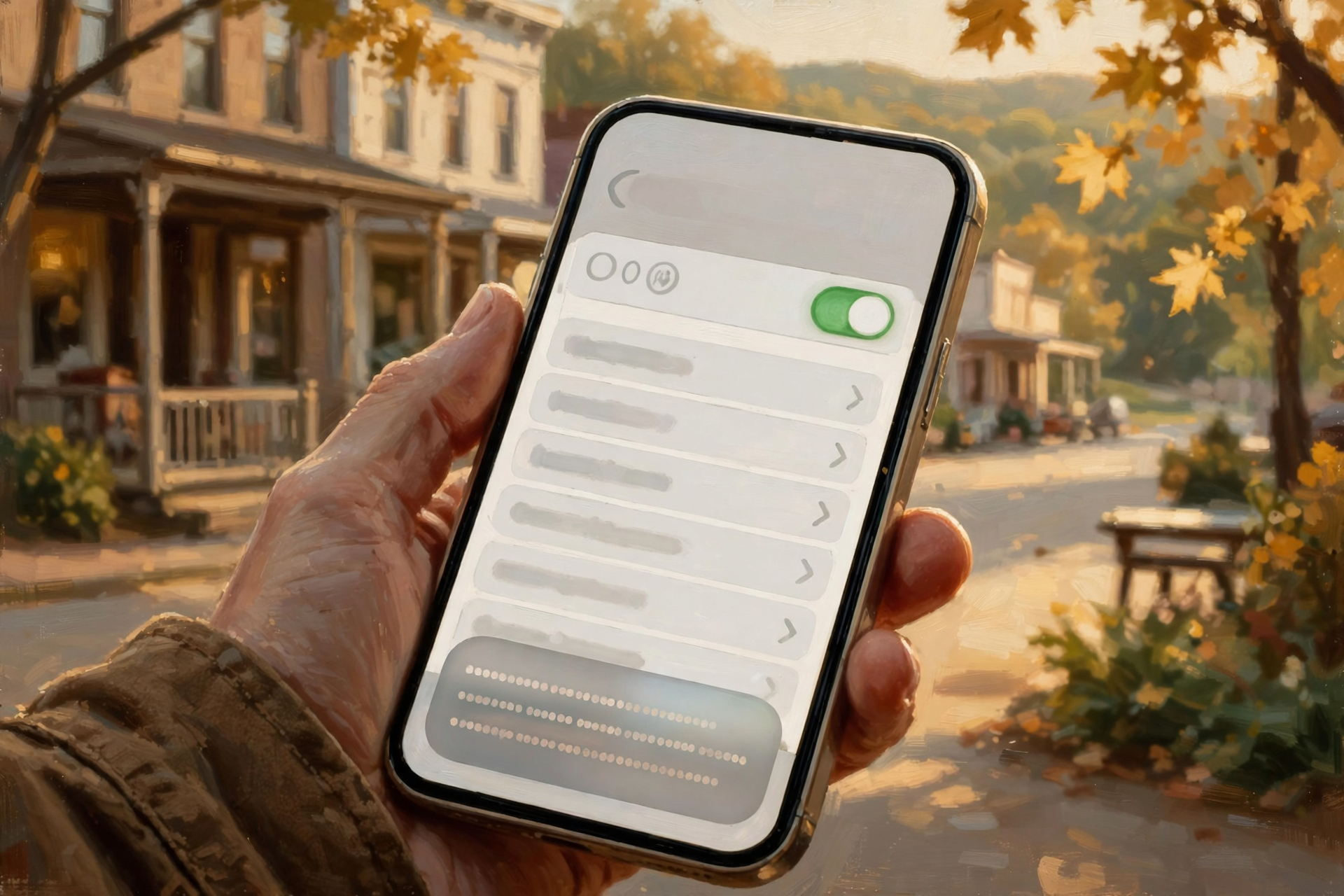
Apple’s help page lays it out:
- Go to Settings > Accessibility > Live Captions and turn on Live Captions. Apple says it needs an iPhone 11 or later.
- Tap Appearance to make the caption text bigger or change its color.
- When the little Live Captions window shows up, tap it, then choose Microphone to caption people talking in the room, or iPhone Audio to caption what’s playing on the phone.
- You can pause it, copy the captions, drag the window out of the way, or make it full screen. Apple says it also works in FaceTime and on phone calls.
- For calls, a setting called Keep Call Captions gives two choices. 1 Minute clears the captions shortly after the call. 1 Hour keeps them longer, and the person you’re talking to hears “This call is being transcribed.” So don’t be startled if that announcement shows up.
What it means for you: Think of it as a helpful neighbor sitting beside you with a notepad, jotting down what was said. Apple is honest that accuracy can vary and that captions shouldn’t be relied upon in high-risk or emergency situations. For a 911 call or a doctor’s instructions, ask folks to repeat things or write them down.
👉 Read more: Apple’s Live Captions guide for iPhone
🤖 Android: Tap the Volume Button, Then Live Caption
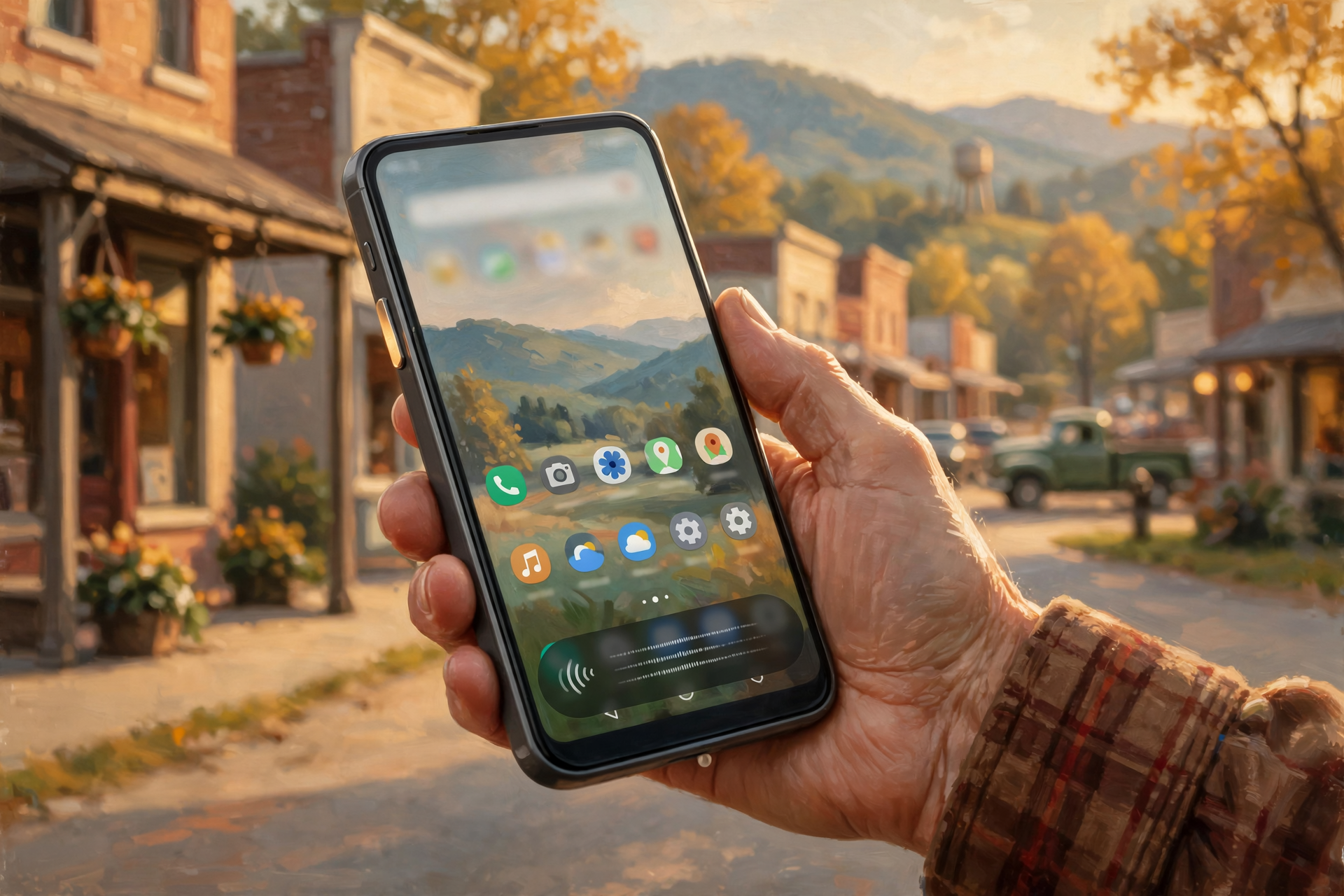
Google’s Android help page says:
- Press a volume button. Under the volume controls, tap More, then Live Caption. Or open Settings and search for “Live Caption.”
- The first time, you’ll need Wi-Fi so the phone can download a language pack.
- It captions videos, podcasts, phone calls, video calls and audio messages.
- Double-tap the caption box to make it bigger (from 2 lines up to 12). Drag it off the screen to hide it. Text size and style live under Caption preferences.
- Google says captions are processed on the phone, never stored and never leave the device, and Live Caption uses no mobile data.
- It works best with clear speech, it doesn’t caption music, it uses more battery, and it turns off when Battery Saver is on.
What it means for you: Android phones come from many makers, so the buttons can sit in slightly different spots, like every barn having its light switch somewhere a little different. If you can’t find it, search “Live Caption” in Settings, or ask your phone’s maker or carrier. Keep the charger handy if you use it for a long call.
👉 Read more: Google’s Live Caption help for Android
💻 Computers Too: Windows 11 and Chrome

- Windows 11 (version 22H2 and later): Press Windows key + Ctrl + L, or go to Settings > Accessibility > Captions and turn on Live captions. The first time, it asks permission and downloads language files. Microsoft says the captions are made on your computer, work even without internet, and aren’t stored or sent to Microsoft. You can move the caption bar to the top or bottom of the screen and pick an easier-to-read caption style.
- Chrome on Windows or Mac: Open Chrome, click the three dots (More) at the top right, then Settings > Accessibility, and turn on Live Caption. Google says audio and captions are processed on your device. The caption bubble can be dragged around, and you can change the font, size and color.
What it means for you: Video calls with the grandkids, a church service streamed online or a county meeting video get a lot easier to follow when the words scroll along the bottom like a ticker at the ballgame. On Windows, Microsoft notes captions are speech-only, so music and applause won’t show up.
👉 Read more: Microsoft’s Windows 11 live captions guide · Google’s Chrome captions guide
☎️ Captioned Phones, 711 and Tennessee’s Phone-Help Program
If a phone’s built-in captions aren’t enough, there’s more help:
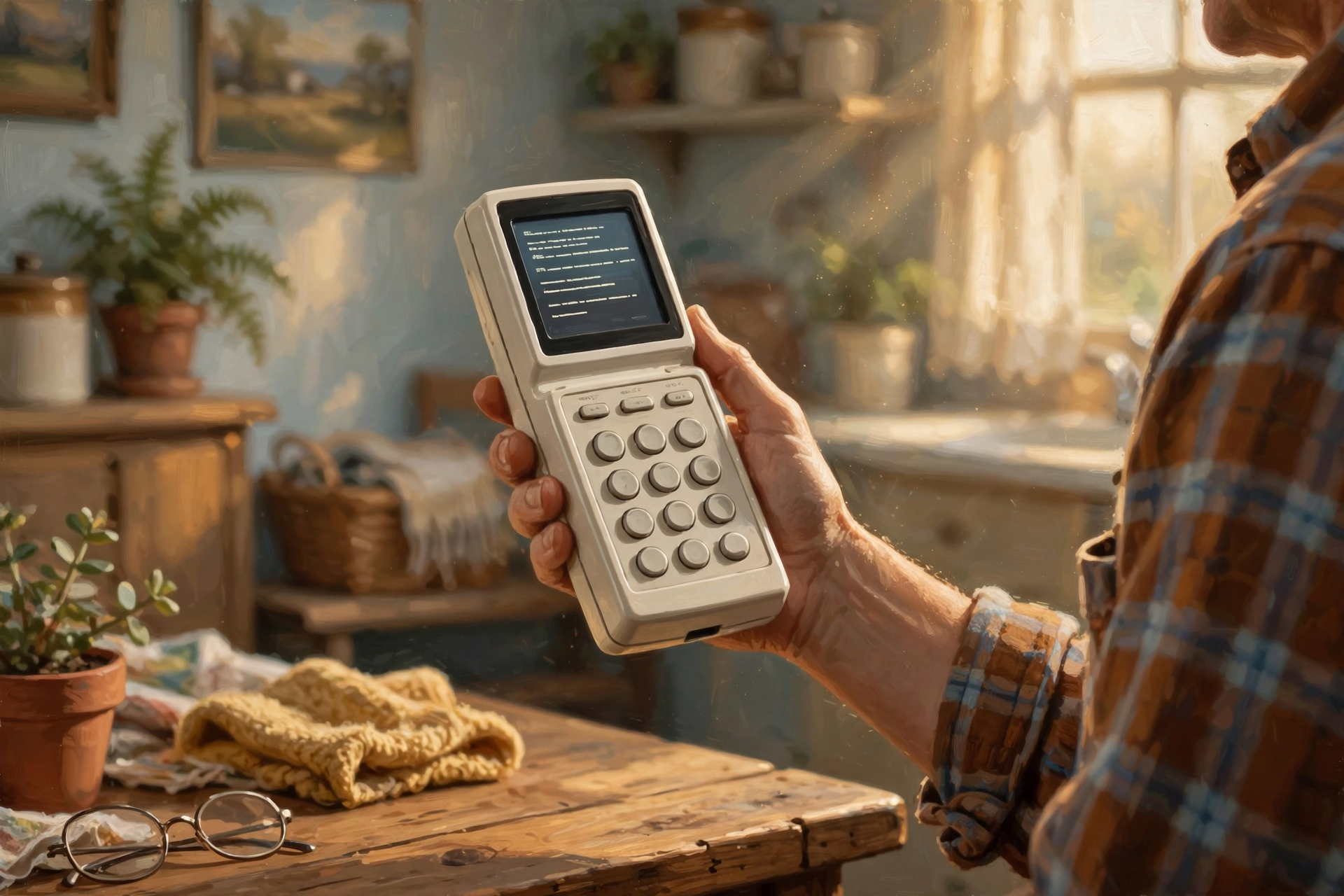
- Captioned Telephone Service (national, from the FCC): It’s for folks with hearing loss who can still speak. A special phone shows a text screen with captions of what the other person says. An internet version, IP CTS, works on smartphones and computers and can show large text.
- 711 (national): Dial 711 from any phone in the U.S. to reach a relay operator for TTY and voice relay calls. The FCC calls it “fast, functional and free.” (Note that 711 doesn’t connect captioned-phone or IP CTS calls; those calls are dialed directly. And in an emergency, call 911 directly.)
- Tennessee’s TDAP (statewide): The Tennessee Public Utility Commission runs the Telecommunications Devices Access Program, which hands out phone devices so people with a disability can use basic phone service. Tennessee Relay lists hands-free phones, phones with large buttons and large displays, voice carry-over phones and more. Applicants must be permanent Tennessee residents, and a Tennessee-licensed physician has to verify the condition. Devices go out first-come, first-served, one per household. Call 1-800-342-8359 to ask.
What it means for you: One more porch-friendly reminder from the FCC: if you pick up and hear “Hello. This is the relay service…”, please don’t hang up! It isn’t a telemarketer. It’s a person who’s deaf, hard of hearing or has a speech disability calling you through a relay operator.
👉 Read more: FCC guide to relay and captioned phone services · Tennessee TDAP
✅ Your Thursday Live Captions Checklist

- ✅ iPhone: Settings > Accessibility > Live Captions > turn it on.
- ✅ Android: Press a volume button > More > Live Caption (or search “Live Caption” in Settings).
- ✅ Make the words big with Appearance (iPhone) or Caption preferences (Android).
- ✅ Practice on a video today, before you need it on a real call.
- ✅ Use speakerphone when you want captions on a phone call.
- ✅ Windows 11: Windows key + Ctrl + L. Chrome: Settings > Accessibility > Live Caption.
- ✅ Turn on TV captions with the CC or Subtitles button or the Accessibility menu.
- ✅ Double-check important details like medicine doses, dates and addresses. Captions can make mistakes.
- ✅ Don’t hang up on “This is the relay service…”
- ✅ Save this number: 1-800-342-8359 (Tennessee TDAP phone devices).
Practical rule: If you missed it, read it. Settings, Accessibility, Live Captions.
— Dunlap.Today
📚 Plain-English Tech Glossary
- Live Captions: A built-in feature that turns speech into words on your screen as it’s being said.
- Accessibility: The part of Settings with tools that make a phone or computer easier to see, hear and use.
- Closed captions (CC): Captions you can turn on or off for TV shows and videos.
- Speakerphone: Playing a call out loud through the phone’s speaker instead of holding it to your ear.
- Language pack: A small download that teaches the phone or computer to understand a language. It’s needed once, usually over Wi-Fi.
- On-device: The work happens inside your phone or computer instead of being sent over the internet.
- Relay service (TRS): A service where an operator helps people with hearing or speech disabilities make phone calls.
- IP CTS: Internet Protocol Captioned Telephone Service, captioned phone calls delivered over the internet to a phone, tablet or computer.
- TDAP: Tennessee’s Telecommunications Devices Access Program, which provides phone devices for people with disabilities.
❓ FAQ
Does Live Captions cost anything?
It’s built into the phone or computer, so there’s nothing to buy or download from a store. Google says Android’s Live Caption uses no mobile data, though the language pack downloads once (on Wi-Fi) the first time.
Is somebody listening to or saving my conversations?
Google (for Android and Chrome) and Microsoft (for Windows 11) say captions are processed on the device and not stored or sent to them. On iPhone, the Keep Call Captions setting controls how long call captions stay around: 1 Minute or 1 Hour.
My phone doesn’t have it. Why not?
Apple says Live Captions needs an iPhone 11 or later. On Android, steps and availability vary by maker and model, so search “Live Caption” in Settings or ask your phone’s maker or carrier.
Will the captions be perfect?
No. They work best with clear speech, one person talking at a time and less background noise. Apple says captions shouldn’t be relied upon in high-risk or emergency situations, so double-check anything important.
Does it work on regular phone calls?
Yes, on many phones. The Seattle Times column notes you’ll need speakerphone, and Google lists phone calls among the things Android’s Live Caption can caption.
What about the TV in the living room?
The FCC requires TV providers to caption most programs. Look for a CC or Subtitles button on the remote, or check the TV’s Accessibility or Captions menu. You can also point a phone’s Live Captions Microphone mode at the TV.
Is this a Sequatchie Valley problem?
No. It’s a national how-to tied to National Protect Your Hearing Month and a tech column from this past week. The TDAP program is statewide. Nothing here is a local news report.
🔗 Other Resources
- Apple: Get Live Captions of spoken audio on iPhone
- Google: Use Live Caption on Android
- Microsoft: Use live captions in Windows 11
- Google Chrome: Manage captions and translations
- FCC: IP Captioned Telephone Service
- FCC: 711 relay service
- FCC: Closed captioning on television
- Tennessee Public Utility Commission: TDAP · Tennessee Relay equipment distribution
- NIDCD: Quick statistics about hearing
- BetterHearing.org: October is National Protect Your Hearing Month
🌻 Hear a Little, Read the Rest, and Rest Easy
Missing a few words now and then is nothing to be embarrassed about. It happens to millions of us, and the fix might already be sitting in your pocket. Take five minutes today and turn on Live Captions. Then play a video from the grandkids and watch the words roll by. Next time a call comes in from a noisy place, flip on the speaker and read along. Small switches, big relief.
Keep learning, keep exploring and keep your cool. Read Dunlap.Today for calm, clear Valley news, and find local folks who can help with phones and computers anytime on Dunlap.Directory.
Know about an upcoming event or story in the Sequatchie Valley? Submit it here.




0 Comments