
What Happens When You Search Google? Follow One Question Through a Data Center
In the previous article in this series, we followed a Google search on an imaginary 500-mile digital road trip.
Your question left the kitchen table, passed through your router, traveled across internet networks and fiber-optic cables, and eventually reached Google’s computing infrastructure.
But that raises another question:
What happens after the question gets there?
Does one giant computer open Google.com, scratch its electronic head and begin searching websites?
Does somebody in a data center type your question into another computer?
Is there a particularly knowledgeable server named Earl who knows where everything on the internet is?
No.
What actually happens is far more interesting.
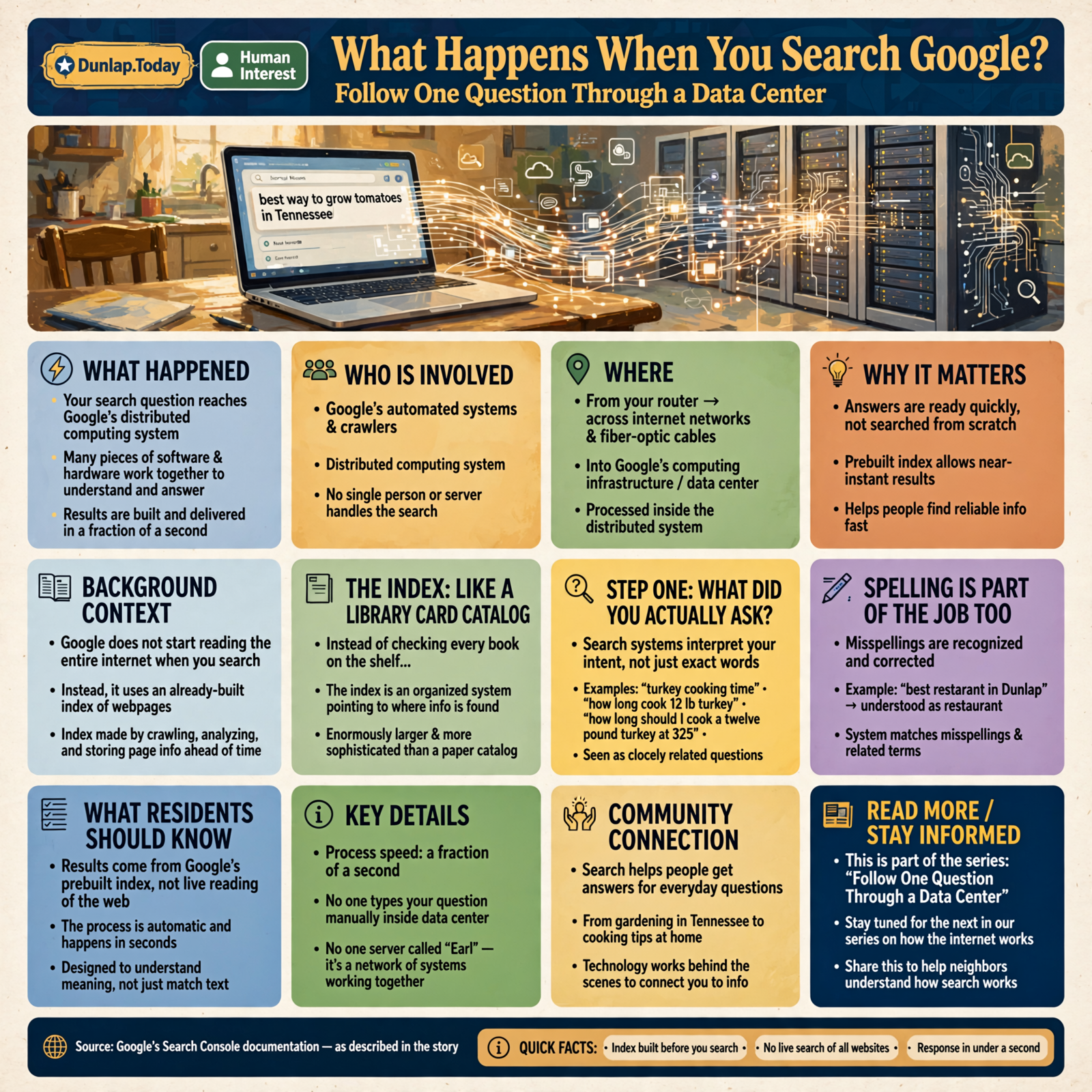
Your question enters a distributed computing system where many pieces of software and hardware can work together to understand what you asked, locate likely information from a massive prebuilt index, evaluate possible results and build the page that appears on your screen.
And it can do all of this in a fraction of a second.
First, Google Does Not Start Reading the Internet When You Ask
This is the first thing to understand.
If you search:
best way to grow tomatoes in Tennessee
Google generally does not begin visiting every gardening website on Earth after you press Enter.
That would be like walking into a library, asking about tomatoes, and watching the librarian begin reading every book from page one.
You would probably get tomatoes before you got the answer.
Instead, Google has already been doing homework.
Its automated systems discover webpages, process their content and place information about eligible pages into what Google calls its index.
According to Google’s Search Console documentation, a page can be indexed after Google’s crawler visits it, analyzes its content and meaning, and stores information about it in Google’s index.
That index is one of the reasons Search can answer quickly.
Think of the Index as the World’s Largest Card Catalog

If you grew up using a library before everything had a search box, you may remember a card catalog.
You did not search every bookshelf.
You searched an organized system that told you where useful information could be found.
Google’s index is enormously more sophisticated, but the basic idea is similar.
The hard work of discovering and organizing information happens before you ask your question.
That means when your search reaches Google’s systems, the computers have a prepared collection of information to work with.
Step One Inside: What Did You Actually Ask?
Humans are not particularly consistent when we search.
We might type:
turkey cooking time
or:
how long cook 12 lb turkey
or:
how long should I cook a twelve pound turkey at 325
We expect Google to understand that these questions are closely related even though the wording differs.
Modern search systems therefore do more than simply match exact strings of letters.
Google explains that its ranking systems analyze the words in a query and consider the relationship between the search and available information.
The first problem inside the data center is therefore:
What information does this person seem to want?
Spelling Is Part of the Job Too

Suppose you type:
best restarant in Dunlap
You misspelled restaurant.
Google does not necessarily throw up its hands and tell you to come back after remedial spelling.
Search systems can recognize many misspellings and related terms.
This is important because people search conversationally, quickly and sometimes with thumbs that appear to have been designed for much larger keyboards.
A useful search engine needs to interpret human messiness.
Step Two: Search the Index, Not the Whole Internet
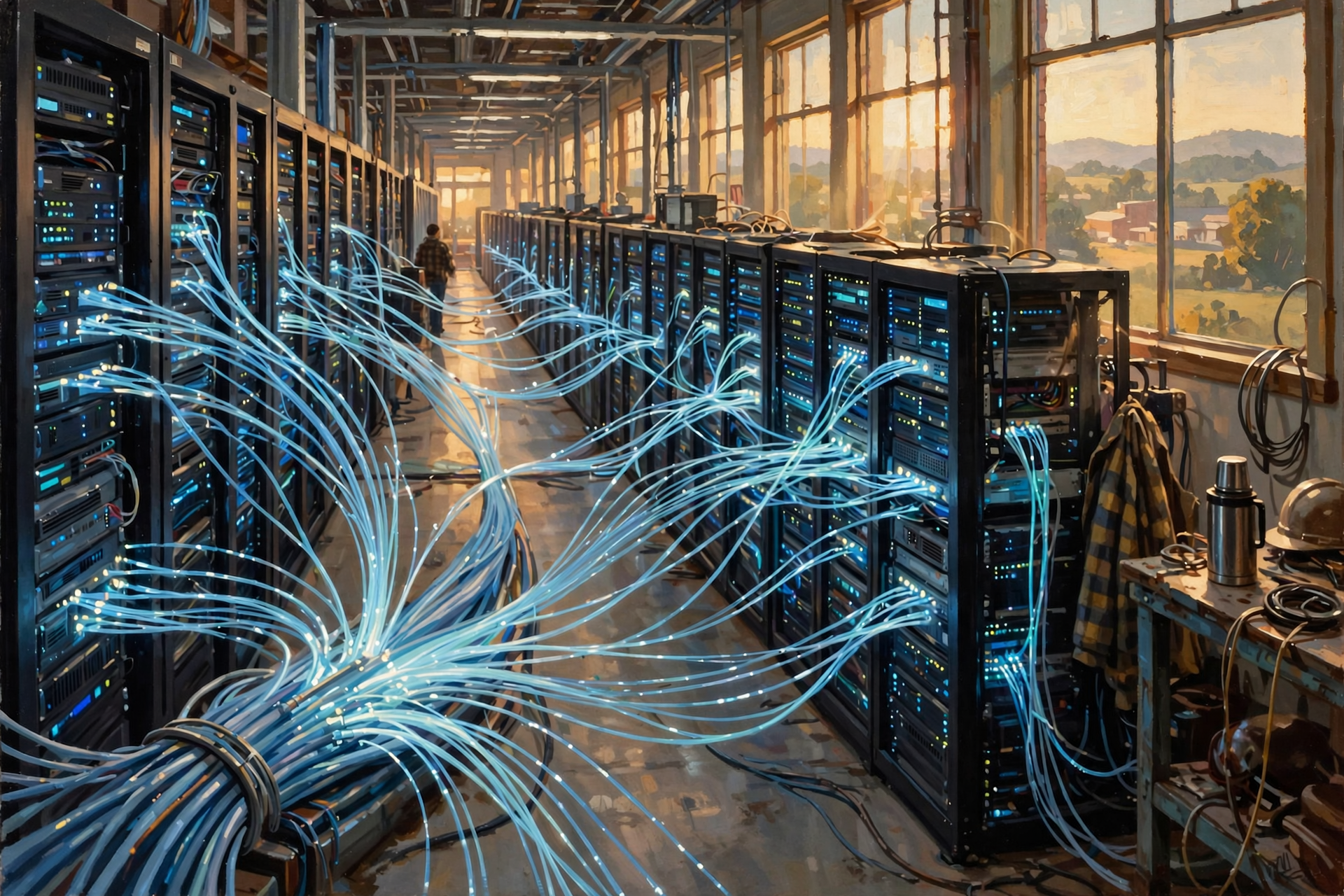
Once Google’s systems have a useful representation of what you are asking, they can look for potentially relevant information in the index.
Google says its ranking systems sort through billions of webpages in the Search index to provide useful information, often in a fraction of a second.
That is an extraordinary computing problem.
You are essentially asking:
Out of an enormous collection of known information, what should this particular person probably see first?
Finding pages containing the word turkey would be easy.
Finding the most useful pages for your exact turkey-cooking question is harder.
Finding a Match Is Not the Same as Finding the Best Result

Suppose Google finds one million pages containing information about turkeys.
That does not help much.
You do not want one million results in random order.
You want the pages most likely to answer your question.
This is where ranking comes in.
Google says its systems can consider many factors, including:
- the words in your query;
- how relevant a page appears to be;
- the usability of the page;
- the apparent quality or expertise of sources;
- your general location;
- your settings;
- freshness when current information matters; and
- other signals appropriate to the particular search.
The importance of those signals changes depending on what you ask.
“Who Was George Washington?” Is Different From “Is Highway 111 Closed?”

Suppose you search:
Who was George Washington?
A webpage published yesterday is not automatically better than one published five years ago.
Now search:
Is Highway 111 closed right now?
A five-year-old page may be completely useless.
Freshness suddenly matters enormously.
The search system therefore needs to understand something about the kind of question you asked, not merely the words.
Step Three: Many Computers Can Be Involved
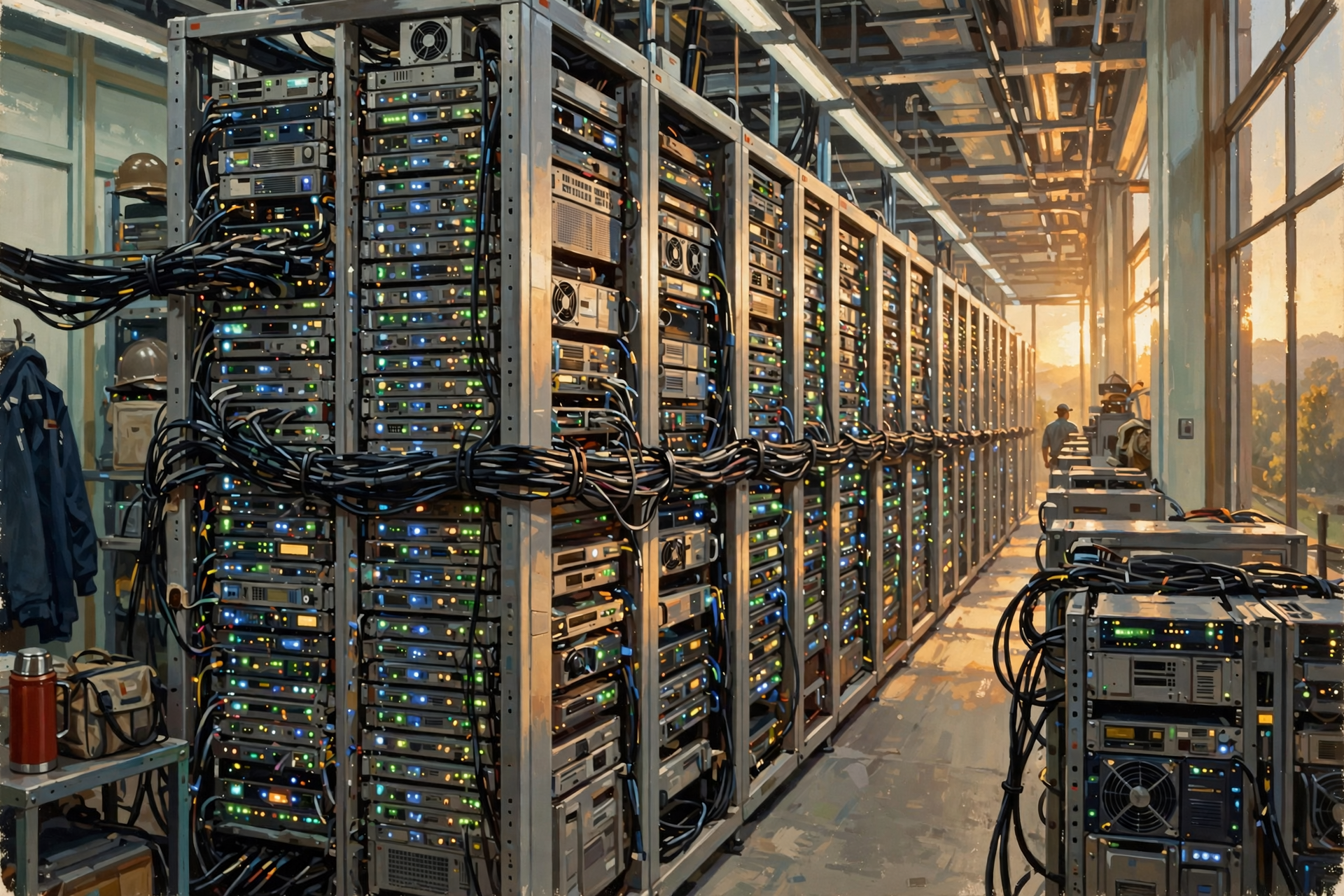
One of the easiest mistakes is imagining your search arriving at one enormous computer.
Modern internet services are generally distributed.
Different machines and software systems can specialize in different jobs.
One part of the system may help interpret your query.
Another may retrieve candidate information.
Other systems can evaluate ranking signals.
Additional systems may prepare images, maps, local results, news or other specialized information when appropriate.
The final page you see can be the product of several systems cooperating.
This is a major reason data centers contain enormous numbers of computers rather than one gigantic super-desktop with a keyboard the size of a picnic table.
Think of a Busy Restaurant Kitchen

You order dinner.
One waiter takes the order.
The grill cook handles the steak.
Someone else makes the salad.
Another person prepares the potato.
A dishwasher keeps equipment available.
A manager coordinates the operation.
Eventually several pieces come together as one meal.
You experience:
“I ordered dinner.”
Behind the scenes, a team performed different jobs.
Distributed computing can work in a similar way.
You experience:
“I searched Google.”
Behind the scenes, many computing systems may participate.
Step Four: Location Can Change the Answer
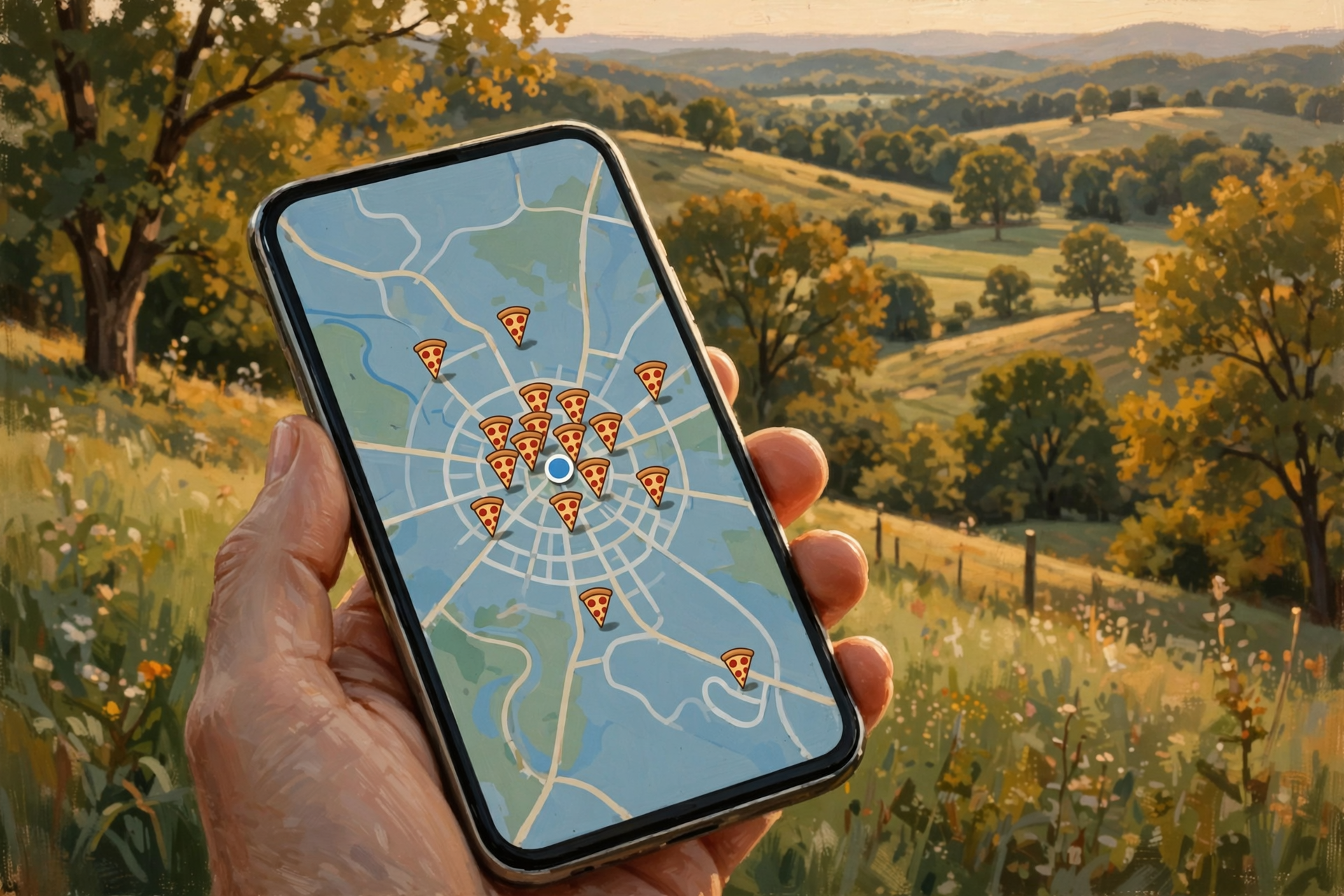
Now suppose you search:
pizza near me
The computers cannot answer intelligently without some idea of what near me means.
Google says Search may use context such as location, language and device type to provide more relevant results.
That is why someone searching for “pizza near me” in Dunlap should not receive the same local results as somebody asking the same question in Chattanooga—or Chicago.
The question contains only three words.
The system may need considerably more context to answer it well.
Local Search Has Its Own Problems to Solve
A local search might involve questions such as:
- What businesses are relevant to the request?
- How far away are they?
- Is their business information complete?
- Does the business appear to match what the person wants?
- Are there maps or location information that would help?
- Is the business currently operating?
This is one reason accurate online business information is so important.
The data center may contain tremendous computing power.
But even a very smart computer cannot reliably display information that nobody has made available or kept accurate.
Step Five: Sometimes the Data Is Already Close at Hand
Speed matters tremendously at the scale of Google Search.
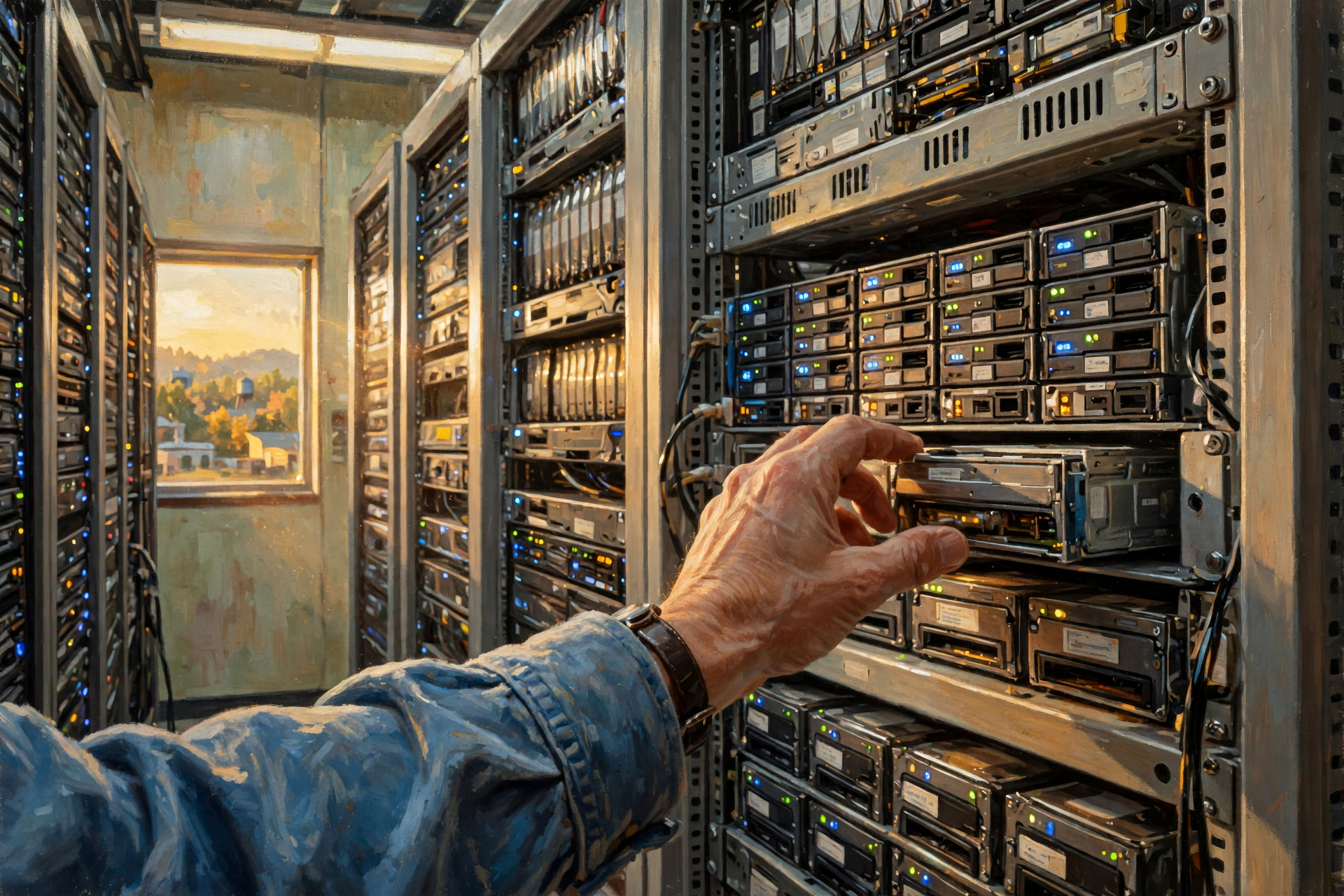
One strategy large computing systems use is caching.
A cache is essentially temporary storage for information that may be needed again soon.
Think about a mechanic working underneath a truck.
If he knows he needs the same socket repeatedly, he does not walk back to the toolbox and put it away after every bolt.
He keeps it nearby.
Computers can do something similar.
Frequently needed information can sometimes be kept in faster or more convenient storage so systems do not repeat every expensive step unnecessarily.
Memory Is Much Faster Than Walking Back to the Filing Cabinet
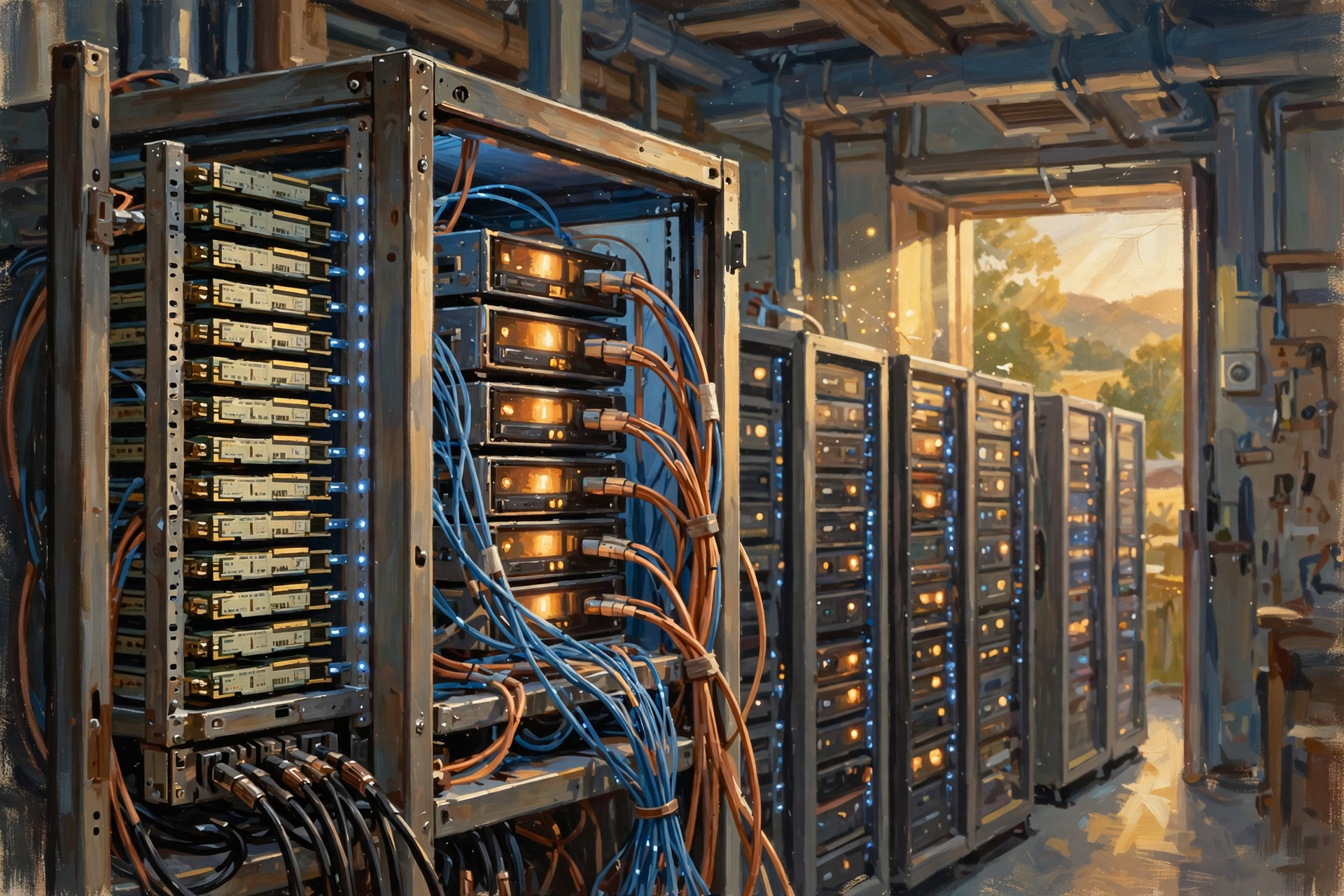
Data centers contain several layers of storage and memory because speed matters.
A processor may access information in very fast memory.
Other information may live on storage devices.
Still other information may need to be retrieved from another system.
The farther away the information is—in both physical and computing terms—the longer retrieval can take.
At ordinary human speed, these differences sound tiny.
At millions or billions of requests, tiny differences become enormous.
Step Six: The Search May Call Specialized Systems
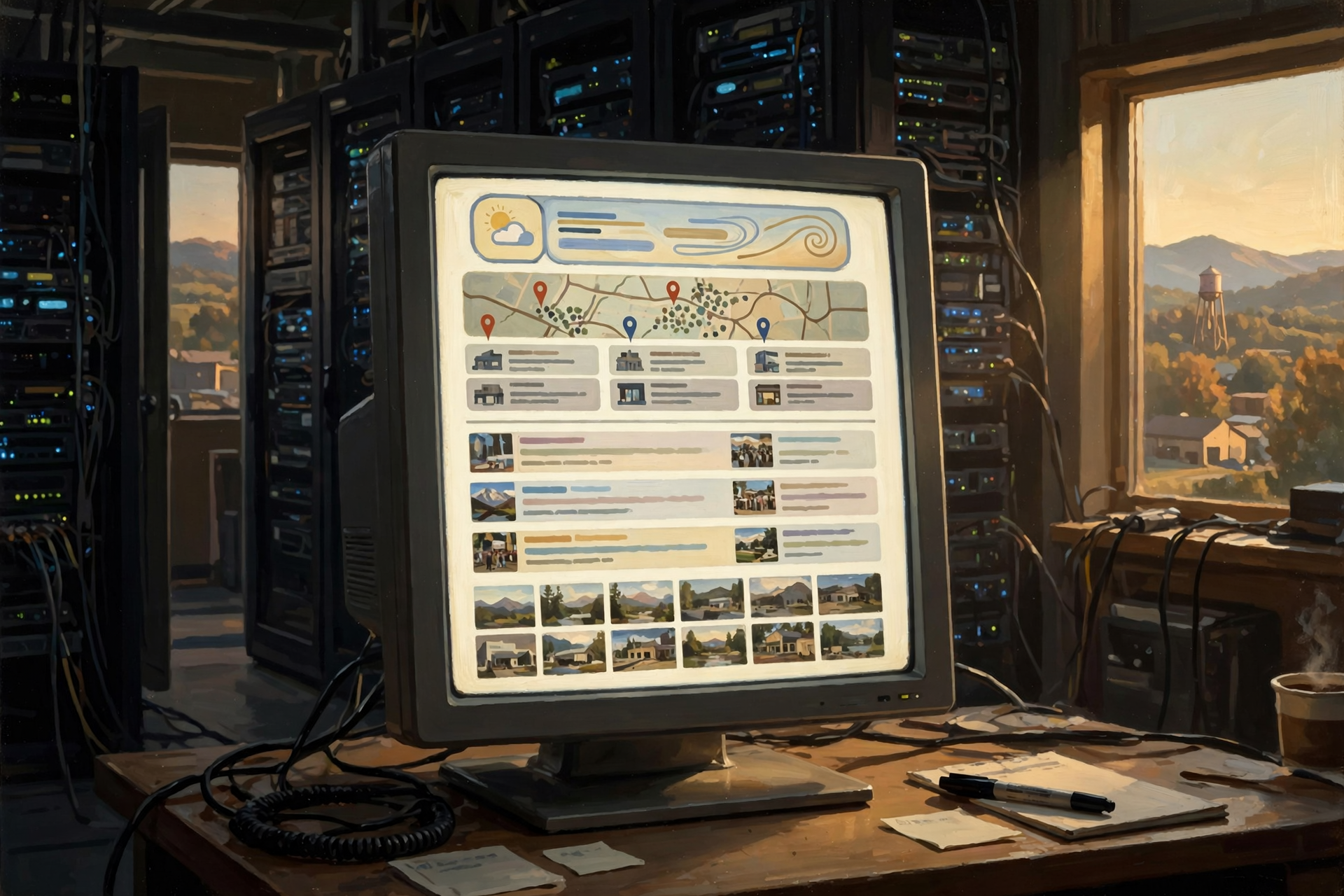
Search for:
weather Dunlap Tennessee
and you may see weather information.
Search for:
restaurants near me
and maps and business information may appear.
Search for a current event and news results may become more important.
Search for a photograph and image systems may become more relevant.
A modern search-results page is not always simply ten blue website links.
Different questions can trigger different kinds of information and different parts of Google’s systems.
Step Seven: Ranking Happens Fast—but It Is Not One Simple Score
It is tempting to imagine every webpage having one giant Google score:
Dunlap.Today: 87
Somebody’s Turkey Blog: 81
Uncle Bob’s Geocities Page From 1998: 14
Modern search is more complicated.
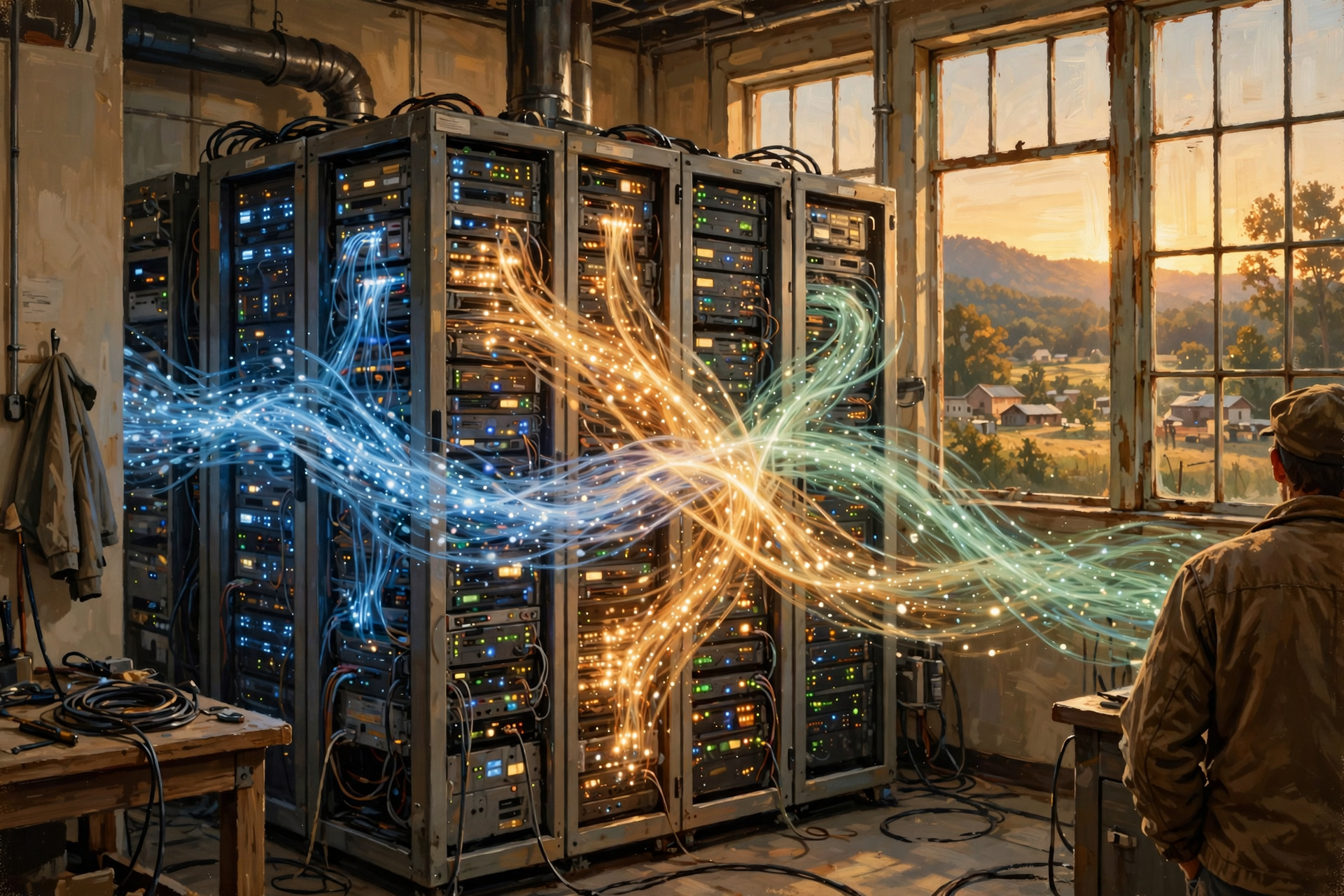
Google describes its ranking systems as a series of algorithms that analyze the query and available information to determine what to return.
Different factors matter differently depending on the question.
This helps explain why the same website might rank very well for one search and not appear prominently for another.
The search engine is not simply ranking websites.
It is trying to rank useful answers for a particular query.
The Query Matters as Much as the Website

Imagine a local tire shop has an excellent webpage about truck tires.
That page may be extremely relevant for:
truck tires Dunlap Tennessee
It probably should not rank highly for:
how to bake biscuits
The website did not suddenly become bad.
The question changed.
Search is fundamentally about matching information to intent.
Step Eight: The Results Page Gets Assembled

After the systems have found and evaluated useful information, the pieces have to be turned into something your browser can display.
Depending on the search, Google may assemble:
- web results;
- page titles;
- descriptions;
- images;
- maps;
- local business information;
- news;
- videos;
- shopping results;
- knowledge information;
- AI-generated features where available; and
- other specialized elements.
All of those pieces have to be organized into the page sent back to you.
Step Nine: Your Result Leaves the Data Center
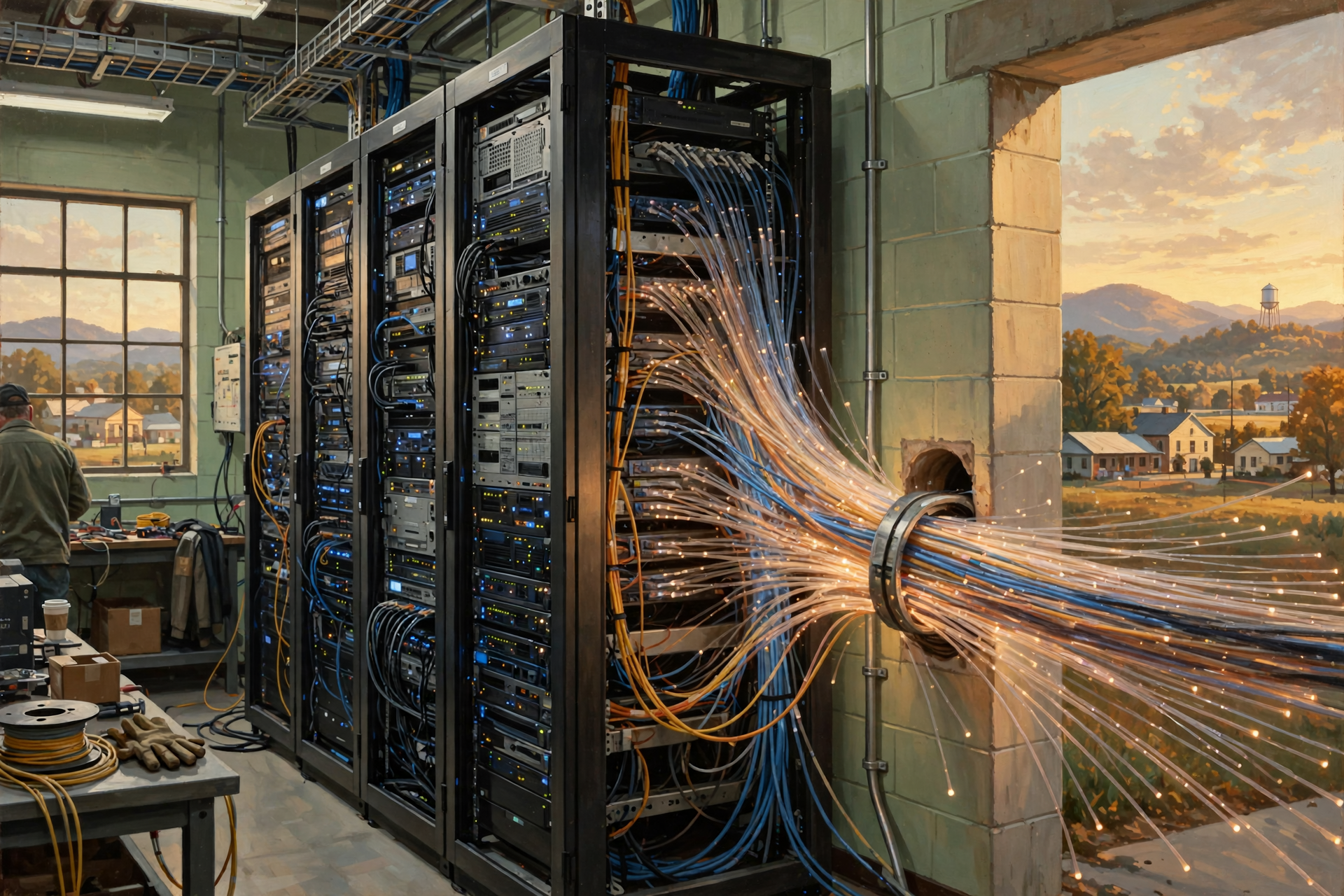
Now the answer has to come home.
The result is transmitted out through networking equipment and eventually across the internet toward your device.
So, in simplified form, today’s journey looks like this:
- You ask the question.
- The internet carries it toward Google.
- Google’s infrastructure receives the request.
- Systems interpret the query.
- Computers retrieve possible information from Google’s index.
- Ranking systems evaluate the candidates.
- Specialized systems may contribute maps, images, news, local information or other results.
- The results page is assembled.
- The answer leaves the data center.
- The internet carries it back to you.
- Your browser displays the result.
And you experience all of that as:
Search.
Why Does Google Need More Than One Data Center?
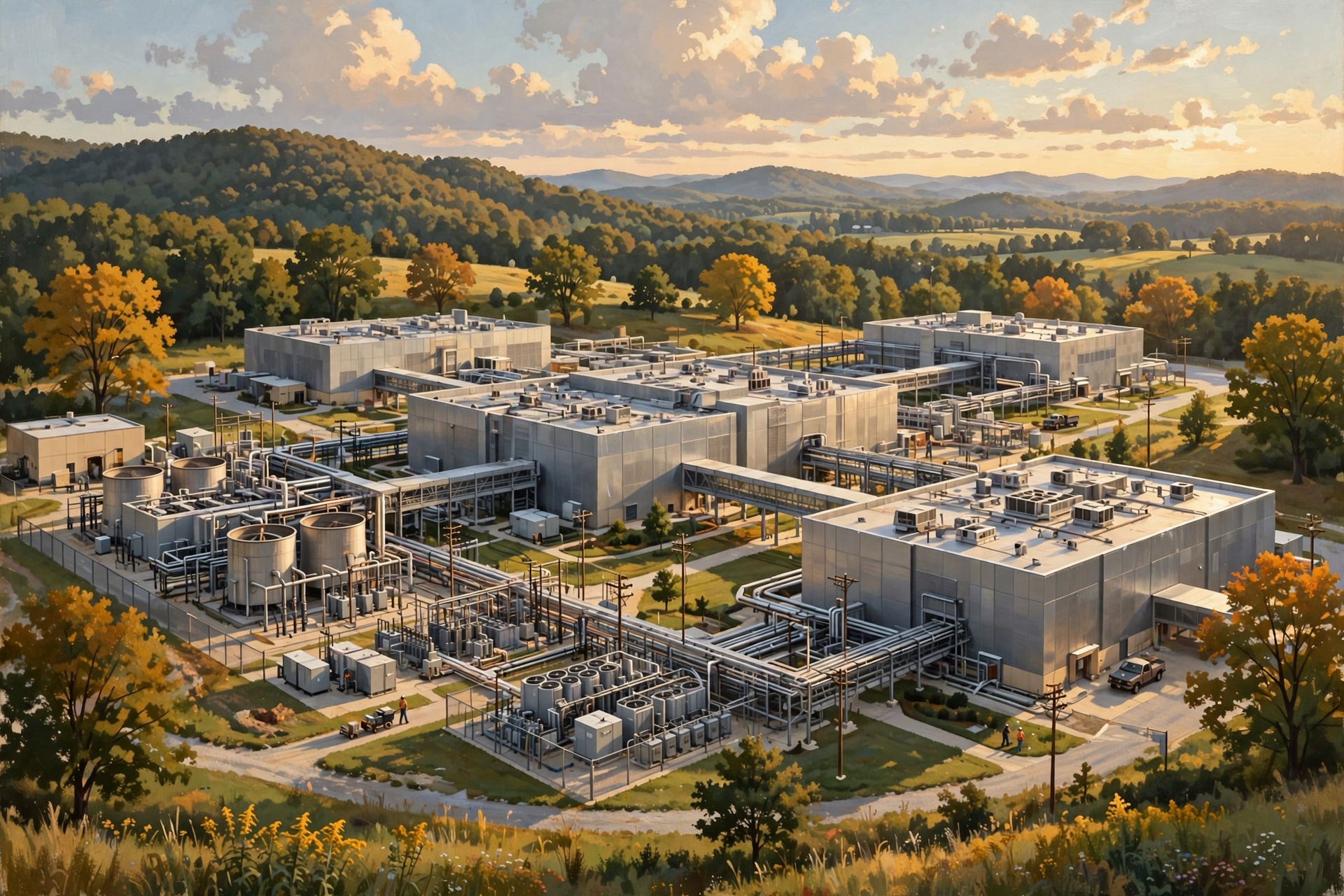
Google confirms that Search uses data centers around the world and notes that results can occasionally differ depending on which data center responds to a search.
There are several reasons distributing infrastructure makes sense.
Capacity
Billions of searches and other services create enormous computing demand.
Distance
Putting infrastructure in multiple regions can reduce how far some requests need to travel.
Reliability
Depending entirely on one facility would create an enormous single point of failure.
Maintenance
Equipment needs repairs and upgrades without requiring the entire service to disappear.
Growth
Distributed infrastructure allows computing capacity to expand across many facilities.
What If One Server Breaks?
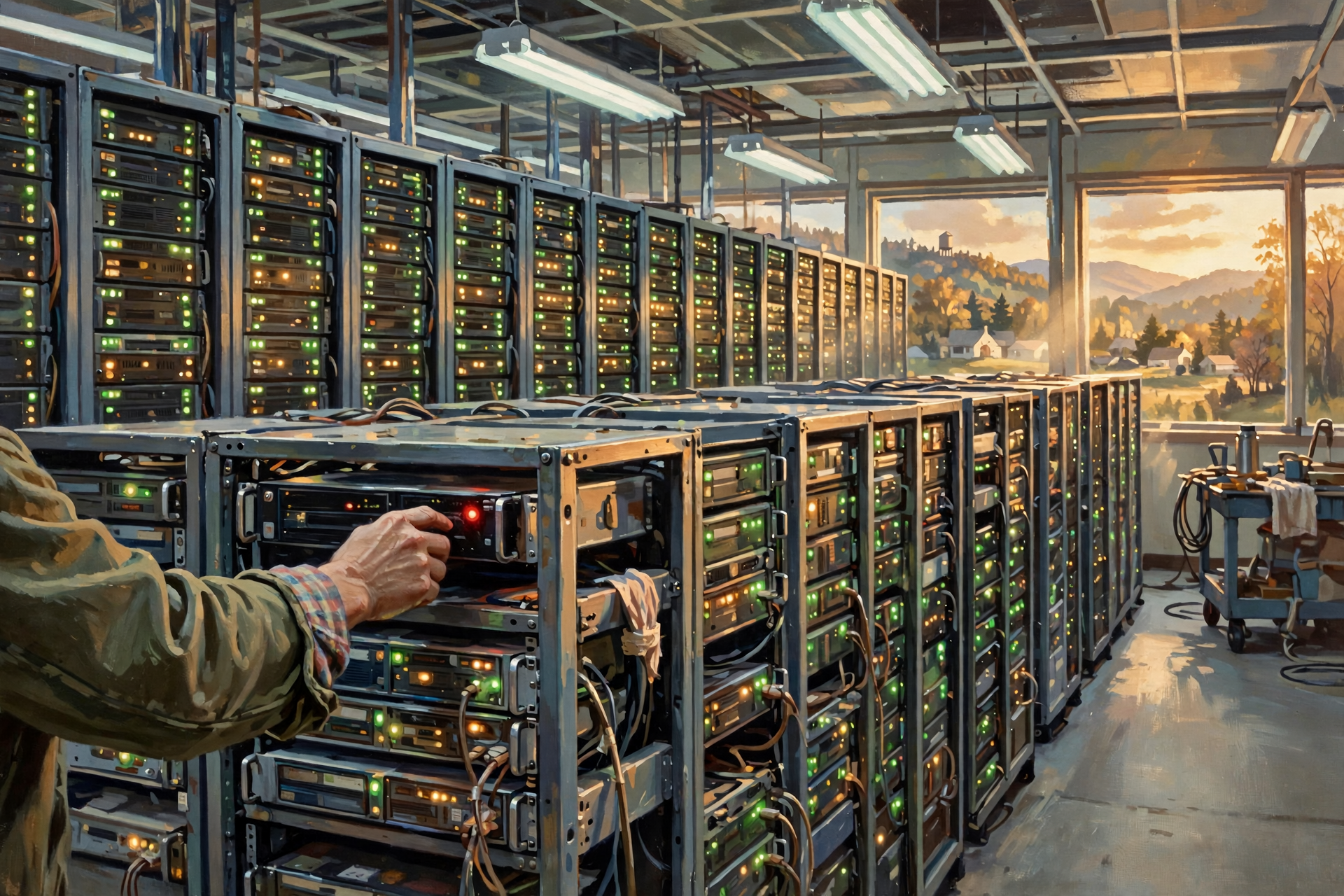
Ideally, you never know.
Remember our earlier discussion about redundancy?
Large internet services are generally designed around the reality that individual hardware eventually fails.
A hard drive fails.
A server fails.
A network connection develops a problem.
Equipment needs maintenance.
The goal is not to build a magical computer that can never break.
The goal is to build systems capable of continuing when pieces inevitably do.
This is one of the fundamental philosophies behind large-scale data-center engineering.
The Computers Have to Talk to Each Other Very Quickly
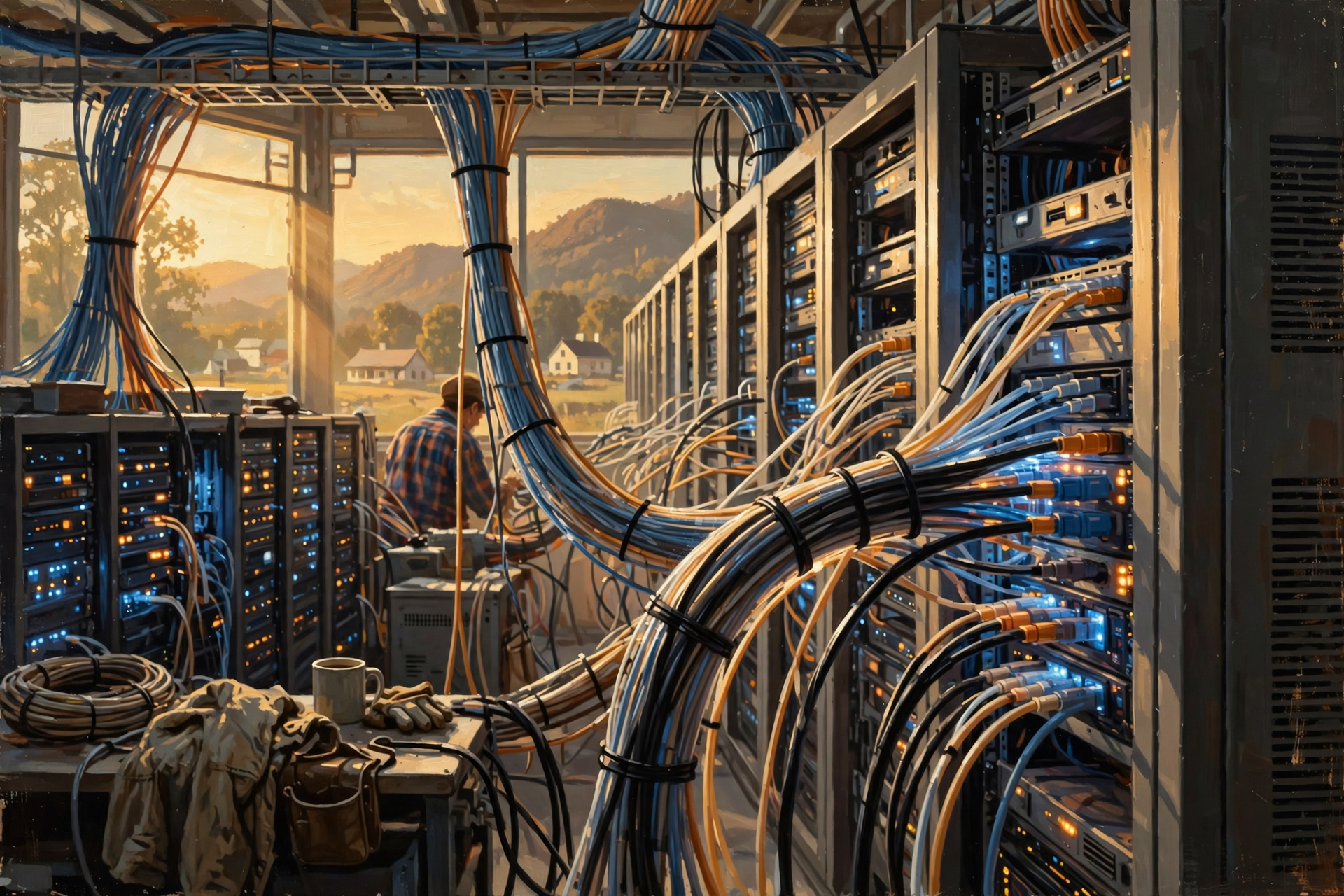
This is another reason the network inside a data center matters so much.
If different servers are performing different pieces of the search process, those machines need to exchange information.
A slow internal network would be like building a factory with extremely fast assembly machines connected by one fellow carrying parts between departments in a wheelbarrow.
Eventually, the transportation system becomes the bottleneck.
That is why high-speed networking is essential inside modern data centers.
The Search Also Creates Heat
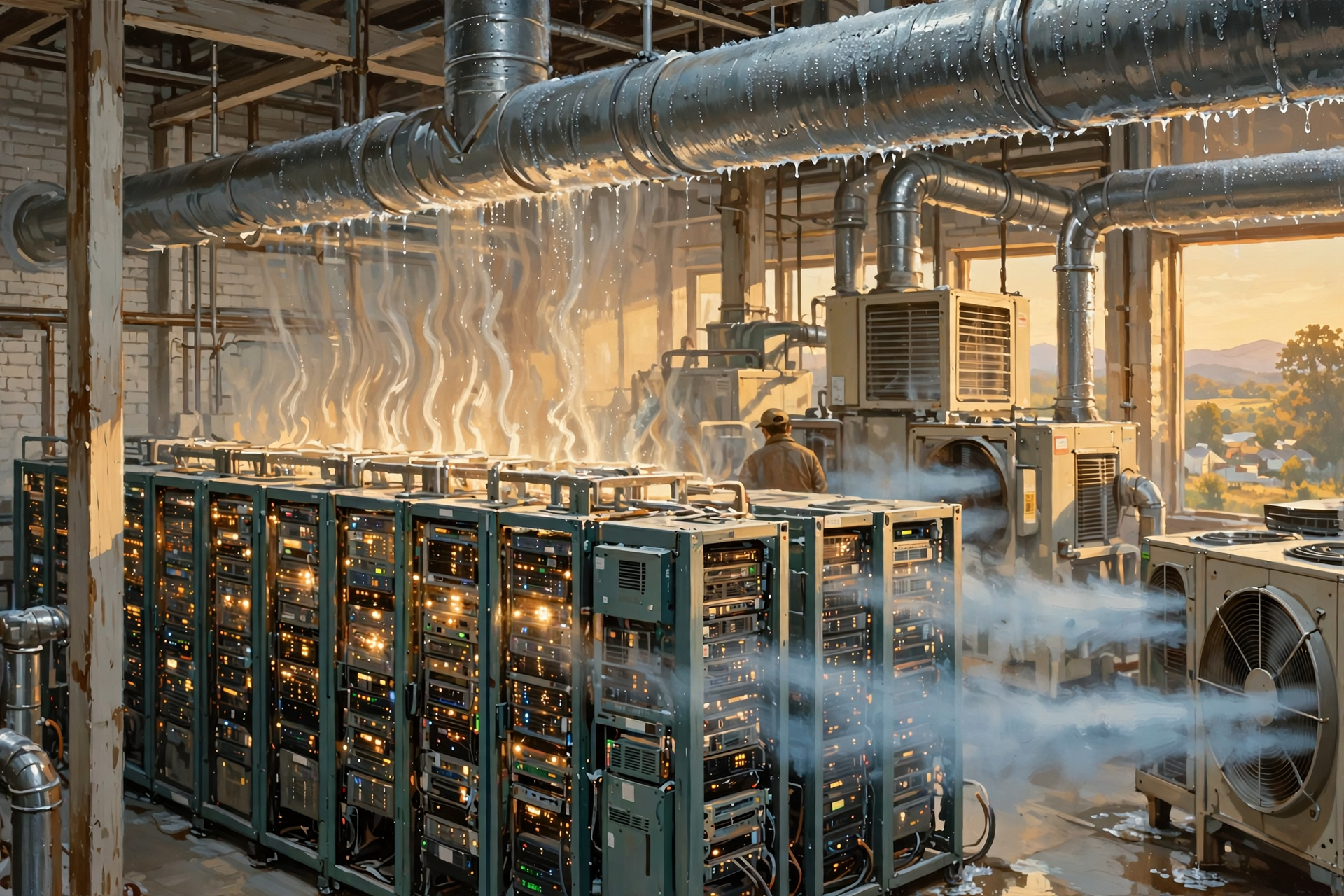
The search feels weightless.
The physics are not.
Processors consume electricity while performing calculations.
Networking equipment consumes electricity while moving information.
Storage consumes electricity.
The equipment produces heat.
Cooling systems remove that heat.
One search uses a very small fraction of the facility’s overall capacity.
But enormous numbers of searches, videos, emails, cloud applications, maps and AI operations collectively create industrial-scale computing demand.
One Search Is Tiny. Billions Are Infrastructure.
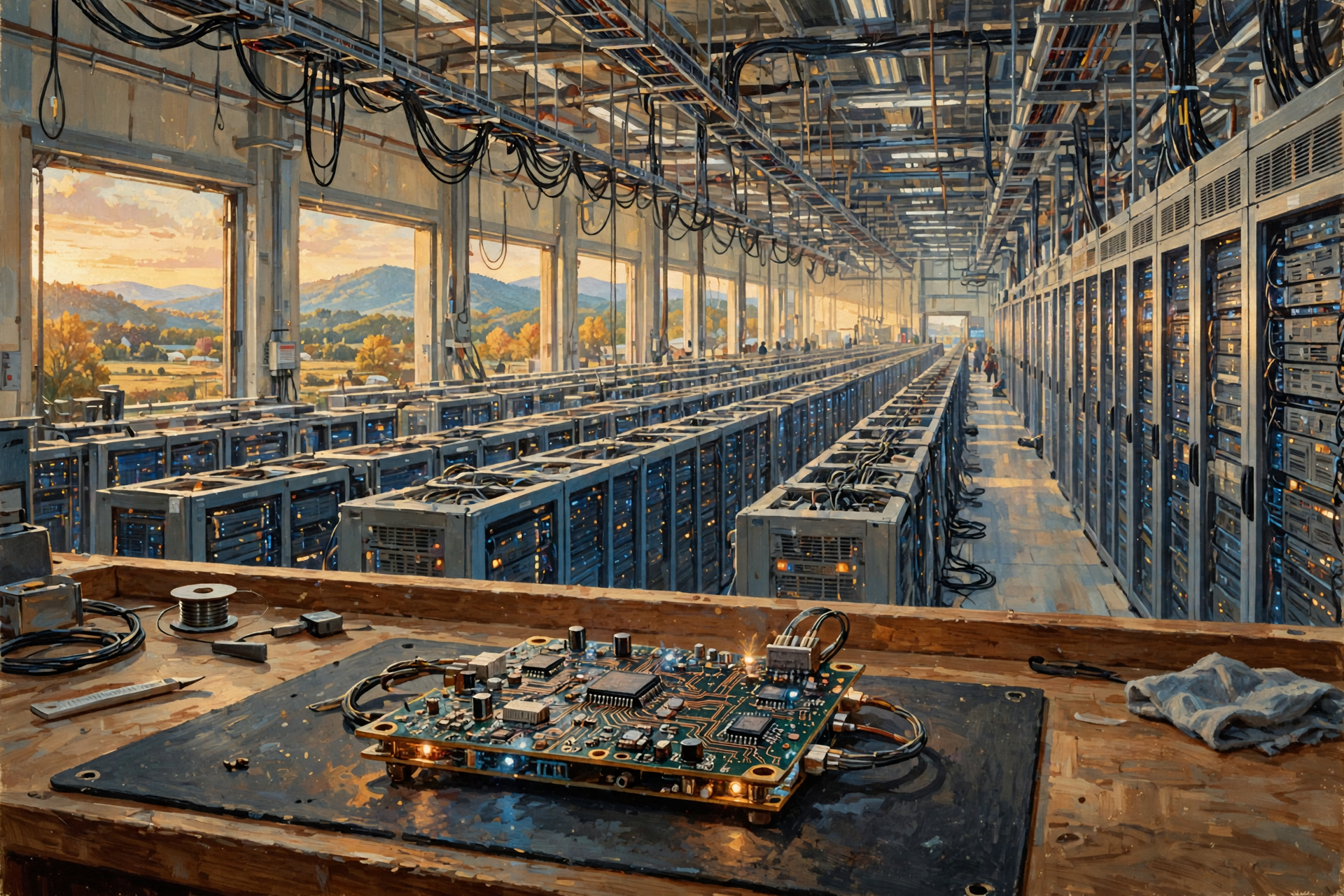
This is perhaps the most useful lesson from following one query through the data center.
Your individual question is small.
But a service used globally has to handle vast numbers of individual requests.
Think about a county road.
One pickup truck does not require an interstate highway.
Millions of vehicles moving between cities create an entirely different transportation problem.
Digital infrastructure works the same way.
One Google search is tiny.
Search at worldwide scale requires data centers.
Where Does AI Change the Search Process?
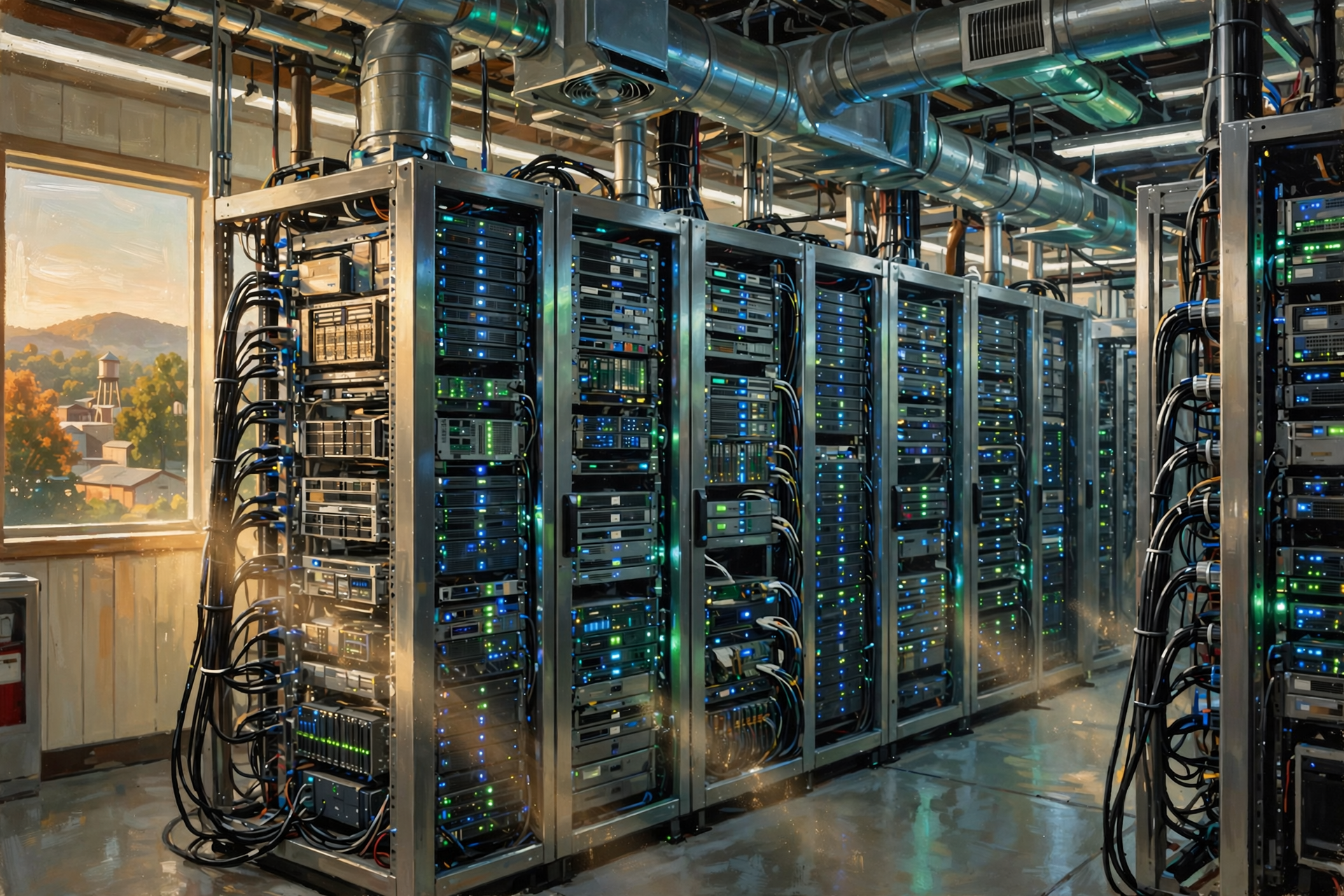
Search engines have used machine learning for years, but generative AI adds another type of computing work.
Traditional search primarily tries to identify and rank existing information.
A generative AI feature may also synthesize information and generate new text in response to the query.
That can require different computing resources.
This connects directly to our earlier article about why AI efficiency can improve while total demand for data centers continues increasing.
We keep asking computers to do more than simply retrieve information.
Increasingly, we want them to interpret, summarize, reason and generate.
Search and AI Are Beginning to Blur Together

For decades, the basic expectation from a search engine was:
Show me where I can find the answer.
Generative AI introduces another expectation:
Help me understand the answer.
Those are not exactly the same computational problem.
A search system may retrieve information.
An AI system may need to process that information through a model.
The two capabilities can also work together.
That combination is one reason search infrastructure continues evolving.
Why This Matters to Dunlap.Today and Local Businesses

There is an important local lesson hiding inside all of this technology.
Search engines need information before they can return information.
If somebody searches:
electrician in Sequatchie County
Google needs enough reliable digital information to understand which businesses may be relevant.
That can include:
- business websites;
- directory listings;
- business profiles;
- addresses;
- service descriptions;
- local articles;
- reviews;
- links;
- structured information; and
- other public references.
The data center may contain extraordinary machinery.
But the machinery cannot recommend a local business it cannot properly understand.
That is why making rural businesses visible online matters.
A Search Engine Cannot Index What Does Not Exist Online

This is particularly important in rural communities.
A business might be excellent.
It may have served local customers for thirty years.
Everybody in the neighborhood may know about it.
But if very little information about that business exists online, a person searching from outside the immediate community may have difficulty discovering it.
The search engine’s problem is not necessarily that it dislikes the business.
It may simply lack enough useful information to connect the searcher with it.
This is one of the reasons local directories, accurate business profiles and community publishing matter in the digital economy.
Hold On—Is That True? “Google Searches Every Website When I Press Enter”

No.
Google builds an index ahead of time.
Your search is processed against that index rather than causing Google to open billions of websites from scratch.
That preparation is one of the reasons results can arrive so quickly.
Hold On—Is That True? “One Big Computer Handles My Search”
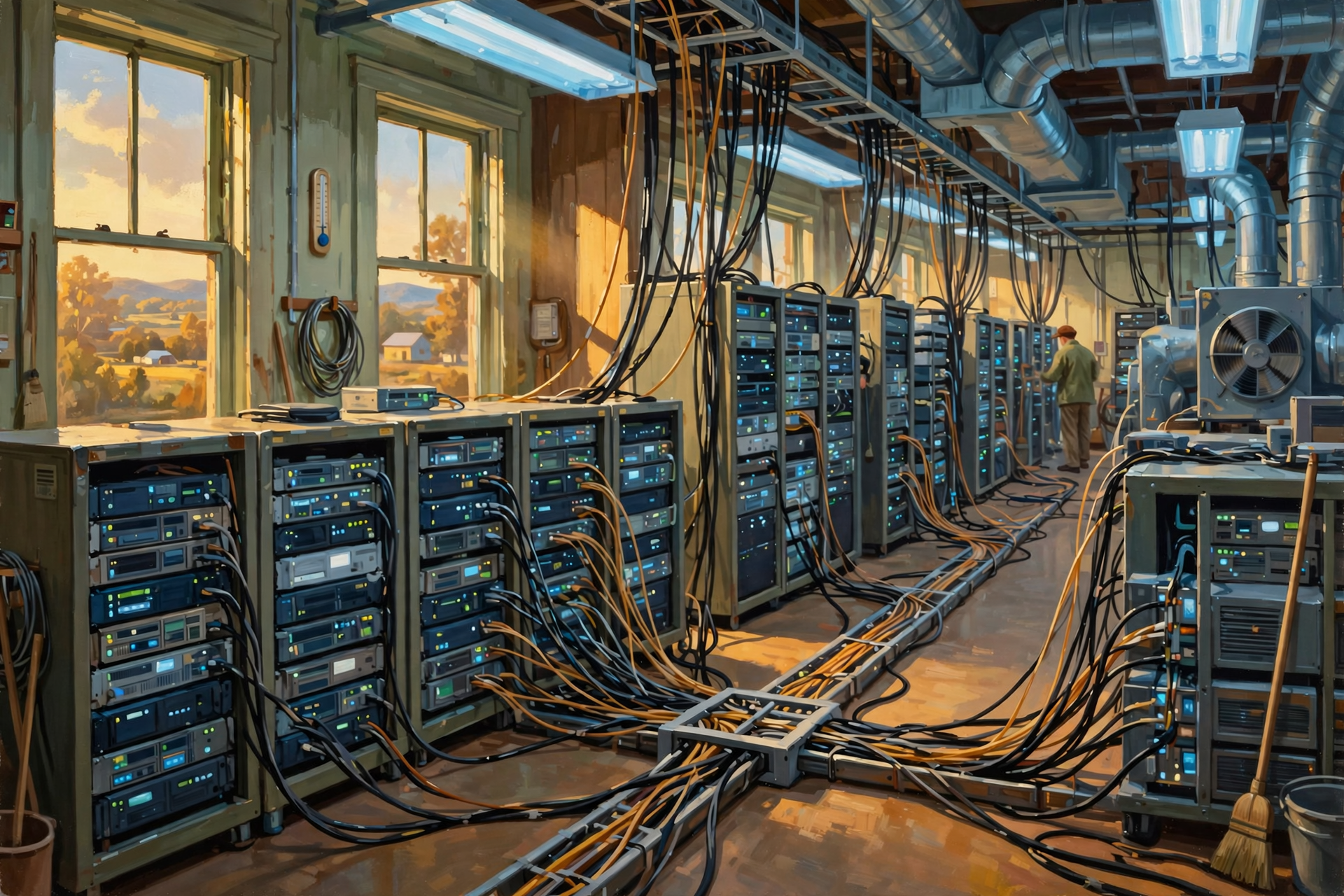
That is also misleading.
Large search systems are distributed across enormous computing infrastructure.
Different machines and systems can perform different pieces of the work.
What feels like one computer answering you can actually be the result of many systems cooperating.
Hold On—Is That True? “Google Results Are the Same for Everybody”

Not always.
Google says results can differ because of factors including time, location, language, device and context. The company also notes that different data centers can sometimes return differences while changes to ranking systems are rolling out.
That does not mean everyone receives completely different versions of reality.
It means context can matter to relevance.
Plain-English Glossary

Crawler: Automated software that discovers webpages and gathers information so a search engine can process them.
Index: An organized collection of information about webpages that can be searched rapidly.
Query: The words or question you enter into a search engine.
Ranking: The process of evaluating possible results and deciding which are most likely to be useful for a particular query.
Algorithm: A set of rules or computational procedures used to solve a problem or make a determination.
Cache: Faster or more convenient temporary storage used to avoid repeatedly retrieving or recalculating the same information.
Distributed computing: Using multiple computers or systems together rather than depending on one machine to perform all the work.
Latency: The time delay involved in moving or processing information.
Redundancy: Having additional systems so one equipment failure does not necessarily stop the entire service.
FAQ
Does Google keep the whole internet inside one data center?
No. Google’s infrastructure is distributed, and its Search index and related systems operate at enormous scale across computing infrastructure rather than one ordinary server in one building.
How quickly does Google rank results?
Google says its systems can sort through billions of webpages in its index and provide useful information in a fraction of a second.
Does Google use my location?
For searches where location improves relevance, Google may use location context. A search such as “coffee near me” would be much less useful without knowing approximately where “me” is.
Are search results selected by a person?
Ordinary search ranking is handled by automated systems rather than somebody manually deciding the results for each individual query.
Does every Google search use AI?
Machine learning has long been part of modern search systems, while newer generative AI features can introduce additional AI processing. The exact systems involved depend on the search and the features presented.
Why does Google need such powerful data centers for something as simple as search?
One search is a small job. Handling huge numbers of searches simultaneously, maintaining enormous indexes, ranking results rapidly, supporting maps, images, video and other services, and providing reliable worldwide service turns those small jobs into an industrial-scale computing problem.
Wisdom From the Front Porch

One person asking directions is a conversation. A million people asking at once is an infrastructure project.
That is the lesson hiding inside one ordinary Google search.
The question you type is tiny.
But the system required to answer millions and billions of questions quickly is enormous.
Servers retrieve information.
Networks connect machines.
Ranking systems evaluate possibilities.
Storage systems hold indexes.
Electricity keeps everything operating.
Cooling removes the heat.
And redundancy keeps individual equipment failures from becoming everybody’s problem.
The more closely we follow even the simplest digital activity, the easier it becomes to understand why the modern internet eventually turns into buildings, power systems, fiber and data centers.
Want to Learn More About What Happens Behind the Search Box?

If following one Google question through the machinery inside a data center made the digital world feel a little more physical, that is exactly the point of this series.
The Van Buren Digital Frontier Symposium on November 19 is an opportunity to continue learning about data centers, artificial intelligence and the infrastructure that increasingly supports everyday activities we barely think about—from Google searches and cloud storage to business software and AI.
You do not need to be a programmer or computer engineer to have a useful role in the conversation. Data centers eventually intersect with subjects rural communities already understand very well: electricity, construction, land, water, utilities, roads, taxes, local business and long-term planning.
The goal is not to tell residents to support or oppose data centers. It is to understand how the systems work, what different projects actually require, which questions matter and how communities can evaluate opportunities and tradeoffs using something better than slogans.
For more information, visit the Van Buren Digital Frontier Symposium listing on Dunlap.Directory or the Van Buren Digital Frontier Symposium Facebook page. Either resource can be used for more information and event updates.
Other Articles In This Data Center Series

- What Happens When You Google Something? Follow a Search on a 500-Mile Digital Road Trip
- Not All Data Centers Are the Same: From a Server Closet to an AI Mega-Campus
- If AI Keeps Getting More Efficient, Why Do We Need More Data Centers?
- What Is the Difference Between My PC and an AI PC in a Data Center?
- What Is a Data Center—and What Does It Actually Do?
- A Tour Inside a Data Center: Servers, Racks, Cables and a Whole Lot of Air Conditioning
- Where Does “The Cloud” Actually Live? Inside Buildings Like These
- What Is a Data Center—and What Does It Actually Do?




0 Comments