
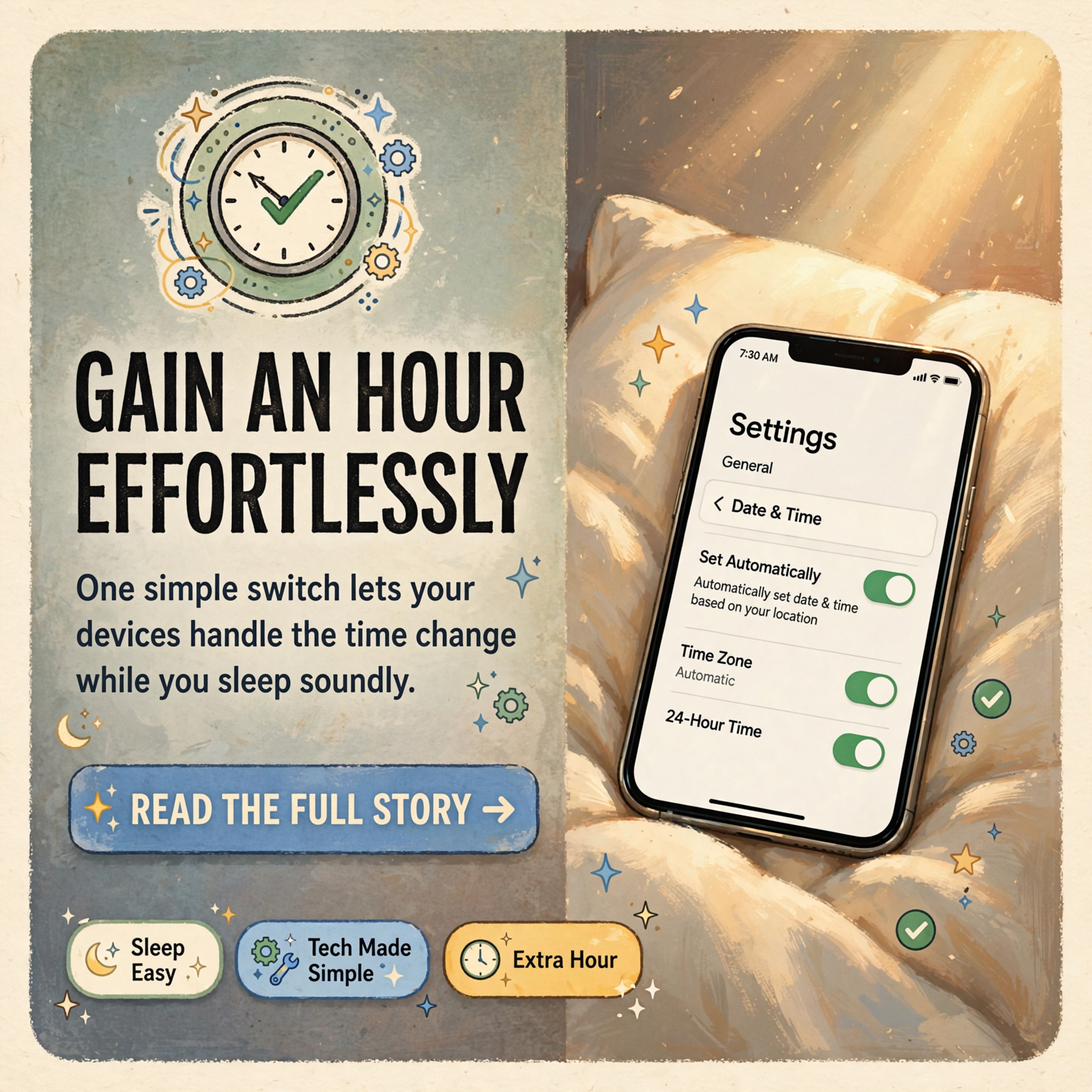
🕰️ Fall Back Without the Fuss: Make Sure Your Phone and Computer Change Their Own Clocks on Nov. 1
Or: One Little “Set Automatically” Switch Does the Work, So You Can Enjoy the Extra Hour of Sleep
By Thomas Seest, Dunlap.Today · Friday, October 23, 2026
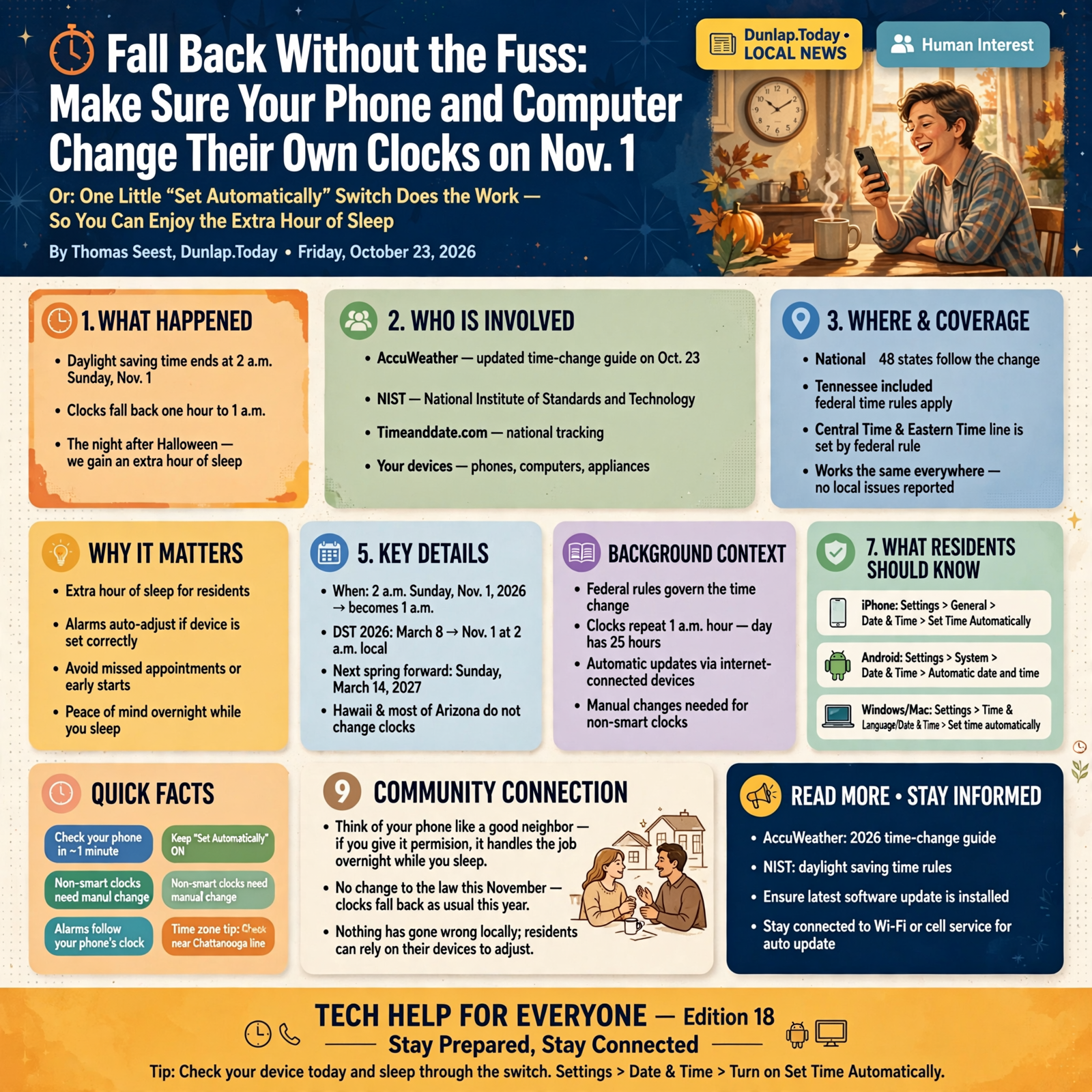
Mark it on the feed-store calendar: daylight saving time ends at 2 a.m. on Sunday, Nov. 1. That’s the night after Halloween. At 2 a.m., the clocks fall back to 1 a.m., and most of us get an extra hour. AccuWeather updated its time-change guide this morning, Oct. 23. It notes that many smartphones, computers and other internet-connected devices adjust automatically, while traditional clocks, watches and some appliances may need to be changed by hand. The good news: you can check your phone today in about a minute, and then sleep right through the switch.
Here’s what’s in this eighteenth Tech Help for Everyone: when the clocks change and who changes them, the one switch to check on an iPhone, the one switch to check on an Android phone, the same check on a Windows PC or a Mac, a time-zone tip for folks near the Chattanooga line, and the clocks you’ll still change by hand.
The time change is national. It follows federal rules and happens in 48 states, Tennessee included. The Central-Eastern time line is set by federal rule, too. None of this is a Sequatchie Valley news report, and nothing has gone wrong locally. It works the same in Dunlap as anywhere else.
⏱️ What this means for you in 30 seconds
- When: 2 a.m. Sunday, Nov. 1. Clocks go back one hour, to 1 a.m.
- Phones and computers usually do it themselves, as long as “Set Automatically” (or “Automatic date and time”) is turned on.
- iPhone: Settings > General > Date & Time > Set Time Automatically.
- Kitchen, truck and wall clocks usually need a human hand.
- Dunlap is on Central Time. Chattanooga is on Eastern. If your phone ever shows Chattanooga time at home, check the time-zone setting.
🗓️ When the Clocks Change, and Who Does the Changing

The National Institute of Standards and Technology (NIST), the federal folks who keep the nation’s official time, says daylight saving time in 2026 runs from March 8 to Nov. 1 at 2 a.m. local time. On that Sunday, 2 a.m. becomes 1 a.m. and that hour repeats, so the day has an extra hour in it. Timeanddate.com notes the change happens in 48 states. Hawaii and most of Arizona don’t change their clocks.
AccuWeather’s Oct. 23 update adds that clocks will spring forward again on Sunday, March 14, 2027. It also says no change to the law will affect this November’s switch, so the clocks fall back as usual this year.
What it means for you: Think of your phone like a good neighbor who always remembers to bring the porch chairs in before a storm. If you’ve given it permission, it handles the job overnight while you sleep. Your alarms follow the phone’s clock, so an alarm set for 5 a.m. should ring at the new 5 a.m. That’s welcome news for early risers.
👉 Read more: AccuWeather’s 2026 time-change guide · NIST daylight saving time rules
🍎 iPhone: Settings, General, Date & Time
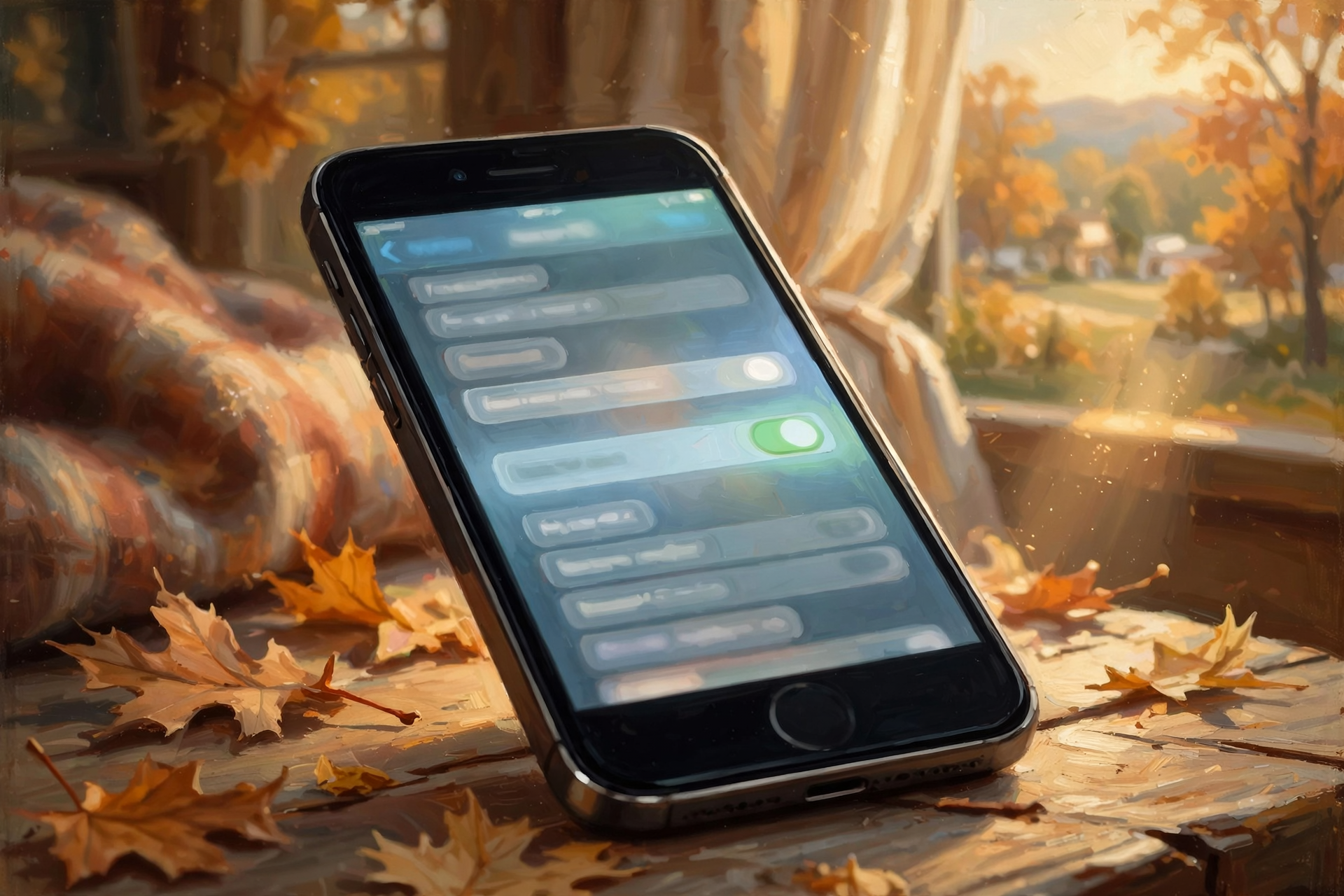
Apple’s help page, “If you can’t change the time or time zone on your Apple device,” says to use Date & Time settings so your device adjusts automatically for time zone changes and daylight saving time. Here are its steps:
- Make sure the phone is connected to the internet (Wi-Fi or cell service).
- Install the latest software update.
- Go to Settings > General > Date & Time and turn on Set Time Automatically.
- To let the phone use its location to pick the right time zone, go to Settings > Privacy & Security > Location Services. Scroll to the bottom, tap System Services, and turn on Setting Time Zone.
- If a message says updated time zone information is available, restart the phone and any paired Apple Watch.
What it means for you: If the “Set Automatically” switch looks gray and won’t move, don’t fret. Apple says that can happen when a Screen Time passcode or a work profile is on the phone, and the option isn’t offered by every carrier. A grandchild who set up Screen Time, or your carrier, can help you sort it out.
👉 Read more: Apple’s guide to time and time zone settings
🤖 Android: The Clock App, Then “Automatic Date and Time”

Google’s Android help page, “Set time, date and time zone,” lays it out:
- Open the Clock app. Tap More (the three dots), then Settings.
- Tap Change date and time and turn on Automatic date and time.
- Under “Time zone,” turn on Automatic time zone.
- Google notes your phone may use location to work out your time zone, and only some devices can set the time zone automatically.
What it means for you: Android phones come from lots of makers, and the menus can sit in slightly different spots, like every church kitchen keeping the coffee filters in a different cabinet. If you can’t find it, open Settings and search for “date.” Android Central adds that if your phone is turned off during the switch, it should fix itself once it’s back on and reconnects to your cell network.
👉 Read more: Google’s Android time and date help
💻 Computers Too: Windows and Mac

- Windows: Microsoft says to go to Start > Settings > Time & language > Date & time and turn on Set time automatically. If Set time zone automatically is on, Microsoft says daylight saving time is handled automatically. If it’s off, pick your time zone from the list and turn on Adjust for daylight saving time automatically.
- Mac: Apple says to make sure the Mac is connected to the internet. Then open Date & Time settings and turn on both the option to set time and date automatically and the option to set time zone automatically. If it still looks wrong, Apple suggests checking that Location Services is on and restarting the Mac.
What it means for you: A computer clock that’s an hour off can make you show up early, or late, for a video call with the doctor’s office or the grandkids. Two minutes with these switches now saves a lot of head-scratching Sunday morning.
👉 Read more: Microsoft’s Windows time and date guide · Apple’s Mac time settings
🧭 Living Near the Time Line? Double-Check the Time Zone
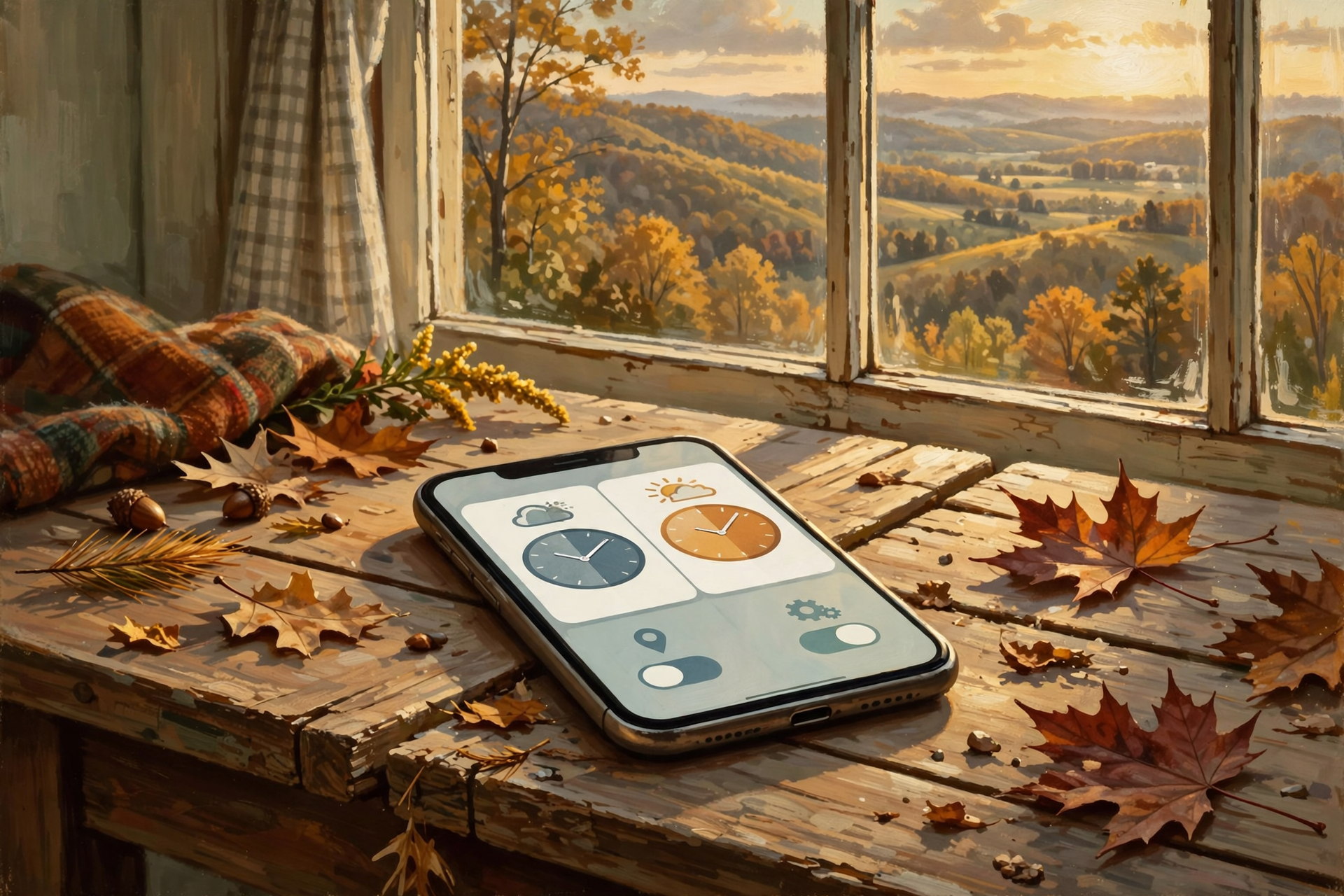
Here’s one that matters a little more around here. Under federal rules (49 CFR 71.5), the line between Eastern and Central time in our part of Tennessee runs along the west lines of Rhea and Hamilton counties. That puts Chattanooga and the rest of Hamilton County on Eastern Time, and Sequatchie County, Dunlap included, on Central Time. Both sides fall back on the same night, so the one-hour gap between them stays the same.
What it means for you: If you live, work or shop near that line and your phone ever shows Chattanooga time while you’re sitting at home in Dunlap, it’s a setting, not a gremlin. Apple’s fix is to turn on Setting Time Zone under Location Services, so the phone goes by where you actually are. If it’s still wrong, Apple says you can turn off Set Automatically and pick the time zone yourself by entering a city in your zone. Just remember to turn automatic back on later, or that phone won’t fall back on its own next year. On Android, the same choice lives under Automatic time zone. Before you leave for a Chattanooga appointment, it’s always wise to ask “is that Eastern time?”
👉 Read more: The federal Eastern-Central time boundary (49 CFR 71.5)
⏰ The Clocks That Still Need Your Hand

AccuWeather notes that traditional clocks, watches and some appliances may need to be changed by hand. Around most Valley homes, that can mean:
- The microwave and stove clocks
- The truck or car dashboard clock
- Wall clocks, wristwatches and the old bedside alarm clock
- Timers on lights, coffee makers and thermostats, if they keep their own time
Got a “radio-controlled” or “atomic” clock? NIST says those pick up a time signal and should switch on their own. If one is still wrong after the change, NIST suggests checking that it has recently received the signal and that its time zone setting is right.
What it means for you: AccuWeather also points out that changing the clocks makes a handy reminder for seasonal chores, like checking smoke detector batteries, replacing furnace (HVAC) filters and getting cold-weather emergency supplies ready. It’s like turning the calendar page and sweeping the porch in the same trip.
👉 Read more: NIST on radio-controlled clocks and the time change
✅ Your Friday Fall-Back Checklist
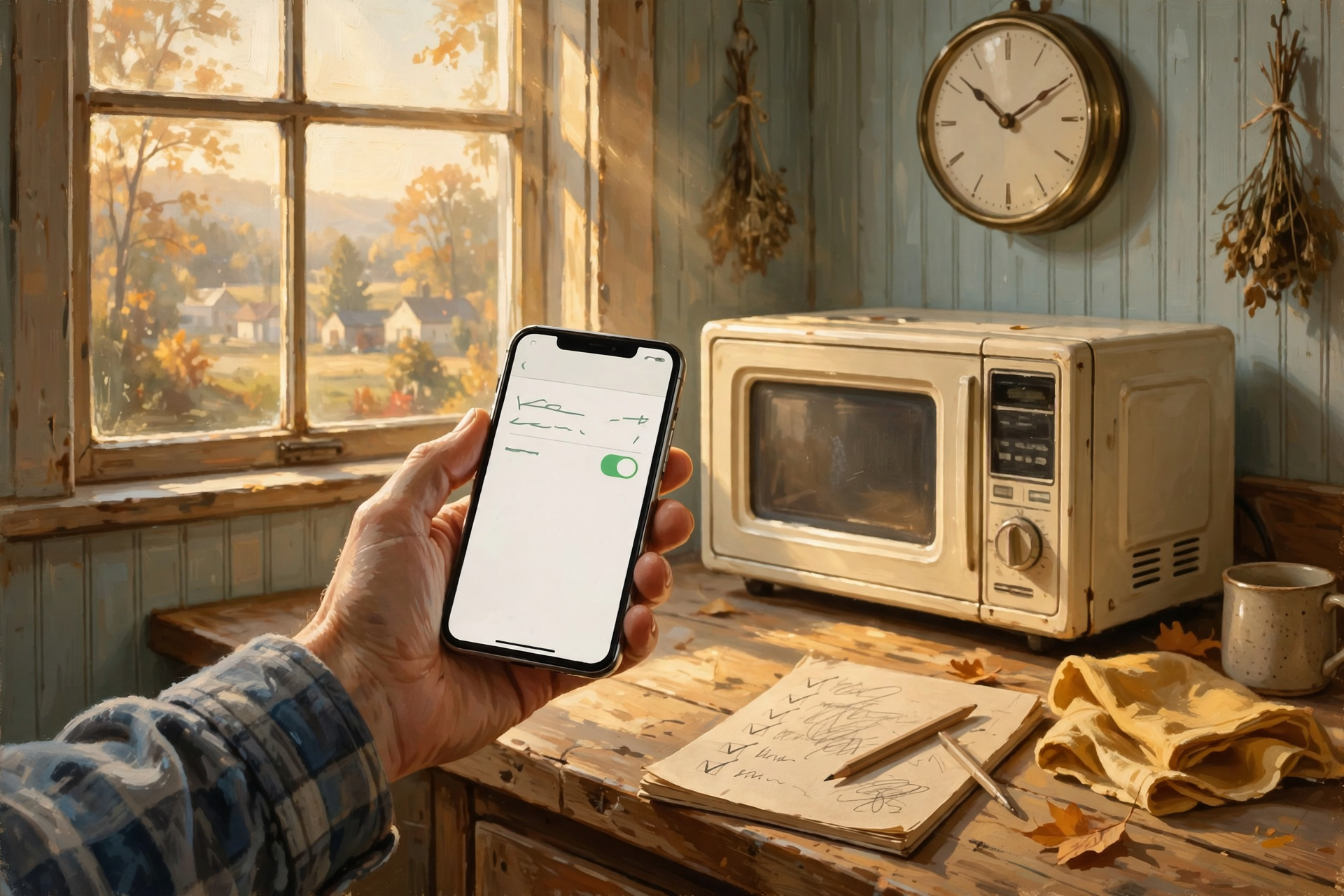
- ✅ Write it down: Clocks fall back at 2 a.m. Sunday, Nov. 1.
- ✅ iPhone: Settings > General > Date & Time > Set Time Automatically = on.
- ✅ Android: Clock app > Settings > Change date and time > Automatic date and time = on.
- ✅ Windows: Settings > Time & language > Date & time > Set time automatically and Set time zone automatically = on.
- ✅ Mac: Date & Time settings > set time and date automatically and set time zone automatically = on.
- ✅ Install any waiting software update while you’re in there.
- ✅ Dunlap is Central. Chattanooga is Eastern. Check your phone’s time zone if it ever looks an hour off.
- ✅ Change by hand: microwave, stove, truck, wall clocks and watches.
- ✅ Same trip: check smoke detector batteries and furnace filters.
- ✅ Sunday morning: glance at your phone and one other clock you trust before heading to church or work.
Practical rule: Let the phone fall back by itself. Set Automatically on, then go to bed.
— Dunlap.Today
📚 Plain-English Tech Glossary
- Daylight saving time (DST): The months when clocks are set one hour ahead. It ends when we “fall back” in November.
- Standard time: The regular clock time we go back to in November and keep until March.
- Set Automatically: A setting that lets a phone or computer get the correct time from the network or internet, so you don’t have to.
- Time zone: A region that keeps the same clock time. Dunlap is in Central. Chattanooga is in Eastern.
- Location Services: The phone setting that lets it know roughly where it is. Apple uses it to pick the right time zone.
- Software update: A free fix from the phone or computer maker that keeps things working right, including clock rules.
- Radio-controlled (“atomic”) clock: A clock that sets itself from a NIST radio time signal.
- NIST: The National Institute of Standards and Technology, the federal agency that keeps official U.S. time.
❓ FAQ
Do I have to stay up until 2 a.m. to change my phone?
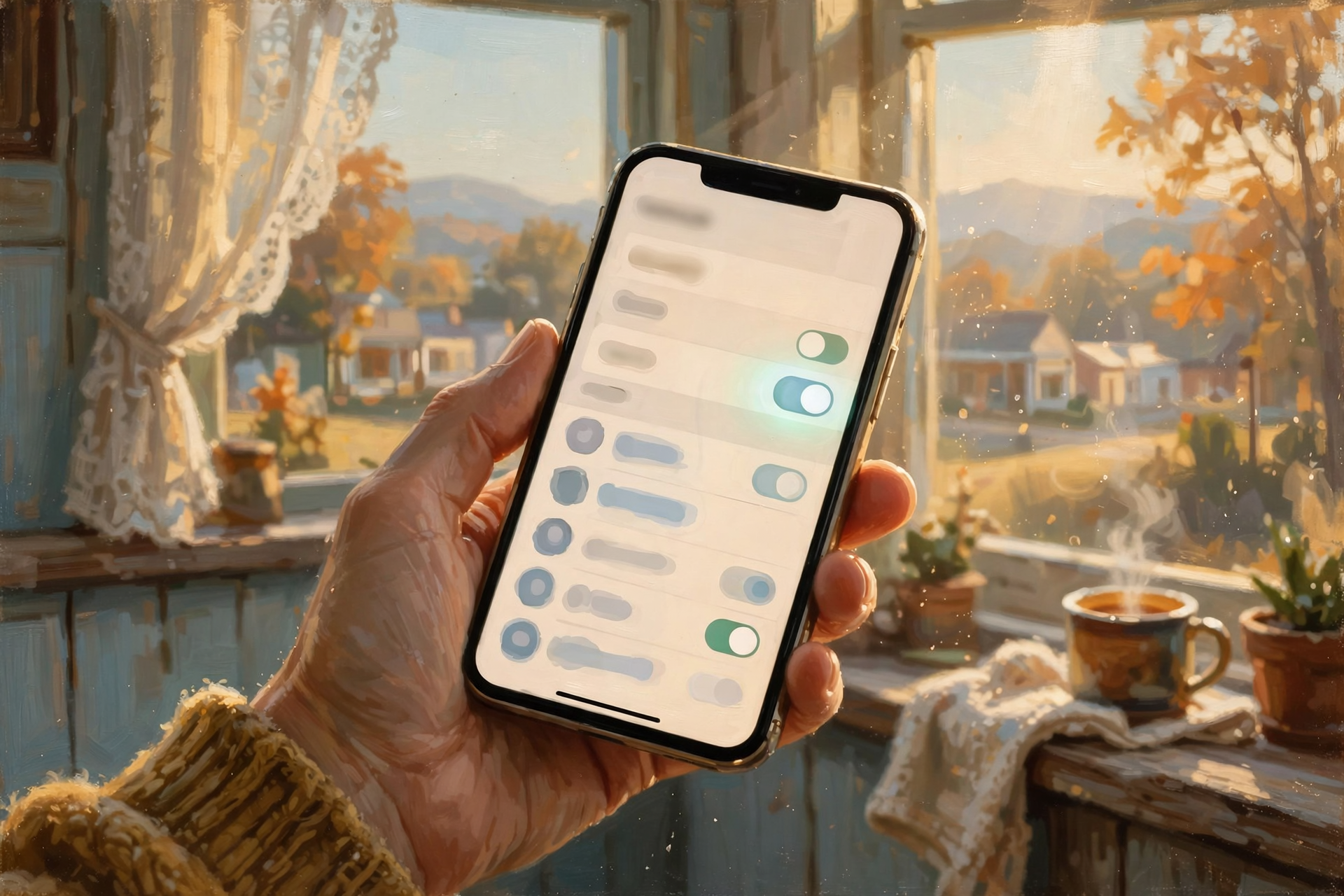
No. If Set Time Automatically (iPhone), Automatic date and time (Android) or Set time automatically (Windows) is on, the device makes the change on its own. You’ll just wake up to the right time.
Will my phone alarm go off at the right time Sunday morning?
Alarms follow the phone’s clock. Once the phone falls back, an alarm set for 6 a.m. is for the new 6 a.m. Android Central says Android phones switch overnight so calendars and alarms stay correct. It never hurts to glance at the clock Sunday morning to be sure.
My phone was off overnight. Now what?
Android Central says a phone that was off during the change should correct itself once it’s turned on and reconnects to the cell network. On iPhone, Apple says to make sure you’re connected to the internet and Set Time Automatically is on.
The “Set Automatically” switch is gray and won’t turn on. Why?
Apple says the option may not be available with every carrier, and it can be grayed out if the phone has a Screen Time passcode or a work profile with restrictions. A family member who set up Screen Time, or your carrier, can help.
What time zone is Dunlap in?
Central. Under federal rules (49 CFR 71.5), the Eastern-Central line in our area runs along the west lines of Rhea and Hamilton counties, so Chattanooga is Eastern and Sequatchie County is Central.
Is the time change being done away with?
Not this year. AccuWeather reports that no change to the law will affect this November’s switch, and that daylight saving time is scheduled to return Sunday, March 14, 2027.
Is this a Sequatchie Valley problem?
No. It’s a national time change that happens every November. The time-zone tip just matters a little more here because we live so close to the Eastern-Central line.
🔗 Other Resources
- NIST: Daylight saving time rules
- AccuWeather: Daylight saving time 2026, when do clocks fall back?
- Timeanddate.com: USA and Canada end daylight saving time 2026
- Apple: If you can’t change the time or time zone on your Apple device
- Google: Set time, date and time zone on Android
- Microsoft: Set time, date and time zone settings in Windows
- Android Central: Will my phone automatically adjust for the time change?
- eCFR: 49 CFR 71.5, the Eastern-Central time zone boundary
🌻 Gain an Hour, Lose the Worry

The time change doesn’t have to be a chore you remember at the last minute. Take one minute this weekend and make sure your phone and computer are set to change their own clocks. Then next Saturday, after the Halloween candy’s handed out, change the microwave and the truck clock, check the smoke detector, and go to bed. Your phone will handle 2 a.m. while you enjoy that extra hour of sleep.
Keep learning, keep exploring and keep your cool. Read Dunlap.Today for calm, clear Valley news, and find local folks who can help with phones and computers anytime on Dunlap.Directory.
Know about an upcoming event or story in the Sequatchie Valley? Submit it here.




0 Comments