
🔲 Scan Smart: A Calm Guide to Those Little Square QR Codes on Menus, Mailers and Parking Meters
🔲 Scan Smart: A Calm Guide to Those Little Square QR Codes on Menus, Mailers and Parking Meters
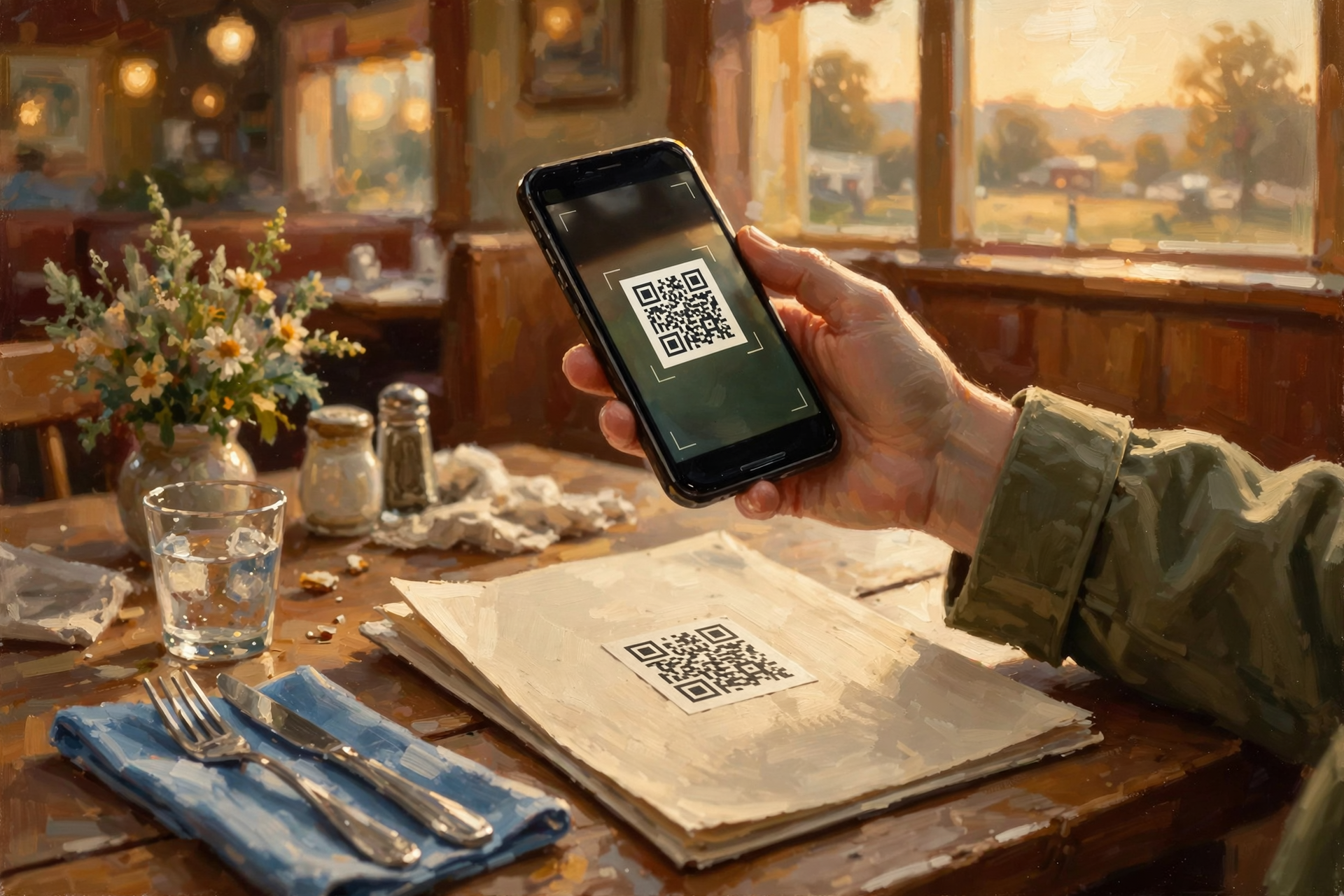
Or: Look Before You Tap, the Same Way You’d Look Before You Step Off the Porch in the Dark
By Thomas Seest, Dunlap.Today · Sunday, October 25, 2026
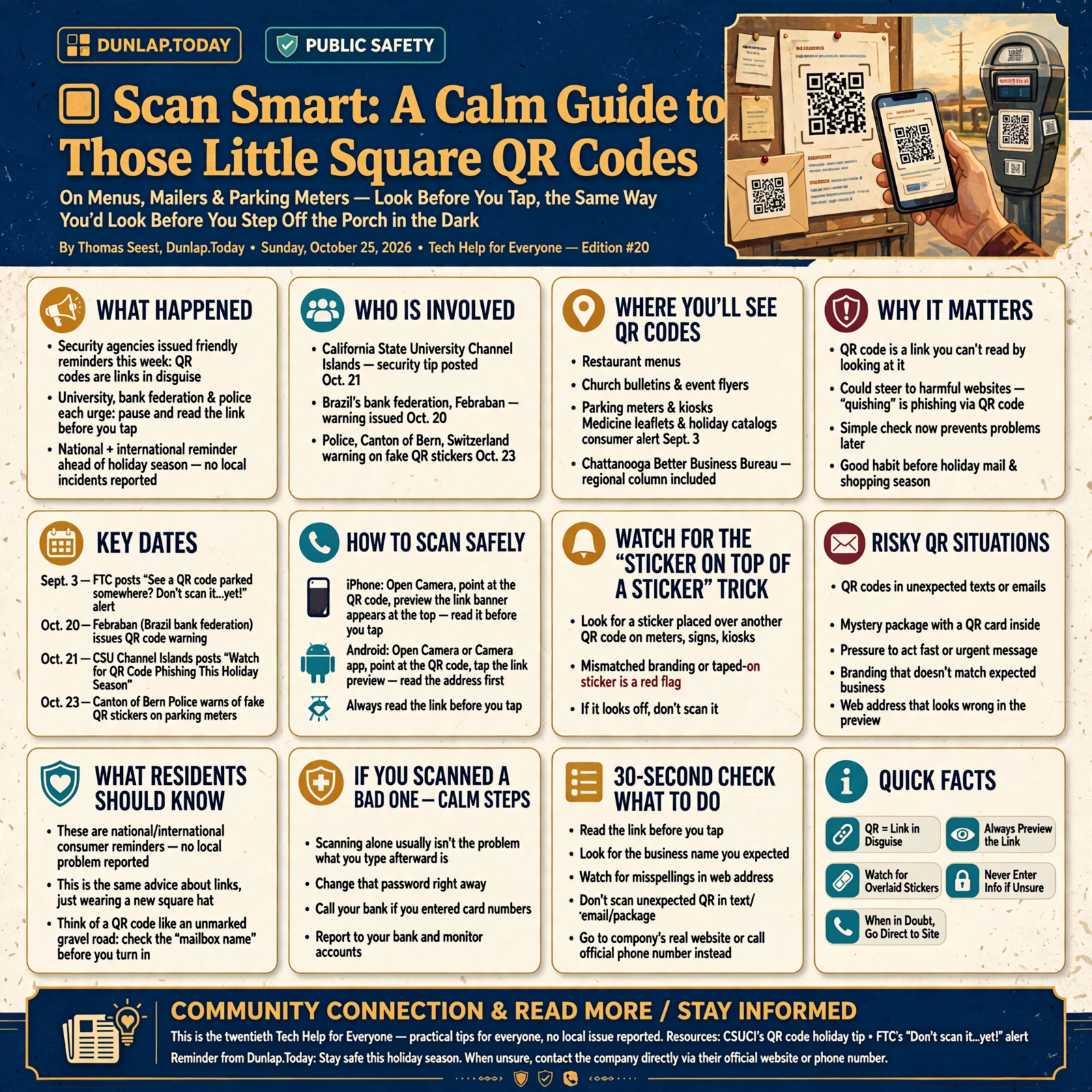
They’re everywhere now: those little black-and-white checkerboard squares called QR codes. You’ll find them on restaurant menus, church bulletins, event flyers, parking meters, medicine leaflets and holiday catalogs. Point your phone’s camera at one, and it opens a web page. Handy! This past week, a university security team, a bank federation and a police department each put out the same friendly reminder heading into the holiday season: a QR code is just a link in disguise, so take one second to read where it goes before you tap. That’s today’s whole tip, and it’s an easy one to learn.
Here’s what’s in this twentieth Tech Help for Everyone: why QR codes are in the news this week, how to scan one on an iPhone or Android phone and read the link first, the “sticker on top of a sticker” trick in public places, the mystery package with a QR card inside, QR codes that show up in texts and emails, and calm steps if you think you scanned a bad one.
These are national and international consumer reminders, plus one regional column from the Chattanooga Better Business Bureau. Nothing here is a Sequatchie Valley news report, and no local problem has been reported to us. It’s just a good habit worth having before the holiday mail and shopping season gets busy.
⏱️ What this means for you in 30 seconds
- A QR code is a link you can’t read by looking at it. Your phone shows you the link after you point the camera.
- Read the link before you tap it. Look for the business name you expected and for misspellings.
- Look for a sticker stuck on top of another code on meters, signs and kiosks. If it looks off, don’t scan it.
- Don’t scan a QR code in a text, email or mystery package you weren’t expecting. Go to the company’s real website or phone number instead.
- Scanned one already? Scanning alone usually isn’t the problem. What you type afterward is. Change that password and call your bank if you entered card numbers.
🔲 Why QR Codes Are on the Porch Agenda This Week
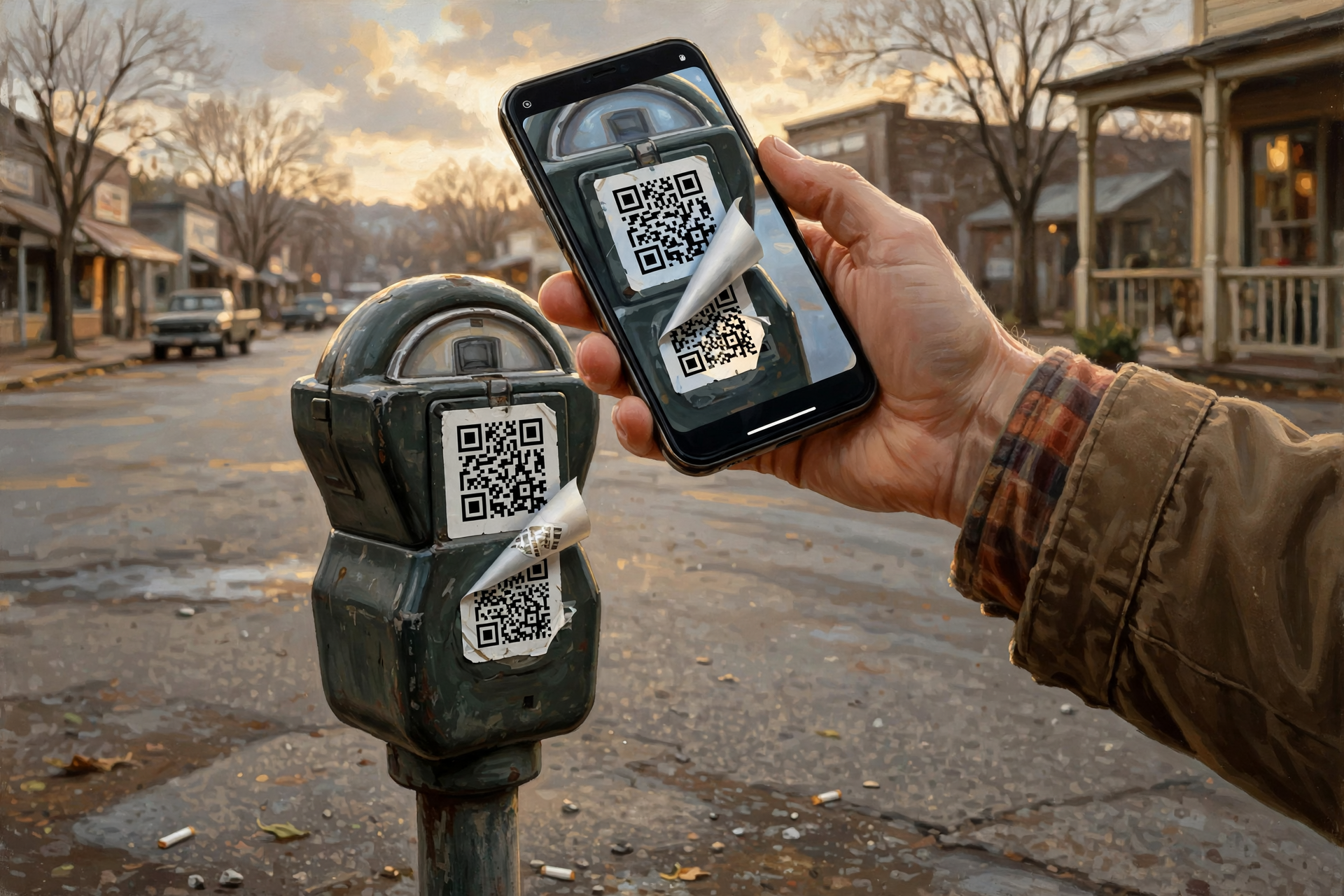
On Oct. 21, California State University Channel Islands posted a security tip titled “Watch for QR Code Phishing This Holiday Season.” It explains that “quishing” is a kind of phishing that uses QR codes to steer people to bad websites, and it gives four warning signs: a code that looks taped over another code, branding that doesn’t match, a web address that looks wrong when your camera previews it, and pressure to act fast.
The same week, overseas, Brazil’s bank federation, Febraban, put out a QR code warning on Oct. 20, and the police in Switzerland’s Canton of Bern warned on Oct. 23 about fake QR stickers on parking meters there. Here at home, the Federal Trade Commission’s consumer site ran a Sept. 3 alert called “See a QR code parked somewhere? Don’t scan it…yet!” The advice from all of them lines up.
What it means for you: This isn’t a new scare. It’s the same old advice about links, just wearing a new square hat. Think of a QR code like an unmarked gravel road off the highway: it’s probably fine, but you’d still want to see the mailbox name before you turn in.
👉 Read more: CSUCI’s QR code holiday tip · FTC’s “Don’t scan it…yet!” alert
📷 How to Scan One, and Read the Link Before You Tap
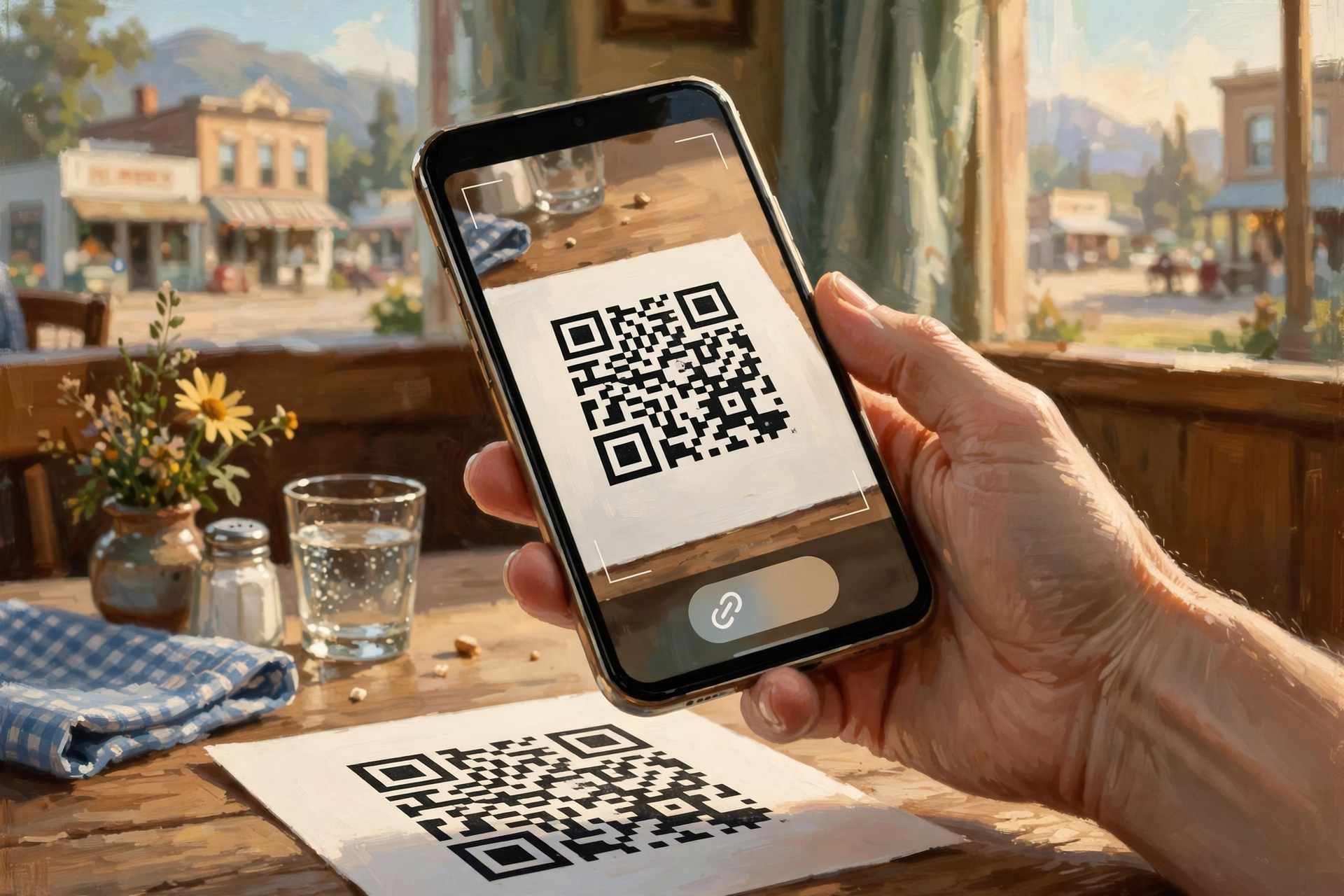
iPhone: Apple says to open the Camera app, stay in Photo mode, and hold the phone so the QR code shows inside the frame. A link appears at the bottom of the screen, and you tap it to open it. You can also add a Scan Code button to Control Center, and Apple notes you can tap the flashlight for more light.
Android (Pixel): Google says to open the Camera app and point it at the code. You don’t need to take a picture. In a moment, a bubble or link pops up, and you tap it to open. If nothing appears, Google says to check that “Camera scan suggestions” is turned on in the camera’s settings. You can also swipe down from the top of the screen and tap Scan QR code in Quick Settings. Other Android brands work much the same way, though menu names vary.
What it means for you: That little link that pops up is your peek through the screen door before you open it. The FTC says many QR readers preview the link, so check it for spelling mistakes or switched letters before you tap. The Chattanooga BBB adds that you generally don’t need a special QR-reader app. Your phone’s own camera does the job.
👉 Read more: Apple’s QR code guide · Google’s Pixel QR code guide
🅿️ The Sticker-on-a-Sticker Trick in Public Places
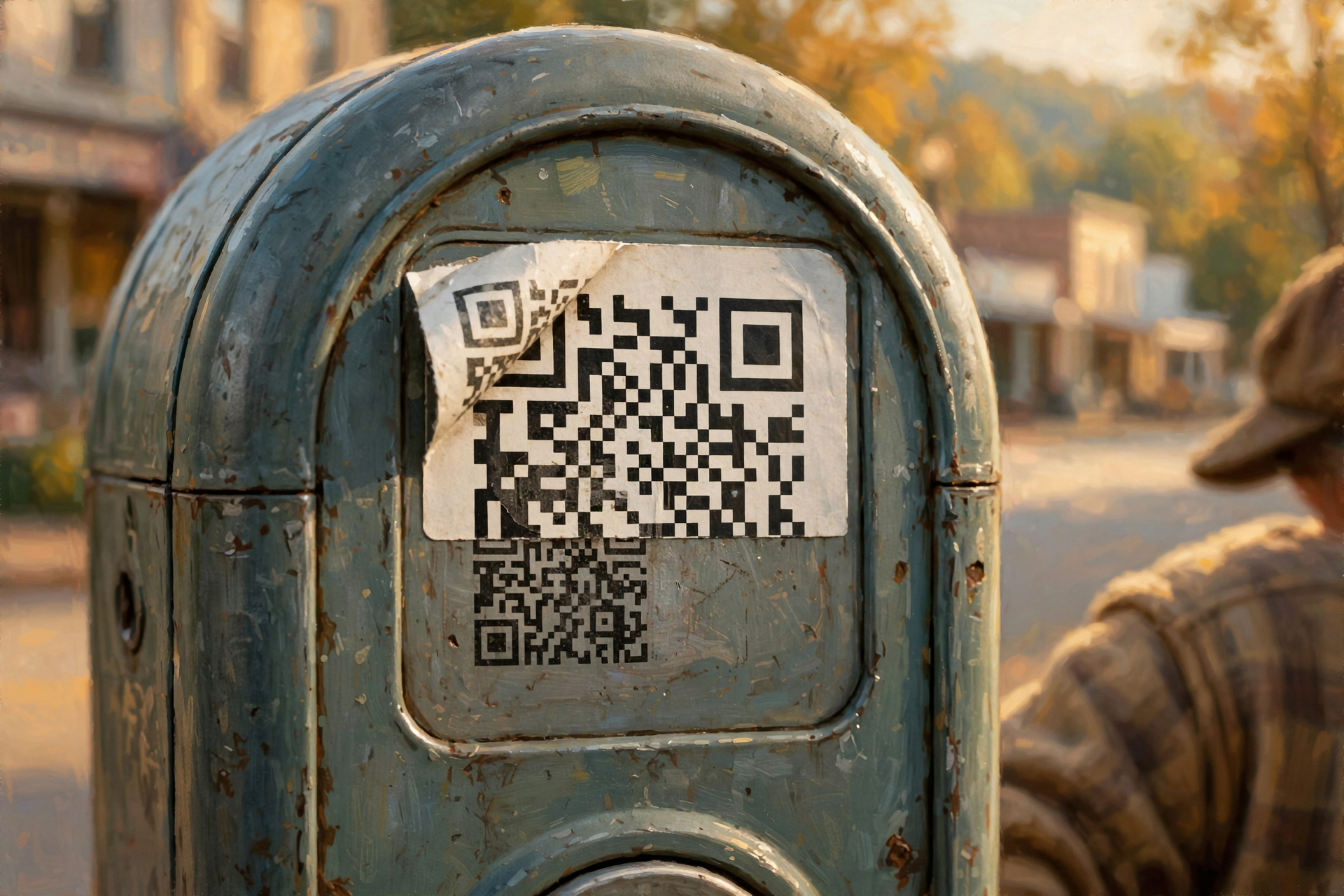
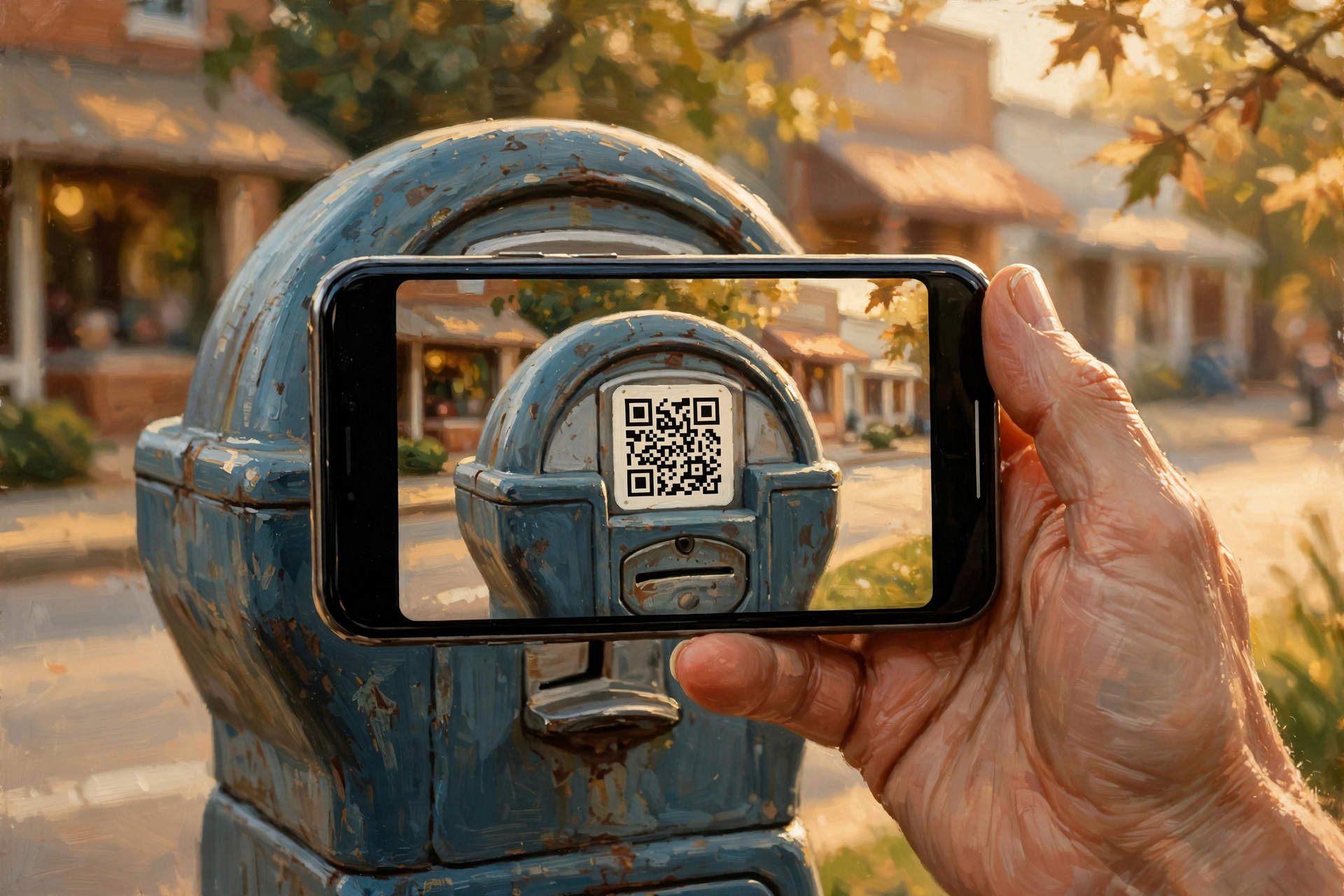
The FTC says people have reported scammers covering real QR codes on parking meters with QR codes of their own, which can lead to a fake payment site. In an Aug. 22 column in the Chattanooga Times Free Press, Chattanooga BBB President Michele Mason described the same trick on parking meters and payment kiosks. Her advice: before scanning a QR code in a public place, look closely for a sticker placed over the original code or a code that doesn’t seem to belong on that sign or machine. When you can, use the official parking app or type the known website yourself.
What it means for you: Here in the Valley, most of us don’t feed a parking meter on the way to the feed store. But a trip to Chattanooga, a hospital garage, a ballgame or a holiday light show might put a QR code in front of you. Give it the same look you’d give a patched tire: is something stuck on top that doesn’t match? If so, skip it and pay another way.
👉 Read more: Chattanooga BBB’s “Think before you scan” column
📦 The Mystery Package With a QR Card Inside

The FTC describes a twist where a package you didn’t order shows up with a note saying it’s a gift and asking you to scan a QR code to see who sent it or how to return it. The FTC says that code could lead to a site that asks for your personal information. The U.S. Postal Inspection Service warns about the same kind of package. The BBB says not to scan the code, and adds a bit of good news: the FTC says you have a legal right to keep unordered merchandise, so there’s no need to “return” it through a QR code.
What it means for you: If a surprise box of something cheap lands on the porch with a “scan to find out who loves you” card, enjoy the mystery, keep the trinket, and leave the card unscanned. If you’re curious who sent it, ask the family first. With holiday shipping season coming, this one’s worth sticking on the fridge.
👉 Read more: FTC on QR codes in unexpected packages · Postal Inspection Service on “quishing”
✉️ QR Codes That Show Up in Texts and Emails
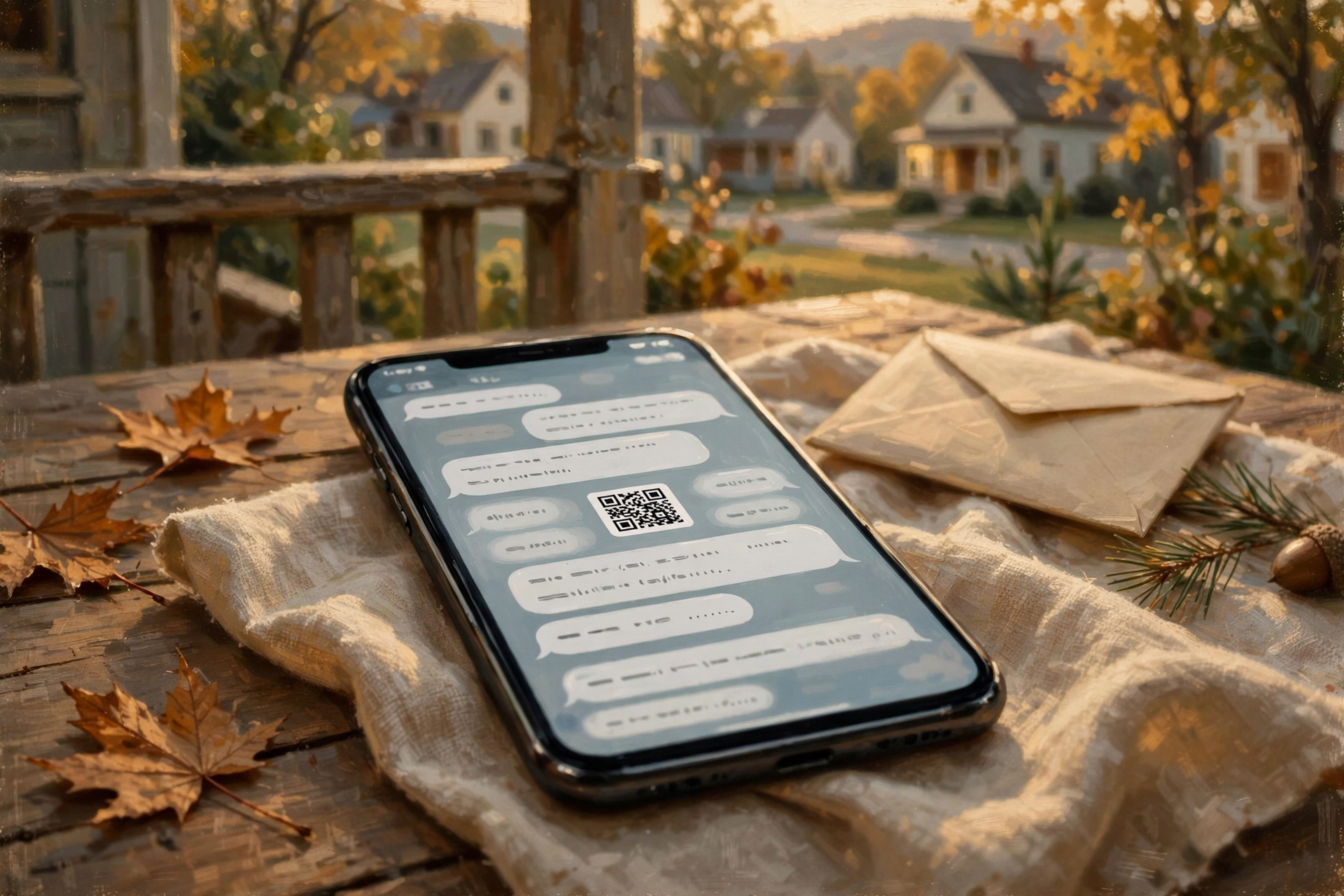
The FTC says scammers sometimes send a QR code by text or email with a made-up reason to scan it right away: a package they “couldn’t deliver,” a “problem with your account,” or “suspicious activity” that means you need to change your password. Its advice: don’t scan a QR code in a message you weren’t expecting, especially one that rushes you. If you think it might be real, contact the company using a phone number or website you know is real. The Chattanooga BBB adds: if a QR code wants you to download an app, go to the official Apple App Store or Google Play Store and search for the app yourself instead.
What it means for you: A real bank or delivery company won’t mind one bit if you hang up and call the number on the back of your card or go to their website yourself. That’s like calling the co-op from the number on your bill instead of the number on a flyer stuck in the screen door. A QR code in a message doesn’t make it more official.
👉 Read more: FTC on harmful links hidden in QR codes
🧯 Think You Scanned a Bad One? Calm Steps

The Chattanooga BBB says simply scanning a QR code doesn’t necessarily mean you’ve been scammed. What you did after scanning matters. If you typed in a password, change it right away, plus anywhere else you used the same one. If you entered card information, contact the card company. If you downloaded an unfamiliar app, remove it. If you sent money, contact your bank or payment service right away and ask whether it can be stopped. The FTC adds: don’t keep talking with whoever’s behind the website, review your bank and card statements, and report it at ReportFraud.ftc.gov. The FTC also says keeping your phone’s software updated and using strong passwords with two-step sign-in helps protect you.
What it means for you: No need to panic or throw the phone in the pond. Close the page, take a breath, and work down the list. It’s like realizing you left the gate open: you just go close it, count the cows, and carry on.
👉 Read more: FTC’s steps if you scanned a bad QR code · ReportFraud.ftc.gov
✅ Your Sunday QR Code Checklist
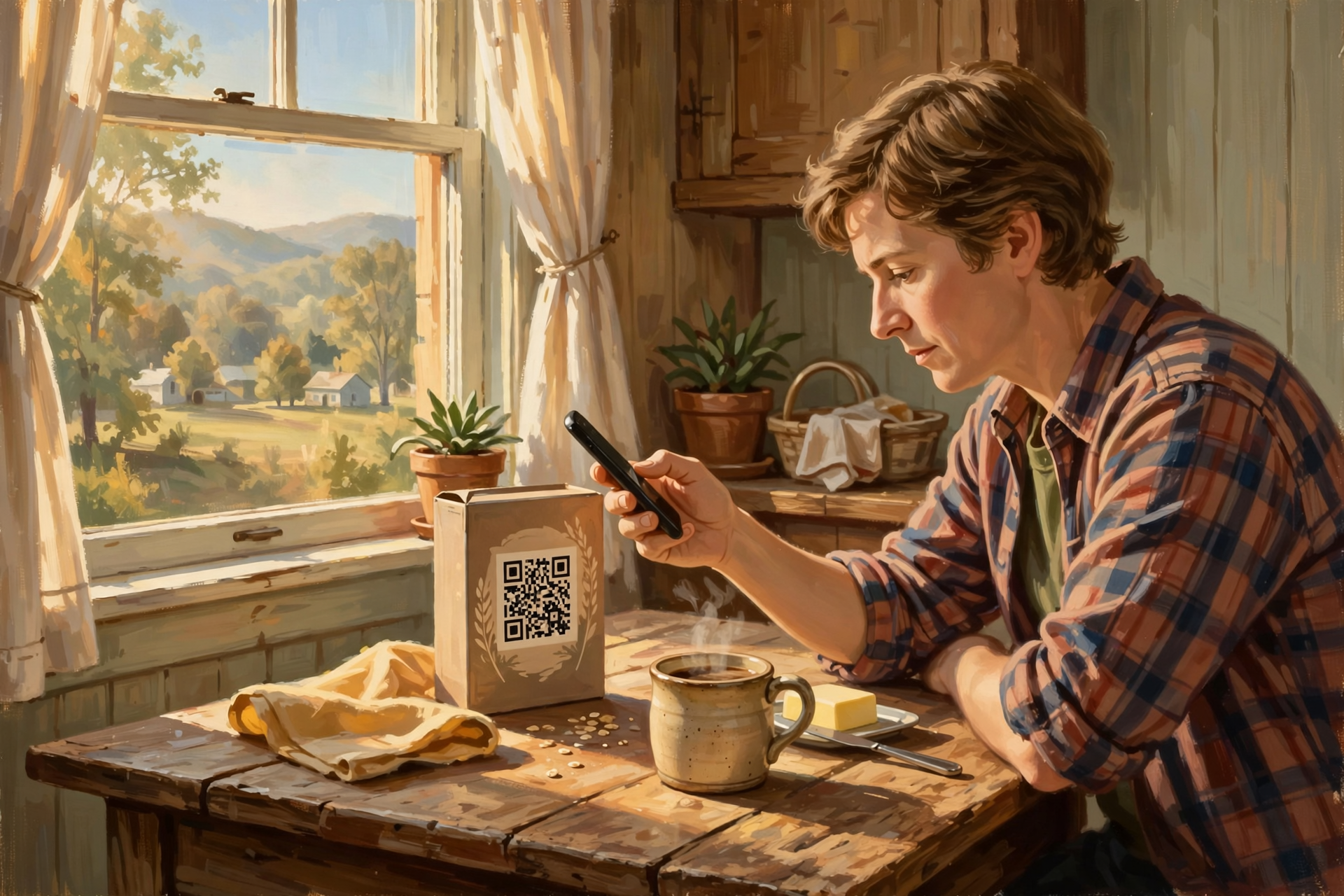
- ✅ Practice once today on a QR code you trust, like one on a cereal box or a church bulletin, and watch for the link that pops up.
- ✅ Read the link before you tap. Does it match the business you expected? Any misspellings?
- ✅ Check for stickers on top of stickers on meters, kiosks and signs. If it looks patched, skip it.
- ✅ Unexpected text or email with a QR code? Don’t scan it. Use the company’s real number or website.
- ✅ Mystery package with a “scan me” card? Keep the gift, leave the card unscanned.
- ✅ Asked to download an app? Get it from the App Store or Google Play yourself, not from the code.
- ✅ Asked for a password or card number right after scanning? Stop and double-check the web address.
- ✅ Scanned a bad one? Change that password, call your bank, report at ReportFraud.ftc.gov.
- ✅ Keep your phone updated. Updates help protect you.
Practical rule: Point, peek, then decide. If the link looks wrong, the answer is no.
— Dunlap.Today
📚 Plain-English Tech Glossary
- QR code: Short for “Quick Response” code. A small square pattern your phone’s camera can read to open a web page, menu, ticket or app.
- Link (web address, URL): The address of a web page, like dunlap.today. A QR code hides it until your phone shows it.
- Phishing: A trick to get you to hand over passwords, card numbers or personal details by pretending to be someone you trust.
- Quishing: Phishing done with a QR code instead of a regular link.
- Preview: The little link or bubble your phone shows after you point the camera, before you open anything.
- Control Center / Quick Settings: The panel of shortcut buttons you get by swiping down on an iPhone or Android phone.
- Two-step sign-in (multi-factor authentication): A second check, like a code sent to your phone, on top of your password.
- Unordered merchandise: A package sent to you that you didn’t order. The FTC says you can legally keep it.
❓ FAQ
Are QR codes bad? Should I stop using them?
No. The Chattanooga BBB says QR codes aren’t dangerous by themselves, and millions are used legitimately every day. Just treat one like any link you weren’t expecting, and take a second to look before you tap.
Do I need to download a QR code app?
Usually not. Apple says the iPhone Camera app scans QR codes, and Google says the Pixel Camera app does too. The Chattanooga BBB says most modern smartphones can scan QR codes with the built-in camera.
Does just pointing my camera at a code hurt anything?
Pointing the camera shows you a link. It doesn’t open it until you tap. The BBB says what you do after scanning is what matters most, like typing in a password or card number.
What does a “sticker on top” look like?
The BBB says to look for a sticker placed over the original code, or a code that doesn’t seem to belong on the sign or machine. Peeling edges or a code that doesn’t match the rest of the sign are good reasons to skip it and pay another way.
I got a package I didn’t order with a QR code inside. Do I have to send it back?
No. The BBB says the FTC gives you a legal right to keep unordered merchandise, and it advises not scanning the QR code or entering information to “return” it.
Where do I report a QR code scam?
The FTC says to report it at ReportFraud.ftc.gov. If you entered card or bank information, call your bank or card company first.
Is this happening in the Sequatchie Valley?
We haven’t seen any local reports. The news items above are national and international, plus a regional column from the Chattanooga BBB. This is just a good habit to have before holiday mail and shopping season.
🔗 Other Resources
- FTC: See a QR code parked somewhere? Don’t scan it…yet!
- FTC: Scammers hide harmful links in QR codes to steal your information
- FTC: Scam alert: QR code on an unexpected package
- U.S. Postal Inspection Service: Quishing
- Chattanooga Times Free Press: BBB warns, think before you scan
- BBB: Don’t scan QR codes on unexpected packages
- Apple: Scan a QR code with your iPhone camera
- Google: Scan QR codes with your Pixel phone
- CSUCI: Watch for QR Code Phishing This Holiday Season
- ReportFraud.ftc.gov
🌻 Keep Scanning, Just Scan Smart
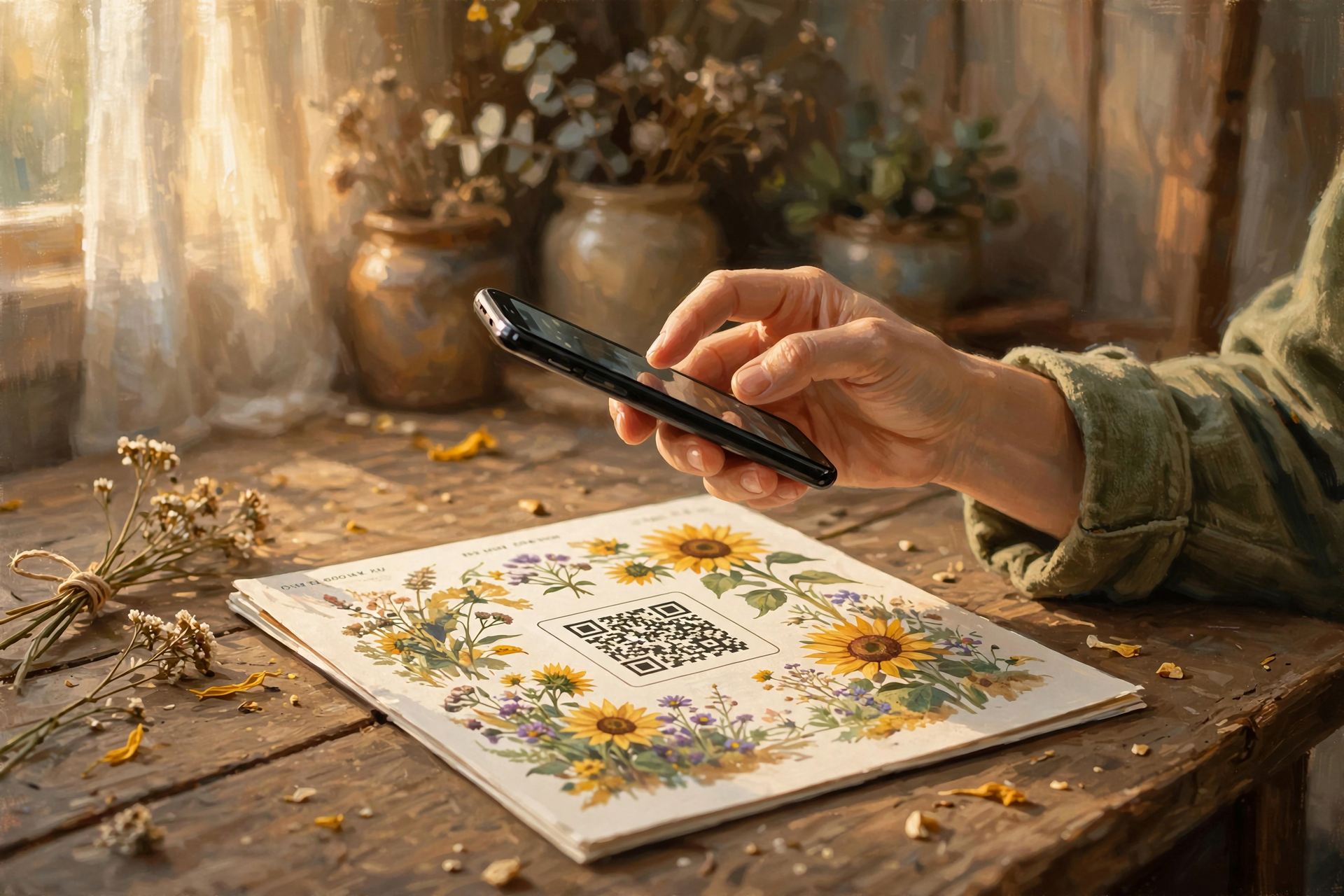
QR codes are a real convenience. They get you to the menu, the ticket, the church calendar and the seed catalog faster than typing a long web address with your thumbs. You don’t have to give them up. Just add one tiny habit: point, peek, then decide. Practice once today on a code you trust, and you’ll do it without thinking by the time the holiday catalogs fill the mailbox. Share this with a neighbor who just got a new phone. They’ll thank you.
Keep learning, keep exploring and keep your cool. Read Dunlap.Today for calm, clear Valley news, and find local folks who can help with phones and computers anytime on Dunlap.Directory.
Sources
Know about an upcoming event or story in the Sequatchie Valley? Submit it here.

0 Comments