
🌙 Softer Screens for Darker Fall Evenings: Night Shift, Dark Mode and Bigger Text Before Clocks Fall Back
Or: A Plain-English Guide to Warmer Night Colors, Dark Theme and Larger Type
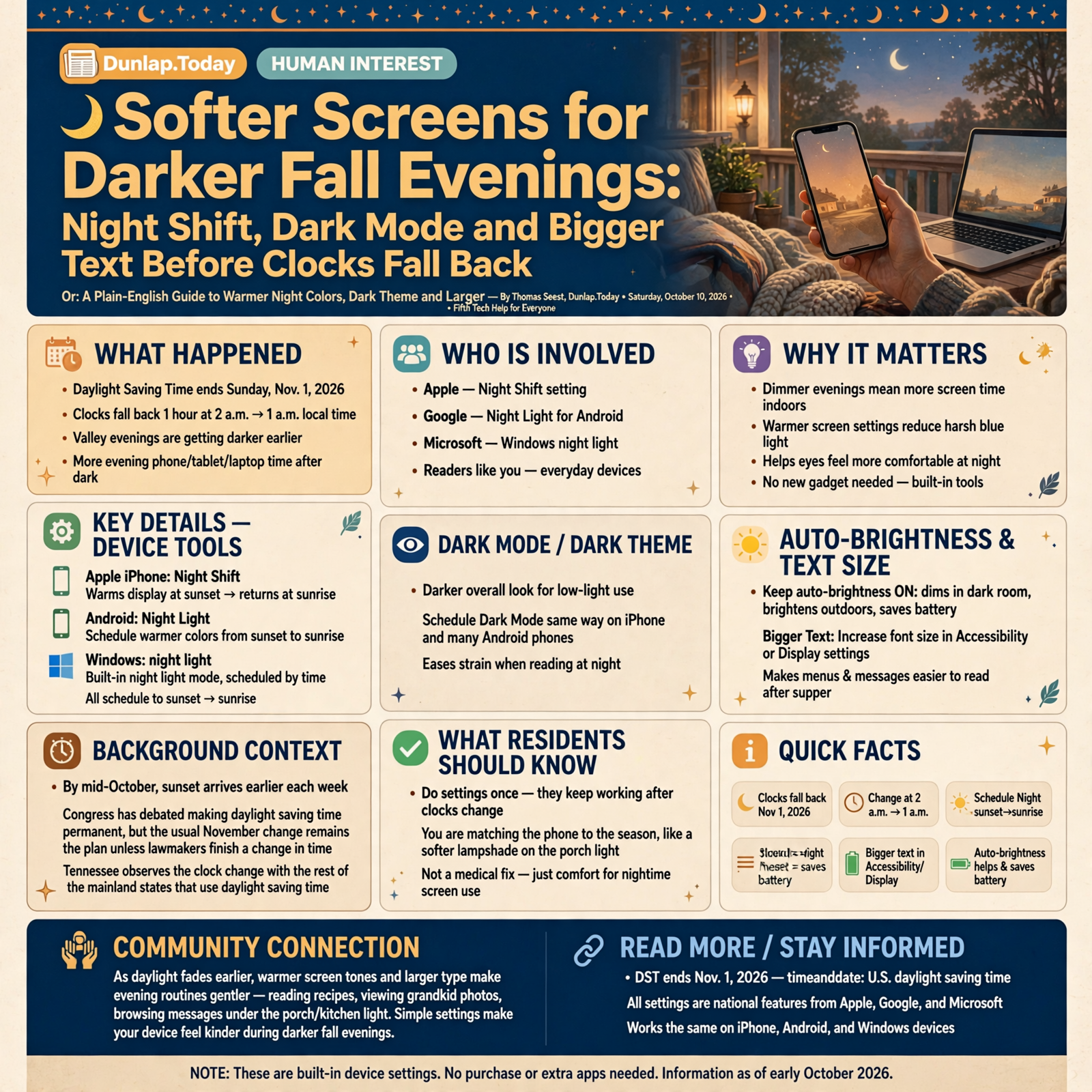
Valley evenings are already getting darker, and most of the United States still plans to set clocks back one hour on Sunday, Nov. 1, 2026, when daylight saving time ends. That means more porch time after dark with a phone, tablet or laptop in hand. You do not need a new gadget or a specialty “blue light” pair of glasses to make that screen feel kinder. The tools are already built in.
Here’s what’s in this fifth Tech Help for Everyone: why fall evenings and the Nov. 1 clock change matter for your eyes, how to schedule Night Shift, Night Light or Windows night light from sunset to sunrise, how to turn on Dark Mode or Dark theme on a schedule, why auto-brightness still helps and how to make text bigger so menus and messages are easier to read.
These are national device settings from Apple, Google and Microsoft. They work the same in Dunlap as anywhere else. None of them need to be finished tonight.
⏱️ What this means for you in 30 seconds
- Clocks fall back Nov. 1: Most of the U.S., including Tennessee, still plans to set clocks back one hour at 2 a.m. local time on Sunday, Nov. 1, 2026.
- Warmer night colors: iPhone has Night Shift, Android has Night Light, and Windows has night light. Schedule each for sunset to sunrise so the screen softens after dark.
- Dark Mode / Dark theme: A darker overall look for low light. You can schedule it the same way on iPhone and many Android phones.
- Auto-brightness: Leave it on so the phone dims in a dark room and brightens outdoors—easier on battery too.
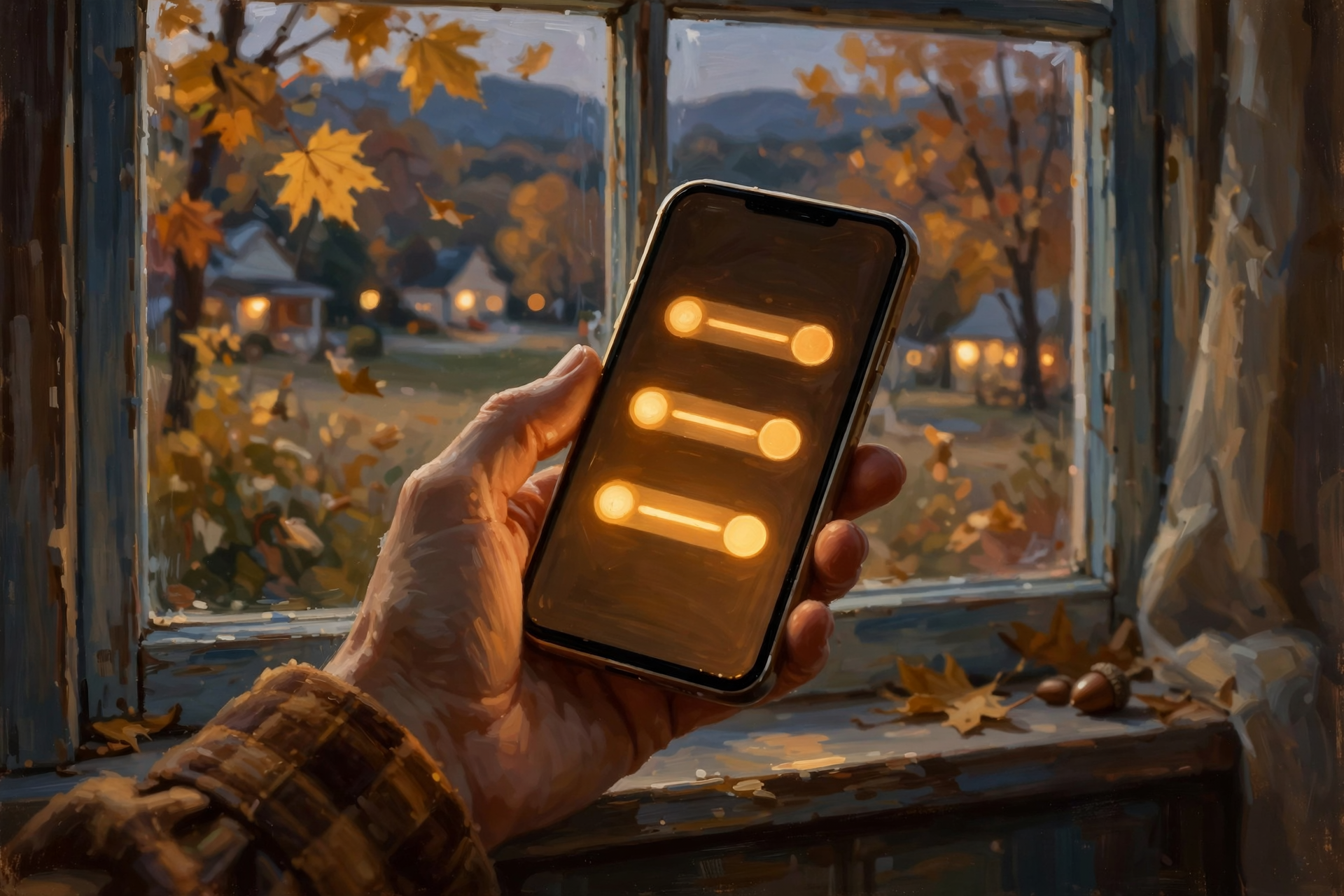
- Bigger text: Bump font size in Accessibility or Display settings if menus feel tiny after supper.
🕰️ Why Fall Evenings Feel Different (and Nov. 1 Is Coming)
By mid-October, sunset arrives earlier every week. On top of that seasonal change, daylight saving time is scheduled to end on Sunday, Nov. 1, 2026, in most of the United States. Clocks turn back one hour from 2 a.m. to 1 a.m. local time. Timeanddate and other public calendars list that date for the regular fall “fall back.” As of early October reporting, Congress has debated making daylight saving time permanent, but the usual November change remains the plan unless lawmakers finish a change in time.
Tennessee observes the clock change with the rest of the mainland states that use daylight saving time. After Nov. 1, mornings get a little more daylight and evenings get darker earlier—so more of your phone time after supper happens in dim rooms.
What it means for you: Think of this like putting a softer lampshade on the porch light before winter. You are not “fixing” your eyesight. You are matching the phone to the season so bedtime reading, recipes and grandkid photos feel less harsh under the kitchen light. Do the settings once; they keep working after the clocks change.
👉 Read more (timeanddate: U.S. daylight saving time) · DST ends Nov. 1, 2026
🌅 Warmer Colors After Dark: Night Shift, Night Light, Night Light
Apple, Google and Microsoft all offer a setting that shifts the screen toward warmer (less blue-looking) colors in the evening. Apple says Night Shift uses your clock and location to know when sunset arrives, then warms the display and returns it to normal in the morning. Google’s Pixel help pages describe Night Light the same way: schedule custom hours or sunset to sunrise so the screen is easier in dim light. Microsoft says Windows night light shows warmer colors at night that are easier on the eyes and can follow sunset to sunrise or set hours.
- iPhone / iPad: Settings > Display & Brightness > Night Shift. Turn on Scheduled, then choose Sunset to Sunrise (or a custom schedule). Drag Color Temperature warmer if you like. You can also touch and hold the brightness control in Control Center and tap Night Shift.
- Android (Pixel and many others): Settings > Display (or Display & touch) > Night Light. Tap Schedule and pick sunset to sunrise or custom times. Sunset scheduling needs location services on.
- Windows PC: Settings > System > Display > Night light. Turn on Schedule night light, then Sunset to sunrise or Set hours. Use the Strength slider to taste.
What it means for you: It is like switching from a cool fluorescent shop light to a warm porch bulb after dusk. You can still see everything; the harsh blue cast just backs off. Try sunset-to-sunrise for a week. If colors for photos look odd at night, nudge the warmth slider cooler—or turn Night Shift off while you edit and back on when you are done.
👉 Read more (Apple: Night Shift) · Google: Night Light / Dark theme · Microsoft: Night light
🌑 Dark Mode and Dark Theme: A Dimmer Look for Dim Rooms
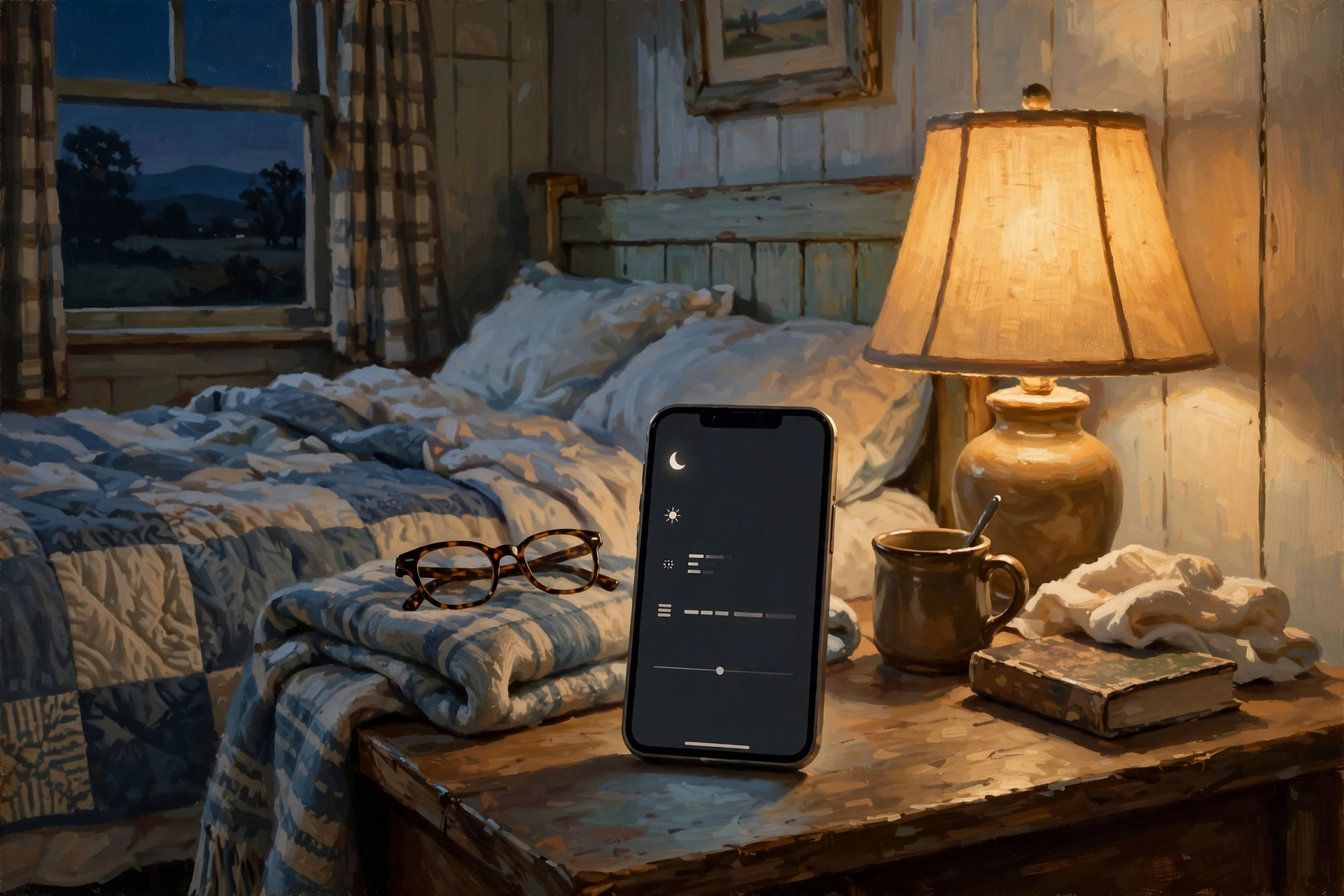
Warmer colors are one tool. A darker overall theme is another. Apple’s Dark Mode gives the whole phone a dark color scheme that Apple says is well suited to low-light rooms—handy if you are reading in bed without lighting up the whole room. On many Android phones, Dark theme does the same job and can be scheduled for custom times, sunset to sunrise, or bedtime. Google notes that Dark theme can also help battery life on some screens.
- iPhone: Settings > Display & Brightness. Turn on Automatic, tap Options, then choose Sunset to Sunrise or a Custom Schedule. Or pick Dark manually anytime from Control Center.
- Android: Settings > Display > Dark theme (wording varies by phone). Open Schedule and pick sunset to sunrise, custom time or bedtime where offered.
- Windows: You can choose a dark Windows theme under personalization. Scheduled automatic dark mode is not as simple as Night light on every PC yet, so many folks just leave Night light on for evenings and use a dark theme if they prefer it all day.
Apple’s True Tone (when your device has it) adapts display color to the light in the room. It can stay on alongside Night Shift. Leave it on unless you are doing color-critical photo work and want a fixed white point.
What it means for you: Dark Mode is like reading under a shaded lamp instead of a bare bulb. It does not replace Night Shift; the two often work together. If an app looks odd in dark theme, that app may not support it yet—switch that one app back to light in its own settings and leave the phone on dark for everything else.
👉 Read more (Apple: brightness, Dark Mode, True Tone) · Android: Dark theme
💡 Brightness That Follows the Room
Apple says iPhone can adjust brightness for current light conditions with the ambient light sensor, and that dimming the screen extends battery life. Auto-Brightness lives under Accessibility > Display & Text Size. Microsoft likewise lets many laptops change brightness automatically when lighting changes, under Settings > System > Display. You can still nudge the brightness slider yourself from Control Center (iPhone), Quick Settings (Android) or the taskbar (Windows).
A bright white screen in a dark living room is what makes many folks squint after supper. Auto-brightness plus Night Shift or Night Light usually fixes that without thinking about it every night.
What it means for you: Leave auto-brightness on the way you leave the porch light on a timer. If the screen still feels too bright in bed, drag the slider down once; the phone will keep learning from the room. Outdoors at the farmers market, let it brighten so you can still see Maps.
👉 Read more (Apple: brightness and color) · Microsoft: display brightness
🔤 Make the Words Bigger (Front-Porch Friendly)
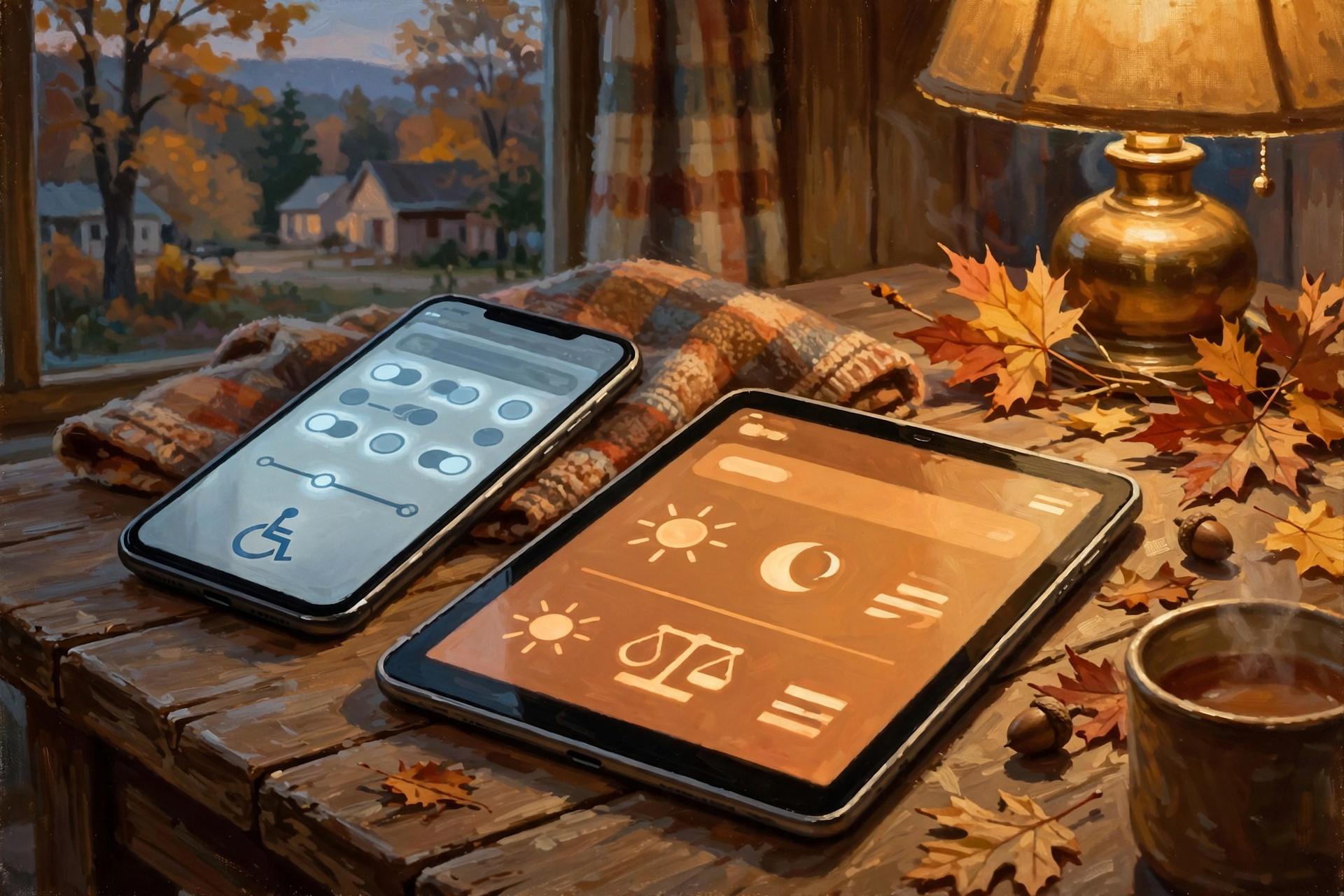
Softer colors help. Bigger type helps even more when you are reading recipes, church bulletins or text messages after dark. Apple lets you change Text Size under Display & Brightness, and go further under Settings > Accessibility > Display & Text Size with Larger Text and optional Larger Accessibility Sizes. You can also turn on Bold Text. Apple notes Display Zoom can enlarge text plus icons and buttons. On Android, look under Settings > Display for Font size and Display size (names vary by brand).
These accessibility settings are for everyone, not only for folks who use screen readers. Many Valley readers—grandparents and early risers included—simply want menus that do not look like fine print on a seed packet.
What it means for you: Bump the size one notch, open Messages or Mail, and see if it feels comfortable. Too big and buttons get harder to tap—Apple says you can slide it back. Think of it like putting on reading glasses for the phone only. Kids and grandkids can help once; the setting stays.
👉 Read more (Apple: change font size) · Apple: make text easier to read
✅ Your Fall Screen Comfort Checklist
- ✅ Schedule Night Shift (iPhone), Night Light (Android) or night light (Windows) for sunset to sunrise.
- ✅ Turn on Dark Mode or Dark theme on Automatic / sunset schedule if you like a dimmer look after dark.
- ✅ Leave Auto-Brightness on; nudge the slider only when you need a quick tweak.
- ✅ Keep True Tone on (iPhone models that have it) unless you are doing color-critical work.
- ✅ Bump Text Size one notch; try Bold Text if letters still look thin.
- ✅ Mark Sunday, Nov. 1, 2026 on the kitchen calendar for the clock change—and trust sunset-based schedules to follow the new sunset time.
- ✅ Help a neighbor or parent set the same three switches over coffee.
Practical rule: Schedule warmer night colors, keep auto-brightness on, and make the words big enough to read without squinting.
— Dunlap.Today
📚 Plain-English Tech Glossary
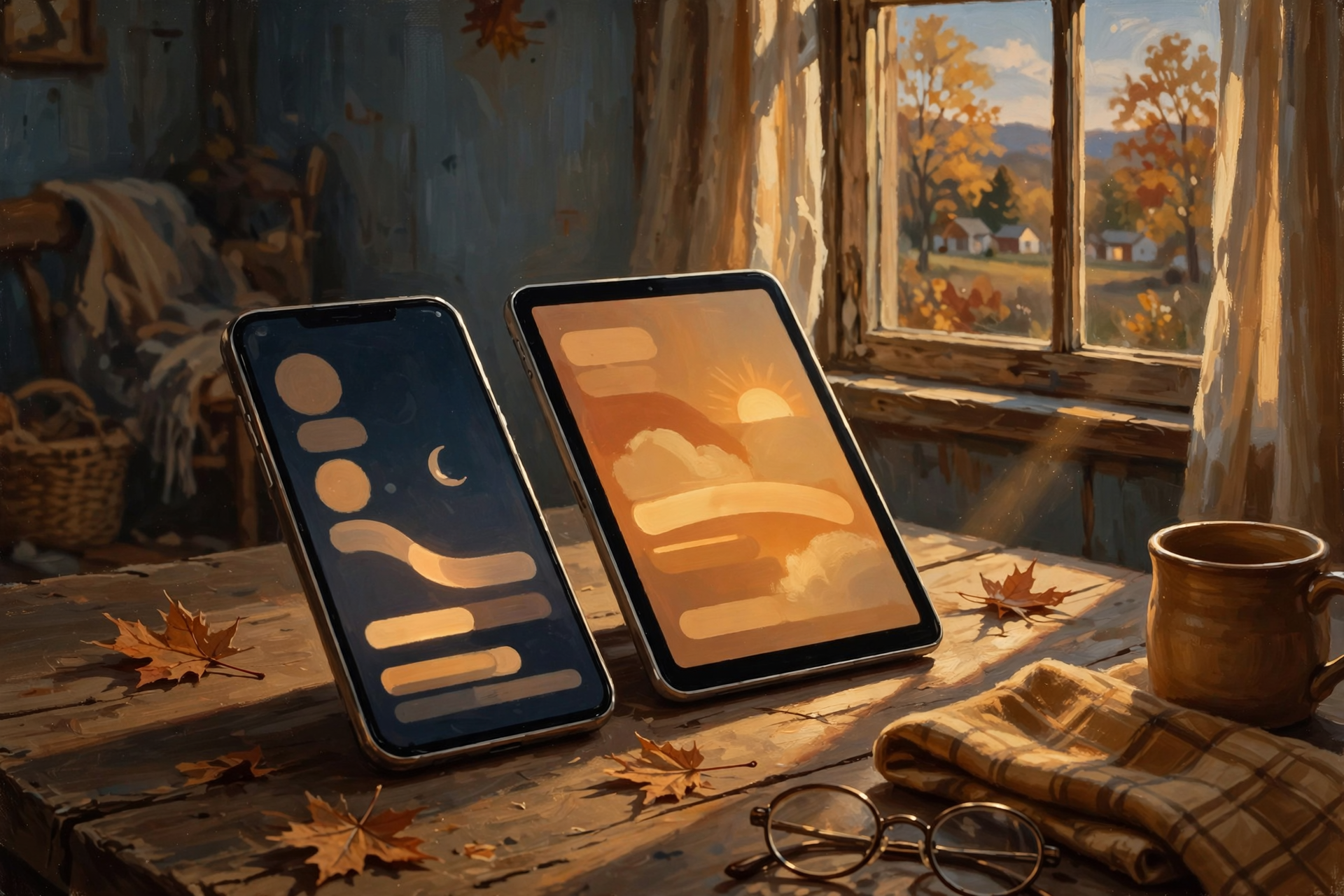
- Night Shift (Apple): A setting that warms screen colors in the evening so the display is easier on the eyes.
- Night Light (Android) / night light (Windows): The same idea on Google phones and Windows PCs—warmer colors on a schedule.
- Dark Mode / Dark theme: A darker color scheme for the whole phone or computer, helpful in low light.
- True Tone: Apple feature that matches display color to the light in the room.
- Auto-Brightness: The phone or laptop adjusts brightness using a light sensor.
- Sunset to Sunrise: A schedule that uses your location and clock so night settings turn on at local dusk and off at dawn.
- Daylight saving time (DST): The seasonal clock shift. In most of the U.S. in 2026, it ends Sunday, Nov. 1, when clocks fall back one hour.
- Larger Text / Display Zoom: Accessibility options that enlarge type (and sometimes icons) so menus are easier to read.
❓ Frequently Asked Questions
Do I need special blue-light glasses?
Not for this tip. Apple, Google and Microsoft already include free warmer-color night settings. Glasses are a personal choice; start with the built-in schedule and see how evenings feel.
Will Night Shift mess up my photos?
It changes how the screen looks, not the photo file itself. If colors look off while you edit, turn Night Shift off temporarily, then turn it back on.
What if sunset to sunrise is grayed out?
Apple notes that Sunset to Sunrise needs Location Services and automatic time zone. Android sunset scheduling also needs location on. Turn those on, or use a custom time window such as 7 p.m. to 7 a.m.
Does Dark Mode save battery?
Google says Dark theme can help battery life on some screens, especially OLED displays. Even when it does not, many people simply find it more comfortable after dark.
Will the Nov. 1 clock change break my schedule?
Sunset-to-sunrise schedules follow local sunset, so they adjust with the season and the clock change. Custom fixed hours stay at the clock times you set—update them after Nov. 1 if evenings feel off.
🔗 Other Resources
- Apple: Use Night Shift
- Apple: Brightness, Dark Mode and True Tone
- Apple: Change the font size
- Google: Night Light and Dark theme (Pixel)
- Android Help: Dark theme
- Microsoft: Night light and brightness
- timeanddate: U.S. daylight saving time dates
🌻 Soft Light, Clear Words, Calm Evenings
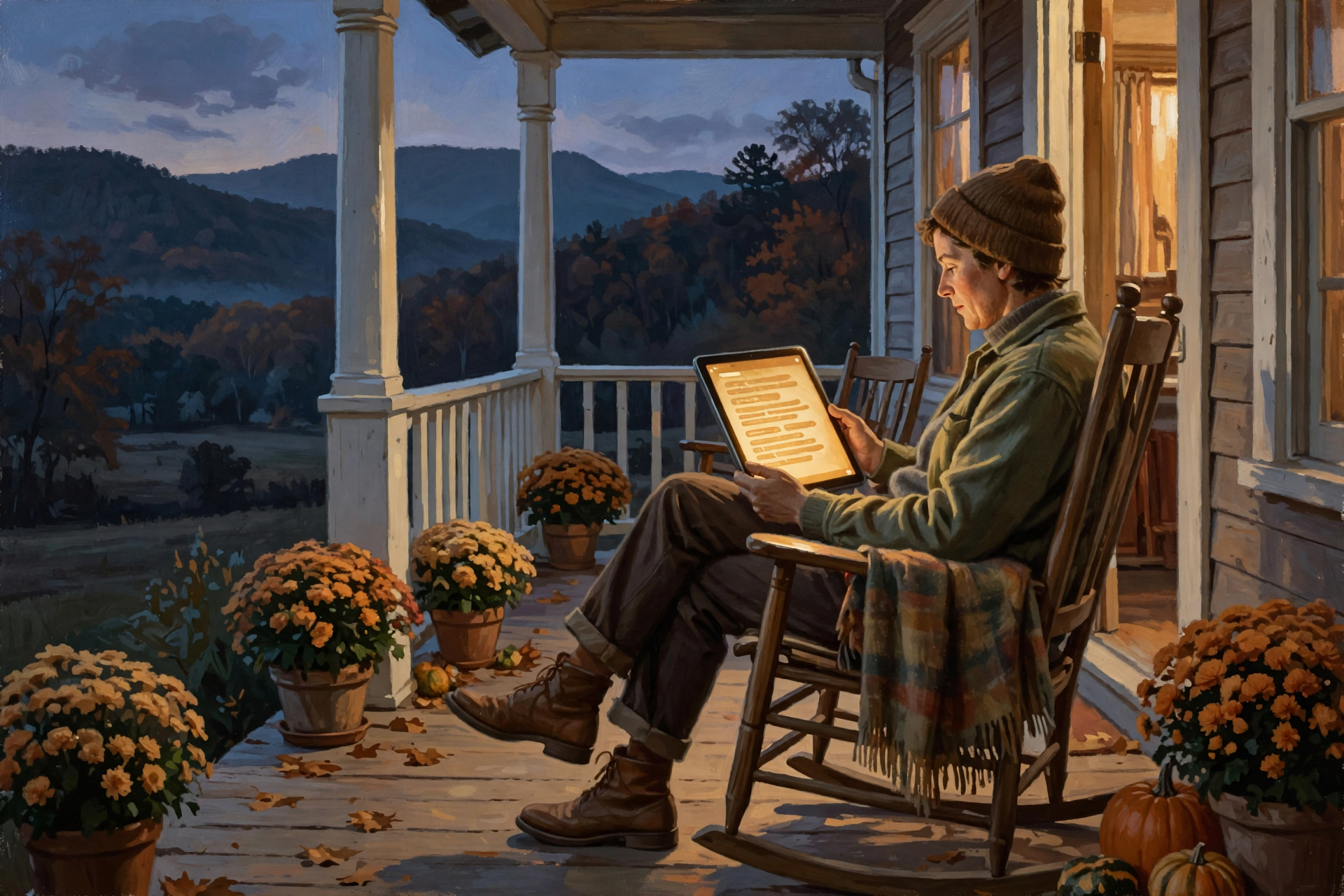
You do not need to overhaul every setting before supper. Schedule Night Shift or Night Light, glance at Dark Mode, bump the text one notch and call it a good October tune-up. When clocks fall back on Nov. 1, your sunset schedule will keep following the real dusk on the ridge.
Keep learning, keep exploring and keep your cool. Read Dunlap.Today for calm, clear Valley news, and find local businesses, including the folks who fix computers and phones, anytime on Dunlap.Directory.


0 Comments