
🔑 One Password Habit for Cyber Month: Let Your Phone Remember So You Don’t Have To
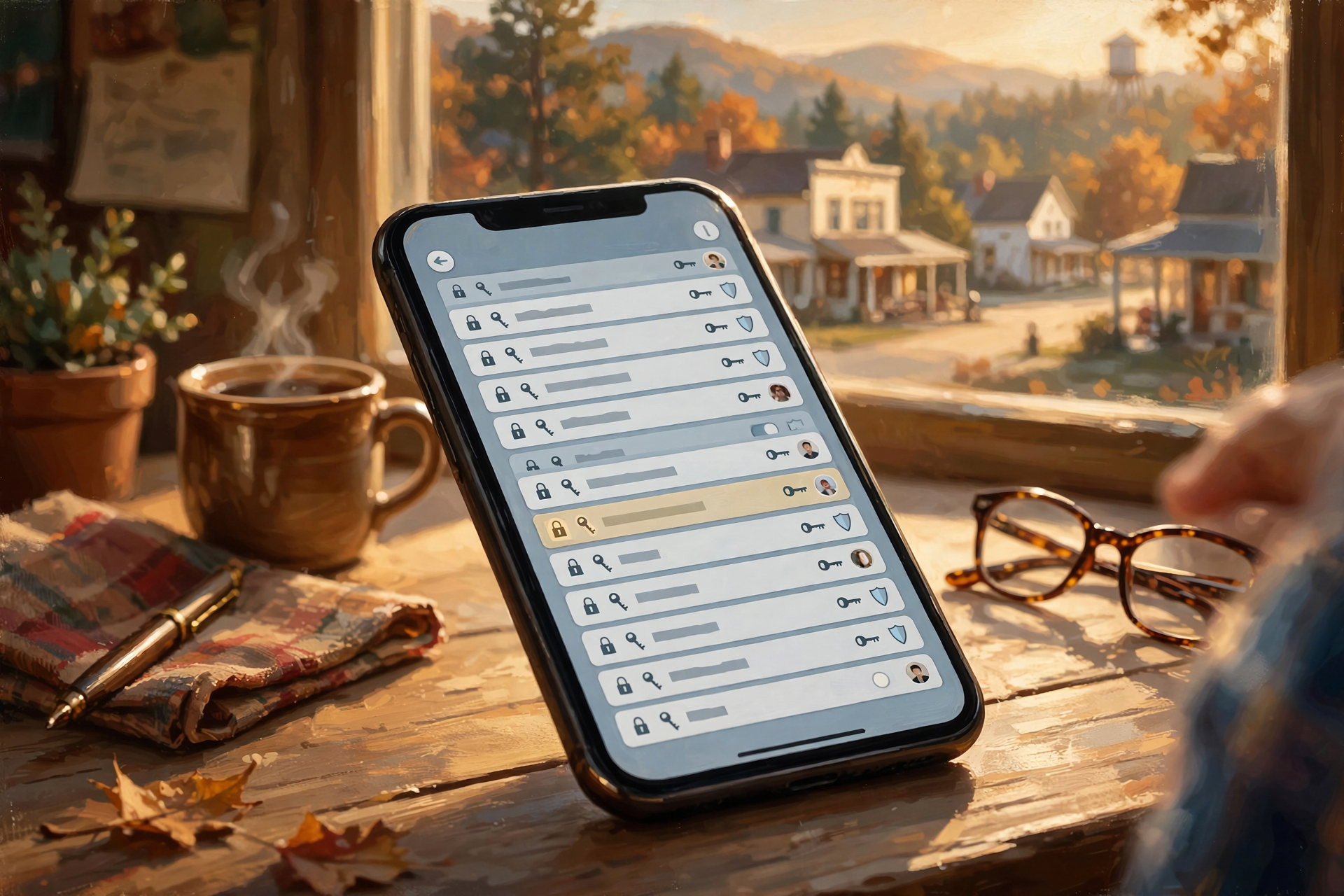
Or: A Plain-English Guide to Password Managers, Two-Step Checks and Passkeys
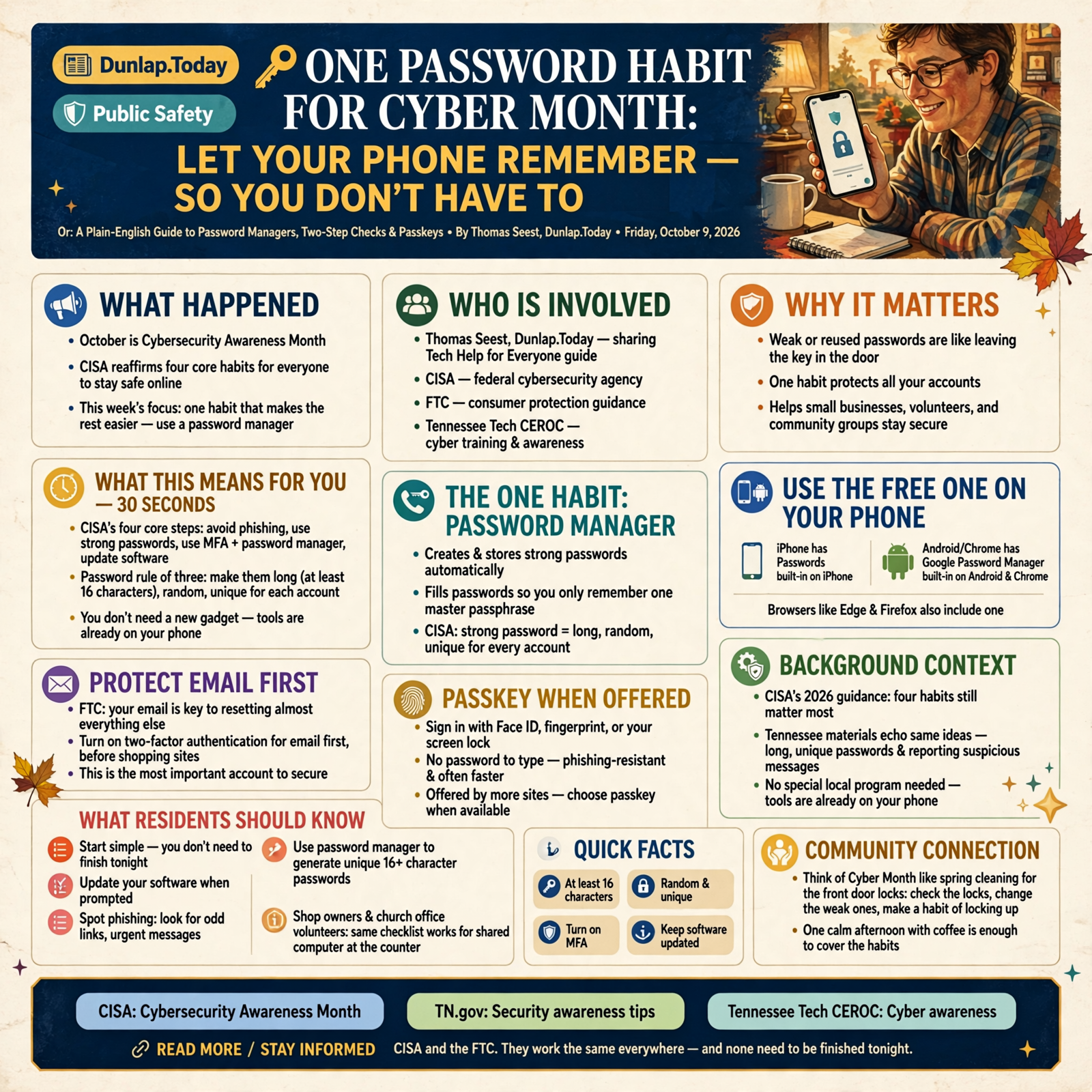
October is Cybersecurity Awareness Month, and the federal cybersecurity agency CISA says the same four habits still matter most: spot phishing, use strong passwords, turn on multifactor authentication with a password manager, and keep software updated. You don’t need a degree or a new gadget to do any of that. The hardest part for most Valley folks is remembering a different long password for every account. That’s where this week’s tip comes in.
Here’s what’s in this fourth Tech Help for Everyone: why a password manager is the one habit that makes the rest easy, how to turn on the free one already built into your iPhone, Android phone or browser, why your email account comes first for a two-step check and what a passkey is when a site offers one.
These are national safety habits from CISA and the FTC. They work the same in Dunlap as anywhere else, and none of them need to be finished tonight.
⏱️ What this means for you in 30 seconds
- Cyber Month reminder: CISA’s four core steps are avoid phishing, use strong passwords, use MFA plus a password manager, and update software.
- Password rule of three: CISA says make them long (at least 16 characters), random and unique for each account.
- Use a password manager: It creates and fills passwords so you only remember one master passphrase. iPhone has Passwords, Android/Chrome has Google Password Manager, and browsers like Edge and Firefox have one too.
- Protect email first: The FTC says your email is the key to resetting almost everything else. Turn on two-factor there before shopping sites.
- Passkey when offered: Sign in with Face ID, fingerprint or your screen lock instead of typing a password. Phishing-resistant and often faster.
🗓️ Why October Matters: Cybersecurity Awareness Month

Every October, CISA and partners nationwide ask people and small businesses to take a few easy steps online. CISA’s 2026 page puts four core habits at the top for everyone:
- Avoid and report phishing scams
- Use strong passwords
- Use multifactor authentication and a password manager
- Update software
Tennessee’s own materials echo the same ideas. The state security-awareness page and Tennessee Tech’s CEROC cyber training both stress long, unique passwords and reporting suspicious messages. You don’t need a special local program to start. The tools are already on the phone in your pocket.
What it means for you: Think of Cyber Month like spring cleaning for the front door locks. You don’t rebuild the house. You check the locks, change the weak ones and make a habit of locking up. One calm afternoon with coffee is enough to cover the habits below. Shop owners and church office volunteers, the same checklist works for the shared computer at the counter.
👉 Read more (CISA: Cybersecurity Awareness Month) · TN.gov: Security awareness tips · Tennessee Tech CEROC: Cyber awareness
🔐 The One Habit: A Password Manager
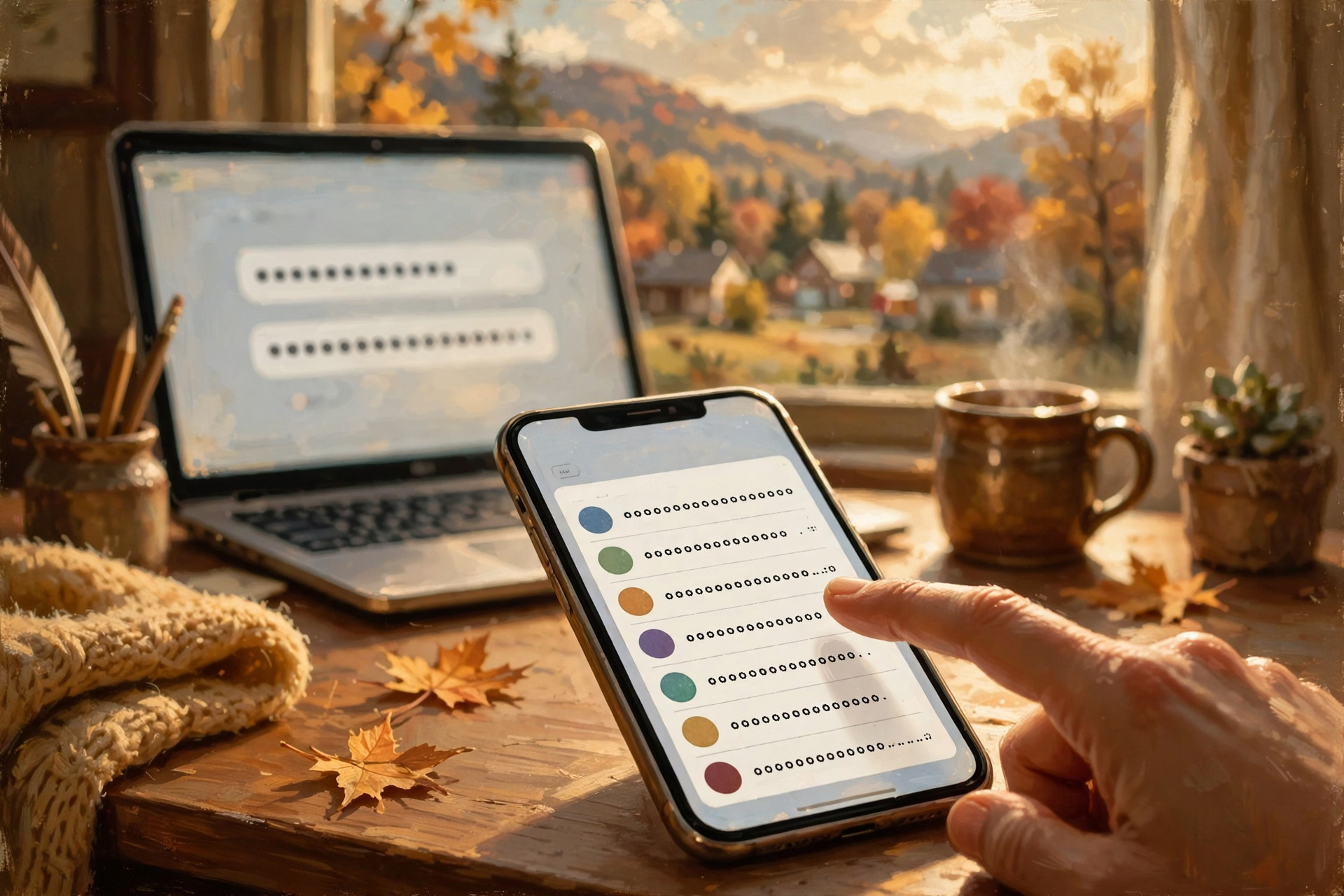
CISA’s Secure Our World guidance is blunt: weak or reused passwords are like locking the door and leaving the key in the lock. A strong password should be long (CISA recommends at least 16 characters), random and unique for every account. Remembering that many by heart is not realistic for most of us.
A password manager is a program that creates those strong passwords, stores them and fills them in when you visit a site or open an app. CISA says when you use one, you only need to remember one strong password — the master passphrase for the manager itself. The FTC agrees: browsers and reputable password managers can create and save strong passwords for you, and you should read expert reviews if you pick a third-party app.
You already have options that cost nothing extra:
- iPhone / iPad / Mac: Apple’s Passwords app (built in on newer software) stores passwords and passkeys and syncs with iCloud Keychain when you turn that on.
- Android / Chrome: Google Password Manager saves and fills passwords and passkeys when you’re signed into your Google account.
- Windows / Edge or Firefox: The browser’s built-in password saver can generate and store unique passwords too.
What it means for you: It’s like a locked tackle box for every key you own. You carry one master key (your long passphrase), and the box hands you the right key for the bank, email or Facebook. Start with email, your bank, your phone carrier and your Apple, Google or Microsoft account. You don’t have to fix every old password today. Change them as you sign in.
👉 Read more (CISA: Use strong passwords) · FTC: Strong passwords and account protection · Apple: Passwords app
📱 Turn It On: Three Plain Paths
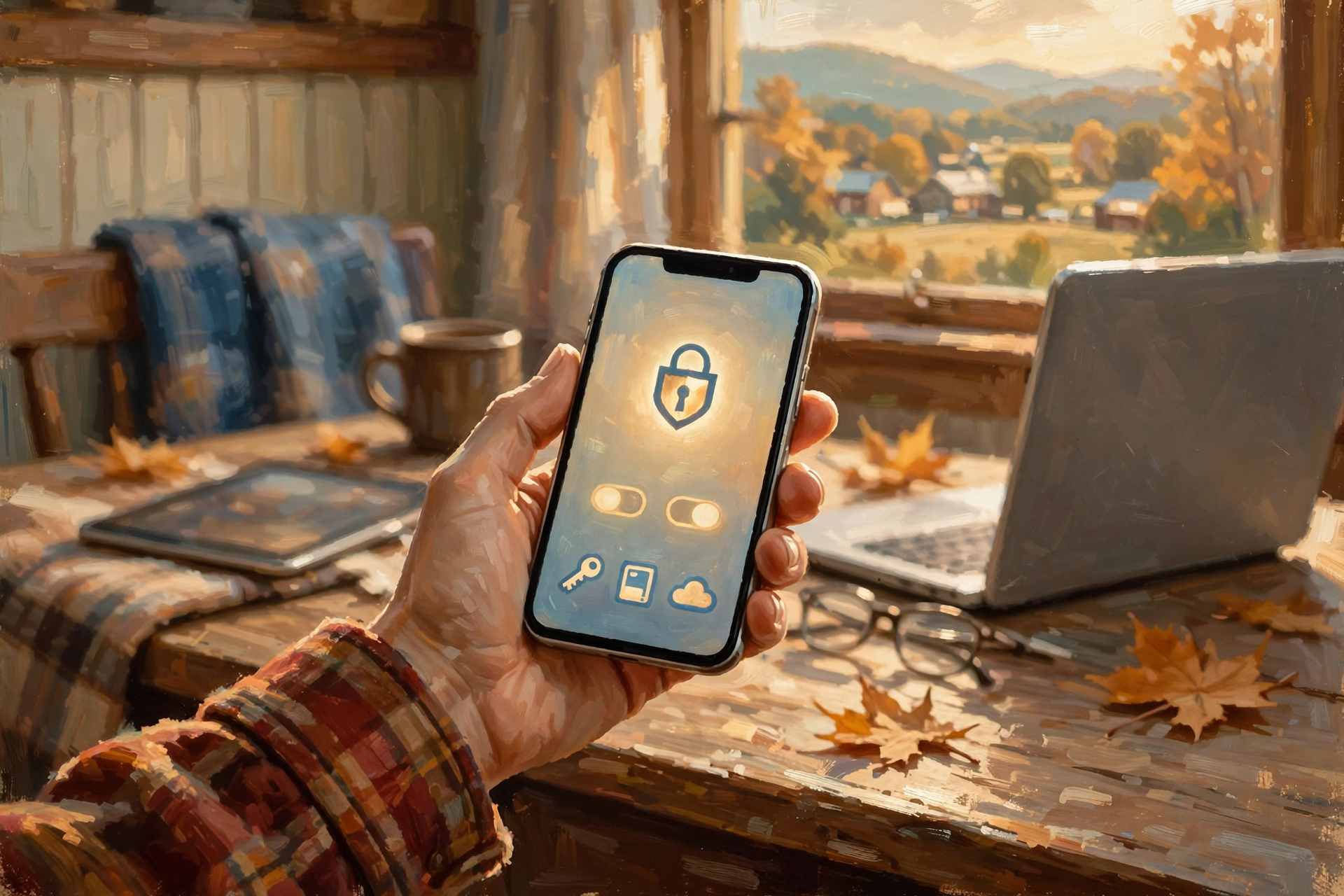
You don’t need to buy anything. Pick the path that matches the phone or computer you use most:
- iPhone: Open the Passwords app, or go to Settings > General > AutoFill & Passwords and turn on AutoFill Passwords and Passkeys. When a site asks for a new password, tap the suggestion your phone offers. Keep iCloud Keychain on if you want the same passwords on your iPad and Mac.
- Android: In Chrome or your Google account settings, open Password Manager and turn on saving. When Chrome offers to create a strong password, accept it. Make sure your Google account itself has a strong unique password and a second check turned on.
- Computer browser: When Edge, Chrome or Firefox offers to save or generate a password, say yes. Protect the computer with a sign-in PIN or password so anyone who sits down can’t open your vault.
For the manager’s own master passphrase, CISA suggests a memorable string of 4 to 7 unrelated words (a passphrase), with spaces if you like. Skip song lyrics, movie quotes and family names that a guessing program can try.
What it means for you: Setup is like putting a jar of spare keys by the door instead of hiding one under the flowerpot. Take ten minutes, write your master passphrase somewhere safe (not on a sticky note on the monitor), and let the phone do the typing after that. Small businesses: put the shop’s shared logins in a manager too, and stop sharing one password on a whiteboard.
👉 Read more (Apple Passwords) · Google: Sign in with a passkey
✉️ Protect Email First, Then Add a Second Check
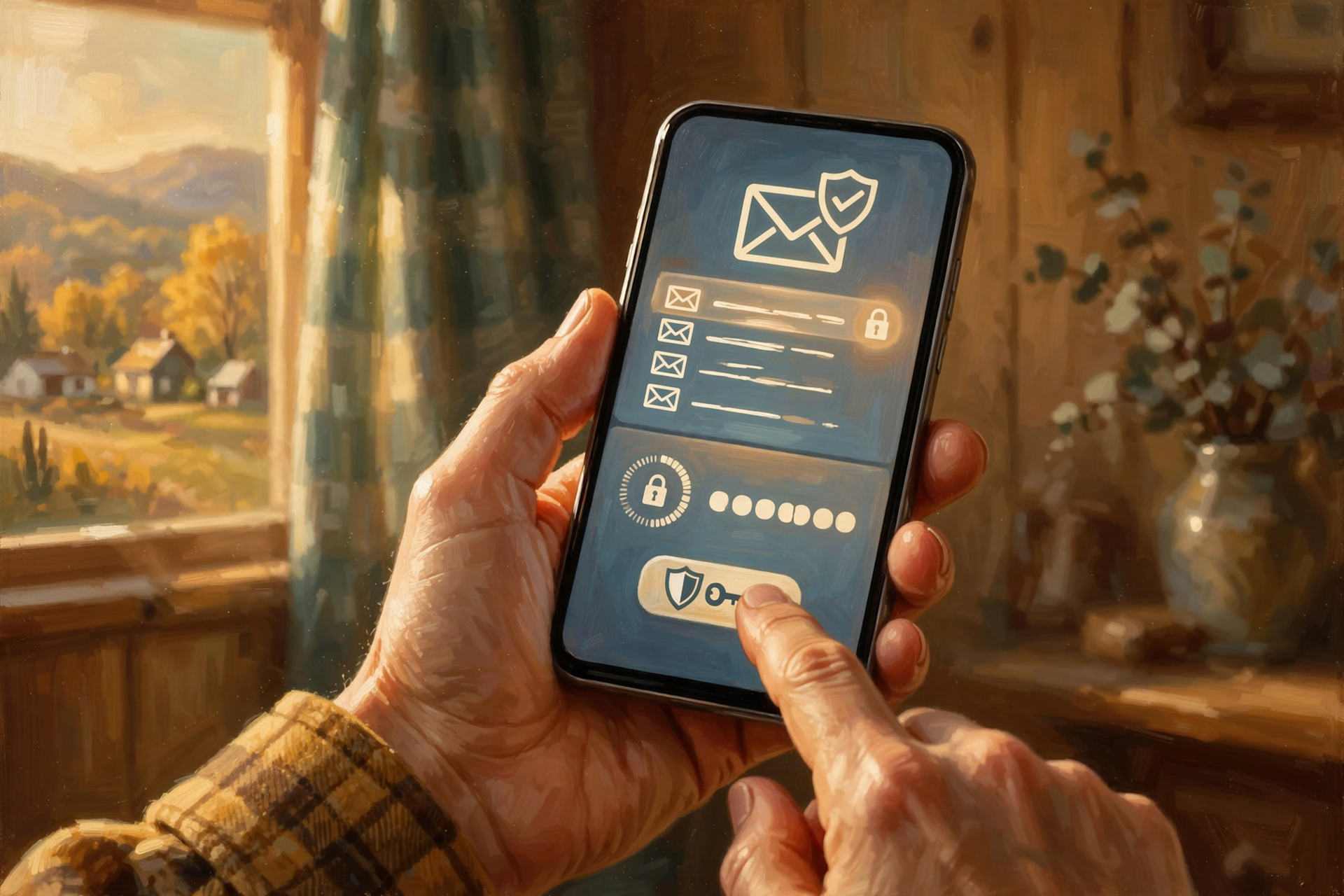
The FTC puts a bright spotlight on email: password-reset links usually go to your inbox. If someone gets into your email, they can often reset your bank, shopping and social accounts too. So lock email down before you worry about every shopping site.
- Give email a long, unique password stored in your manager.
- Turn on two-factor authentication (also called MFA or two-step verification). That means a second check after the password — a code from an authenticator app, a text, or a passkey.
- The FTC notes that a text or email code is better than nothing, but an authenticator app or security key is stronger when the site offers it.
- Then turn on the same second check for banking, social media, your phone carrier and work accounts.
CISA says enable MFA especially for email, social and financial accounts. Never read a verification code to someone who calls or texts you. Real companies will not ask for that code over the phone.
What it means for you: Email is the master key ring on the kitchen hook. If that hook is solid, the rest of the house is harder to walk into. Spend your first ten minutes of Cyber Month on Hotmail, Gmail, Yahoo or whatever inbox you use most. Employers, ask staff to turn on MFA for work email the same week.
👉 Read more (FTC: Protect your accounts) · FTC: How to recognize phishing · CISA: Secure Our World resources
🪪 Passkeys: Face ID or Fingerprint Instead of Typing

A passkey is a newer way to sign in without typing a password. Apple says passkeys are created on your device, unique to each account and less vulnerable to phishing. Google says you sign in with your fingerprint, face scan or screen lock. CISA treats passkeys as a strong, phishing-resistant form of authentication.
- When a site or app offers to save a passkey or sign in with a passkey, you can usually tap Continue and confirm with Face ID, Touch ID, fingerprint or your PIN.
- On iPhone, passkeys live in the Passwords app and can sync with your other Apple devices when iCloud Keychain is on.
- For a Google Account passkey, Google’s help pages walk you through myaccount.google.com/signinoptions/passkeys — create one only on a device you personally own and use.
- If a site doesn’t offer passkeys yet, keep using a strong unique password plus MFA. That combination is still excellent.
What it means for you: A passkey is like the shop recognizing your face at the counter instead of asking you to recite a secret phrase every visit. When you see the option, try it on a low-stakes account first (a streaming service, for example), then add one for email or Google when you’re comfortable. You can usually still fall back to your password if you need to.
👉 Read more (Apple: Use passkeys on iPhone) · Google: Passkeys for your account
✅ Your Cyber Month Password Checklist
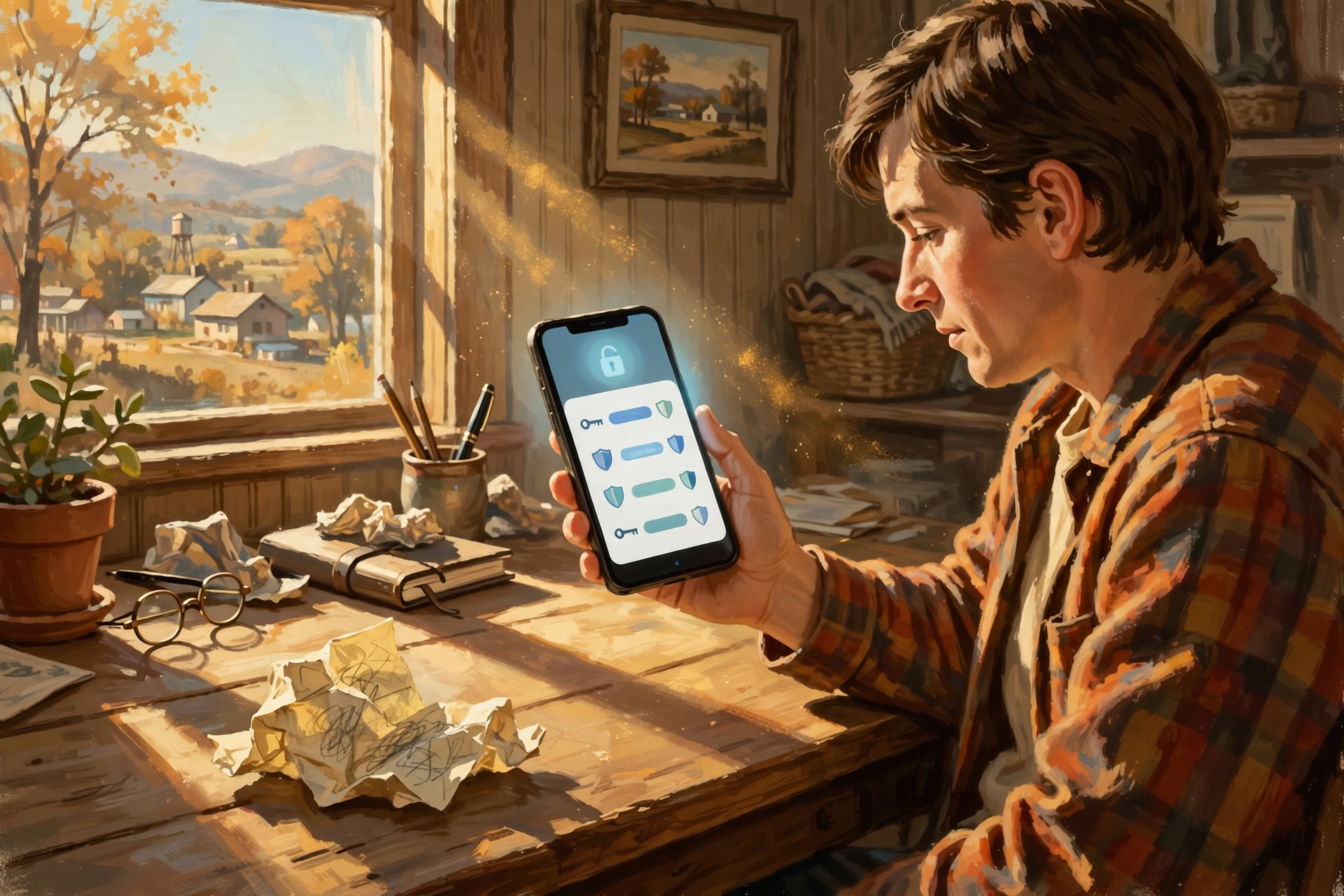
- ✅ Turn on the built-in password manager on your main phone or browser.
- ✅ Create a long master passphrase (4–7 unrelated words) you have never used elsewhere.
- ✅ Fix email first: unique password + two-factor authentication.
- ✅ Next: bank, phone carrier, Apple/Google/Microsoft account, then social media.
- ✅ Accept a passkey when a trusted site offers one.
- ✅ Never share a verification code with anyone who contacts you.
- ✅ Shop or church office: stop writing shared passwords on a sticky note; put them in the manager.
Practical rule: One password manager, email locked first, and a passkey whenever a trusted site offers it.
— Dunlap.Today
📚 Plain-English Tech Glossary
- Password manager: An app or browser feature that creates, stores and fills unique passwords so you don’t have to remember them all.
- Passphrase: A password made of several unrelated words. Easier to remember, still hard to guess when it’s long and random.
- MFA / two-factor authentication / two-step verification: A second check after your password, such as a phone code, authenticator app or fingerprint.
- Authenticator app: A free phone app that shows a fresh six-digit code every 30 seconds or so for signing in.
- Passkey: A sign-in method that uses your device unlock (Face ID, fingerprint or PIN) instead of typing a password. Hard for phishers to steal.
- Phishing: A fake email, text or call that tries to trick you into giving a password or clicking a bad link.
- iCloud Keychain / Apple Passwords: Apple’s built-in way to sync passwords and passkeys across your Apple devices.
- Google Password Manager: Google’s built-in vault for passwords and passkeys in Chrome and on Android.
❓ Frequently Asked Questions

Do I have to pay for a password manager?
No. The ones built into iPhone, Android, Chrome, Edge and Firefox are free. Paid apps exist and can be fine if you read expert reviews, but you do not need one to follow CISA’s advice.
What if I lose my phone?
That’s why a screen lock matters, and why you should keep recovery email and phone numbers up to date on important accounts. Apple and Google both have account-recovery steps. Write your master passphrase somewhere safe offline so you can get back in from another device.
Is a text-message code good enough for two-factor?
Yes, it is much better than a password alone. The FTC says text or email codes are the least secure form of two-factor, so pick an authenticator app or passkey when the site offers them. Any MFA still blocks most casual break-ins.
Will a password manager see all my banking info?
It stores the login you choose to save, and fills it when you ask. Use a reputable built-in manager or a reviewed third-party app, protect it with a strong unique master passphrase, and turn on MFA for the manager itself when available.
What if a site won’t let me use a long password?
CISA says if an important account still allows short or dictionary passwords, that is on them. Use the longest unique password it will take, turn on MFA, and prefer sites that accept passkeys when you have a choice.
🔗 Other Resources

- CISA: Cybersecurity Awareness Month
- CISA: Use strong passwords
- FTC: Creating strong passwords
- FTC: Recognize and avoid phishing
- Apple: Passwords app help
- Google: Sign in with a passkey
- Tennessee Tech CEROC: Cyber awareness tips
🌻 One Habit, One Cup of Coffee

You do not need to harden every account before supper. Turn on the password manager, lock down email and call it a good Cyber Month start. The rest can wait for the next quiet morning on the porch.
Keep learning, keep exploring and keep your cool. Read Dunlap.Today for calm, clear Valley news, and find local businesses, including the folks who fix computers and phones, anytime on Dunlap.Directory.

0 Comments