
Where Does “The Cloud” Actually Live? Inside Buildings Like These
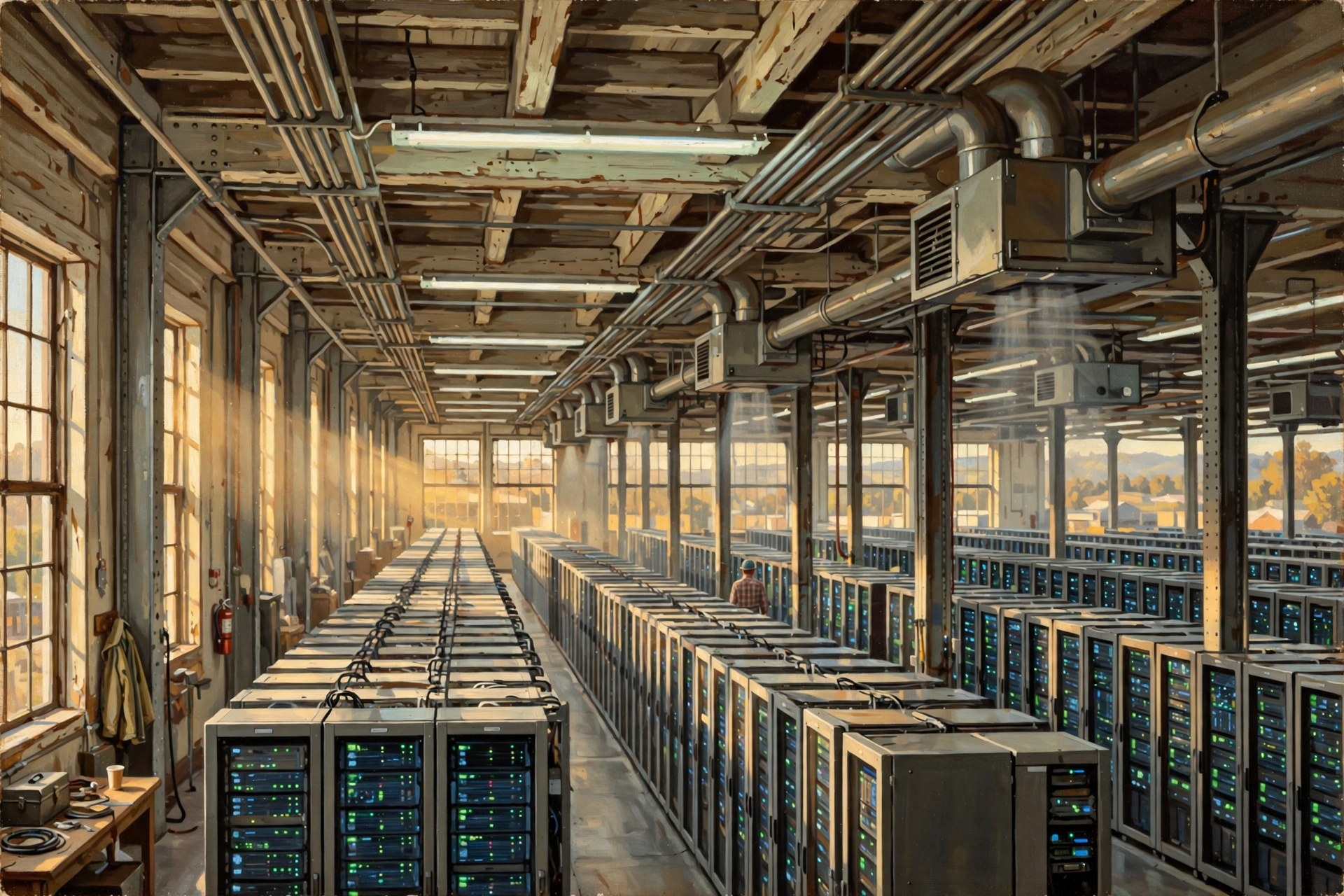
Suppose somebody tells you all the pictures on your phone are safely stored “in the cloud.”
That sounds reassuring.
It also sounds a little suspicious if you think about it for more than about five seconds.
Clouds are not traditionally known for their filing systems.
You cannot drive to one, knock on the door and ask somebody to retrieve the photograph of your grandson holding his first fish.
Yet that photograph really is stored somewhere.
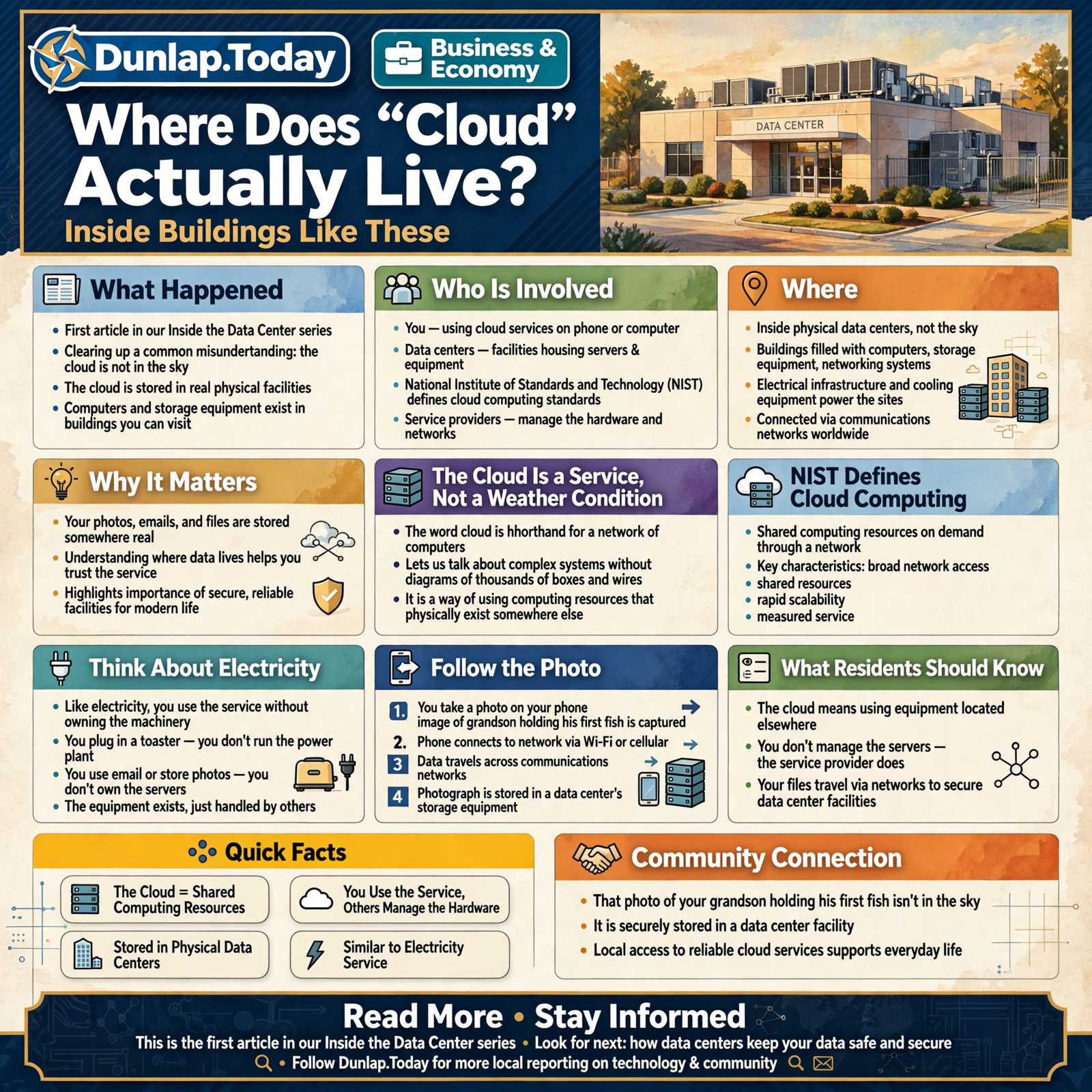
In the first article of our Inside the Data Center series, we learned that data centers are physical facilities filled with computers, storage equipment, networking systems, electrical infrastructure and cooling equipment.
Now we can clear up one of the most useful misunderstandings in modern technology:
The cloud is not a place in the sky. It is a way of using computing resources that physically exist somewhere else.
And somewhere else usually means computers living in data centers.
The Cloud Is a Service, Not a Weather Condition

The word cloud is useful because it lets us talk about an extraordinarily complicated network of computers without drawing several thousand boxes and wires every time.
But the nickname can hide the physical reality underneath.
The National Institute of Standards and Technology defines cloud computing around the idea of obtaining shared computing resources—such as servers, storage, applications and network services—on demand through a network. NIST identifies characteristics including broad network access, shared resources, rapid scalability and measured service. :chatgpt-content-reference{index=”1″}
That is accurate.
It is also enough technical language to make a perfectly reasonable person suddenly remember that the grass needs mowing.
So let us make it simpler.
Cloud computing means you are using computing equipment and services without needing all of that equipment to be sitting beside you.
You use the service.
Somebody else worries about much of the machinery underneath it.
Think About Electricity

Most of us already use another complicated service this way every day.
Electricity.
You plug a toaster into the wall.
You do not generally need to know which generator is spinning at that exact moment, which transformer adjusted the voltage, which transmission line carried the power across the region or which control room balanced supply and demand.
You just want the toast.
The machinery still exists.
You simply consume the service without owning or operating the entire system yourself.
Cloud computing works on a similar principle.
You might open an email account, store a photograph, run accounting software or use an online document editor without owning the servers that perform the work.
The physical equipment did not disappear.
Your responsibility for owning and managing much of it did.
Follow the Photo

Let us make this concrete.
You are sitting at home in rural Tennessee. Your grandchild catches a fish.
Naturally, evidence must be preserved.
You pull out your phone and take a photograph.
If your phone is configured to back up photographs to a cloud service, the journey may look something like this:
- The camera creates a digital file. The photograph first exists as information stored on your phone.
- Your phone connects to a network. That might be your home Wi-Fi or a cellular connection.
- Your internet connection carries the data outward. The photograph begins traveling across communications networks.
- Routers and other networking equipment direct the traffic. Like intersections and highway signs, they help information travel toward the proper destination.
- The file reaches infrastructure operated for the cloud service. That may include one or more data centers.
- Storage systems save the information. Depending on the service design, additional copies or protections may be used to reduce the risk of losing data when hardware fails.
- The service records enough information to retrieve the photograph later.
- When you open the photo on another device, the process happens partly in reverse. Your device requests the information, computers locate it and data travels back across the network.
To you, the entire operation might look like:
Take picture → picture appears on tablet.
Behind that simple experience is a chain of physical systems.
Nothing About That Journey Is Actually Weightless
This is one of the most important ideas in the whole series.
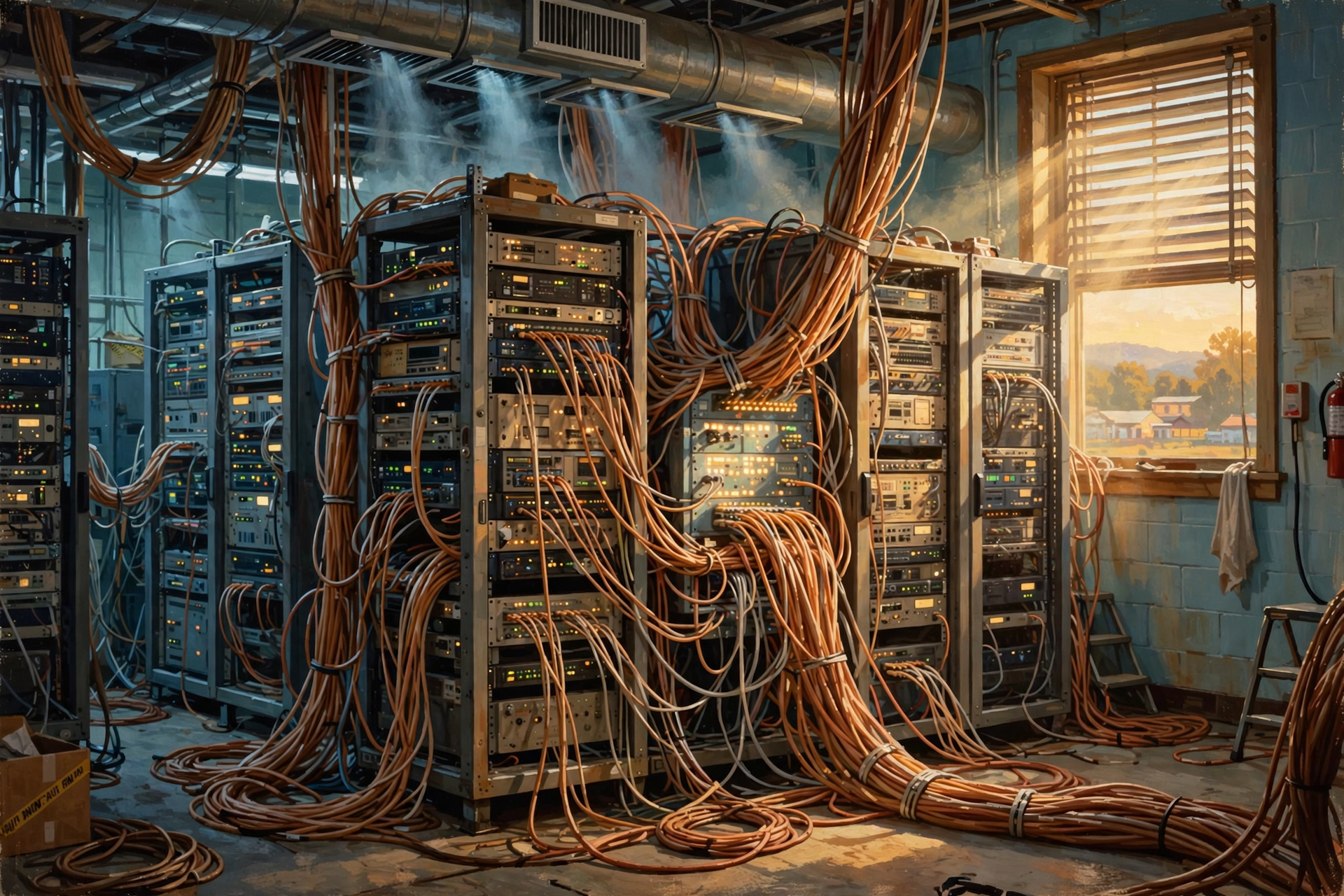
Digital information feels almost weightless because we cannot hold a megabyte in our hands.
But processing and moving information requires physical infrastructure.
Your photograph may depend on:
- your phone;
- a Wi-Fi router or cellular tower;
- local internet infrastructure;
- fiber-optic cables;
- network switches and routers;
- servers;
- storage equipment;
- electrical substations;
- backup electrical systems;
- cooling equipment;
- security systems;
- buildings; and
- people who build, maintain and operate all of it.
We call the result “the cloud” because saying all of that every time would make conversation exhausting.
Your File May Not Live on One Particular Computer
Here is where our filing-cabinet analogy starts to break down.
If you put a photograph in a filing cabinet in Dunlap, you can usually point to the drawer where it lives.
Modern cloud systems can be more complicated.
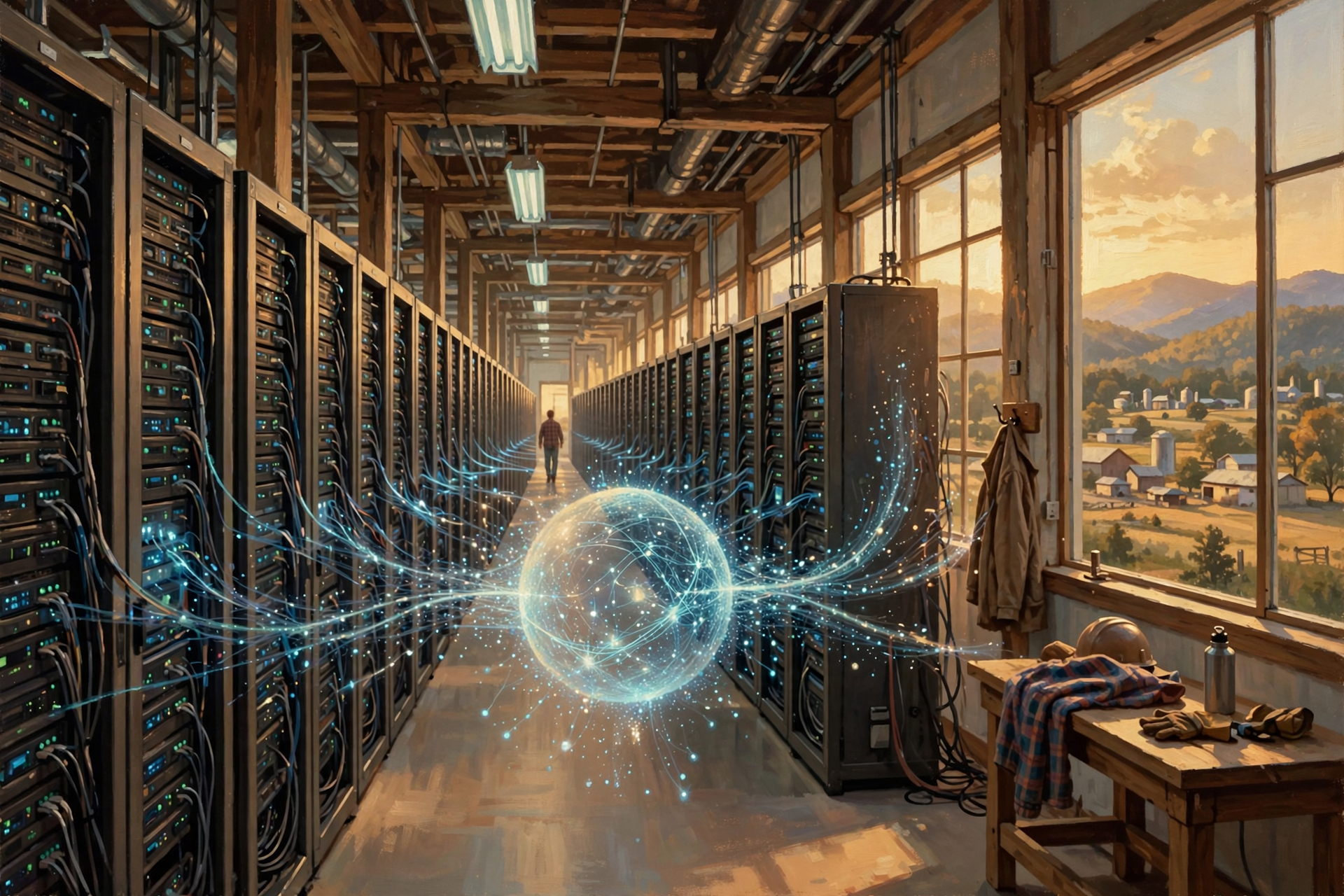
Information can be distributed, duplicated, moved or managed across multiple machines according to how a service is designed.
The computer handling your request today may not necessarily be the exact computer that handles it tomorrow.
Cloud providers can pool computing resources so they can be assigned as demand changes. NIST specifically identifies resource pooling and rapid elasticity as characteristics of cloud computing. :chatgpt-content-reference{index=”2″}
Think about a well-run equipment rental yard.
You care that the company has a working mini-excavator available when you need one.
You probably do not care whether it is machine number 17 or machine number 23.
The provider manages the fleet.
You consume the capability.
Why Is That Useful?

Imagine every small business that needed email, file storage, accounting software or a website also had to build its own little data center.
You would need computers.
Then backups.
Then somebody to maintain them.
Then redundant storage.
Then cybersecurity.
Then networking.
Then software updates.
Then a plan for what happens when a machine dies at 2:13 on Sunday morning.
Then you would discover that computers apparently enjoy breaking most when nobody wants to come fix them.
Cloud services let organizations obtain computing capabilities without necessarily building all of that infrastructure themselves.
This can be especially valuable for small organizations because computing resources can often grow or shrink with demand.
The General Store Versus the Warehouse

Another analogy may help.
Imagine a hardware store.
The customer sees shelves, employees and a cash register.
But the store may rely on enormous distribution warehouses hundreds of miles away.
The customer does not drive to the warehouse to get a box of screws.
The warehouse supports the system behind the store.
Cloud data centers often play a similar behind-the-scenes role.
You see Gmail, Microsoft 365, an online banking site, cloud photo storage or a business application.
You usually do not see the physical computing infrastructure making those services possible.
Public Cloud, Private Cloud and Hybrid Cloud
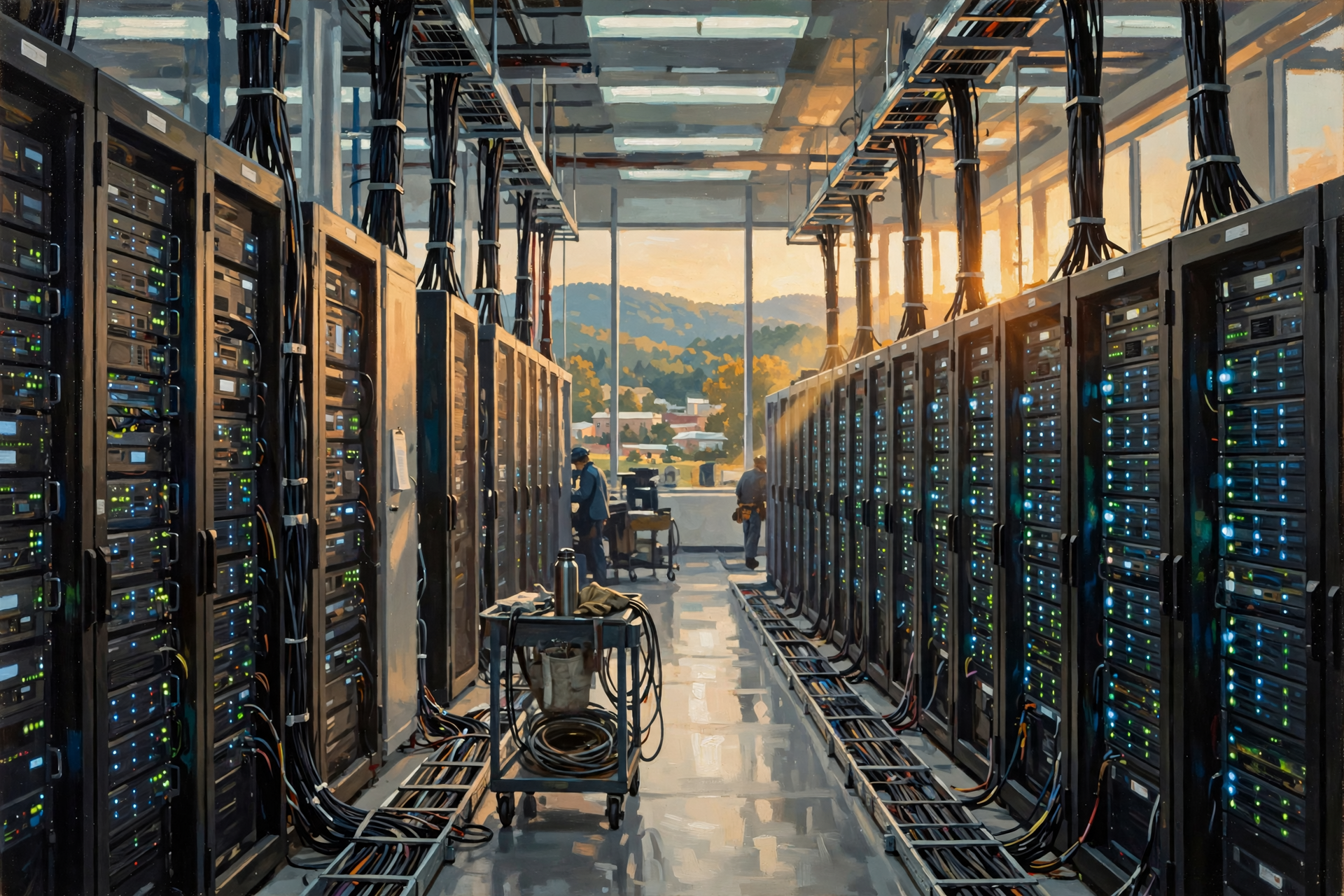
The word cloud does not describe one single arrangement.
NIST distinguishes multiple deployment approaches, including public, private and hybrid cloud models. :chatgpt-content-reference{index=”3″}
Public Cloud
A public cloud provider operates computing infrastructure that serves many customers.
The customers do not generally own the physical data-center equipment.
They buy or use services provided from that infrastructure.
Private Cloud
A private cloud provides cloud-style computing resources for one organization or a limited environment rather than broadly serving unrelated customers.
The organization may operate it itself or have another party operate portions of it.
Hybrid Cloud
A hybrid approach combines different environments.
For example, a company might keep some sensitive systems under tighter internal control while using public cloud services for other workloads.
The important lesson is that saying something is “in the cloud” still does not tell you exactly where the equipment is, who owns it or how the system is designed.
Is Everything on the Internet “In the Cloud”?
No.
The internet and the cloud are related, but they are not the same thing.
The internet is the enormous network of networks that allows computers and devices to communicate.
Cloud computing is a model for providing computing resources and services through networks.
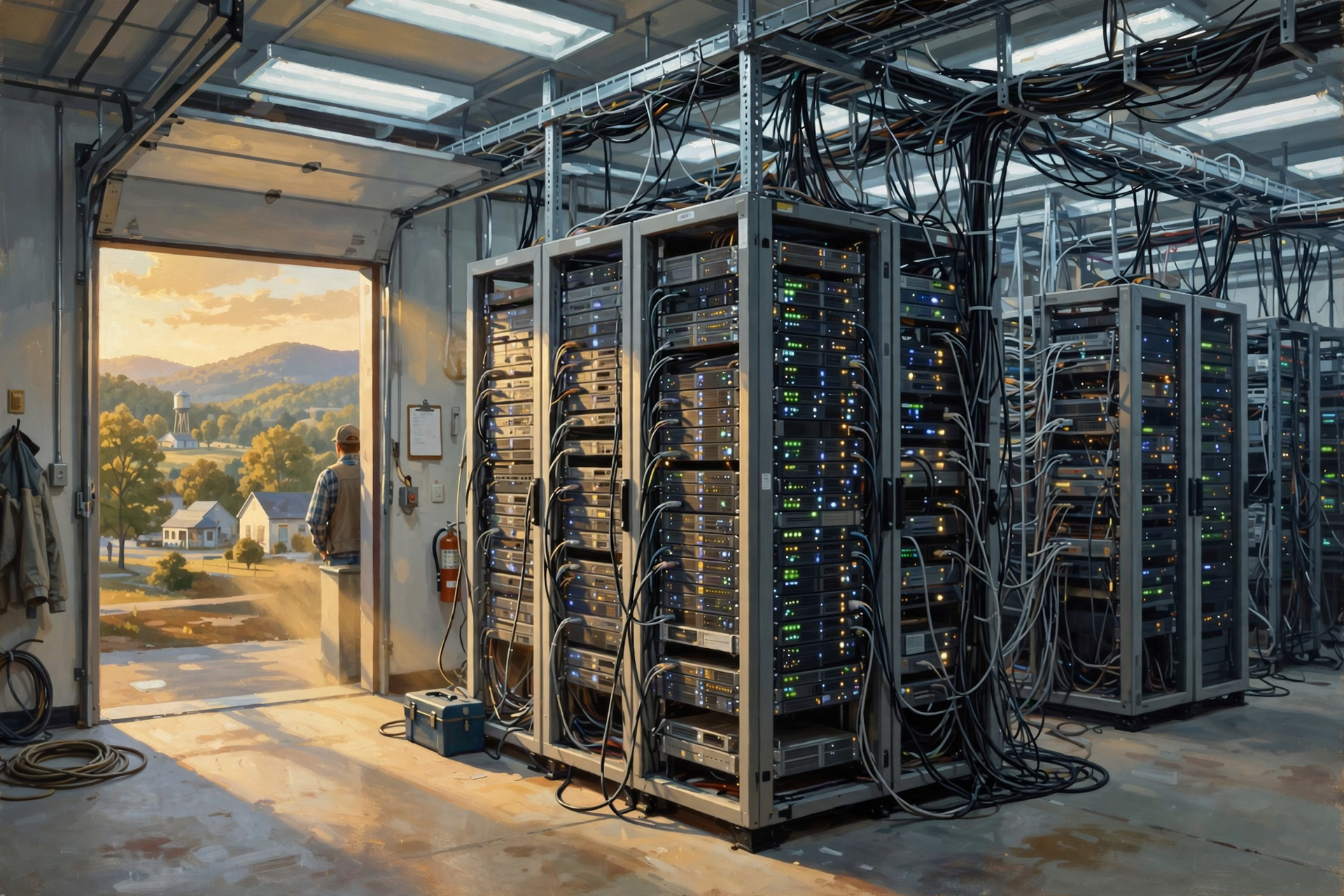
A data center is a physical facility that can contain the computers and infrastructure supporting those services.
One helps connect things.
One describes a way of delivering computing.
One is a physical place.
They frequently work together, but they are not interchangeable.
Is My Information Stored in Tennessee?

Maybe.
Maybe not.
And that answer is more important than it sounds.
Cloud systems can be designed to use particular geographic regions, multiple facilities or multiple locations for performance, reliability, legal, business or disaster-recovery reasons.
A person sitting in Sequatchie County can therefore use a service whose computing equipment is somewhere else entirely.
That is one reason the effects of data centers are not limited to people who live next door to one.
A community may consume enormous amounts of digital service without hosting much of the physical infrastructure.
Another community may host physical infrastructure serving users hundreds or thousands of miles away.
That separation between where the service is used and where the physical work happens is central to understanding the data-center economy.
Why Location Still Matters
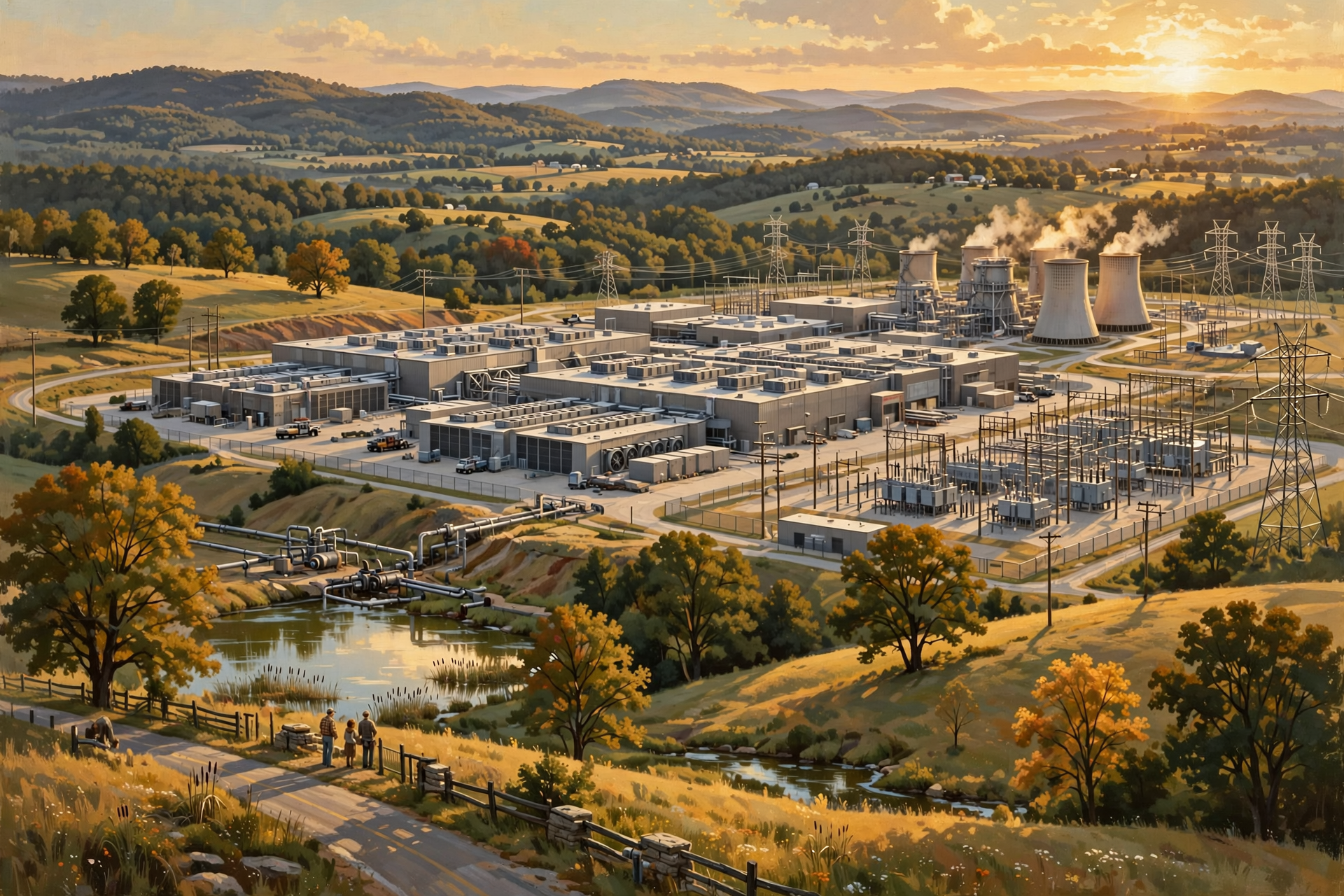
If cloud services work across long distances, you might reasonably ask why anyone cares where the data center is located.
Because physics has not been discontinued.
Distance, network connections, electricity availability, reliability, land, cooling requirements, construction costs and access to other infrastructure can all matter.
Different workloads also have different needs.
Some digital tasks can tolerate more delay than others.
If you are backing up family photographs overnight, a tiny additional delay probably means nothing to you.
If a system is supporting real-time financial trading, industrial controls, communications or another highly time-sensitive workload, milliseconds may matter considerably more.
This is one reason we have everything from small facilities located closer to users to enormous centralized campuses.
Hold On—Is That True? “Once Something Is in the Cloud, It Can Never Be Lost”

No.
Cloud infrastructure can provide excellent redundancy and reliability, but “cloud” is not another word for “indestructible.”
Hardware can fail.
Accounts can be compromised.
Files can be accidentally deleted.
Software can malfunction.
Providers can experience outages.
Businesses can change policies or discontinue products.
A cloud service may reduce some risks while introducing different dependencies.
For truly important information, it is still sensible to think in terms of backups, account security, access control and recovery plans.
Putting Grandma’s only surviving family photographs into one cloud account and then forgetting the password is not a disaster-recovery strategy.
What Does This Have to Do With Rural Tennessee?
Quite a bit.
The Tennessee Department of Environment and Conservation says data-center operators are increasingly proposing facilities in Tennessee. It also emphasizes that no single Tennessee government authority controls every aspect of a data-center project; responsibilities are divided among environmental regulators, local governments, utilities and other entities depending on the issue. :chatgpt-content-reference{index=”4″}
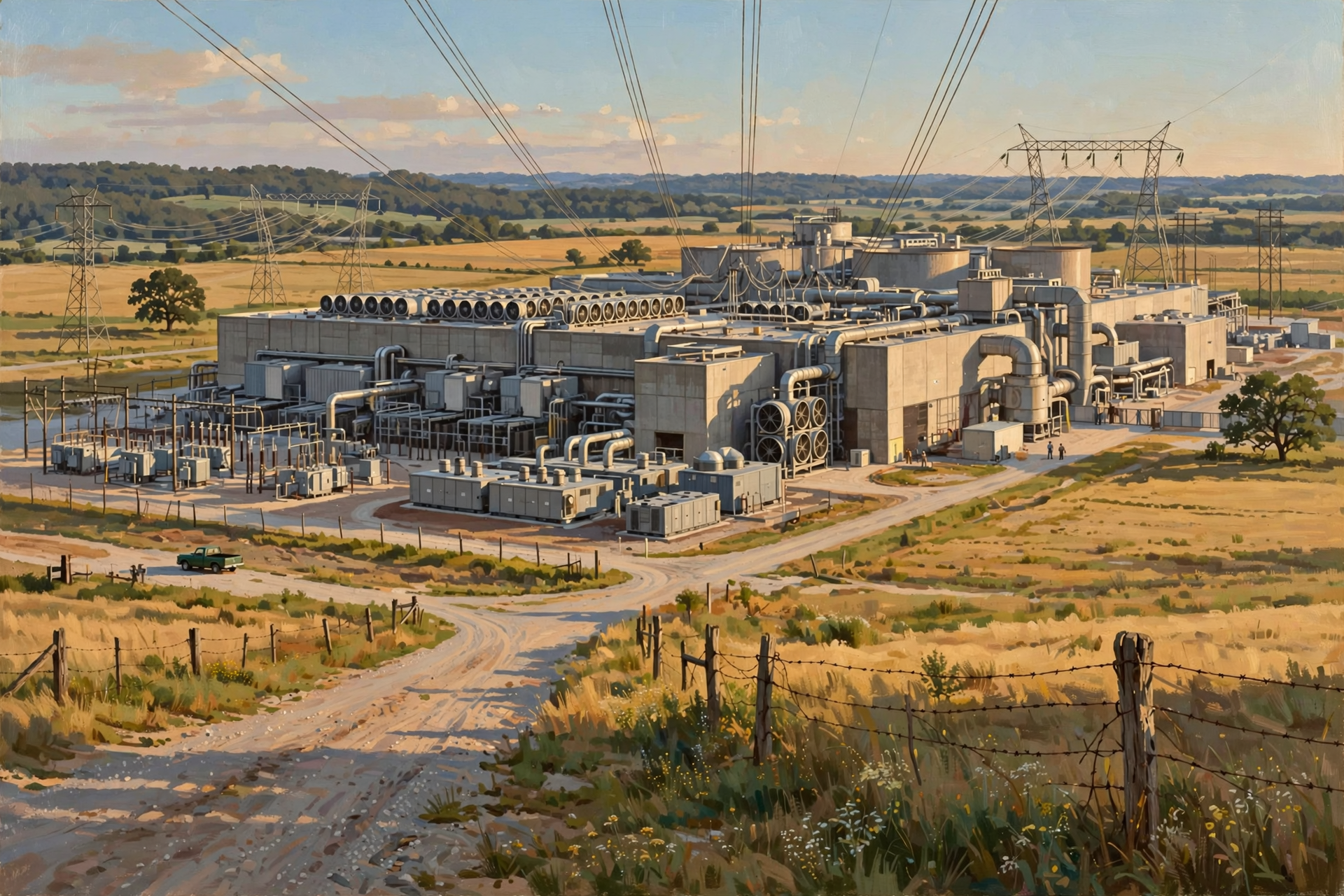
That matters because cloud computing may feel abstract, but the infrastructure underneath it can require very concrete things:
- land;
- electricity;
- electrical transmission and distribution infrastructure;
- fiber connectivity;
- cooling equipment;
- water in some designs;
- roads and construction access;
- backup power systems; and
- local decisions about land use and infrastructure.
A photograph may feel weightless while it travels across the internet.
The building storing and processing it certainly is not.
The Business Lesson: Renting Computing Instead of Buying the Whole Shop

Cloud computing changed business partly because it separated the ability to use computing from the need to own every piece of computing equipment.
A small Tennessee business can use sophisticated email, document storage, customer-management software, online accounting, web hosting and artificial-intelligence services that once might have required far more in-house technology.
That does not mean cloud services are always cheaper or always better.
There are tradeoffs.
A business may exchange ownership of hardware for recurring service costs.
It may gain easier scalability while becoming more dependent on internet connectivity.
It may avoid maintaining servers while becoming dependent on a particular provider.
It may gain sophisticated security capabilities while also needing to properly protect cloud accounts and credentials.
Good technology decisions usually involve asking:
What problem are we solving, what does this arrangement cost, what do we gain, and what new dependency are we accepting?
That is a better question than simply asking whether “the cloud” is good or bad.
Plain-English Glossary
Cloud computing: A model for obtaining computing resources such as processing, storage or software over a network without having to own and operate all of the underlying equipment yourself.
Data center: A physical facility containing computing equipment and the supporting systems needed to operate it.
Server: A computer that provides information or computing services to other computers or users.
Storage: Hardware and systems that retain digital information.
Internet: The global network of interconnected networks that allows devices and computer systems to communicate.
Public cloud: Computing services offered by a provider from infrastructure serving multiple customers.
Private cloud: A cloud-style computing environment dedicated to a particular organization or limited group.
Hybrid cloud: An approach that combines different computing environments, commonly private and public resources.
Five Questions to Ask Whenever Somebody Says “It’s in the Cloud”

- What service are we actually talking about?
- Who operates the underlying computing infrastructure?
- Where is the information stored or processed, if location matters?
- What happens if the internet connection or provider becomes unavailable?
- How is important information backed up, protected and recovered?
You do not need to know which rack contains which server to ask intelligent questions about a cloud service.
You simply need to remember that the cloud has machinery underneath it.
Want to See the Bigger Picture?

Once you realize that “the cloud” depends on physical buildings, electricity, communications networks, cooling systems and land, data centers stop being just a subject for computer technicians.
They become a community-infrastructure subject too.
If you would like to learn more about what this infrastructure can mean for our part of Tennessee, the Van Buren Digital Frontier Symposium offers an opportunity to continue the conversation. You do not need a technical background to take part. Residents who understand land, utilities, construction, education, local business, farming, government and community life bring exactly the kinds of perspectives that matter when new infrastructure is being discussed.
The goal is not to tell people they should support or oppose data centers. It is to help people understand the technology well enough to ask useful questions, recognize genuine opportunities and identify genuine tradeoffs.
For more information, visit the Van Buren Digital Frontier Symposium on Dunlap.Directory or the Van Buren Digital Frontier Symposium Facebook page. Either resource can be used to learn more and follow information about the event.
Wisdom From the Front Porch

If somebody tells you something lives in the cloud, remember: somewhere there is still a roof over it, a power bill attached to it, and somebody trying to keep the air conditioner working.
The cloud is tremendously useful precisely because it hides an enormous amount of complexity from us.
But communities considering the infrastructure underneath it do not have the luxury of ignoring that complexity.
Understanding the difference between the service we see and the machinery we do not see gives us a much better foundation for the conversations ahead.
In the next lesson, we will walk farther inside the building and meet the servers, racks, fiber cables, switches, backup systems and cooling equipment that turn an ordinary-looking structure into a working data center.



0 Comments