
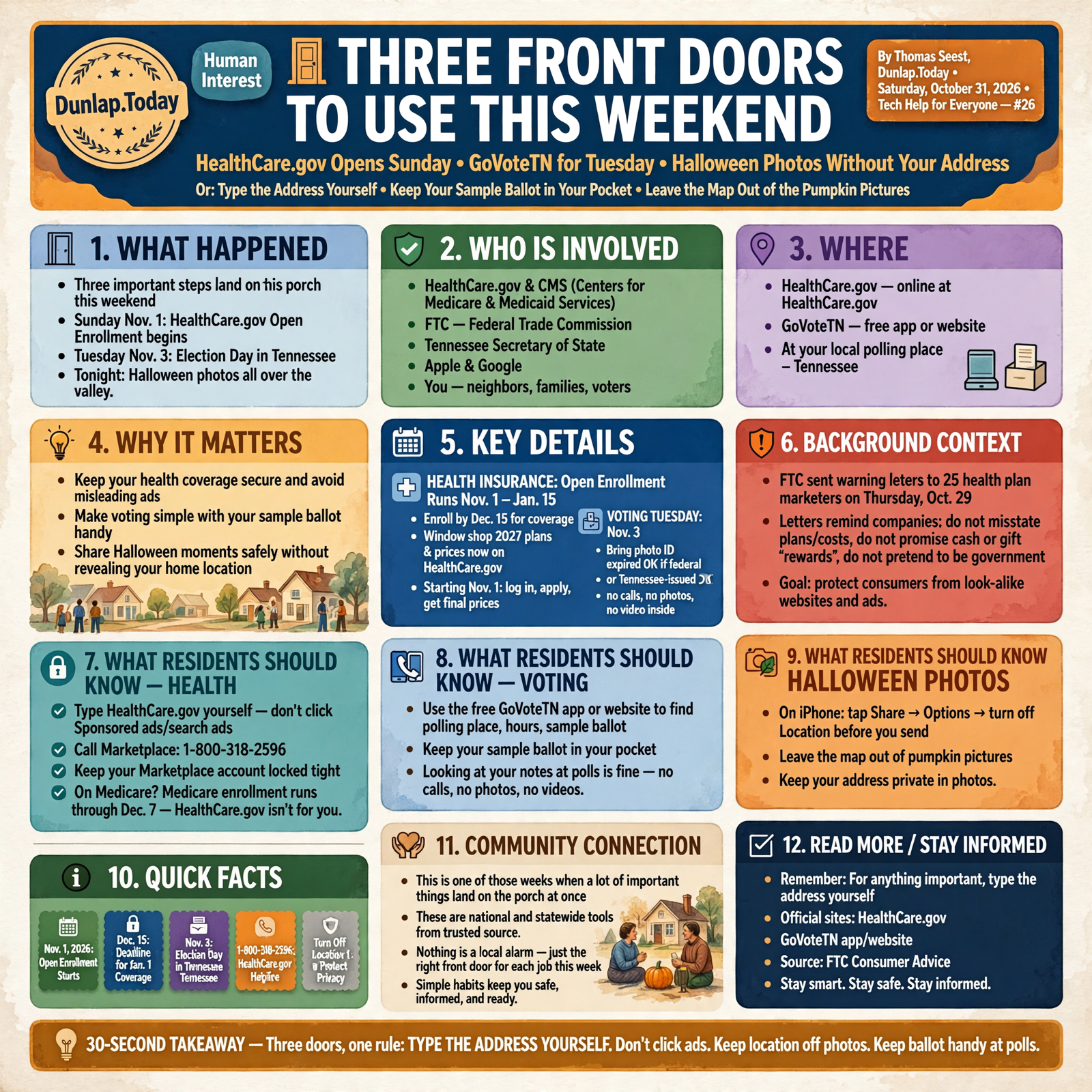
🚪 Three Front Doors to Use This Weekend: HealthCare.gov Opens Sunday, GoVoteTN for Tuesday and Halloween Photos Without Your Address
Or: Type the Address Yourself, Keep Your Sample Ballot in Your Pocket and Leave the Map Out of the Pumpkin Pictures
By Thomas Seest, Dunlap.Today · Saturday, October 31, 2026
Happy Halloween, neighbors. This is one of those weeks when a lot of important things land on the porch at once. Sunday, Nov. 1, health insurance shopping opens on HealthCare.gov. Tuesday, Nov. 3, is Election Day in Tennessee. And tonight, phones all over the valley will be full of little superheroes and pumpkins. Each of those comes with one simple tech habit that keeps things easy and safe.
Here’s what’s in this twenty-sixth Tech Help for Everyone: how to find the real HealthCare.gov and skip the look-alike ads (the Federal Trade Commission just sent warning letters to 25 health plan marketers on Thursday), how to keep your Marketplace account locked tight, the state’s free GoVoteTN app for your polling place and sample ballot, what Tennessee law says you can and can’t do with your phone at the polls, and how to share Halloween photos without sharing where you live.
These are national and statewide tools from HealthCare.gov, the FTC, the Tennessee Secretary of State, Apple and Google. Nothing here is a local alarm. It’s simply the right front door for each job this week.
⏱️ What this means for you in 30 seconds
- Health insurance: Open Enrollment runs Nov. 1 to Jan. 15. Type HealthCare.gov yourself, or call 1-800-318-2596. Scroll past “Sponsored” ads.
- Deadline to remember: Pick a plan by Dec. 15 for coverage starting Jan. 1.
- On Medicare? HealthCare.gov isn’t for you. Medicare’s own enrollment runs through Dec. 7.
- Voting Tuesday: The free GoVoteTN app or website shows your polling place, hours and sample ballot. Bring a photo ID (expired is OK if it’s federal or Tennessee-issued).
- Phone at the polls: Looking at your notes is fine. No calls, no photos, no videos inside.
- Halloween photos: On iPhone, tap Share → Options → turn off Location before you send.
- Remember this: For anything important, type the address yourself. Don’t click your way there from an ad or a text.
🏥 HealthCare.gov Opens Sunday: Type It In, Don’t Click an Ad
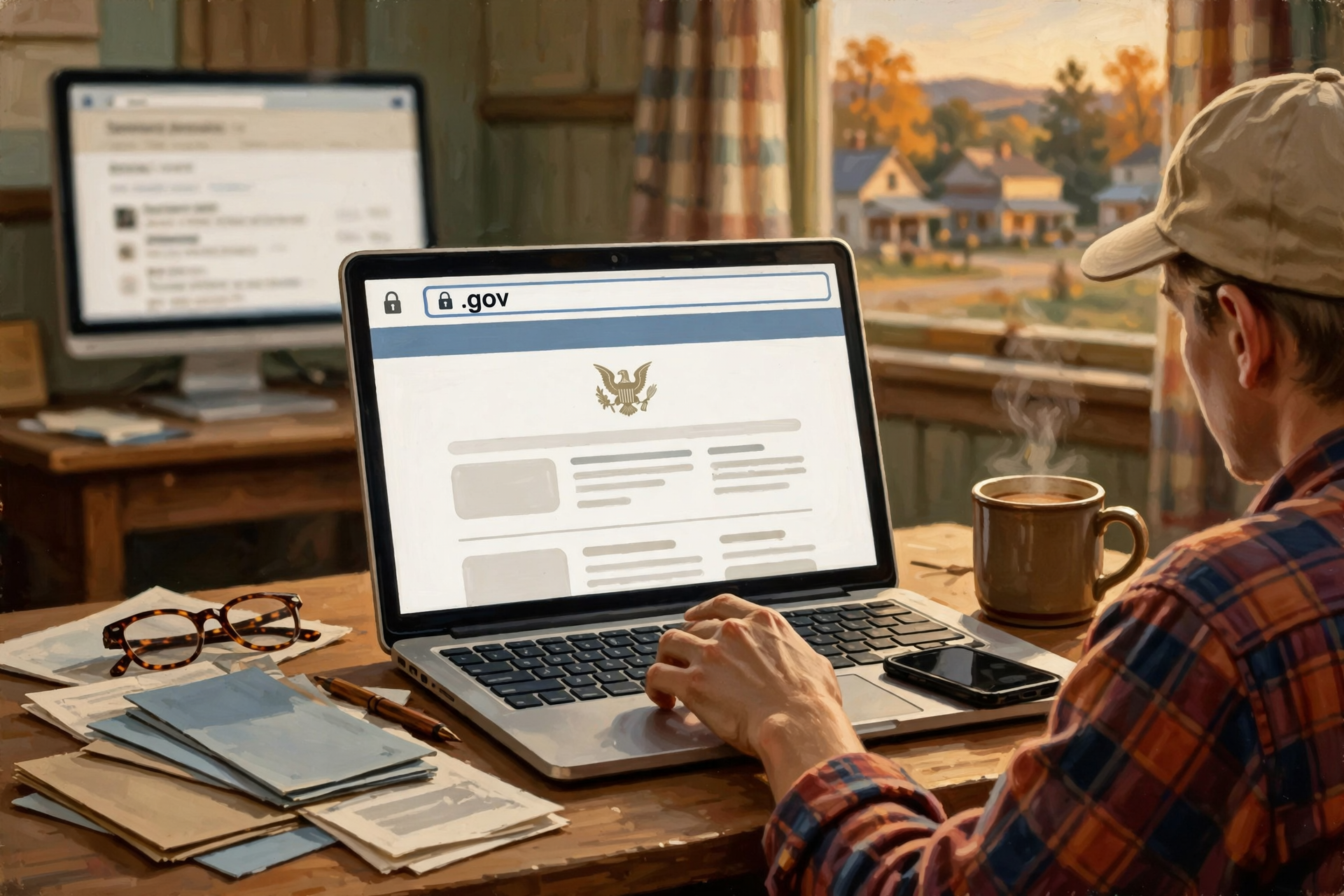
Open Enrollment for 2027 Marketplace health plans starts Sunday, Nov. 1, 2026, and runs through Jan. 15, 2027, according to the federal Centers for Medicare & Medicaid Services (CMS). HealthCare.gov says to enroll by Dec. 15 if you want coverage to start Jan. 1. You can already “window shop” 2027 plans and estimated prices on HealthCare.gov by entering your ZIP code. Starting Nov. 1 you can log in, apply and get final prices.
Here’s the tech part. The FTC warns that some websites use addresses that look like government addresses, along with official-looking logos, to make you think you’re on the real HealthCare.gov. Some even pay to show up at the top of search results. On Thursday, Oct. 29, FTC staff sent warning letters to 25 companies that market health plans or sell sales leads for them. The letters don’t accuse anyone of wrongdoing, but they remind companies not to misstate what plans cover or cost, not to promise cash or gift “rewards” for signing up, and not to pretend to be the government. The FTC’s advice to the rest of us is short: start at HealthCare.gov or call the Marketplace at 1-800-318-2596.
What it means for you: It’s like going to the feed store you know instead of the fellow with a truck parked out by the highway. Type healthcare.gov into the address bar yourself, look for the .gov ending, and scroll past anything marked “Ad” or “Sponsored.” If an ad or a caller promises cash, gift cards or grocery money for signing up, that’s your cue to hang up or close the page. HealthCare.gov does list “certified enrollment partner” websites that are allowed to sign people up, and you can check that list at HealthCare.gov/direct-enrollment.
👉 Read more: FTC, “Seeing lots of ads for health insurance plans during open enrollment?” · CMS 2027 Open Enrollment fact sheet
🔐 Keep Your Marketplace Account Locked Tight
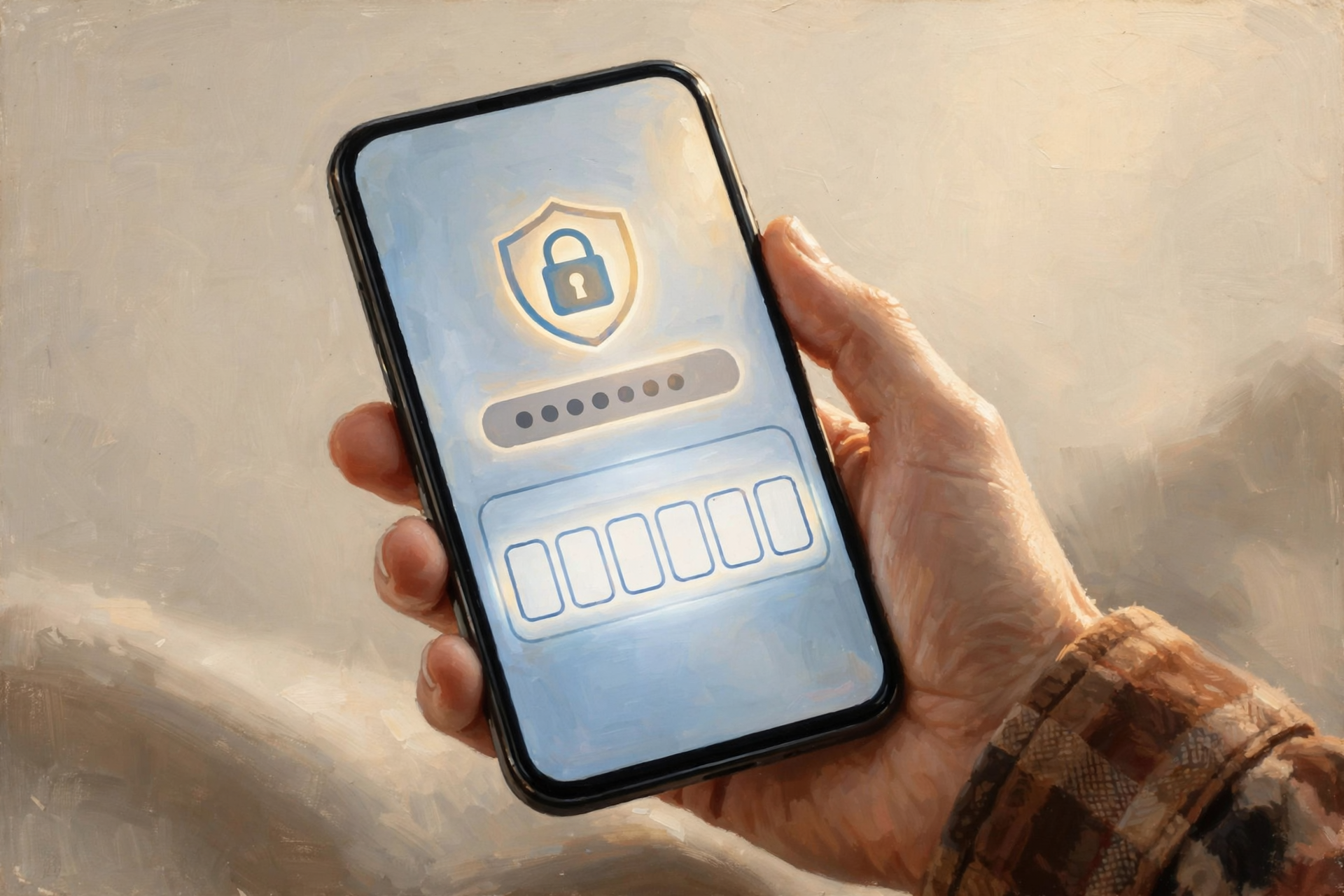
HealthCare.gov’s own fraud page lists a few plain rules. The Marketplace, its trained helpers and the state will never ask you for a credit card or payment to keep or qualify for coverage, and they won’t threaten you. Don’t give your Social Security number, bank or card numbers to someone who contacted you out of the blue. HealthCare.gov also says you can protect your online account by getting a security code sent to you each time you log in, so even someone who guessed your password couldn’t get in.
Free, unbiased help is available. The Marketplace Call Center at 1-800-318-2596 answers 24 hours a day, 7 days a week, which is handy for early risers. And HealthCare.gov’s “Find Local Help” tool lists trained helpers near your ZIP code. Their help is free.
A note for Medicare folks: HealthCare.gov says Medicare isn’t part of the Marketplace, and if you have Medicare, you don’t need Marketplace coverage. In fact, it’s against the law for someone who knows you have Medicare to sell you a Marketplace plan. Medicare’s own Open Enrollment runs Oct. 15 to Dec. 7. So if you’re on Medicare and someone calls about a “Marketplace plan,” you can simply say no thank you.
What it means for you: Think of the login code like a second latch on the screen door. It takes one extra second, and it keeps the wind from blowing it open. If you have a son, daughter or grandchild on a Marketplace plan, forward this to them.
👉 Read more: HealthCare.gov Fraud Protection Tips · Medicare and the Marketplace
🗳️ GoVoteTN: Your Polling Place and Sample Ballot in Your Pocket
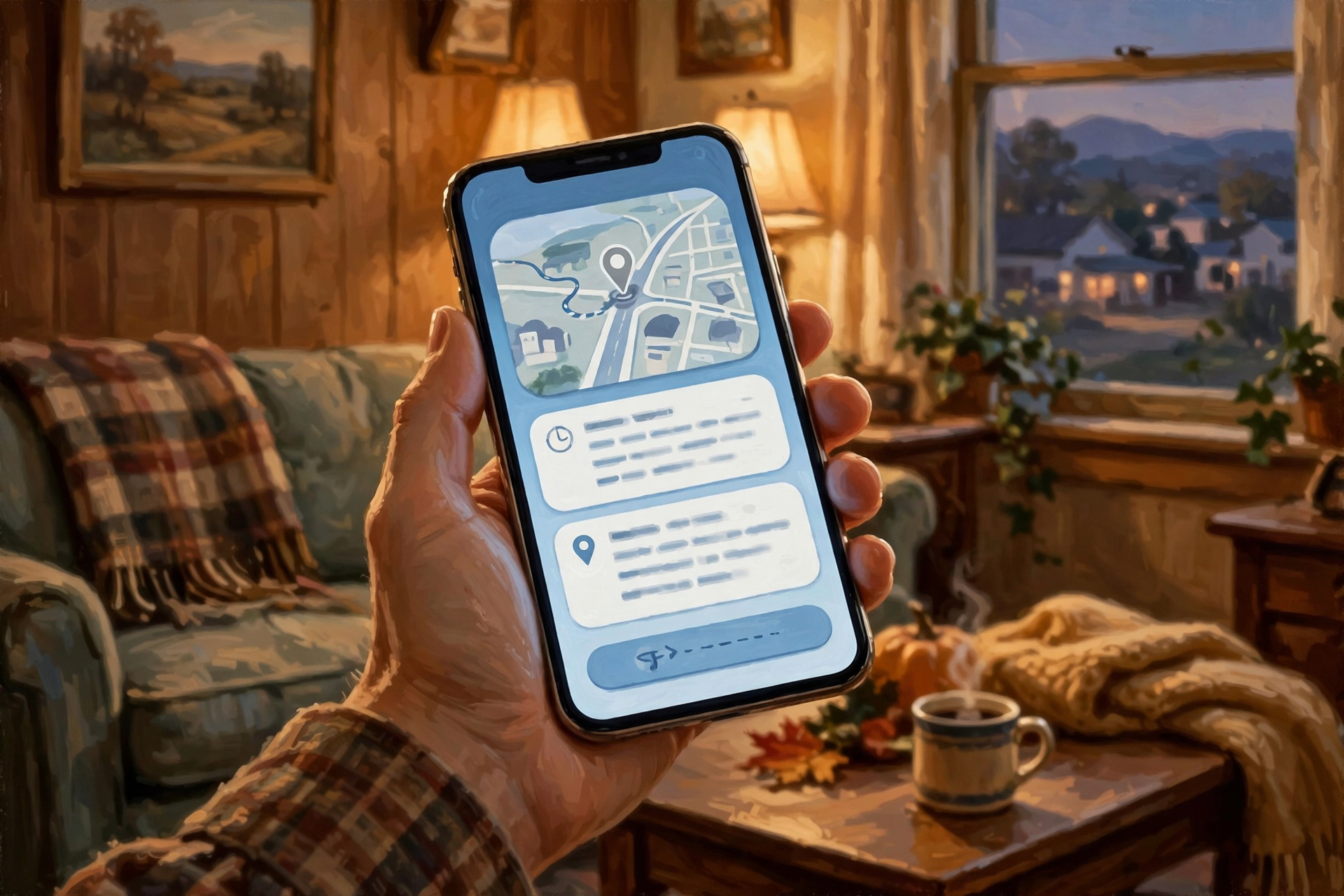
Tennessee’s State and Federal General Election is Tuesday, Nov. 3. Early voting ended Thursday. The Tennessee Secretary of State’s free GoVoteTN app works in the Apple App Store, the Google Play store or any web browser. The Secretary of State says it shows your Election Day polling location and hours, directions to get there, a sample ballot you can mark ahead of time, your county election commission’s contact information and election results afterward. You look yourself up by entering your first and last name exactly as they appear on your voter registration.
Don’t forget your ID. The Secretary of State says in-person voters need a photo ID issued by the federal government or the State of Tennessee, like a Tennessee driver license with your photo, a U.S. passport or a military ID, and it can be expired. College IDs, library cards, county or city IDs and other states’ IDs don’t count. Questions about ID go to the state Division of Elections at 1-877-850-4959.
What it means for you: It’s like calling ahead to make sure the church supper is still in the fellowship hall. Look up your polling place tonight or tomorrow, not Tuesday morning. Marking your sample ballot at the kitchen table means fewer surprises in the booth.
👉 Read more: Tennessee Secretary of State, Elections FAQs (GoVoteTN) · Photo ID guide
📵 Your Phone at the Polls: Notes Yes, Calls and Pictures No
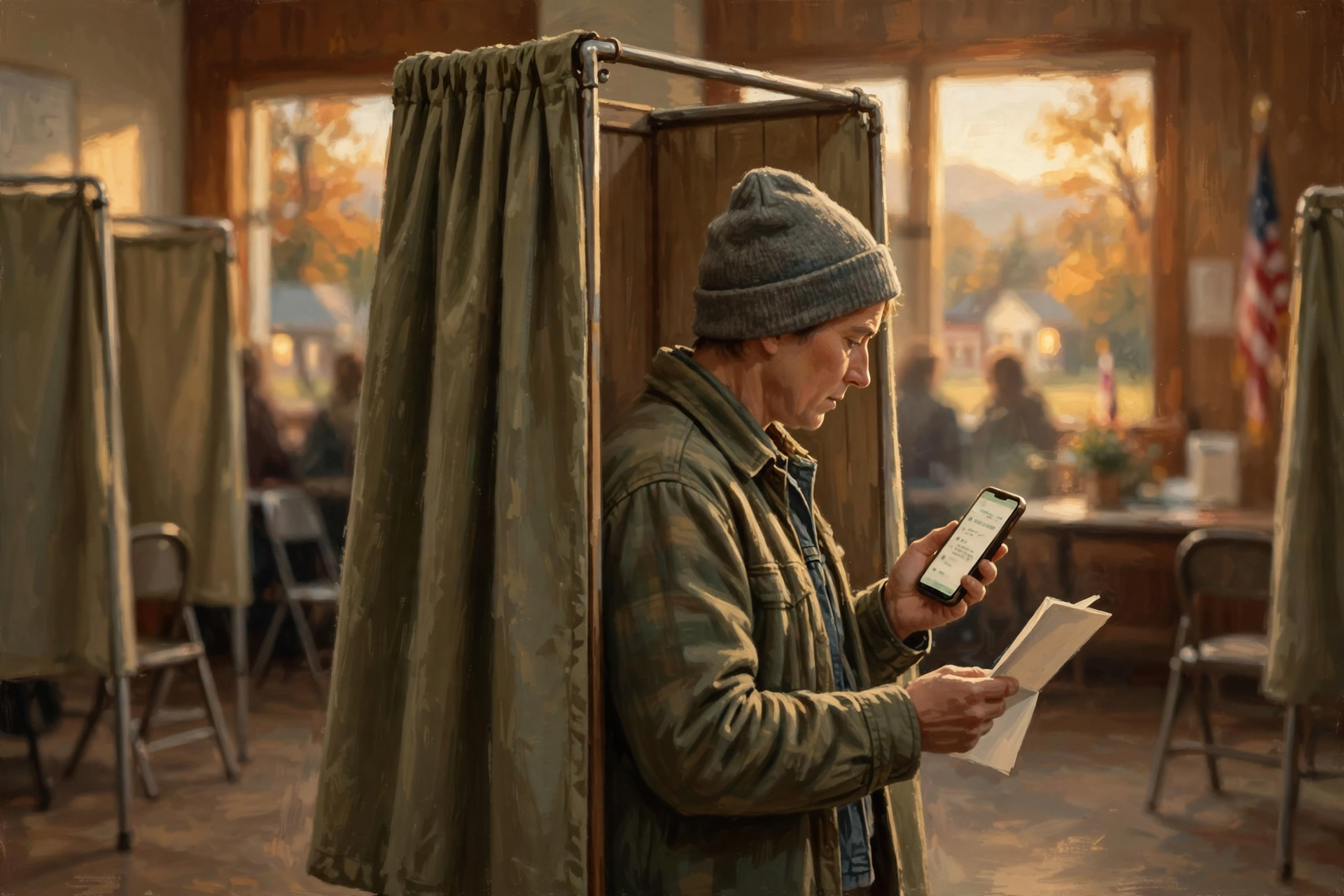
Tennessee law (Tennessee Code section 2-7-142) says county election commissions can’t stop you from using your phone at the polling place for information to help you make your choices, like looking at the sample ballot you marked in GoVoteTN or a note you wrote yourself. Poll officials may ask you to silence it. The same law says that inside the polling place you can’t use it for phone calls, recording, or taking photos or videos.
What it means for you: Your phone can be your grocery list in the voting booth, but not your camera. If you want an “I Voted” sticker picture, the Tennessean reports that’s fine once you’ve left the room where votes are cast. Set the phone to silent in the parking lot so you don’t have to fumble for it later.
👉 Read more: Tennessee Code § 2-7-142 · Disability Rights Tennessee, plain-language voting guide
🎃 Share Halloween Photos Without Sharing Where You Live
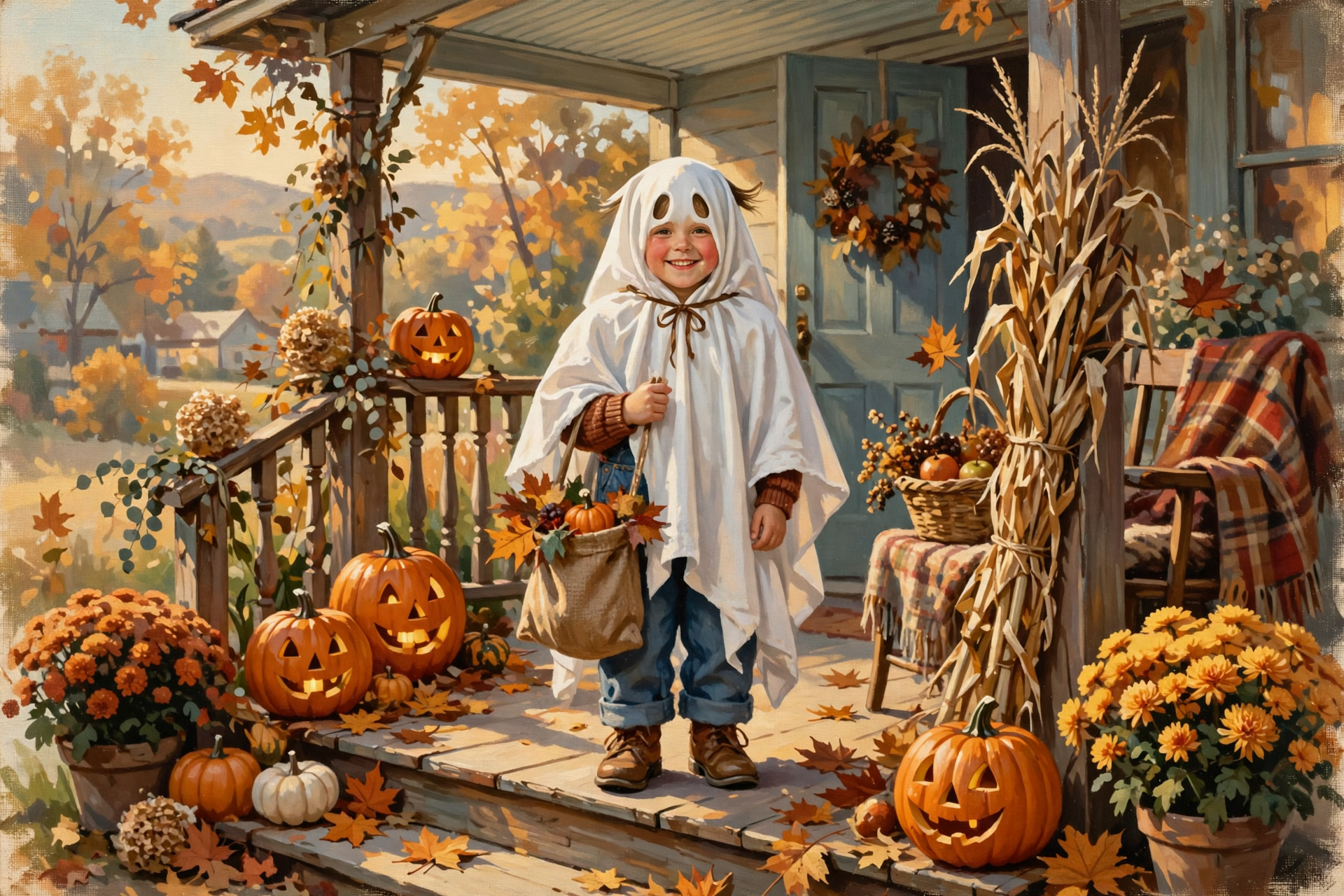
Apple explains that when Location Services is on for the Camera app, each photo can carry the exact spot it was taken, and that people you share it with may be able to see that. For pictures of the grandkids on your own front steps, that spot is your house.
On an iPhone: Apple says to select the photos, tap the Share button, tap Options, and turn off Location. You’ll see “Location Not Included” above the Options button. Then share as usual. Apple also shows how to remove location from a photo you’ve already taken (open the photo, tap the info button, then Adjust Info → Adjust Location → No Location), or to stop the camera from saving it at all under Settings → Privacy & Security → Location Services → Camera → Never.
On Android with Google Photos: Google says that when you start a new conversation in Google Photos, location details are off by default, and for shared albums you can turn “Share photo locations” on or off under the album’s Options. One honest catch from Google: if your camera stamped the location, Google Photos can’t erase it, and photos you download and email keep their original location. Google says the location setting for your camera is in the Camera app’s settings and varies by phone maker.
What it means for you: It’s like putting the costume picture on the fridge instead of on the mailbox. The smiles go out; the address stays home. Google also makes a fair point: landmarks in a picture, like your house number or a street sign, can give away a location too, so frame the shot with that in mind.
👉 Read more: Apple, Manage location metadata in Photos · Google Photos Help, your photos’ locations
✅ Your Weekend Front-Door Checklist
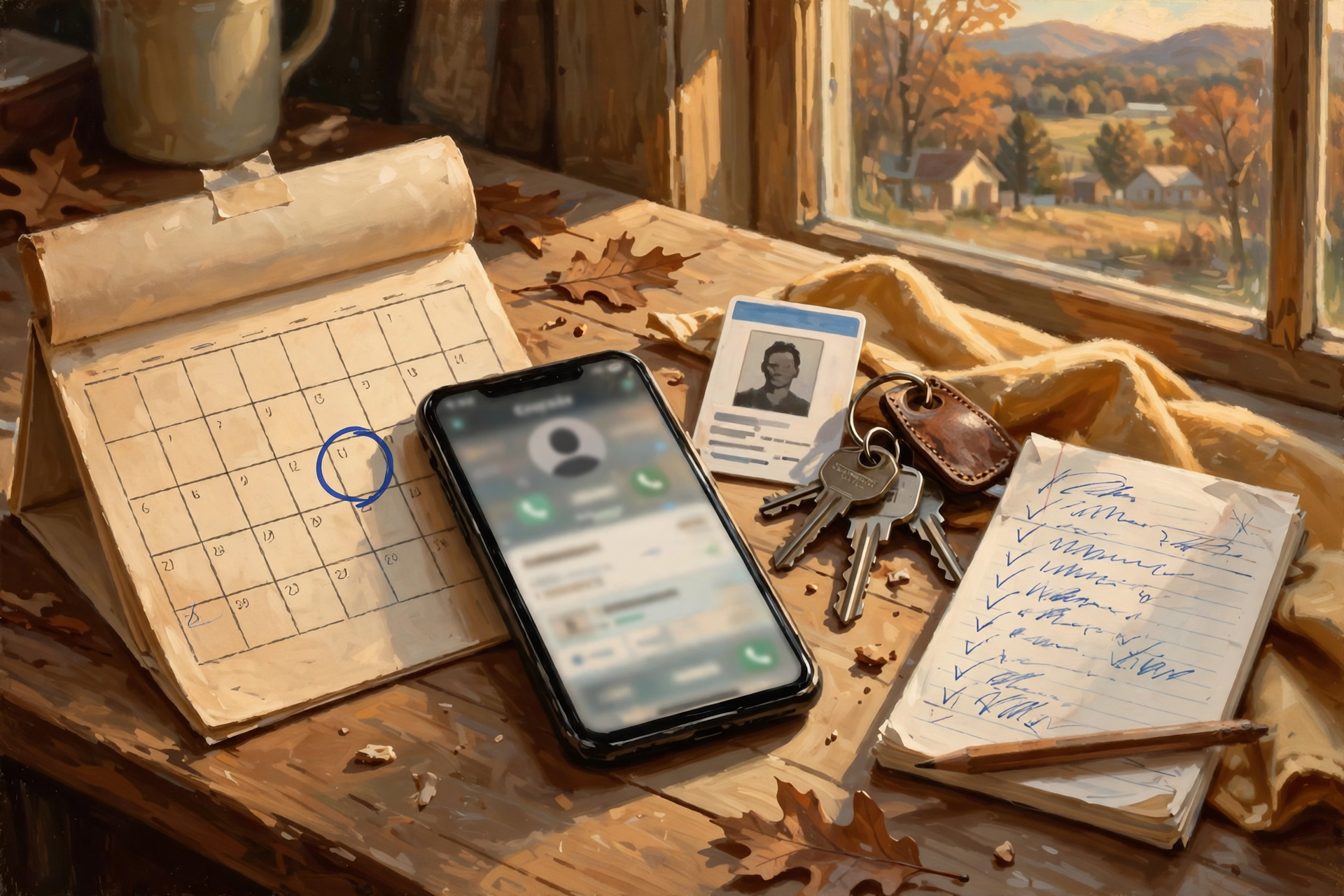
- ✅ Bookmark HealthCare.gov after typing it in yourself, if you or someone in your family buys their own insurance.
- ✅ Write “Dec. 15” on the calendar for a Jan. 1 health plan. Jan. 15 is the last day of Open Enrollment.
- ✅ Read the two letters HealthCare.gov says Marketplace customers should get by Nov. 1: one from your insurance company and one from the Marketplace.
- ✅ Turn on the login security code for your Marketplace account.
- ✅ Save 1-800-318-2596 in your phone as “HealthCare.gov Marketplace.”
- ✅ On Medicare? Skip HealthCare.gov. Your deadline is Dec. 7.
- ✅ Open GoVoteTN and check your polling place, hours and sample ballot before Tuesday.
- ✅ Put your photo ID with your keys Monday night.
- ✅ Silence your phone before you walk into the polls. Notes yes; calls, photos and videos no.
- ✅ Turn off Location in the Share Options before sending tonight’s Halloween photos.
- ✅ Need a hand? Ask a grandchild, a neighbor or a free HealthCare.gov local helper to sit with you for 15 minutes.
Practical rule: For anything that matters, type the address yourself. Don’t let an ad, a text or a stranger walk you there.
— Dunlap.Today
📚 Plain-English Tech Glossary

- Open Enrollment: The yearly window to sign up for or change a health plan. For HealthCare.gov it’s Nov. 1 to Jan. 15. For Medicare it’s Oct. 15 to Dec. 7.
- Marketplace: The federal health insurance shopping site, HealthCare.gov, for people who buy their own coverage.
- Look-alike website: A site built to resemble an official one, often with a similar address or logo.
- Sponsored result: A paid ad that shows up at the top of a search page, marked “Ad” or “Sponsored.”
- .gov: The ending reserved for U.S. government websites.
- Security code (two-step login): A one-time number sent to your phone or email each time you sign in, so a password alone isn’t enough.
- GoVoteTN: The Tennessee Secretary of State’s free app and website for polling places, sample ballots and results.
- Sample ballot: A preview of the races and questions you’ll see when you vote.
- Location metadata: Hidden information tucked inside a photo that can record where it was taken.
❓ FAQ

When can I sign up for a 2027 health plan on HealthCare.gov?
Starting Sunday, Nov. 1, 2026, through Jan. 15, 2027. Enroll by Dec. 15 for coverage that starts Jan. 1. You can preview plans and estimated prices right now by entering your ZIP code on HealthCare.gov.
How can I tell if I’m on the real HealthCare.gov?
Type healthcare.gov into the address bar yourself and check that the address ends in .gov. Be careful with search results marked “Ad” or “Sponsored.” If you’d rather talk to a person, call the Marketplace at 1-800-318-2596, any hour of any day.
Someone called offering a gift card if I sign up for a health plan. Is that real?
Be very careful. HealthCare.gov warns about ads offering cash, gifts or other perks, and the FTC’s Oct. 29 warning letters specifically named false promises of free offers or cash rewards. The Marketplace will never ask you for a payment to keep or qualify for coverage. Hang up and call 1-800-318-2596 yourself.
I’m on Medicare. Do I need to do anything on HealthCare.gov?
No. HealthCare.gov says Medicare isn’t part of the Marketplace and you don’t need Marketplace coverage. Your Medicare Open Enrollment runs through Dec. 7 at Medicare.gov or 1-800-633-4227.
Where do I vote Tuesday?
Open the free GoVoteTN app or website and search with your name exactly as it’s on your voter registration. It shows your Election Day polling location and hours. Questions? Call your county election commission or the state Division of Elections at 1-877-850-4959.
Can I use my phone in the voting booth?
Yes, to look at information that helps you vote, like a marked sample ballot. Tennessee law doesn’t allow phone calls, recording, or photos or videos inside the polling place, and officials may ask you to silence your phone.
What if I forget my photo ID?
The Secretary of State says you’ll vote a provisional ballot and then have two business days after Election Day to show a valid photo ID at your county election commission office. Easiest fix: set your ID with your keys the night before.
Does turning off Location for one photo turn it off for all of them?
No. On an iPhone, the Share Options switch applies to that share. To stop the camera from saving locations at all, go to Settings → Privacy & Security → Location Services → Camera and choose Never.
🔗 Other Resources
- HealthCare.gov: Marketplace Call Center 1-800-318-2596 (24/7)
- HealthCare.gov: Preview 2027 plans and prices
- HealthCare.gov: Find Local Help (free trained helpers)
- HealthCare.gov: Fraud Protection Tips
- HealthCare.gov: Certified enrollment partner websites
- HealthCare.gov: Renew, change or update your plan
- CMS: Plan Year 2027 Marketplace Plans and Prices Fact Sheet
- FTC Consumer Alert: Seeing lots of ads for health insurance plans?
- FTC press release: Warning letters to health plan marketers (Oct. 29, 2026)
- GoVoteTN (web version)
- Tennessee Secretary of State: Photo ID guide: Division of Elections 1-877-850-4959
- Medicare.gov: 1-800-633-4227
- Apple: Share photos and videos on iPhone
- Google Photos Help: How Google Photos protects your location data
🌻 One Front Door at a Time

None of this needs to happen all at once, and none of it is cause for worry. Tonight, share the pumpkin pictures with the location turned off. Tomorrow, if you buy your own insurance, type in HealthCare.gov and take a look. Monday, peek at GoVoteTN and put your ID by your keys. Three small steps, three right front doors. Pass this along to a neighbor who’s helping a grown child with insurance or who’s never tried the GoVoteTN app.
Keep learning, keep exploring and keep your cool. Read Dunlap.Today for calm, clear Valley news, and find local folks who can help with phones and computers anytime on Dunlap.Directory.
Sources
Know about an upcoming event or story in the Sequatchie Valley? Submit it here.

0 Comments