

Six Monitors Are Not Excessive. They’re a Cry for Help.

The Local AI Guy’s Christmas Wish List — Episode 4: A Monitor for Every Occasion
By Thomas Seest | Dunlap.Today | Saturday, November 7, 2026
There are certain forms of human suffering that do not receive the public attention they deserve.
We hear a great deal about rising prices, difficult working conditions, traffic congestion, and the unfortunate state of the modern economy.
These are serious matters.
But almost nobody speaks for the poor fellow attempting to develop sophisticated artificial intelligence software while confined to an entirely inadequate number of computer monitors.
I know this suffering personally.
I have lived it.
I have endured the indignity of moving windows from one screen to another, minimizing important applications, searching for documents that were visible only moments before, and repeatedly clicking the taskbar like a desperate man hunting for his car keys.
Some days, the situation becomes so severe that I must close one application merely to see another.
I realize that readers unfamiliar with advanced computing may find this difficult to imagine.
They may even question how civilized society has allowed such conditions to continue.
But I assure you, these hardships are real.
And with Christmas approaching, I believe it is time someone spoke openly about them.
Six computer monitors are not an extravagance. They are, in certain circumstances, a perfectly reasonable response to an increasingly complicated world.
Possibly eight.
I have not yet completed the calculations.
The Christmas List Continues to Evolve
Readers following this holiday series will recall that our discussions began with the touching story of a bride who surprised her groom with a powerful graphics card.
The groom reportedly wept with gratitude.
It was a beautiful illustration of how deeply a thoughtful gift can affect a man’s emotional well-being.
In our second installment, I explained that a graphics card naturally leads to the need for more computing equipment, and that a server rack would be an efficient and attractive way to organize it.
I also suggested that the spare bedroom might make a suitable computing facility.
That proposal remains under family consideration.
In our third installment, we discussed liquid cooling, proper electrical circuits, and the importance of preventing computers from overheating.
I thought these were sensible subjects.
My family has begun describing the series as a remarkably elaborate method of asking for Christmas presents.
I reject this interpretation.
I am conducting a public educational campaign.
The fact that the educational subjects happen to correspond with equipment I would enjoy owning is purely coincidental.
Now we must consider another essential part of the modern computing environment.
Monitors.
Lots of monitors.
One Monitor Was Enough for Abraham Lincoln. Times Have Changed.

For much of human history, people accomplished their daily work without a single computer monitor.
Abraham Lincoln, for example, managed to practice law, serve in public office, and eventually become president without so much as a 24-inch display.
George Washington crossed the Delaware River without checking a digital weather dashboard.
Thomas Edison developed remarkable inventions without an ultrawide monitor displaying eighteen technical documents at once.
These men accomplished impressive things under difficult circumstances.
But I would respectfully point out that none of them was attempting to coordinate several artificial intelligence agents, three software development environments, multiple databases, a dozen web applications, and a collection of automated business processes.
The demands of modern life have changed.
It is unfair to expect twenty-first-century technological achievements using the display arrangements of an earlier age.
Some people still operate their computers using a single monitor.
I admire their courage.
There are also people who wash dishes by hand, cut firewood with an axe, and refuse to purchase a riding lawn mower.
Everyone is entitled to their preferences.
But personal sacrifice should not become a universal standard.
Why One Monitor Is No Longer Enough

To understand the problem, imagine that you are operating a small business.
You need to review customer records, examine inventory, respond to messages, compare prices, and prepare financial reports.
With one computer screen, you can certainly accomplish these tasks.
But you may spend a considerable amount of time moving between applications.
Now imagine that you have two monitors.
Perhaps one displays your accounting software while the other holds a spreadsheet or customer records.
You can compare information without constantly switching windows.
That can be genuinely useful.
A third monitor might show incoming communications, a dashboard, or another reference document.
For certain kinds of work, multiple monitors can reduce unnecessary window switching and make it easier to compare information.
Of course, there are limits. Too many screens can create distractions, require excessive head movement, and leave a person overwhelmed by information.
More monitors do not automatically mean greater productivity.
They must be arranged thoughtfully and used for work that actually benefits from having information visible simultaneously.
I believe this is an important technical qualification.
It is also a qualification I would prefer my family not use against me.
The Six-Monitor Proposal
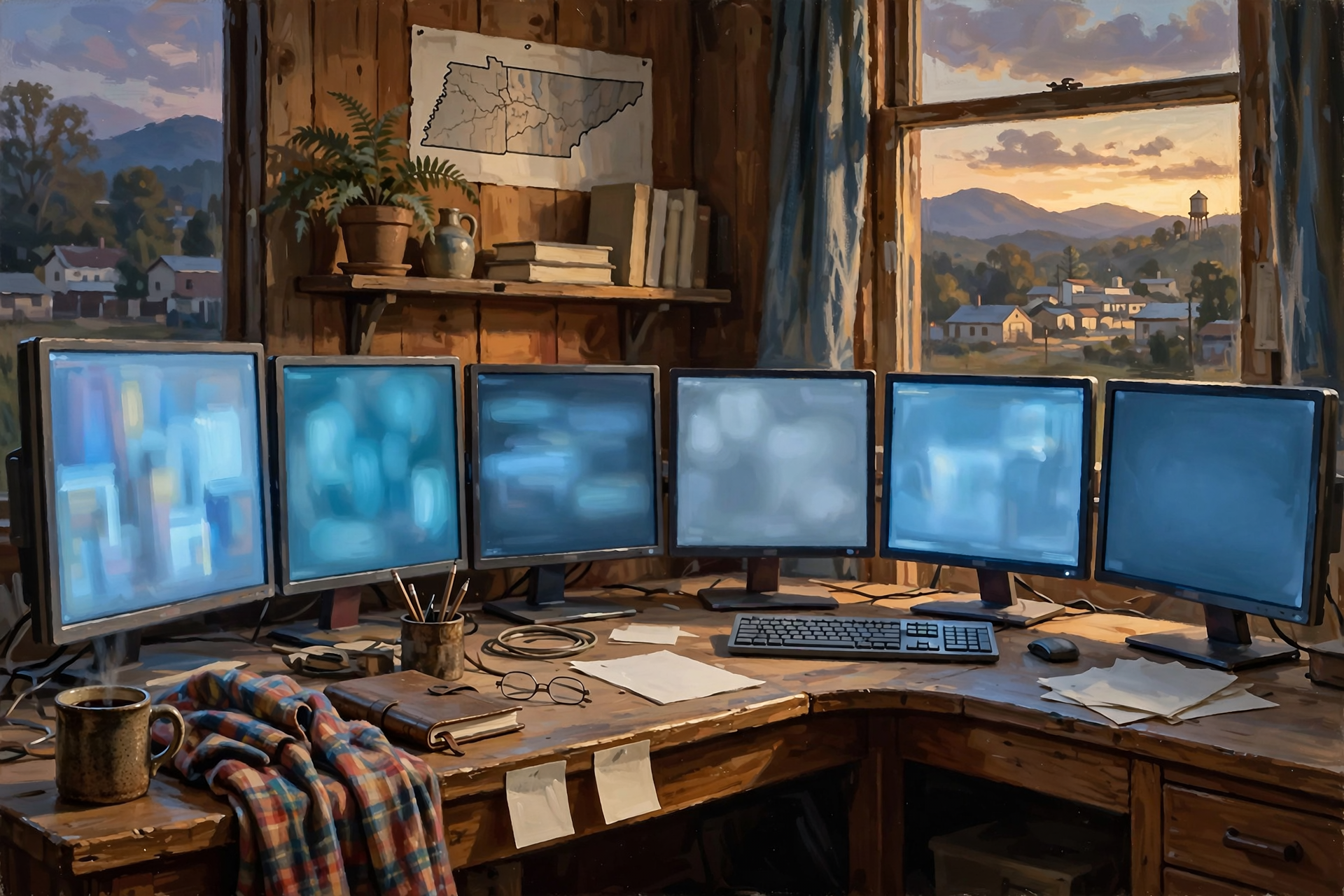
After considerable thought, I have developed what I consider a modest six-monitor arrangement.
It is not an extravagant proposal.
It is a carefully balanced approach to the demands of modern artificial intelligence development.
Monitor One: The Main Workstation.
This is where the serious work happens.
Software development, document editing, research, and the primary application occupy this screen.
It should be large, clear, comfortable to read, and suitable for extended periods of productive activity.
I see no reason to compromise here.
Monitor Two: The Artificial Intelligence Assistant.
This screen is reserved for conversations with AI systems, programming assistants, and related tools.
Instead of continually hiding the main application to consult an assistant, both can remain visible.
This arrangement is particularly useful when comparing suggested code, instructions, or technical explanations with the work being performed.
Monitor Three: The Monitoring Dashboard.
Modern software systems produce information about their activities.
There are logs, performance measurements, error reports, system notifications, and other details that help determine whether a program is working correctly.
Keeping the appropriate information visible can be useful during testing or troubleshooting.
It also provides a satisfying assortment of changing numbers and charts.
I am not suggesting that this visual activity is entertaining.
I merely observe that a well-designed dashboard can be more interesting than most television programs.
Monitor Four: The Research Station.
This screen displays reference material, documentation, technical specifications, articles, and information that may be needed while working.
For a person developing software, ready access to documentation can save time.
And if the documentation becomes difficult to understand, the screen is conveniently positioned near the AI assistant.
Monitor Five: The Communications Center.
Email, messages, task lists, and other communications can be reviewed here.
Notifications should be managed carefully, of course, because constant interruptions can damage productivity.
But important information must remain accessible.
For example, someone might send a message asking whether I would like a new monitor for Christmas.
I would hate to miss that.
Monitor Six: The Strategic Reserve.
Every well-designed system requires some capacity for future growth.
A farmer does not fill every square foot of his barn so completely that there is no room for another implement.
A workshop owner does not build a tool cabinet without considering the tools he may acquire later.
Likewise, it would be shortsighted to construct a comprehensive workstation with absolutely no additional display capacity.
Monitor Six would provide flexibility for unforeseen circumstances.
I cannot tell you precisely what those circumstances might be.
That is the nature of unforeseen circumstances.
But I would certainly feel better knowing the monitor was available.
The Cruel Practice of Switching Between Windows
I suspect many readers have encountered the problem of having too many windows open on their computers.
You are working on a document when you need to check information from a website.
You open the website.
Then you need to check an email.
You open the email.
Then a spreadsheet.
Then another document.
Then an application containing some information you were certain you would remember.
Eventually, your screen resembles a desk covered with paperwork following a particularly vigorous visit from a family of raccoons.
You know the information is there.
You simply cannot find it.
At this point, the modern computer user begins clicking through windows, searching the taskbar, and muttering words unsuitable for publication in a family newspaper.
There are ways to manage this problem without purchasing additional monitors.
Operating systems provide virtual desktops, window snapping, keyboard shortcuts, and other features designed to organize applications.
These can be excellent tools.
But there are situations where seeing several pieces of information at once is genuinely helpful.
A person comparing two documents may prefer to place them side by side.
A programmer may want to see code and a running application simultaneously.
A business owner may need to examine a report while reviewing the transactions that produced it.
For these tasks, additional screen space can make the work more comfortable.
And comfort, I believe, is something families should encourage.
My Family Thinks I Already Have Enough Screens
At some point, every computer enthusiast encounters the same difficult question.
“Don’t you already have enough monitors?”
I have never understood this question.
It suggests that monitors are like dining room chairs, and once the family has enough for everyone to sit down, further purchases are unnecessary.
But monitors are not chairs.
They are windows into the digital world.
And I have never heard anyone argue that a house would be improved by having fewer windows.
Well, perhaps someone concerned about heating costs might make that argument.
But that person would be missing the point.
The number of monitors required depends upon the work being performed.
A person answering occasional email may need only one.
Someone comparing documents all day might benefit from two.
A software developer monitoring several systems may find three or more useful.
There is no universal correct number.
This is an important principle.
It means that when my family asks how many monitors I actually need, the correct answer is not a fixed quantity.
The correct answer is:
“That depends on what I am trying to accomplish.”
I find this answer both technically accurate and wonderfully resistant to budgetary objections.
Could the Family Television Be Monitor Number Seven?
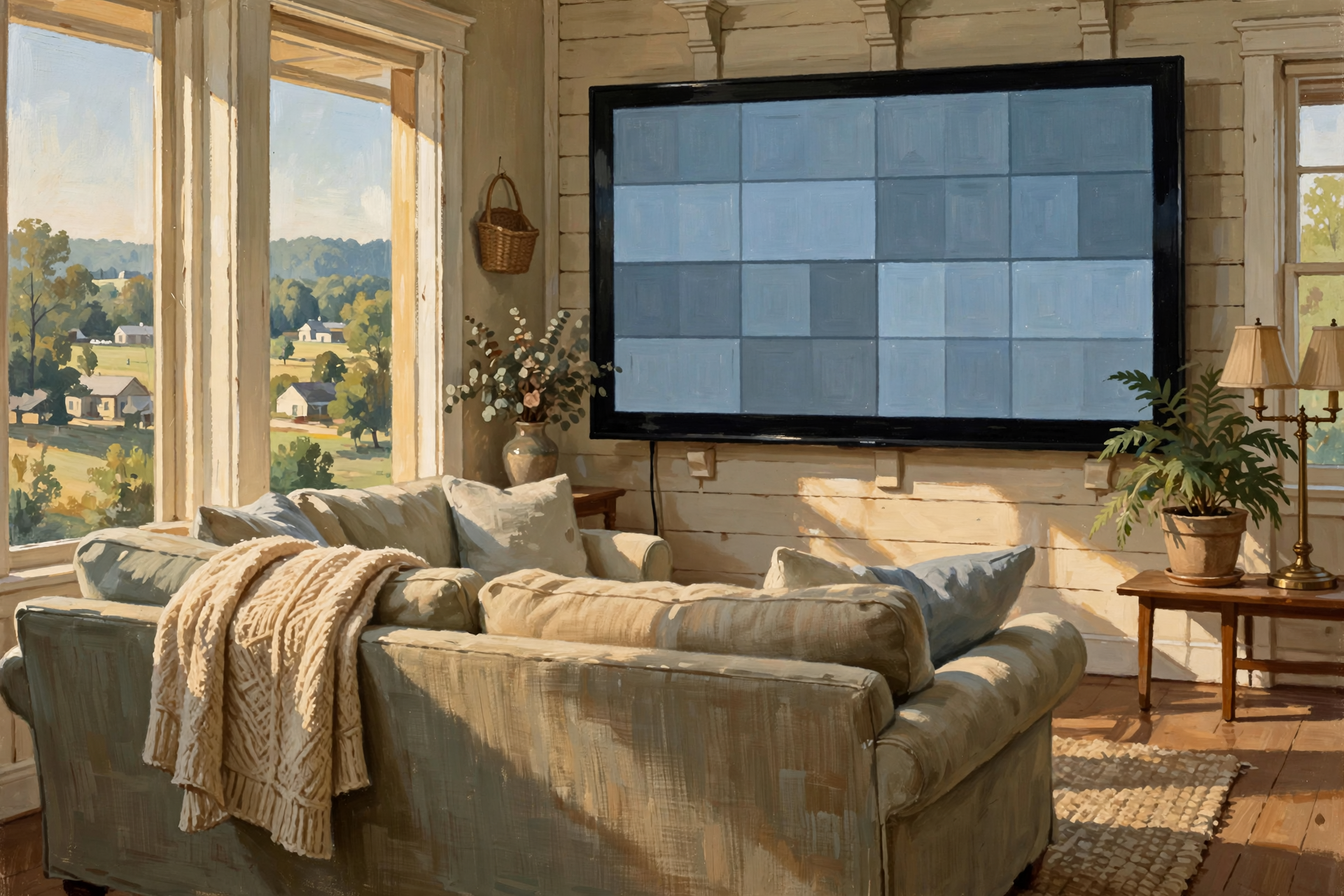
There is another possibility that deserves careful consideration.
Most modern televisions can accept video input from a computer.
Some can even function as very large displays when the computer supports an appropriate connection.
This raises an interesting question.
Why should a household purchase a perfectly good 65-inch television and then restrict its use to entertainment?
A television of that size could display dashboards, large diagrams, presentation materials, or multiple windows, depending on its resolution and the viewing distance.
It could become an impressive addition to a home computing environment.
I mentioned this possibility in a hypothetical family discussion.
Unfortunately, the suggestion was complicated by the fact that someone might already be watching television.
I recognize that entertainment has its place.
Families enjoy movies, sporting events, and their favorite programs.
But I believe we should examine the relative importance of these activities.
On one hand, we have a television program featuring fictional characters experiencing invented problems.
On the other, we have a local AI enthusiast attempting to develop software that might help real businesses solve actual problems.
I am not suggesting that the television should always be reassigned to computing duties.
I am simply suggesting that the family could adopt a reasonable scheduling arrangement.
Perhaps the computer could use the television during daylight hours.
And evenings.
And weekends, when especially important experiments are underway.
The family could retain unrestricted use during the remaining periods.
I believe this would be generous.
I have been advised that the family might hold a different opinion.
The Ergonomic Question: Protecting the Local AI Guy
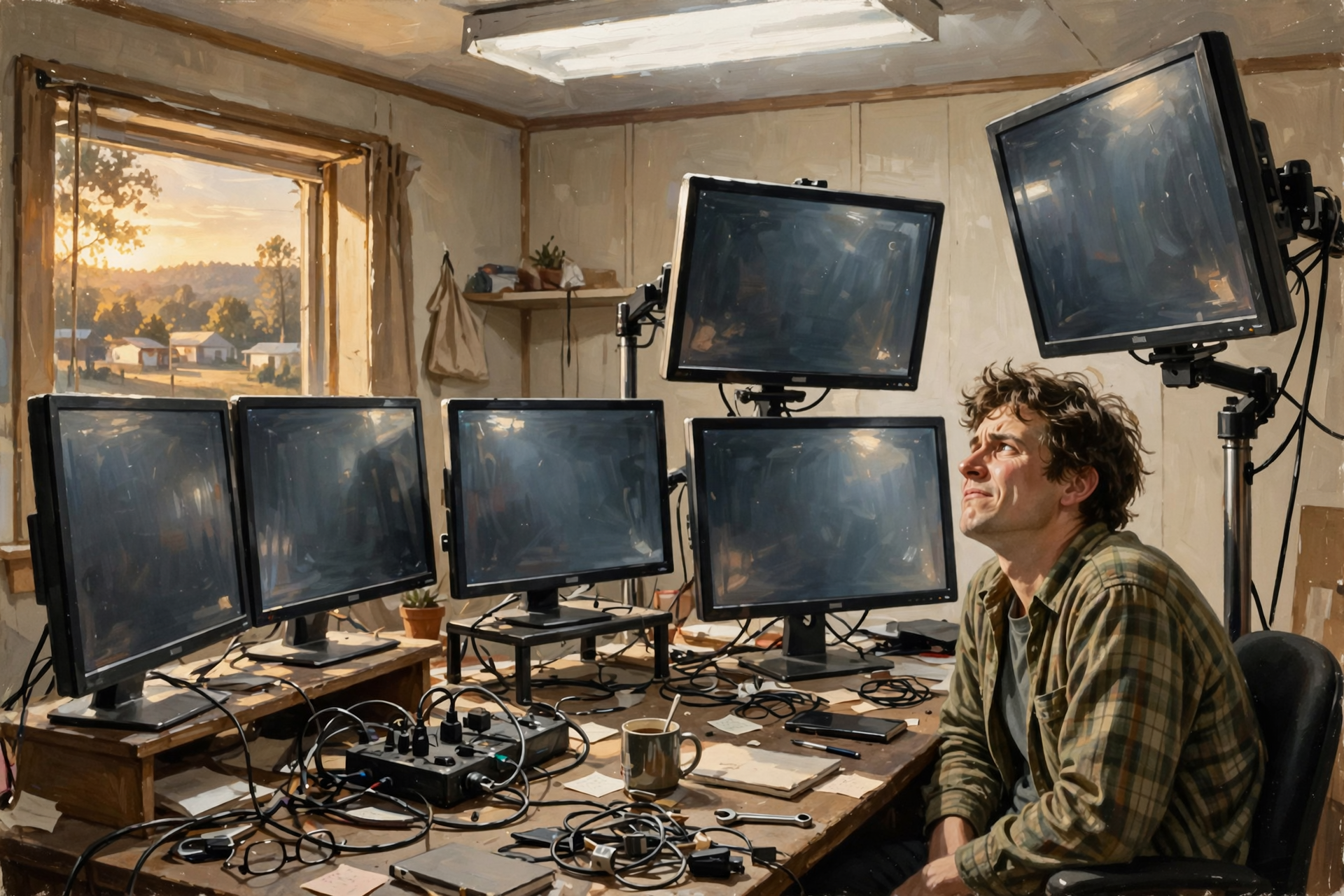
There are legitimate physical considerations when arranging multiple monitors.
A workstation should be designed so that frequently used screens are comfortably positioned.
The main monitor should generally be directly in front of the user, at a suitable height and viewing distance.
Secondary displays should be arranged to avoid excessive head turning or uncomfortable posture.
Text must be readable, glare should be controlled, and the desk should provide enough space for normal movement.
Adding more monitors can sometimes make these problems worse rather than better.
That is why a properly designed multi-monitor setup may need adjustable monitor arms, suitable mounting equipment, and a desk strong enough to support the arrangement.
Now we are approaching another essential Christmas consideration.
Once the family has approved the monitors, we must discuss the desk.
A standard desk may prove inadequate.
There may be a need for a larger work surface.
Perhaps an adjustable-height desk.
Possibly an ergonomic chair.
And, of course, appropriate lighting.
It would be irresponsible to provide someone with six beautiful monitors and then expect him to use them in an uncomfortable environment.
I am sure my family will recognize the wisdom of this argument once it has been explained properly.
Possibly with diagrams.
Displayed across several monitors.
Do More Monitors Actually Make You More Productive?

Because Dunlap.Today believes in providing useful information along with its occasional nonsense, I should address this question seriously.
Additional monitors can be helpful when work requires frequent reference to several sources of information.
They can make comparison tasks more convenient and reduce the need to constantly rearrange windows.
But there is no dependable rule that six monitors make someone three times as productive as two.
Human attention is limited.
A person can look at several displays, but that does not mean he can think about six complicated problems simultaneously.
Constant notifications, flashing dashboards, and unnecessary visual clutter can become distractions.
For some people, one large monitor is better than several smaller ones.
For others, a two-monitor arrangement may provide the best balance between usefulness, comfort, and cost.
Ultrawide displays can also offer generous screen space without requiring several separate monitors.
And proper software organization may produce greater improvements than purchasing additional hardware.
The best arrangement depends on actual work requirements, physical comfort, available space, and budget.
I consider this a sensible conclusion.
However, there is one additional factor that deserves consideration.
Personal happiness.
Some people are simply happier surrounded by well-organized computer equipment.
I would hesitate to dismiss that happiness merely because the equipment occupies most of the wall.
A Brief History of the Family Budget

In the typical household, major purchases undergo a process of careful examination.
Someone proposes an expenditure.
Someone else asks whether it is necessary.
Then there are questions about the price, available space, operating costs, and whether the existing equipment could continue to serve its purpose.
This process is entirely reasonable.
It is also remarkably inconvenient when the purchase under consideration happens to be something you want.
For example, suppose I propose purchasing three additional monitors.
The family might ask whether they would improve productivity.
I would explain that they could.
They might ask whether the existing monitors are broken.
I would explain that they are not.
They might ask whether I could accomplish the same work with fewer screens.
I would explain that this is technically possible.
Then they might ask why I need the additional monitors at all.
At this point, I would be forced to explain something that cannot easily be reduced to dollars and cents.
There is a certain satisfaction in sitting down at a beautifully arranged workstation.
There is pleasure in having the information you need visible at a glance.
There is comfort in knowing that a complicated task can be spread across several screens rather than squeezed into a single crowded display.
And there is a quiet dignity in being able to say:
“I have enough monitors.”
I have never personally experienced that last feeling.
But I hope to someday.
Christmas Shopping Suggestions for the Monitor-Deprived

If someone in your family spends considerable time working with computers, there are several thoughtful gift possibilities worth considering.
- A second monitor: Often a practical improvement for someone who regularly compares documents or works with several applications.
- An adjustable monitor arm: Useful for improving positioning and freeing desk space, provided the monitor and mounting hardware are compatible.
- A larger or ultrawide monitor: Potentially helpful for people who need more room for complex applications or side-by-side windows.
- A suitable docking station: May simplify connecting laptops to multiple displays and accessories, depending on compatibility.
- A better desk or chair: Frequently more valuable for comfort than adding another screen.
- A carefully planned multi-monitor arrangement: Appropriate for someone whose work genuinely benefits from several simultaneously visible applications.
Of course, these are merely suggestions.
A family should consider the recipient’s actual needs, the available space, the equipment’s compatibility, and the household budget.
And if the recipient happens to have repeatedly mentioned wanting a six-monitor arrangement, I would suggest that this is valuable information.
Ignoring such clear communication could result in disappointment on Christmas morning.
Possibly another pair of socks.
A Personal Message to My Family

Dear Family:
I hope this installment has helped you understand the difficult circumstances under which some of us perform our daily work.
I do not wish to complain.
I recognize that there are people in the world who possess fewer monitors than I do.
Some have only one.
Others are forced to work entirely from laptops.
A few attempt serious business tasks using phones.
My heart goes out to them.
But the existence of greater suffering elsewhere should not prevent us from addressing the problems closer to home.
As Christmas approaches, I ask only that you consider the possibilities.
A new monitor would be appreciated.
Two might be more practical.
Three would demonstrate impressive foresight.
And an entire six-monitor arrangement would communicate a degree of understanding that words could scarcely express.
I realize this may require a larger desk.
I realize that additional monitor arms might be necessary.
I realize that the workstation could begin to occupy a considerable portion of the room.
These are engineering challenges.
They can be solved.
And I am willing to do much of the work myself.
Surely that counts for something.
I am not demanding extravagant gifts.
I am not insisting that the entire family rearrange its living arrangements around my computing requirements.
I am merely encouraging thoughtful discussion about productivity, human dignity, and the unreasonable expectation that a man should continually minimize windows in order to accomplish useful work.
With love,
Your Local AI Guy
Wisdom From the Front Porch

Some of the greatest advances in human civilization have come from people who refused to accept unnecessary limitations.
Someone looked at a horse and imagined an automobile.
Someone looked at a candle and imagined electric lighting.
Someone looked at a handwritten letter and imagined instant electronic communication.
And somewhere along the way, an exhausted computer enthusiast looked at a crowded screen and imagined having another monitor.
These achievements are not necessarily equal in historical importance.
But they share a certain spirit.
The determination to make things work a little better.
The willingness to imagine improvements.
And the courage to explain those improvements to people who may not immediately appreciate them.
For my part, I shall continue working with the monitors I already own.
I shall remain grateful for the tools available to me.
I shall not complain about my family’s reluctance to purchase additional equipment.
And I shall certainly not leave photographs of six-monitor workstations prominently displayed around the house where relatives might discover them.
That would be manipulative.
I prefer the educational approach.
Still, I cannot help wondering what Christmas morning might look like if a large, carefully wrapped box appeared beneath the tree.
Or perhaps six boxes.
Each containing a beautiful new monitor.
Imagine the joy.
The gratitude.
The heartfelt appreciation.
The immediate realization that the existing desk is entirely inadequate.
And the wonderful opportunity this would provide for next year’s Christmas list.
Merry Christmas, and remember: if your local AI guy says he needs another monitor, he may not be asking for luxury. He may simply be trying to survive another day in the cruel world of limited screen space.
Besides, six monitors are not excessive.
They’re an even number.
And everyone knows an organized workstation should be symmetrical.
Editor’s note: This is Episode 4 of “The Local AI Guy’s Christmas Wish List,” Dunlap.Today’s continuing examination of the technological necessities that ordinary families persist in describing as expensive hobbies. Previous installments have addressed graphics cards, server racks, and computer cooling systems. The author maintains that the series is educational and has no connection whatsoever to his personal Christmas expectations. His family remains skeptical. Next week, we turn our attention to another essential piece of modern computing infrastructure: the uninterruptible power supply, and why the local AI guy’s emotional stability may depend upon one.





0 Comments