
🚗 Road-Ready Before Thanksgiving: Silence Texts While You Drive, Meet Gemini on CarPlay, Check the New Pixel Update and Scroll Past the "Book" Button

Or: Phone Down, Eyes Up and Wallet Shut Till You’ve Read the Whole Screen
By Thomas Seest, Dunlap.Today · Wednesday, November 11, 2026
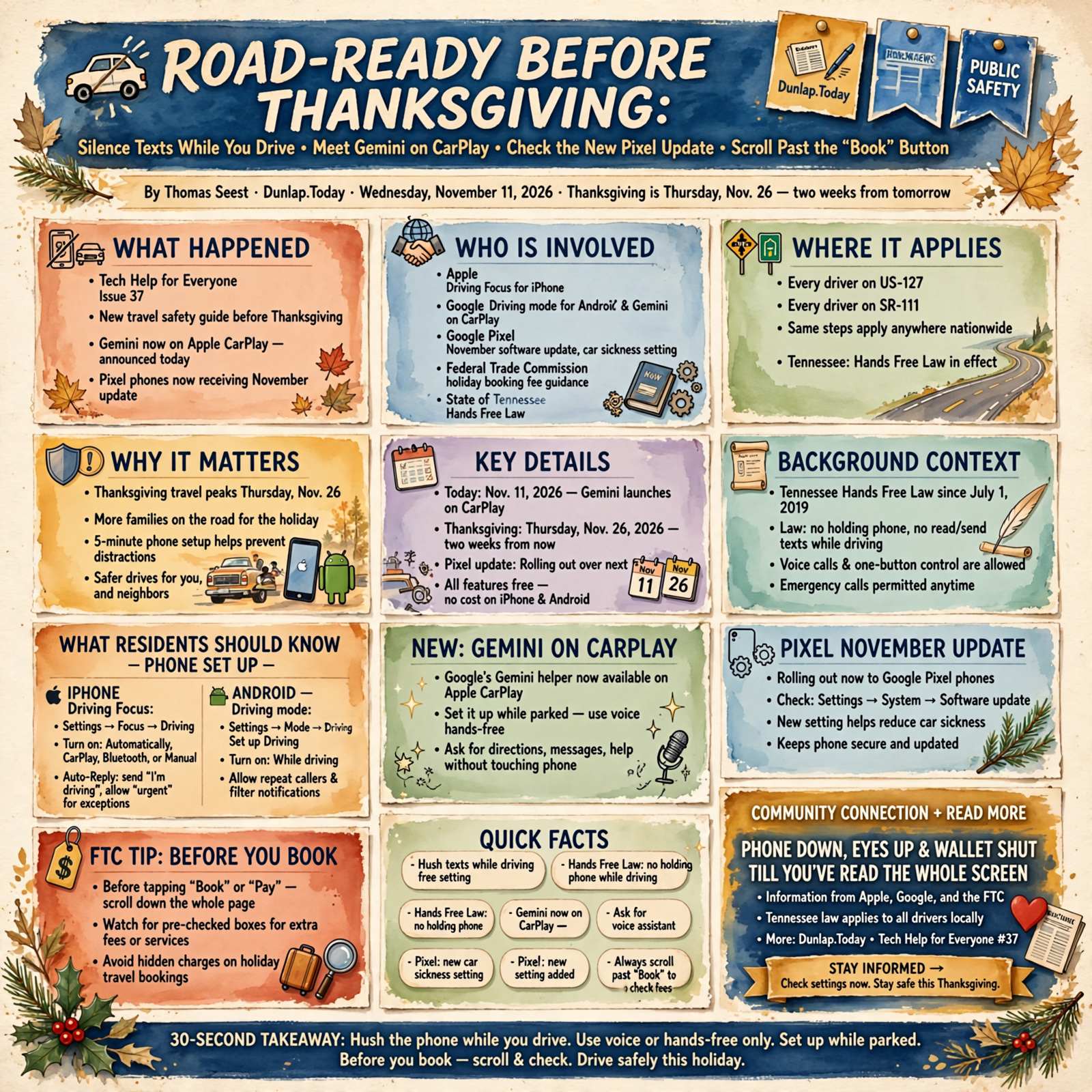
Good afternoon, neighbors. Thanksgiving is two weeks from tomorrow, on Thursday, Nov. 26, and a lot of us will be on the road to Grandma’s, to the grandkids’, or just over the mountain for pie. Before the trunk gets loaded, it’s worth five quiet minutes getting the phone ready for the trip, too.
Here’s what’s in this thirty-seventh Tech Help for Everyone: turning on the free “Driving” setting that hushes texts while you drive, Google’s Gemini helper, which arrived on Apple CarPlay today, the November update now rolling out to Google Pixel phones, including a new setting for car sickness, and a Federal Trade Commission tip for catching hidden fees when you book holiday travel online.
Most of this is national news from Apple, Google and the FTC. It works the same in Dunlap as anywhere else. The one local piece is Tennessee’s Hands Free Law, which applies to every driver on US-127 and SR-111. Nothing here means your phone has a problem.
⏱️ What this means for you in 30 seconds
- Hush the phone while you drive: iPhone has Driving Focus (Settings → Focus → Driving). Android has Driving mode (Settings → Modes → Driving).
- In Tennessee, it’s the law: you can’t hold your phone or read or send texts while driving. Voice and one-button use are OK.
- New today: Google’s Gemini helper now works on Apple CarPlay. Set it up while parked.
- Pixel owners: the November update is rolling out over the next few weeks. Check Settings → System → Software update.
- Remember: before you tap “Book” or “Pay,” scroll down and look for boxes somebody already checked for you.
🔕 Let Your Phone Hold the Mail While You Drive
This is national how-to information from Apple and Google, plus Tennessee state law.
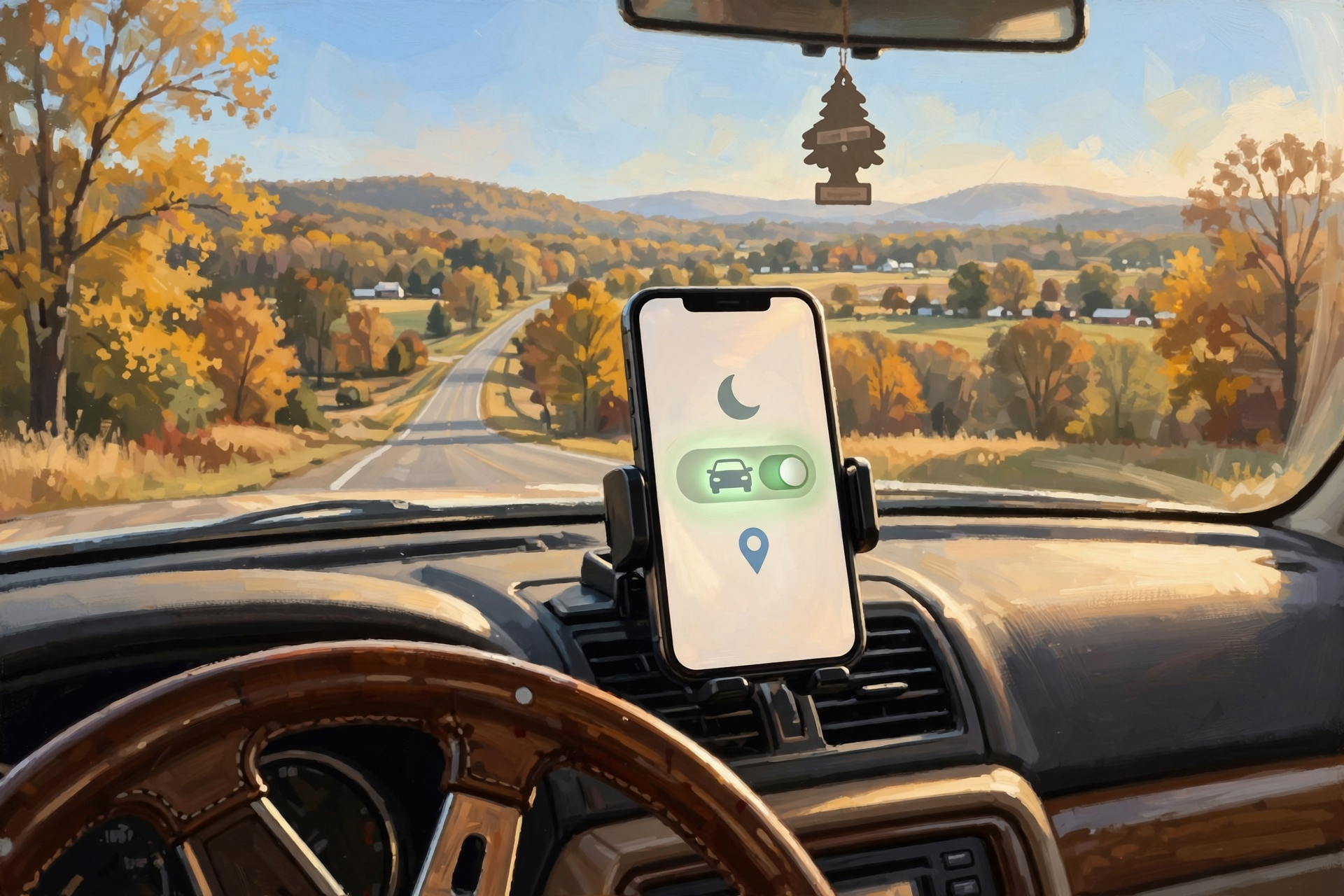
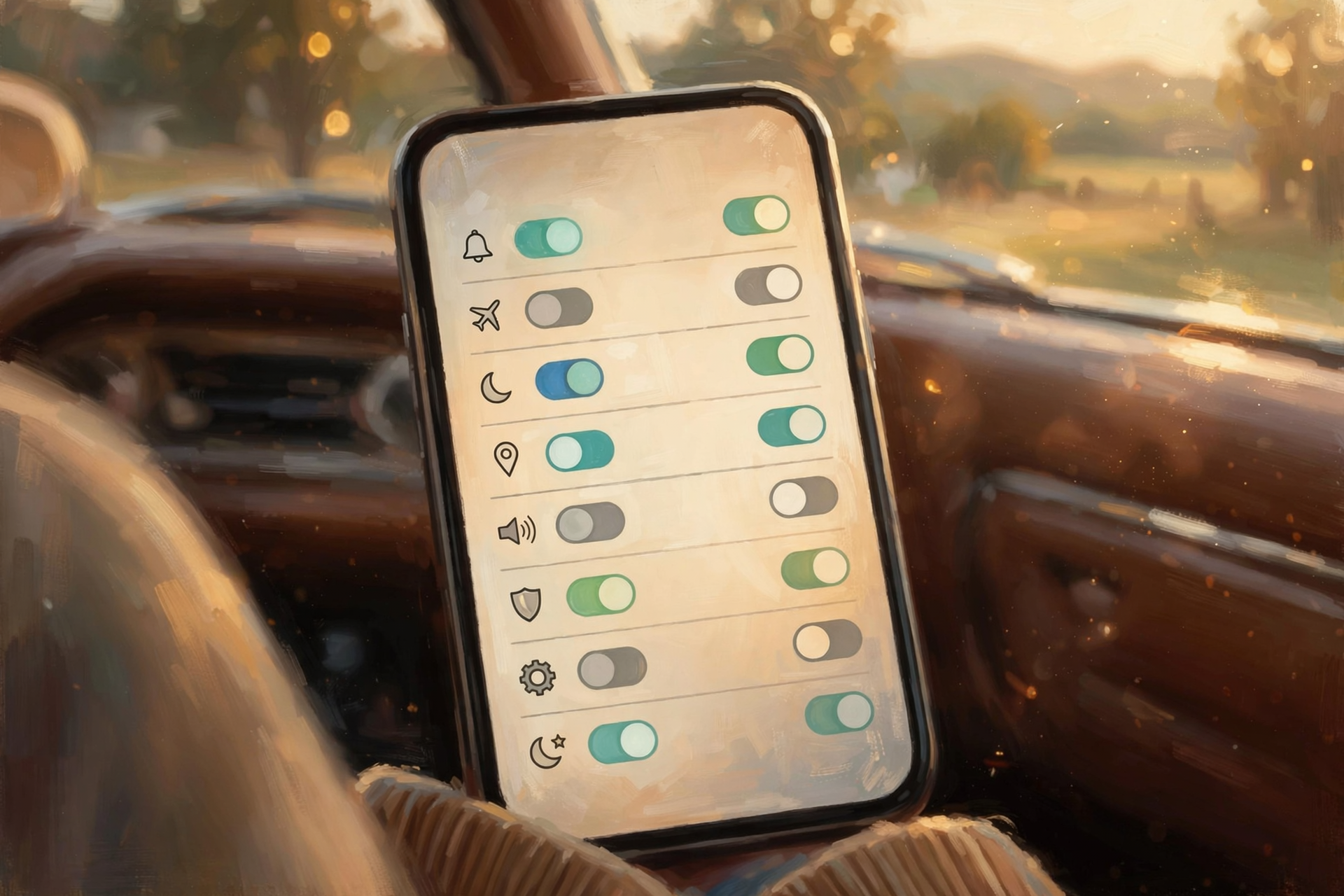
Both kinds of phones have a free setting that quiets texts and alerts while you’re behind the wheel. Apple says its Driving Focus means “text messages and other notifications are silenced or limited,” and calls still come through when your iPhone is connected to CarPlay, car Bluetooth or a hands-free accessory.
On an iPhone (Apple’s steps):
- Open Settings, tap Focus, then tap Driving. (If you don’t see it, tap the + button, then Driving.)
- Tap While Driving and pick when it turns on: Automatically, When Connected to Car Bluetooth, with CarPlay or Manually.
- Tap Auto-Reply to choose who gets a polite “I’m driving” text back. Apple says they can still reach you by sending the word “urgent.”
On an Android phone (Google’s steps; menus vary a little by brand):
- Open Settings, tap Modes, then Driving and Set up Driving.
- Under “When to turn on automatically,” tap While driving.
- Under Notification filters you can let certain people through, and turn on Allow repeat callers so someone who calls twice in 15 minutes gets through.
The Tennessee piece: Hands Free Tennessee, the state’s safety campaign, explains that since July 1, 2019, drivers can’t hold a phone with any part of their body, or write, send or read texts. You can use an earpiece or a wrist device for calls, press one button to start or end a call, and use your voice to send a text. Calling for help in a real emergency is allowed.
What it means for you: It’s like the post office holding your mail while you’re away. Nothing gets lost; it’s all waiting when you pull into the driveway. Turn it on once, and you never have to remember it again.
👉 Read more: Apple, Use the Driving Focus on your iPhone · Google, Modes and Do Not Disturb on Android · Hands Free Tennessee
🗣️ Google’s Gemini Helper Pulls Up to Apple CarPlay

This is national news from Google, announced today, Nov. 11.
Google announced today that its Gemini app is coming to Apple CarPlay, the system that puts your iPhone’s apps on your car’s dashboard screen. Google says it’s “rolling out globally starting today” and lets you have “hands-free” conversations: ask what’s on your calendar, have emails summarized, or ask about a lunch spot near where you’re headed. It already worked on Android Auto, Google says.
To use it, Google says you need the latest Gemini app on your iPhone, microphone permission turned on, and to have used Gemini Live on your phone at least once. Then tap the Gemini icon on your car screen.
Android drivers: 9to5Google reports Google says a “proactive suggestions” upgrade is coming soon to Android Auto, but only for Pixel phones with Gemini Intelligence, which for now means the Pixel 10 and Pixel 11.
What it means for you: It’s like a passenger reading you the map, but only if you introduce yourselves before you leave the house. Do the setup at the kitchen table or in the parked truck, never at a red light. And it’s entirely optional; Siri, your radio and quiet roads work just fine too. Like any helper, Gemini can get things wrong, so double-check an address before you trust it.
👉 Read more: Google, Gemini on Apple CarPlay · 9to5Google, Gemini on Android Auto for Pixel
📲 Pixel Owners: November’s Update Brings a Car-Sickness Helper

This is national news about Google Pixel phones from Google and technology news sites.
Google announced its November Pixel Drop on Nov. 10, saying updates “start rolling out today and will continue over the next several weeks.” Android Authority reports it’s for the Pixel 6a and newer and also carries dozens of bug fixes.
Tech Advisor reports everyday features for Pixel 6a and newer include Motion Assist to reduce travel sickness, unit conversions in the Calculator (handy for recipes), and the ability for VIP contacts to show their live location and phone battery level. Google says it also includes Pixel search for finding photos, emails, messages and settings on your phone. Most of the fancier AI features are only for the newest Pixel 10 and 11 phones.
To check by hand, Google’s steps are: open Settings, tap System, then Software update, and follow the steps on screen. Google says you’ll also get a notification when it’s ready.
What it means for you: It’s like the new seed catalog: lots of shiny pages, but you only need the one or two things you’ll actually plant. If you or a grandchild gets queasy reading in the back seat, Motion Assist might be worth a look. Not a Pixel owner? Nothing to do here.
👉 Read more: Google, November Pixel Drop · Tech Advisor, what older Pixels get · Google, Pixel software updates
🧾 Booking Holiday Travel Online? Scroll Past the “Book” Button
This is national consumer advice from the Federal Trade Commission.
The FTC posted a consumer alert this month called “Booking holiday travel? Hidden fees can cost you.” It warns that some companies “tack on extra charges they make hard for you to see or bury in the fine print.” As an example, the FTC describes its case against the Hopper travel apps, where, according to the FTC’s complaint, a “Tip” and “VIP Support” charge were pre-selected and could only be seen by scrolling below the big “Swipe to Book Flight” button.
The FTC’s tips:
- Scroll down past the “Book,” “Pay” or “Confirm” button to see the whole screen.
- Look for pre-selected options, and uncheck anything you didn’t choose.
- Compare the final total to the price you first saw. If it’s higher, find out why before you pay.
- Report hidden fees at ReportFraud.ftc.gov.
What it means for you: It’s like reading the whole sale bill at the auction before you raise your hand, not just the top line. Phones make the “Book” button big and the fine print small. Take your time; the seat isn’t going anywhere in the ten seconds it takes to scroll.
👉 Read more: FTC, Booking holiday travel? Hidden fees can cost you
✅ Your Road-Ready Phone Checklist
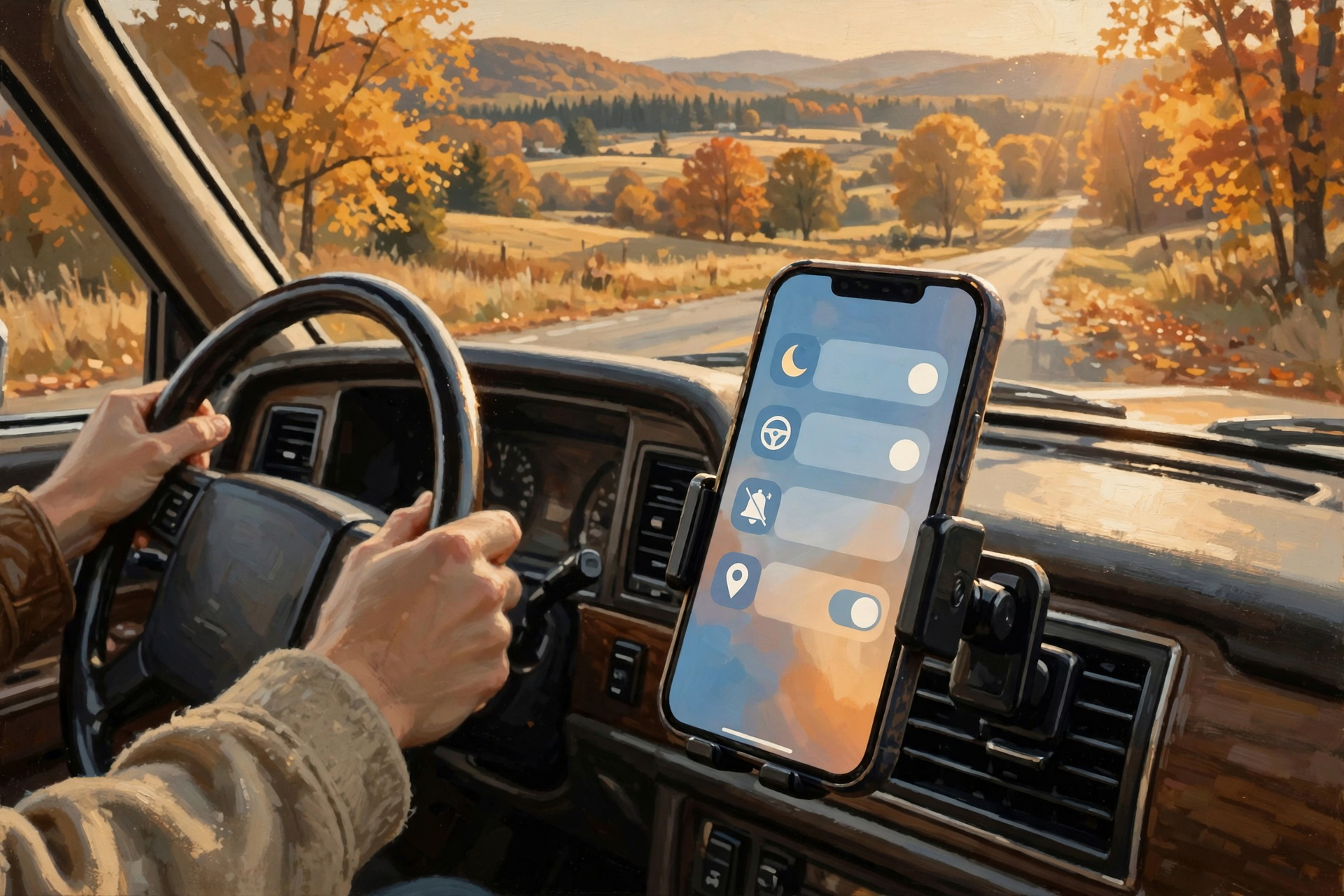
- ✅ iPhone: Settings → Focus → Driving → While Driving, and pick Automatically or Car Bluetooth.
- ✅ Android: Settings → Modes → Driving → Set up Driving → While driving.
- ✅ Set up an Auto-Reply and let family know they can text “urgent” (iPhone) or call twice (Android repeat callers) if it can’t wait.
- ✅ Get a dashboard or vent mount so the phone isn’t in your hand or your lap. Tennessee law says hands off.
- ✅ Want Gemini on CarPlay? Update the app and try Gemini Live once while parked.
- ✅ Pixel owner? Settings → System → Software update over good Wi-Fi.
- ✅ Booking a trip? Scroll to the bottom, uncheck surprise add-ons and compare the total.
Practical rule: Set it up while you’re parked, keep your hands off the phone while you’re rolling, and read the whole screen before you pay.
— Dunlap.Today
📚 Plain-English Tech Glossary
- Driving Focus: An iPhone setting that silences or limits texts and alerts while you drive.
- Driving mode: Android’s version of the same thing, found under Settings → Modes.
- Auto-Reply: An automatic text your phone sends back saying you’re driving.
- Repeat callers: An Android option that lets someone through if they call twice within 15 minutes.
- Apple CarPlay: Shows certain iPhone apps on your car’s built-in screen.
- Android Auto: The same idea for Android phones.
- Gemini: Google’s AI helper app that you can talk to and ask questions.
- Pixel Drop: Google’s name for the bigger feature updates it sends to its own Pixel phones every few months.
- Pre-selected option: A box or switch that’s already checked when you get to the page, often an extra charge.
- FTC: The Federal Trade Commission, the U.S. agency that protects shoppers from scams and unfair business practices.
❓ FAQ
Will Driving Focus or Driving mode make me miss an emergency call?
You decide who gets through. On iPhone, Apple says calls are allowed when you’re connected to CarPlay, car Bluetooth or a hands-free accessory, and people can send “urgent” to break through. On Android, you can allow certain people and turn on repeat callers. And if you’re the one with an emergency, Tennessee law allows calling for help.
What if I’m the passenger?
You can switch it off anytime. On iPhone, Apple says to open Control Center, touch and hold Focus, then tap Driving. On Android, Google says to swipe down from the top of the screen to Quick Settings and tap the mode. If you ride along more than you drive, choosing “When Connected to Car Bluetooth” on your own car can help.
Do I have to use Gemini in the car?
No. It’s optional. Siri on iPhone and the Google Assistant or Gemini on Android already handle calls, texts and directions by voice. Use whatever you’re comfortable with, or nothing at all.
Is it okay to use GPS directions on my phone while I drive in Tennessee?
Hands Free Tennessee says you can’t hold the phone while driving. Mount it on the dash or vent, start your directions before you pull out, and let the voice guide you. If you need to change something, pull over first.
My Pixel says it’s up to date, but I don’t see the new features. Why?
Google says the November Pixel Drop rolls out “over the next several weeks,” and many features are only for certain models. Check again in a few days.
I already paid and spotted a hidden fee. What now?
Contact the company first and ask them to remove it. If you were charged for something you didn’t agree to, the FTC says to report it at ReportFraud.ftc.gov. You can also call your bank or card company about the charge.
Other Resources

- Apple Support — Use the Driving Focus on your iPhone to concentrate on the road
- Apple iPhone User Guide — Stay focused while driving
- Android Help — Limit interruptions with Modes and Do Not Disturb
- Hands Free Tennessee — What is the Tennessee Hands Free Law?
- Google — Talk it through with Gemini, now on Apple CarPlay (Nov. 11, 2026)
- 9to5Google — Android Auto is getting a Gemini upgrade, but only if you use a Pixel (Nov. 11, 2026)
- Google — November Pixel Drop (Nov. 10, 2026)
- Tech Advisor — What the November Pixel Drop brings to older Pixels (Nov. 11, 2026)
- Android Authority — Google’s November Pixel update bug fixes (Nov. 10, 2026)
- Pixel Phone Help — Learn when you’ll get software updates
- FTC Consumer Alert — Booking holiday travel? Hidden fees can cost you (November 2026)
- FTC — ReportFraud.ftc.gov
🌿 Keep Learning, Stay Calm
Getting the phone ready for a trip is like checking the tires and topping off the washer fluid: a few easy minutes in the driveway that make the whole drive calmer. Turn on the Driving setting once, keep the phone in a mount instead of your hand, and take your time reading the screen before you book. Then enjoy the drive and the pie.
For more calm, clear help made for Sequatchie Valley readers, keep reading Dunlap.Today, and find local folks who can help with phones and computers anytime on Dunlap.Directory.
Know about an upcoming event or story in the Dunlap, TN area? Submit it here.




0 Comments