
🔍 Real or Look-Alike? Install Apple's New iPhone Fix, Skip the "Shop Now" Ad, Look for .gov and Look Up a Charity Before You Give
Or: Check the Brand on the Feed Sack Before You Haul It Home
By Thomas Seest, Dunlap.Today · Thursday, November 12, 2026
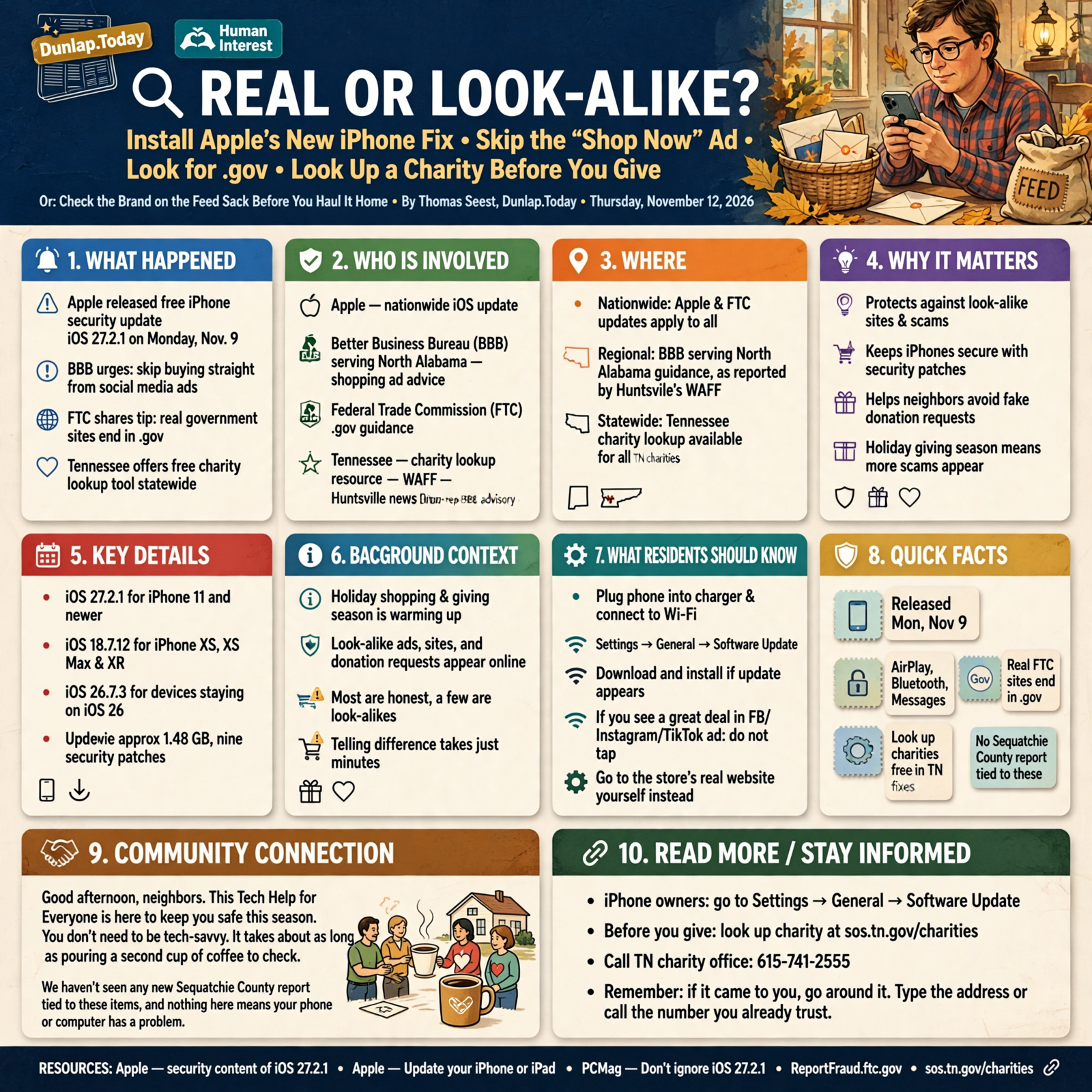
Good afternoon, neighbors. The holiday shopping and giving season is warming up fast, and with it comes a lot of things that look real on a phone screen: store ads, official-looking websites and heartfelt donation requests. Most of them are honest. A few are look-alikes. The good news is that telling the difference takes about as long as pouring a second cup of coffee.
Here’s what’s in this thirty-eighth Tech Help for Everyone: a free Apple security update for iPhones that came out Monday, a Better Business Bureau reminder not to buy straight from social media ads, the Federal Trade Commission’s simple tip for spotting fake government websites, and Tennessee’s free tool for looking up a charity before you donate.
The Apple and FTC items are national. The shopping-ad advice comes from the BBB serving North Alabama, our regional neighbors, as reported by Huntsville’s WAFF. The charity lookup is statewide Tennessee. We haven’t seen any new Sequatchie County report tied to these items, and nothing here means your phone or computer has a problem.
⏱️ What this means for you in 30 seconds
- iPhone owners: Apple released iOS 27.2.1 on Monday, Nov. 9, with security fixes. Go to Settings → General → Software Update.
- See a great deal in a Facebook, Instagram or TikTok ad? Don’t tap it. Open your web browser, go to the store’s real website yourself and look for the deal there.
- Real FTC websites always end in .gov, including ReportFraud.ftc.gov.
- Before you give: look up the charity at sos.tn.gov/charities or call 615-741-2555.
- Remember: if it came to you, go around it. Type the address or call the number you already trust.
📲 iPhone Owners: Monday’s Free Fix Is Ready, and It Takes One Trip to Settings
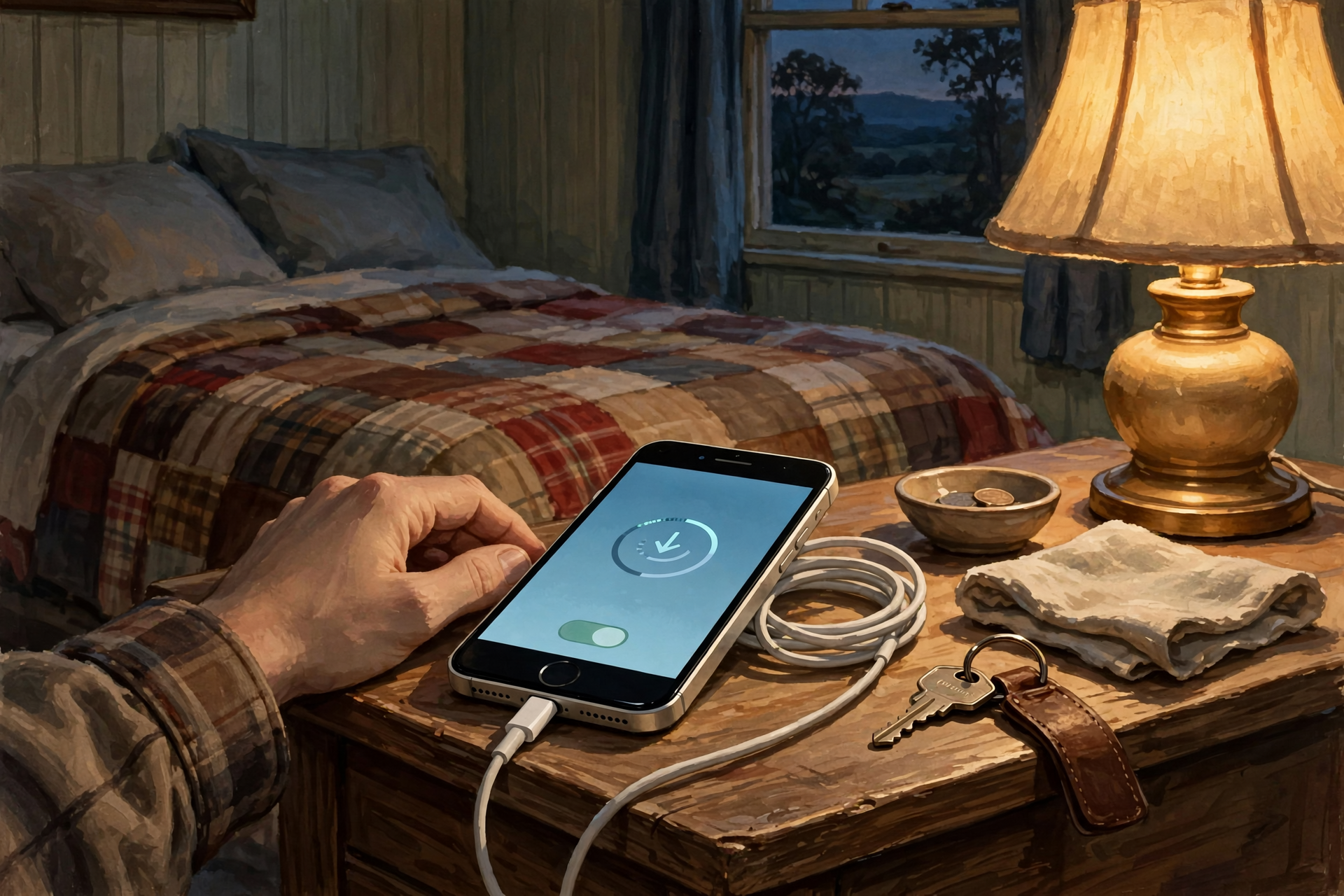
This is national news from Apple.
Apple released iOS 27.2.1 on Monday, Nov. 9, for the iPhone 11 and newer. Apple’s security notes list fixes for AirPlay, Bluetooth and Messages, including a problem Apple describes as a way someone “may be able to join an iMessage group chat and receive its messages.” PCMag says it’s unclear how widely these issues may have affected anyone, and recommends updating. A Forbes contributor writing on Yahoo Tech says this update has no new features, carries nine security patches and is about a 1.48 GB download, and gives it a “definite update recommendation.”
Older phones weren’t forgotten. Apple’s security releases page shows iOS 18.7.12 for the iPhone XS, XS Max and XR, and iOS 26.7.3 for folks who are staying on iOS 26. Apple also put out matching updates for Macs and Apple Watches the same day.
How to update (Apple’s steps):
- Plug the phone into its charger and connect to Wi-Fi.
- Open Settings, tap General, then Software Update.
- If an update shows up, tap Download and Install and follow the steps on screen.
What it means for you: It’s like the co-op calling to say they’ve got the replacement part for your mower: free, already in stock, you just have to pick it up. Do it tonight while the phone charges on the nightstand, and it’ll be done by breakfast.
👉 Read more: Apple, security content of iOS 27.2.1 · Apple, Update your iPhone or iPad · PCMag, Don’t ignore iOS 27.2.1
🛍️ Saw a Great Deal in Your Facebook Feed? Walk to the Store’s Real Front Door Instead

This is regional advice from the Better Business Bureau of North Alabama, reported by WAFF in Huntsville on Nov. 5, plus national news from the FTC.
WAFF reports the BBB of North Alabama counted 313 reported online shopping scams in its region so far in 2026, and that BBB President and CEO Karen Reeves said most of them start on social media platforms like Facebook, Instagram and TikTok. The BBB says scammers copy real brand websites to make convincing duplicates, and shoppers either get nothing or a knockoff they can’t return.
Reeves’ main advice, according to WAFF, is simple: never buy by tapping an ad inside a social media app. Instead:
- Open your web browser and look up the company’s official website yourself to see if the deal is really there.
- Before ordering, check that the site has contact information, a return policy and a lock icon next to the web address.
- Remember that a price that seems too good to be true usually is.
- Pay with a credit card instead of a debit card, so it’s easier to dispute a charge if something goes wrong.
There’s national news on this, too. The FTC says scammers now pay to place ads pretending to be well-known businesses or government agencies in social media feeds, search results and shopping sites. The agency is considering new rules that could require platforms to check advertisers and remove impersonation ads, and it’s asking the public to weigh in. You have until Nov. 30, 2026, to comment, if you’d like to share your experience.
What it means for you: It’s like a fellow at the flea market with a table full of “name brand” boots at half price. Maybe they’re real. But if you drive on over to the boot store on Main Street and the deal’s there, too, now you know. The ad is just a flyer; the store’s own website is the front door.
👉 Read more: WAFF, Online shopping scams ramp up ahead of the holiday season · BBB, Social media ad scams · FTC, Tell the FTC about imposter ads online
🏛️ The Three Little Letters That Mean “Real Government”: .gov
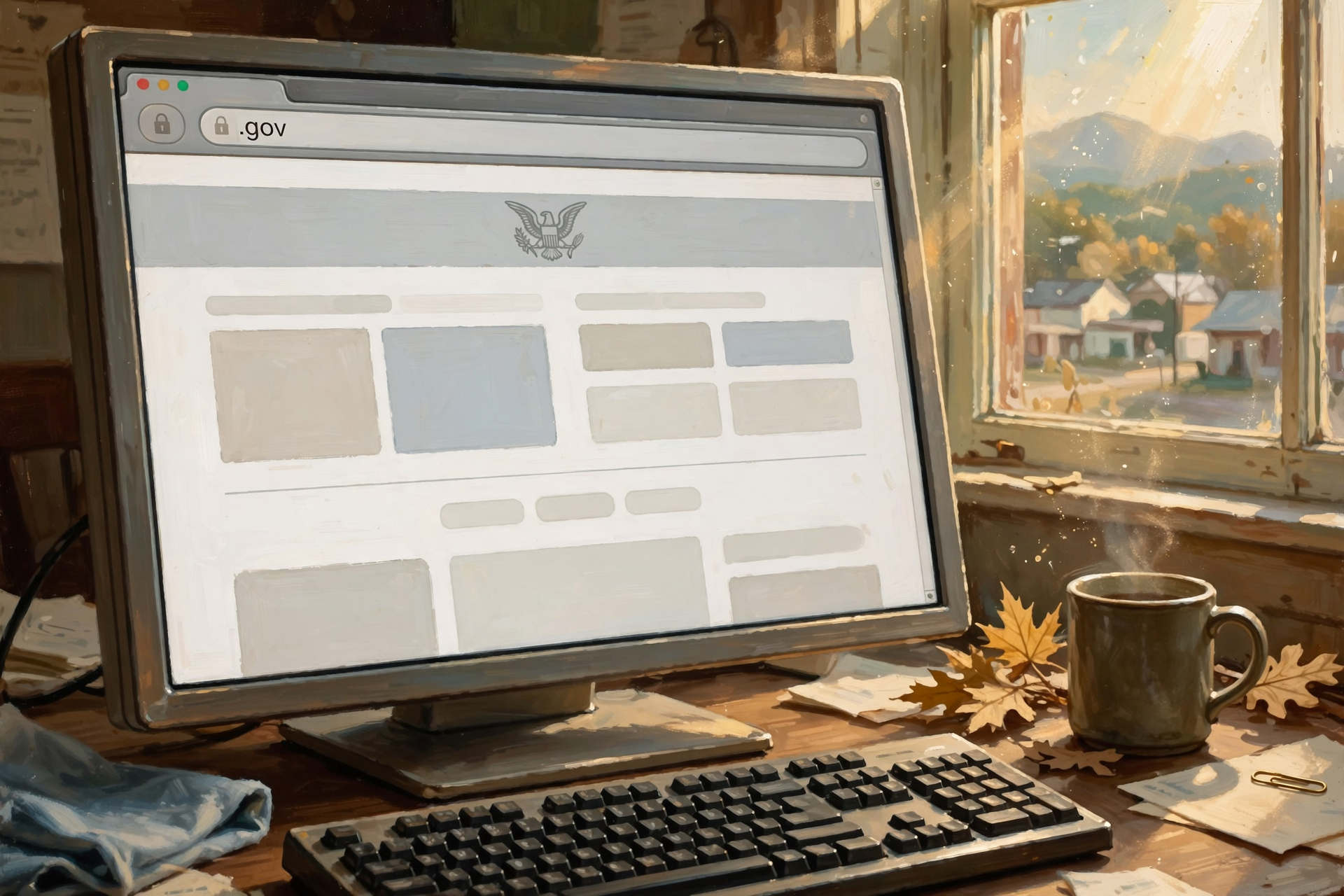
This is national consumer advice from the Federal Trade Commission.
The FTC posted a consumer alert this month called “How to spot fake FTC websites and FTC impersonators.” It explains that some fake sites copy the FTC’s name, logo and design, and end in .com, .org, .us or .online. The FTC’s rule of thumb: “real FTC websites always end in .gov”, and that includes ReportFraud.ftc.gov, where you report scams.
The FTC says that since its Impersonation Rule took effect in April 2024, it has demanded the removal of more than 30 imposter websites. It also says a real FTC employee will never tell you that you have to “protect” your money by transferring it or handing someone cash.
What it means for you: The ending of a web address is like the brand stamped on the bottom of a cast-iron skillet. Anybody can paint a skillet black, but the stamp tells you who made it. Before you type your name, address or any numbers into a “government” website, glance at the very end of the address at the top of the screen. If it’s not .gov, close it and type the address yourself.
👉 Read more: FTC, How to spot fake FTC websites and FTC impersonators · ReportFraud.ftc.gov
🎁 Giving This Season? Tennessee Has a Free Charity Lookup

This is statewide Tennessee news from the Secretary of State’s office.
On Nov. 4, during Charity Fraud Awareness Week, Tennessee Secretary of State Tre Hargett reminded Tennesseans to look up charities and verify fundraising requests before donating. “Tennesseans are generous people who look for ways to help their neighbors,” Hargett said. “Before you give, I encourage you to take a few minutes to look up the charity through our office and ask the organization how it will use your donation.”
The office’s Wise Giving Tips:
- Look up the charity at sos.tn.gov/charities and check its exact name. Some organizations have similar names.
- Resist pressure to give on the spot. If a request comes by text, email or social media, contact the charity directly to check it.
- Ask who benefits. If a paid fundraiser contacts you, ask how much goes to the charity and how much the fundraiser keeps.
- Pay by check or credit card so you have a record, and ask for a receipt.
To look up a charity by phone, call 615-741-2555. To report suspected charity fraud, call the tip line at 1-800-861-7393.
What it means for you: Giving is one of the best things about the Valley, from the church food pantry to the toy drive at the fire hall. Looking up a charity is like asking around at the feed store before you hire a new fence builder: no insult to anybody, just good sense. And the Tuesday after Thanksgiving, Dec. 1, is the big online “Giving Tuesday,” so it’s a fine time to have your list ready.
👉 Read more: Tennessee Secretary of State, Give Wisely and Avoid Charity Scams
✅ Your Real-or-Look-Alike Checklist
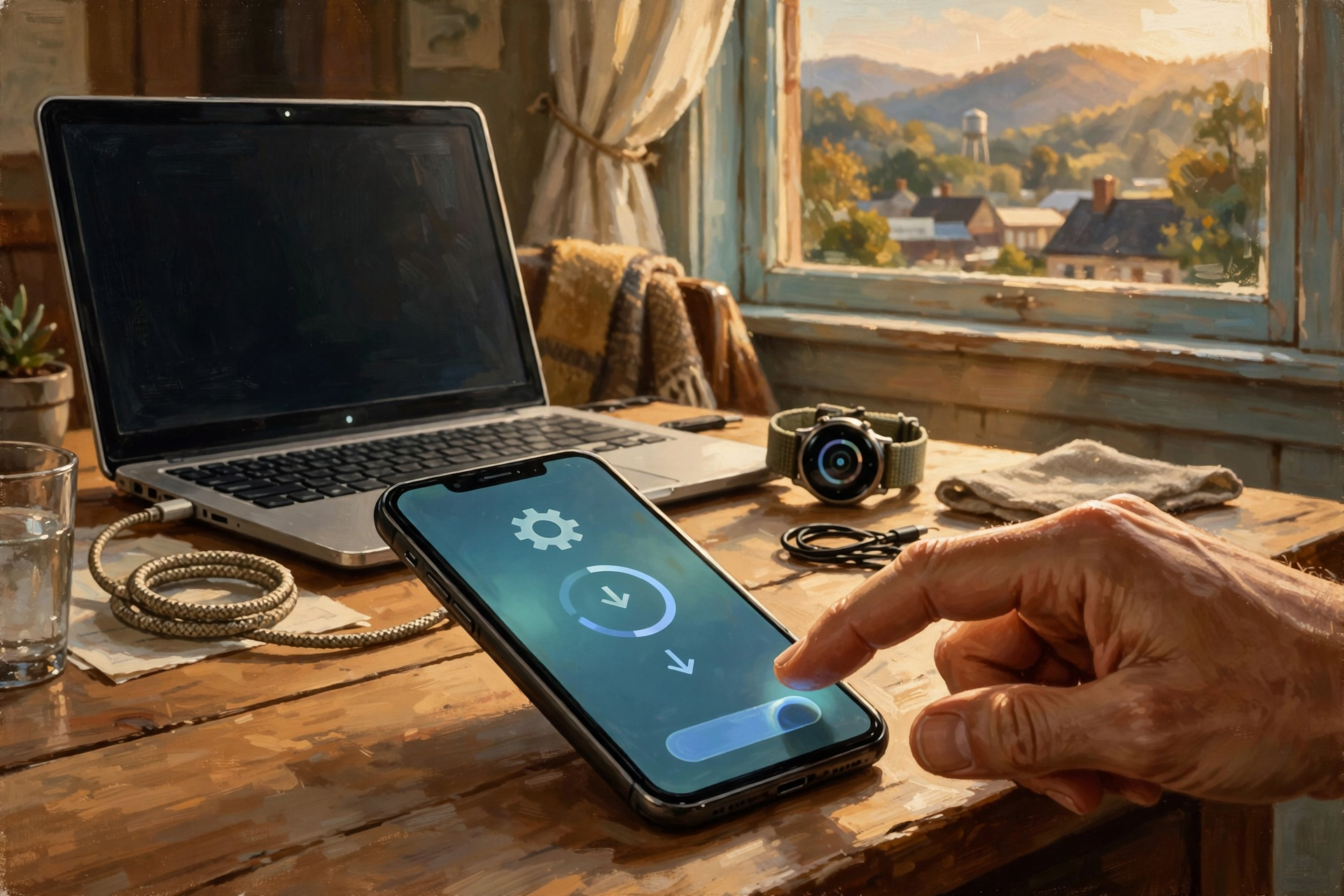
- ✅ iPhone: Settings → General → Software Update, and install iOS 27.2.1 (or the update offered for your model) on Wi-Fi with the charger plugged in.
- ✅ Mac or Apple Watch? Check for updates there, too.
- ✅ See a deal in a social media ad? Don’t tap. Open your browser and go to the store’s own website.
- ✅ Before you buy from a site that’s new to you, look for contact info, a return policy and a lock icon.
- ✅ Shop online with a credit card, not a debit card.
- ✅ “Government” website? Check that the address ends in .gov before you type anything.
- ✅ Before giving, look up the charity at sos.tn.gov/charities or call 615-741-2555.
- ✅ Write ReportFraud.ftc.gov on the fridge calendar in case you ever need it.
Practical rule: If it came to you, go around it. Type the address yourself, call the number you already trust, and look for .gov when it says “government.”
— Dunlap.Today
📚 Plain-English Tech Glossary
- iOS: The software that runs an iPhone. The number (like 27.2.1) tells you which version you have.
- Security update: A free fix from the phone or computer maker that closes weak spots, often with no new features.
- AirPlay: The Apple feature that sends video, music or photos from your iPhone to a TV or speaker.
- Bluetooth: The short-range wireless connection your phone uses for earbuds, car stereos and speakers.
- Social media ad: A paid post marked “Sponsored” or “Ad” in Facebook, Instagram, TikTok and similar apps.
- Look-alike (imposter) website: A fake site made to look like a real store or agency.
- Web address (URL): The line at the top of your browser, like dunlap.today or ftc.gov.
- .gov: The ending reserved for real U.S. government websites.
- Lock icon: The little padlock next to a web address. It means the connection is private, but it doesn’t prove the business is honest.
- FTC: The Federal Trade Commission, the U.S. agency that protects shoppers from scams and unfair business practices.
- BBB: The Better Business Bureau, a nonprofit that tracks business complaints and scam reports.
❓ FAQ
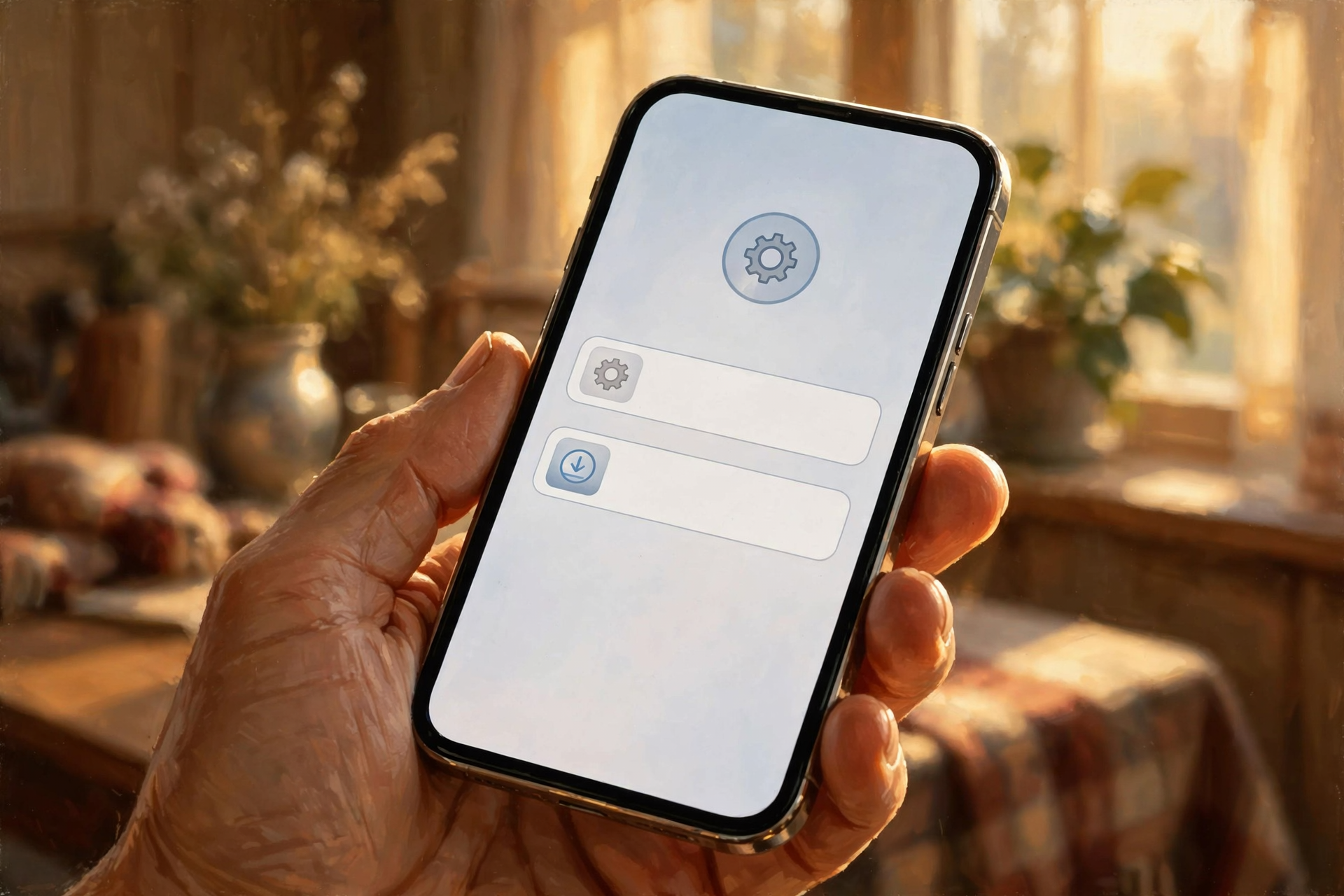
How do I know which iPhone software I have?
Open Settings → General → Software Update. Apple says the screen shows the version you have now and whether an update is available. You can also look under Settings → General → About.
My phone says I need more space to update. What do I do?
Apple says that if a message asks to temporarily remove apps to make room, you can tap Continue, and those apps are automatically reinstalled after the update finishes. If you’d rather not, ask a grandchild or a local repair shop to help clear out old videos first.
My iPhone is older than an iPhone 11. Is there anything for me?
Apple’s security releases page lists iOS 18.7.12 for the iPhone XS, XS Max and XR. For any phone, check Settings → General → Software Update to see what your phone offers.
Are all social media ads scams?
No. Lots of real businesses, including local ones, advertise on Facebook. The BBB’s advice is simply not to buy through the ad. Go to the store’s own website or call them, and if the deal is real, it’ll be there.
Does the lock icon mean a website is safe?
Not by itself. The BBB lists it as one of several things to check, along with contact info and a return policy. The lock means your connection is private; it doesn’t prove who’s on the other end.
Where do I report a fake website, ad or charity?
Report scams to the FTC at ReportFraud.ftc.gov. For Tennessee charity concerns, call the Secretary of State’s tip line at 1-800-861-7393. If money left your account, call your bank or card company using the number on the back of your card.
Other Resources

- Apple Support — About the security content of iOS 27.2.1 and iPadOS 27.2.1 (Nov. 9, 2026)
- Apple Support — Apple security releases
- Apple Support — Update your iPhone or iPad
- PCMag — Don’t Ignore iOS 27.2.1 (updated Nov. 11, 2026)
- Yahoo Tech (Forbes) — Apple iOS 27.2.1 iPhone Software: Should You Upgrade? (Nov. 11, 2026)
- WAFF 48 — Online shopping scams ramp up ahead of the holiday season (Nov. 5, 2026)
- Better Business Bureau — Social media ad scams
- FTC Consumer Alert — Tell the FTC about imposter ads online (November 2026)
- FTC Consumer Alert — How to spot fake FTC websites and FTC impersonators (November 2026)
- Tennessee Secretary of State — Give Wisely and Avoid Charity Scams (Nov. 4, 2026)
- Tennessee Secretary of State — Charity lookup
- FTC — ReportFraud.ftc.gov
🌿 Keep Learning, Stay Calm

None of this is cause for worry. It’s just the same good sense you’d use at the sale barn: know who you’re dealing with before money changes hands. Update the iPhone tonight, go to the store’s own website instead of tapping the ad, look for .gov, and look up a charity before you give. Then enjoy the season with a clear head and a full heart.
For more calm, clear help made for Sequatchie Valley readers, keep reading Dunlap.Today, and find local folks who can help with phones and computers anytime on Dunlap.Directory.
Know about an upcoming event or story in the Dunlap, TN area? Submit it here.

0 Comments