
🔄 Close Your Web Browser All the Way This Week: Chrome and Firefox Just Got Big Safety Updates
🔄 Close Your Web Browser All the Way This Week: Chrome and Firefox Just Got Big Safety Updates
Or: Your Browser Already Picked Up the New Parts. It Just Needs You to Turn the Key Off and Back On.
By Thomas Seest, Dunlap.Today · Thursday, October 29, 2026
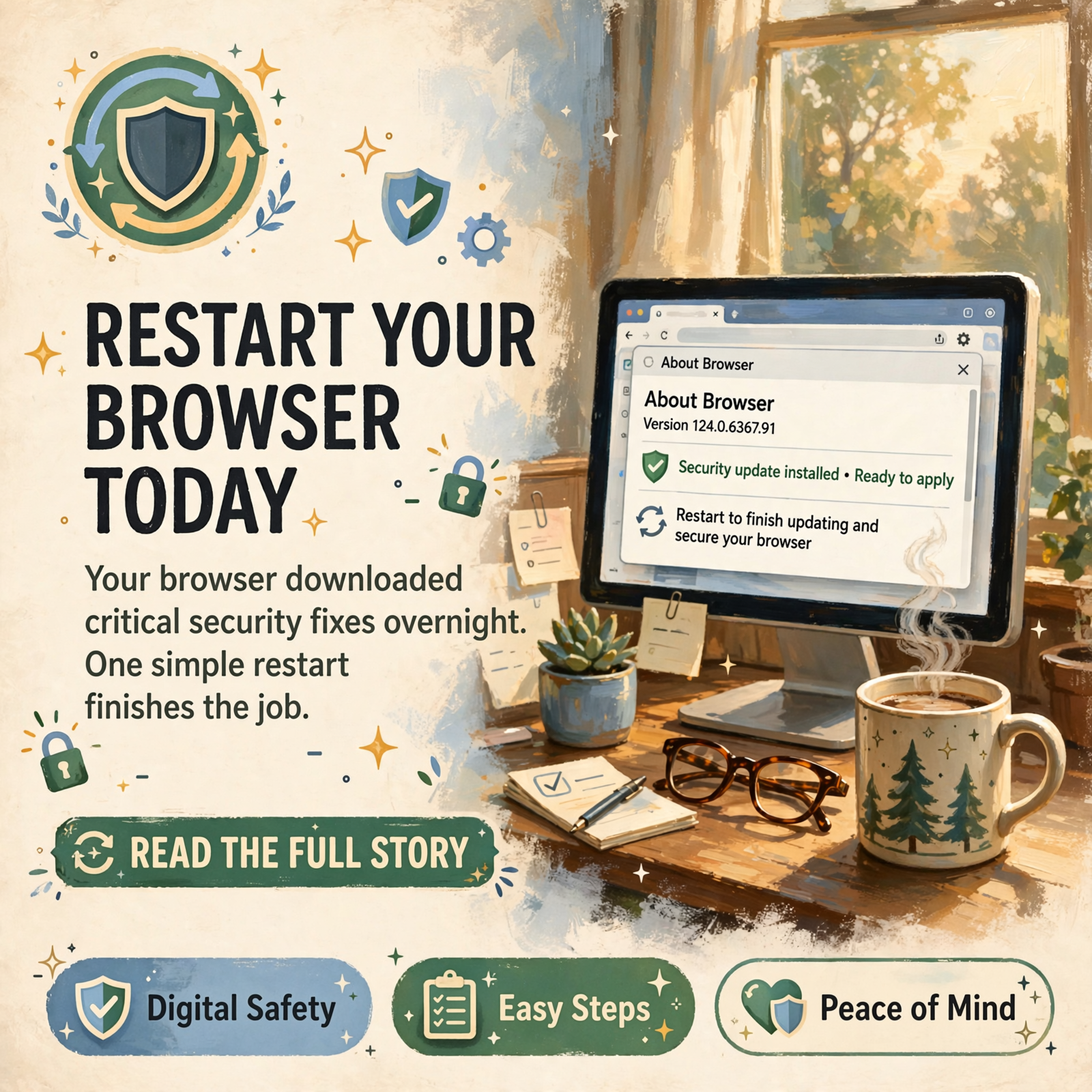
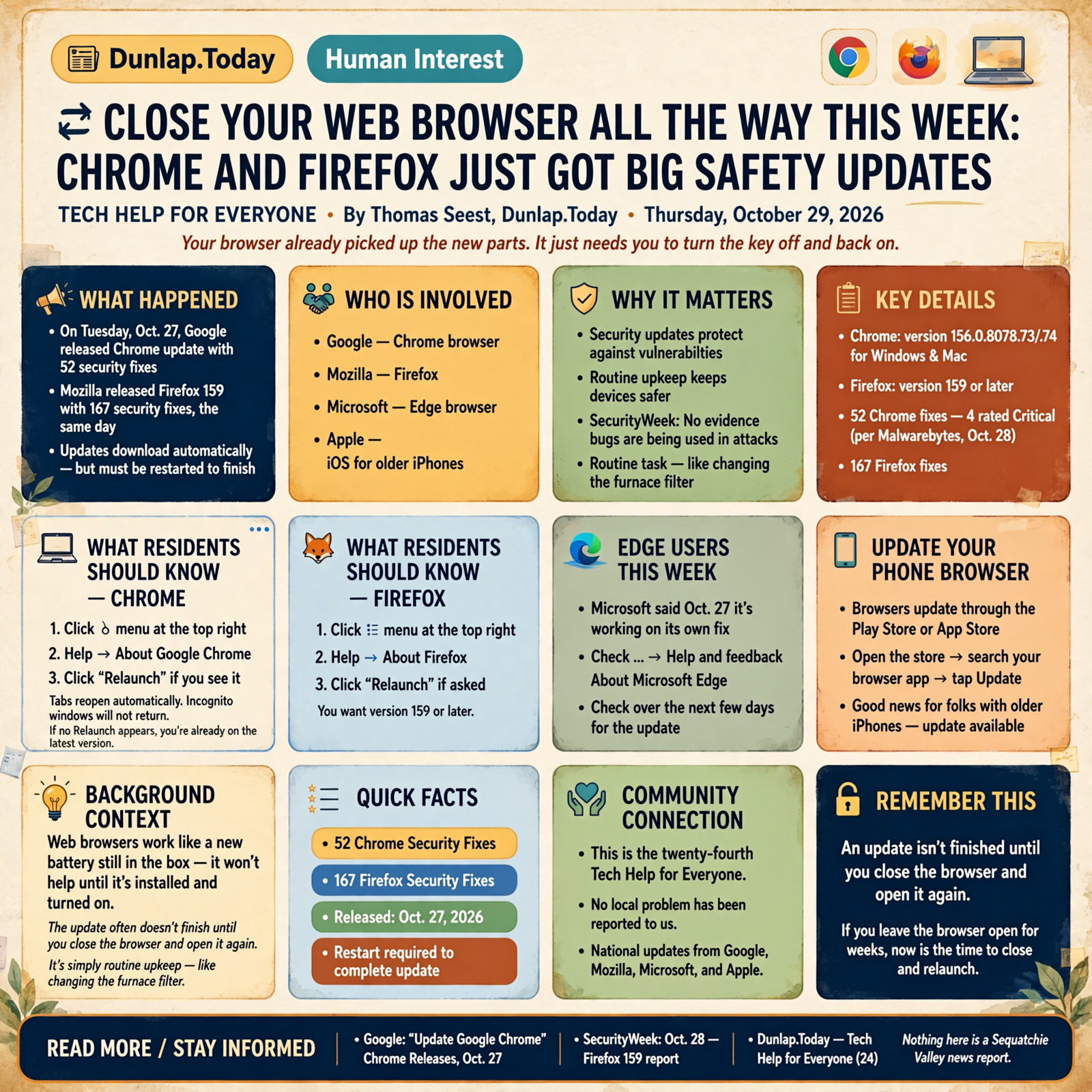
You know how a new battery in the truck doesn’t do a lick of good while it’s still sitting in the box on the seat? Web browsers work a little like that. On Tuesday, Oct. 27, Google released a Chrome update with 52 security fixes, and Mozilla released Firefox 159 with 167 security fixes, the same day. Both usually download on their own. But here’s the part a lot of folks miss: the update often doesn’t finish until you close the browser and open it again. If you’re the type who leaves the same Chrome window open for weeks (no judgment, plenty of us do), today’s tip is for you.
Here’s what’s in this twenty-fourth Tech Help for Everyone: what the new Chrome update is and how to finish installing it in one click, the same two-minute check for Firefox, what Microsoft Edge users should know this week, how to update the browser on your phone, and a couple of sticky-note items, including good news for folks with older iPhones.
These are national software updates from Google, Mozilla, Microsoft and Apple. Nothing here is a Sequatchie Valley news report, and no local problem has been reported to us. SecurityWeek reported that Google and Mozilla made no mention of these bugs being used in attacks. It’s simply routine upkeep, like changing the furnace filter.
⏱️ What this means for you in 30 seconds
- Chrome (computer): ⋮ menu → Help → About Google Chrome → click Relaunch if you see it. Your tabs come right back.
- Firefox: ☰ menu → Help → About Firefox → click Relaunch if asked. You want version 159 or later.
- Edge: Microsoft said Oct. 27 it’s working on its own fix. Check … → Help and feedback → About Microsoft Edge over the next few days.
- Phone: browsers update through the Play Store or App Store.
- Remember this: an update isn’t finished until you close the browser and open it again.
🌐 Chrome’s New Update: One Click on “Relaunch” Finishes the Job
Google’s Chrome Releases blog says the desktop version of Chrome was updated on Oct. 27 to version 156.0.8078.73/.74 for Windows and Mac, with 52 security fixes. Google says it “will roll out over the coming days/weeks,” so not everyone gets it on the same day. Malwarebytes, a security company, noted on Oct. 28 that four of those fixes were rated Critical, and that you can “end up lagging behind on updates if you never close your browser.”
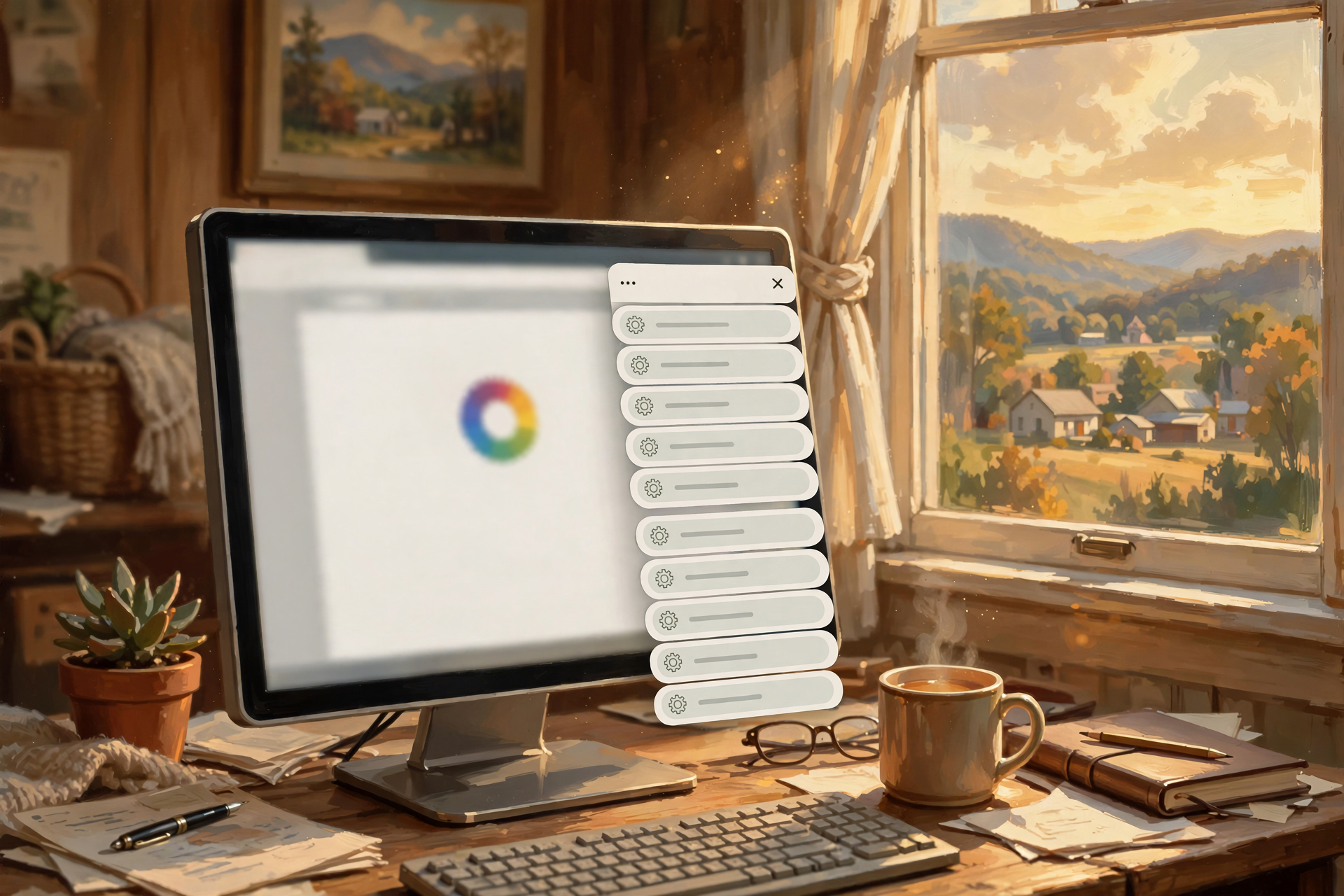
Google’s own help page gives the simple steps: open Chrome, click the three dots (⋮) at the top right, choose Help, then About Google Chrome. Chrome checks for updates while that page is open. If you see a Relaunch button, click it. Google says if you can’t find “Relaunch,” you’re already on the latest version.
What it means for you: Don’t worry about losing your place. Google says Chrome saves your open tabs and windows and reopens them automatically when it restarts. (The one exception: private “Incognito” windows won’t come back.) If now’s not a good time, Google says you can choose Not now, and the update will apply the next time you restart Chrome.
👉 Read more: Google’s “Update Google Chrome” · Chrome Releases, Oct. 27
🦊 Firefox Folks: Same Two-Minute Check
SecurityWeek reported on Oct. 28 that Mozilla released Firefox 159 on Tuesday with patches for 167 security issues. Mozilla also updated its Thunderbird email program the same day, so if you use Thunderbird for email, it’s worth checking too.
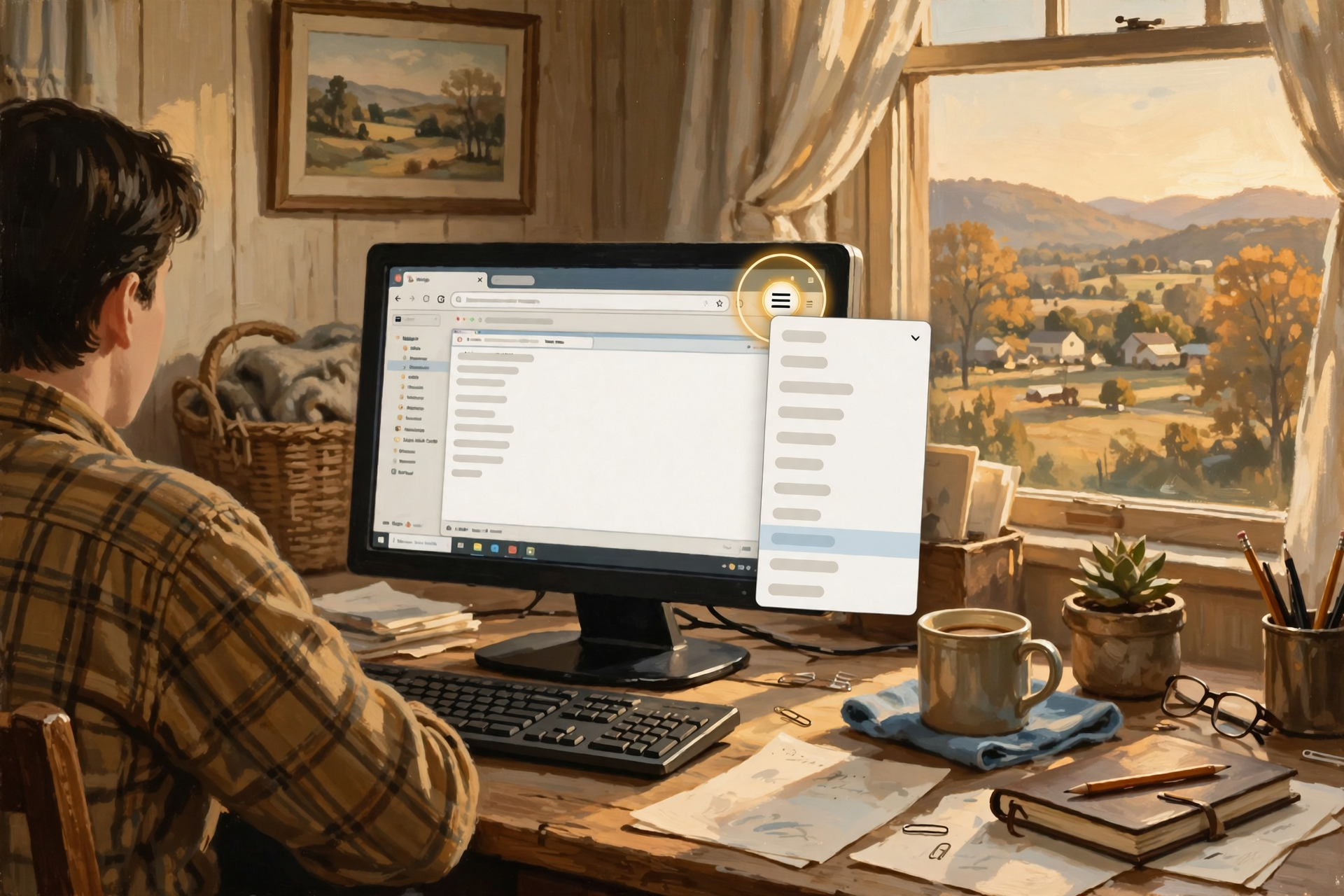
Malwarebytes lays out the steps: open Firefox, click the menu button (☰) at the right side of the toolbar, go to Help, and select About Firefox. Firefox checks for updates on its own and downloads any it finds. When it’s done, you’ll be asked to click Relaunch. After it restarts, the version should read 159.0 or later.
What it means for you: It’s like checking the oil. Pull the dipstick, take a look, and you’re done in two minutes. If the “About Firefox” box says you’re up to date, there’s nothing else to do.
👉 Read more: SecurityWeek’s Oct. 28 report · Mozilla: Update Firefox to the latest release
🪟 Edge Users: Microsoft’s Fix Is on the Way
Microsoft Edge, the browser that comes with Windows computers, is built on the same foundation as Chrome. On Oct. 27, Microsoft posted on its Edge security release notes: “Microsoft is aware of the recent Chromium security fixes. We are actively working on releasing a security fix.” Its most recent Edge security update before that was version 156.0.4314.42, released Oct. 22.
Microsoft’s instructions to see your Edge version: click the three dots (…) at the far right of the Edge window, click Help and feedback, then click About Microsoft Edge. That page also checks for updates.
What it means for you: There’s nothing you have to do today except know where the button is. Think of it like a part on back-order at the parts counter: it’s coming. Peek at “About Microsoft Edge” this weekend or early next week, and if it offers a restart, take it.
👉 Read more: Microsoft’s Edge security release notes
📱 On Your Phone, the Browser Updates Through the App Store
The Oct. 27 Chrome release above was for computers, but it’s a good reminder that the browser on your phone needs updates too, and those come through your phone’s app store.
Android: Google says Chrome should update automatically based on your Play Store settings. To check, open the Play Store, tap your profile icon at the top right, tap Manage apps & device, look under “Updates available” for Chrome, and tap Update.
iPhone: Apple says apps from the App Store update automatically by default. To check by hand, open the App Store, tap your picture or account button at the top, tap App Updates, then tap Update All. Safari, the iPhone’s built-in browser, updates along with the iPhone’s own software.
What it means for you: Same idea as a computer, just a different door. Once a week, while your morning coffee cools, tap “Update All” and let it run.
👉 Read more: Google’s Chrome update steps for Android · Apple: How to manually update apps
📝 Sticky Notes: Older iPhones Got Updates Too, and Safari Came Along
- Older iPhone? You weren’t left out. Apple’s security releases page shows that on Oct. 26, Apple released iOS 18.7.11 for the iPhone XS, iPhone XS Max and iPhone XR, and iOS 26.7.2 for iPhone 11 and later models that are staying on iOS 26. To check: Settings → General → Software Update.
- Mac users: Apple’s same page lists a Safari 27.2 update for Macs running macOS Sequoia and Tahoe, released Oct. 26.
- Write it down: On a sticky note by the computer, jot “Browser restart: Sundays.” A regular day helps a busy mind remember.
What it means for you: If your phone is a few years old, you don’t have to buy a new one to stay protected this week. Just let it update.
👉 Read more: Apple security releases
✅ Your Thursday Browser-Restart Checklist

- ✅ Chrome: ⋮ → Help → About Google Chrome → Relaunch if offered. Tabs come back on their own.
- ✅ Firefox: ☰ → Help → About Firefox → Relaunch. Look for 159 or later.
- ✅ Thunderbird email user? Check for its update too.
- ✅ Edge: … → Help and feedback → About Microsoft Edge. Check again in a few days; Microsoft’s fix is coming.
- ✅ Android: Play Store → profile icon → Manage apps & device → Update.
- ✅ iPhone: App Store → your picture → App Updates → Update All. Then Settings → General → Software Update.
- ✅ Save your work first (an email you’re typing, a form you’re filling out) before you click Relaunch.
- ✅ Only update from inside the browser or app store. Real updates don’t arrive as a pop-up ad or a phone call.
- ✅ Not sure? Ask a family member or a local tech helper to sit with you for five minutes.
Practical rule: An update isn’t finished until you close the browser and open it again. Give it a fresh start once a week.
— Dunlap.Today
📚 Plain-English Tech Glossary
- Web browser: The program you use to visit websites, like Chrome, Firefox, Edge or Safari.
- Security update (or patch): A free fix from the company that closes a weak spot in the software.
- Relaunch: The browser’s word for closing itself and opening right back up so the update can finish.
- Tabs: The separate pages you have open across the top of your browser window.
- Incognito window: Chrome’s private window that doesn’t save your history. It won’t reopen after a relaunch.
- Chromium: The shared building blocks behind both Google Chrome and Microsoft Edge, which is why a Chrome fix often means an Edge fix follows.
- Rolling out: When a company sends an update to people a little at a time over days or weeks, instead of everyone at once.
- Critical: The highest seriousness rating companies give a security problem. It means “fix this one first,” not “panic.”
- Thunderbird: A free email program made by Mozilla, the same folks who make Firefox.
- Version number: The string of numbers (like 156.0.8078.73) that tells you which edition of the software you have.
❓ FAQ

Does my browser update by itself?
Usually, yes. Google says Chrome normally updates in the background when you close and reopen it. The catch is that if you never close it, the update can sit waiting. Visiting the “About” page nudges it along.
Will I lose my open pages or bookmarks if I relaunch?
No. Bookmarks stay put, and Google says Chrome reopens your tabs and windows automatically. Just save anything you’re in the middle of typing first, and know that private Incognito windows won’t come back.
I clicked “About Google Chrome” and there’s no Relaunch button. Did I do something wrong?
Not at all. Google says if you can’t find “Relaunch,” you’re already on the latest version. Google is also rolling this update out over days or weeks, so you may simply get it a little later.
Has anyone been hurt by these problems?
SecurityWeek reported that Google and Mozilla made no mention of any of these bugs being exploited. Updating is about staying a step ahead, the same way you’d fix a loose porch board before anybody trips on it.
I got a pop-up saying “Your browser is out of date, click here.” Is that this?
Be careful. Real Chrome, Firefox and Edge updates are done from the browser’s own menu (Help → About), and phone updates come from the Play Store or App Store. If a website pop-up, email or caller tells you to download an update, close it and check through the menu yourself instead.
I use Edge. Am I unprotected right now?
Microsoft said on Oct. 27 that it is “actively working on releasing a security fix” for these Chromium issues. Edge normally updates itself. Check About Microsoft Edge in a few days, and restart Edge when it asks.
Is this happening in the Sequatchie Valley?
These are national software updates that reach every computer and phone, here or anywhere. We haven’t seen any local reports of problems. The steps come straight from Google, Mozilla, Microsoft and Apple, plus national tech news.
🔗 Other Resources
- Google: Update Google Chrome (computer)
- Google: Update Google Chrome (Android)
- Chrome Releases: Stable Channel Update for Desktop, Oct. 27
- Mozilla: Update Firefox to the latest release
- Microsoft: Edge security release notes
- Apple: How to manually update apps from the App Store
- Apple: Security releases (which iPhone update fits your phone)
- Malwarebytes: Chrome and Firefox updates fix serious security flaws
- SecurityWeek: Chrome and Firefox Updates Patch Over 200 Vulnerabilities
🌻 A Fresh Start Is the Easiest Fix There Is

Most of the hard work here was already done for you. Google, Mozilla, Microsoft and Apple built the fixes, and your computer and phone probably downloaded them while you slept. All that’s left is one small thing only you can do: close the browser and open it again. Do it today, pick a regular day for it, and write that day on a sticky note. Share this with a neighbor who keeps forty tabs open. They’ll thank you, and they won’t lose a single one.
Keep learning, keep exploring and keep your cool. Read Dunlap.Today for calm, clear Valley news, and find local folks who can help with phones and computers anytime on Dunlap.Directory.
Know about an upcoming event or story in the Sequatchie Valley? Submit it here.


0 Comments