
Your Files May Matter More Than Your Software: Why Open Formats Protect Your Digital Life
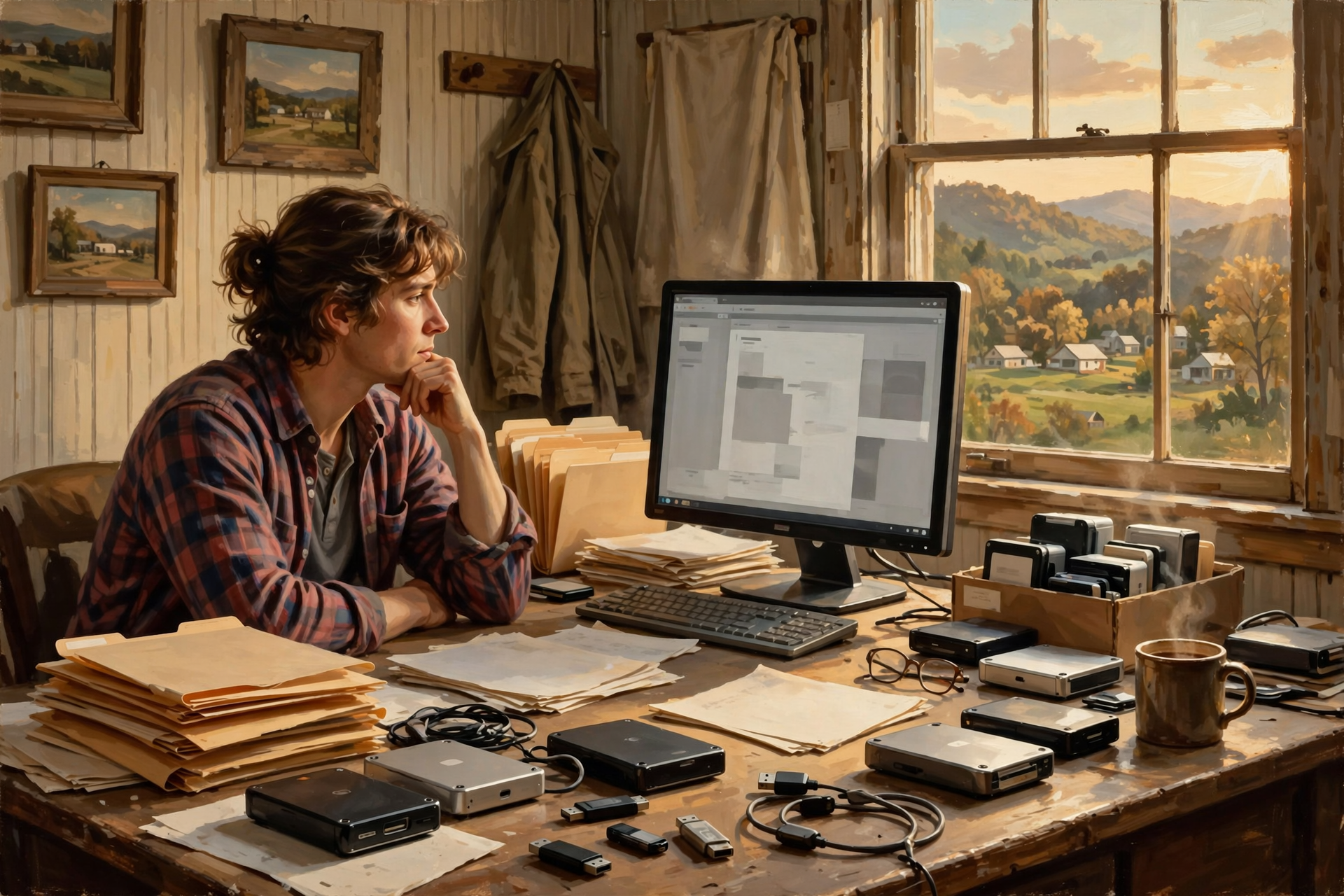
Somewhere in America right now, there is a perfectly good computer file that nobody knows how to open.
The file is still there.
The hard drive works.
The filename looks familiar.
Everybody knows the file contains something important.
Maybe an old customer list.
Maybe a family newsletter.
Maybe twenty years of records from a business that closed.
Maybe Grandpa’s genealogy project.
Maybe a church directory somebody spent six months typing in 1997.
Double-click it.
Windows stares back.
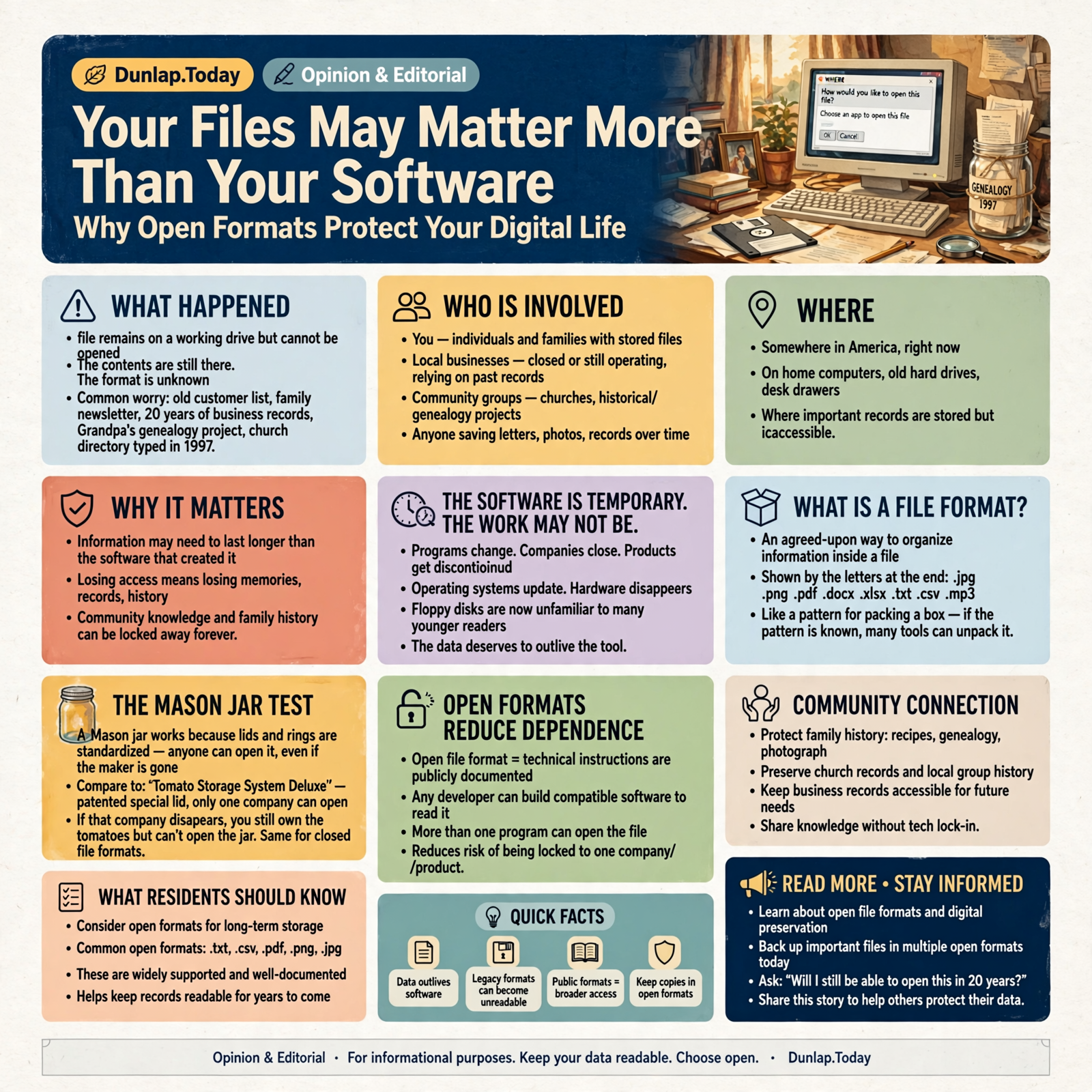
“How would you like to open this file?”
Well, Windows, if I knew that, we wouldn’t be having this conversation.
This is one of the less glamorous problems in technology.
Computers are very good at creating things.
We spend considerably less time asking whether somebody will still be able to open those things twenty years from now.
That’s where file formats come in.
And in the long run, the format of your information may matter even more than the program you used to create it.
The Software Is Temporary. The Work May Not Be.
Think about the things you’ve created over the years.
- Letters
- Spreadsheets
- Tax records
- Family photographs
- Business documents
- Customer lists
- Recipes
- Genealogy
- Church records
- School projects
- Videos
- Audio recordings
The program that created those files may have seemed permanent at the time.
Nothing in technology is permanent.
Companies close.
Products get discontinued.
Operating systems change.
Software gets rewritten.
Hardware disappears.
Remember floppy disks?
Plenty of younger readers have never used one.
Plenty of older readers still have three sitting in a desk drawer for reasons nobody can adequately explain.
The information may matter longer than the machinery.
What Is a File Format?
A file format is simply an agreed-upon way of organizing information inside a computer file.
You’ve seen file formats even if you’ve never thought about them.
They’re usually represented by the little letters at the end of a filename:
- .jpg
- .png
- .docx
- .xlsx
- .txt
- .csv
- .mp3
Those letters are clues telling the computer:
“Here’s how the information inside this file is arranged.”
Think of a file format as the pattern used to pack a box.
If everybody understands the pattern, lots of people can unpack the box.
If only one company knows the pattern, you are depending on that company to keep providing the opener.
The Mason Jar Test

Here’s the rural version.
A Mason jar isn’t useful because Ball or Kerr happens to sell jars.
It’s useful because everybody understands what it is.
Standard lids fit.
Standard rings fit.
People know how to use it.
If the jar company disappeared tomorrow, your tomatoes would not suddenly become inaccessible.
Now imagine somebody invented:
Tomato Storage System Deluxe.
The tomatoes are wonderful.
The container is beautiful.
But it requires a special patented lid that only one company manufactures.
Twenty years later, the company disappears.
You still technically own the tomatoes.
You just can’t get the dang lid off.
That’s the file-format problem.
Open Formats Reduce Dependence
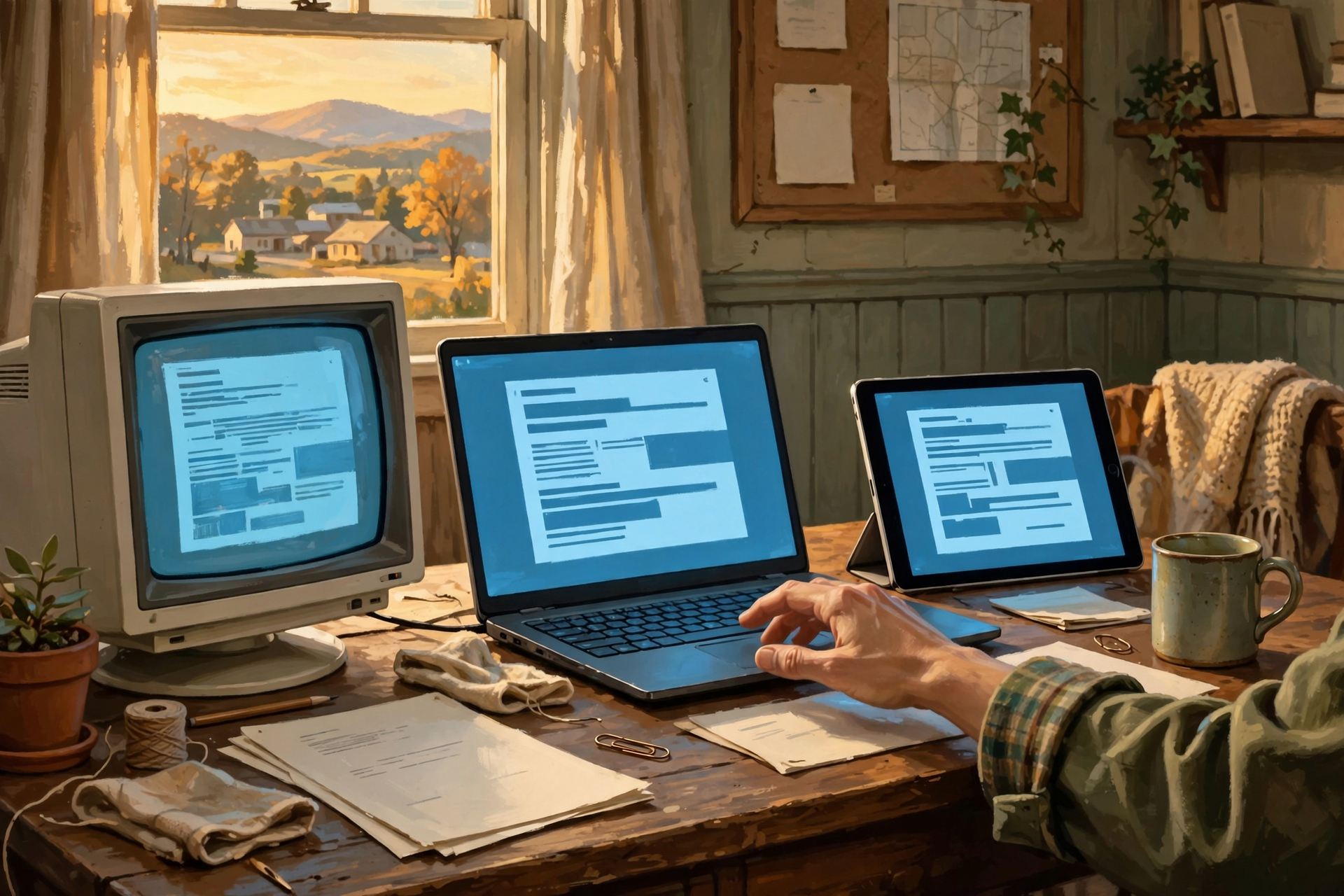
An open file format generally means the technical instructions describing the format are publicly documented and available for different software developers to implement.
That doesn’t guarantee every program will display every complicated file perfectly.
But it gives more than one software developer a chance to build a compatible tool.
That’s important.
If several programs can open your information, you have options.
If exactly one program can open it, you have a relationship.
Widely Supported Can Matter as Much as Technically Open
Here’s where we should avoid turning this into a computer religion.
Not every useful format fits neatly into one philosophical category.
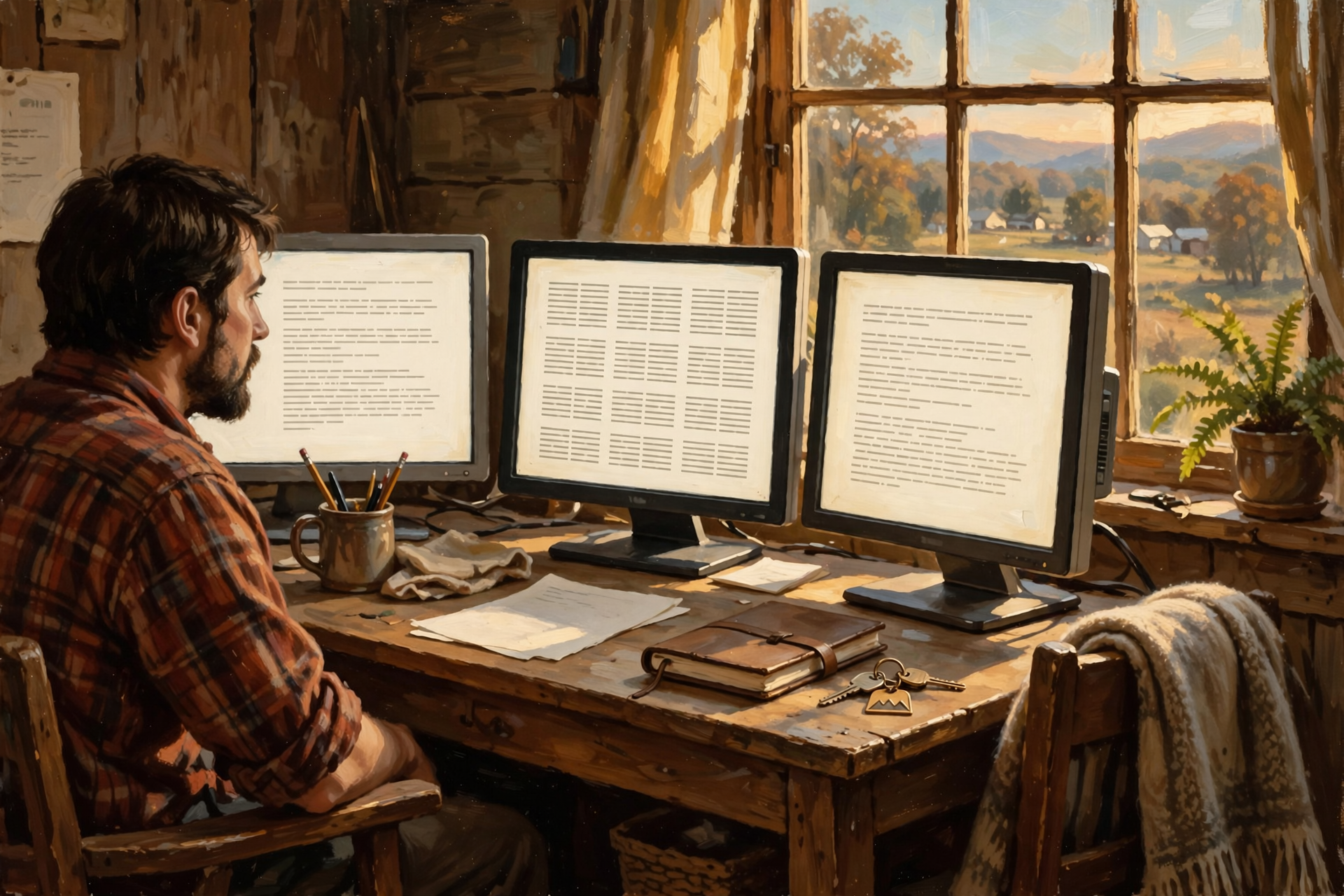
Some formats originated with commercial companies but became so widely documented and supported that many different applications can read them.
From an ordinary user’s perspective, the practical question is often:
“If this software disappears, what else can open the file?”
That matters more than winning an argument about terminology.
Plain Text Is the Cockroach of Computer Files
I mean that as a compliment.
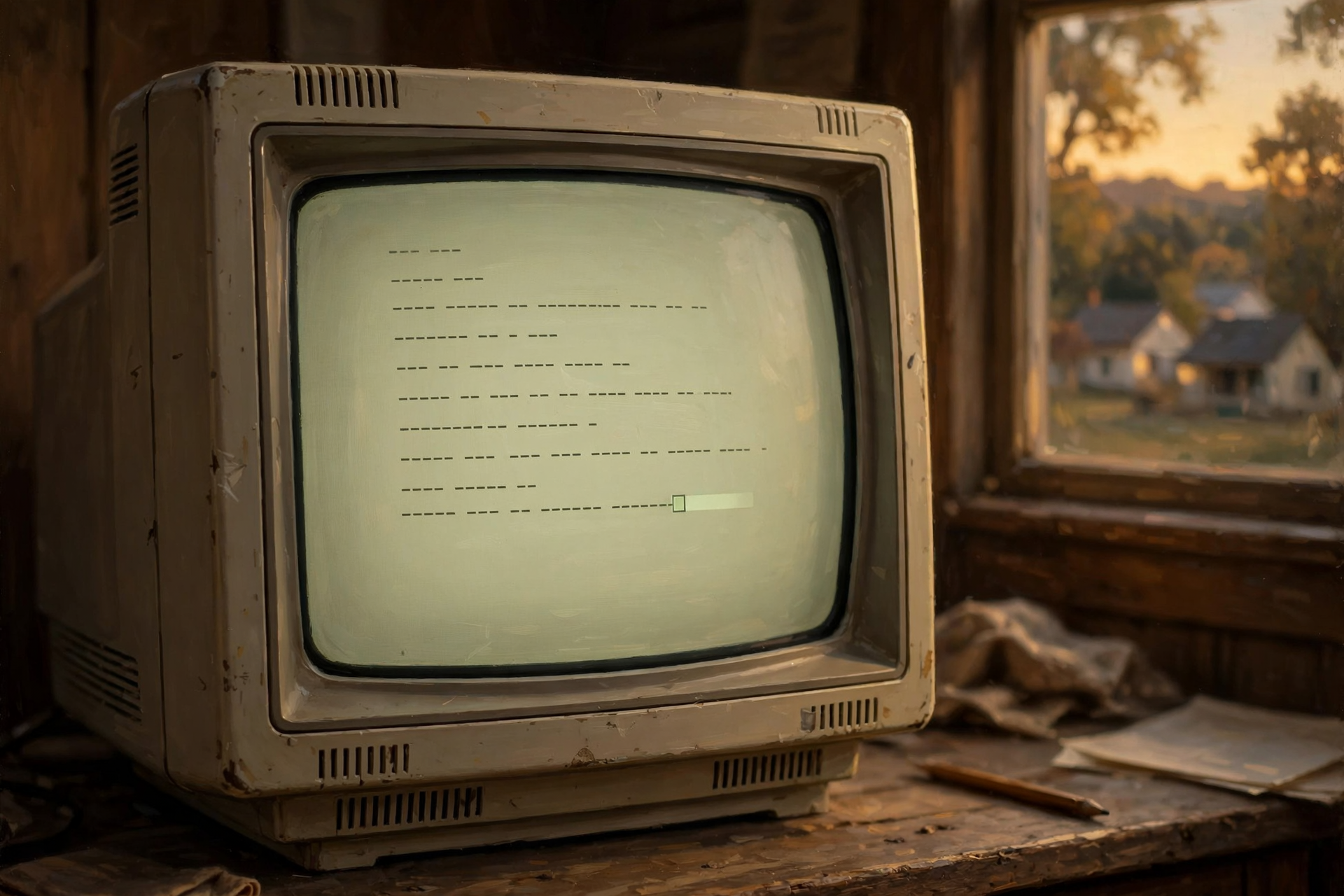
Plain text is incredibly simple.
It stores letters, numbers, punctuation, and line breaks without much decoration.
A text file created decades ago can often still be opened today.
There’s simply not much to go wrong.
Programs come and go.
Plain text sits there saying:
“I’m still words.”
For information where appearance doesn’t matter much, simplicity can be a remarkable form of durability.
Markdown Is Plain Text Wearing a Nice Shirt
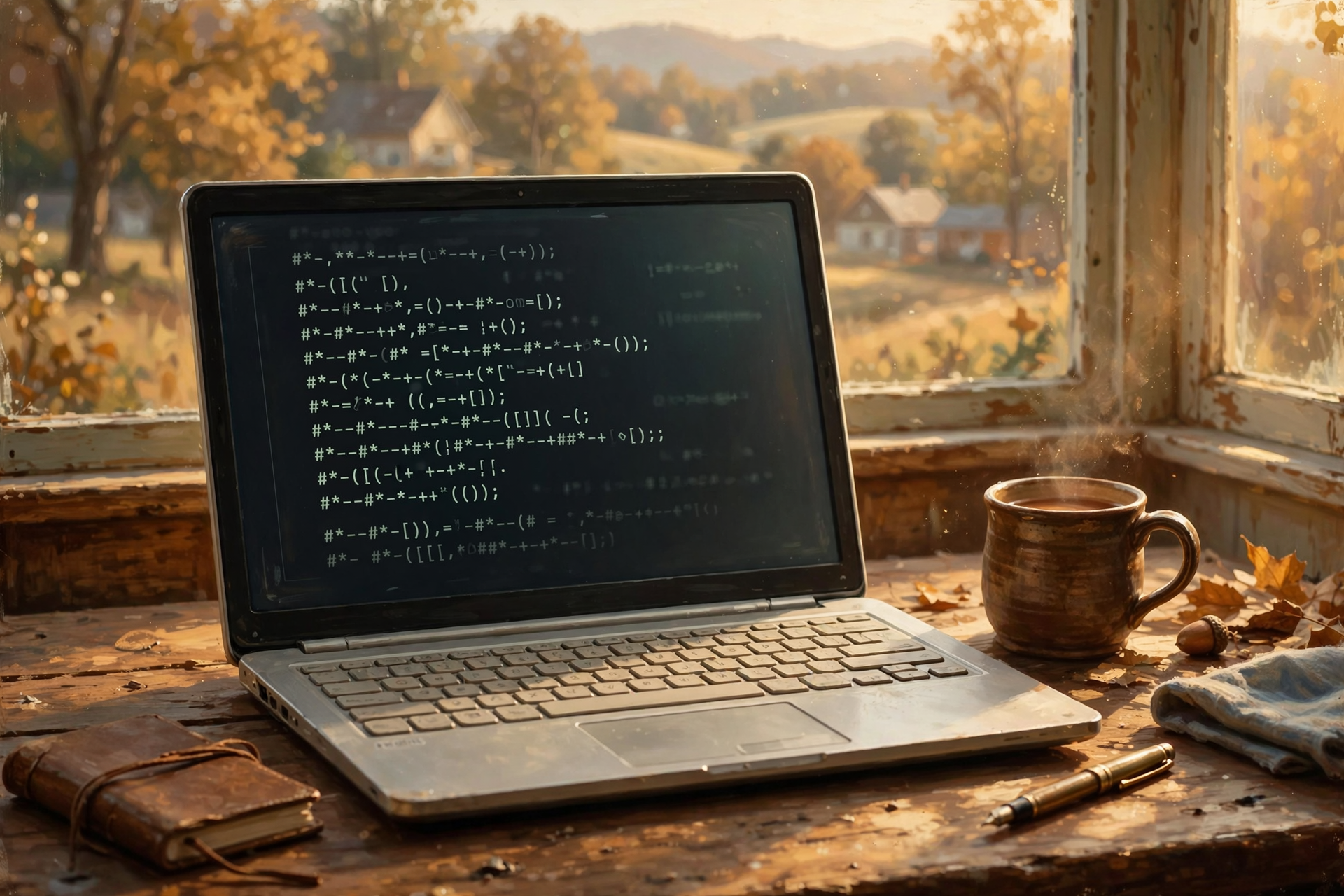
Markdown is another format we’ve mentioned in this series.
It’s basically plain text with simple symbols indicating things such as:
- Headings
- Lists
- Bold text
- Links
Even if the special Markdown program you use today disappears, the underlying file is still readable text.
Maybe the formatting isn’t as pretty.
But the words survive.
For notes, documentation, research, and long-term writing, that can be extremely attractive.
CSV: Ugly, Boring, and Extremely Useful
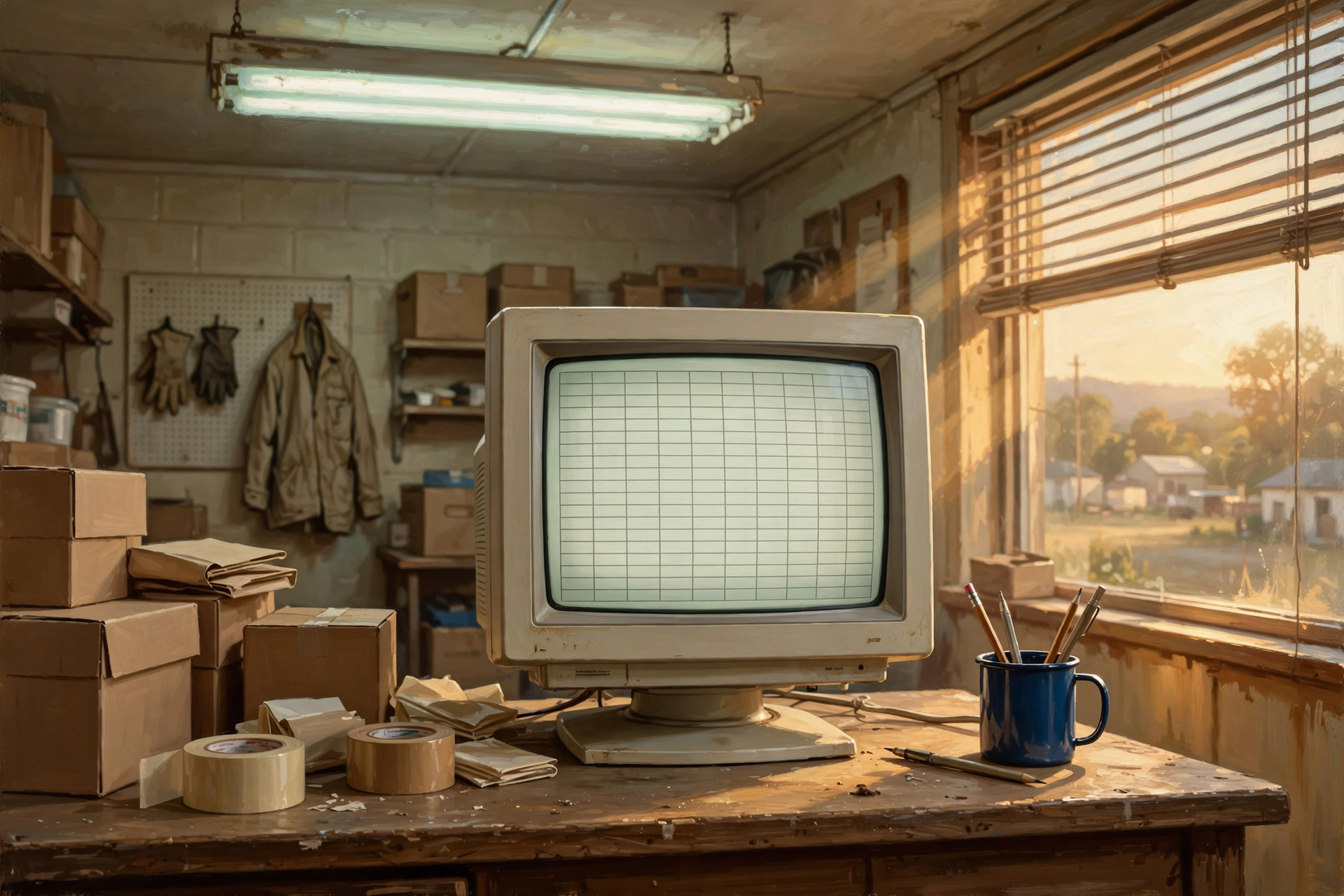
We’ve mentioned CSV before because it deserves respect.
CSV stands for Comma-Separated Values.
It’s commonly used for tables of information.
Customer names.
Phone numbers.
Products.
Prices.
Transactions.
A CSV file does not contain the glamorous parts of a fancy business application.
No dashboard.
No beautiful buttons.
No spinning pie chart in executive blue.
It contains the information.
And almost every spreadsheet or database system on Earth understands the general idea.
That makes CSV one of the best emergency exits in business computing.
A Customer List Should Outlive the Customer Software
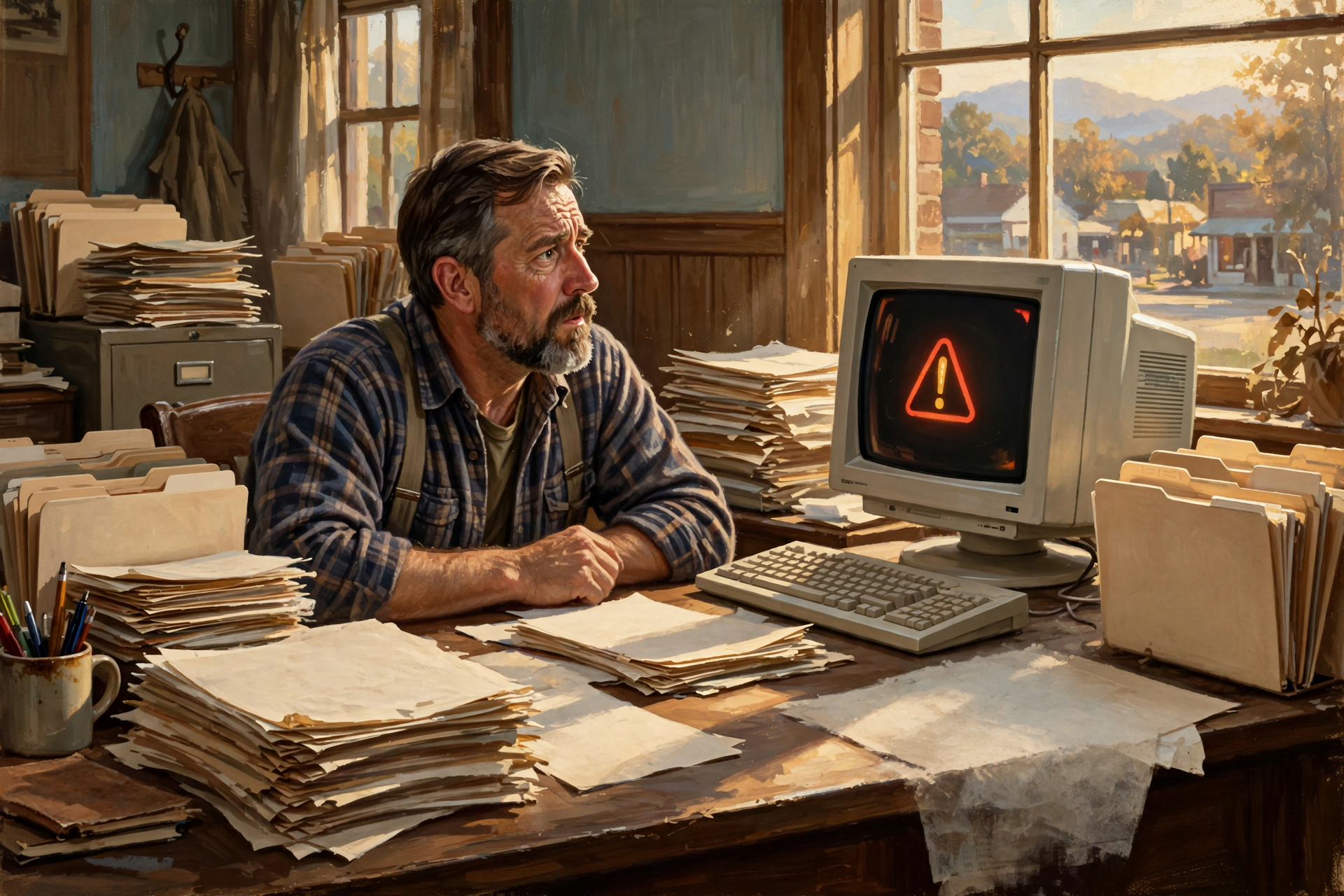
Suppose your business has collected customer information for fifteen years.
The software company announces:
“We’re discontinuing this product.”
If you can export:
- Customer name
- Address
- Phone number
- Important notes
into a broadly readable format, you have a migration problem.
That’s inconvenient.
If you cannot export those records at all, you have a hostage situation.
That’s considerably worse.
PDF Is Excellent for Some Jobs and Terrible for Others

PDF is useful because it tries to preserve the appearance of a document.
A report should still look like the report.
A form should still resemble the form.
A manual should keep its pages.
That’s why PDF is excellent for:
- Finished reports
- Receipts
- Contracts
- Manuals
- Forms
- Records meant primarily to be read
But PDF is not always ideal for information you expect to keep changing.
A PDF is a bit like taking a photograph of your kitchen.
It’s excellent at showing where everything was.
It is not the easiest format for remodeling the cabinets.
Sometimes You Should Keep Two Versions
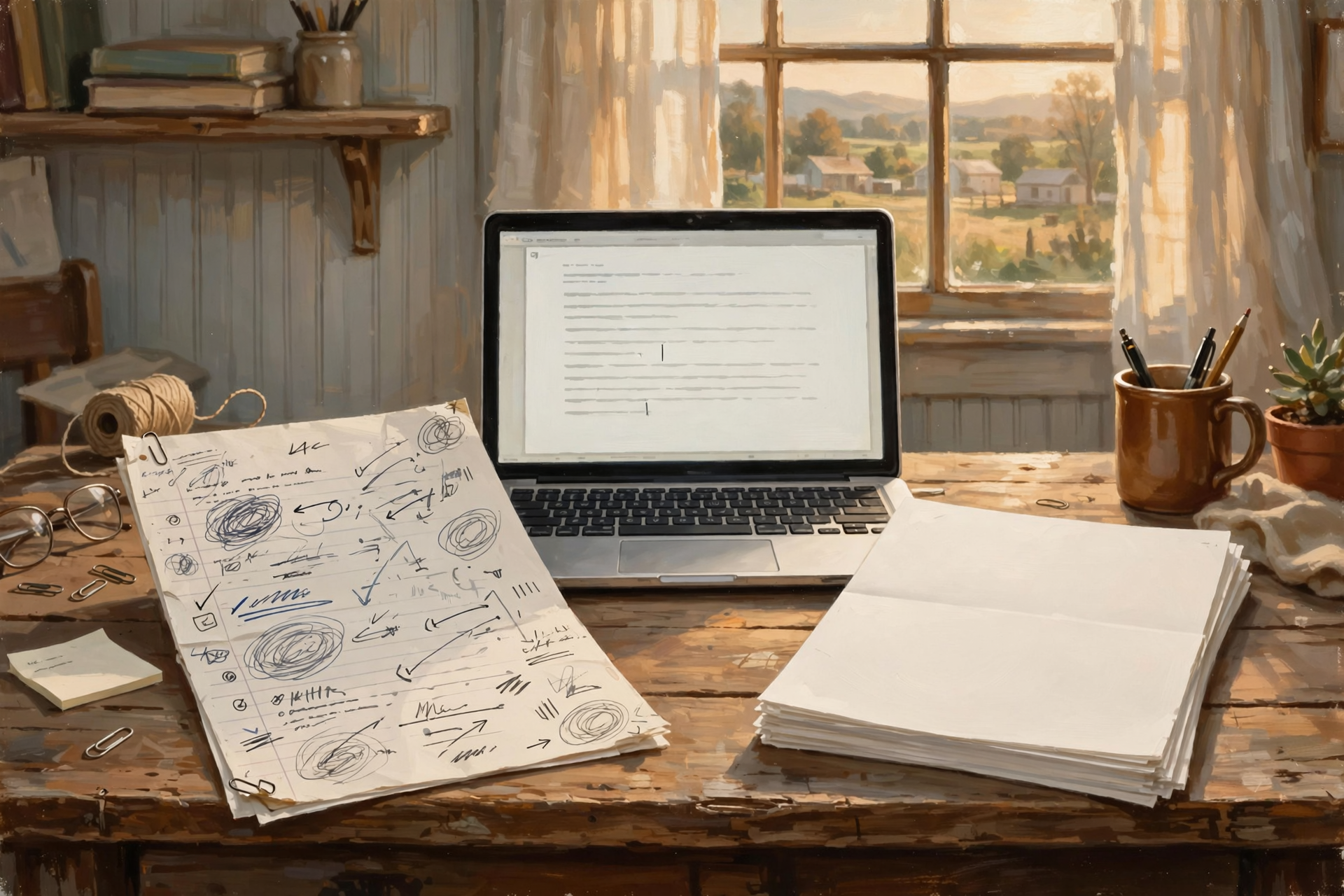
This is a useful preservation habit.
Suppose you create an important report.
Keep:
- The editable original
- A finished PDF copy
The editable file lets you make future changes.
The PDF helps preserve how the document looked when finished.
You don’t have to choose one.
Photographs Have Their Own Format Problem

Most ordinary photographs today are stored in formats that are widely supported.
That’s good.
But phones and cameras can also use newer or more specialized formats.
Those may offer advantages:
- Smaller files
- Higher quality
- More editing information
Nothing wrong with that.
But if a photograph is truly irreplaceable, consider whether you also need a widely usable copy.
The most technically sophisticated photograph on Earth isn’t terribly useful if Grandma’s computer can’t display it.
RAW Photos Are the Digital Negative
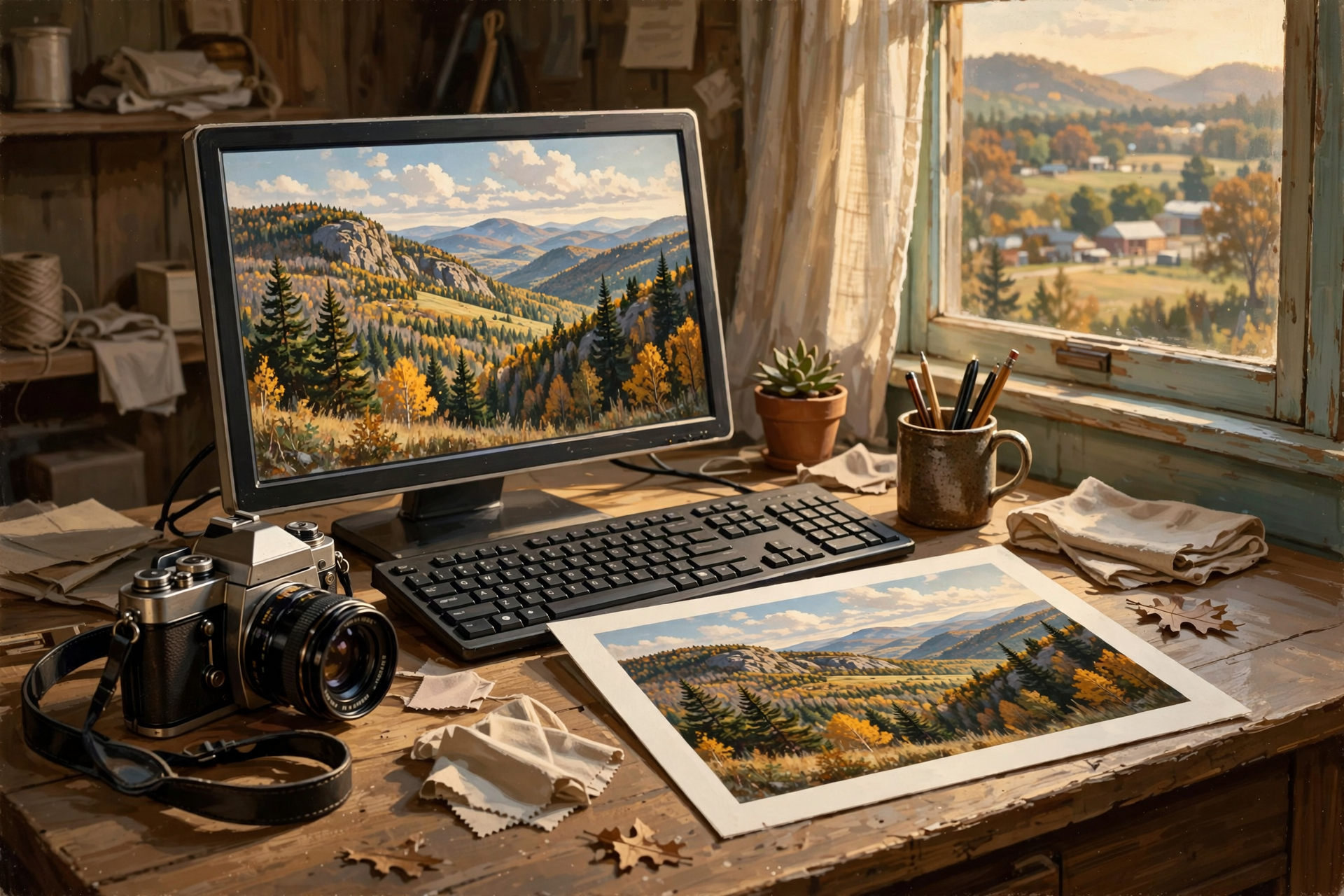
Serious photographers often use RAW image formats.
A RAW file contains much more of the original information captured by the camera than a typical finished photograph.
Think of it like a film negative.
That’s wonderful for editing.
But RAW files can depend more heavily on specialized software and camera support.
For photographs that need to remain broadly viewable, photographers commonly preserve finished versions too.
Again:
Editable master plus accessible copy.
Audio and Video Need the Same Thinking
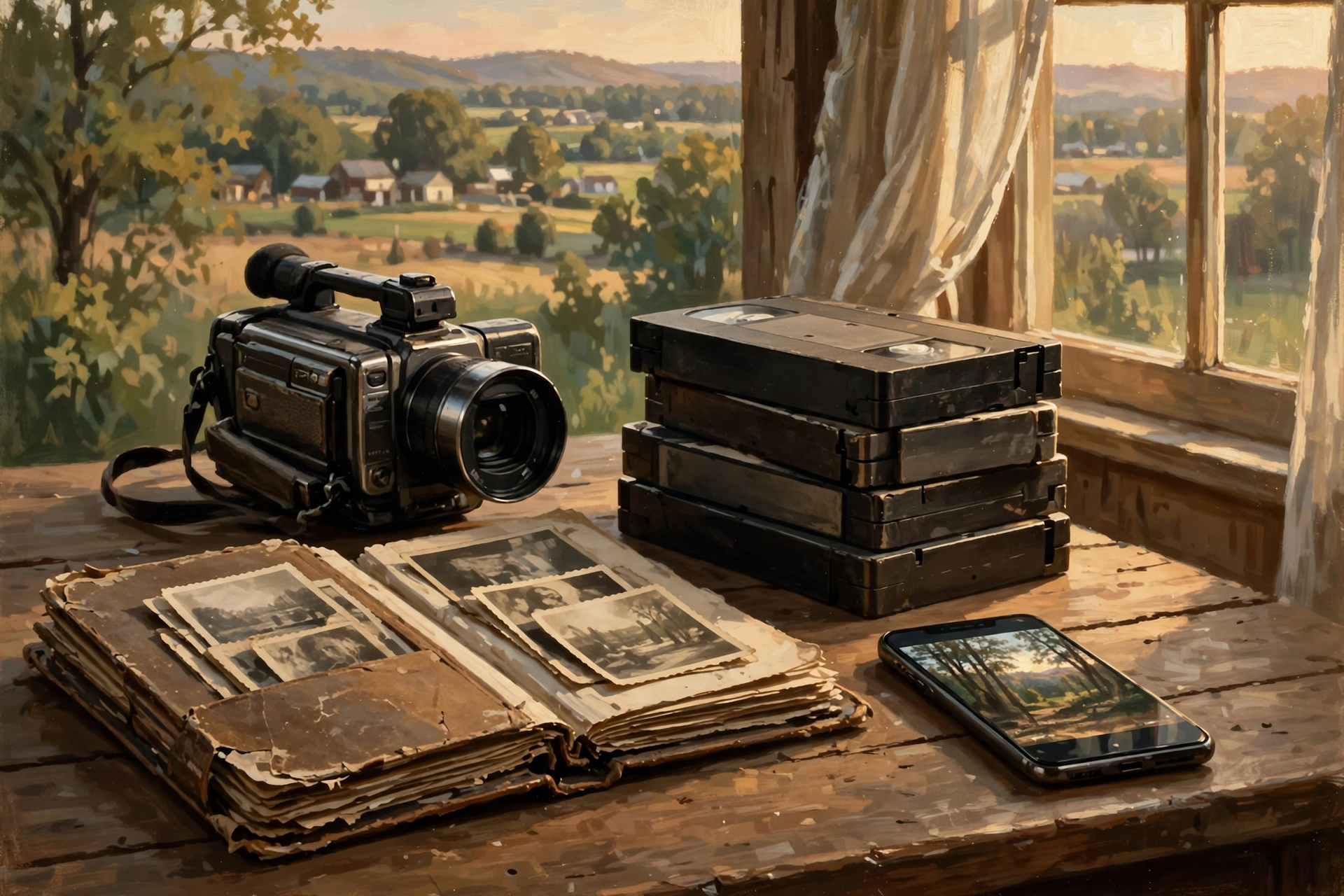
Family recordings can become priceless.
A child’s first words.
A parent’s voice.
A wedding.
An interview with Grandpa.
A church anniversary.
Those files may need to survive longer than today’s favorite video-editing application.
Keep final copies in formats that are broadly supported.
And if the original recording is especially important, preserve that too.
Don’t Throw Away the Master
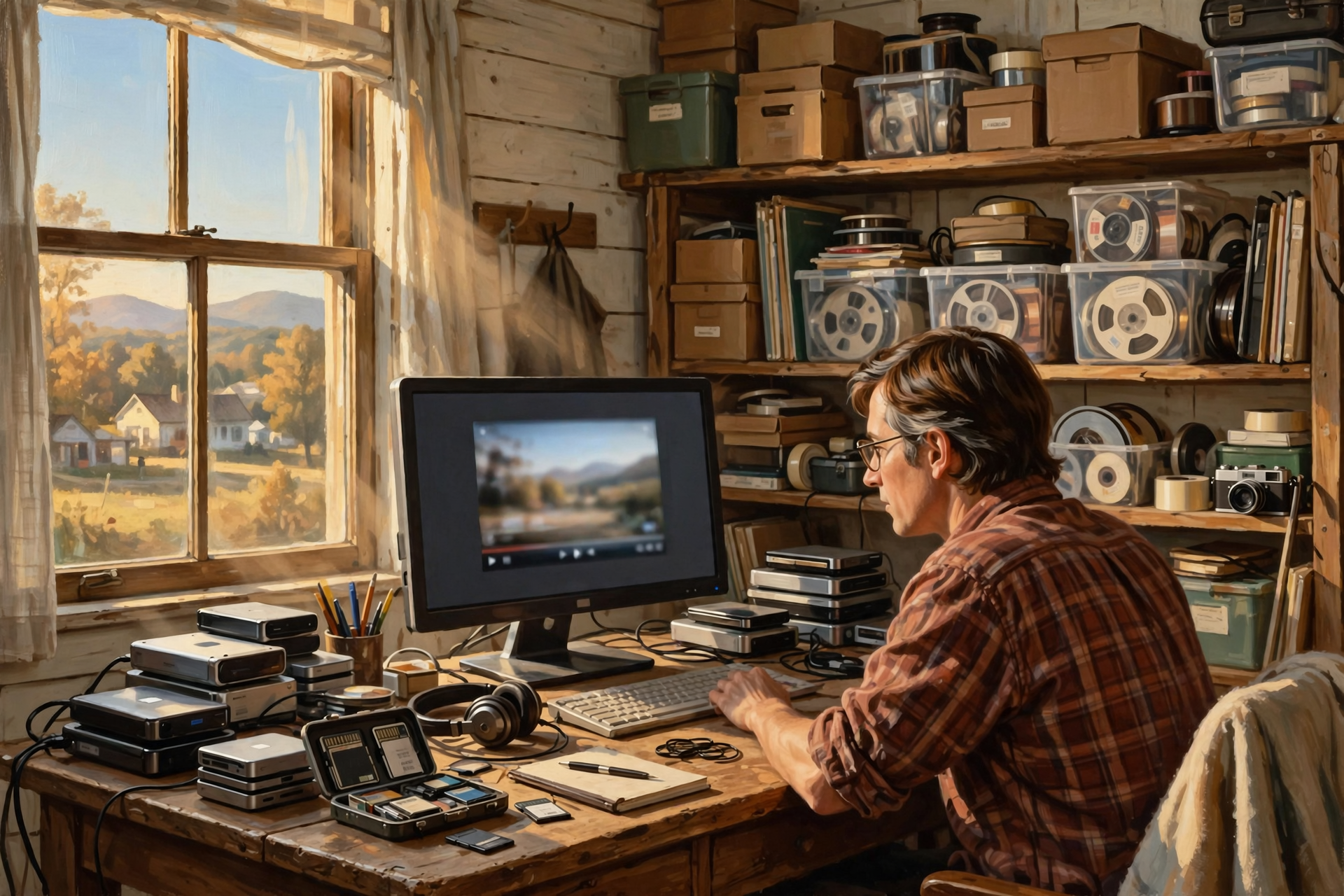
Suppose you edit a two-hour family video into a beautiful twenty-minute program.
Wonderful.
Keep the finished video.
But if storage allows, consider preserving the original recordings too.
Why?
Because today’s unwanted footage may contain tomorrow’s treasure.
A five-second clip of somebody laughing in the background may become more valuable than the carefully edited event.
Small Businesses Should Have a Format Strategy
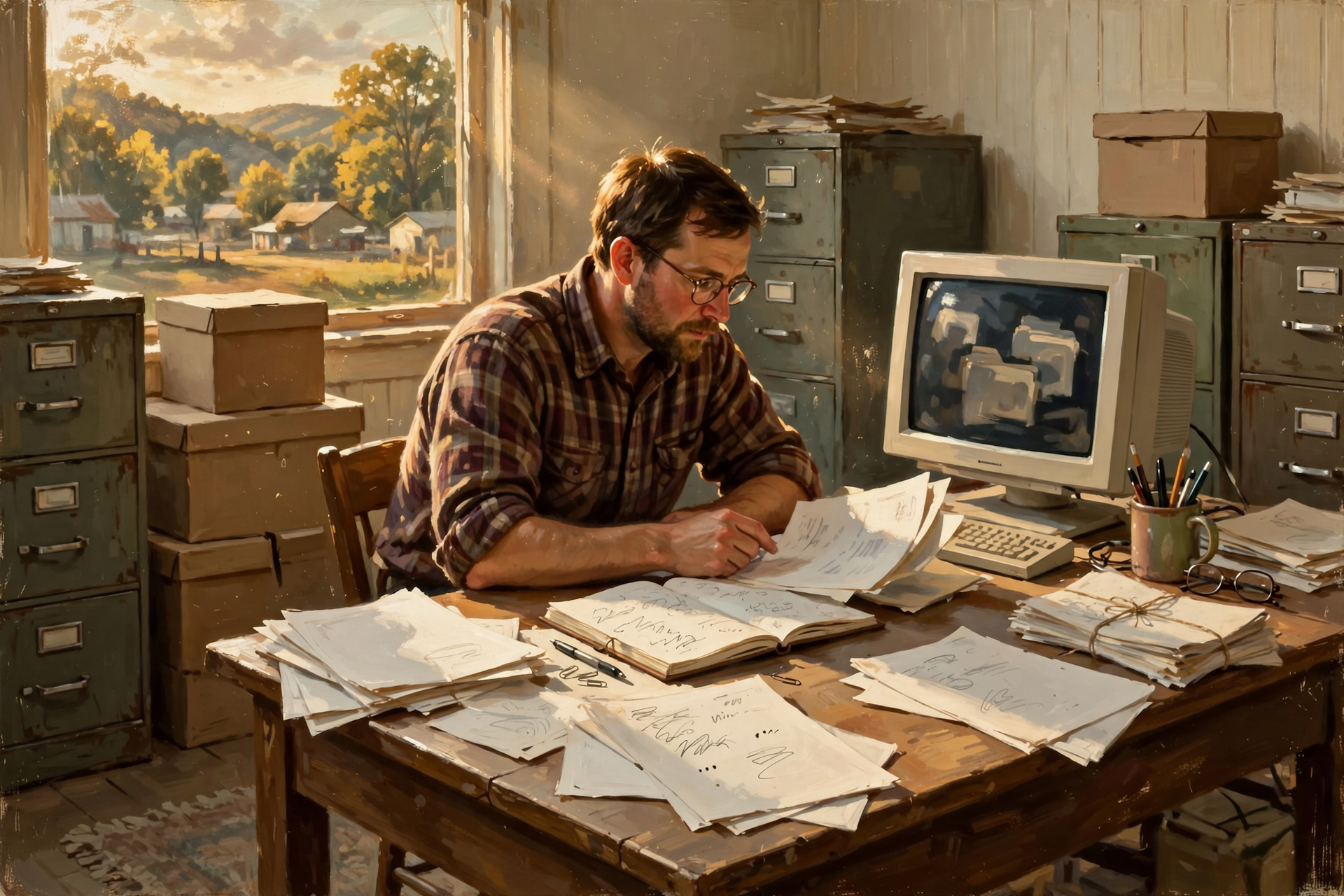
This sounds far more sophisticated than it is.
A small business should simply know:
- Which formats contain important records
- Whether those formats can be opened elsewhere
- Whether critical systems can export standard formats
- Whether original files are preserved where necessary
You don’t need a committee.
You need a little awareness.
Accounting Data Is a Good Example
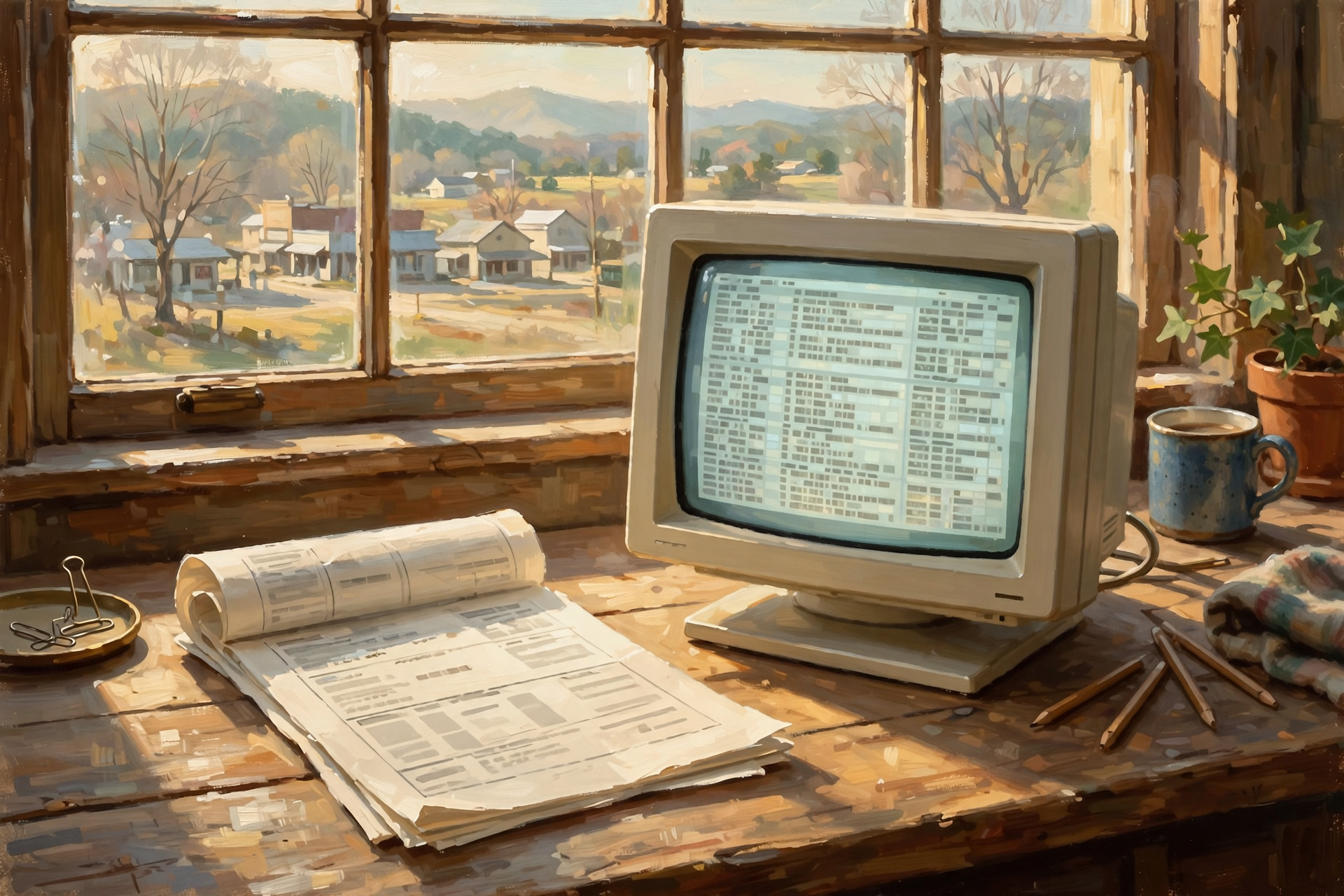
Accounting systems can contain years of valuable structured information.
Invoices.
Customers.
Vendors.
Payments.
Transactions.
Reports.
A PDF copy of last year’s tax report is useful.
But it is not the same thing as preserving the underlying transaction data.
One is a picture of the books.
The other is the books.
The Pretty Report Is Not the Database
This distinction applies everywhere.
A printed customer report is not a customer database.
A PDF invoice isn’t your accounting system.
A screenshot of a website isn’t the website.
A printout of a family tree isn’t the genealogy database.
For important systems, think about both:
the human-readable record
and:
the underlying information.
Your Website Content Has a Format Too
Websites can become surprisingly difficult to move when important information is tangled inside proprietary page builders or hosted systems.
At minimum, preserve the things that matter most:
- Article text
- Product descriptions
- Original photographs
- Customer information where appropriate
- Domain ownership
- Database exports
You may lose some fancy layout during a migration.
That’s annoying.
Losing the underlying content is worse.
Artificial Intelligence Is Creating New File-Format Questions
We’ve talked about AI several times in this series.
AI introduces a new preservation problem.
People are creating:
- Research
- Articles
- Images
- Code
- Business ideas
- Analyses
inside systems that may not store the final work as conventional files at all.
It may simply exist as a conversation.
If the output matters, move it somewhere durable.
Save the article as a document.
Save the useful code in appropriate files.
Save important images in standard image formats.
Document important conclusions.
AI should help create your work.
It should not become the only filing cabinet containing it.
The Conversation Is Not the Product
This is going to matter more and more.
You may spend three hours working with an AI system and reach a brilliant conclusion.
The valuable thing is not necessarily the three-hour conversation.
It’s the result.
Put the result somewhere that belongs in your regular information system.
Otherwise you’re building your intellectual life inside somebody else’s chat history.
Proprietary Formats Aren’t Automatically Bad
Let’s keep this balanced.
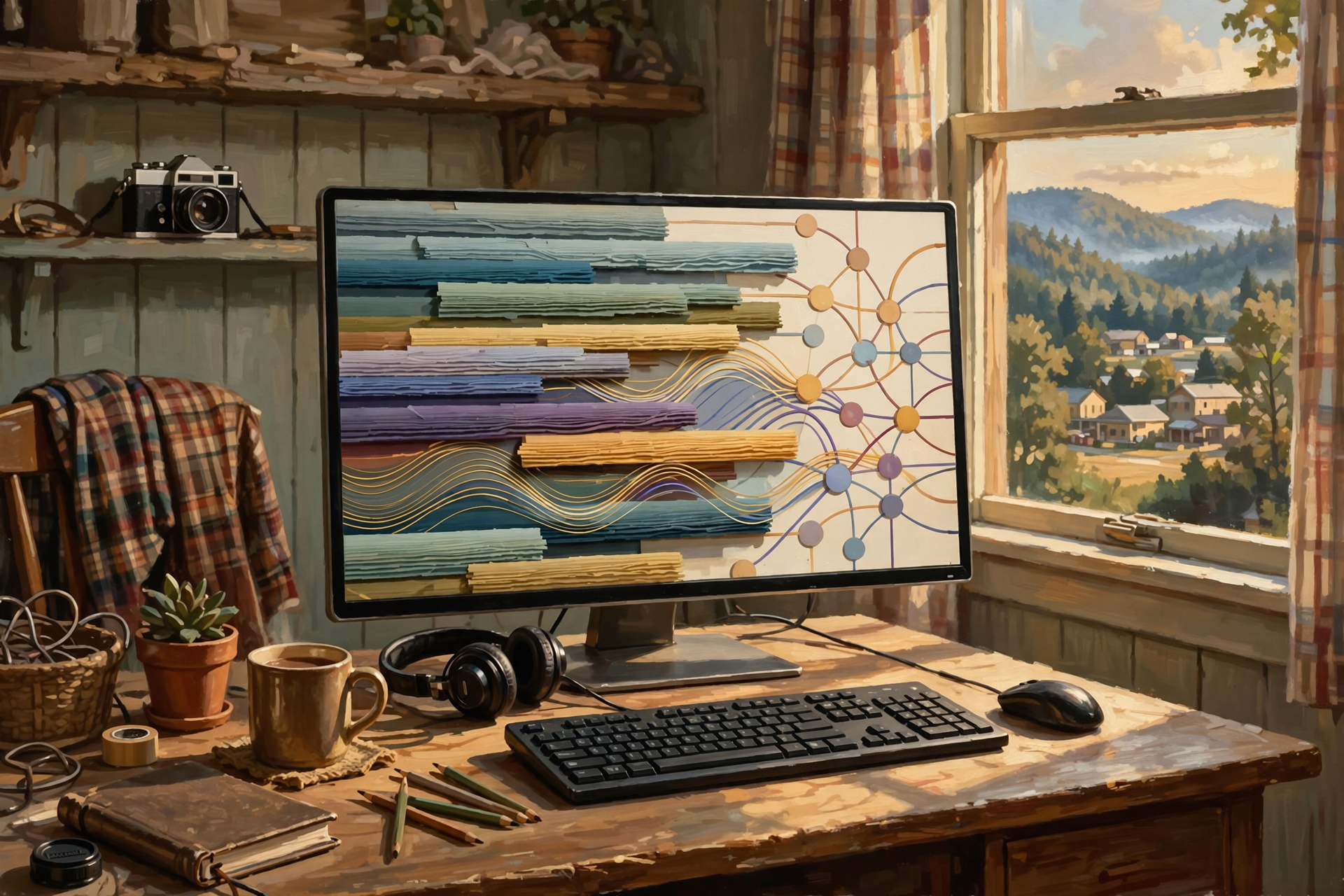
Specialized file formats often exist for good reasons.
A professional engineering application may store information no simple format can represent.
A video-editing project may contain:
- Timelines
- Effects
- Transitions
- Audio tracks
- Color settings
A plain text file obviously cannot preserve all that.
Specialized software needs specialized formats.
The key question is:
What should I preserve in addition to it?
The Wedding Cake Rule

Imagine a baker creates a magnificent wedding cake.
The original working project includes:
- Recipes
- Measurements
- Design sketches
- Ingredient notes
That’s the editable project.
Then somebody takes beautiful photographs of the finished cake.
That’s the durable presentation.
You might want both.
Digital work is often the same.
Preserve the working version when useful.
Also preserve a finished version that doesn’t require the original kitchen.
Archiving Is Different From Backing Up
This is another useful distinction.
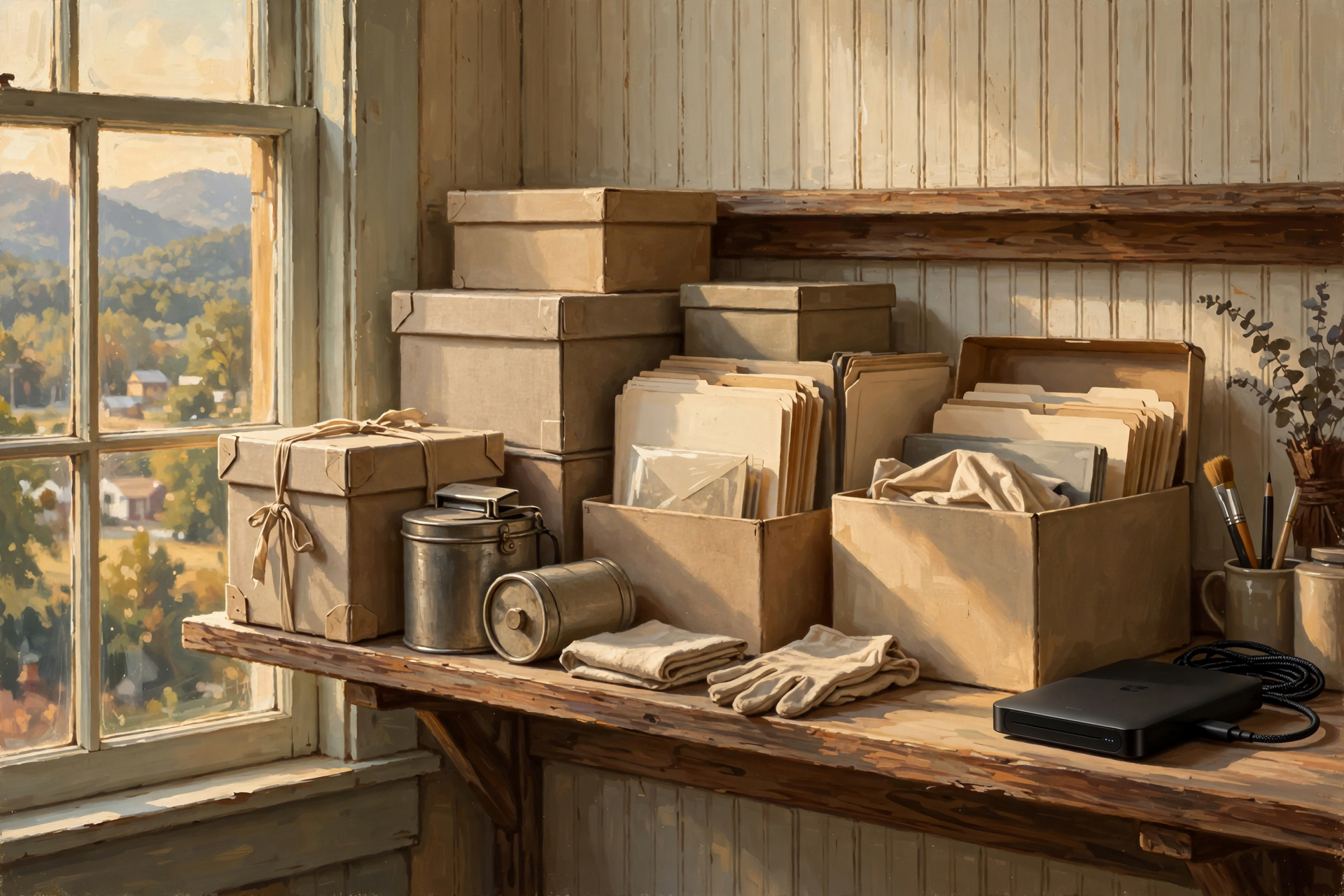
A backup is primarily about recovering from something going wrong now.
An archive is about preserving something for later.
Your daily business database needs backups.
The final annual report might go into an archive.
Your phone photographs need backups.
The best family photographs might also deserve a carefully organized long-term archive.
The goals overlap.
They aren’t identical.
A Backup Can Faithfully Preserve a Future Problem
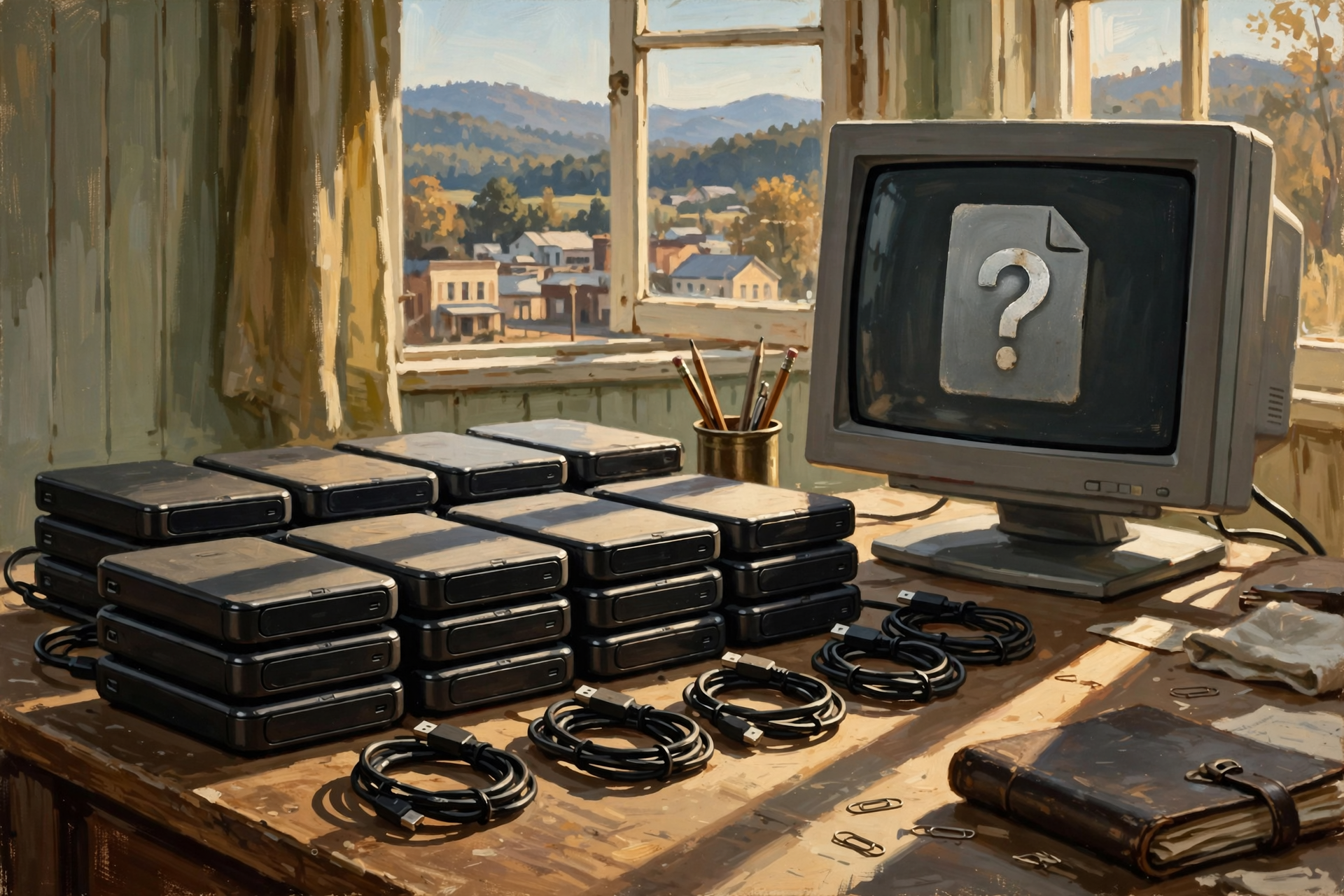
Suppose you have an obscure twenty-year-old file format.
You make twelve perfect backups.
Excellent.
You now possess twelve copies of a file nobody can open.
Backup protects the bits.
Preservation protects the usefulness.
For long-term records, you should think about both.
Migration Is Normal
There is probably no file format guaranteed to remain convenient forever.
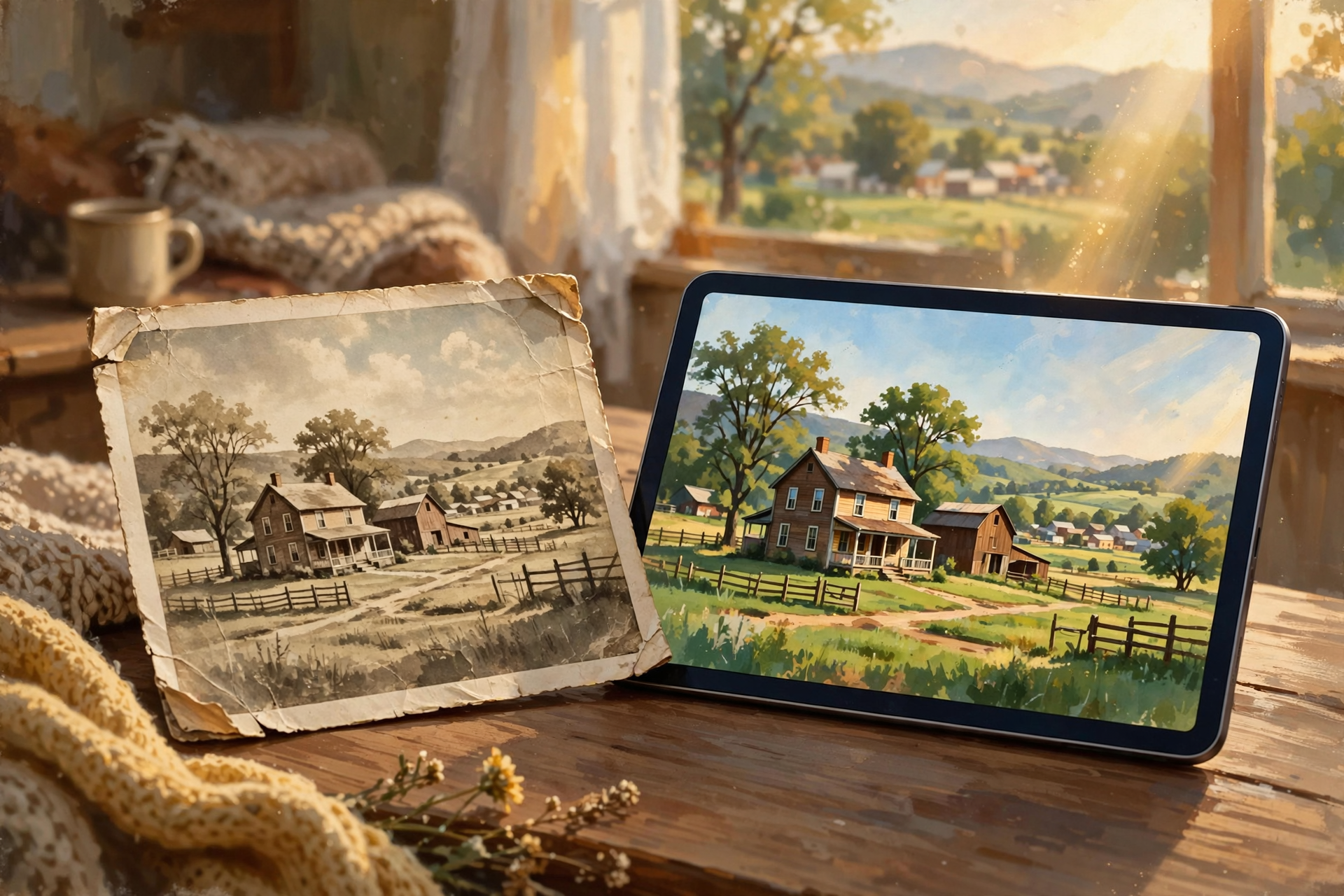
Long-term digital preservation sometimes means periodically moving information forward.
Old photographs get copied to newer storage.
Old documents get converted into more widely supported formats.
Old databases get exported.
This isn’t failure.
It’s maintenance.
We repaint barns.
Replace roofs.
Transfer family photographs out of decaying albums.
Digital information needs upkeep too.
Don’t Wait Thirty Years Between Checks
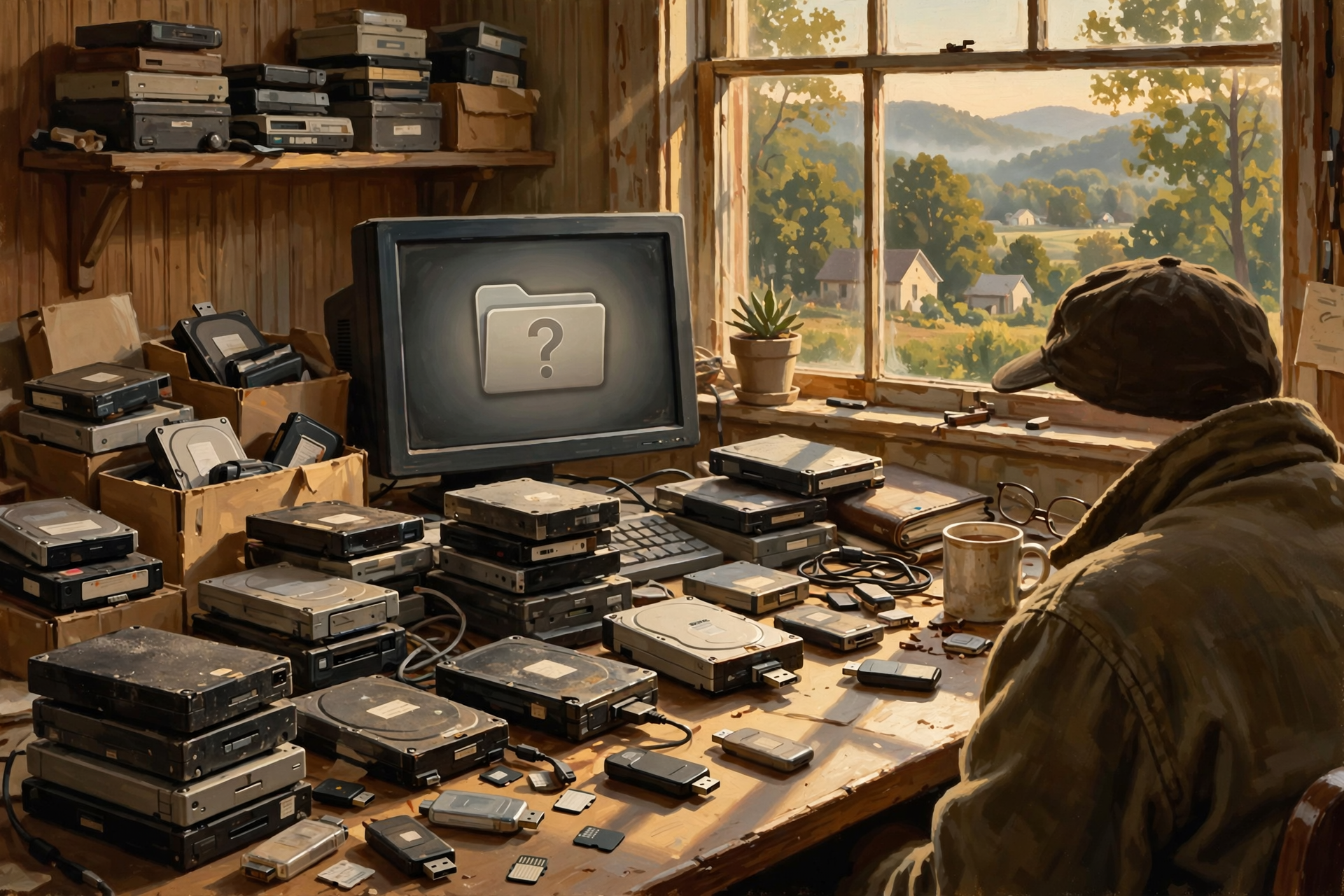
Every once in a while, inspect your important digital archive.
Can you still open the files?
Do the drives still work?
Are the photographs visible?
Does the backup still restore?
If an old format is becoming difficult to use, that is the time to migrate it.
Not fifteen years after the last compatible computer went to the landfill.
Seniors and Family Historians Should Pay Special Attention

Our previous article discussed digital independence for older adults.
This subject connects directly to it.
A family historian may accumulate decades of:
- Names
- Dates
- Scans
- Photographs
- Interviews
- Stories
- Research notes
The goal should not merely be:
“I can open it.”
It should also be:
“My children can open it after I’m gone.”
Future-Proofing Doesn’t Require Predicting the Future
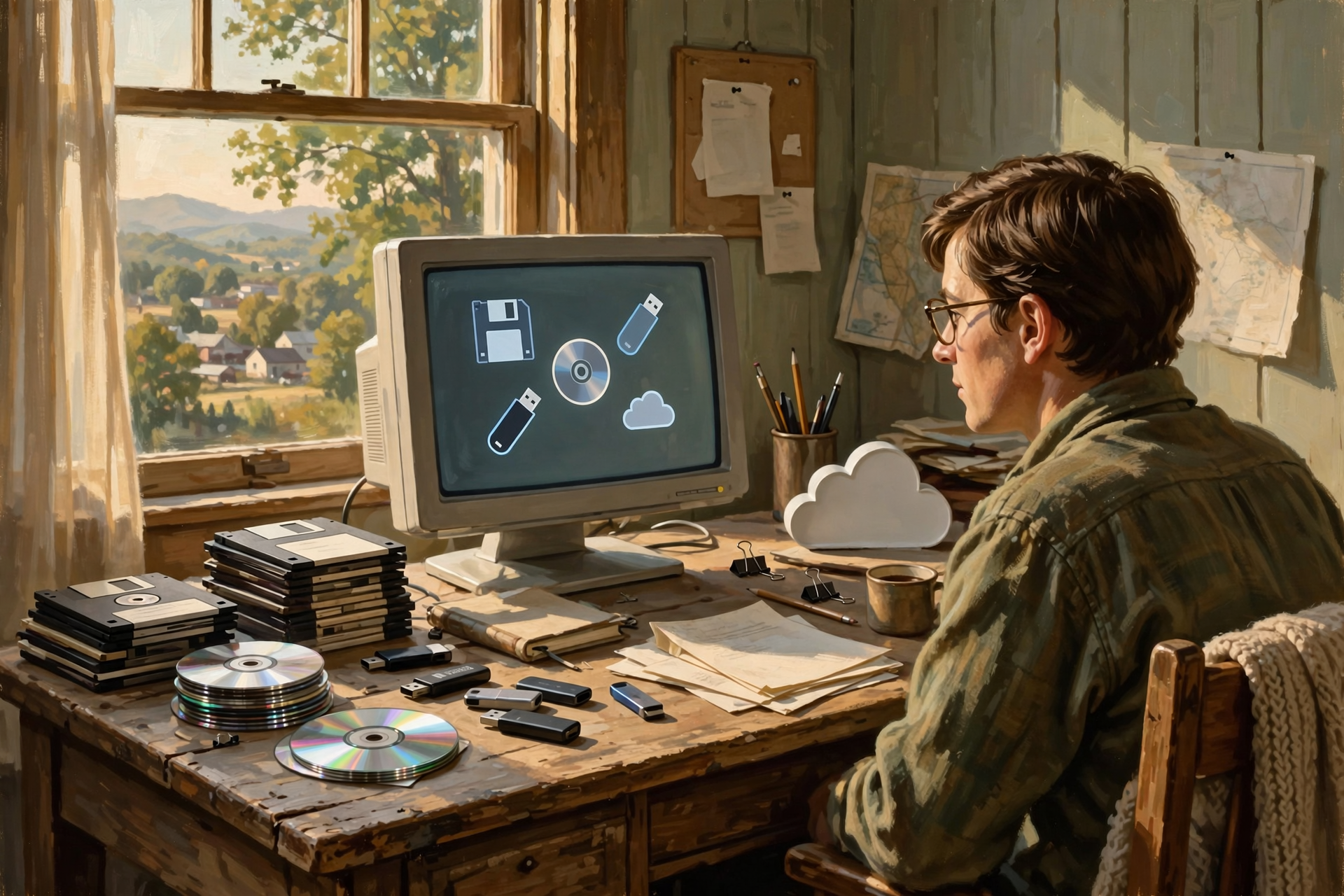
You cannot know which software people will use in 2056.
Neither can I.
The people building today’s software don’t know either.
You can improve the odds by favoring:
- Common formats
- Well-documented formats
- Formats supported by multiple programs
- Simple formats when complexity isn’t necessary
- Periodic migration
That’s as close as computers get to future-proof.
Use the “Neighbor’s Computer” Test

Here’s a simple way to think about portability.
Imagine your computer dies this afternoon.
You walk next door with your important file on a USB drive.
Could your neighbor’s computer reasonably open it?
A JPEG photograph?
Probably.
A PDF?
Probably.
A plain text document?
Almost certainly.
GrandmasRecipes.SuperKitchenPro98?
I’m less optimistic.
Small Businesses Should Ask Vendors About Exports Before Buying

This should become a normal purchasing question.
When considering business software, ask:
- Can we export everything?
- Which formats are available?
- Can common software open them?
- Are attachments included?
- Are dates preserved?
- Are relationships between records preserved?
- Can exports be automated?
- Is export available before cancellation?
The salesperson may prefer to demonstrate the dashboard again.
Ask anyway.
The Exit Door Should Be Inspected Before You Move In

That principle has appeared repeatedly throughout this series because it is one of the foundations of digital independence.
A service may be wonderful.
Use it.
A proprietary program may be the best tool available.
Use it.
But understand how your information leaves.
The best time to discover a locked exit is before the building fills with furniture.
Wisdom From the Front Porch

The tool that made the thing may disappear. The thing shouldn’t have to disappear with it.
That’s the lesson.
Software is machinery.
Your information is the product.
Don’t confuse the two.
Plain-English Glossary
File Format
The method used to organize information inside a computer file so software knows how to interpret it.
File Extension
The letters normally appearing after the final dot in a filename, such as .jpg, .pdf, or .txt, which often identify the file’s format.
Open Format
A file format whose technical specification is publicly documented and available for different developers to implement under its applicable terms.
Proprietary Format
A format controlled closely by a particular company or product. Proprietary formats can be useful and sophisticated, but may create greater dependence on specific software.
CSV
Comma-Separated Values, a simple format commonly used to exchange rows and columns of information between spreadsheets, databases, and business systems.
Plain Text
A simple format containing ordinary characters without complex document formatting.
Markdown
A lightweight plain-text format that uses simple characters to represent headings, lists, links, emphasis, and other basic structure.
Archive
A collection intentionally preserved for long-term reference rather than primarily for immediate operational recovery.
Migration
Moving data from one software system, storage technology, or file format into another.
Digital Preservation
The practices used to keep digital information understandable, accessible, and usable over long periods of time.
The Dunlap.Today Long-Term File Checklist
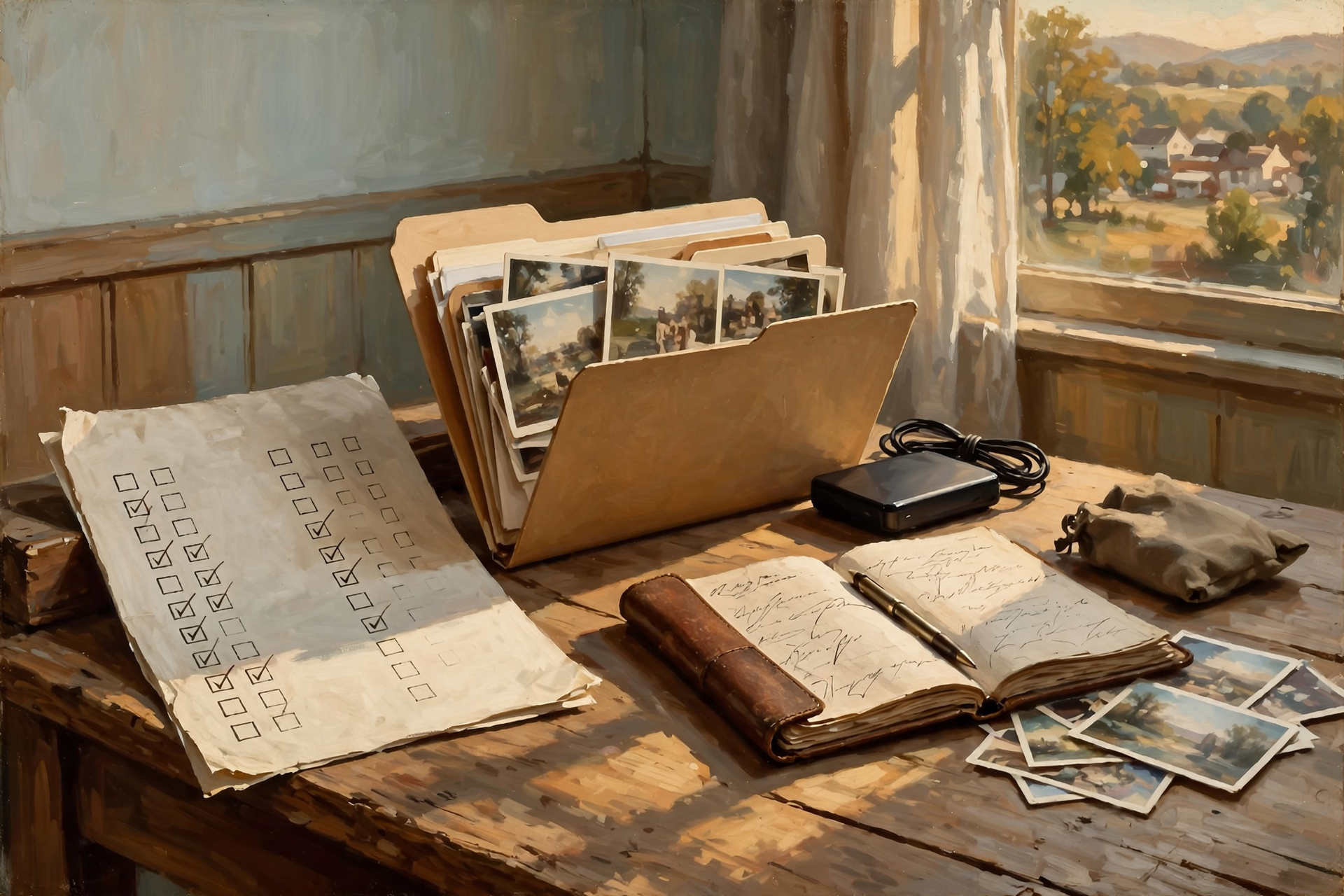
- ☐ I know which files are genuinely irreplaceable.
- ☐ Important files exist in more than one location.
- ☐ I know the formats used for important documents and records.
- ☐ Critical information is not trapped exclusively in one obscure program.
- ☐ Important business systems can export useful data.
- ☐ I periodically test those exports.
- ☐ Important finished documents may also be preserved as PDF where appropriate.
- ☐ Important editable originals are preserved when future editing may matter.
- ☐ Family photographs are stored in broadly supported formats.
- ☐ Especially important original photographs or recordings are preserved.
- ☐ AI-generated work that matters is saved outside the original chat.
- ☐ Long-term archives are checked periodically.
- ☐ Old formats are migrated before they become difficult to open.
- ☐ Someone besides me could understand the family or business archive if necessary.
Frequently Asked Questions
What is a file format?
A file format is the structure used to organize information inside a computer file. Software uses that structure to determine how to display, edit, or process the information.
What is an open file format?
An open format generally has publicly available technical specifications that allow multiple developers to build compatible software. This can reduce dependence on one particular application or vendor.
Does an open format guarantee every program will display a file identically?
No. Different programs may implement features differently, and complicated documents can still experience compatibility issues. Open documentation improves interoperability opportunities but does not guarantee perfect reproduction.
Are proprietary file formats bad?
No. Specialized formats may provide capabilities that simpler formats cannot. The risk arises when important information depends entirely on one application with no useful export or preservation strategy.
What file format should I use for long-term documents?
There is no single format appropriate for every purpose. Finished human-readable documents are often preserved as PDF, while editable originals may also be retained. Simple text and structured information can benefit from widely supported formats such as TXT, Markdown, or CSV depending on the job.
Why is CSV useful for businesses?
CSV provides a simple way to exchange tabular information such as customers, products, prices, and transactions between many different systems. It may not preserve every feature of the original application, but it often preserves the core data.
Should I convert all my old files immediately?
No. Begin with files that are important and becoming difficult to open. Preserve the originals before conversion so you can return to them if necessary.
Should I delete original files after converting them?
For important material, keeping the original alongside the converted copy can be valuable, especially when conversion may discard information or formatting.
What’s the difference between backup and digital preservation?
Backups primarily protect against loss or damage. Digital preservation also considers whether the information will remain understandable and usable as software, storage devices, and file formats change.
How often should I review old digital files?
There is no universal schedule, but important archives should be inspected periodically so obsolete storage devices or formats can be addressed while compatible tools are still readily available.
The Best File Format Is Sometimes the Boring One
Technology naturally attracts us toward the newest thing.
More features.
More compression.
More cleverness.
Sometimes that’s worthwhile.
But if the job is preserving:
Grandma’s story
or:
your customer list
or:
twenty years of business records,
boring can be beautiful.
A simple file understood by dozens of programs may be more valuable in the long run than a sophisticated file understood by one.
The Bottom Line
We’ve spent much of this Digital Independence series talking about software.
Free software.
Subscriptions.
Cloud software.
Local software.
Self-hosted software.
Artificial intelligence.
All of that matters.
But eventually every application will change.
Some will disappear.
Your information may need to survive them.
The family photograph should outlive the photo app.
The customer list should outlive the CRM.
The article should outlive the word processor.
The family history should outlive the genealogy program.
The business records should outlive the accounting software.
And the good idea should outlive the AI conversation that helped create it.
Digital independence means understanding that difference.
Software is temporary.
Your important information shouldn’t have to be.
Know about an upcoming event or story in the Dunlap, TN area? Submit it here.


0 Comments