

What Is the Difference Between My PC and an AI PC in a Data Center?

If you have a reasonably modern computer sitting on your desk, you may reasonably wonder why artificial intelligence requires enormous data centers.
After all, your computer has a processor.
It has memory.
It has storage.
It connects to the internet.
Maybe it even has a fancy graphics card.
And newer computers are being advertised everywhere as AI PCs.
So if a computer sitting on your kitchen table can run artificial intelligence, why are companies building acres of buildings full of computers to do the same thing?
The short answer is:
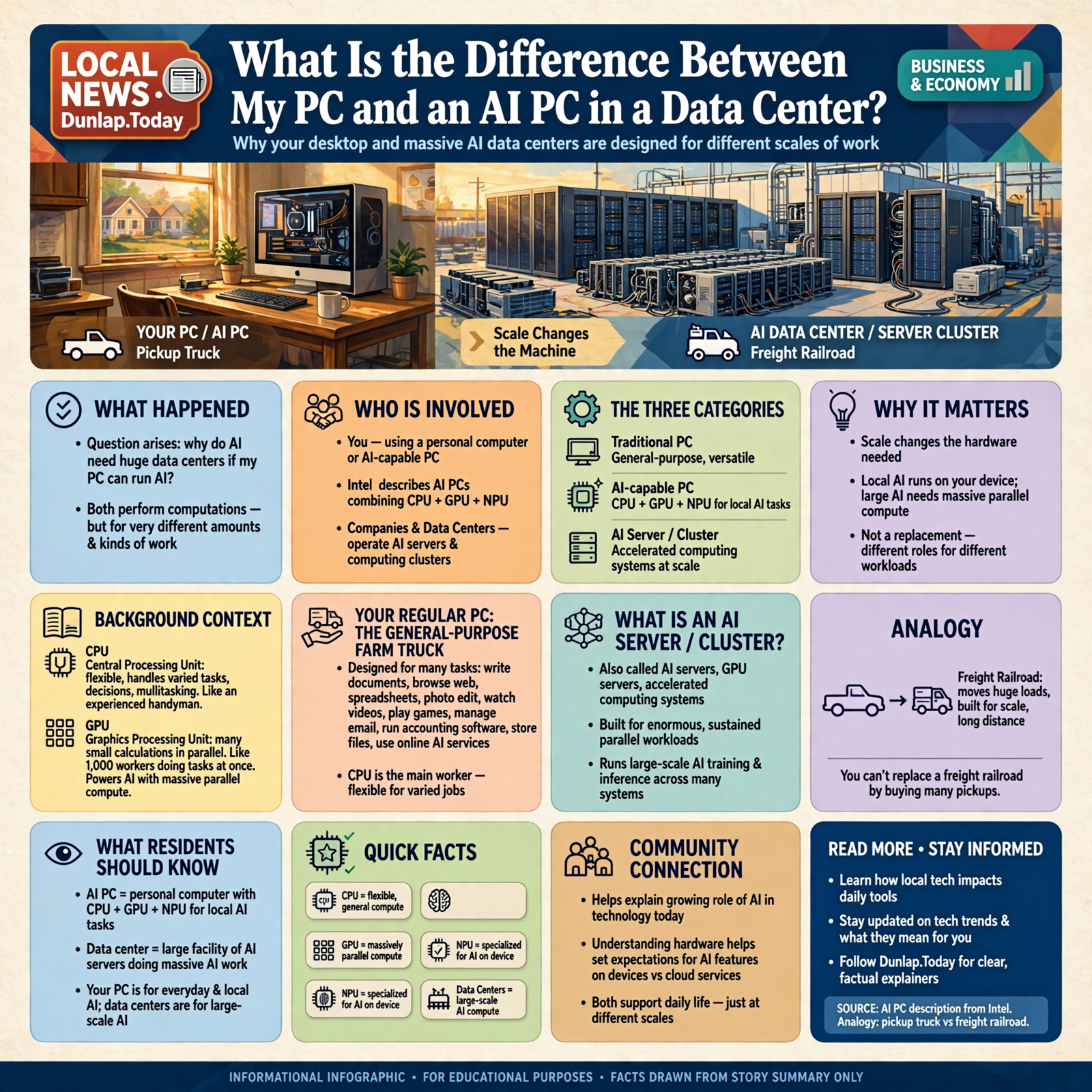
Your PC and an AI data center both perform computations, but they are designed for dramatically different amounts and kinds of work.
Think pickup truck versus freight railroad.
Your pickup may haul lumber, pull a trailer and get an impressive amount of work done.
That does not mean we can eliminate freight trains by purchasing several nicer pickups.
The scale changes the machine.
First, We Need to Fix the Terminology
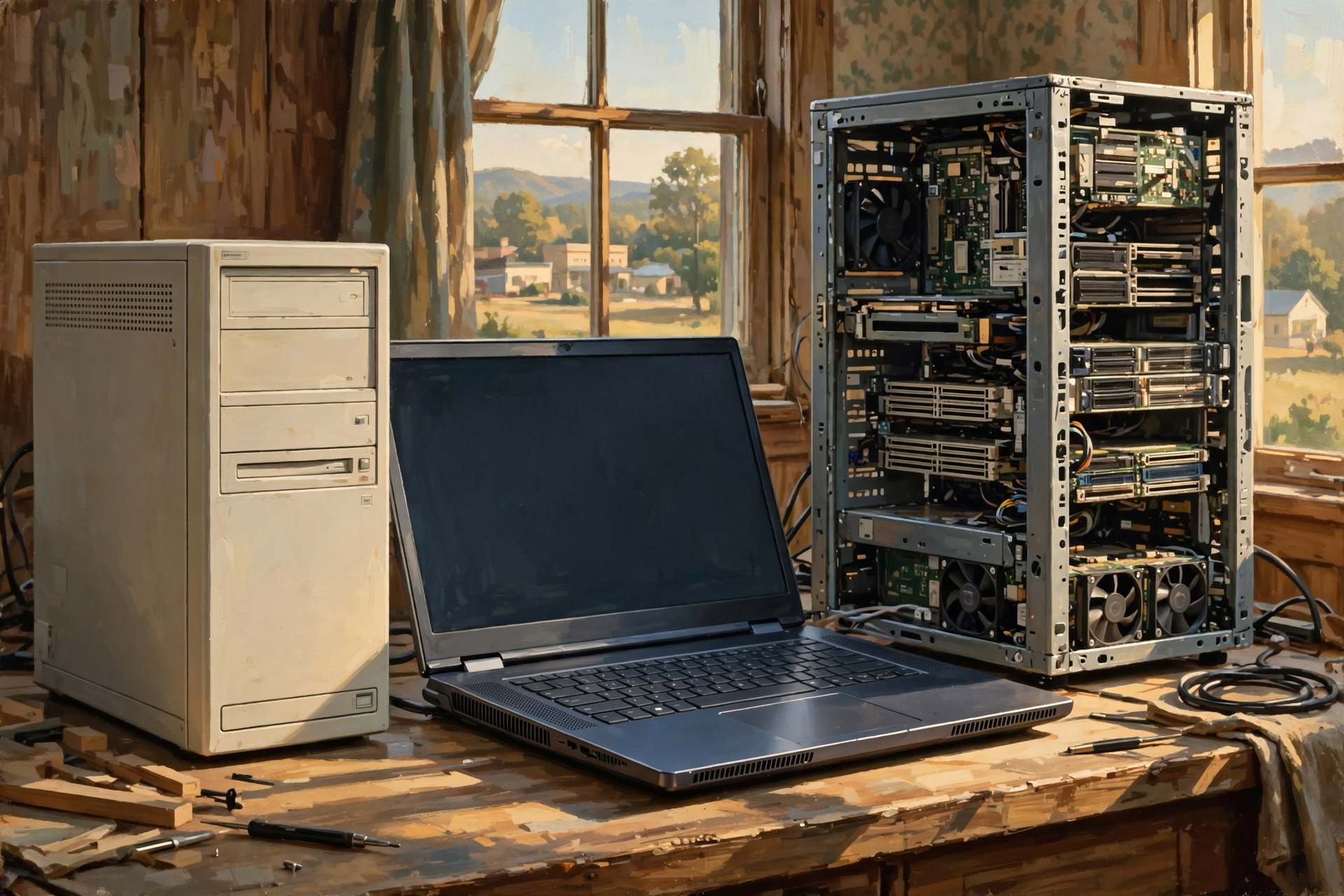
The phrase AI PC usually refers to a personal computer with hardware specifically designed to help run artificial-intelligence tasks locally.
According to Intel’s description of an AI PC, these computers combine a CPU, GPU and NPU so different types of AI work can be handled efficiently on the device.
That is not quite the same thing as the computers inside a large AI data center.
Those are more accurately described as AI servers, GPU servers, accelerated computing systems or parts of an AI computing cluster.
So we really have three categories worth comparing:
- A traditional personal computer
- An AI-capable personal computer
- An AI server or cluster inside a data center
They are relatives.
They are not twins.
Your Regular PC: The General-Purpose Farm Truck

A normal PC is designed to do many different things reasonably well.
You can:
- write documents;
- browse the web;
- run spreadsheets;
- edit photographs;
- watch videos;
- run accounting software;
- play games;
- manage email;
- write software;
- store files; and
- use online artificial-intelligence services.
The main worker inside most traditional computers is the CPU, or central processing unit.
A CPU is extremely flexible.
It is good at following complicated instructions, making decisions and rapidly switching among many different kinds of work.
Think of the CPU as the experienced handyman in the shop.
Need the saw?
Fine.
Need the drill?
Fine.
Need somebody to read the instructions, make a decision and then fix the gate?
The CPU is your fellow.
Then We Added the GPU
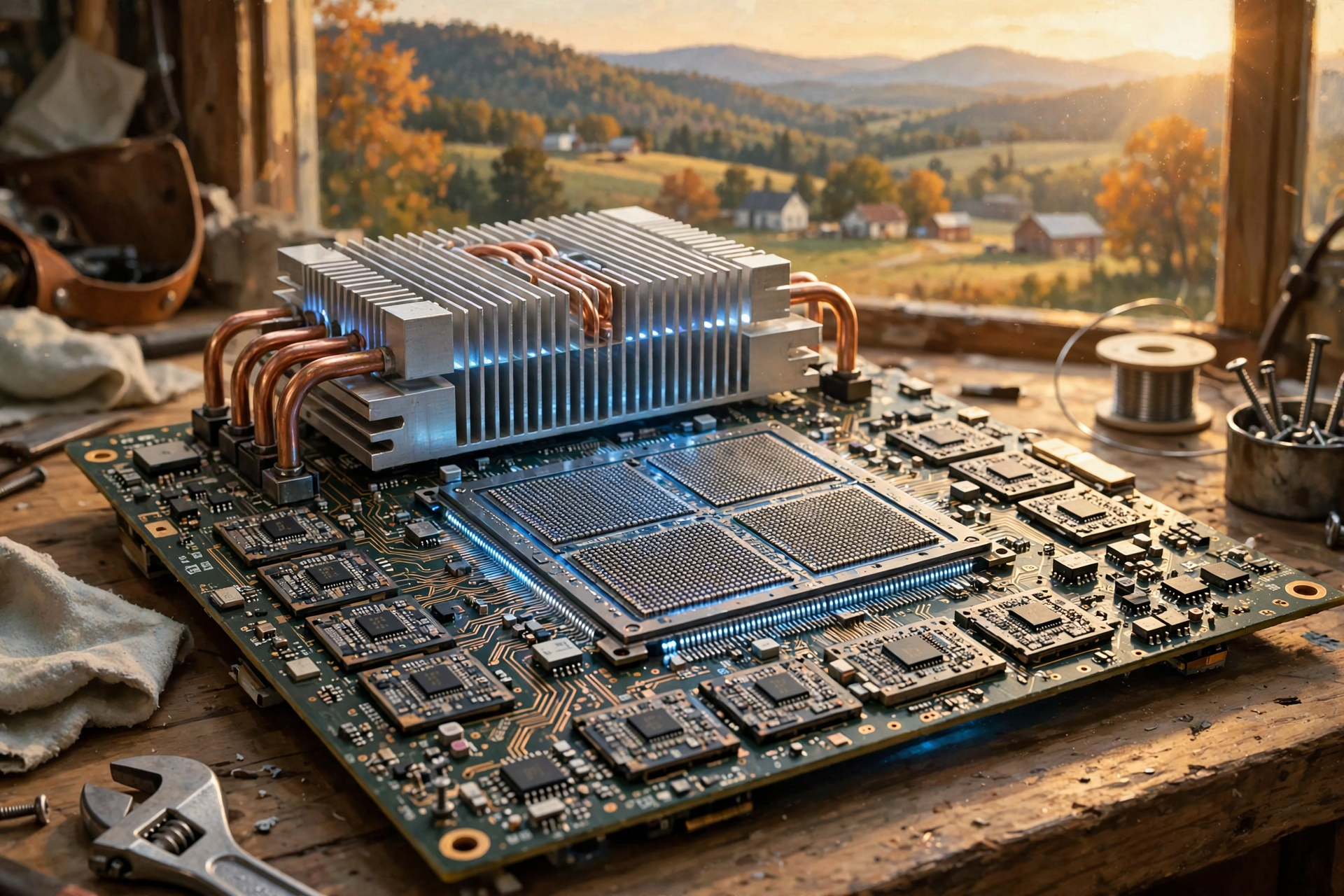
A GPU is a graphics processing unit.
GPUs originally became familiar to most consumers because they were very good at generating computer graphics.
Video games need huge numbers of similar calculations performed rapidly.
Rather than doing one calculation after another, GPUs are designed to perform many calculations in parallel.
Imagine one very talented carpenter compared with 1,000 workers who can each perform a smaller task simultaneously.
For certain jobs, the second approach can be enormously faster.
It turned out that artificial intelligence often needs exactly this kind of massively parallel computation.
That discovery helped turn GPUs from something gamers argued about into one of the most important pieces of hardware in modern artificial intelligence.
Then Comes the NPU
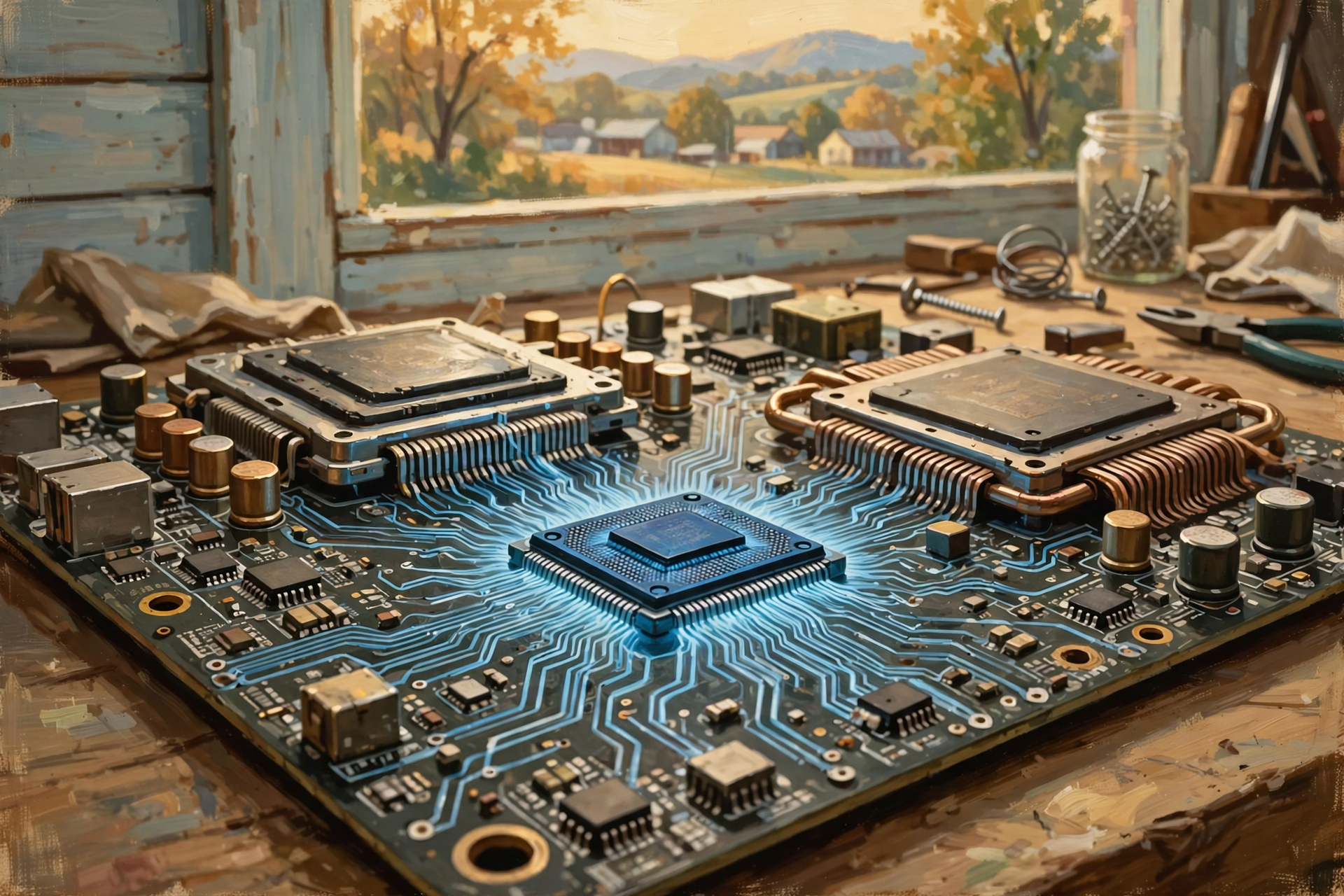
The newest piece of the consumer-PC puzzle is the NPU, or neural processing unit.
An NPU is specialized hardware designed specifically to perform certain artificial-intelligence and machine-learning calculations efficiently.
The important word there is efficiently.
You could ask your CPU to do some of the same work.
You could ask your GPU to do it.
But sometimes that is like starting your largest tractor because you need to move one bale of hay twenty feet.
It works.
It just may not be the most efficient tool for the job.
An NPU can handle ongoing AI tasks while consuming less power than repeatedly assigning that work to a more power-hungry CPU or GPU.
Microsoft’s Copilot+ PC specifications illustrate how important this new processor category has become. Microsoft describes Copilot+ PCs as systems containing an NPU capable of more than 40 trillion operations per second, or TOPS, for supported on-device AI workloads.
Wait. Forty Trillion Operations Per Second?
Yes.
And here is your first lesson in why AI numbers get ridiculous very quickly.
TOPS means trillions of operations per second.
It is one way of describing the amount of certain kinds of AI-related computation a processor can perform.
Forty trillion is a very large number.
But do not make the mistake of thinking:
“My laptop does 40 trillion operations per second, so surely it can do anything a data center can do.”
It cannot.
Different processors perform different operations, use different numerical formats, have different memory systems and are built for different workloads.
A single performance number rarely tells the whole story.
This will become especially important when we start discussing the eye-popping performance numbers advertised for data-center AI systems.
So What Does an AI PC Actually Do?

An AI PC moves some artificial-intelligence work from a distant data center onto the computer sitting in front of you.
Depending on the hardware and software, local AI can help with tasks such as:
- speech recognition;
- real-time translation;
- background removal during video calls;
- camera framing;
- noise suppression;
- image enhancement;
- local search;
- photo editing;
- summarization;
- running smaller language models;
- security functions; and
- other AI-assisted applications.
Intel specifically describes AI PCs as systems designed to run AI work directly on the device using CPU, GPU and NPU resources rather than relying entirely on remote cloud processing.
Why Would I Want AI Running on My Own Computer?

There are several advantages.
Speed
Your request does not necessarily have to travel across the internet to a distant data center and return.
Privacy
Some information can stay on your computer instead of being transmitted to a remote service.
No Internet Required
Some local AI features can continue working when your internet connection cannot.
Anyone living in rural America understands that particular feature without needing further explanation.
Lower Cloud Cost
A company may be able to perform certain small AI tasks on thousands of employee computers rather than paying to process every operation in a remote data center.
Efficiency
An NPU can perform certain continuous AI workloads without consuming as much energy as heavier general-purpose processing might require.
So Why Don’t We Just Run Everything on the Laptop?

Because artificial intelligence ranges from surprisingly small to staggeringly large.
A small AI model might perform one specialized task on your PC.
A huge generative model may contain billions of parameters, require enormous amounts of memory and perform an extraordinary number of calculations.
And training one of those models can require vastly more computing than simply using it after it has been trained.
This is where the data center enters the picture.
The AI Server: Now We Have Left the Kitchen Table
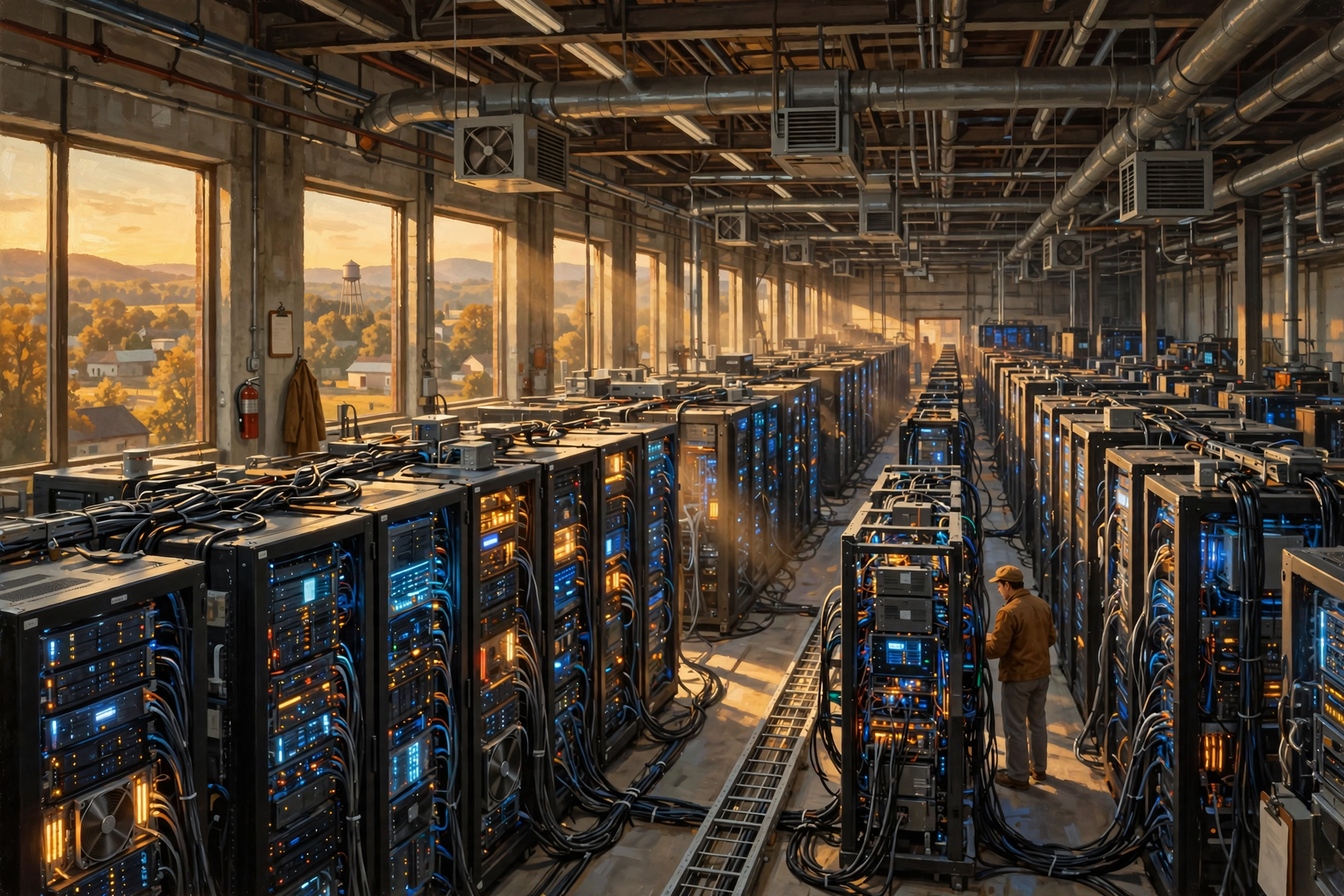
A powerful AI server is not simply an expensive desktop PC.
It is designed around a different objective:
Move enormous quantities of data through enormous quantities of computing hardware as quickly as possible.
Consider one current example.
NVIDIA’s DGX B200 system combines eight B200 data-center GPUs, two server CPUs, high-speed networking and very large amounts of GPU memory in one AI system. NVIDIA documents 1,440 gigabytes of aggregate GPU memory in that system alone.
That is one machine.
A major AI data center can connect many machines together.
Now we are no longer talking about improving the background blur on a Zoom call.
We are talking about industrial-scale computing.
The Real Secret Is Not Just Faster Chips
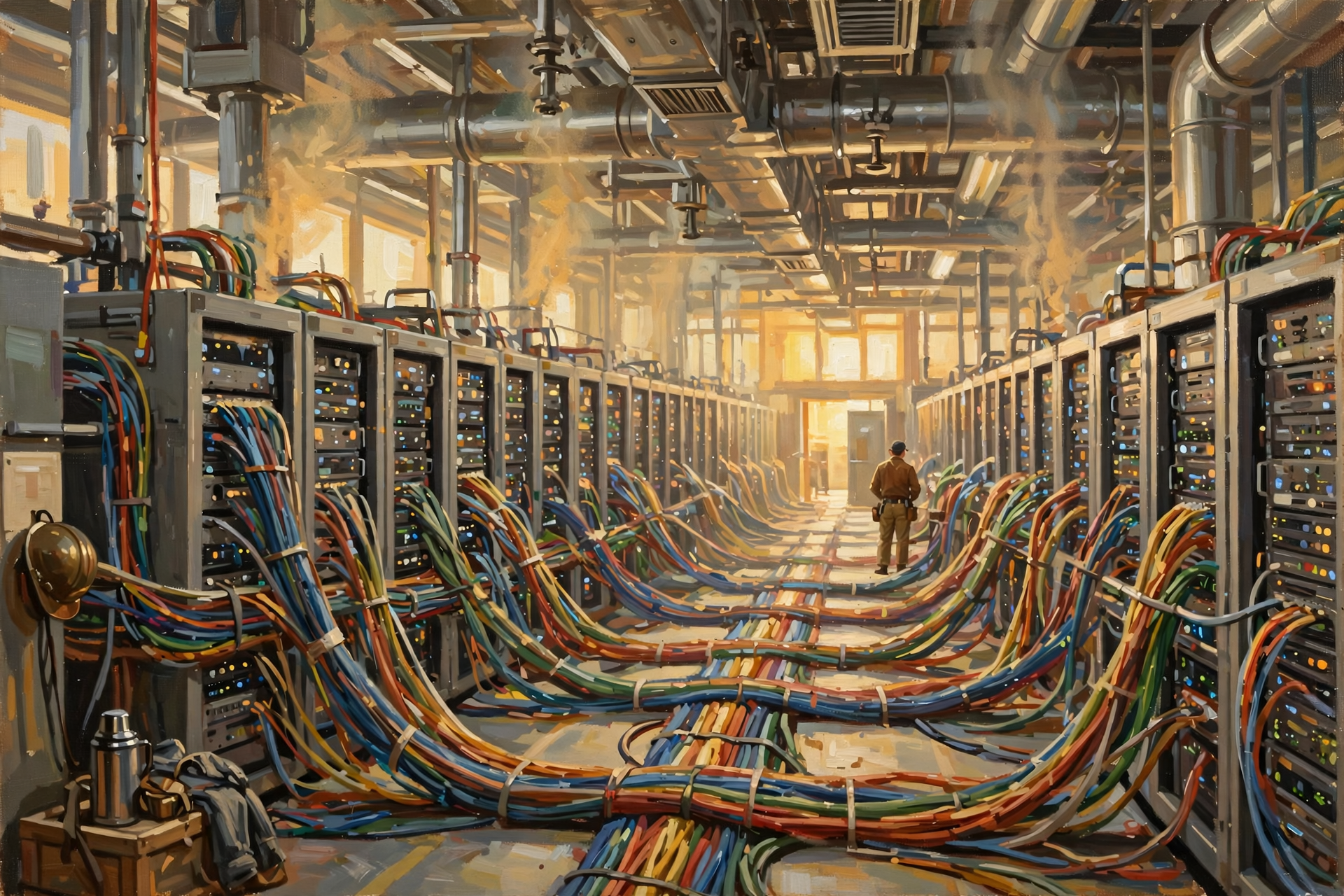
This is one of the easiest things to misunderstand about AI data centers.
The impressive part is not merely that somebody bought a faster processor.
The challenge is getting huge numbers of processors to work together efficiently.
That requires:
- very fast GPUs or other AI accelerators;
- enormous amounts of high-speed memory;
- extremely fast connections between processors;
- high-speed networking between servers;
- large storage systems capable of feeding data quickly;
- software that can divide work across machines;
- massive electrical capacity;
- serious cooling systems; and
- infrastructure designed to keep everything operating reliably.
The result is less like one enormous computer and more like an orchestra containing thousands of musicians who have to play exactly together.
Having 10,000 musicians does not help much if half of them are still trying to find page three.
Follow the Prompt: “Write Me a Poem About My Tractor”

Suppose you open an AI chatbot and type:
Write me a poem about my old tractor.
There are two very different ways that request might be handled.
Option One: Local AI
- You type the prompt.
- A model stored on your own AI PC receives it.
- Your CPU, GPU or NPU performs the calculations.
- The answer is generated locally.
- Your information may never need to leave the computer.
Option Two: Cloud AI
- You type the prompt.
- Your computer sends the request across the internet.
- The request reaches an AI service running in one or more data centers.
- Powerful server hardware processes the model.
- The answer is generated.
- The response travels back across the internet.
- The poem appears on your screen.
To you, both experiences may look almost identical.
The machinery underneath them can be completely different.
Your PC May Be the Steering Wheel, Not the Engine

This gives us a useful way to understand many modern AI applications.
Sometimes the computer in front of you is doing the AI work.
Sometimes it is mainly acting as the interface to much more powerful computers somewhere else.
Think about operating a large piece of remote machinery.
You may have a screen and controls in front of you, but that does not mean the motor doing the heavy work is under your desk.
The same is true of cloud AI.
Your laptop may display the answer while the expensive calculations happened hundreds of miles away.
Training AI and Using AI Are Not the Same Thing
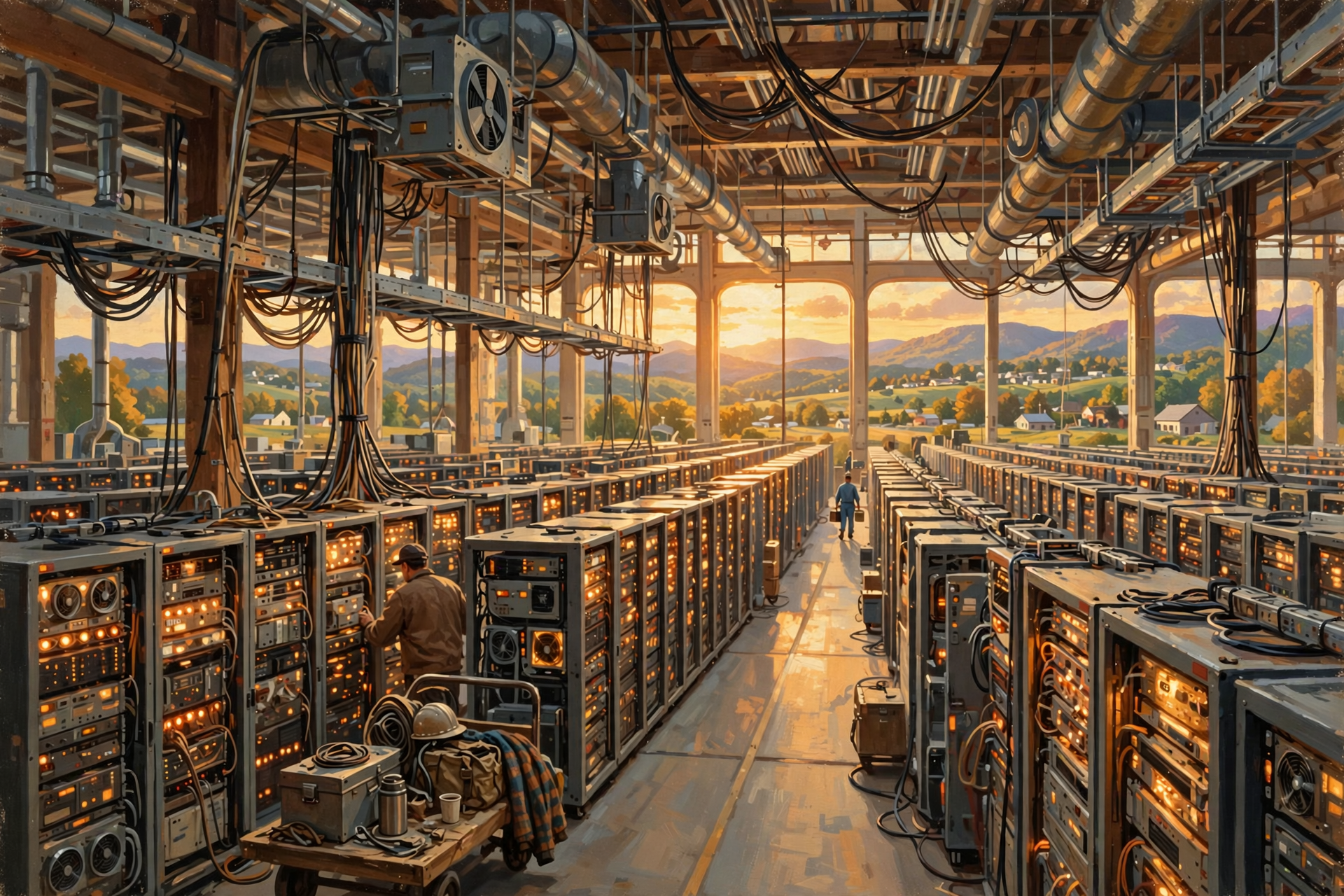
Here is another distinction that matters enormously.
Training an AI model means teaching it patterns from enormous quantities of data by adjusting its internal parameters through repeated computation.
Inference means using the trained model to answer a question, classify an image, create text or perform another task.
Think of school.
Training is spending years learning mathematics.
Inference is somebody asking you what 12 times 12 is afterward.
The effort involved is not remotely equal.
Large AI training jobs are among the workloads most likely to require enormous clusters of data-center computing.
Inference can range all the way from very small models running on your phone to enormous services responding to millions of people.
One Person Versus Millions of People

This may be the easiest way to understand why data centers remain necessary even as local AI becomes more powerful.
Your AI PC primarily has to serve you.
A major online AI service may need to serve millions of people.
Imagine a hamburger grill in your backyard.
It works perfectly well when six relatives come over.
That does not mean the same grill can feed Neyland Stadium at halftime.
Serving millions of users changes everything.
You need more computing.
More networking.
More storage.
More electricity.
More cooling.
More redundancy.
More buildings.
Why Memory Matters So Much
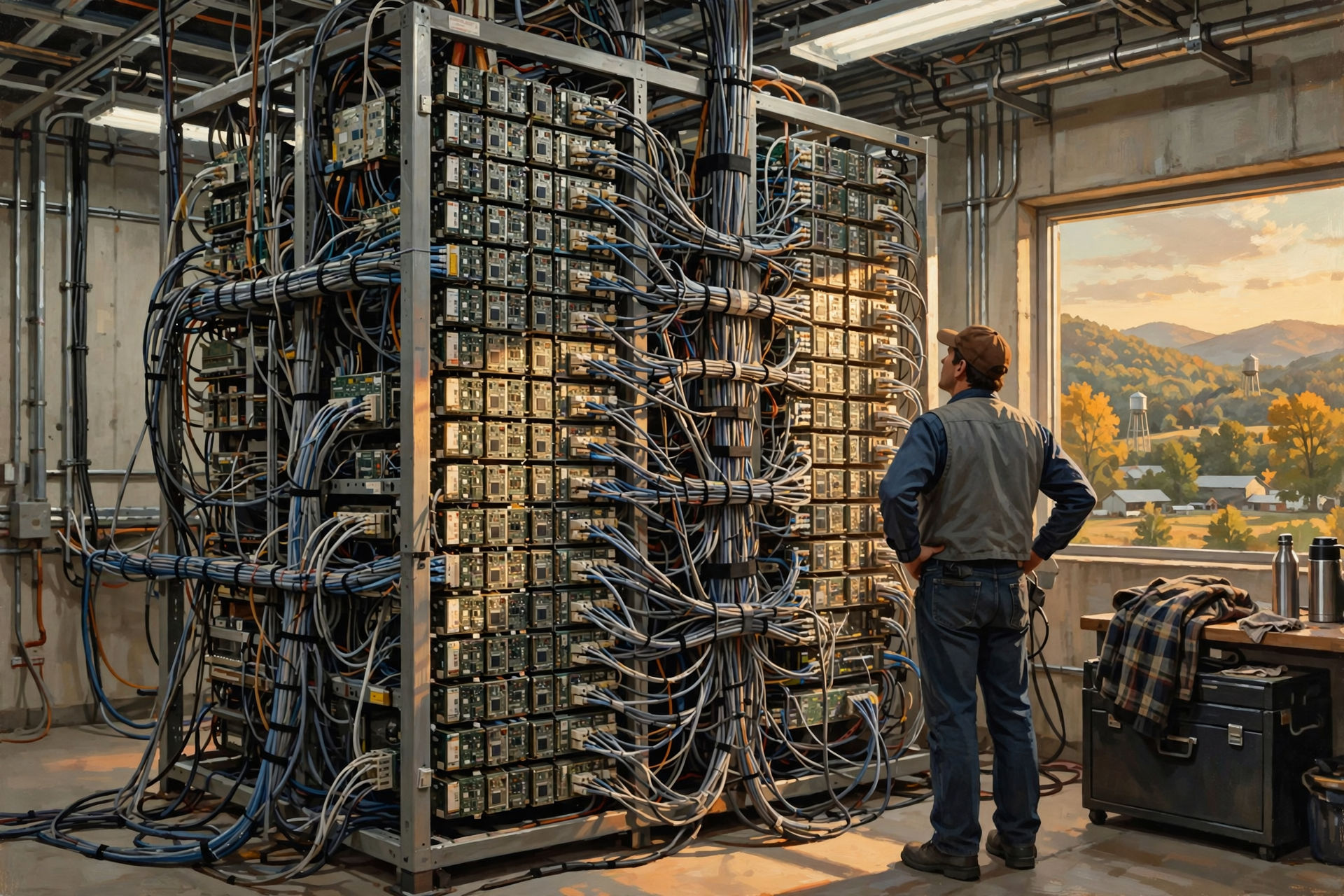
People buying ordinary computers often think of memory as something like:
8 GB. 16 GB. 32 GB. Maybe 64 GB if we are feeling ambitious.
AI changes that conversation.
Large models need enormous quantities of information available to the processors quickly.
If the processors constantly have to wait for information, adding more processing power does not solve the problem.
Imagine hiring 200 carpenters but providing one tape measure.
The workers are not the problem anymore.
Feeding them what they need becomes the problem.
That is why high-speed memory and the connections between memory and AI processors are such important parts of data-center hardware.
And Then Networking Becomes Part of the Computer
On your home PC, networking usually means:
“Can I get on the internet?”
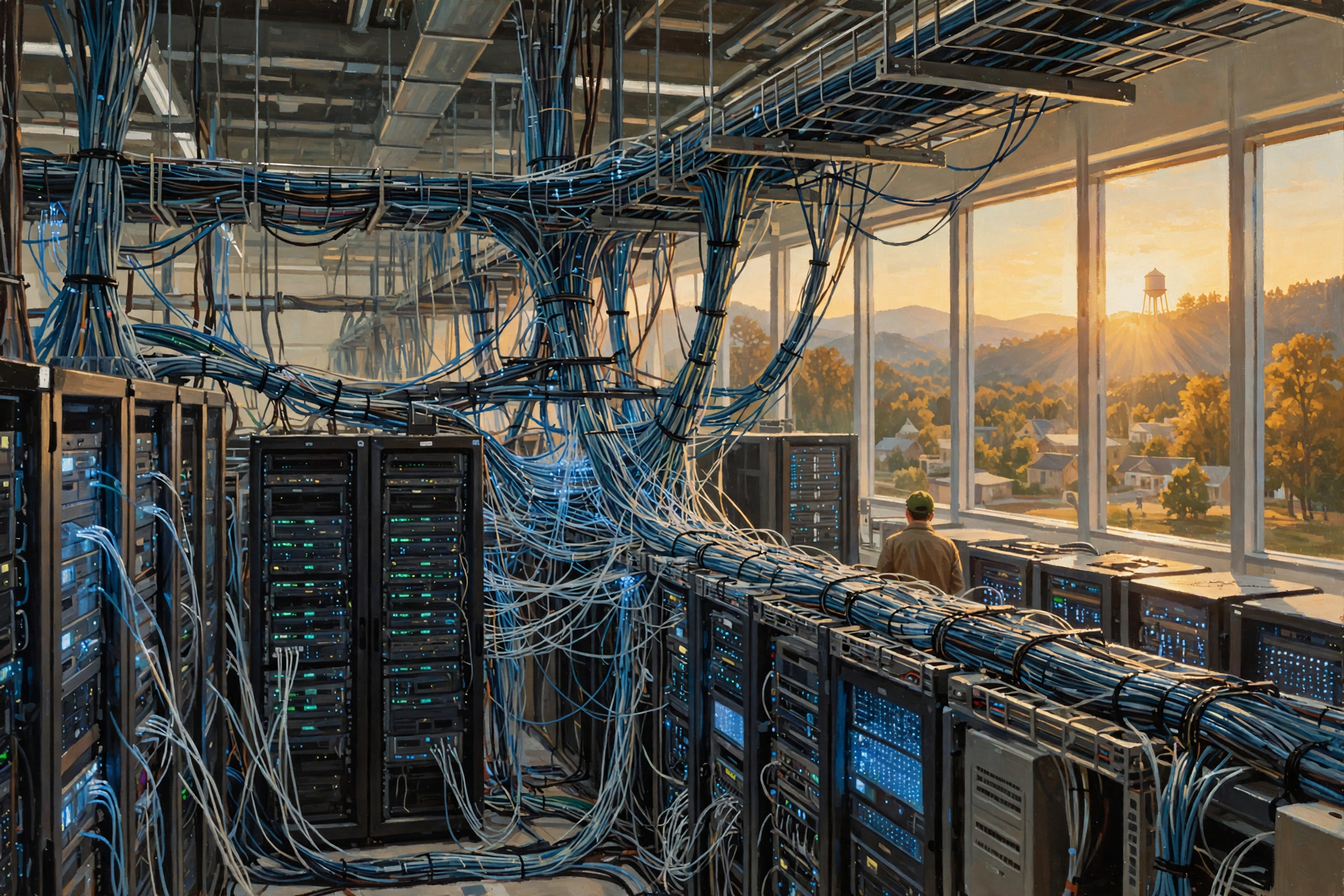
Inside a large AI cluster, networking can become part of the computation itself.
Thousands of processors may need to exchange information constantly while working on the same problem.
If one machine finishes its calculation and then spends all day waiting for another machine to send the next piece of data, the expensive processors sit idle.
That is why advanced AI systems use extraordinarily high-speed interconnections between processors and servers.
At this scale, the network is not just how the computer reaches the internet.
The network effectively becomes part of the computer.
Now We Can Understand the Electricity Problem
Your laptop might operate from a small power adapter.
A desktop PC may consume a few hundred watts depending on what it is doing.
A powerful gaming or workstation system can consume considerably more.
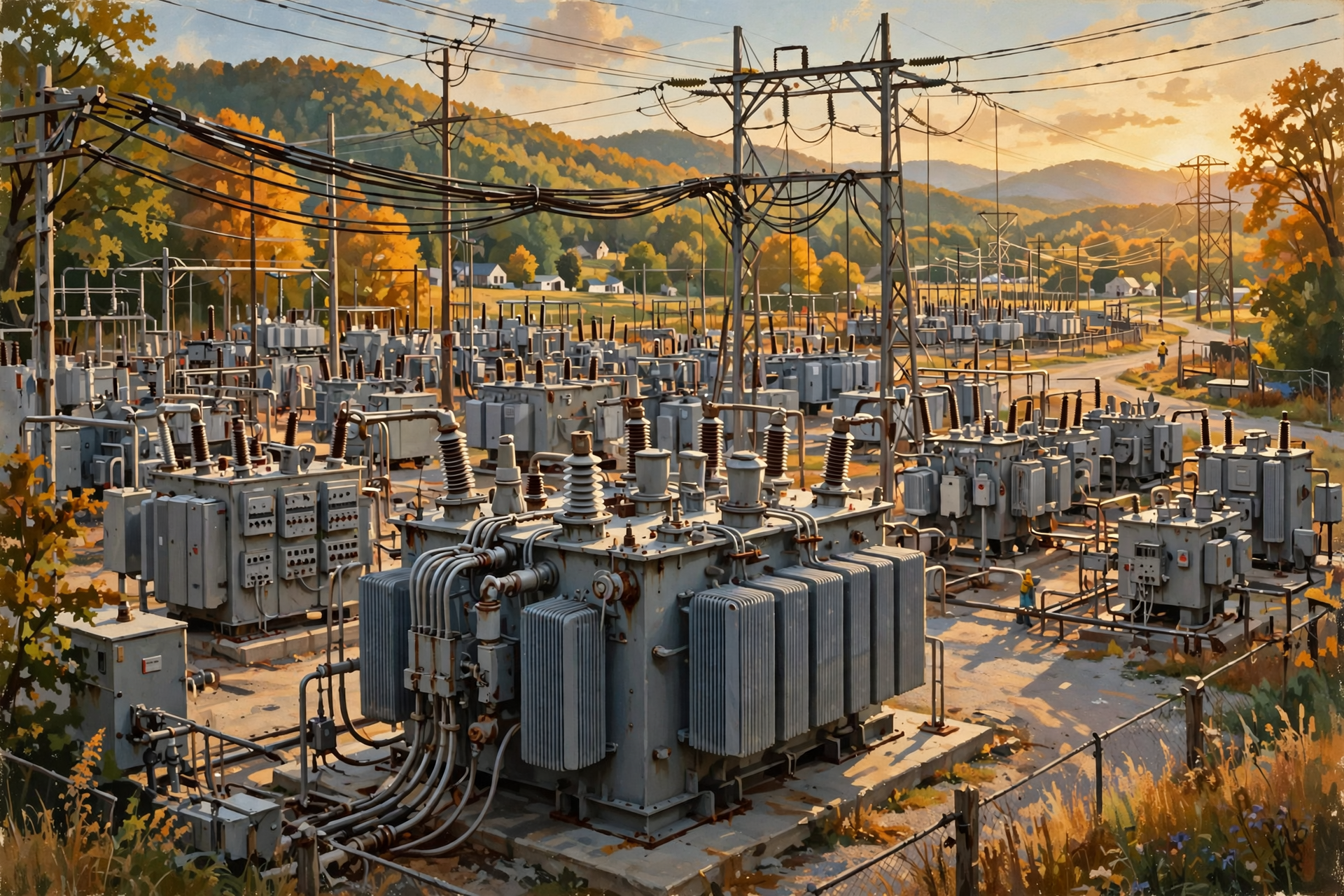
But when powerful AI accelerators are multiplied across rows of servers, and those servers are multiplied across buildings, computing becomes an industrial electrical load.
Then we need:
- large utility connections;
- transformers;
- switchgear;
- power-distribution systems;
- batteries;
- backup generators;
- possibly new substations; and
- in some cases significant transmission infrastructure.
This is exactly why the difference between your AI laptop and an AI data center eventually becomes a community-infrastructure discussion.
And Every Watt Eventually Becomes Heat
Your laptop gets warm.
Your gaming computer may need several large fans.
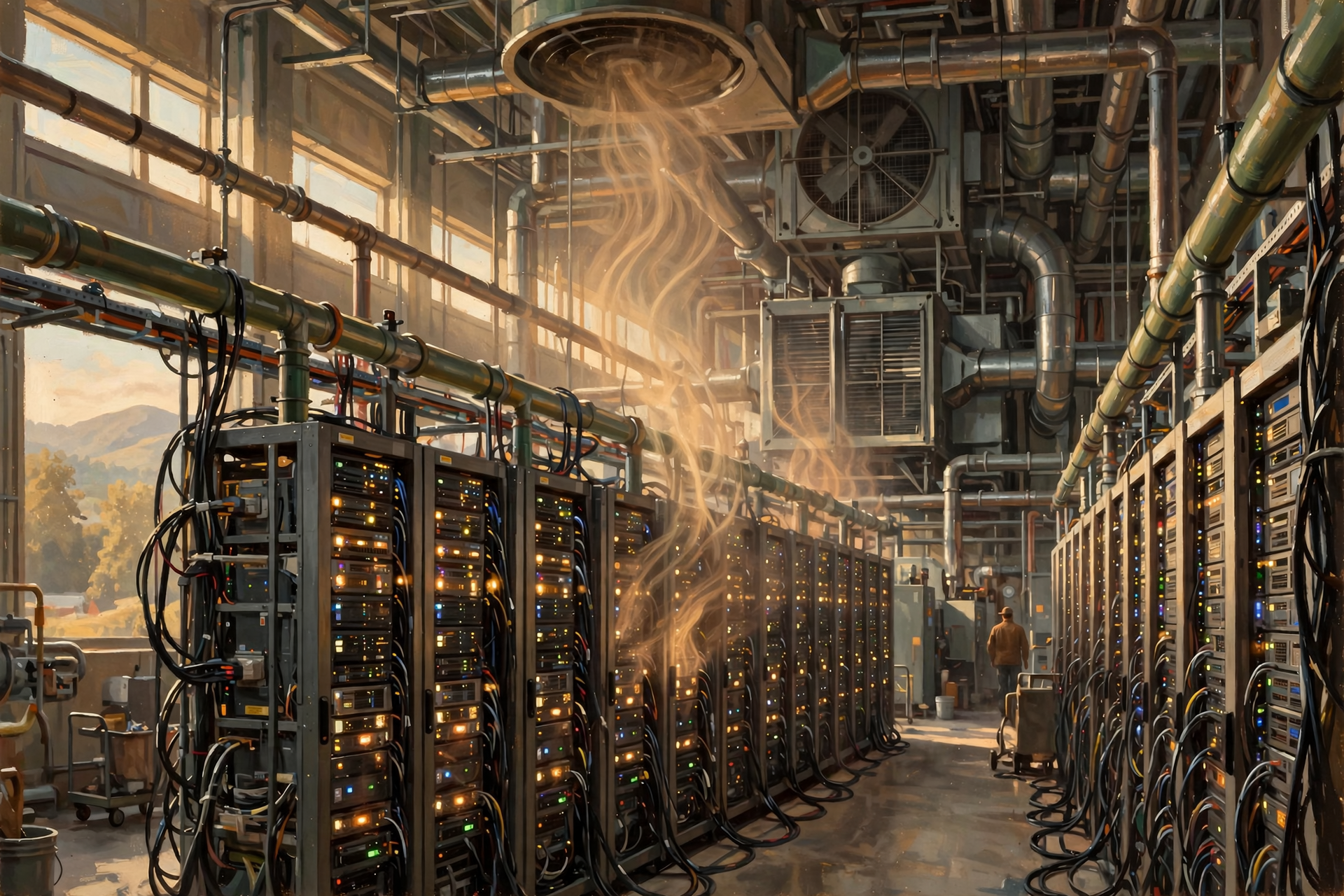
Your AI data center has essentially the same physics problem multiplied thousands of times.
Electricity enters.
Computing happens.
Heat comes out.
The heat has to be removed.
That is why advanced AI data centers increasingly attract attention for air cooling, liquid cooling, water requirements and electrical efficiency.
It is not because artificial intelligence has an unusual philosophical need to be cold.
It is because powerful electronics produce heat.
Hold On—Is That True? “My AI PC Means I Don’t Need the Cloud Anymore”

No.
An AI PC can move more work onto your local computer.
That is genuinely important.
But local AI and cloud AI will almost certainly coexist.
Some jobs make sense locally:
- privacy-sensitive tasks;
- small models;
- real-time camera processing;
- noise removal;
- translation;
- offline work; and
- frequently repeated personal tasks.
Other jobs may make more sense in a data center:
- training enormous models;
- running models too large for a personal computer;
- serving millions of users;
- accessing centralized databases;
- using enormous GPU clusters; and
- providing services that need centralized management.
The future is unlikely to be entirely local or entirely cloud.
It is likely to be a mixture.
Hold On—Is That True? “An AI PC Is Smarter Than a Regular PC”

Not in the way a person is smarter than another person.
An AI PC has hardware designed to perform certain AI computations more efficiently.
The hardware itself does not suddenly understand your family, your business or whether you really needed another tractor.
The intelligence people experience comes from software models running on that hardware.
A better way to think about it is:
An AI PC has additional tools designed specifically for AI work.
Buying a cordless impact wrench does not make the mechanic smarter.
It gives the mechanic a better tool for a particular job.
PC vs. AI PC vs. AI Data Center
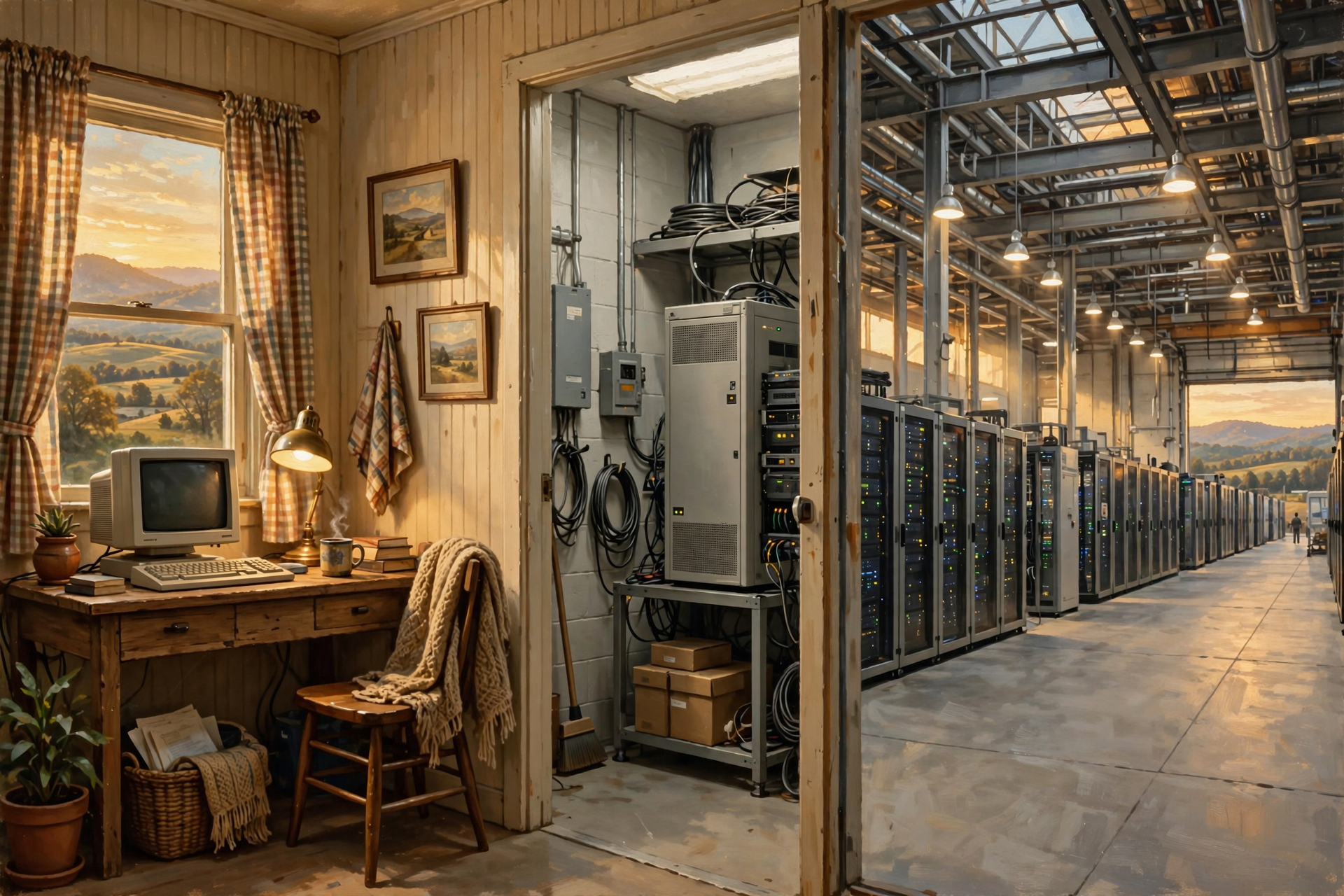
- Traditional PC: Primarily general-purpose CPU and GPU computing for one user.
- AI PC: Adds specialized AI hardware, particularly an NPU, so more AI work can run efficiently on the device.
- AI server: Uses powerful server CPUs, GPUs or other accelerators, large amounts of memory and high-speed networking for much larger AI workloads.
- AI data center: Connects many servers with industrial-scale networking, storage, electricity, cooling, backup systems and physical infrastructure.
The fundamental ideas are related.
The scale is dramatically different.
Why This Matters to Rural Tennessee
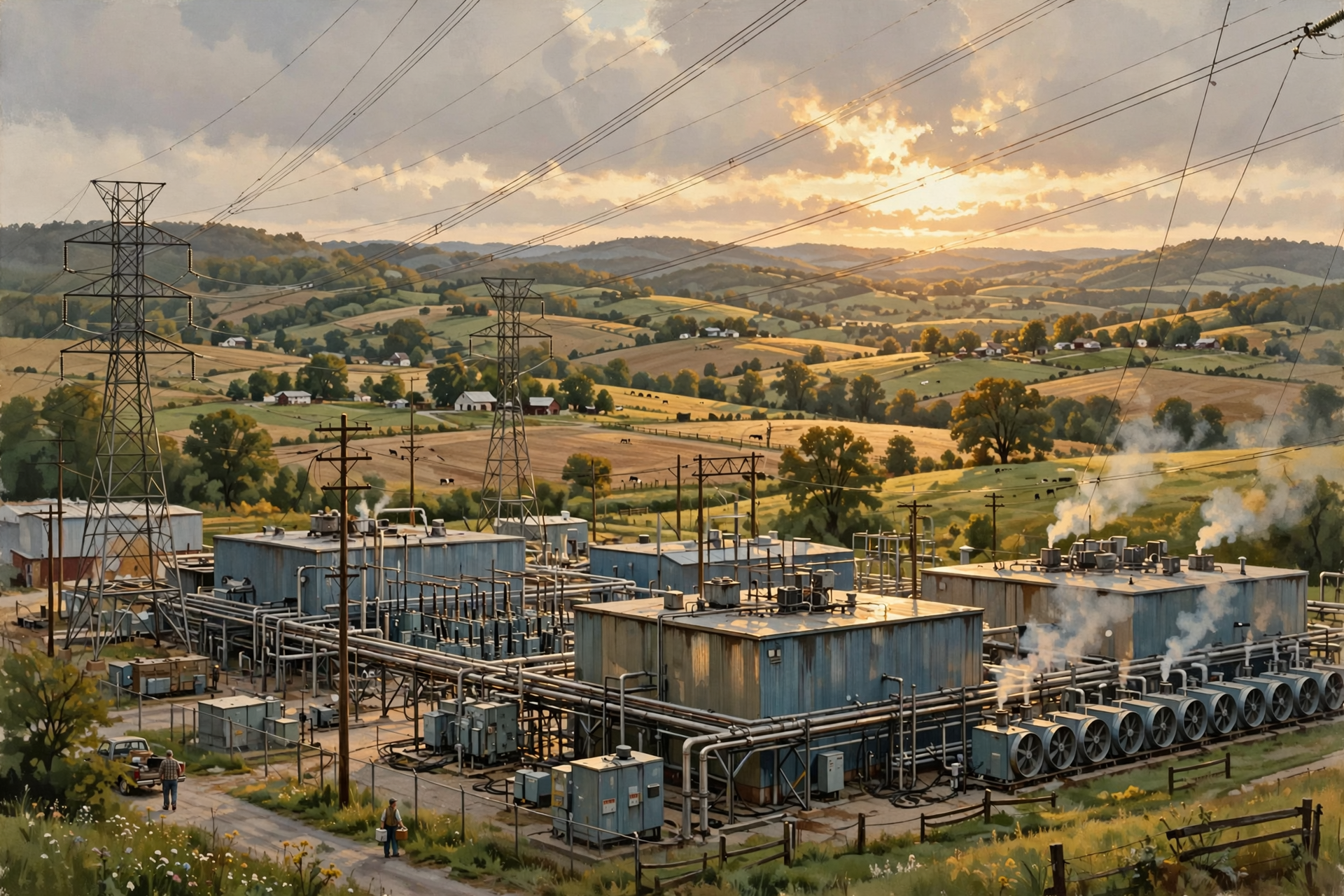
If all AI simply happened inside laptops, there would be little reason for a rural Tennessee community to spend much time discussing AI infrastructure.
But some of the most computationally intensive AI is performed in data centers.
Those facilities require physical infrastructure.
The Tennessee Department of Environment and Conservation notes that operators are increasingly proposing data centers in Tennessee and that responsibility for issues surrounding these facilities is spread among state agencies, local governments, utilities and other entities.
Once computing moves from your desk to industrial scale, the questions change.
We start asking about:
- electric capacity;
- substations;
- transmission;
- fiber;
- water;
- cooling;
- land;
- noise;
- taxes;
- construction;
- permanent employment; and
- who pays for supporting infrastructure.
That is why understanding the computers themselves is useful before arguing about whether a particular data center project is a good deal.
Could More AI Eventually Move Out of Data Centers?
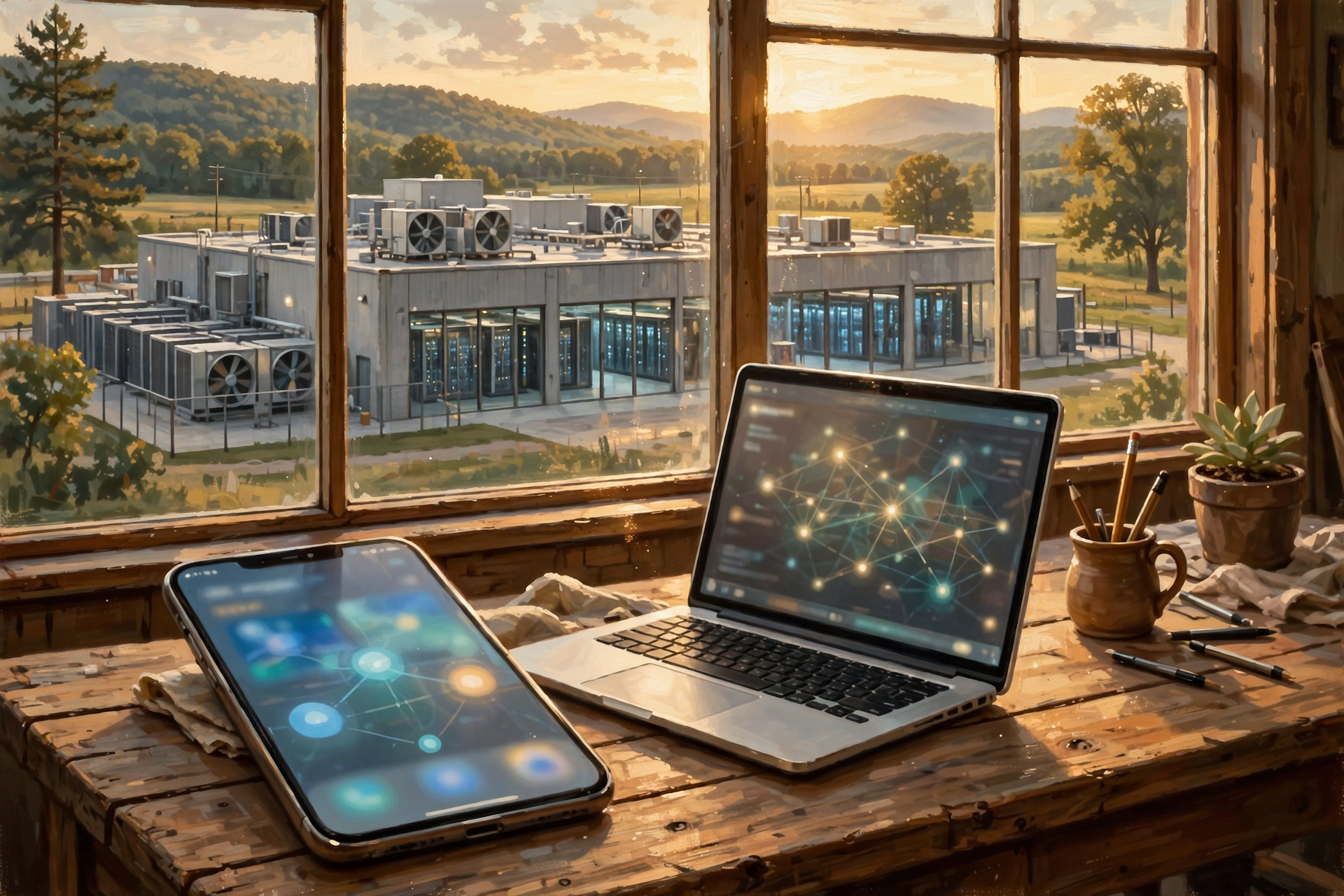
Yes.
And this is an important part of the story.
As personal computers, phones and other devices become more capable, some AI work that currently requires cloud computing can move onto local devices.
At the same time, the models being built in data centers are becoming larger and more capable.
So two things can happen simultaneously:
- our personal devices become much better at AI; and
- demand for enormous centralized AI systems continues growing.
That is not a contradiction.
Cars became more capable while freight railroads continued operating.
Home workshops gained better tools while factories became more automated.
A more capable machine at the edge does not necessarily eliminate the need for industrial-scale machinery in the middle.
Plain-English Glossary
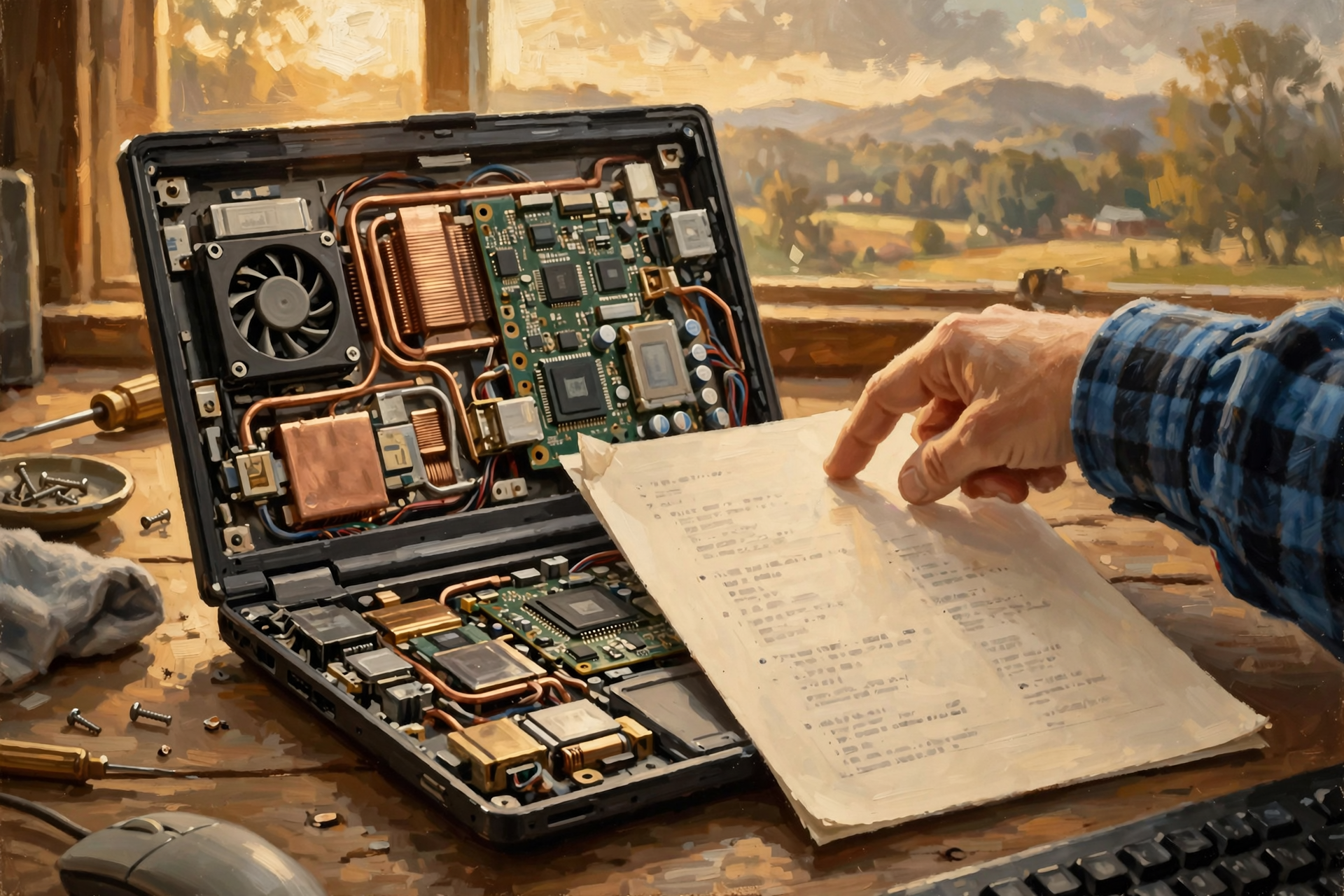
CPU: Central processing unit. The flexible general-purpose processor that performs much of a computer’s ordinary work.
GPU: Graphics processing unit. A processor particularly good at performing large numbers of similar calculations in parallel, making it valuable for graphics and AI.
NPU: Neural processing unit. Specialized hardware designed to perform certain AI calculations efficiently, especially on personal devices.
AI PC: A personal computer containing hardware specifically designed to accelerate artificial-intelligence workloads locally.
AI server: A server equipped with powerful processors and accelerators designed for substantial artificial-intelligence workloads.
AI cluster: Multiple servers connected so they can work together on large computing problems.
Training: The computational process used to develop or improve an AI model.
Inference: Using a trained AI model to produce an answer, prediction, image, classification or other result.
TOPS: Trillions of operations per second, one measurement commonly used to describe certain AI-processing capabilities.
FAQ

Can my normal PC run AI?
Yes. A computer does not need an NPU before it can perform AI calculations. CPUs and GPUs have been running machine-learning workloads for years. Specialized AI hardware can make certain workloads faster or more efficient.
Can an AI PC run ChatGPT entirely by itself?
An AI PC can run some language models locally, depending on the model, software, memory and hardware available. An online service such as ChatGPT may still perform its primary model computation on remote infrastructure rather than on your PC.
Is an NPU faster than a GPU?
That question is a little like asking whether a forklift is faster than a pickup truck.
For doing what?
An NPU is optimized for certain AI workloads and efficiency. A powerful GPU may provide far greater raw performance for other AI tasks. The appropriate processor depends on the workload.
Why can’t a company just connect thousands of ordinary PCs?
Technically, distributed computing can use large numbers of ordinary computers, and researchers have done exactly that for various projects.
But large modern AI workloads benefit enormously from specialized accelerators, fast memory and extraordinarily high-speed communication between processors. Purpose-built AI servers can provide those capabilities much more efficiently.
Will AI PCs reduce demand for data centers?
They could reduce cloud demand for certain tasks by moving those calculations onto local devices. At the same time, demand for larger models and widespread AI services can increase data-center computing. Both trends can occur together.
Wisdom From the Front Porch

Your laptop and an AI supercomputer are both computers in roughly the same way a garden tractor and a bulldozer are both machines with engines. The family resemblance is real. So is the difference.
That distinction matters.
The computer on your desk helps explain what is happening inside a data center.
But once we multiply processors, memory, networking, electricity and cooling by thousands, computing stops looking like an appliance and starts looking like infrastructure.
And infrastructure is where the conversation begins to involve the rest of us.
Want to Learn More About AI and Data Centers?

If today’s comparison between the computer on your desk and the machines inside an AI data center left you curious about how all of this might affect our part of Tennessee, that is exactly the kind of question worth continuing in person.
The Van Buren Digital Frontier Symposium on November 19 is an opportunity for residents, business owners, educators, community leaders and anyone else who is curious to learn more about data centers, artificial intelligence and the physical infrastructure behind the digital economy.
You do not need to know the difference between a GPU and an NPU before attending. You also do not need to arrive already convinced that data centers are either wonderful or terrible. Understanding the technology, learning what questions matter and hearing different perspectives is the point.
For more information, visit the Van Buren Digital Frontier Symposium listing on Dunlap.Directory or the Van Buren Digital Frontier Symposium Facebook page. Either resource can be used for more information and event updates.
Other Articles In This Data Center Series

- What Is a Data Center—and What Does It Actually Do?
- A Tour Inside a Data Center: Servers, Racks, Cables and a Whole Lot of Air Conditioning
- Where Does “The Cloud” Actually Live? Inside Buildings Like These
- What Is a Data Center—and What Does It Actually Do?




0 Comments