
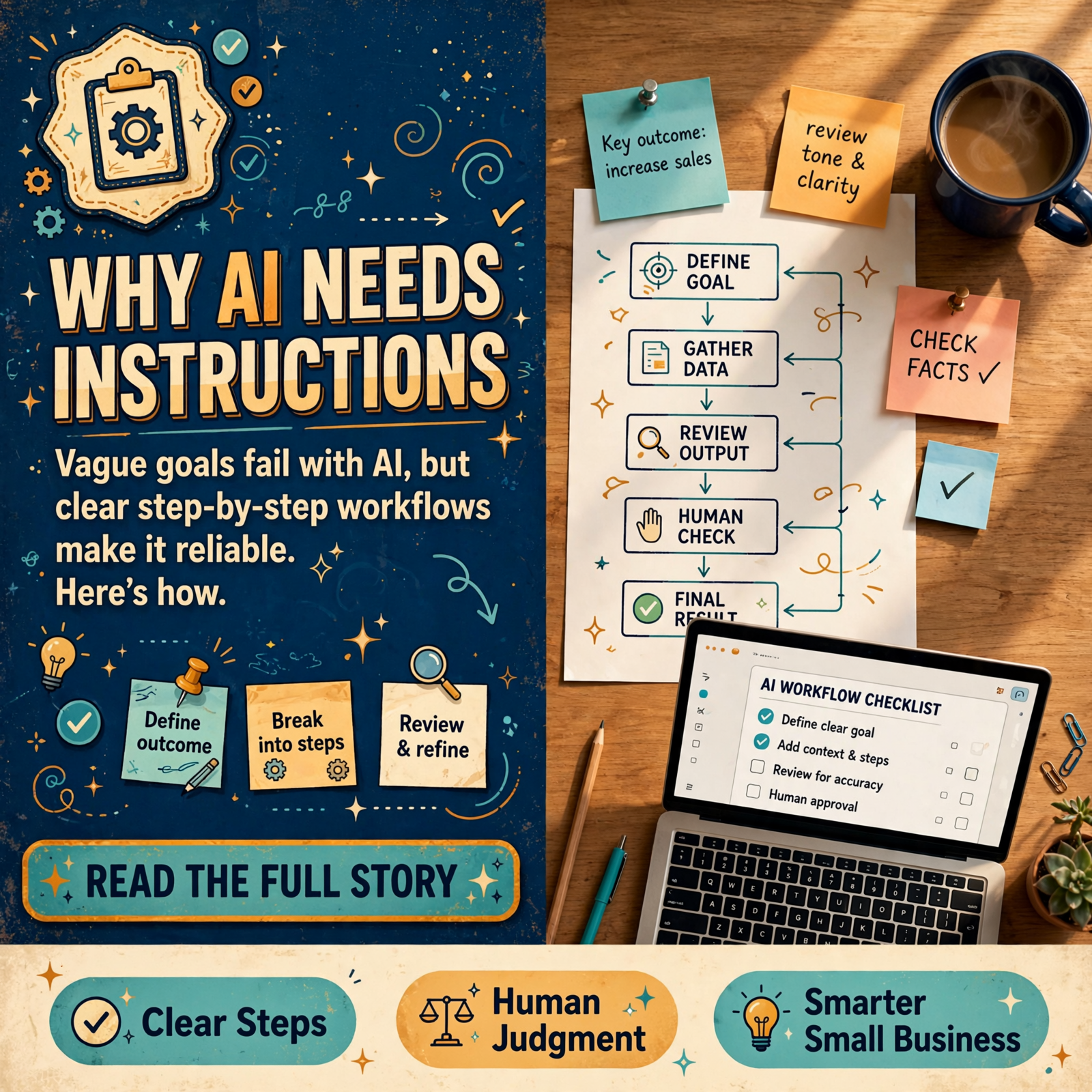
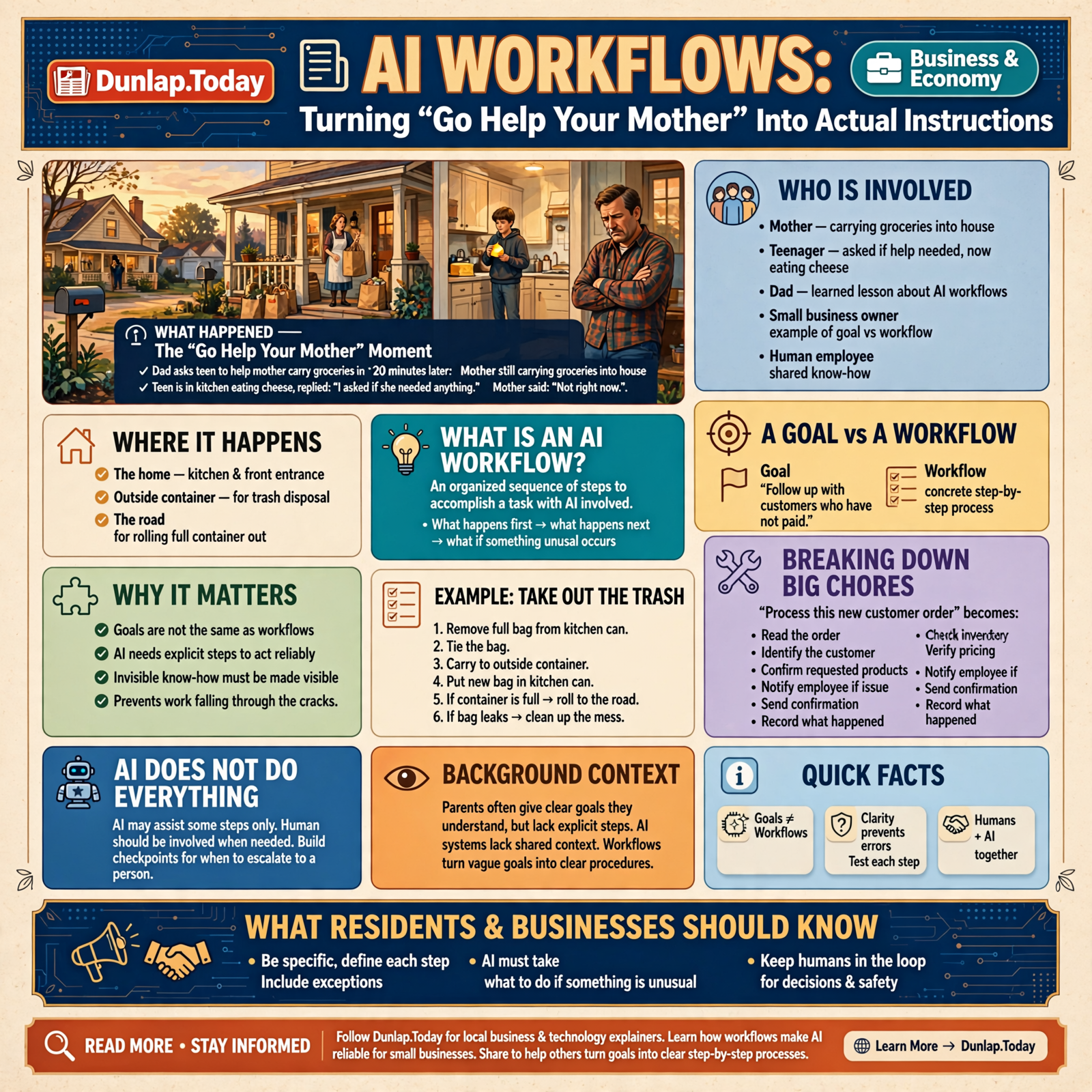
📋🤖 AI Workflows: Turning “Go Help Your Mother” Into Actual Instructions

Or: Apparently “Do Something Useful” Is Not a Complete Operating Procedure
There are certain instructions parents give because they understand perfectly well what they mean.
“Go help your mother.”
This seems clear.
The mother is nearby.
She is obviously doing something.
The teenager has been instructed to help.
What could possibly be ambiguous?
Twenty minutes later, Mother is still carrying groceries into the house.
The teenager is standing in the kitchen eating cheese.
Dad asks:
“I thought I told you to help your mother.”
The teenager replies:
“I asked if she needed anything.”
Mother apparently said:
“Not right now.”
Case closed.
Dad has just learned an important lesson about artificial intelligence.
Goals are not the same thing as workflows.
You may know exactly what you mean by:
“Handle the invoices.”
“Take care of customer follow-up.”
“Keep the website updated.”
“Watch inventory.”
“Make sure nothing falls through the cracks.”
Those are useful goals.
But if artificial intelligence is actually going to perform the work reliably, somebody eventually has to explain what those sentences mean.
Welcome to AI workflows.
📋 What Is an AI Workflow?

An AI workflow is an organized sequence of steps used to accomplish a task or business process with artificial intelligence involved in one or more parts.
That definition sounds more complicated than the idea.
A workflow is basically:
what happens first, what happens next, and what happens if something unusual occurs.
Consider a simple household workflow.
The goal is:
“Take out the trash.”
The workflow might actually be:
- Remove the full bag from the kitchen can.
- Tie the bag.
- Carry it to the outside container.
- Put a new bag in the kitchen can.
- If the outside container is full, roll it to the road.
- If the bag leaks, clean up the mess instead of pretending you did not see it.
Now we have something considerably more useful.
We have transformed an objective into a process.
Artificial intelligence needs the same treatment.
🎯 A Goal Tells You Where You Want to End Up

Suppose a small business owner says:
“Follow up with customers who have not paid.”
That is a goal.
It does not yet explain:
- which customers qualify,
- how overdue an invoice must be,
- whether certain customers are excluded,
- where the balance comes from,
- what message should be sent,
- whether the AI may send it automatically,
- what happens after a customer responds,
- or when a human should become involved.
A human employee may know many of those answers because:
“That’s how we’ve always done it.”
An AI system may not.
And frankly, the new employee probably does not either.
Good workflows make invisible knowledge visible.
🪜 Workflows Turn Big Chores Into Smaller Chores

One reason workflows matter is that large objectives often contain many smaller jobs.
Consider:
“Process this new customer order.”
That may really mean:
- Read the order.
- Identify the customer.
- Confirm the requested products.
- Check inventory.
- Verify pricing.
- Look for unusual terms.
- Create the order record.
- Notify the appropriate employee if something is wrong.
- Send confirmation.
- Record what happened.
Suddenly the job becomes understandable.
It can also be tested.
If something goes wrong, you can ask:
“Which step failed?”
That is considerably more useful than:
“The AI screwed something up.”
🧠 AI Does Not Have to Perform Every Step

This is important.
An AI workflow does not mean artificial intelligence replaces everything in the process.
A good workflow might combine:
- ordinary software,
- databases,
- business rules,
- AI models,
- outside services,
- and humans.
For example:
A database can determine whether an invoice is 45 days overdue.
AI can draft a polite message explaining the situation.
A business rule can prevent messages from going to customers with disputed invoices.
A human can approve unusually large balances.
Email software can send the message.
The accounting system can record the result.
That is a workflow.
AI participates where AI is useful.
It does not need to stand in the middle of every step wearing a cape.
🔨 Use Ordinary Software Where Ordinary Software Works

We touched on this in the last article about cheap and expensive AI.
Sometimes the correct amount of AI is:
none.
If the question is:
“Is this invoice more than 30 days old?”
You do not need a language model to ponder the philosophical meaning of overdue.
Subtract the dates.
If the instruction is:
“Never issue a refund above $500 without approval,”
that should probably be a hard business rule.
You do not need an AI to wake up every morning and reconsider whether $500 still means $500.
Good workflows use:
AI for ambiguity.
Software for certainty.
Humans for judgment where judgment matters.
That is a useful division of labor.
🧰 A Workflow Also Defines Which Tools Get Used
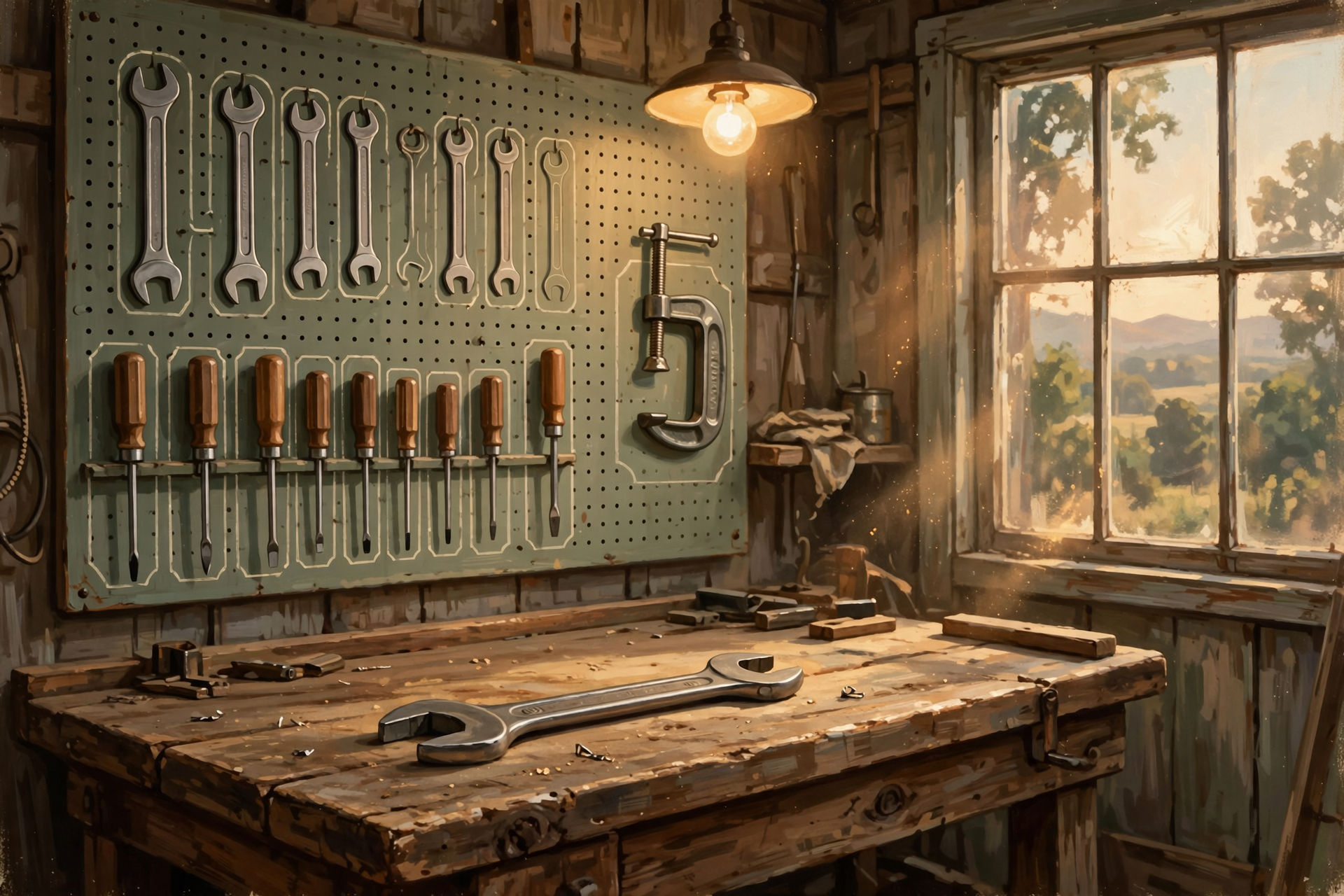
Earlier in this series, we discussed MCP and other ways AI can connect to tools.
But giving AI a toolbox does not tell it which tool belongs to which job.
A workflow can define that.
Suppose the task is:
“Answer a customer asking about an old order.”
The workflow might say:
- Search the customer database.
- Retrieve the specific order.
- Retrieve shipping status.
- Compare the customer’s question to those records.
- Draft a response.
- If the order value exceeds a certain amount or the records conflict, send the draft to a human instead of sending it automatically.
Now the AI does not need to wander around wondering which system might contain the answer.
The route has been planned.
That is the difference between:
“Go find a wrench somewhere.”
and
“The 9/16 is hanging above the workbench.”
🗄️ RAG Can Be One Step Inside a Workflow

Earlier, we explained RAG as sending the whippersnapper to the filing cabinet before letting him answer.
RAG is often not the entire workflow.
It is one step.
For example:
- Customer asks a warranty question.
- AI identifies the product.
- RAG retrieves the correct warranty document.
- AI drafts an answer based on that document.
- A judge checks whether the answer matches the source.
- If confidence is high, the answer becomes a draft.
- If the situation is unusual, a human reviews it.
Notice what is happening.
We are combining several ideas from earlier articles.
Retrieval.
AI generation.
Judging.
Routing.
Human approval.
The workflow is what ties everything together.
🚦 Routing Can Be a Step Inside a Workflow Too

Our previous article discussed AI routing.
Routing decides which whippersnapper gets which chore.
Inside a workflow, the router might decide:
Simple question?
Send it to the inexpensive model.
Difficult question?
Use the stronger model.
Private company information?
Keep it local.
Potential legal problem?
Human.
Routing does not replace the workflow.
Routing helps the workflow choose the next path.
This is why flowcharts often contain those little diamond-shaped boxes asking:
“Yes or no?”
Computer systems have been asking themselves questions long before artificial intelligence arrived.
🌳 Workflows Are Often Trees, Not Straight Lines

People sometimes imagine a workflow as:
Step 1.
Step 2.
Step 3.
Done.
Real life rarely behaves that politely.
A customer order may branch depending on what happens.
Product available?
Yes: continue.
No: check supplier.
Supplier has it?
Yes: offer delayed shipment.
No: offer alternate product.
Customer accepts alternate?
Yes: update order.
No: send to sales representative.
That is a decision tree.
Grandma had one too.
Is the child sick?
No: school.
Yes: temperature?
High: stay home.
Low: suspicious.
Child says stomach hurts only during math test: additional investigation required.
Decision trees are not new.
AI simply makes some of the branches more flexible.
🙋 Some Branches Should Lead Straight to a Human

A good workflow knows its limits.
It may automate 95 percent of a process beautifully.
The remaining five percent may contain the situations where experience matters most.
Examples might include:
- a very angry customer,
- an unusually large transaction,
- conflicting records,
- a safety concern,
- an unclear contract term,
- a suspicious payment,
- or something nobody has seen before.
The workflow should not view human intervention as failure.
Human intervention can be part of the design.
In fact, one of the smartest things an automated system can do is recognize:
“This is above my pay grade.”
Many humans take years to acquire that skill.
🛑 Approval Points Are Not the Same as Doing Everything Manually

Some people hear “human approval” and imagine automation has been defeated.
Not at all.
Suppose an AI workflow:
- finds the customer,
- retrieves the records,
- analyzes the history,
- calculates the amount,
- drafts the response,
- and presents the employee with one button:
APPROVE
or
REVIEW
The human may spend fifteen seconds.
Previously the task may have required ten minutes.
Automation did not disappear.
The human simply retained authority over the consequential part.
That is often a very good arrangement.
🔐 Guardrails Belong Inside the Workflow
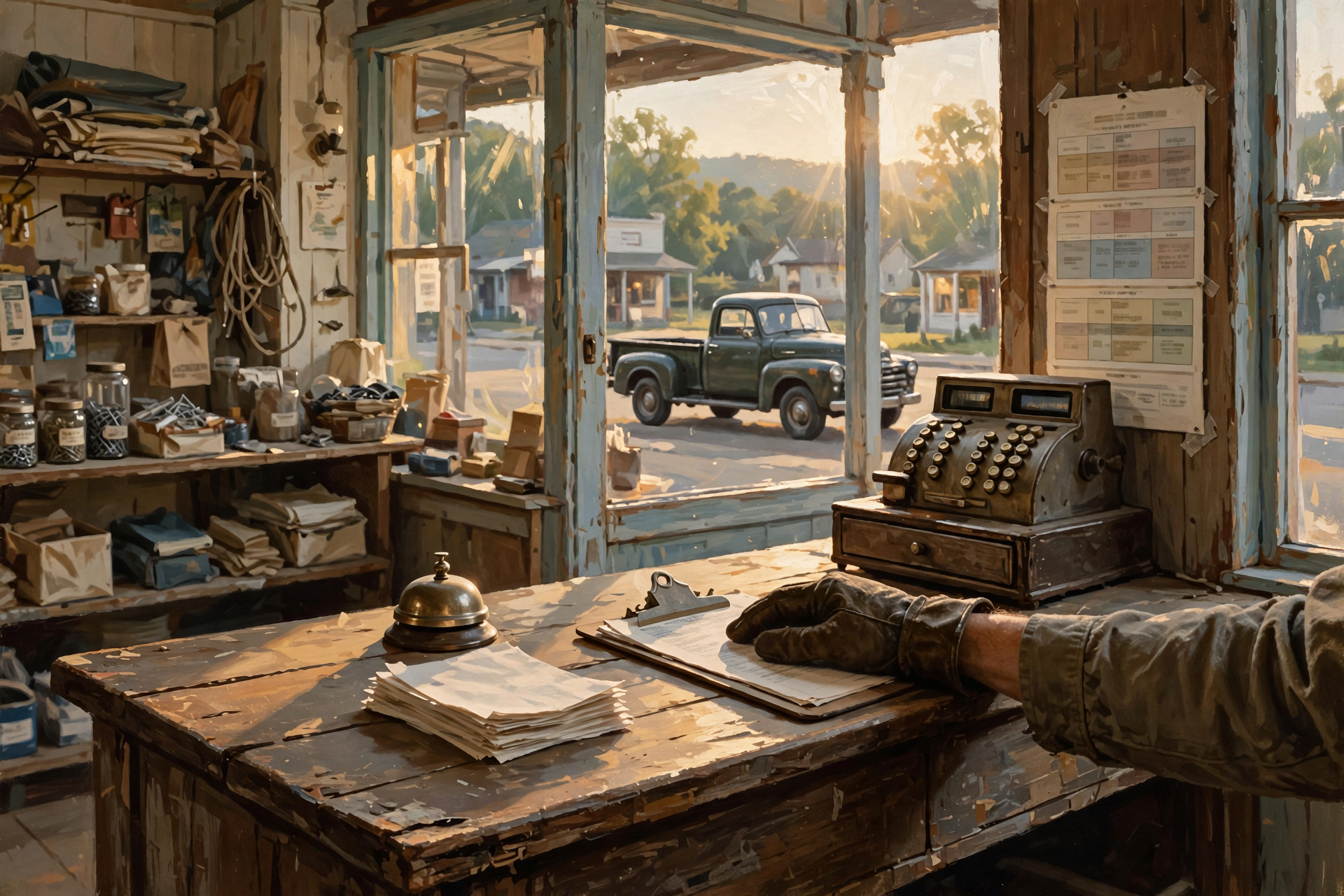
We have already discussed AI guardrails.
A workflow is one of the places those guardrails become concrete.
Instead of vaguely telling an AI:
“Be careful with refunds,”
the workflow can specify:
- under $25: may process automatically,
- $25 to $250: prepare recommendation for employee review,
- over $250: manager approval required,
- disputed fraud claim: stop and escalate immediately.
Now “be careful” has become operational.
That is an enormous improvement.
Grandpa’s version was:
“You can use the pickup. You are not towing anything without asking me.”
Specific rules beat vague wisdom when machinery is involved.
🧾 A Workflow Should Record What Happened

Suppose a customer later says:
“Why did you send me this message?”
You should be able to determine:
- what triggered the workflow,
- which records were retrieved,
- which AI model was used,
- what decision was made,
- whether a human approved it,
- and what action followed.
This is an audit trail.
Without one, an automated workflow can become:
“Something happened somewhere and apparently the computer did it.”
That is not an operating procedure.
That is folklore.
🔄 Workflows Need to Know What Happens When Something Fails
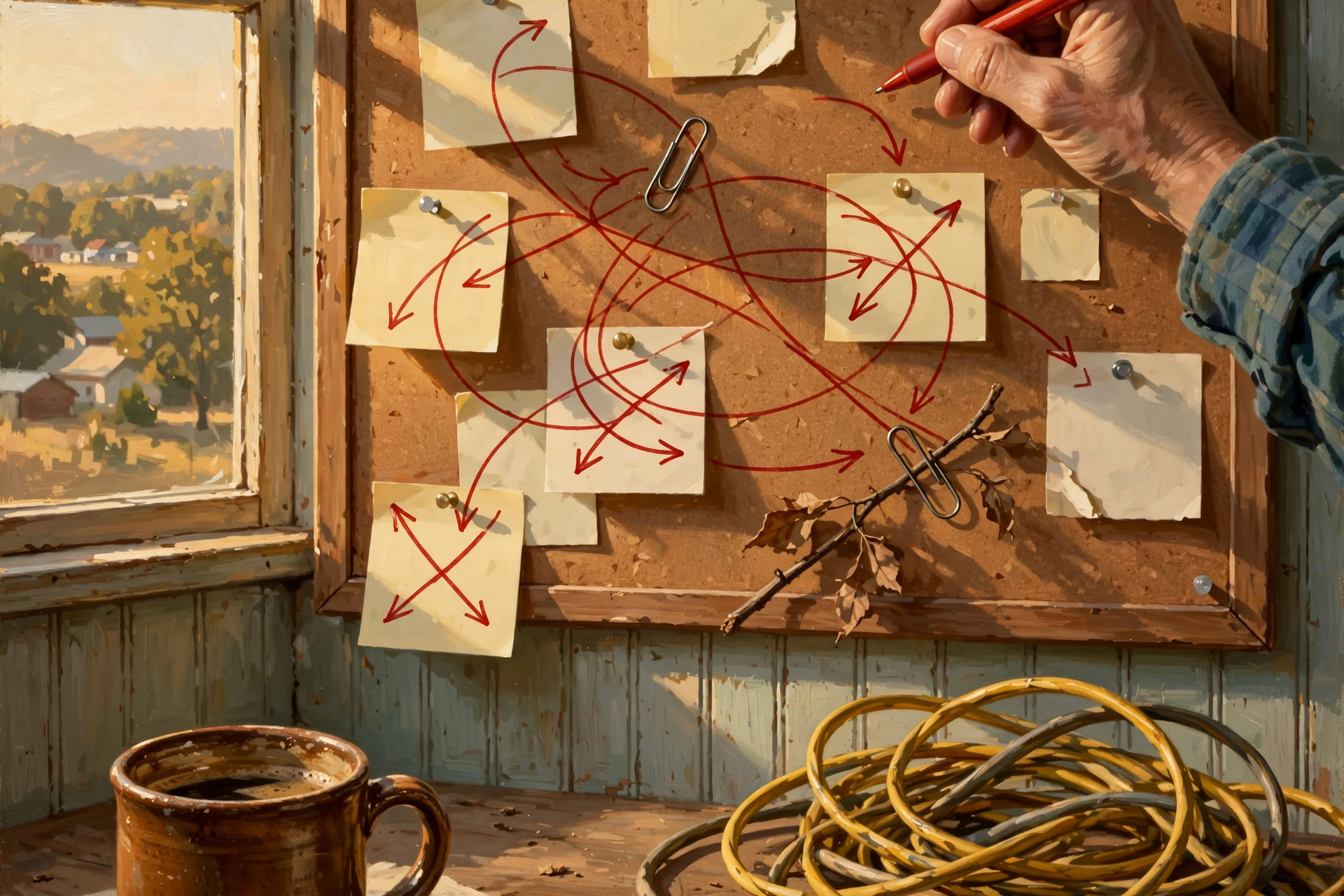
This is where many beautiful diagrams meet reality.
The database is unavailable.
The email server does not respond.
The AI model times out.
The customer record is missing.
Two systems disagree.
The Internet drops.
The file is corrupted.
Somebody changed a password Tuesday and forgot to tell anybody.
A real workflow needs failure handling.
It should answer questions such as:
- Should we retry?
- How many times?
- Should we use another system?
- Should the task wait?
- Should a person be notified?
- Could repeating the action cause a duplicate?
A workflow that describes only what happens when everything goes right is not finished.
That is a wish.
🔁 “Try Again” Can Be Dangerous

Retrying sounds harmless.
Sometimes it is.
Suppose the AI tries to retrieve a document and the server does not answer.
Trying again may be sensible.
Now suppose the workflow sends a customer refund but never receives confirmation.
Should it try again?
Perhaps.
Perhaps you are about to refund the customer twice.
This is why workflows need to distinguish between:
safe retries
and
actions with consequences.
It is the difference between knocking on the door twice and mailing the same check twice.
Computers are wonderfully obedient.
They can repeat a mistake at breathtaking speed.
🧠 AI Workflows Can Handle Messy Decisions Better Than Old Automation

Traditional automation works beautifully when the rules are precise.
For example:
If invoice age > 30 days, mark overdue.
No artificial intelligence required.
But traditional software has more trouble with something like:
“Does this customer’s email sound like a routine shipping question or a serious complaint?”
That requires interpretation.
AI can help with those fuzzy steps.
This is one reason AI workflows are interesting.
They can combine:
rigid rules where rigid rules work
with
flexible judgment where language and ambiguity matter.
That fills a gap traditional automation often struggled with.
🤖 A Workflow Is Not Necessarily an Autonomous Agent

These terms sometimes get mixed together.
An AI workflow is the process.
An AI agent is a system capable of pursuing goals and making some decisions along the way.
A workflow can contain an agent.
An agent can follow a workflow.
An agent can even help decide which branch of the workflow to take.
But they are not identical.
Think of it this way:
The workflow is the chore chart.
The agent is the whippersnapper doing the chores.
One tells us what should happen.
The other performs or coordinates some of the work.
👥 Multi-Agent Systems Can Live Inside a Workflow

We also discussed multi-agent AI.
Those systems use several specialized agents.
A workflow might coordinate them.
For example:
- Research agent gathers information.
- Analysis agent evaluates it.
- Writing agent prepares a report.
- Judge agent reviews the report.
- If the report fails review, return it for revision.
- If it passes, send it to a human for final approval.
Now the workflow resembles a small organization.
Different workers.
Different responsibilities.
Different checkpoints.
And, if designed poorly, the possibility of recreating bureaucracy at machine speed.
💵 Every Step Has a Cost

Our previous article discussed cheap AI versus expensive AI.
Workflows make the cost question more interesting because one business task may involve several AI calls.
Suppose:
- the classifier costs a little,
- the research model costs more,
- the writer costs more,
- the judge checks twice,
- and a supervisor agent makes the final decision.
The individual prices may all look small.
The workflow has six pockets.
This is why businesses should measure:
cost per completed workflow
rather than merely:
cost per AI call.
Buying six inexpensive hamburgers does not create one inexpensive lunch.
⏱️ Workflows Have a Time Cost Too

Every extra step takes time.
Perhaps:
Agent One analyzes.
Agent Two checks.
Agent Three reformats.
The judge reviews.
The first agent revises.
The judge reviews again.
This may produce an excellent result.
It may also take two minutes to answer a question that needed five seconds.
The amount of workflow should match the job.
You do not convene the family council to decide which trash bag goes to the curb.
Complexity should earn its keep.
📉 The Best Workflow May Be Surprisingly Short
Technologists enjoy clever systems.
There is something satisfying about diagrams containing:
- multiple agents,
- routers,
- judges,
- memory,
- feedback loops,
- and fourteen arrows.
But every arrow is another thing that can fail.
If the task can reliably be handled by:
- retrieve record,
- draft answer,
- human approves,
then congratulations.
You may already be done.
There is no prize for having the most complicated workflow.
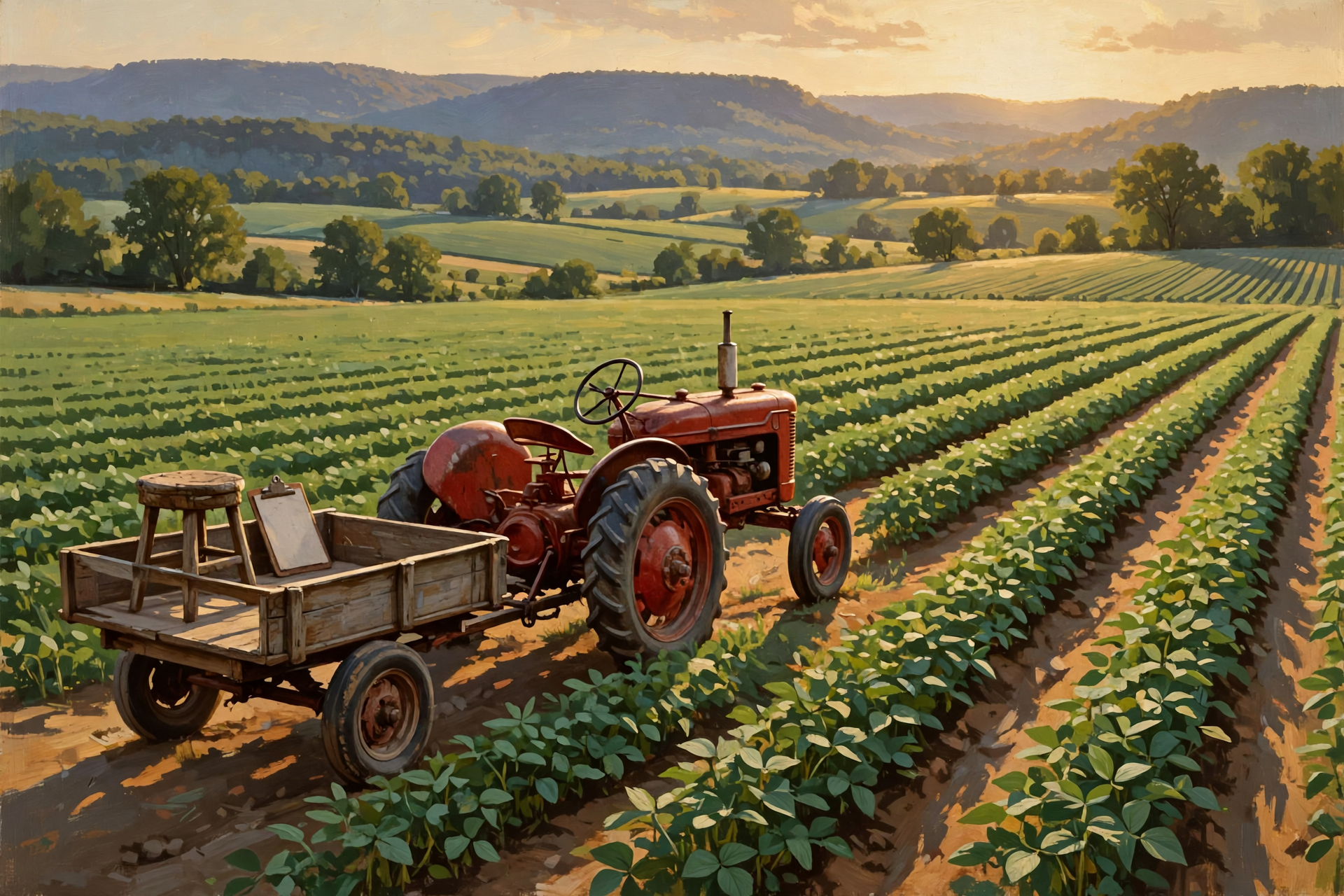
Farmers rarely brag about using six tractors to accomplish what one tractor could do.
📏 Start With the Existing Human Workflow

One of the best ways to design an AI workflow is to watch how the job is actually performed today.
Not how the manual claims it is performed.
Not how the manager thinks it is performed.
How it is really performed.
Ask the employee:
“Show me what you do when one of these comes in.”
Then observe.
You may discover:
“First I check this system.”
“Then I look at the email.”
“If it’s one of these customers, I do something different.”
“If the number is above $5,000, I ask Wayne.”
“And this screen is wrong sometimes, so I check this other one too.”
There is your workflow.
It was hiding inside an employee’s head.
🧓 “Ask Sharon” Is a Workflow Step That Needs Work

Nearly every small business has process documentation containing invisible steps.
They sound like:
“Ask Sharon.”
“Wayne knows that.”
“Earl usually handles those.”
“Don’t worry about that screen. We’ve never trusted it.”
These are signs of institutional knowledge.
They are also opportunities.
Before automating anything, find out what Sharon knows.
Perhaps the AI can retrieve it later.
Perhaps it becomes a business rule.
Perhaps it remains a human judgment point.
But do not silently replace:
“Ask Sharon”
with
“Let the AI guess.”
That is not modernization.
🧑🌾 Small Businesses May Benefit More Than Anyone

Large organizations have spent decades building workflow systems.
Small businesses often have not.
Not because they lack processes.
They have plenty.
The processes may simply live in:
- people’s heads,
- sticky notes,
- spreadsheets,
- old software,
- email,
- paper forms,
- and sentences beginning with, “Usually what we do is…”
AI creates an interesting opportunity.
Small businesses can begin formalizing these processes without necessarily building giant enterprise software systems.
An AI-assisted workflow could connect existing tools and fill the gaps involving language, interpretation, drafting, and exception handling.
That could be enormously valuable.
But the real value often begins before the AI does anything.
The business has finally written down how the job works.
📋 Documenting the Workflow Can Improve the Business Before Automation Begins
This is worth emphasizing.
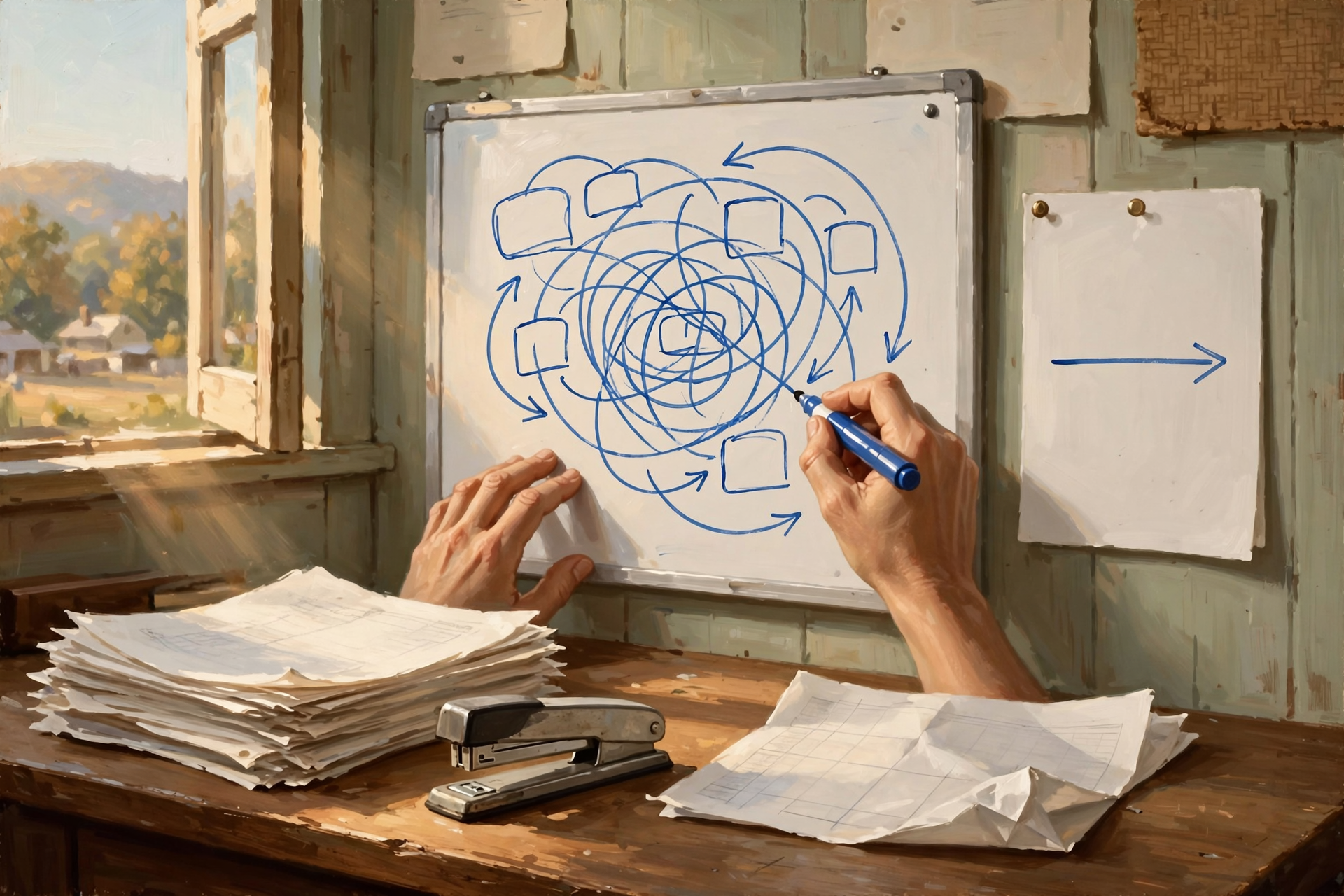
Suppose you map the invoice process and discover:
- the same information is typed three times,
- two employees independently check the same thing,
- nobody owns one particular exception,
- and every Friday somebody prints a report only to retype it into a spreadsheet.
You may not need AI to improve all of that.
Simply seeing the workflow exposes waste.
Automation should not begin by making a bad process faster.
If the family has been carrying firewood around the house twice before stacking it, perhaps the first improvement is changing the route.
🧹 Do Not Automate Stupidity

This deserves a section heading all by itself.
If a process is unnecessary, automating it does not make it necessary.
If a report nobody reads is generated manually every Friday, having AI generate it automatically every Friday does not create value.
It merely ensures the useless report arrives more reliably.
Before automating a step, ask:
“Why are we doing this?”
Possible answers include:
“Because the customer needs it.”
Good.
“Because accounting needs it.”
Fine.
“Because some software from 2007 required it.”
Interesting.
“I don’t know. We’ve always done it.”
Now we have work to do.
🧪 Test the Workflow With the Weird Stuff
A workflow may look brilliant when everything is normal.
The real test is:
what happens when something strange arrives?
Test cases should include:
- missing information,
- duplicate records,
- contradictory data,
- angry customers,
- very large transactions,
- zero-dollar transactions,
- unexpected file formats,
- system outages,
- and situations nobody thought would happen.
Because eventually somebody will do something nobody thought would happen.
That somebody may be a customer.
It may be an employee.
It may be the AI.
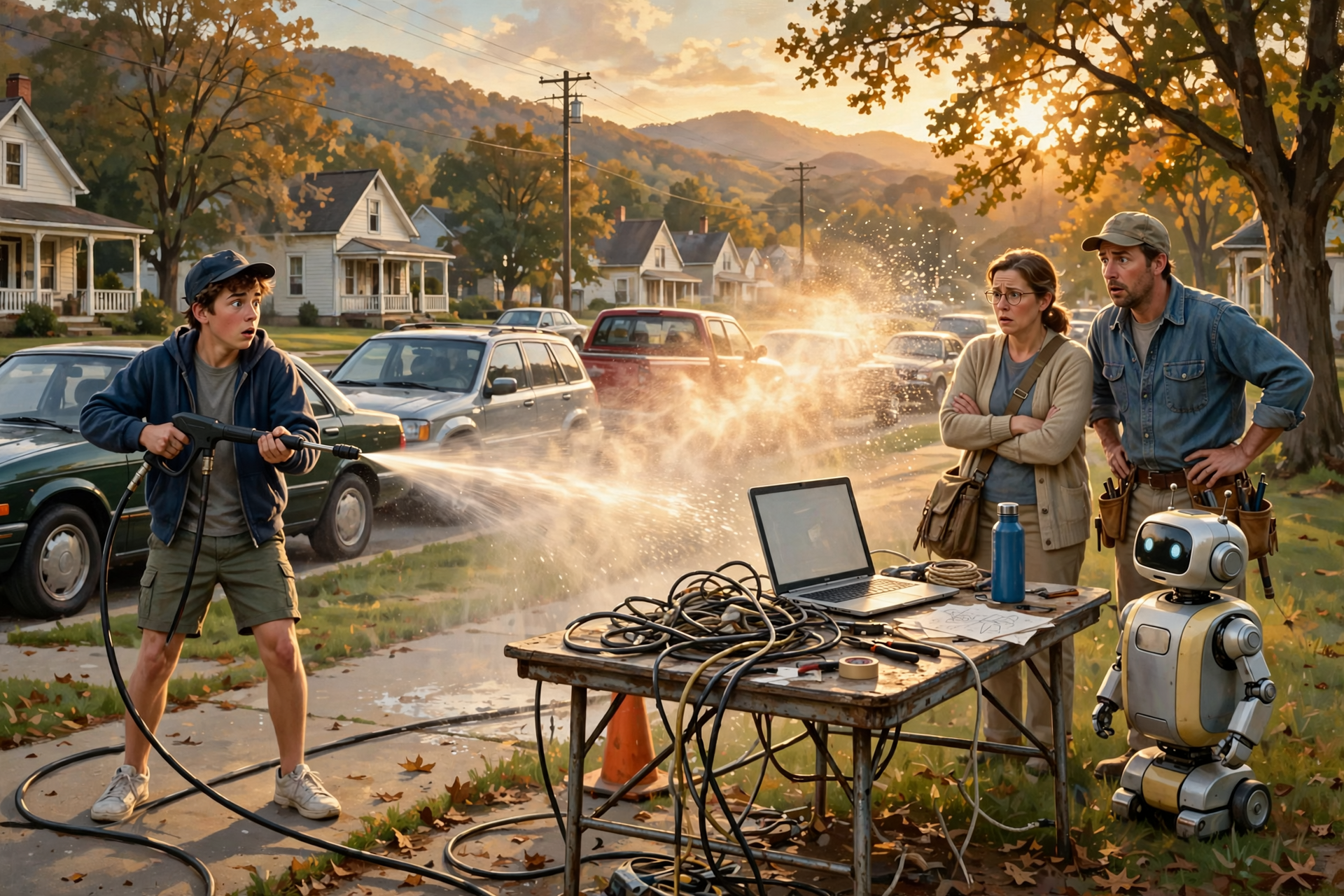
Or, keeping with our theme, it may be a teenager with access to a pressure washer.
🔄 Workflows Should Be Reversible Where Possible

One of the best design principles is making mistakes easy to undo.
A workflow that:
drafts an email
is easier to reverse than one that:
sends 40,000 emails immediately.
A workflow that:
marks records for review
is safer than one that:
permanently deletes them.
A workflow that:
proposes a price change
is easier to control than one that:
changes every price automatically.
When possible, design automation so humans can inspect, reverse, or recover from mistakes.
This is the digital equivalent of painting the barn with a sample patch before ordering 200 gallons of purple.
🪵 Start With One Boring Chore

People often begin AI projects with ambitions such as:
“Automate the whole business.”
That is approximately equivalent to buying your teenager a toolbox and saying:
“Modernize the farm.”
A better starting point is usually one boring, repetitive, understandable job.
For example:
- classify incoming documents,
- prepare invoice reminders,
- summarize daily activity,
- draft routine customer replies,
- extract information from forms,
- or flag unusual records for review.
Build the workflow.
Measure it.
Fix it.
Learn from it.
Then move to the next chore.
That is how farms, factories, and businesses have improved for generations.
📊 Measure the Outcome, Not How Busy the AI Looks

An AI workflow can perform thousands of actions and still accomplish very little.
Do not measure success only by:
- number of AI calls,
- number of agents,
- number of tasks processed,
- or how impressive the dashboard looks.
Measure what matters.
For example:
- Did invoices get paid faster?
- Did employees save time?
- Did error rates fall?
- Did customers receive faster responses?
- Did fewer tasks get forgotten?
- Did the business spend less?
- Did revenue improve?
- Did employees gain time for more valuable work?
The purpose of the workflow is not to keep the whippersnapper busy.
The purpose is to get the chore done.
🧠 The Best Workflow May Learn From Exceptions

Imagine an AI workflow handles 1,000 transactions.
Nine hundred and seventy go through normally.
Thirty require human attention.
Those thirty cases are valuable.
They tell you where the automation struggles.
Perhaps ten involve the same unusual customer type.
Perhaps eight involve a particular document.
Perhaps seven reveal a business rule nobody wrote down.
Perhaps five truly require human judgment.
Now you can improve the workflow.
Over time:
30 exceptions may become 20.
Then 10.
The goal is not necessarily zero.
Some exceptions deserve to remain exceptions.
But the workflow becomes better because real experience teaches it where the rough edges are.
🔔 A Good Workflow Should Know When to Holler
Automation does not help much if it fails silently.
A useful workflow should alert somebody when:
- a required system is unavailable,
- too many tasks fail,
- cost suddenly rises,
- an unusual condition appears,
- a task sits too long,
- or human approval is waiting.
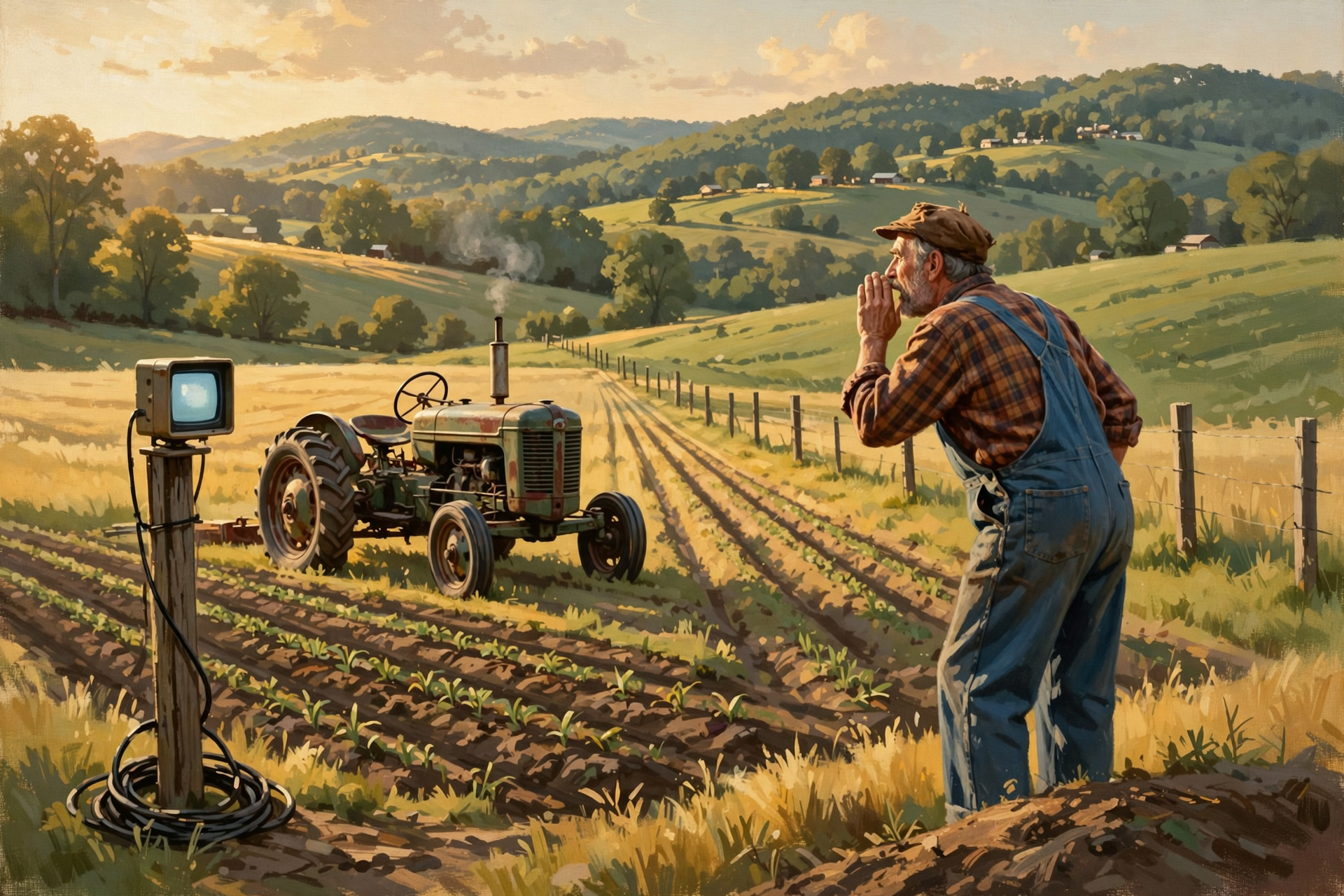
Grandpa did not need a dashboard to understand this concept.
If the tractor starts smoking, you holler.
If everything is running normally, you keep working.
Good monitoring is largely the computerized version of knowing what deserves hollering about.
📆 Some Workflows Begin on a Schedule

Not every workflow starts because a person asks a question.
Some begin automatically.
For example:
Every morning at 6:00:
- check overdue orders,
- look for failed jobs,
- summarize yesterday’s activity,
- flag unusual sales changes,
- prepare a management brief.
That is a scheduled workflow.
Others begin because something happens:
A new order arrives.
A customer sends an email.
Inventory falls below a threshold.
A machine reports an error.
A payment becomes overdue.
These events can trigger workflows.
In old-fashioned terms:
some chores happen every morning.
Other chores happen when the cow gets out.
👀 Some Workflows Begin by Watching for a Condition
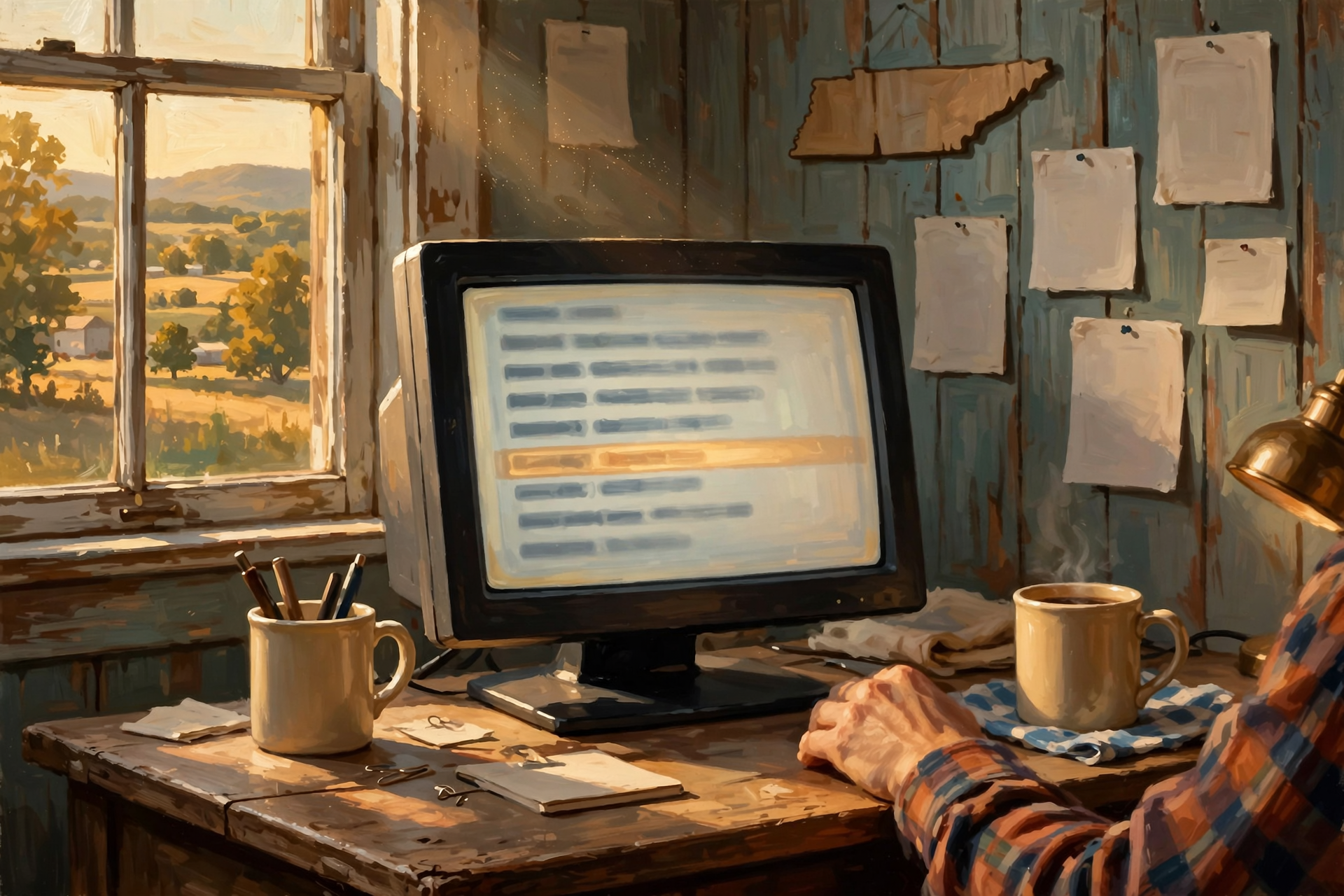
Artificial intelligence can also participate in monitoring.
Imagine a workflow watching customer messages.
Most messages are routine.
But the workflow looks for:
- unusual anger,
- possible safety problems,
- large order opportunities,
- mentions of competitors,
- or language suggesting the customer intends to cancel.
When one appears, the workflow changes course.
This is useful because people cannot watch every system every minute.
The AI becomes a digital lookout.
But as always, the lookout needs clear instructions about what deserves ringing the bell.
🏪 A Small Business Could Build an Invisible Digital Back Office
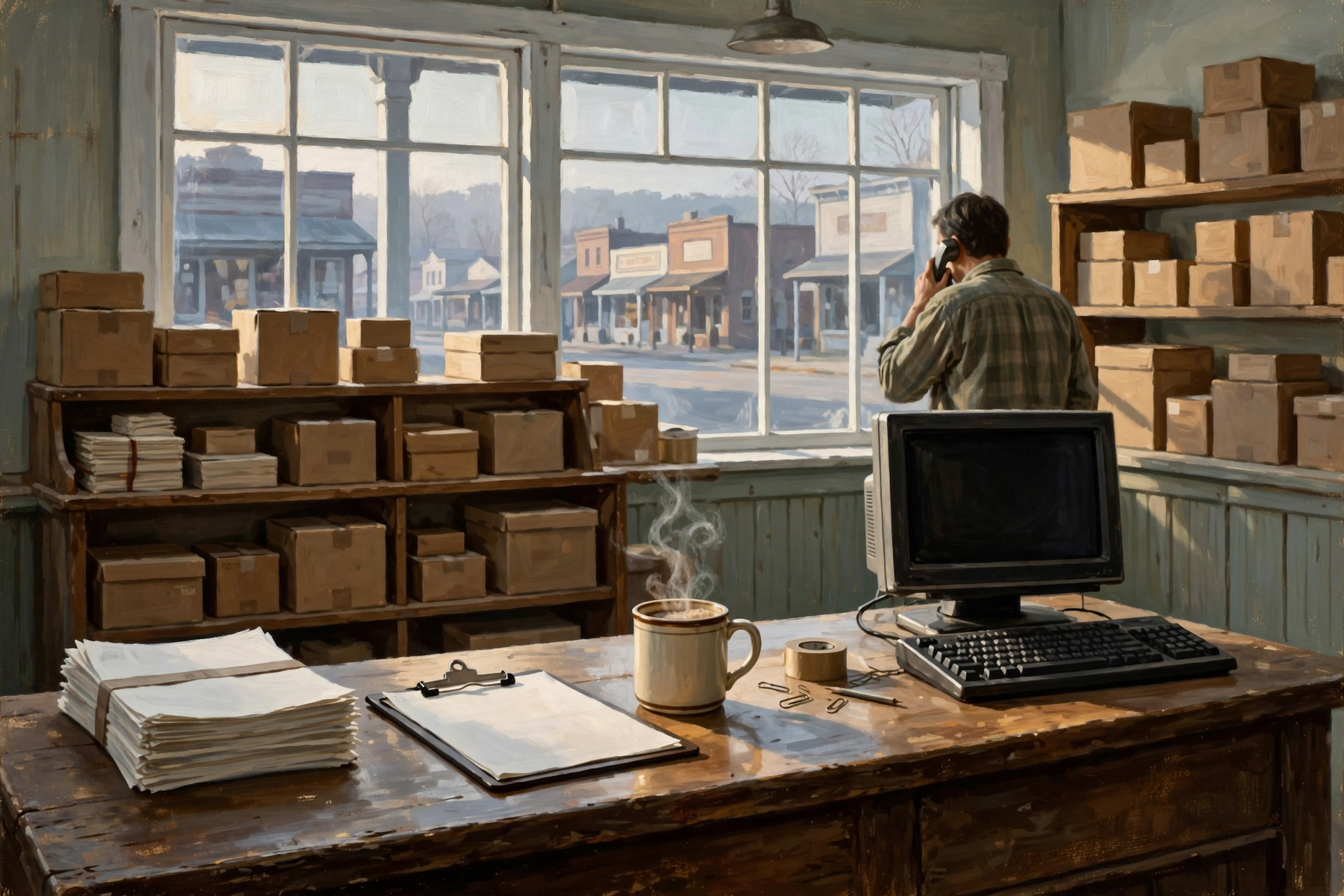
This is where the concept becomes genuinely interesting.
Imagine a small business where workflows quietly handle:
- incoming documents,
- customer follow-up,
- routine research,
- daily summaries,
- inventory alerts,
- draft correspondence,
- website preparation,
- data checking,
- and exception queues.
Employees still make important decisions.
But much of the mechanical preparation happens automatically.
The result is not necessarily fewer people.
It may be people spending less time:
- copying,
- searching,
- sorting,
- checking routine things,
- and remembering what needs to happen next.
For a small organization, that can create capabilities once requiring a much larger administrative staff.
👨💼 The Human Job Moves Toward Managing Outcomes

There is a pattern developing throughout this series.
As AI becomes more capable, the human role often moves upward.
Instead of telling the computer:
“Click this button.”
you tell the system:
“Make sure overdue customers receive appropriate follow-up.”
The workflow handles the mechanics.
The human decides:
- what the outcome should be,
- what rules matter,
- what exceptions require judgment,
- what level of error is acceptable,
- and whether the process is producing value.
That is management.
The tools are changing.
The management problem is not.
👴 Older Folks Already Understand Workflows

The technology world may use phrases such as:
agentic workflow.
orchestration.
conditional branching.
event-driven automation.
human-in-the-loop approval.
exception handling.
Those ideas matter.
But the underlying logic is familiar.
First do this.
Then do that.
If this happens, do something different.
If you don’t know what to do, come get me.
And don’t leave a mess when you’re finished.
That is a surprisingly complete introduction to workflow engineering.
🐓 Wisdom From the Front Porch

Artificial intelligence encourages people to think in very large terms.
Autonomous companies.
Digital employees.
AI departments.
Agents running entire businesses.
Perhaps some of that will happen.
But the useful revolution may arrive one boring chore at a time.
An invoice nobody has to retype.
A customer message that reaches the right person automatically.
A daily report that assembles itself.
A missing record caught before it causes trouble.
A reminder created without somebody remembering to create the reminder.
A routine question answered from the actual records.
A complicated exception placed neatly in front of the person qualified to handle it.
That is workflow automation.
And when AI is added carefully, workflows can begin handling the messy language and judgment steps that older automation struggled with.
But the old rules remain useful.
Know what the chore is.
Break it into understandable steps.
Use the right tool for each step.
Write down the important rules.
Decide where humans belong.
Plan for what happens when things go wrong.
Keep a record.
Measure whether the chore is actually getting done.
And do not automate something merely because it can be automated.
Because when Dad says:
“Go help your mother,”
everybody in the house may believe the assignment is perfectly clear.
Until Mother is still carrying groceries…
and the whippersnapper is standing at the refrigerator eating cheese.
The lesson is simple:
Good intentions are not a workflow.
Sometimes you have to tell the kid exactly what “help” means.
— Dunlap.Today
📚 Plain-English AI Glossary

📋 AI Workflow: An organized sequence of steps combining AI, software, tools, rules, and sometimes people to accomplish a task or business process.
🎯 Goal: The outcome a system is expected to achieve.
🌳 Conditional Branch: A point where the workflow takes different paths depending on what happened or what information was found.
🔔 Trigger: An event, schedule, or condition that starts a workflow.
🙋 Human in the Loop: A workflow design where a person reviews, approves, corrects, or decides certain steps.
🛑 Approval Gate: A point where the workflow cannot continue until an authorized person or system approves the next action.
🔄 Retry: Attempting a failed operation again according to defined rules.
🚨 Exception: A situation that does not fit the normal workflow and requires a different path or additional attention.
🎼 Orchestration: Coordinating the sequence of models, agents, tools, rules, and systems involved in a workflow.
🧾 Audit Trail: A record showing what happened during the workflow and which actions, decisions, and approvals occurred.
📊 Workflow Metric: A measurement used to determine whether the workflow is producing useful outcomes, such as cost, speed, accuracy, failure rate, or time saved.
❓ Frequently Asked Questions

What is an AI workflow?
An AI workflow is a defined process in which artificial intelligence performs or assists with one or more steps alongside ordinary software, tools, rules, and people.
Is an AI workflow the same thing as an AI agent?
No. A workflow describes the process and sequence of work. An agent is an AI system capable of pursuing tasks or goals. An agent can operate inside a workflow, and a workflow can coordinate several agents.
Does every step in an AI workflow need AI?
No. In many good workflows, ordinary software handles precise rules and calculations while AI handles language, ambiguity, classification, drafting, analysis, or other less structured tasks.
Why include humans in automated workflows?
Human approval or review can be valuable for high-risk, unusual, ambiguous, expensive, or irreversible actions. Automation can still perform most of the preparation before the person becomes involved.
What is exception handling?
Exception handling defines what happens when a task does not follow the normal process—for example, when records conflict, required information is missing, a system fails, or a decision exceeds the AI’s authority.
Can AI workflows run automatically?
Yes. They can begin from schedules, new records, incoming messages, system events, thresholds, or other triggers without a person manually starting each run.
Can an AI workflow use several different models?
Yes. Routing can send simple work to inexpensive models, specialized work to specialized systems, difficult work to stronger models, and appropriate cases to humans.
Should a small business automate an entire process at once?
Usually it is easier to start with a narrow, repetitive, understandable process, measure the results, improve it, and then expand to additional workflows.
How do you know whether an AI workflow is successful?
Measure the business outcome: time saved, errors reduced, response speed, cost per completed task, revenue impact, customer experience, exception rates, or whatever result justified building the workflow.
What is the biggest mistake when automating a workflow?
One common mistake is automating an inefficient or unnecessary process without first asking why the process exists. Faster waste is still waste.
✅ The Front-Porch AI Workflow Checklist

Before telling the AI whippersnapper to “handle it,” ask:
- ✅ What outcome are we actually trying to achieve?
- ✅ How is this job performed today?
- ✅ What happens first?
- ✅ What happens next?
- ✅ Which steps require AI?
- ✅ Which steps are better handled by ordinary software?
- ✅ Which steps require human judgment?
- ✅ What tools and data does each step need?
- ✅ What rules must never be left to interpretation?
- ✅ What decisions create different branches?
- ✅ Which actions require approval?
- ✅ What happens when information is missing?
- ✅ What happens when systems disagree?
- ✅ What happens when a tool or model fails?
- ✅ Which retries are safe?
- ✅ Which actions must never be repeated automatically?
- ✅ Can mistakes be reversed?
- ✅ Are important actions logged?
- ✅ Will somebody be alerted when the workflow needs attention?
- ✅ What starts the workflow?
- ✅ What tells the workflow it is finished?
- ✅ How much does one completed workflow cost?
- ✅ How long does one completed workflow take?
- ✅ Are we measuring the business outcome instead of AI activity?
- ✅ Does this process need to exist at all?
The practical rule is simple:
If you want reliable help, do not merely tell the whippersnapper to “do something useful.”
Explain what useful looks like, what happens next, and when he needs to come get you.
Know about an upcoming event or story in the Dunlap, TN area? Submit it here.


0 Comments