
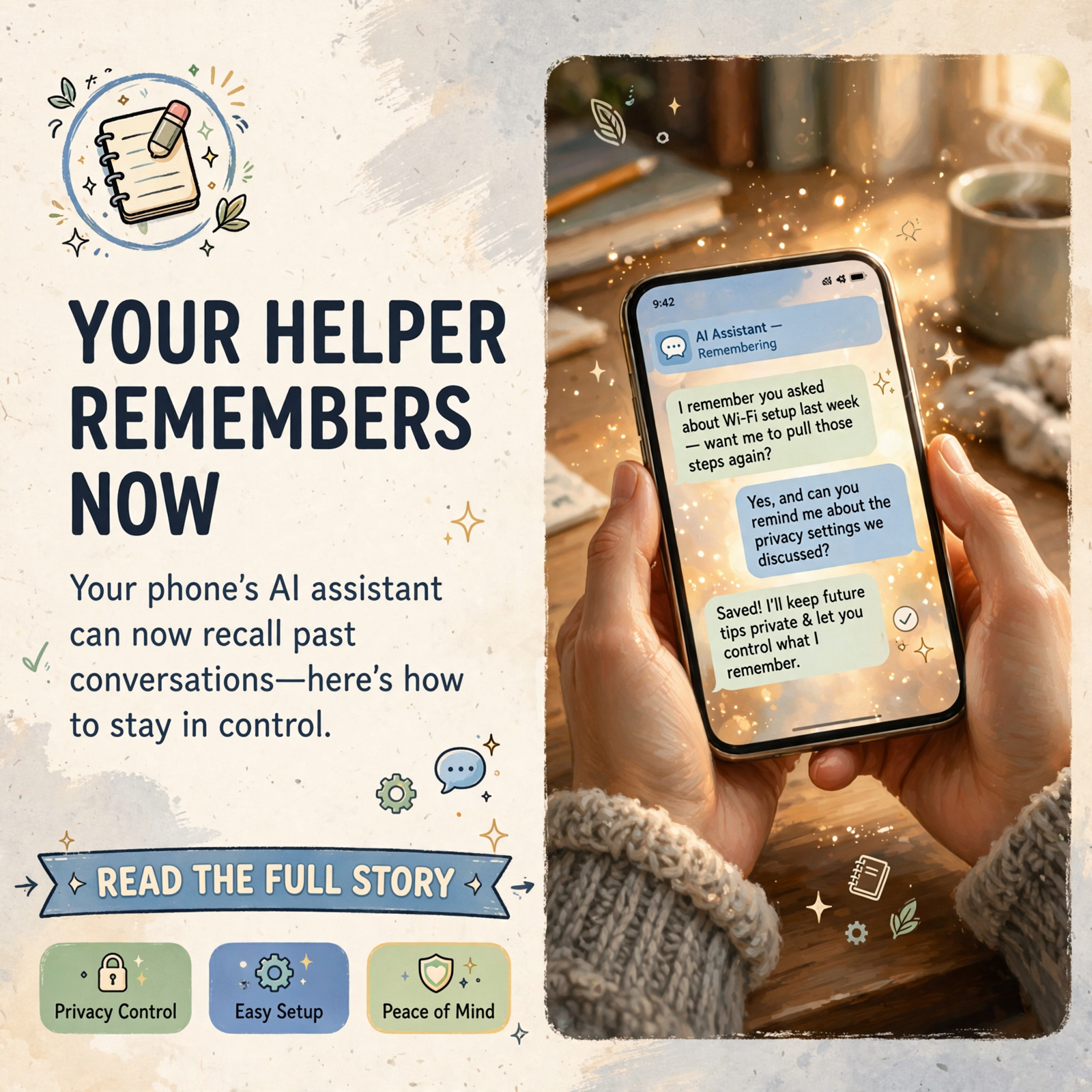
🧠 Your Phone's Helper Can Now Remember Your Chats: Here's How to Decide What It Keeps
🧠 Your Phone’s Helper Can Now Remember Your Chats: Here’s How to Decide What It Keeps

Or: Your Phone’s Helper Has a Notebook Now. You Get to Hold the Eraser.
By Thomas Seest, Dunlap.Today · Wednesday, October 28, 2026
Remember when you’d ask somebody at the feed store a question, and the next week they’d say, “Did those tomato cages work out?” That’s what a good memory does: it saves you from starting over. The talking helpers on our phones are learning the same trick. On Monday, Oct. 26, Apple released iOS 27.2, and one of its headline changes is that the new Siri AI can now recall your past conversations. Google’s Gemini and OpenAI’s ChatGPT already have memory features of their own. There’s nothing to be scared of here. It’s simply a good week to learn where the eraser is.
Here’s what’s in this twenty-third Tech Help for Everyone: what Apple’s new Siri memory does and who actually gets it, how to shorten or delete what Siri keeps, how to keep certain apps off-limits to Siri, where the memory switch lives in Google Gemini, how to see and manage what ChatGPT remembers, and one easy postcard rule for what never to tell any chatbot.
These are national tech updates from Apple, Google and OpenAI. Nothing here is a Sequatchie Valley news report, and no local problem has been reported to us. It’s just a simple settings check worth knowing about as these features roll out.
⏱️ What this means for you in 30 seconds
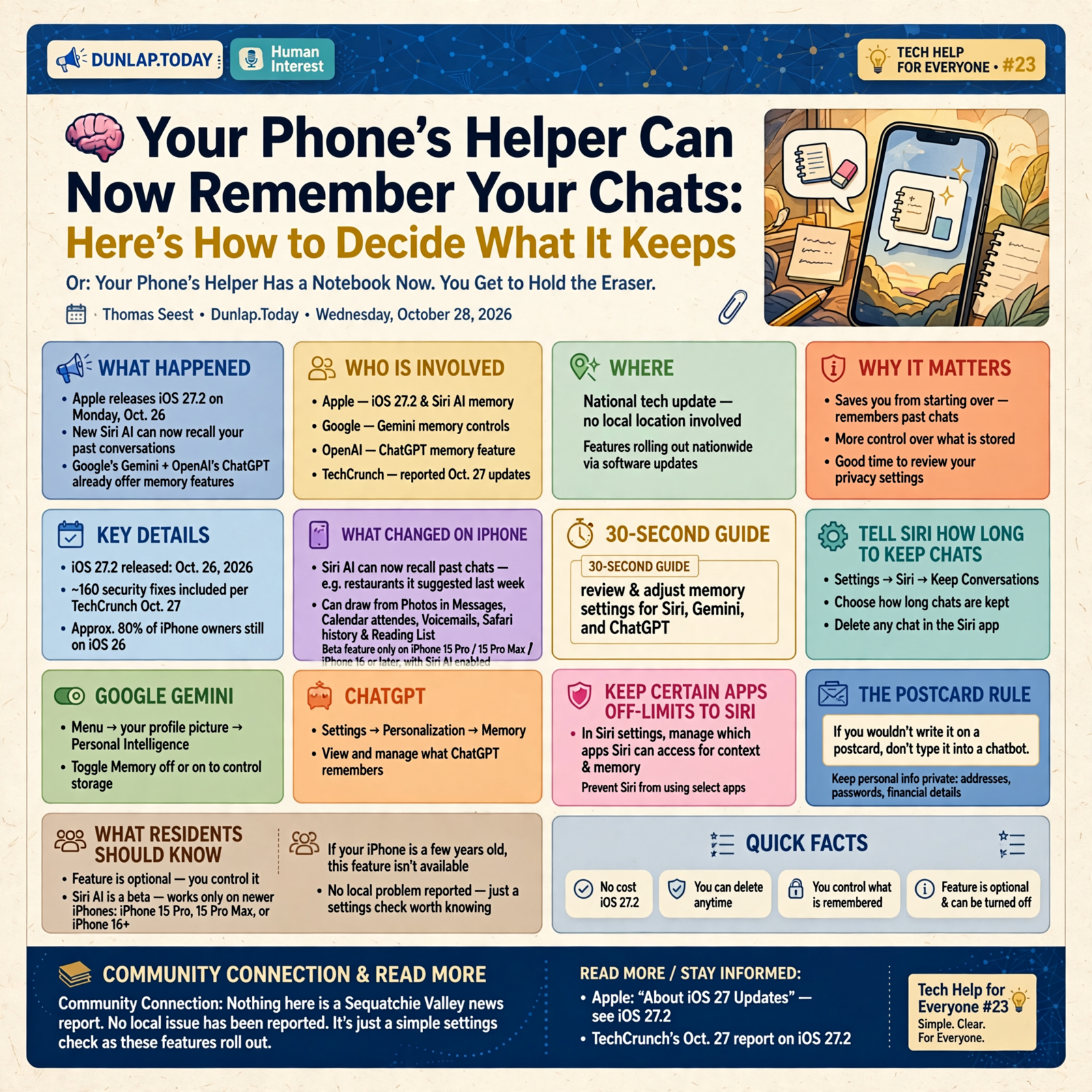
- Apple’s iOS 27.2 (out Oct. 26) lets the new Siri AI remember past chats, but only on newer iPhones (iPhone 15 Pro and iPhone 16 or later) with Siri AI turned on.
- iPhone: Settings → Siri → Keep Conversations lets you choose how long chats are kept. You can delete any chat in the Siri app.
- Gemini: Menu → your profile picture → Personal Intelligence → turn Memory off or on.
- ChatGPT: Settings → Personalization → Memory.
- The postcard rule: if you wouldn’t write it on a postcard, don’t type it into a chatbot.
🍎 What Changed on iPhone This Week (and Who Will Notice)

Apple’s iOS 27.2 notes say Siri AI “can recall your past conversations,” so you can ask about something it told you before, like the restaurants it recommended last week. Apple also says Siri AI can now draw from more places to answer you, including photos attached in Messages, Calendar event attendees, your voicemails, and your Safari history and Reading List. TechCrunch reported on Oct. 27 that the update also packs in more than 160 security fixes.
Here’s the calming part: Apple says Siri AI is a beta feature that works only on an iPhone 15 Pro, iPhone 15 Pro Max, or an iPhone 16 model or later, and only when Siri AI has been turned on. TechCrunch also reported that Apple says about 80% of iPhone owners are still running iOS 26. So if your phone is a few years old, this memory feature isn’t on your phone at all.
What it means for you: Think of it like a new filing cabinet at the courthouse. Handy, but you’ll want to know which drawers it opens. If you have a newer iPhone and use Siri AI, the next three steps take about five minutes. If you don’t, skim along so you’ll know what the grandkids are talking about.
👉 Read more: Apple’s “About iOS 27 Updates” (see iOS 27.2) · TechCrunch’s Oct. 27 report
🧹 Tell Siri How Long to Keep Your Chats, and Erase Any You Like

Apple’s Siri app guide gives two simple controls. To choose how long Siri keeps conversations: open Settings, tap Siri, tap Keep Conversations, then choose an option. Apple notes that if you choose 30 days or 1 year, older conversations are permanently deleted.
To erase a single chat: open the Siri app, touch and hold the conversation, tap Delete, then tap Delete again to confirm. To clear several at once, tap the button in the top-right corner, tap Select, pick the conversations, tap the delete button, then confirm. Apple says your Siri conversation history syncs across Apple devices signed in to the same Apple Account.
What it means for you: It’s like cleaning out the junk drawer on a schedule instead of once a decade. If you asked Siri about a health worry or a surprise gift and you’d rather it not come back up, delete that chat. Choosing 30 days keeps things tidy without any extra effort.
👉 Read more: Apple’s “Siri AI: Use the Siri app on iPhone”
🚪 Keep Certain Apps Off-Limits With “Excluded Apps”
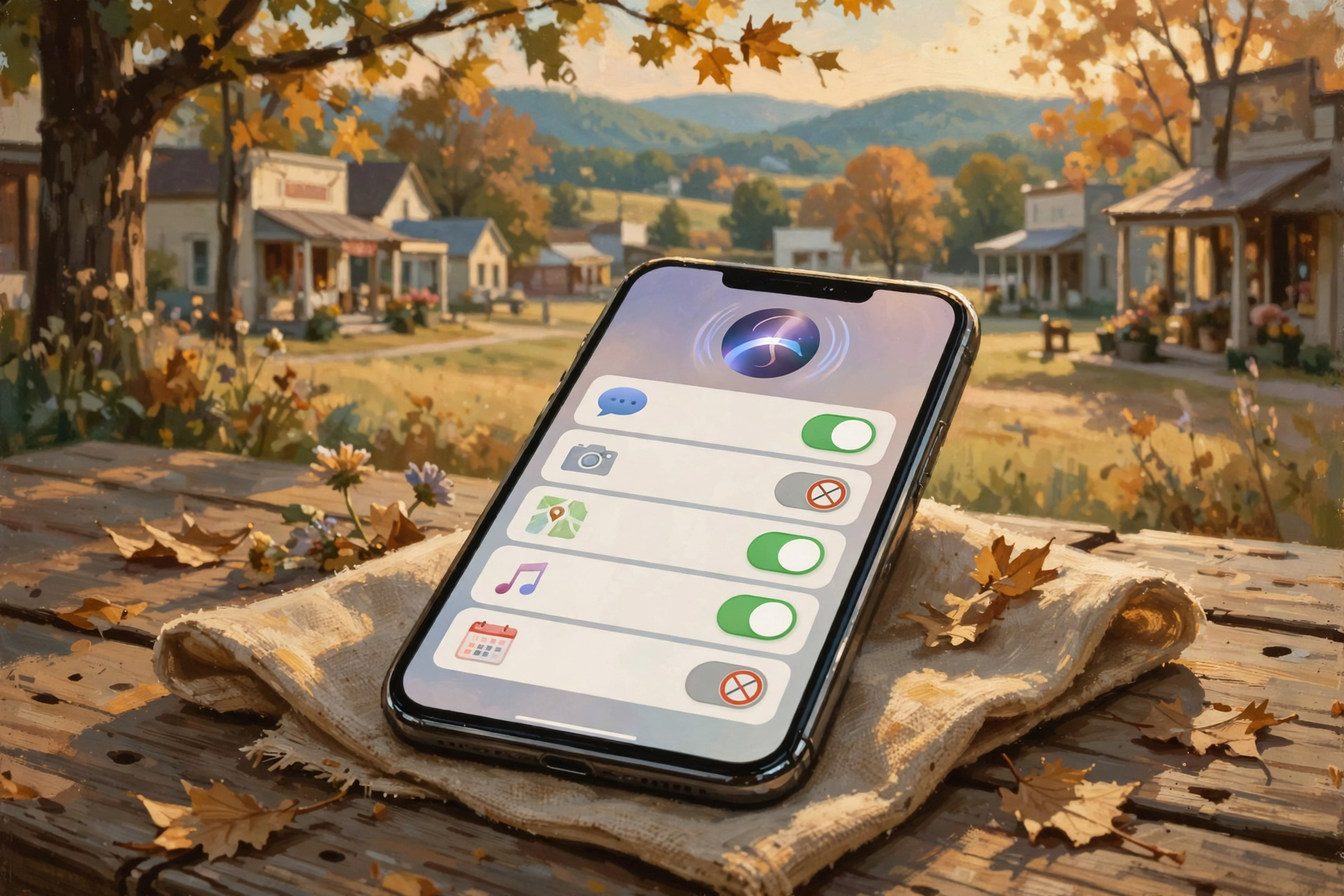
Apple’s iOS 27.2 adds a setting called Excluded Apps, which lets you choose which apps Siri, Search and suggestions can access, all from one place. Apple says all apps are included by default. To change that: open Settings, tap Siri, tap Excluded Apps, tap Add Apps, pick the apps from the list, then tap the checkmark to finish. Apple notes that excluded apps aren’t available to Siri, Search or suggestions, so they also won’t show up when you search your phone.
What it means for you: It’s like telling a helpful house-sitter, “Water the plants and feed the dog, but leave the desk drawer alone.” If you’d rather Siri not look through your voicemails or your messages, add that app to the list. You can take it back off anytime by tapping Edit on the same screen.
👉 Read more: Apple’s “Change Siri settings on iPhone”
🤖 Android and Gemini: The Memory Switch Is One Menu Away
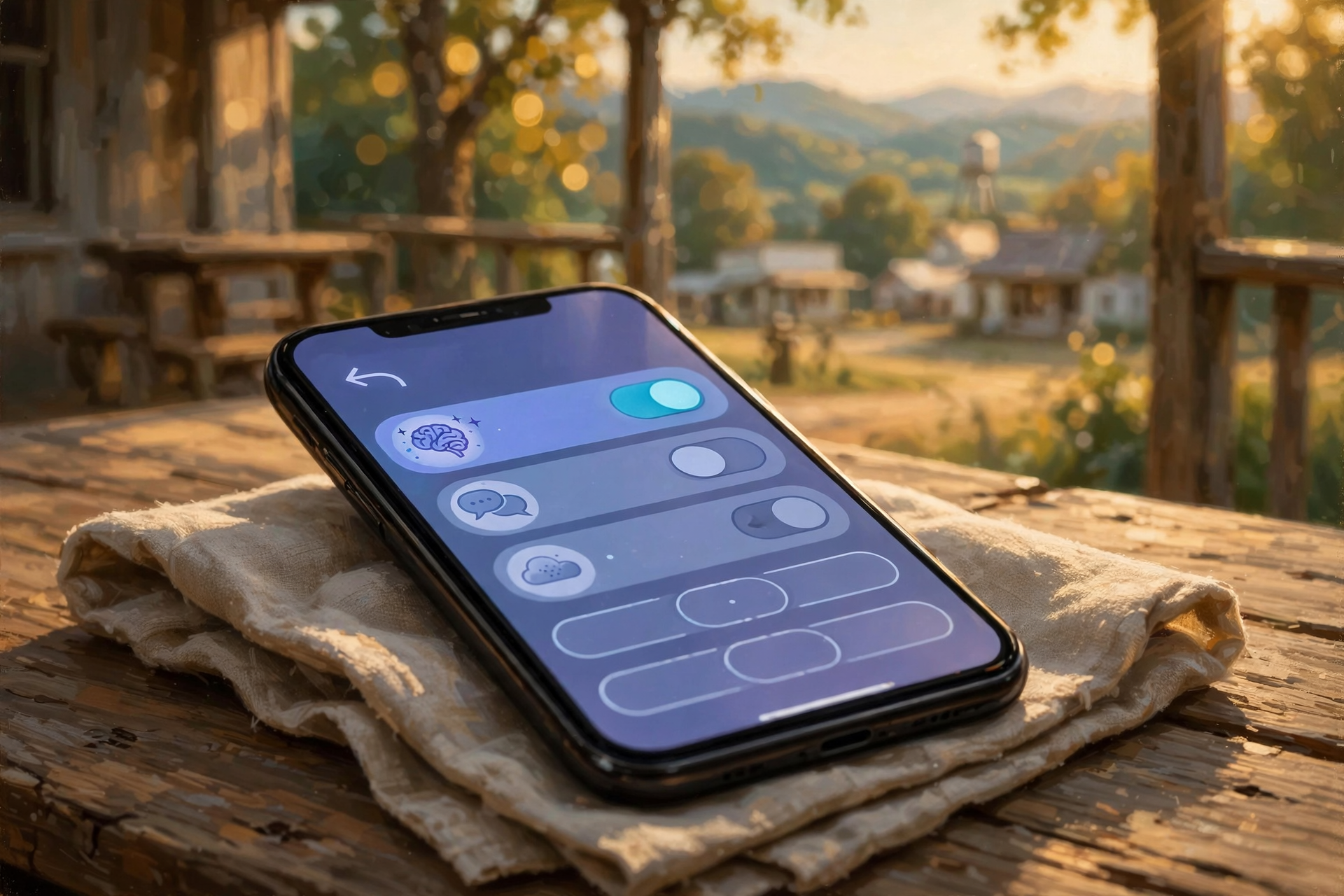
Google’s Gemini app has its own memory of past chats. Google’s help page says that in the Gemini mobile app, you tap Menu, then your profile picture or initial, then Personal Intelligence, and turn Memory off or on. On the website at gemini.google.com, it’s Menu → Settings & help → Personal Intelligence. Google says the feature needs you to be 18 or older with a personal Google Account and its Keep Activity setting turned on.
Two handy extras from Google: you can simply ask Gemini, “Did you use any info from past chats?” And to remove something Gemini remembered, Google says to delete the chats that contain it from Gemini Apps Activity. There may be a short delay before Gemini stops using them. Google also says chats saved in Gemini Apps Activity are auto-deleted after 18 months by default, and you can change that to 3 months, 36 months, or not at all.
What it means for you: Same idea as Siri, different barn. The switch is there, it’s labeled, and flipping it off doesn’t break anything. Gemini just won’t use your old chats to shape new answers.
👉 Read more: Google’s “Get personalization with memory of your past Gemini chats”
💬 ChatGPT: Ask It What It Remembers

If you use ChatGPT, OpenAI’s help center says you can review its memory controls by opening Settings, selecting Personalization, then Memory. OpenAI says you can also simply ask ChatGPT what it remembers about you, correct anything that’s wrong, or delete it. OpenAI notes two things worth knowing: turning off Memory doesn’t delete your past chats, and deleting a chat doesn’t necessarily delete a separate saved memory created from it, so check both places.
For a one-time question you’d rather it not remember, OpenAI says temporary chats don’t create or update memories.
What it means for you: It’s like asking a neighbor, “What do you know about me?” and getting a straight answer. If something in there feels too personal, delete it, and you’re done.
👉 Read more: OpenAI’s “Memory in ChatGPT”
📮 The Postcard Rule: What Never to Tell a Chatbot

Memory switches help, but the simplest protection is what you type in the first place. Google’s Gemini privacy page says plainly: “Please don’t enter confidential information that you wouldn’t want a reviewer to see” or Google to use to improve its services. Google says some chats are read by trained human reviewers, and reviewed chats are kept for up to three years, even if you delete your activity. Google also says that even with Keep Activity off, chats are kept with your account for 72 hours.
What it means for you: Treat any chatbot like a postcard dropped in the mailbox: fine for “What’s a good recipe for apple butter?” but not the place for your Social Security number, Medicare number, bank or card numbers, passwords or the code your bank just texted you. Ask the general question and keep the personal details to yourself.
👉 Read more: Google’s Gemini Apps Privacy Hub
✅ Your Wednesday AI-Memory Checklist

- ✅ Know if it applies to you: Siri AI memory needs an iPhone 15 Pro or iPhone 16 or later with Siri AI turned on. Older iPhones don’t have it.
- ✅ iPhone: Settings → Siri → Keep Conversations → pick 30 days or 1 year if you want old chats cleared on their own.
- ✅ Erase a chat: Siri app → touch and hold it → Delete → Delete.
- ✅ Wall off an app: Settings → Siri → Excluded Apps → Add Apps.
- ✅ Gemini: Menu → profile picture → Personal Intelligence → Memory on or off.
- ✅ ChatGPT: Settings → Personalization → Memory, or just ask, “What do you remember about me?”
- ✅ One-off private question? Use a temporary chat in Gemini or ChatGPT.
- ✅ Never type your Social Security, Medicare, bank or card numbers, passwords or texted codes into any chatbot.
- ✅ Not sure? Ask a trusted family member or a local tech helper to sit with you for five minutes.
Practical rule: If you wouldn’t write it on a postcard, don’t tell it to a chatbot. And once a season, check what your helper remembers.
— Dunlap.Today
📚 Plain-English Tech Glossary
- AI assistant / chatbot: A computer helper you can talk or type to in plain English, like Siri, Google Gemini or ChatGPT.
- AI memory: When the helper saves details from earlier chats so it can use them later, like remembering that you garden or what it suggested last week.
- Siri AI: Apple’s newer, more conversational Siri, available in beta on iOS 27 on certain newer iPhones.
- iOS 27.2: The iPhone software update Apple released Oct. 26, 2026.
- Beta: A feature that’s still being tested and improved.
- Keep Conversations: The iPhone setting that decides how long Siri keeps your chat history.
- Excluded Apps: An iPhone setting that keeps chosen apps away from Siri, Search and suggestions.
- Personal Intelligence: The Gemini settings area where Google keeps the Memory switch.
- Temporary chat: A one-time conversation that isn’t used to build the helper’s memory.
- Human reviewer: A trained person who reads some chats to help a company improve its service.
❓ FAQ
Is my phone listening and remembering everything I say?
No. The memory Apple describes is about conversations you have with Siri AI, which are kept in the Siri app where you can see and delete them. Gemini and ChatGPT memory works the same way: it comes from chats you have with them.
I have an older iPhone. Do I need to do anything?
Not for this. Apple says Siri AI works only on the iPhone 15 Pro, iPhone 15 Pro Max and iPhone 16 models or later. Keeping your phone updated is still a good habit, since Apple released security fixes for older iPhones on Oct. 26 too.
Is there one switch that turns off Siri’s memory but keeps Siri AI?
Apple’s guide doesn’t describe one. The controls Apple lists are choosing how long to keep conversations, deleting conversations, and Excluded Apps. If you’d rather not use Siri AI at all, you can simply keep using Siri the way you always have.
If I turn memory off, will my helper stop working?
No. It’ll still answer your questions. It just won’t use your earlier chats to personalize its answers.
Does deleting a chat erase everything?
Mostly, but not always right away. Google says there may be a short delay, and chats a human reviewer already read are kept up to three years. OpenAI says deleting a ChatGPT chat doesn’t necessarily delete a separate saved memory made from it, so check the Memory settings too.
What’s safe to ask a chatbot?
General questions are fine: recipes, how to do something on your phone, what a word means. Leave out personal numbers, passwords, account details and anything you’d want kept private.
Is this happening in the Sequatchie Valley?
These are national updates that reach any phone, here or anywhere. We haven’t seen any local reports of problems. The tips come straight from Apple, Google and OpenAI’s own help pages, plus national tech news.
🔗 Other Resources
- Apple: About iOS 27 Updates (iOS 27.2 notes)
- Apple: Siri AI, use the Siri app on iPhone (Keep Conversations, delete chats)
- Apple: Change Siri settings on iPhone (Excluded Apps)
- Apple: Security releases (which update fits your iPhone)
- TechCrunch: Apple rolls out iOS 27.2
- Google: Memory of your past Gemini chats
- Google: Gemini Apps Privacy Hub
- OpenAI: Memory in ChatGPT
🌻 A Good Memory Is a Gift, and So Is a Good Eraser

A helper that remembers can save you time, the same way a good neighbor saves you from repeating yourself. But you’re the one who decides what goes in the notebook and what gets erased. Take five minutes this week: check how long your helper keeps chats, wall off any app you’d like private, and remember the one big rule: if you wouldn’t write it on a postcard, don’t tell it to a chatbot. Share this with a friend or family member who just got a new phone. It might put their mind at ease.
Keep learning, keep exploring and keep your cool. Read Dunlap.Today for calm, clear Valley news, and find local folks who can help with phones and computers anytime on Dunlap.Directory.
Sources
Know about an upcoming event or story in the Sequatchie Valley? Submit it here.




0 Comments