
What Is a Data Center—and What Does It Actually Do?
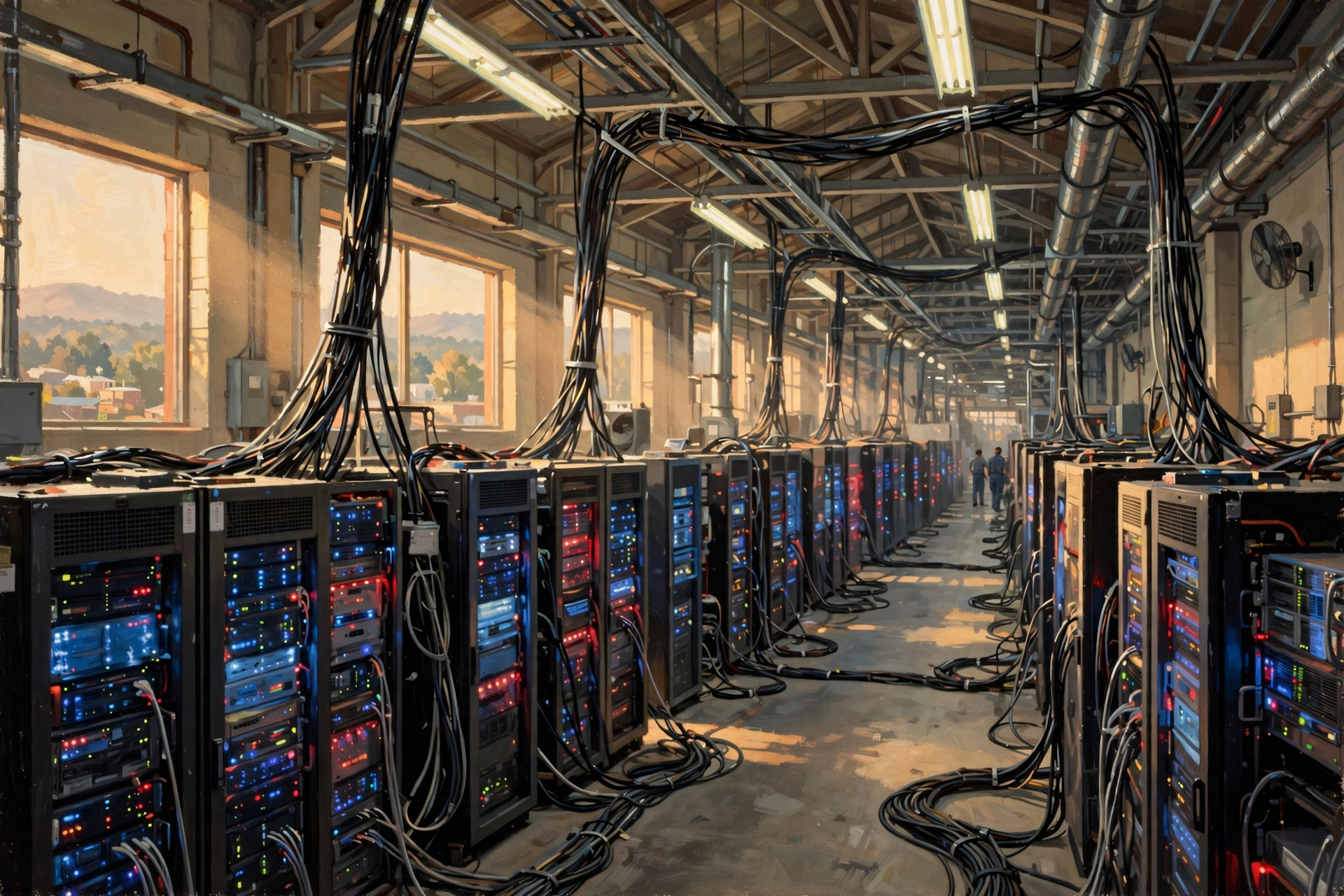
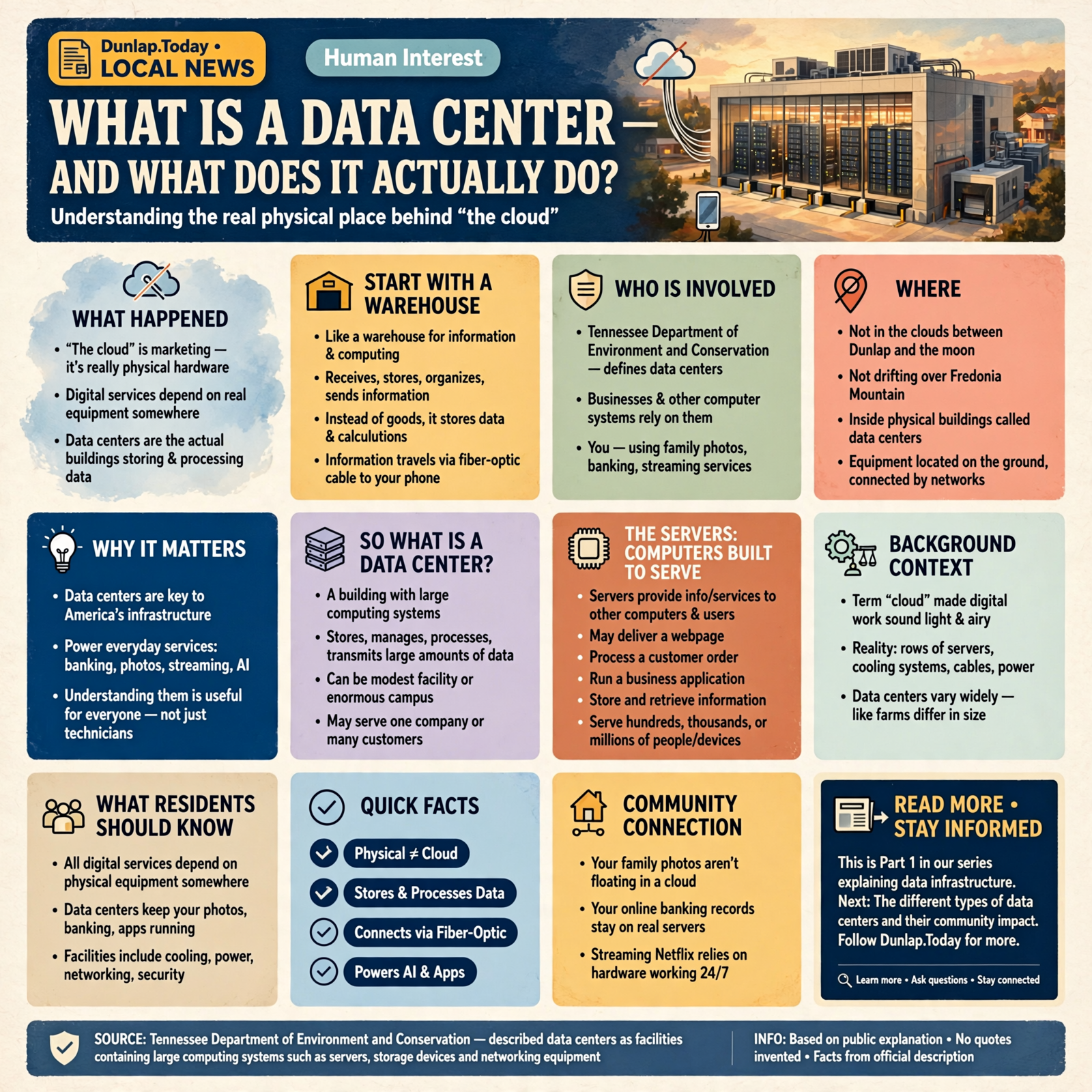
Somewhere along the way, we decided to call an enormous collection of computers, electrical equipment, cooling systems, cables and industrial buildings “the cloud.”
That was excellent marketing.
It also made the whole thing sound considerably fluffier than it really is.
Your family photographs are not floating peacefully somewhere between Dunlap and the moon. Your online banking records are not drifting over Fredonia Mountain. Netflix does not keep your movie in a rain cloud waiting for you to press Play.
All of those digital services ultimately depend on physical equipment somewhere.
Very often, that equipment lives inside a data center.
And as data centers, cloud computing and artificial intelligence become increasingly important parts of America’s infrastructure, understanding what these facilities actually do is becoming useful knowledge even for people who have absolutely no desire to become computer technicians.
Start With a Warehouse
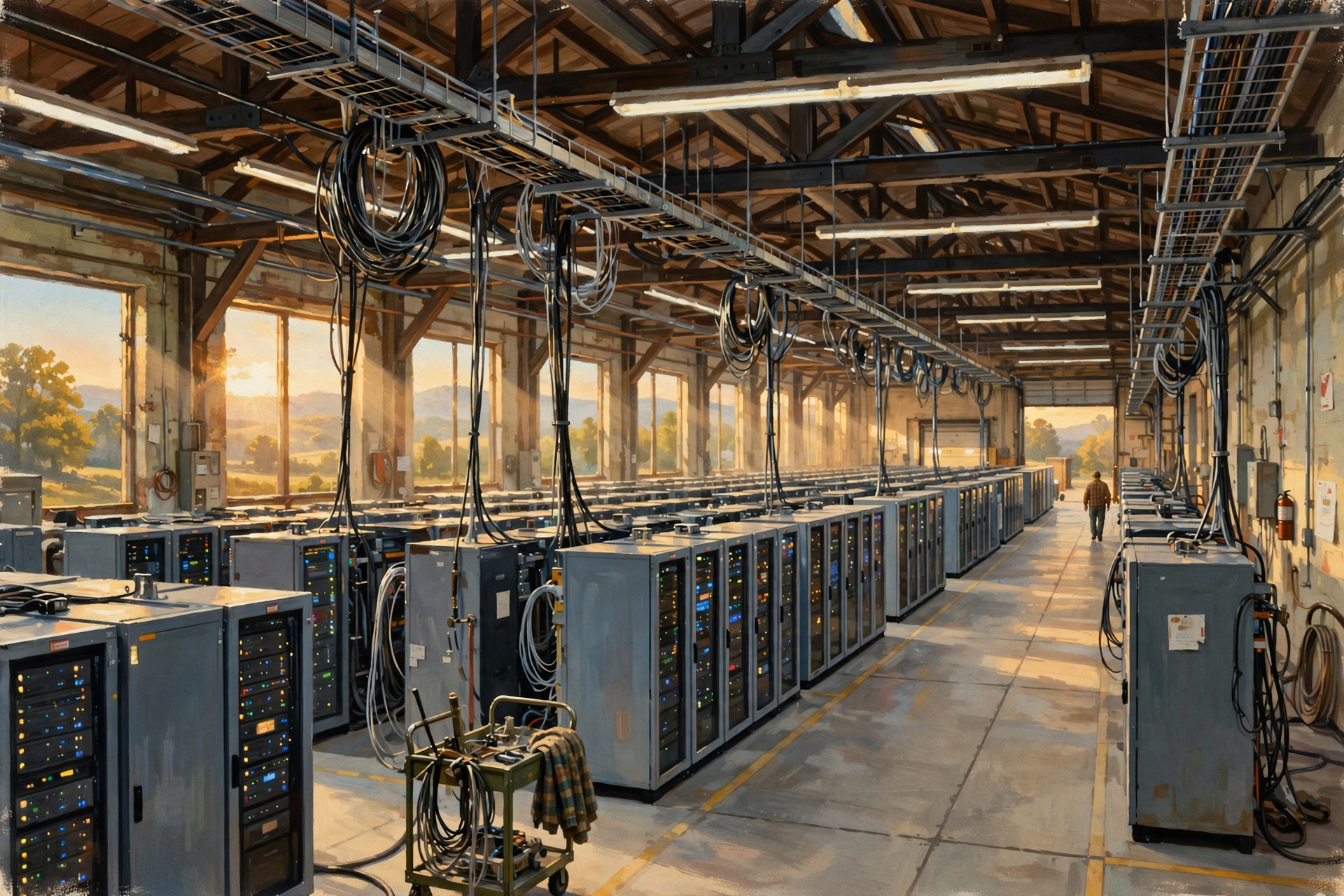
If you understand the basic idea of a warehouse, you already have a useful starting point.
A warehouse receives things, stores things, organizes things and sends things back out when somebody needs them.
A data center does something roughly similar with information and computing.
Instead of shelves full of lawnmowers, plumbing fixtures or boxes of bolts, a data center contains computers and storage equipment.
Instead of tractor-trailers bringing merchandise through a loading dock, enormous quantities of information arrive and leave through communications networks.
Instead of a forklift driver locating a pallet, computers locate information and perform calculations.
And instead of a truck carrying the result back to a customer, the answer may travel through fiber-optic cable and arrive on your phone in a fraction of a second.
The analogy is not perfect, but it gets us through the front door.
So What Is a Data Center?
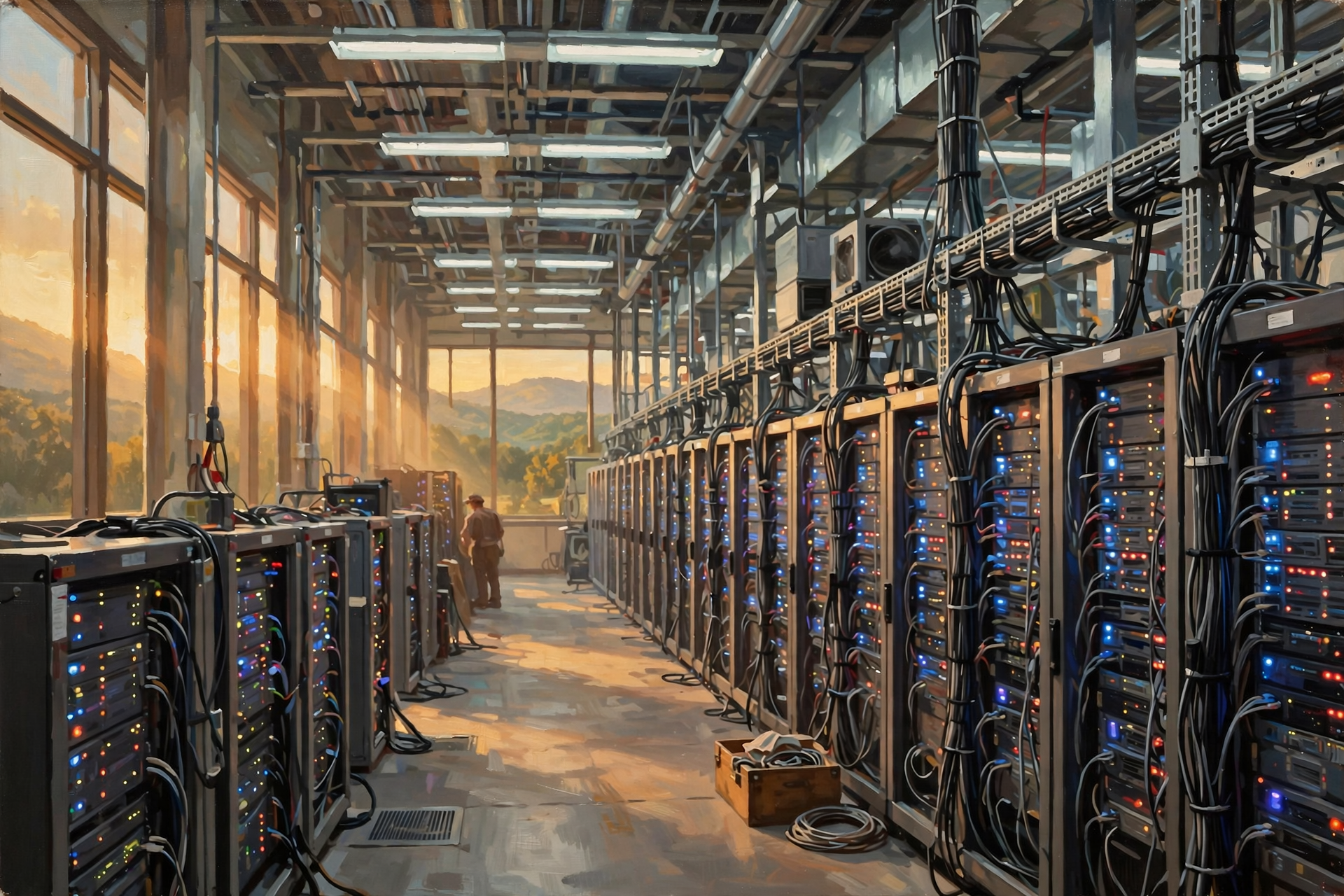
The Tennessee Department of Environment and Conservation describes data centers as facilities containing large computing systems such as servers, storage devices and networking equipment used to store, manage, process and transmit large amounts of data.
Translated into plain English:
A data center is a building where large numbers of computers do digital work for people, businesses and other computer systems.
Some data centers are relatively modest.
Others are enormous campuses.
Some serve one company.
Some serve many customers.
Some primarily store information.
Some support websites and business software.
Some perform extremely large amounts of artificial-intelligence computing.
And that distinction will become important later in this series because saying “data center” without explaining what kind can be a little like saying “farm.”
A five-acre vegetable operation and a 10,000-acre cattle operation are both farms.
That does not mean they have the same equipment, water needs, employment, land requirements or economic impact.
Data centers vary too.
The Servers: Computers Built to Serve Other Computers
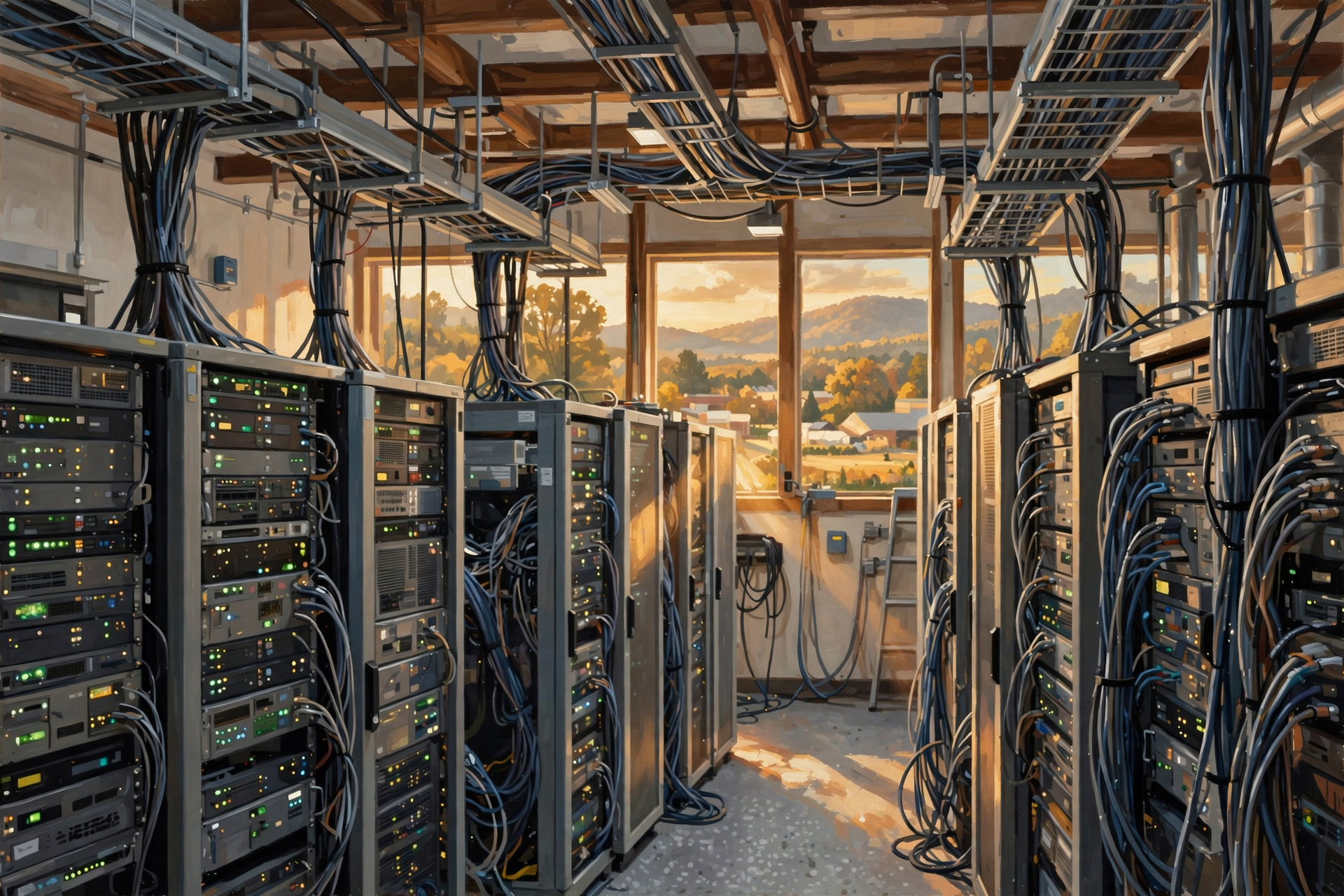
The heart of a data center is usually the server.
A server is simply a computer designed to provide information or computing services to other computers and users.
Your laptop is mostly designed to serve you.
A server may be designed to serve hundreds, thousands or potentially millions of people or devices as part of a much larger system.
A server might:
- deliver a webpage;
- process a customer order;
- run a business application;
- store and retrieve records;
- handle email;
- support an online game;
- process a banking transaction;
- stream video;
- run part of an artificial-intelligence system; or
- perform calculations for another computer.
Large digital services usually do not depend on one heroic computer sitting in a corner somewhere.
The work can be spread across many machines working together.
Storage: The World’s Digital Filing Cabinets
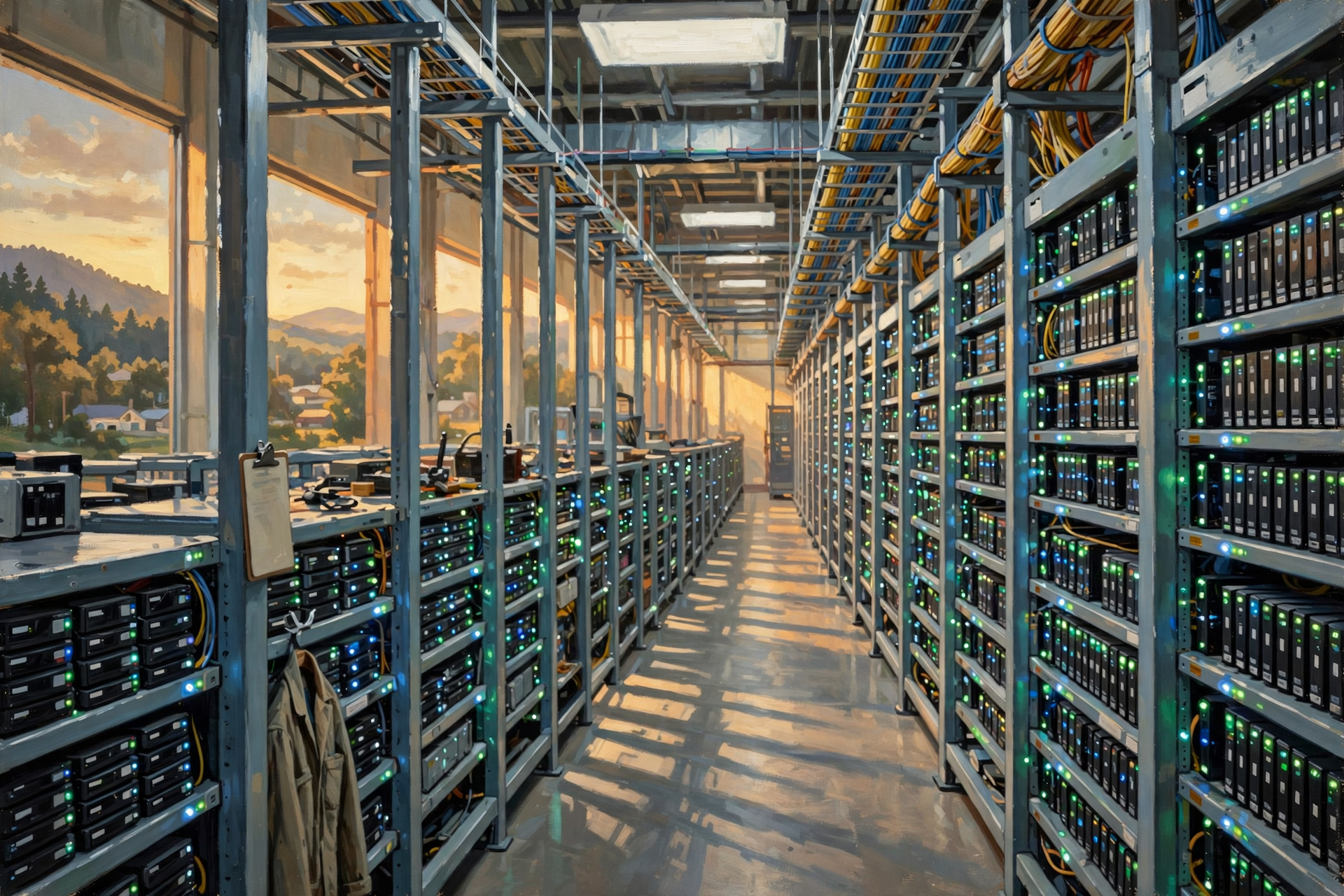
Data centers also contain systems for storing information.
Think of storage as an enormous digital filing cabinet—although modern storage systems are considerably more flexible than the metal cabinet in the county office.
Stored information may include:
- photographs;
- videos;
- documents;
- business databases;
- financial records;
- email;
- software;
- website content;
- backups; and
- countless other forms of digital information.
Important information may be duplicated or distributed so that the failure of one piece of hardware does not automatically mean the information disappears.
That is one reason a data center may contain far more storage equipment than a person might expect just from looking at the amount of information customers believe they have saved.
The Network: The Roads Between the Computers
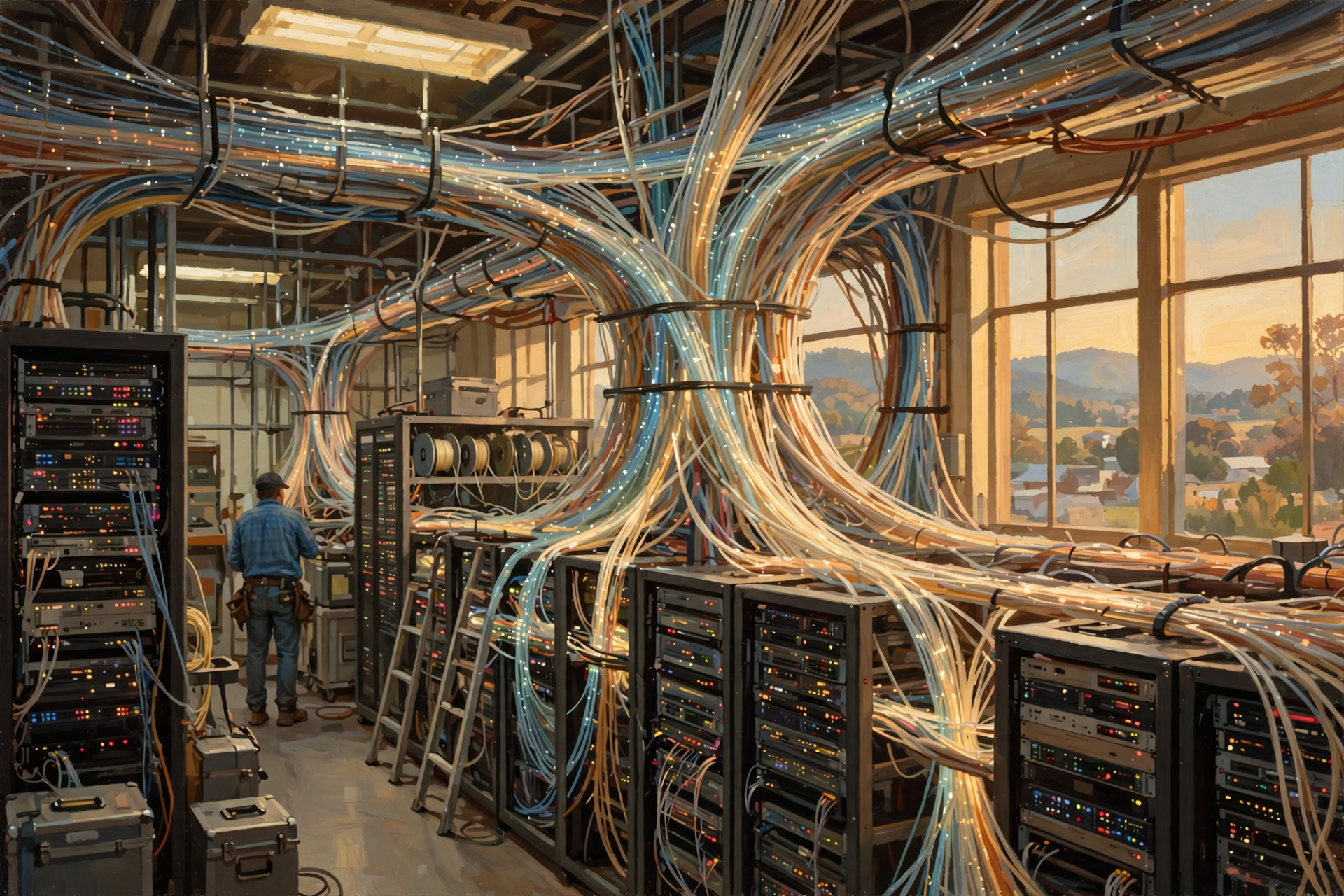
A warehouse without roads would not be terribly useful.
Neither would a data center without communications networks.
Servers need to communicate with each other and with computers outside the building.
Network switches, routers and fiber-optic connections help move information where it needs to go.
If the servers are businesses in a town, think of the network as the roads, intersections and highway system connecting them.
Some traffic stays inside the neighborhood.
Some travels across town.
Some gets on the interstate and heads somewhere completely different.
Except in this case, the “vehicles” are pieces of information moving at extraordinary speed.
Follow the Search

Suppose you sit down at the kitchen table and search online for a replacement part for your lawn mower.
To you, the process looks like this:
Type question. Press Search. Get answer.
Behind the scenes, a simplified version might look more like this:
- Your phone or computer sends a request through your home internet or cellular connection.
- The request travels across communications networks.
- It reaches computing systems responsible for handling the search.
- Servers process your request.
- Other systems may locate information from enormous indexes or databases.
- Computers determine which results to return.
- The response travels back across the network.
- Your device turns the information into the page you see.
All of this can happen so quickly that it feels almost instantaneous.
But it was not magic.
Computers performed work.
Network equipment moved information.
Electricity was consumed.
Heat was produced.
Cooling systems removed that heat.
The digital world may look invisible from your kitchen table, but the machinery making it work is very real.
The Cloud Has an Address
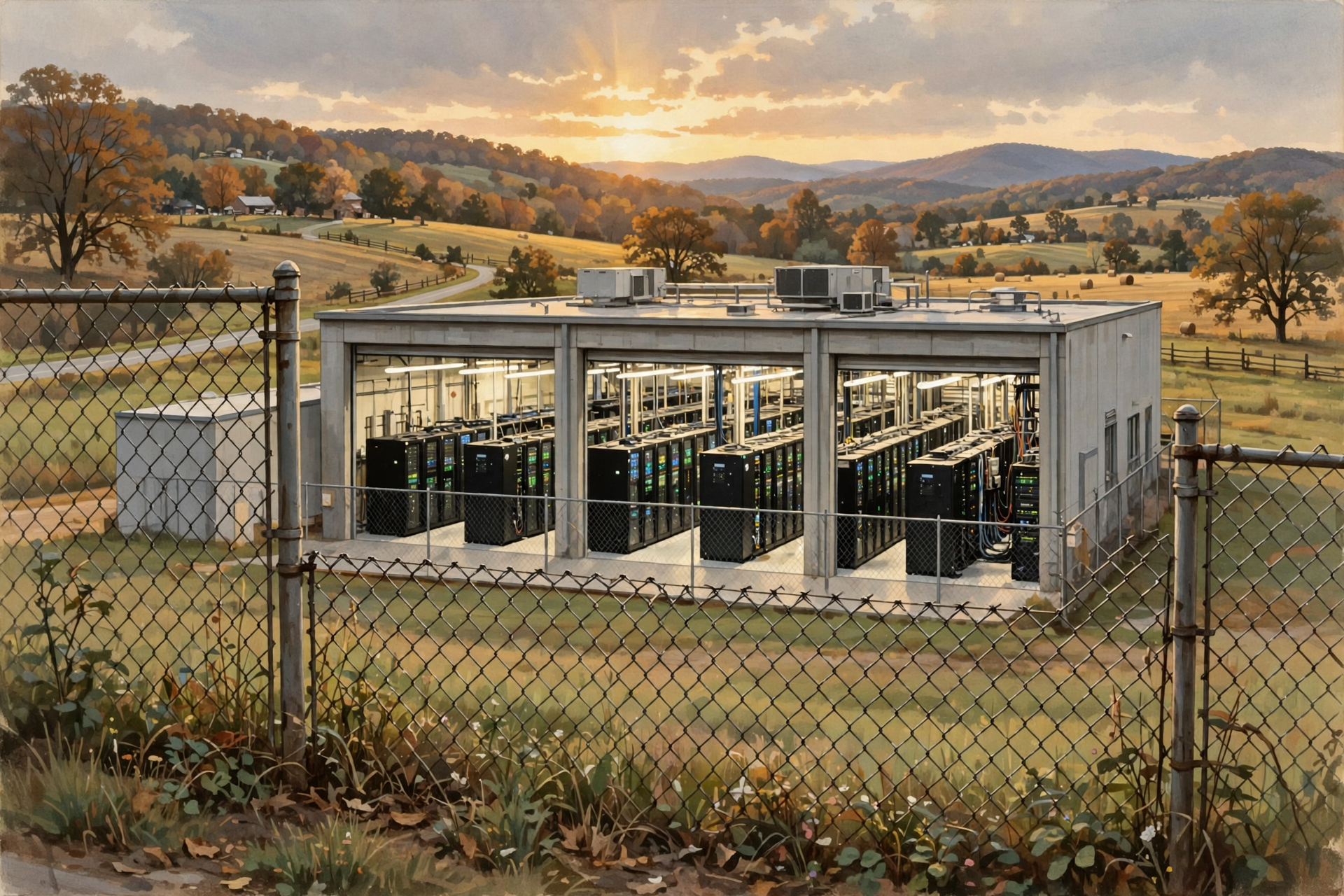
This leads us to one of the most important ideas in this entire series.
The cloud is not the same thing as a data center.
The National Institute of Standards and Technology defines cloud computing as a model for providing convenient, on-demand access to shared computing resources such as networks, servers, storage, applications and services.
That is the technical definition.
The front-porch version is:
The cloud lets you use somebody else’s computing equipment without having to own and maintain all of it yourself.
The cloud is the service arrangement.
The data center is one of the physical places where the equipment providing that service may live.
Think about electricity.
You use the electricity coming from the wall without personally owning the power plant, transmission lines, transformers and substations required to deliver it.
You consume the service.
Somebody else operates most of the machinery underneath it.
Cloud computing works in a somewhat similar way.
And Then There Is Electricity
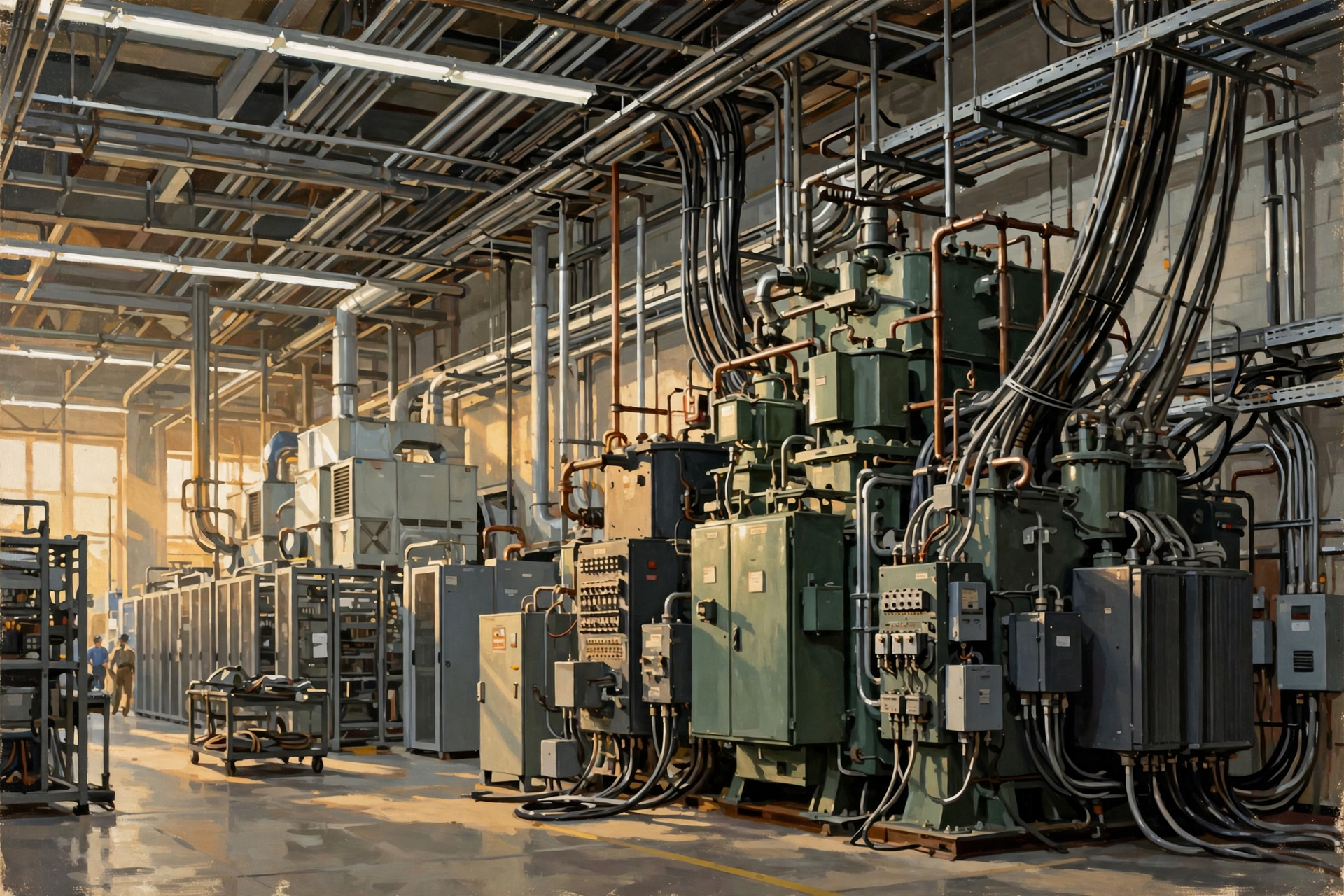
Computers require electricity.
A lot of computers can require a lot of electricity.
The U.S. Department of Energy describes data centers as among the most energy-intensive types of buildings, with significantly greater energy use per square foot than conventional commercial offices.
Some of that electricity operates the computing equipment itself.
Some runs supporting infrastructure such as:
- cooling systems;
- networking equipment;
- pumps;
- lighting;
- security systems;
- batteries;
- power-distribution equipment; and
- other facility systems.
Large data centers may therefore need substantial electrical connections and, depending on the project, new substations or other utility infrastructure.
Electricity is important enough that we will spend several articles on it rather than trying to squeeze the whole subject into one paragraph.
Computers Also Make Heat
If you have ever put your hand near the exhaust vent of a laptop, you already understand another basic data-center problem.
Computers produce heat.
One computer on a desk is manageable.
Thousands of powerful computers operating together create a very different challenge.
That heat has to be removed.
Data centers therefore use cooling systems specifically designed to keep computing equipment within acceptable operating temperatures.
Different facilities can use very different approaches.
Some rely heavily on air cooling.
Others use chilled water, evaporative systems, liquid cooling or combinations of technologies.
That matters because discussions about data-center electricity and water consumption can become misleading when every facility is treated as though it were built the same way.
They are not.
Why Do They Need Batteries and Generators?
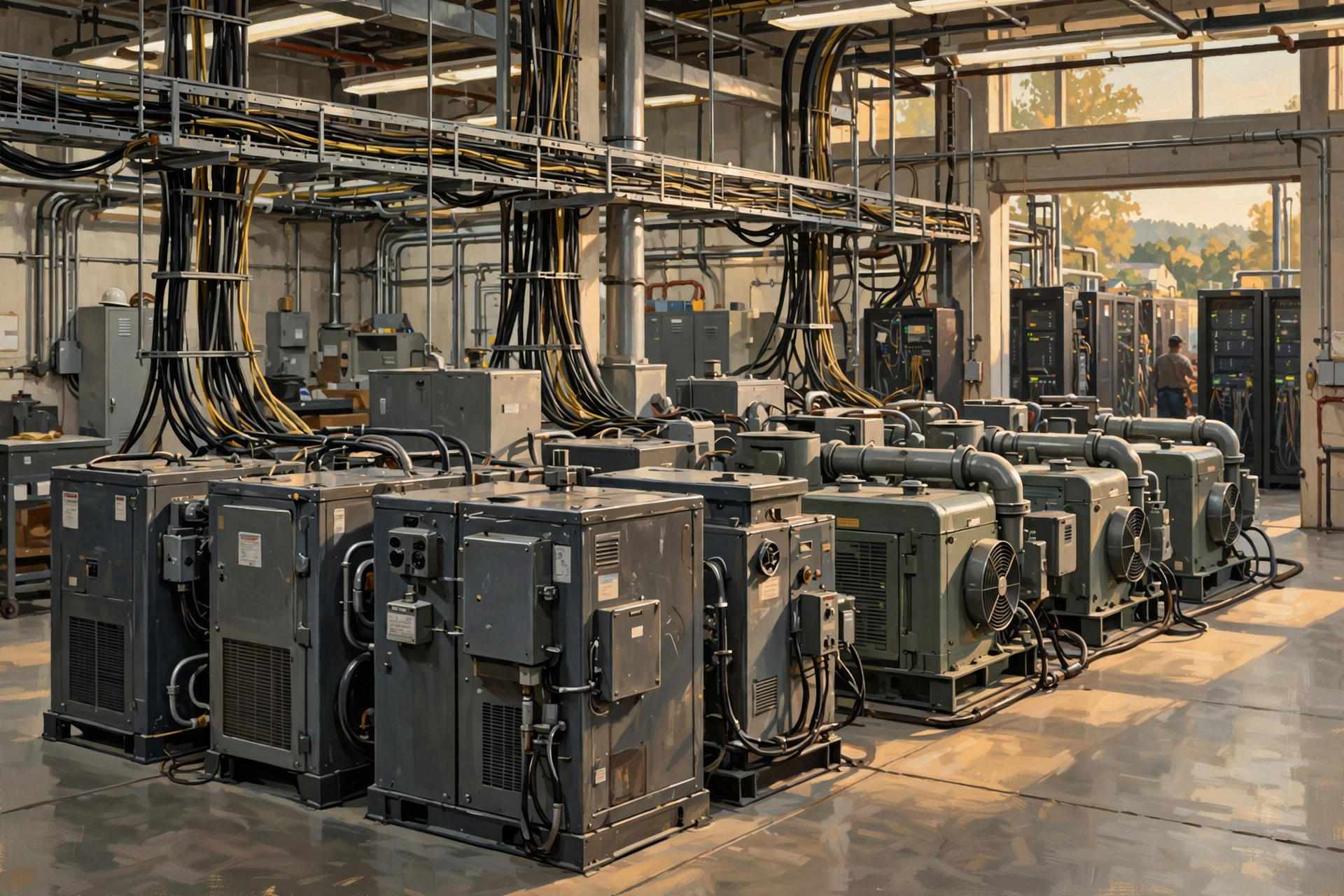
Many digital services are expected to remain available around the clock.
If the power flickers at your house, the microwave clock starts blinking.
If power disappears in a major computing facility, thousands or millions of digital activities could potentially be affected.
Data centers therefore may include backup systems such as:
- uninterruptible power supplies;
- large battery systems;
- backup generators; and
- multiple electrical connections or other forms of redundancy.
The principle should be familiar to rural Tennessee.
If something absolutely has to work, you do not necessarily depend on only one thing working perfectly forever.
You keep a spare.
Farmers understood redundancy long before somebody gave it a three-letter acronym.
Why Are There So Few Windows?
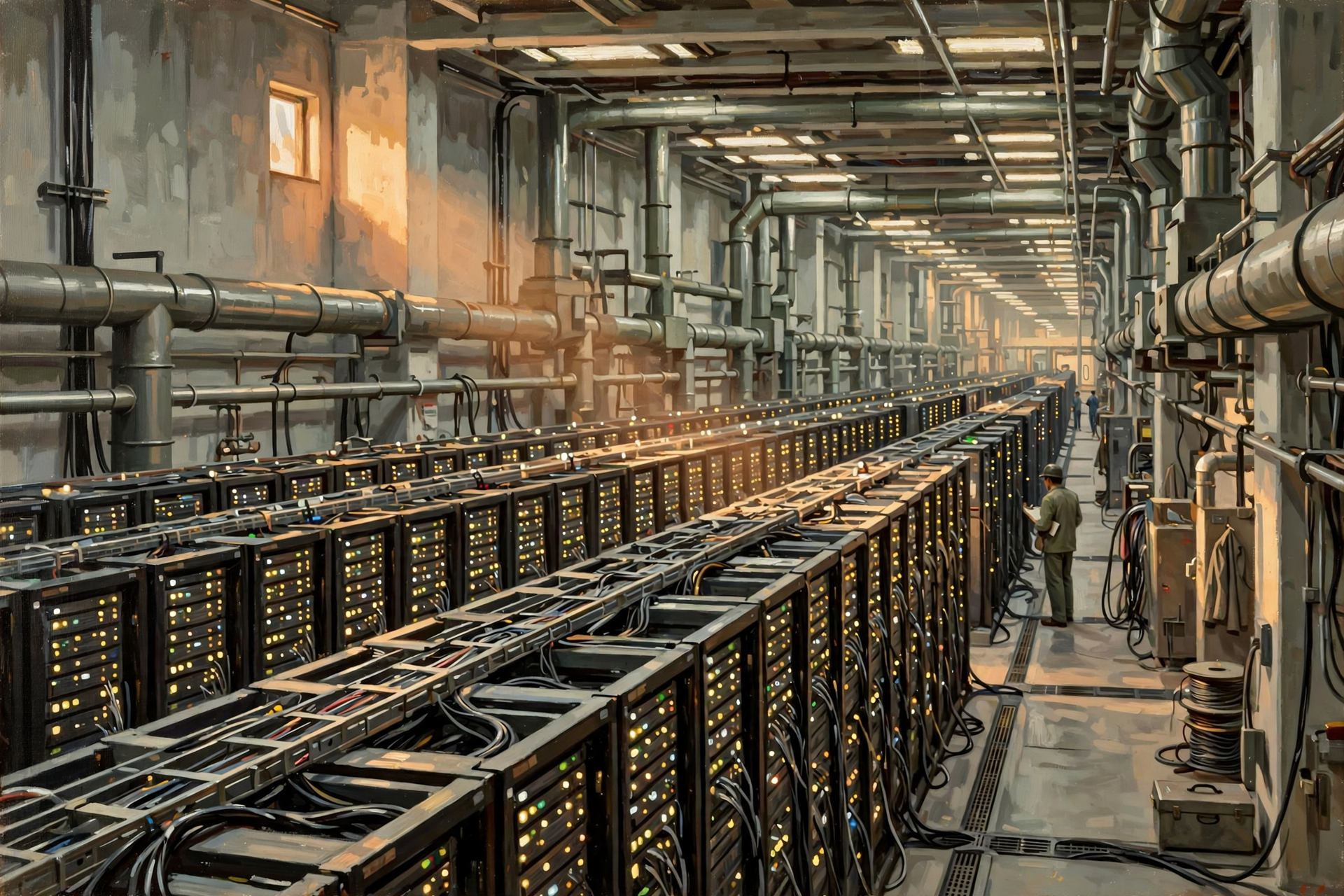
People sometimes notice that many data centers resemble very large warehouses with very few windows.
That is partly because the computers do not need a scenic view.
The building’s job is to provide controlled space for equipment, not attractive corner offices for servers.
Security, climate control and equipment layout can matter more than daylight and balconies.
A row of computers has never once complained that its office lacked natural light.
Is Artificial Intelligence the Reason Data Centers Exist?
No.
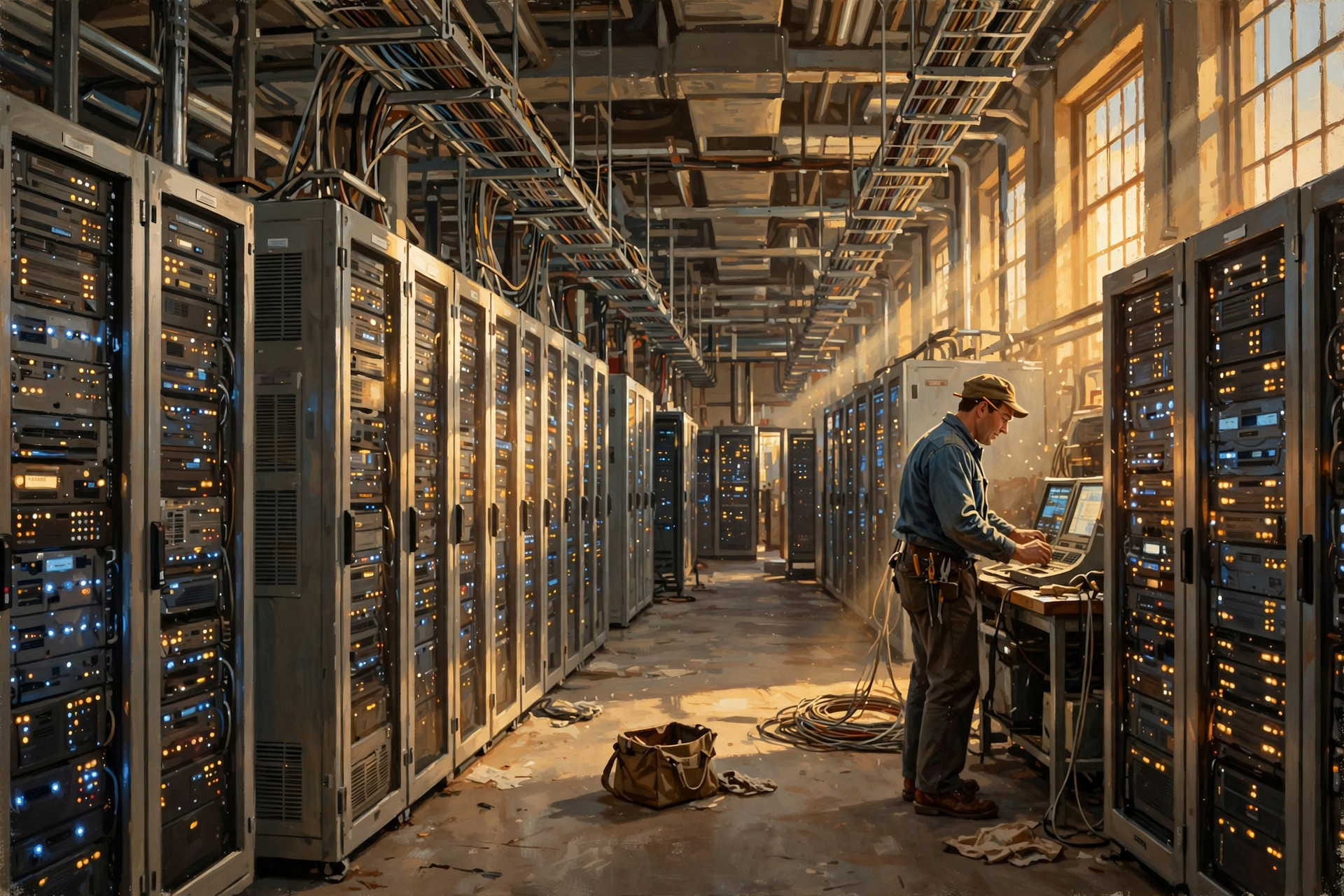
Data centers were important long before today’s boom in generative artificial intelligence.
They already supported banking, websites, email, business applications, cloud storage, streaming services, government systems, healthcare, online shopping and enormous portions of the internet economy.
Artificial intelligence is important because some modern AI systems require enormous amounts of computing power.
That demand is one reason data-center construction and electrical demand are receiving so much attention today.
But AI is one workload running in data centers.
AI and data centers are not the same thing.
Not All Data Centers Are the Same
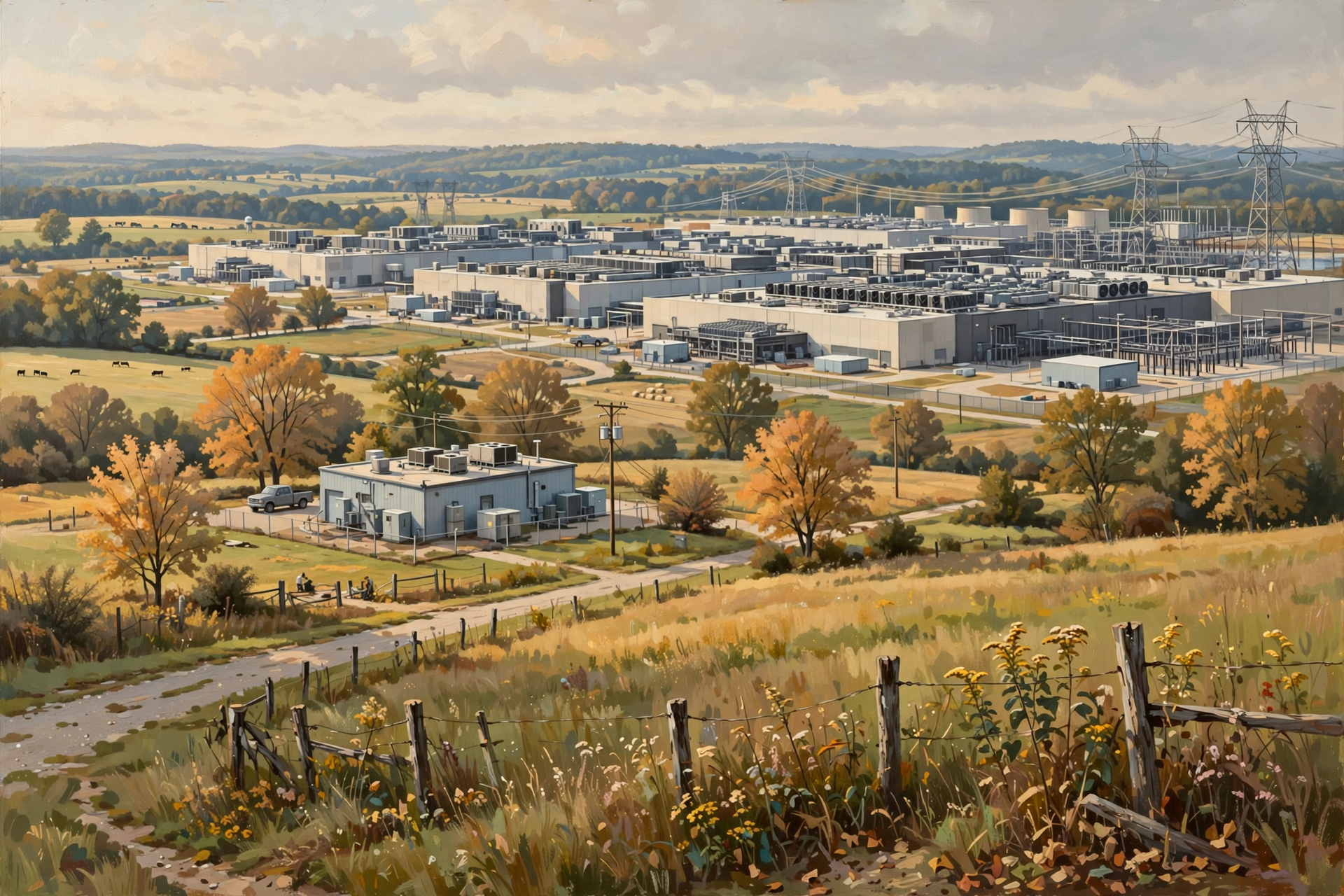
Tennessee’s environmental agency distinguishes among several broad kinds of facilities, including colocation, enterprise, cloud and hyperscale data centers.
That distinction is essential.
A modest facility supporting regional customers and a massive hyperscale or AI campus may both be called data centers while having dramatically different:
- electrical needs;
- land requirements;
- cooling systems;
- water requirements;
- construction costs;
- employment;
- tax implications; and
- effects on surrounding infrastructure.
Later today, we will look closely at those differences.
Hold On—Is That True? “Data Centers Are Just Big Warehouses Full of Computers”
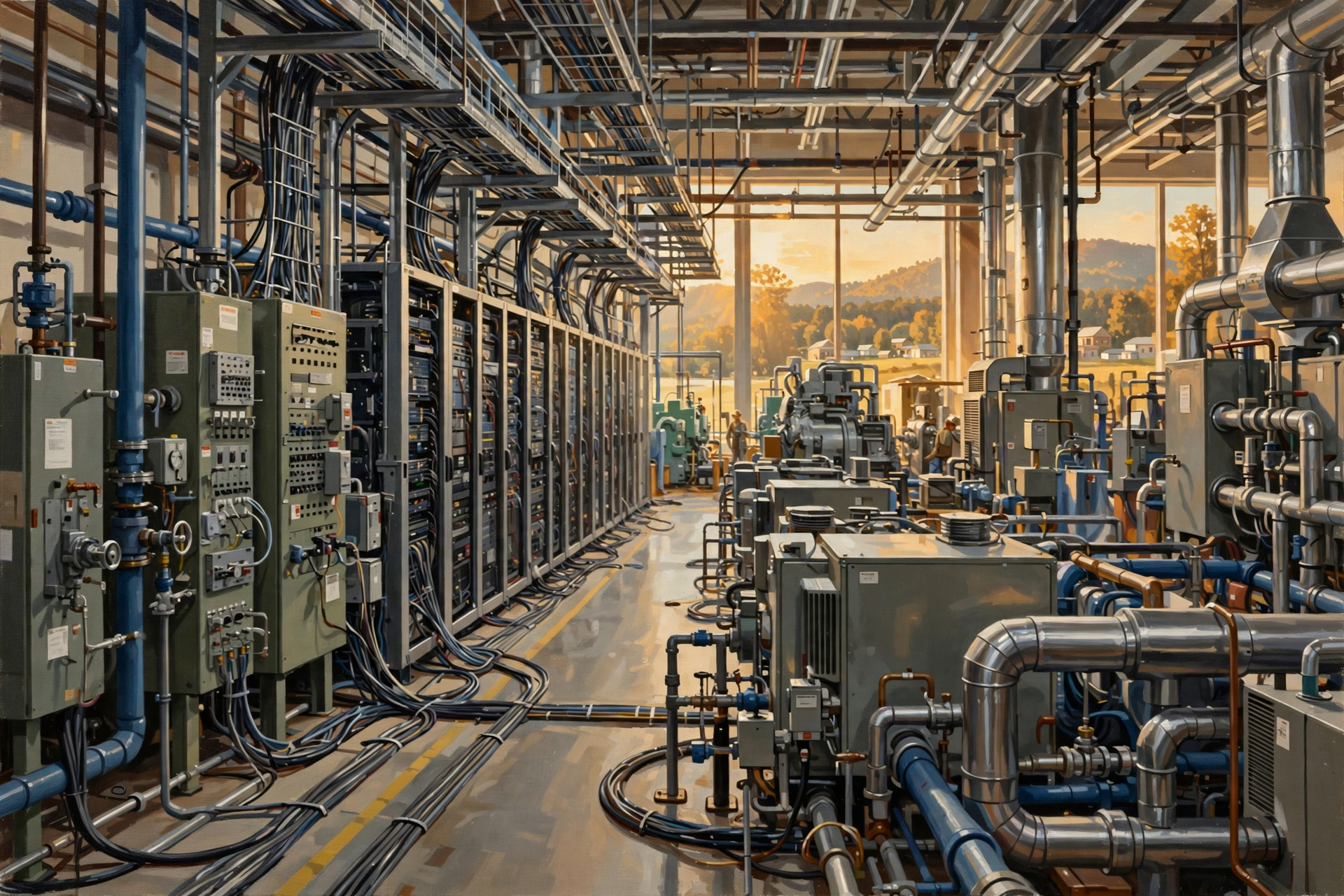
That is a useful first picture, but it leaves out most of the interesting parts.
A functioning data center is closer to a combination of:
- a computer facility;
- a communications hub;
- an industrial electrical system;
- a cooling plant;
- a secure facility; and
- a highly monitored building designed to keep operating when individual pieces of equipment fail.
The computers may be the reason the facility exists.
The supporting infrastructure is what makes those computers useful.
Why Should Rural Tennessee Care?
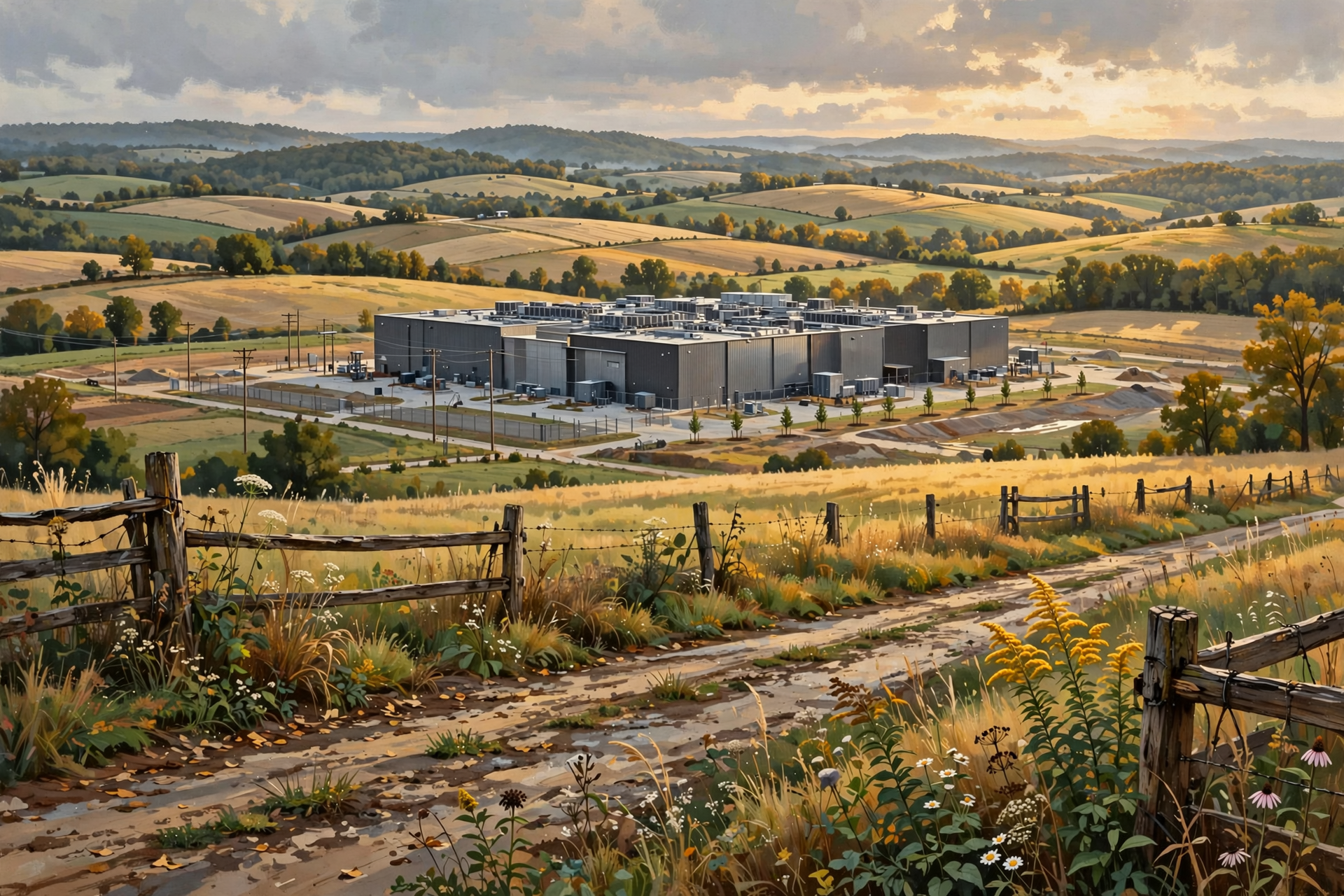
This subject can sound like something belonging to Silicon Valley, Northern Virginia or some enormous technology campus a thousand miles away.
But Tennessee is increasingly part of the conversation.
The Tennessee Department of Environment and Conservation says data-center operators are increasingly proposing facilities in the state.
TDEC also makes an important point that will come up repeatedly in this series: no single government agency regulates every part of a data-center project.
Environmental permits may involve TDEC.
Zoning and land-use questions may involve local government.
Electric service and infrastructure may involve utilities.
Water and sewer questions may involve local providers.
Roads, noise, taxes and economic-development agreements may involve still other organizations.
That means ordinary citizens do not need to become computer engineers.
But understanding the basic technology makes it much easier to understand the community questions surrounding it.
The Better Question Is Not “Are Data Centers Good or Bad?”
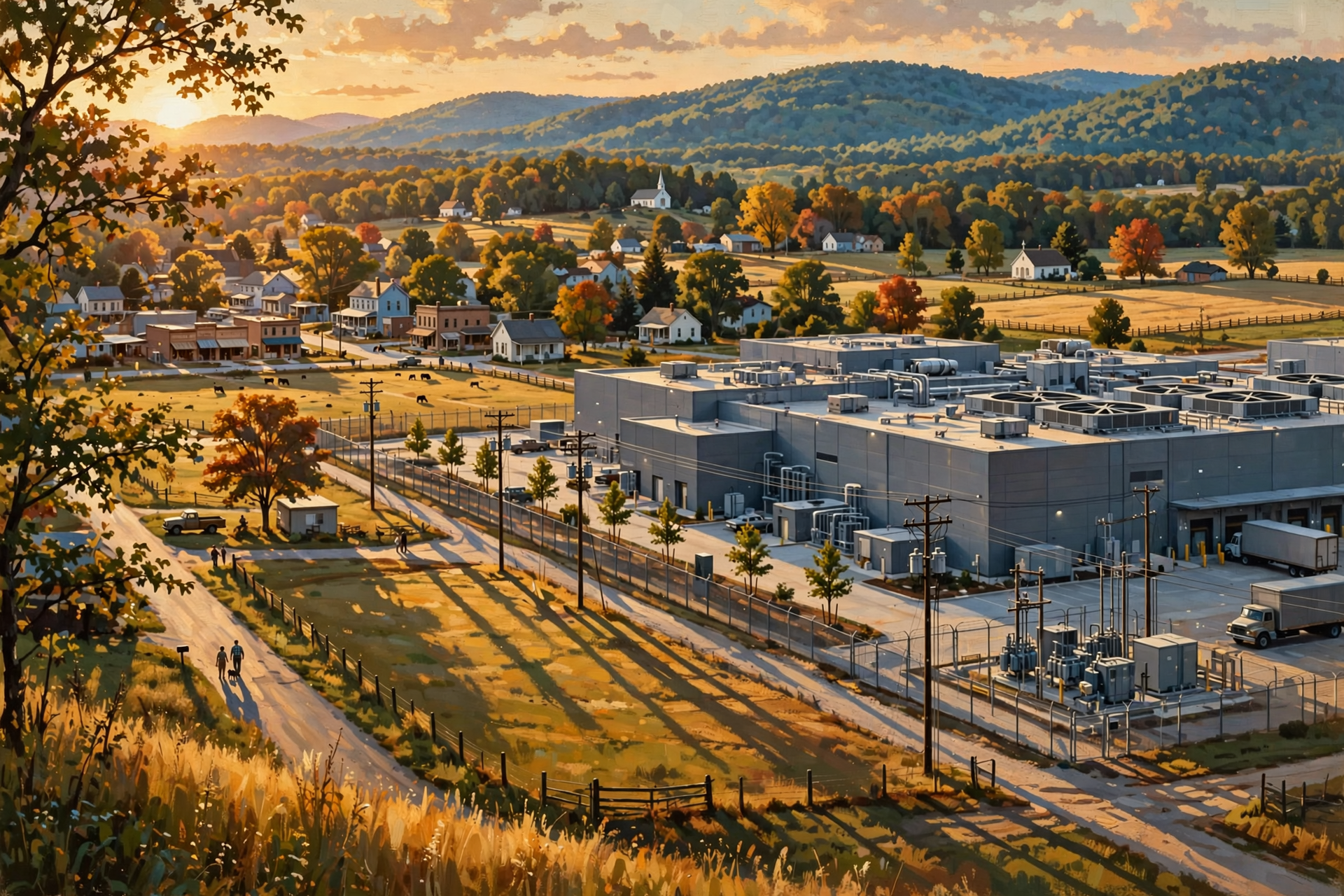
That question is too broad to be very useful.
It is a bit like asking whether factories are good or bad.
Which factory?
Where?
What does it make?
How many people does it employ?
How much infrastructure does it require?
Who pays for that infrastructure?
What does it contribute to the tax base?
What are its effects on neighbors?
What risks come with it?
The same approach should apply to data centers.
The useful question is:
What kind of data center is being proposed, where is it going, what does it require, what does the community gain, and what tradeoffs come with that particular project?
Plain-English Glossary

Data center: A physical facility containing computers, storage, networking equipment and supporting infrastructure used to process, store and move digital information.
Server: A computer designed to provide information or computing services to other computers or users.
Storage: Hardware and systems used to retain digital information.
Network: The connections and equipment that allow computers to communicate.
Cloud computing: A way of obtaining computing resources and services through networks without owning and operating all of the underlying physical equipment yourself.
Cooling: Systems used to remove heat produced by computing equipment.
Redundancy: Having backup systems or additional capacity so one equipment failure does not necessarily stop the whole operation.
Seven Things to Remember
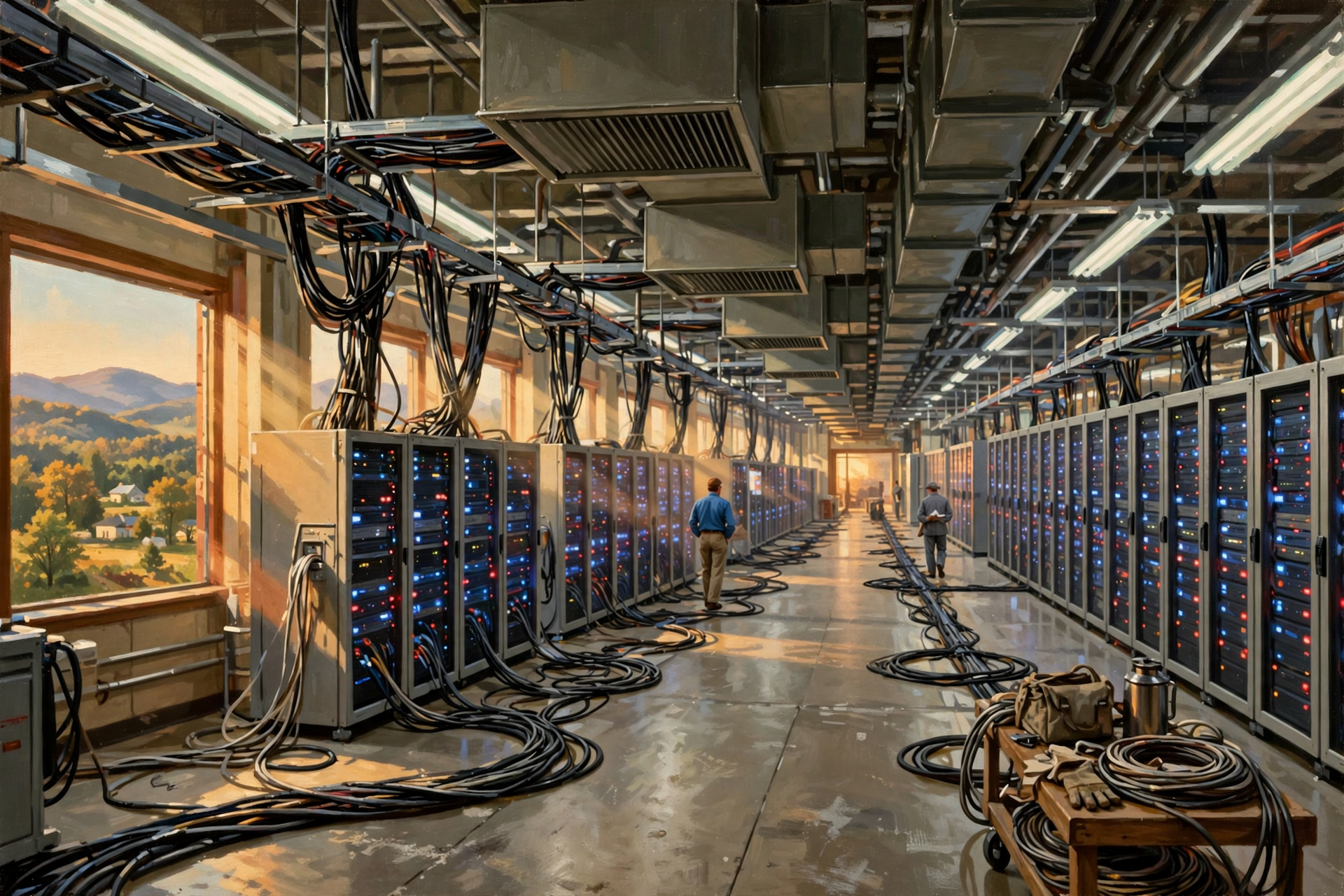
- Data centers are physical buildings. The digital world still needs real infrastructure.
- Servers do the computing work.
- Storage systems keep digital information.
- Networks move that information between computers and users.
- Electricity is fundamental to everything happening inside.
- Cooling is necessary because computing produces heat.
- Not all data centers are alike. Their size, design and purpose can dramatically change their effect on a community.
Want to Learn More About Data Centers?

If today’s introduction raised more questions than it answered, that is actually a good sign.
Data centers touch electricity, land, fiber, water, construction, jobs, taxes, business development and artificial intelligence. They are not simply a computer-industry subject, which means people who understand farms, utilities, local business, construction, government, education and ordinary community life have useful knowledge to bring to the conversation.
The Van Buren Digital Frontier Symposium is an opportunity to continue learning about data centers and digital infrastructure and to ask better questions about what these developments could mean for our part of Tennessee.
You do not need to be a computer expert, and attending does not require you to arrive already supporting or opposing data centers. The point is to understand the technology, the opportunities, the limitations and the tradeoffs well enough to form your own informed conclusions.
For more information, visit the Van Buren Digital Frontier Symposium listing on Dunlap.Directory or the Van Buren Digital Frontier Symposium Facebook page. Either resource can be used for additional information and event updates.
Wisdom From the Front Porch

The cloud may sound like something floating over our heads, but somewhere underneath it there is a building, a power line, a cooling system and a whole mess of computers doing the work.
That is the foundation for everything that follows in this series.
The digital world is still a physical world.
And once we understand the buildings behind it, we can start asking much better questions about what they need, what they provide and what they could mean for Tennessee communities.
Next, we will follow our information into “the cloud” and find out where our photographs, documents and online services actually live.




0 Comments