

📶 Give Your Wi-Fi Router a Fall Check-Up: Updates, Passwords and a Guest Network Before Company Comes
Or: Your Router Is the Front Gate. Oil the Hinges, Change the Lock and Leave a Side Door Open for Company
By Thomas Seest, Dunlap.Today · Sunday, October 18, 2026
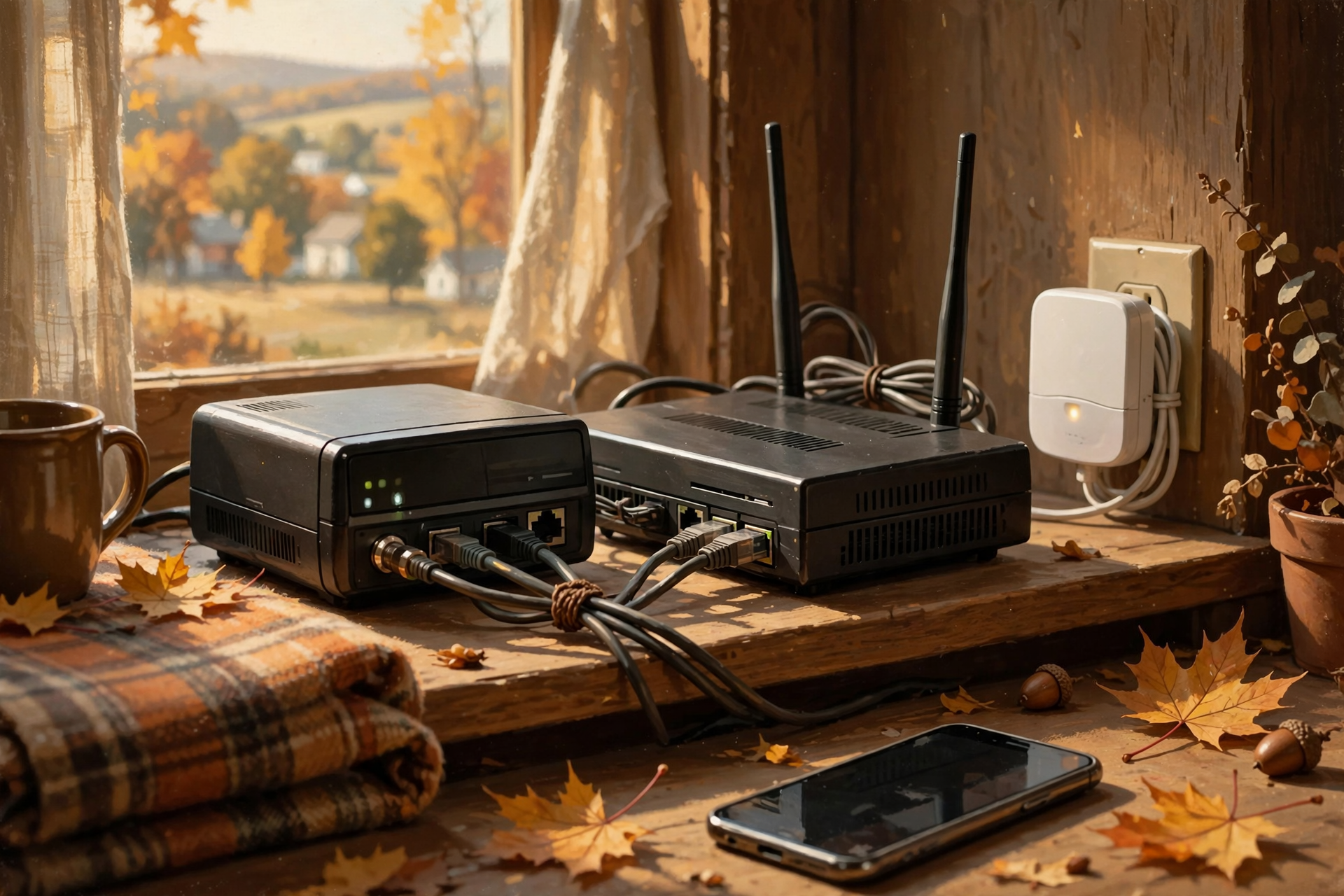
Somewhere in your house there’s a little box with blinking lights, probably sitting behind the TV or on top of a filing cabinet collecting dust. That’s your router, and every phone, tablet, smart TV and laptop in the house goes through it to reach the internet. On Oct. 14, two of the big router makers, NETGEAR and TP-Link, posted security fixes for a batch of home routers and Wi-Fi extenders. That’s not a reason to worry. It’s a good nudge to do a chore most of us haven’t done since the box was plugged in.
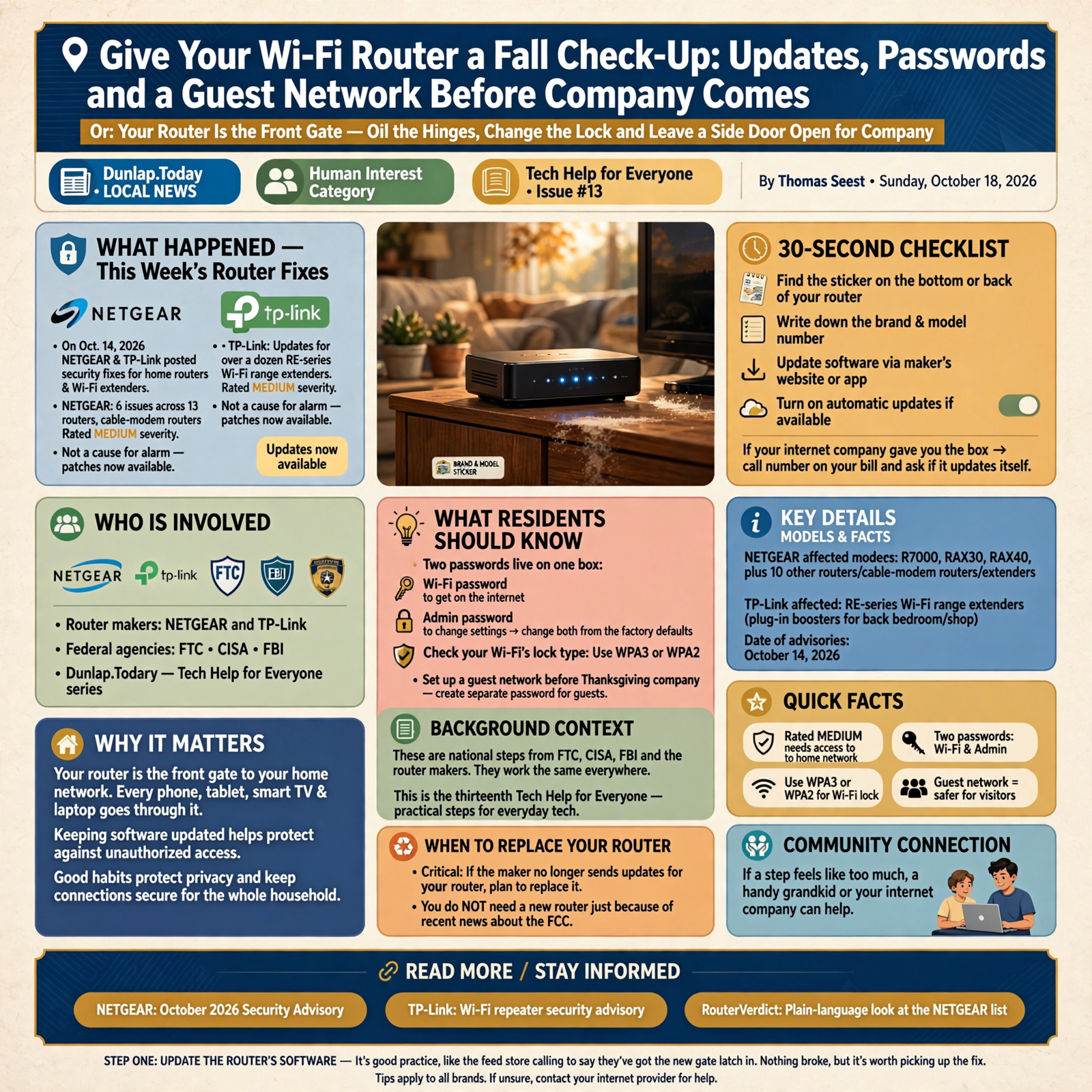
Here’s what’s in this thirteenth Tech Help for Everyone: what this week’s router fixes mean, how to update your router’s software, the two passwords that live on one box, checking your Wi-Fi’s lock type, a guest network before Thanksgiving company, and how to tell when an old router has earned its retirement.
These are national steps from the FTC, CISA, the FBI and the router makers. They work the same in Dunlap as anywhere else. Take them one at a time, and if a step feels like too much, a handy grandkid or your internet company can help.
⏱️ What this means for you in 30 seconds
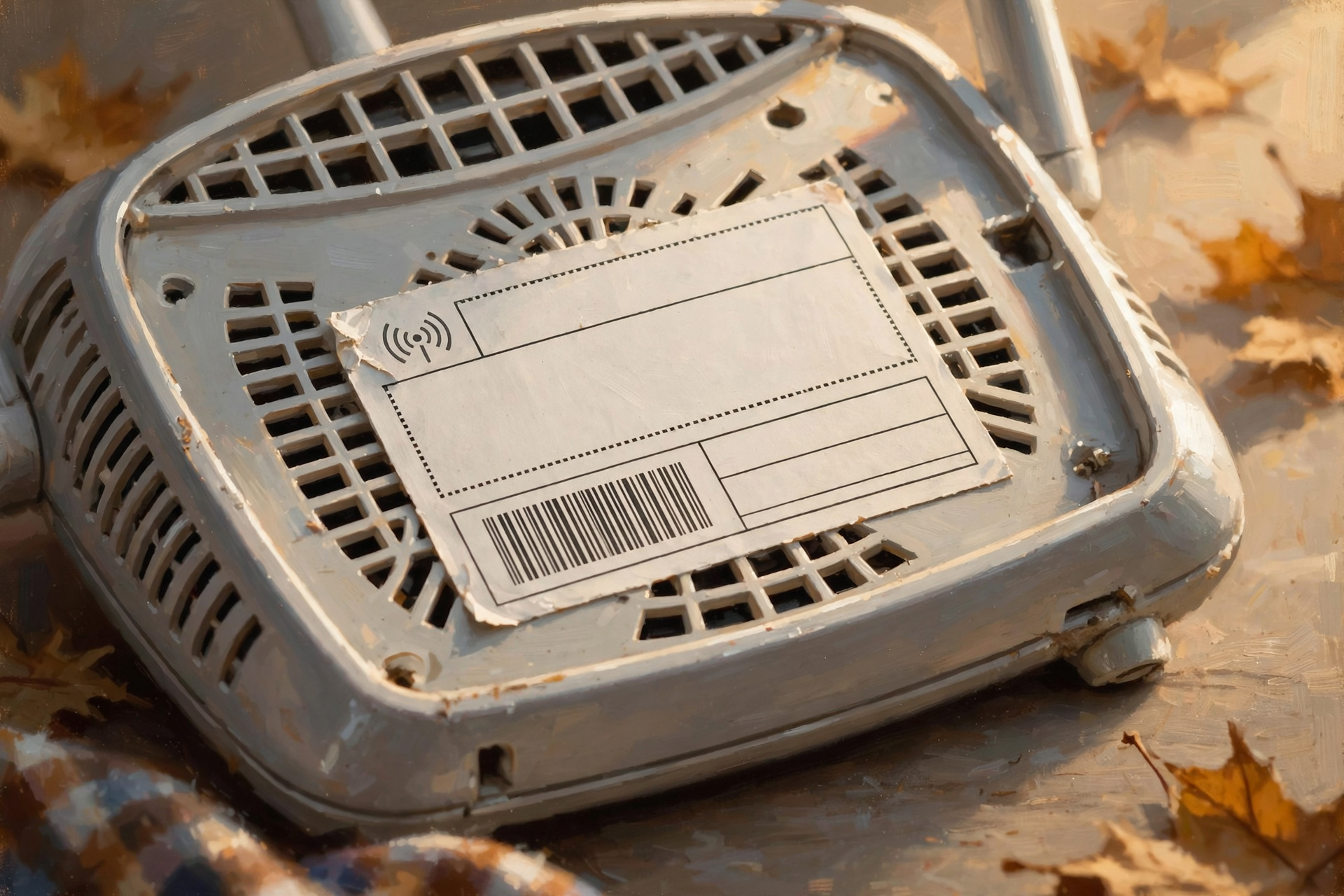
- Find the sticker on the bottom or back of your router. Write down the brand and model number.
- Update it: Check the maker’s website or app for new software, and turn on automatic updates if it offers them. If your internet company gave you the box, call the number on your bill and ask if it updates itself.
- Two passwords live on one box: the Wi-Fi password (to get on the internet) and the admin password (to change settings). Change both from the factory ones.
- Check the lock: Your Wi-Fi should use WPA3 or WPA2.
- Company coming? Set up a guest network with its own password.
- Critical: If the maker no longer sends updates for your router, plan to replace it. You do not need a new router just because of recent news about the FCC.
🗞️ This Week’s Router Fixes, and Why They’re No Cause for Alarm

NETGEAR’s October 2026 Security Advisory, last updated Oct. 14, lists six problems across 13 routers, cable-modem routers and range extenders, including some popular Nighthawk models like the R7000, RAX30 and RAX40. NETGEAR rated every one of them Medium, and each one needs somebody who’s already connected to your home network, or who already has your router password. Most have a fixed version ready. NETGEAR says devices with automatic updates turned on “may already have this patch applied.”
TP-Link also updated an advisory on Oct. 14 for more than a dozen of its Wi-Fi range extenders (the RE-series plug-in boosters people use to reach a back bedroom or the shop). It’s also rated Medium, and TP-Link recommends updating to the fixed firmware it lists.
What it means for you: This is like the feed store calling to say they’ve got the new gate latch in. Nothing broke, but it’s worth driving in to pick it up. If your router or extender says NETGEAR or TP-Link, compare the model number on the sticker with the lists linked below. Whatever brand you have, the steps that follow are the same good habits.
👉 Read more (NETGEAR: October 2026 Security Advisory) · TP-Link: Wi-Fi repeater security advisory · RouterVerdict: Plain-language look at the NETGEAR list
🔄 Step One: Update the Router’s Software (It’s Called Firmware)
The software inside a router is called firmware. The FTC says to visit the router maker’s website to see if a newer version is available, and to register your router with the maker so you hear about new versions. NETGEAR “strongly” advises turning on automatic firmware updates on devices that support them, and CISA notes that some routers can update themselves.
- Bought it yourself? Many newer routers are managed with a phone app from the maker. Open it and look for Firmware, Update or Automatic updates. Older routers use a web page instead; the address is often printed on the sticker.
- Got it from your internet company? The FTC says to check with your provider about whether it sends out updates automatically. One phone call to the number on your bill settles it.
What it means for you: Updating a router is like oiling the hinges on the front gate. Do it a couple of times a year and it keeps swinging right. Turn on automatic updates and the gate oils itself.
👉 Read more (FTC: How to secure your home Wi-Fi network)
🔑 Two Passwords Live on One Little Box
The FTC points out there are two passwords on your router, and both should be changed from the factory settings:
- The Wi-Fi password: the one you type to put a phone or TV on the internet. A unique one keeps strangers off your network.
- The admin password: the one that lets you into the router’s settings. If someone got that, the FTC says, they could change your settings, including your Wi-Fi password.
The FTC says not to use your name, your address or the router’s brand in either password or in your network’s name. CISA suggests a Wi-Fi passphrase made of 5 to 7 unrelated words adding up to at least 16 characters, something like a silly grocery list only you would write. If you’re not sure how, the FTC suggests searching online for “how to change [your router’s brand] admin password,” or contacting the maker.
What it means for you: Think of it as the key to the front door and the key to the barn office. Most folks change the front-door key and forget the office key is still the one that came from the hardware store. Change both, and write the new ones on a card you keep somewhere safe in the house.
👉 Read more (FTC: Change your router’s default settings) · CISA: Securing your home Wi-Fi
🔒 Check the Lock Type and Close the Back Gate

Wi-Fi uses a kind of scrambling called encryption. The FTC says to set your router to WPA3 Personal (the newest and best) or WPA2 Personal. If the only choices are the old WEP or WPA, update the router’s software first and look again. If WPA2 and WPA3 still aren’t there, the FTC says to consider a new router.
While you’re in the settings, the FTC, CISA and the FBI all suggest turning off remote management, a setting that lets someone change your router over the internet from somewhere else. The FTC and CISA also suggest turning off WPS (the push-button connect) and UPnP, but if those feel over your head, remote management is the one to start with. When you’re done, the FTC says to log out of the admin page.
What it means for you: WPA3 or WPA2 is a good deadbolt. Remote management is a back gate out by the road that most families never use. If you don’t use it, latch it.
👉 Read more (FTC: Encrypt your network) · FBI: Tips for router owners
🏡 A Guest Network Before Thanksgiving Company Arrives

Thanksgiving is Thursday, Nov. 26, and somebody’s cousin will ask for the Wi-Fi password before the turkey’s carved. The FTC says many routers can set up a guest network with its own name and password. That means fewer people have your main password, and if a guest’s phone happens to carry something nasty, it stays off your main network and your devices. CISA also suggests putting smart gadgets that only need the internet, like a smart speaker, on the guest network too.
While you’re at it, the FTC suggests looking at the list of connected devices in your router’s settings or app, and disconnecting old gadgets you no longer use.
What it means for you: A guest network is the side porch. Company gets a comfortable chair, a glass of tea and the internet, and they never need a key to the house. Write the guest password on a card and stick it on the fridge for the holidays.
👉 Read more (FTC: Set up a guest network) · FTC: Securing internet-connected devices at home
🕰️ How Old Is Your Router? When It’s Time to Retire the Old Mule
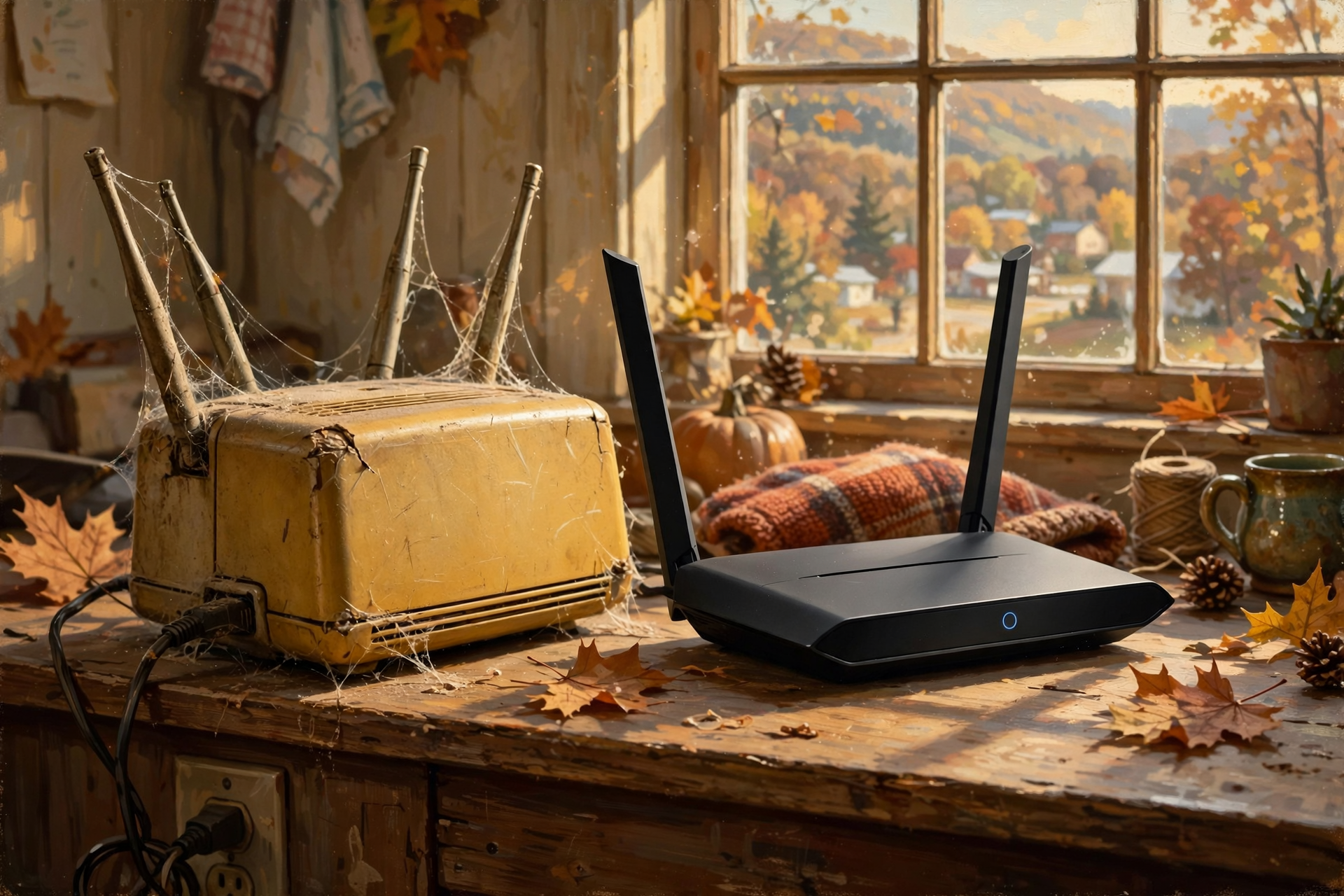
Routers don’t last forever. When a maker stops supporting a model, it stops sending fixes. NETGEAR’s advisory marks those models “End-of-Support” and says “no security updates are planned,” and it recommends retiring them. For two older NETGEAR models on this month’s list, the CBR40 and R7300DST, the answer is “Won’t Fix.” The FBI says routers dated 2010 or earlier likely no longer get updates, and it recommends replacing an end-of-life router with a newer model if you can.
What it means for you: An old router is like a faithful mule that’s earned its pasture. It may still work fine, but nobody’s making parts for it anymore. Look up your model on the maker’s website. If it’s out of support, put a new router on the Christmas list instead of rushing out today, and keep its passwords strong in the meantime.
👉 Read more (FBI: End-of-life routers) · NETGEAR: End-of-Support notes
✅ Your Sunday Router Check-Up Checklist

- ✅ Find the sticker: Write down your router’s brand and model number.
- ✅ NETGEAR or TP-Link? Compare your model with this week’s advisories and install any fixed version listed.
- ✅ Update and automate: Check the maker’s app or website for new firmware, and turn on automatic updates if offered. Internet company box? Call and ask.
- ✅ Change the Wi-Fi password: 5 to 7 unrelated words, at least 16 characters, no names or addresses.
- ✅ Change the admin password too, then log out of the settings page.
- ✅ Check the lock: WPA3 Personal or WPA2 Personal.
- ✅ Latch the back gate: Turn off remote management.
- ✅ Set up a guest network before Thanksgiving, and put its password on the fridge.
- ✅ Check the age: If your router is out of support, add a new one to the Christmas list.
- ✅ Write it all down: Keep both passwords and the model number on a card in a safe spot at home.
Practical rule: Update the box, change both passwords, give company the side porch, and when the maker stops sending fixes, let the old router retire.
— Dunlap.Today
📚 Plain-English Tech Glossary
- Router: The box that shares your internet with every phone, TV and computer in the house, by Wi-Fi or by cable.
- Modem: The box that connects your home to your internet company’s line. Sometimes the modem and router are one box, often called a gateway.
- Firmware: The built-in software that runs a router or other gadget. Updating it fixes bugs and security problems.
- Wi-Fi password: The password you type to put a device on your home Wi-Fi.
- Admin password: The separate password that lets you change the router’s settings.
- WPA2 / WPA3: Types of Wi-Fi encryption, the scrambling that keeps your traffic private. WPA3 is the newest. WEP and WPA are old and not secure.
- Guest network: A second Wi-Fi network on your router with its own name and password, just for visitors.
- Remote management: A setting that lets someone change your router’s settings over the internet from somewhere else.
- Range extender (repeater): A plug-in box that stretches your Wi-Fi signal to far rooms, the porch or the shop.
- End-of-support / end-of-life: When the maker stops sending updates for a model.
❓ Frequently Asked Questions
I heard the FCC banned some routers. Do I need to replace mine?
No. In March the FCC added foreign-produced routers to a list that keeps new models from being approved for sale. The FCC’s own FAQ says consumers using these routers at home “do not need to do anything,” and that you can keep using a router you already bought. The FCC also says routers already approved for use in the U.S. can keep getting software and security updates until at least March 1, 2027, and it will review that date before then.
My internet company gave me the router. Can I still do this?
Often, yes, but start with a phone call. The FTC says to check with your provider about whether it sends updates automatically. Many providers can also help you change the Wi-Fi password and set up a guest network.
If I change my Wi-Fi password, will everything stop working?
Each device will need the new password once, so pick a quiet afternoon. Write the new password down first, then reconnect the phones, tablets, TV and any smart gadgets one at a time.
How do I know if my router is on this week’s list?
Look at the sticker for the brand and model number, such as “R7000” or “RE220.” Then compare it with the NETGEAR and TP-Link pages linked here. If yours isn’t listed, you’re not affected by these particular fixes, but updating is still a good habit.
I can’t remember the admin password, and it’s not on the sticker. Now what?
The FTC suggests searching online for your router maker’s instructions or contacting the maker directly. Your internet company can help if they supplied it. Don’t guess over and over; ask for help.
Is my old router dangerous?
Not by itself, but an out-of-support router no longer gets fixes. The FBI and NETGEAR both recommend replacing those when you can. Until then, keep strong passwords and remote management turned off.
🔗 Other Resources

- NETGEAR: October 2026 NETGEAR Security Advisory (updated Oct. 14, 2026)
- RouterVerdict: Is your NETGEAR router in the October 2026 advisory? (Oct. 15, 2026)
- TP-Link: Security advisory for multiple Wi-Fi repeaters (updated Oct. 14, 2026)
- FTC: How to secure your home Wi-Fi network
- FTC: Securing your internet-connected devices at home
- CISA: Securing your home Wi-Fi
- FBI IC3: End-of-life routers and tips to protect yourself
- FCC: FAQs on the router Covered List update
- FCC: Router software and firmware update waiver (DA 26-286)
🌻 A Steady Gate, a Calmer Home

You don’t have to become a computer whiz this weekend. Find the sticker, check for an update, change two passwords and make a side porch for company. That’s an afternoon’s chore, about like cleaning out the gutters, and it keeps the whole house running smooth. When the family shows up for Thanksgiving and asks for the Wi-Fi, you’ll just point at the fridge.
Keep learning, keep exploring and keep your cool. Read Dunlap.Today for calm, clear Valley news, and find local businesses, including the folks who set up internet and fix computers, anytime on Dunlap.Directory.
Know about an upcoming event or story in the Sequatchie Valley? Submit it here.


0 Comments