
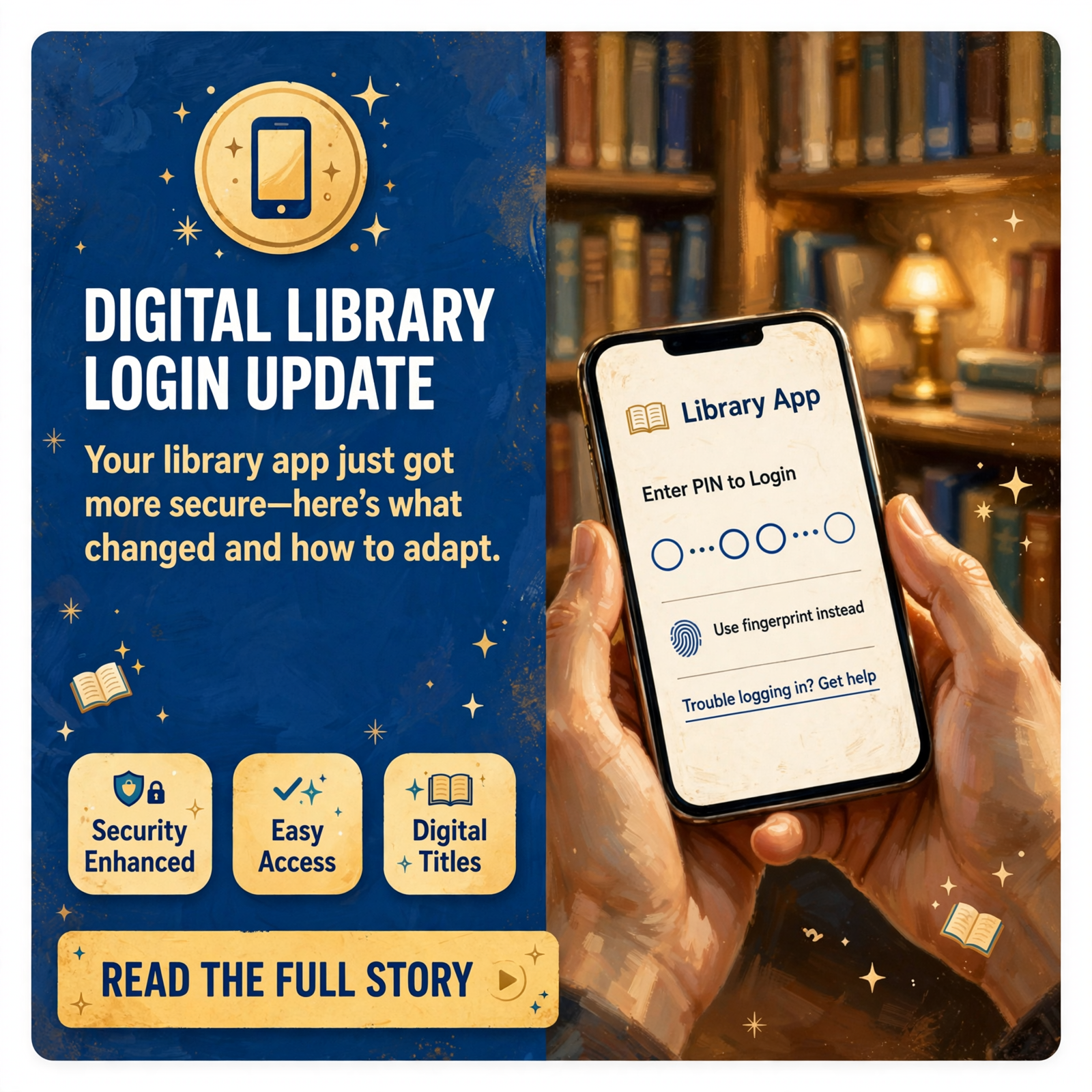
📱 Libby App Login Update: Spencer Library Alerts Patrons to New PIN Requirement
Burritt Memorial Library in Spencer is reminding patrons who use the Libby app-a popular digital library service for accessing ebooks and audiobooks-about an important system change that affects how they log in to their accounts.
🔐 What Changed
Libby has updated its login system and now requires users to enter a PIN when accessing the app. 📲 This security enhancement means that patrons can no longer log in with just their library card number alone. The change applies to all Libby users, including those who borrow materials through Burritt Memorial Library.
💡 How to Create Your PIN
Your PIN is simple to find: use the last four characters of your library barcode. These characters may be numbers, letters, or a combination of both. If your barcode ends with letters, make sure to enter them in lowercase-uppercase letters will not work with the new system. 🔤
❓ Questions or Trouble Logging In?
Patrons who need help with the new PIN system can reach out directly to Burritt Memorial Library. Contact Library Director Naomi McCoy at (931) 946-2575 or send an email to burrittlibrary@benlomand.net. The library staff is ready to walk you through the process and answer any questions about accessing your digital materials. 📞
For Van Buren County residents and others who rely on Libby through their library connection, taking a few minutes now to update your login credentials will ensure uninterrupted access to thousands of digital titles available through the service.
🤔Source
Know about an upcoming event or story in the Sequatchie Valley? Submit it here.



0 Comments